What makes a great graphics workstation laptop?
A graphics workstation laptop is a great alternative to a graphics workstation desktop. The two main benefits are size and portability: a laptop takes up far less space than a desktop PC and is much easier to take with you for work or on holiday.
Here is what you need to know about the most important components. This will help you choose the specification of your laptop.
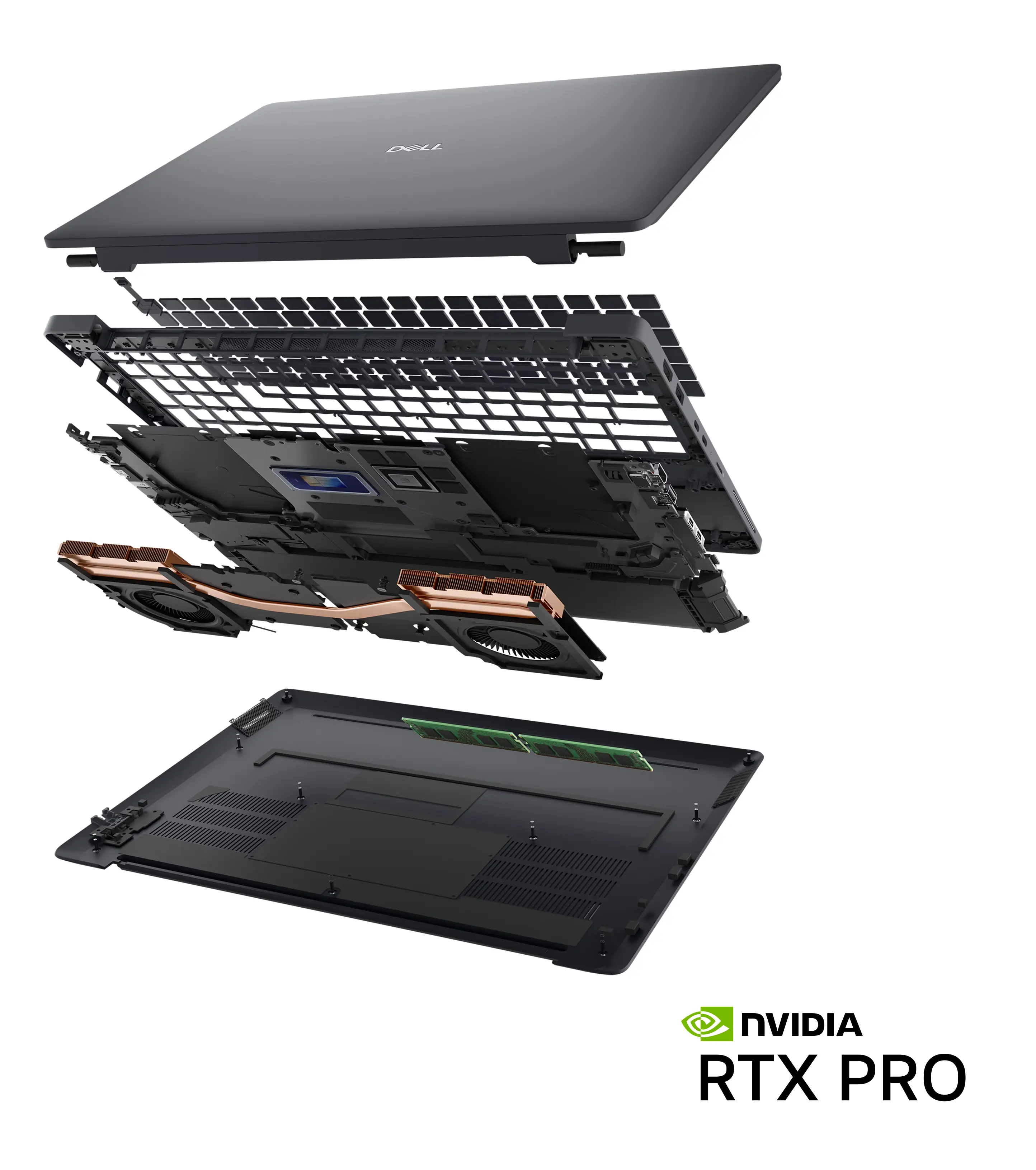
Graphics Card (GPU)

The graphics card or GPU is the most important component when running professional graphics applications, as it the main driver for rapid ray-tracing and rendering of complex workloads. The majority of laptops marketed for home and office use rely on inbuilt graphics chips within the CPU. Whilst they may be capable of rendering some very simple content, a discrete NVIDIA RTX PRO GPU is always the way to go for professional graphics applications.
NVIDIA RTX PRO GPUs feature a whole host of extra features and capabilities that their consumer counterparts lack.
Certified Drivers
ISVs such as Autodesk, Dassault and Siemens certify their applications, ensuring optimal stability backed by enterprise-class customer support.
Enterprise Class
Enterprise-class components ensure better reliability and resiliency, reducing failure rates especially when used at full load for longer periods of time.
ECC Memory
Error correcting code (ECC) memory acts to protect data from corruption, so any errors are eradicated prior to them affecting the workload being processed.
The below table summarises the best GPUs for each type of workload.
|
RTX PRO 5000 BLACKWELL |
RTX PRO 4000 BLACKWELL |
RTX PRO 3000 BLACKWELL |
RTX PRO 2000 BLACKWELL |
RTX PRO 1000 BLACKWELL |
RTX PRO 500 BLACKWELL |
|
|---|---|---|---|---|---|---|
| Performance | ||||||
| AEC / BIM | ✔ | ✔ | ✔ | ✔ | ✖ | ✖ |
| CAD | ✔ | ✔ | ✔ | ✔ | ✔ | ✔ |
| CAE / CFD | ✔ | ✔ | ✔ | ✖ | ✖ | ✖ |
| Media & Entertainment | ✔ | ✔ | ✔ | ✔ | ✖ | ✖ |
| Rendering | ✔ | ✔ | ✔ | ✖ | ✖ | ✖ |
| VR | ✔ | ✔ | ✔ | ✔ | ✖ | ✖ |
| ML / DL / AI | ✔ | ✔ | ✔ | ✔ | ✖ | ✖ |
| Price | ||||||
| CUDA Cores | 10,496 | 7,680 | 5,888 | 3,328 | 2,560 | 1,792 |
| Tensor Cores | 328 (5th Gen) | 240 (5th Gen) | 184 (5th Gen) | 144 (5th Gen) | 104 (5th Gen) | 80 (5th Gen) |
| RT Cores | 82 (4th Gen) | 60 (4th Gen) | 46 (4th Gen) | 36 (4th Gen) | 26 (4th Gen) | 20 (4th Gen) |
| Memory | 24GB GDDR7 | 16GB GDDR7 | 12GB GDDR7 | 8GB GDDR7 | 8GB GDDR7 | 6GB GDDR7 |
We also sell RTX Studio laptops for content creation workflows with NVIDIA GeForce RTX GPUs.
Need more performance?
Unlike desktops which can be easily upgraded with faster graphics cards, laptops have a fixed specification. However, you can speed up graphically demanding tasks by offloading them from the graphics card in the laptop to a virtual GPU, hosted in Scan Cloud.
Find out more in our Cloud Workstation buyers guide
Processor (CPU)
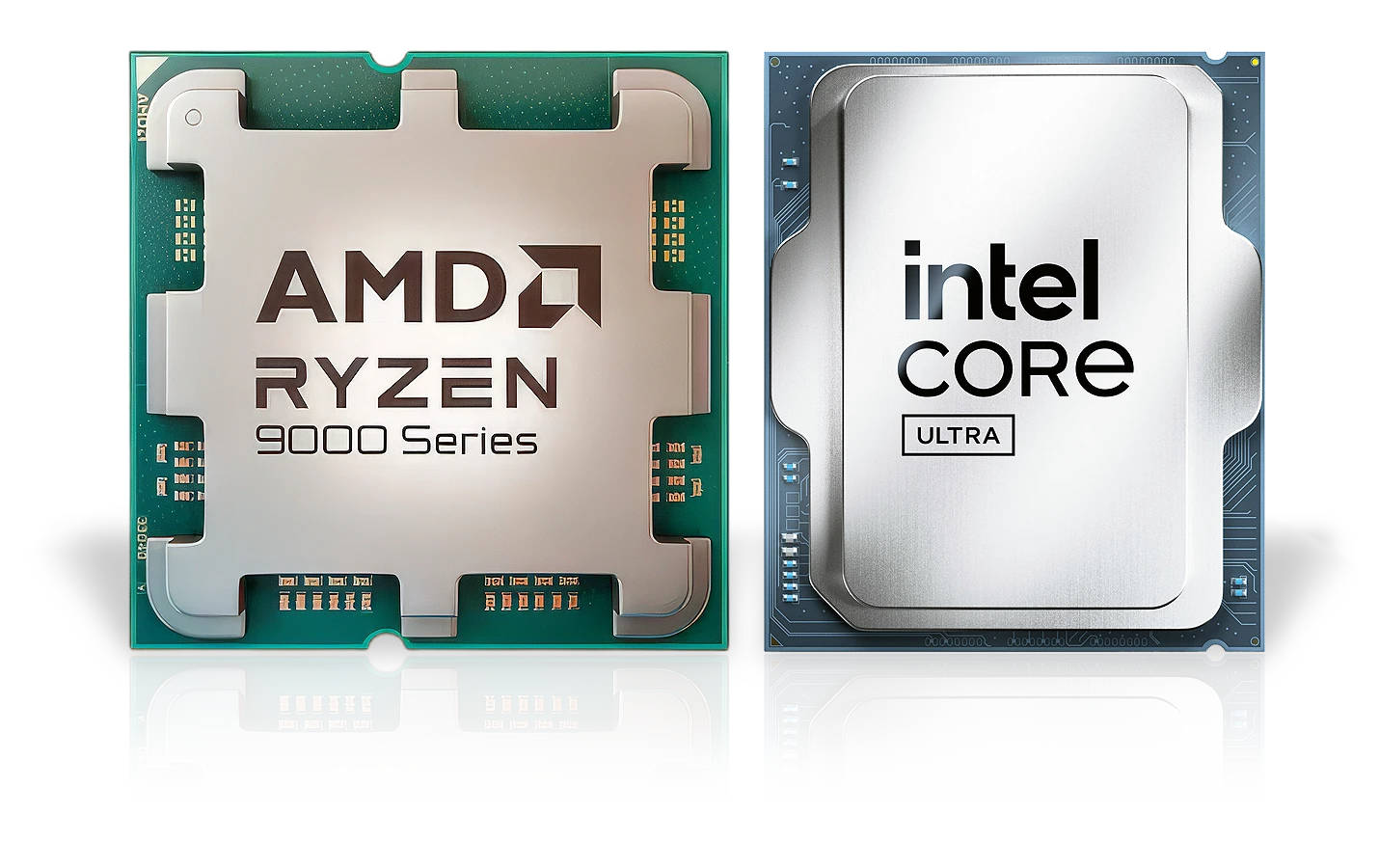
Alongside the graphics card, the processor or CPU is also key, as it is responsible for other tasks outside of graphics. A processor with a higher clock speed and more cores will result in a better overall experience. The tabs below give more detail on the two main brands of processor, Intel and AMD, and the different models each brand makes.
Intel Core Ultra CPUs
We recommend Intel Core Ultra CPUs in our graphics workstation laptops, available in a range of performance and price points, as shown in the table below.
| Core Ultra 9* | Core Ultra 7* | Core Ultra 5* | ||
|---|---|---|---|---|
| Performance | ||||
| Price | ||||
| AEC / BIM | ✔ | ✔ | ✖ | |
| CAD | ✔ | ✔ | ✔ | |
| CAE / CFD | ✔ | ✖ | ✖ | |
| Media & Entertainment | ✔ | ✔ | ✖ | |
| Rendering | ✔ | ✖ | ✖ | |
| VR | ✔ | ✔ | ✖ | |
| ML / DL / AI | ✔ | ✖ | ✖ | |
| P-Cores / Threads | 4 / 4 | 4 / 4 | 4 / 4 | |
| E-Cores / Threads | 8 / 8 | 8 / 8 | 4 / 4 | |
| LP E-Cores / Threads | 4 / 4 | 4 / 4 | 4 / 4 | |
* There are also Core Ultra X 9/7/5 models with higher performance integrated GPUs
AMD Ryzen AI CPUs
We recommend AMD Ryzen AI CPUs in our graphics workstation laptops, available in a range of performance and price points, as shown in the table below.
| Ryzen AI 9 | Ryzen AI 7 | Ryzen AI 5 | ||
|---|---|---|---|---|
| Performance | ||||
| Price | ||||
| AEC / BIM | ✔ | ✔ | ✖ | |
| CAD | ✔ | ✔ | ✔ | |
| CAE / CFD | ✔ | ✖ | ✖ | |
| Media & Entertainment | ✔ | ✔ | ✖ | |
| Rendering | ✔ | ✖ | ✖ | |
| VR | ✔ | ✔ | ✖ | |
| ML / DL / AI | ✔ | ✖ | ✖ | |
| Cores / Threads | 12 / 24 | 8 / 16 | 6 / 12 or 4 / 8 | |
* There are also Core Ultra X 9/7/5 models with higher performance integrated GPUs
System Memory
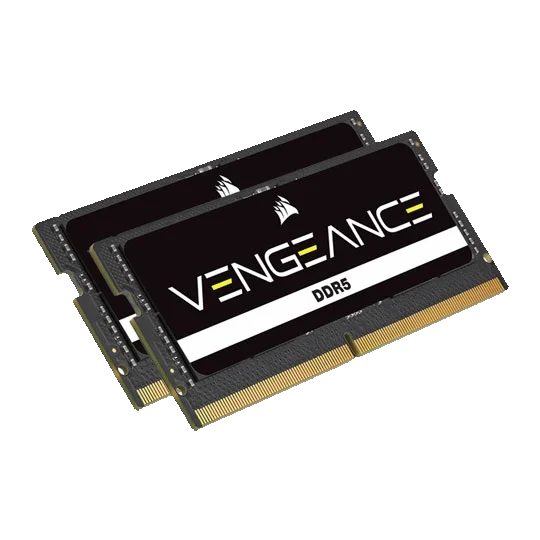
While having sufficient memory on the graphics card is important, application and game performance will be crippled without adequate system memory or RAM. You should choose the quantity of system memory depending on the types of applications and the size of your projects as indicated below. Most laptops can be upgraded with additional RAM later on as your needs change.
Relative Performance
Application and Project Storage

An SSD is essential in a laptop, not just to make applications and projects load fast but also because they consume less power than a hard disk, helping to boost battery life, and they weigh less too. We recommend a laptop with at least a 1TB SSD or larger, as with applications and media files taking up a lot of space, you can never really have too large an SSD in your laptop. If you do run out of storage space, many laptops will have a spare M.2 slot or 2.5in bay to add in another SSD, or you can add an external SSD (see the later Connectivity section for more details).
Laptop Size & Weight
Following your choice of GPU, CPU, RAM and storage, the next consideration should be overall size and weight. Size will be primarily governed by the size of the laptop screen which can vary from as small as 12.4” to as large as 18”. While a larger screen is obviously more immersive for gaming, it does come at the expensive of weight, so if you’re going to take your laptop around with you a lot a smaller screen may be advisable.
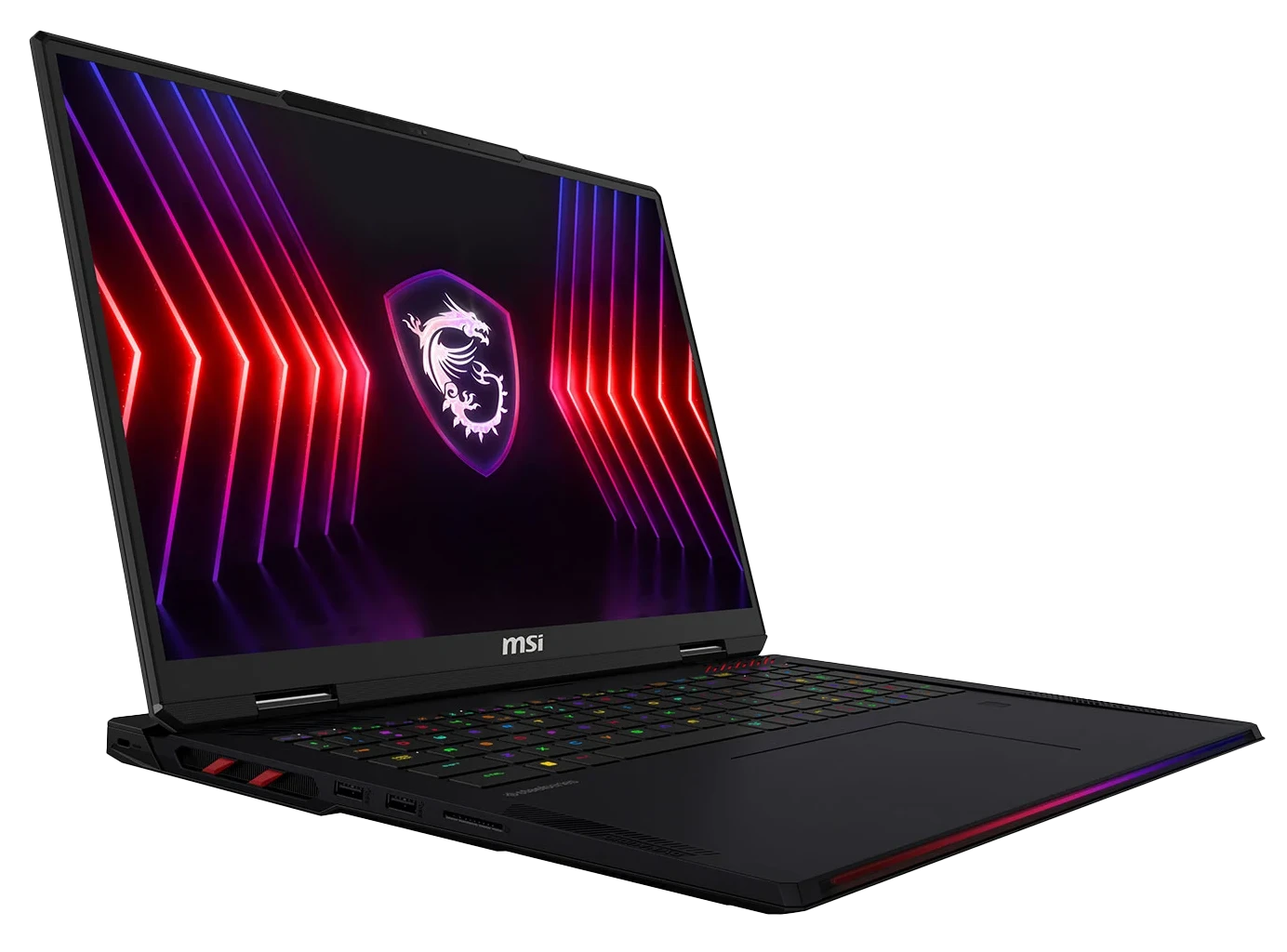
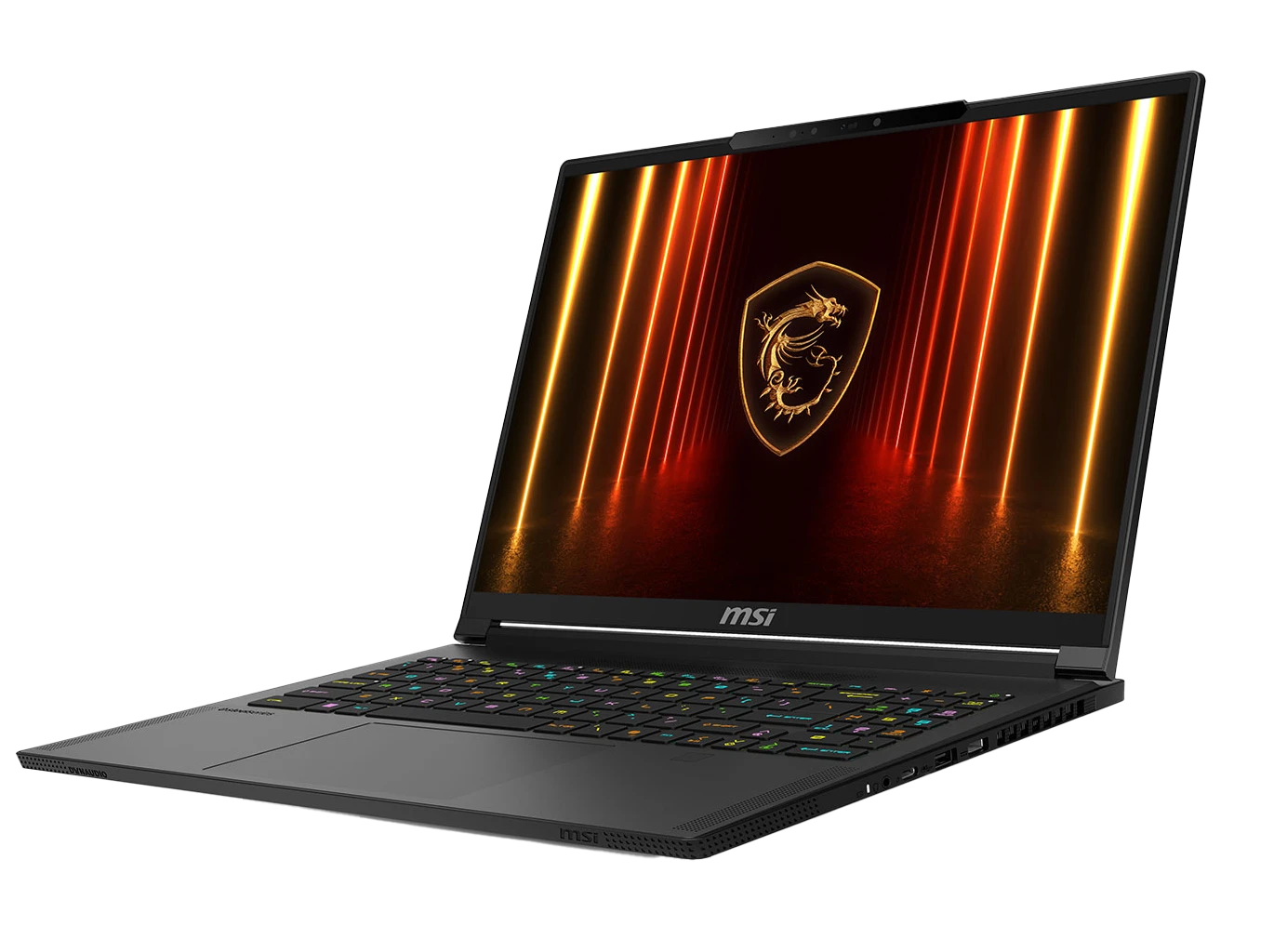
It’s also a good idea to look at the weight and thickness of the laptop. High-end laptops tend to be made from lightweight metal, whereas cheaper laptops are made from heavier plastic. You’ll also pay a premium for thinner laptops versus a thicker bulkier laptop. The below table compares two 15.6” laptops from the same manufacturer, MSI - the laptop on the left is the standard Raider model, with the premium thin and light Stealth model on the right.
 |
 |
|
|---|---|---|
| Thickness | 23.4mm | 19.5mm |
| Weight | 2.38kg | 2.1kg |
| Price | ££ | £££ |
Laptop Screens
The two key characteristics to look out for in a laptop screen are the resolution, which is the sharpness, and if you want a touchscreen.
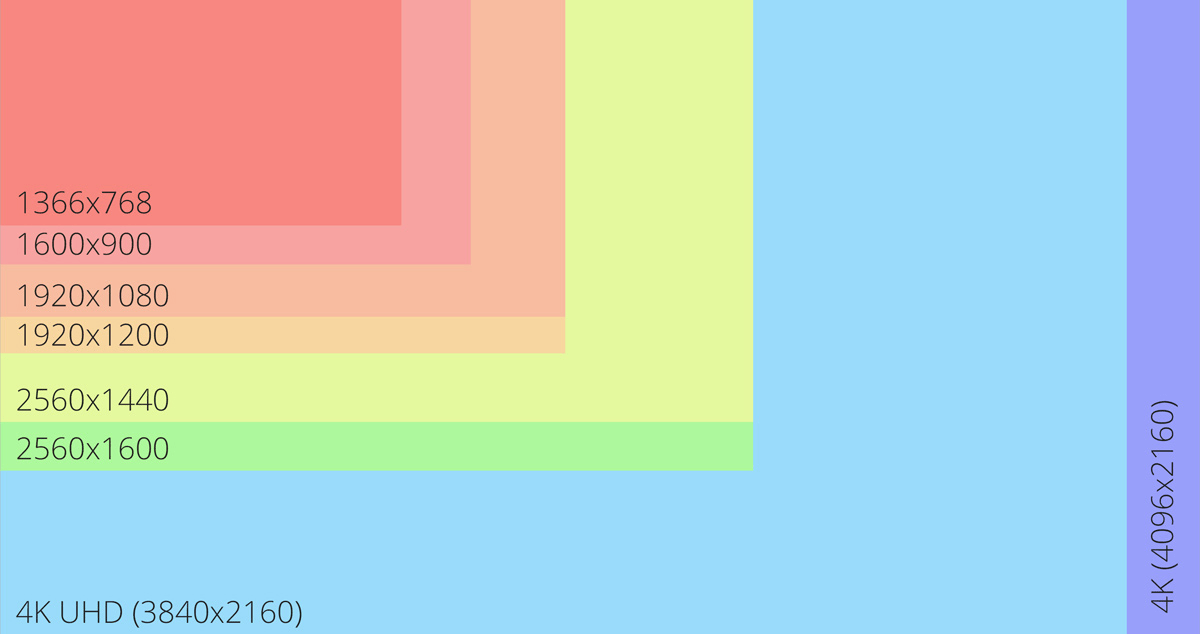
Resolution
Resolution is the number of pixels (the tiny dots that make up the image) that the screen possesses - it is shown as a number for screen length and a number of screen height. The higher the resolution the sharper and clearer applications will appear. If you’re going spend a lot of time using graphics applications or spreadsheets you’re more likely to want as high a resolution as possible, a variety of which are displayed on the image opposite.
Touchscreen
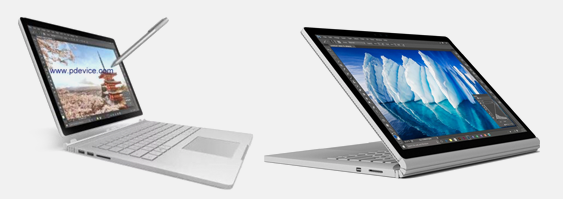
Having a touchscreen on a laptop offers an additional way to control your applications over and above the keyboard and touchpad - either using your fingers or a pen / stylus. Many touchscreen laptops feature detachable screens, creating a 2-in-1 laptop / tablet format for greater flexibility. However, it’s worth noting that touchscreen functionality will increase the price significantly, so it’s definitely worth considering how much you will use the increased flexibility before you pay for it.
Most laptops also have at least one graphics output for you to connect an external monitor. This is often a preferred method of using your laptop at home - we’ll cover this a bit more later.
Laptop Connectivity
The size and thickness of your chosen laptop will govern the amount of inbuilt connectivity it has. Unlike desktop PCs, which can be easily upgraded over time, laptops have a fixed specification so its important to look at what ports it has, i.e. USB, Thunderbolt, DisplayPort, HDMI, Ethernet and Bluetooth. Don't forget to check the WiFi capability too, as this is the most common way to connect a laptop to the Internet. The tables below show the major differences between the most common ports and WiFi found on laptops.
USB
| Standard | Bandwidth | Connector |
|---|---|---|
| 2.0 | 480Mb/s | USB A |
| 3.0 | 5Gb/s | USB A |
| 3.1 | 10Gb/s | USB A |
| 3.2 | 20Gb/s | USB C |
| 4.0 | 40Gb/s | USB C |
| 4 2.0 | 80Gb/s | USB C |
Thunderbolt
| Standard | Bandwidth | Connector |
|---|---|---|
| 1 | 10Gb/s | Mini DisplayPort |
| 2 | 20Gb/s | Mini DisplayPort |
| 3 | 40Gb/s | USB C |
| 4 | 40Gb/s | USB C |
| 5 | 80Gb/s | USB C |
DisplayPort
| Standard | 1.3 | 1.4 | 2.0 onwards |
|---|---|---|---|
| Maximum Refresh Rate at 1440p (uncompressed) | 240Hz | 240Hz | 240Hz |
| Maximum Refresh Rate at 4K (compressed with DSC) | N/A | 240Hz | 480Hz |
| Maximum Refresh Rate at 4K (uncompressed) | 120Hz | 120Hz | 240Hz |
HDMI
| Standard | 1.3 / 1.4 | 2.0 | 2.1 onwards |
|---|---|---|---|
| Maximum Refresh Rate at 1440p | 75Hz | 144Hz | 240Hz |
| Maximum Refresh Rate at 4K | 30Hz | 60Hz | 120Hz |
WiFi
| Generation | IEEE Standard | Frequency | Max. Data Rate | Max. Range |
|---|---|---|---|---|
| Wi-Fi 2 | 802.11b | 2.4GHz | 11Mbps | 450ft |
| Wi-Fi 1 | 802.11a | 5GHz | 54Mbps | 400ft |
| Wi-Fi 3 | 802.11g | 2.4GHz | 54Mbps | 450ft |
| Wi-Fi 5 | 802.11ac | 5GHz | 1Gbps | 1000ft |
| Wi-Fi 6 / 6E | 802.11ax | 2.4 / 5GHz | 10Gbps | 1000ft |
| Wi-Fi 7 | 802.11be | 2.4 / 5GHz / 6GHz | 24Gbps | 1000ft |
Laptop Peripherals
Make the most of your graphics workstation laptop with these essential peripheral
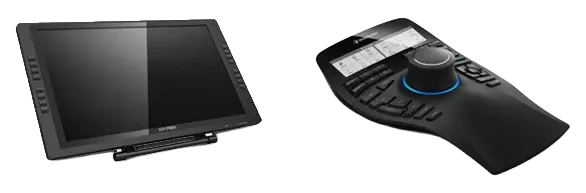
Graphics Controllers
Content creation applications may be easier to control with the use of dedicated graphics mice and tablets alongside the integrated keyboard and touchpad. These offer much greater control and flexibility with 3D and spatial workloads.
Learn more by reading our GRAPHICS CONTROLLERS BUYERS GUIDE.
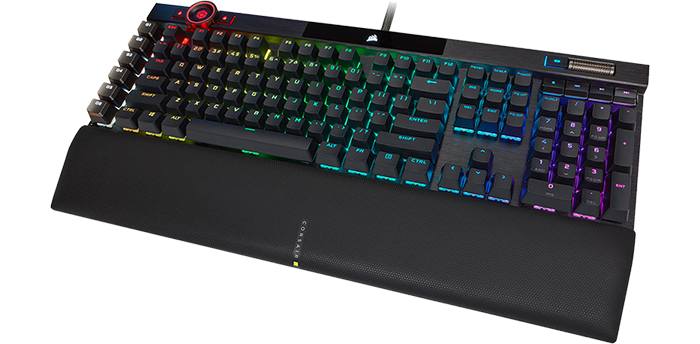
Keyboards
Every RTX Studio laptop includes a compact keyboard, many of which also include RGB backlighting and some may even have superior keys with mechanical switches instead of rubber dome ones. However, you may want a dedicated gaming keyboard to connect to your laptop.
Learn more by reading our GAMING KEYBOARD BUYERS GUIDE.
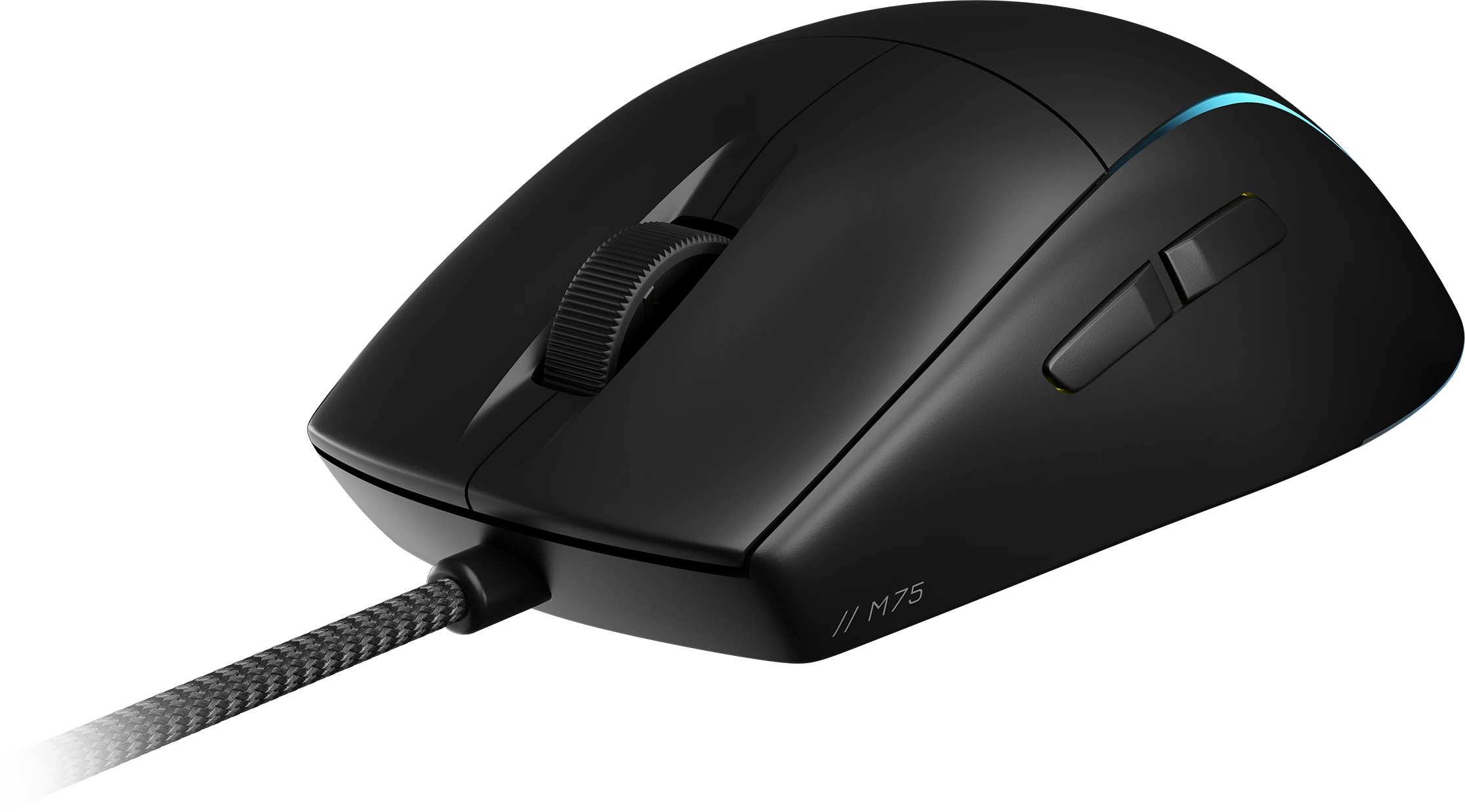
Mice
Every RTX Studio laptop includes a touchpad, however they are really only meant for web browsing and office productivity applications. You’ll almost certainly want to connect a dedicated mouse to better control your laptop.
Learn more by reading our GAMING MICE BUYERS GUIDE.

Headsets
Although every laptop includes speakers and a microphone, because these are integrated into the underside or sides of the laptop and feature tiny drivers the sound quality and maximum volume usually leaves a lot to be desired.
Upgrade your audio experience by reading our GAMING HEADSET BUYERS GUIDE.
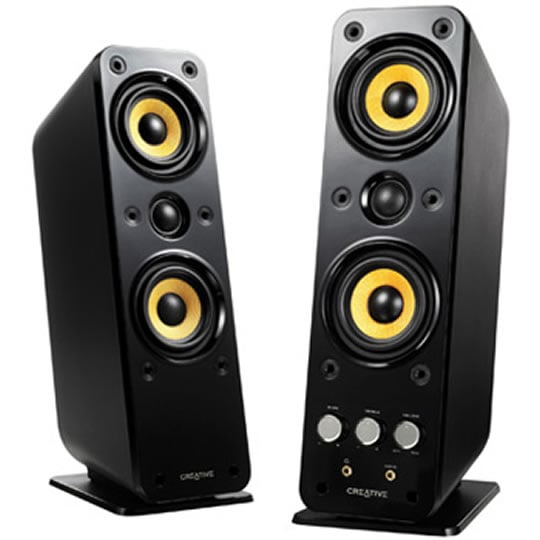
Speakers
Although every laptop includes speakers, because these are integrated into the underside or sides of the laptop and feature tiny drivers the sound quality and maximum volume usually leaves a lot to be desired.
Upgrade your audio experience by browsing our range of standalone SPEAKERS.
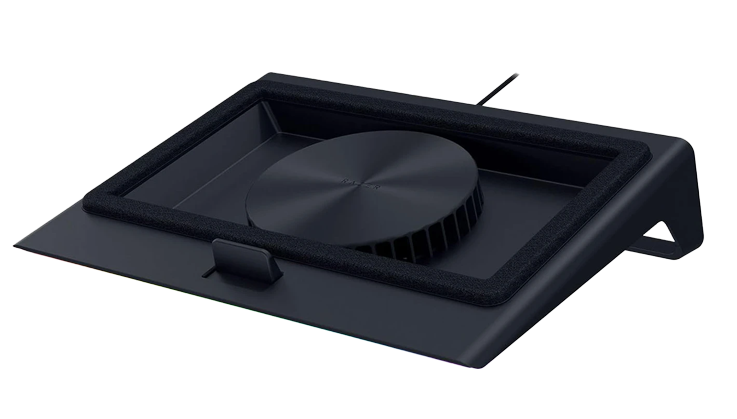
Laptop Coolers
If you’re finding your laptop runs a bit on the hot side a laptop cooler could be worth looking into. These slim laptop stands lift the laptop off the desk by a few millimetres and provide extra cooling for the laptop via an embedded fan. As an added bonus, most laptop stands also tilt the laptop slightly forwards, making typing more comfortable, if not using an external keyboard.
Browse our range of LAPTOP COOLERS.
External Monitors
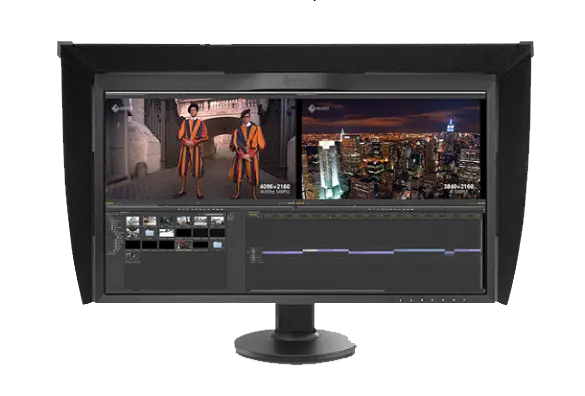
As mentioned previously having an additional external monitor can either provide simply a larger screen in a fixed desk environment, or a second (or third) screen to view multiple applications at once.
Upgrade your visual experience with either our standard MONITORS BUYERS GUIDE or PROFESSIONAL MONITOR BUYERS GUIDE which covers colour critical monitors.

Laptop Bags
If you’re planning on taking your laptop with you on the road make sure you invest in a good quality bag. This not only makes carrying the laptop and accessories such as mouse and headset a lot more convenient, but also will protect it from damage. We stock a variety of backpack and executive style laptop bags across a wide range of price points.
Browse our range of LAPTOP BAGS.
Chairs
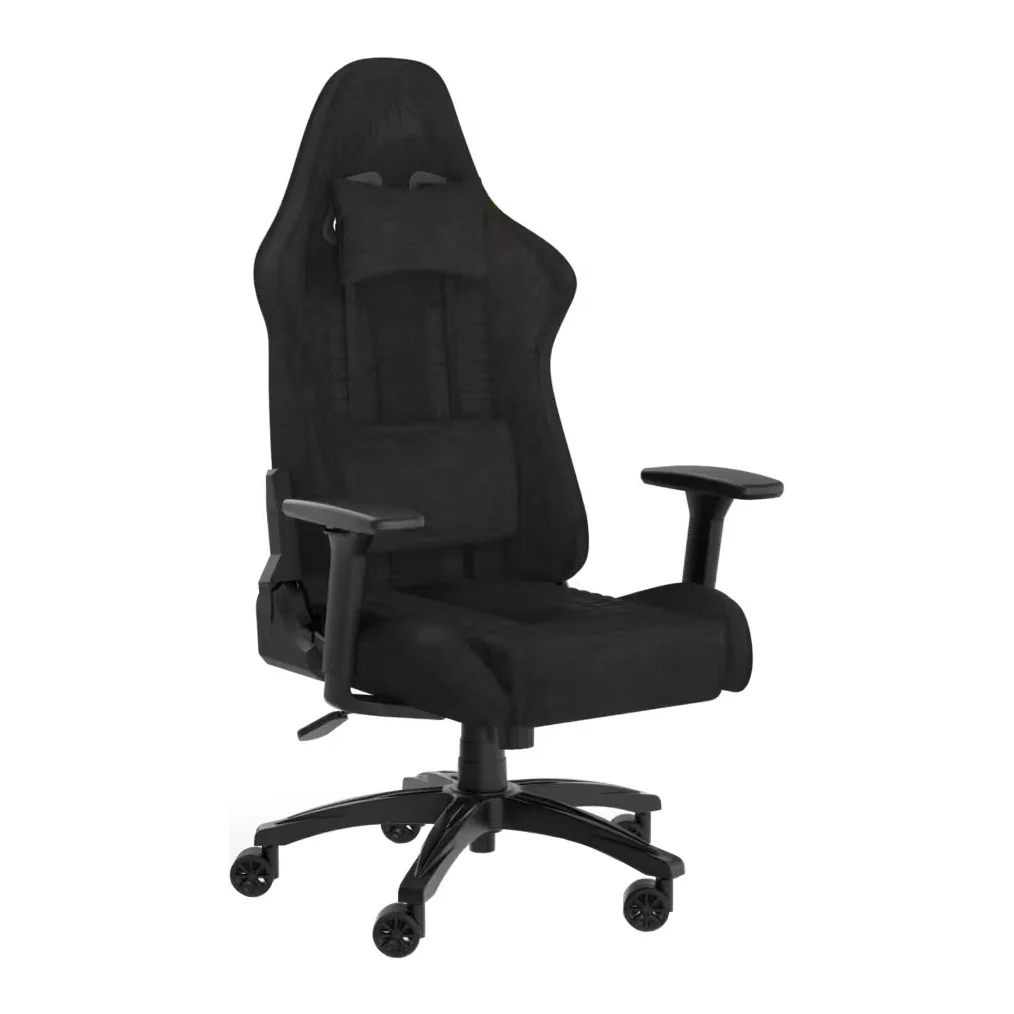
Everybody needs something to sit on when using their laptop at home or in the office. The designers of these chairs have thought about how computer users sit, how they move, and what they need most from their chair.
Learn more by reading our GAMING CHAIR BUYERS GUIDE.
Desks
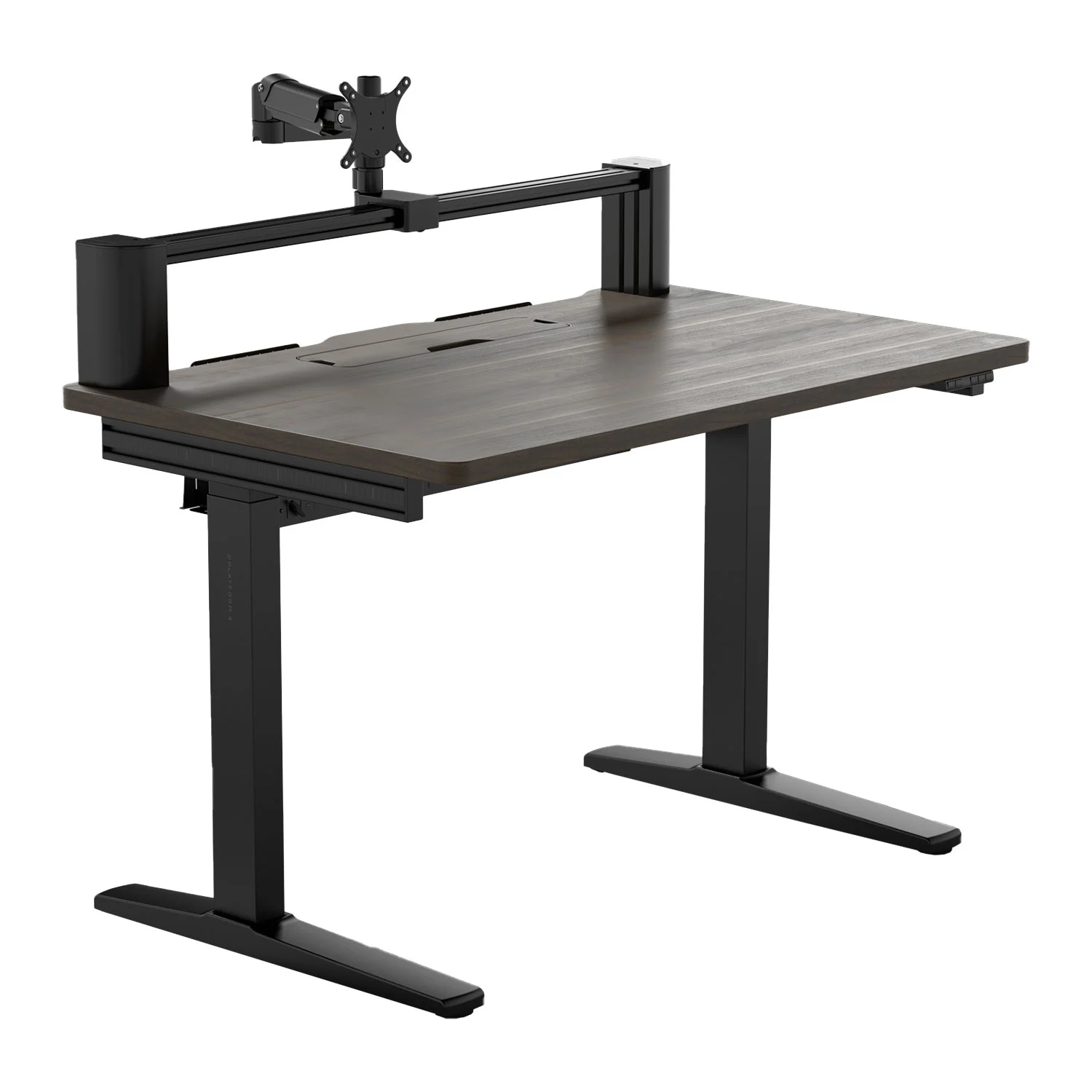
Computer desks are purpose designed, having useful features such as flexible monitor arms, so you can position your screen(s) at the perfect height and angle.
Learn more by reading our GAMING DESK BUYERS GUIDE.
Ready to buy?
Now that you've discovered the perfect configuration, browse our range of laptops.
Need Help Choosing?
If you still have questions on how to select a workstation laptop don't hesitate to contact one of our friendly advisors on
Frequently Asked Questions FAQ
NVIDIA RTX PRO is a range of graphics cards (GPUs) designed for professional graphics applications such as AEC & BIM, CAD & CAE, Media & Entertainment, Rendering, VR, and Deep Learning & Machine Learning & AI.
GeForce RTX graphics cards (GPUs) are optimised for gaming while RTX PRO GPUs are optimised for professional graphics applications such as AEC & BIM, CAD & CAE, Media & Entertainment, Rendering, VR, and Deep Learning & Machine Learning & AI.
To this end, RTX PRO has certified drivers for leading ISVs such as Autodesk, Dassault and Siemens ensuring optimal stability backed by enterprise-class customer support.
RTX PRO are built using Enterprise-class components, ensuring better reliability and resiliency, reducing failure rates especially when used at full load for longer periods of time.
RTX PRO also features error correcting code (ECC) memory that acts to protect data from corruption, so any errors are eradicated prior to them affecting the workload being processed.
Professional workstation graphics solutions, such as NVIDIA RTX PRO, feature a whole host of extra features and capabilities that their consumer counterparts lack, such as:
Certified Drivers
ISVs such as Autodesk, Dassault and Siemens certify their applications, ensuring optimal stability backed by enterprise-class customer support.
Enterprise Class
Enterprise-class components ensure better reliability and resiliency, reducing failure rates especially when used at full load for longer periods of time.
ECC Memory
Error correcting code (ECC) memory acts to protect data from corruption, so any errors are eradicated prior to them affecting the workload being processed.
NVIDIA RTX PRO is a range of graphics cards (GPUs) designed for professional graphics applications such as AEC & BIM, CAD & CAE, Media & Entertainment, Rendering, VR, and Deep Learning & Machine Learning & AI. Blackwell is the latest generation of these graphics cards / GPUs, providing higher performance than the previous Ada Lovelace generation.
A CUDA (Compute Unified Device Architecture) core is the primary processor inside NVIDIA GeForce GPUs responsible for rendering graphics and other tasks. Each GPUs has thousands of CUDA cores working together in parallel; the more cores, the higher the performance. Some tasks are accelerated by specialist RT or Tensor cores, see the separate entry in this FAQ for further detail on these types of core.
You can see how advanced a CUDA core is by the name of the architecture, to name some recent examples Blackwell (2025), Ada Lovelace (2022) and Ampere (2020).
RT (Ray Tracing) cores work alongside CUDA cores inside NVIDIA GeForce GPUs to accelerate ray traced effects in applications. Unlike traditional rasterised graphics, ray tracing simulates how light beams and shadows actually work, providing far more rich and realistic graphics. The more RT cores, the faster the framerate when ray tracing is enabled.
You can see how advanced the RT cores are in a GPU by its generation, i.e. 5th gen is more advanced than 4th gen etc.
Tensor cores work alongside CUDA cores inside NVIDIA GeForce GPUs to accelerate AI workloads and applications. The more Tensor cores, the faster the AI performance will be.
You can see how advanced the Tensor cores are in a GPU by its generation, i.e. 5th gen is more advanced than 4th gen etc.
NVIDIA RTX PRO GPUs are optimised for professional graphics applications, but can run games in your leisure time. However, you may see better game performance with an RTX Studio laptop.
NVIDIA works with leading ISVs to add new features and optimise performance when running RTX PRO certified drivers.
While both types of laptops can run all Windows software, RTX PRO laptops are optimised for professional graphics workloads such as CAD, rendering, AI and complex simulations. In contrast, RTX Studio laptops are equipped with GeForce RTX GPUs which are optimised for visualisation workloads and gaming.