Ultimate Gaming Comfort

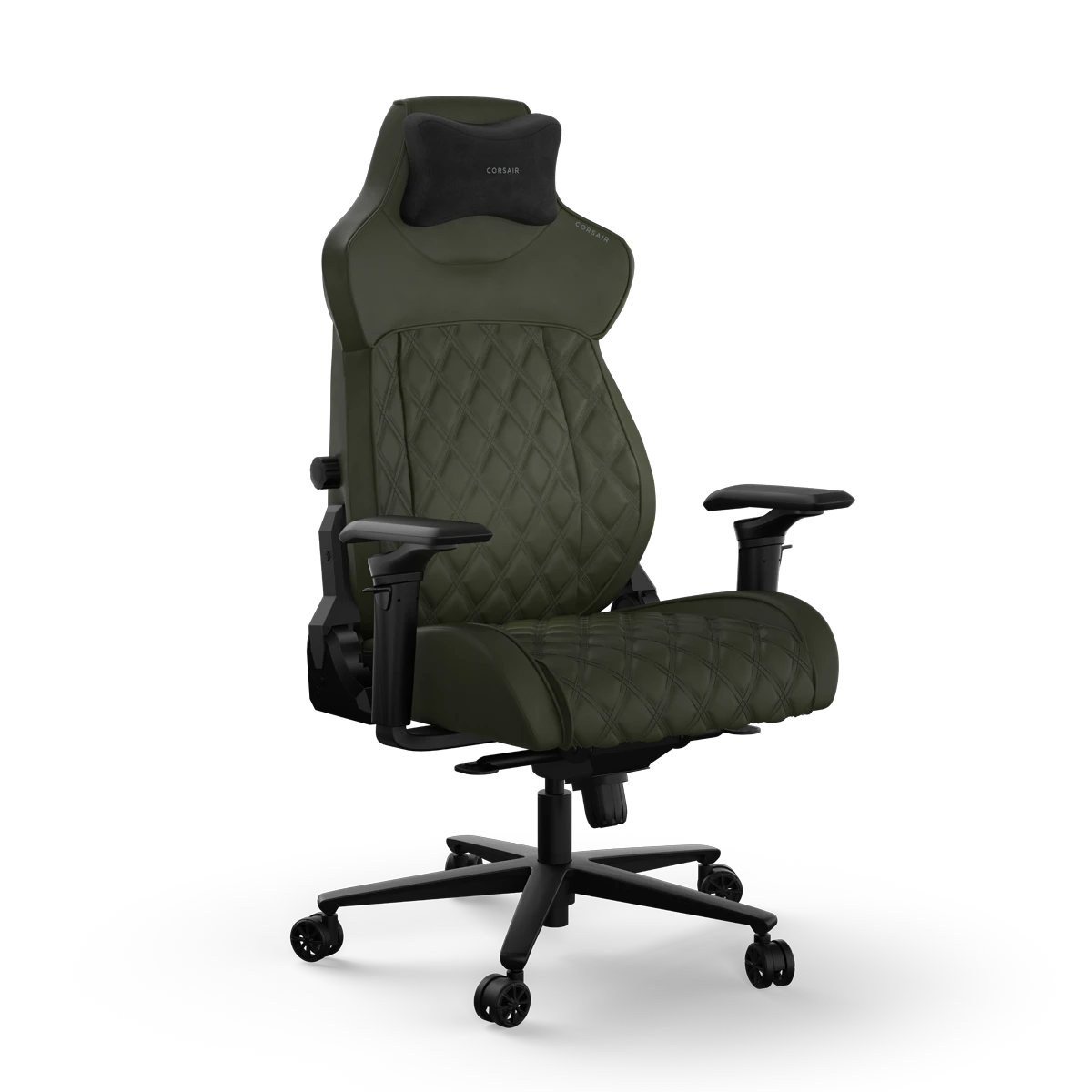
Gaming chairs are specialised chairs designed primarily for the needs and comfort of gamers. As gaming often involves extended periods of using the chair, the designers of these chairs have thought about how gamers sit, how they move, and what they need most from their chair. The longer time spent in a gaming chair is offset by features such as ergonomic padding, higher backrests, winged shoulder support, lumbar support pads and adjustable armrests - these all help support the body in the best possible way and help prevent stress and strains on the body.

However, despite the name, it's not just gamers who use gaming chairs. They are ideal for regular use too, as all the attributes described above apply if you work in an office and want to boost your comfort. In this guide we'll go through each aspect of chair design and the features that you should look out for to ensure you have maximum comfort in whatever environment you use your chair.
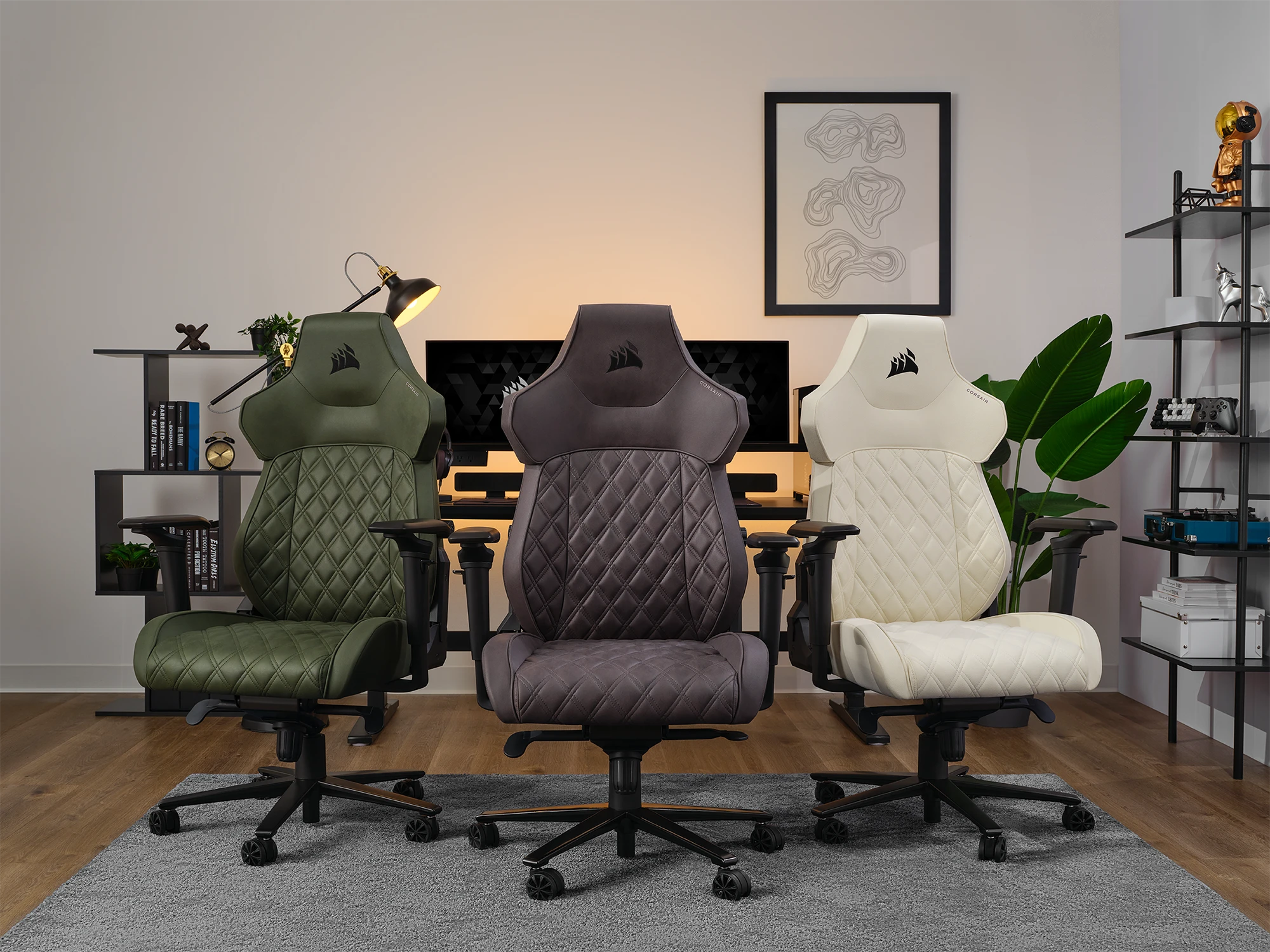
Complete gaming chair setup featuring ergonomic design with lumbar support, adjustable armrests, and premium materials for professional gaming workstation

Chair Dimensions

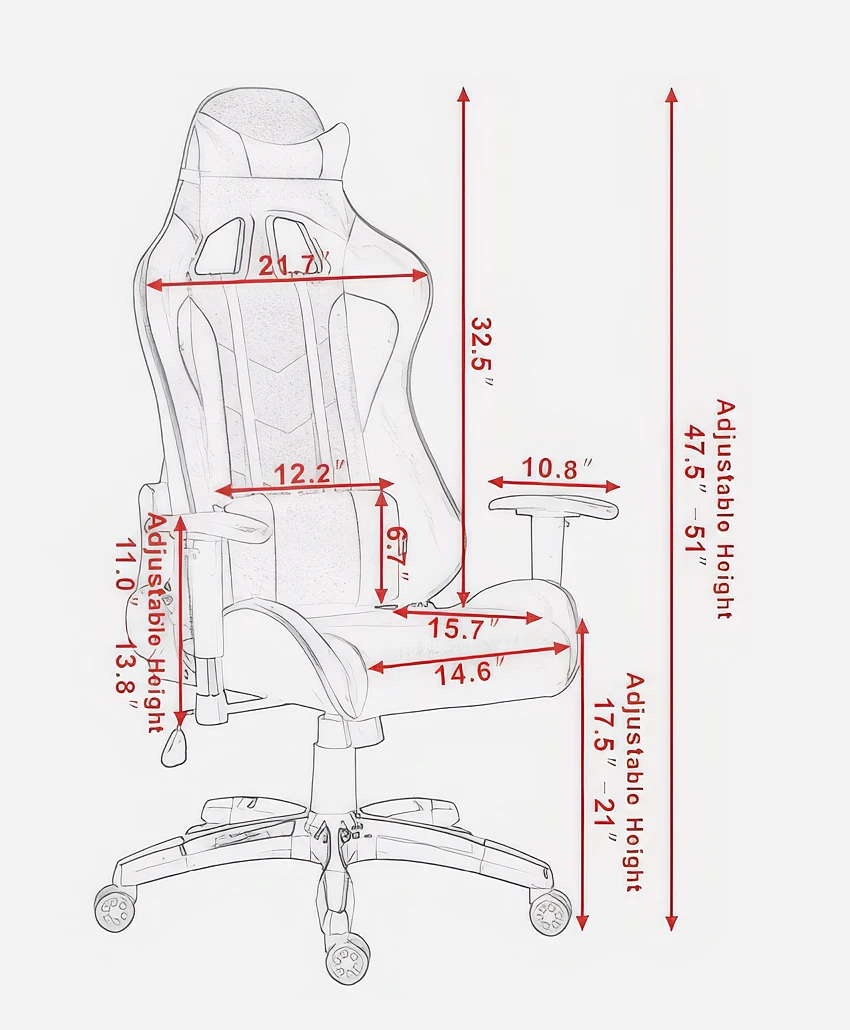
Everyone is different when it comes to height, body size and weight and just like clothes you'll want a chair that fits properly. Most manufacturers will provide information like seat cushion width and depth and backrest cushion width and height - these are especially important as they are the non-adjustable elements of the chair so vital to ensure the dimensions work for you.

At this stage armrest minimum / maximum height and chair seat height are less important as these are always adjustable enabling you to find the right levels for you. Additionally you should always look for a weight rating on the chair to ensure it will support all intended users.

Chair dimensions diagram showing seat width, depth, backrest height, and armrest measurements for optimal ergonomic fit

Chair Materials

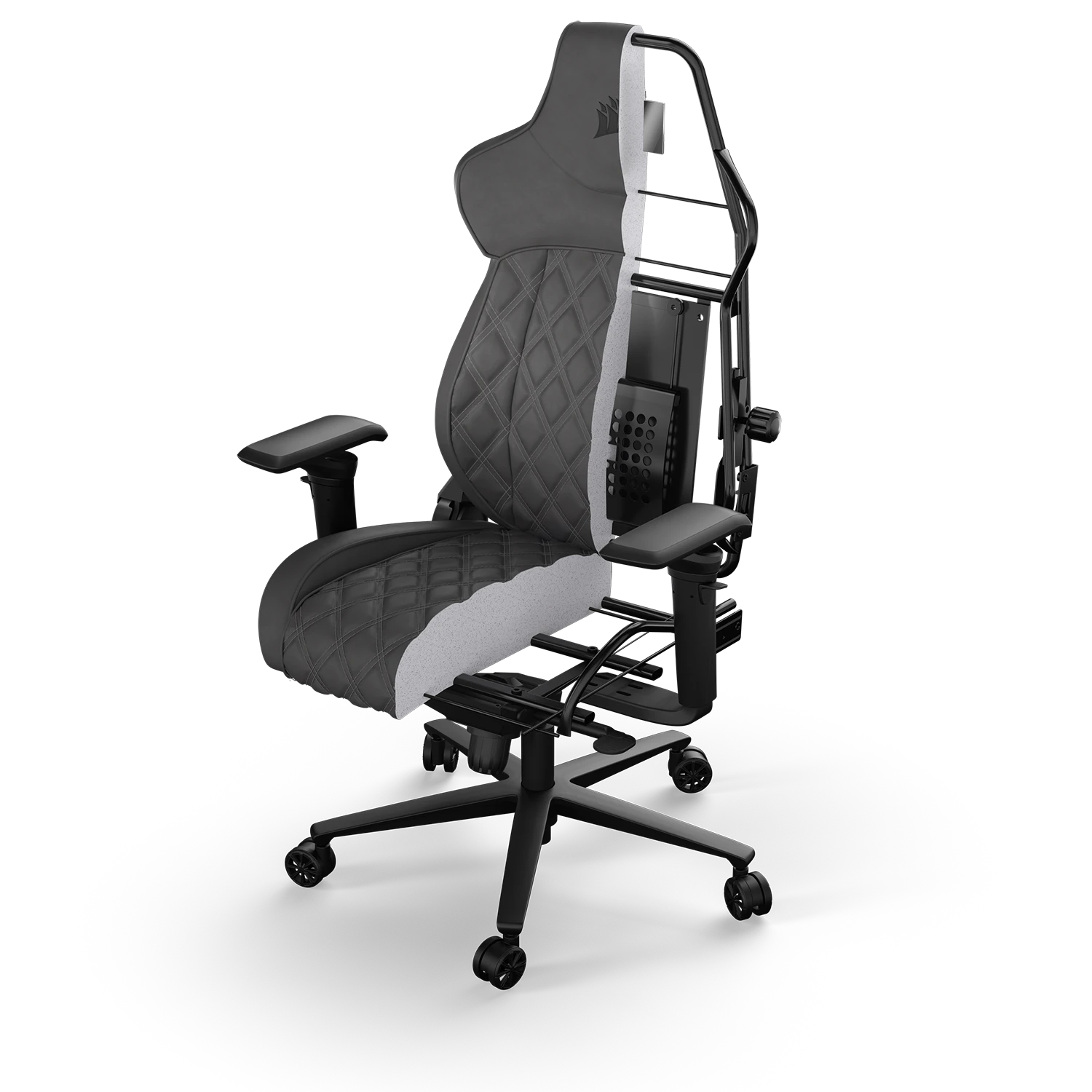
The materials a chair is made from will have a significant impact on its overall comfort, especially over prolonged hours sat in it, and it's durability and longevity over years of usage. For example, a good quality steel frame will offer superior support, corrosion resistance and an increased weight tolerance of up to 150kg. Secondly, the foam used in the cushions will derive the supportiveness of the chair - important if many hours will be spent seated in a single session. Foam that has been stress tested with this scenario in mind will most likely stand up to prolonged and repeated use.

Gaming chair frame and construction materials showing steel frame, foam cushioning, and upholstery quality

Seat Coverings

The choice of seat covering is then the next factor to consider. Genuine leather is a high-quality, breathable, waterproof, very durable cover, but it is also the most expensive. Artificial PU leather is much cheaper than real leather, often also of good quality, and easier to take care of. However, on hot days it may be uncomfortable to sit on, due to sweating, as PU leather is not as durable or breathable as genuine leather.

Another alternative is PVC leather, which is softer and more flexible than PU leather, and is also water-, fire-, and stain-resistant, but can be even hotter. Finally, fabric and mesh covers are very breathable, meaning you hardly sweat and don't stick to it even on hot days. Mesh offers cooling beyond even what fabric can deliver. However, these materials are more difficult to clean than the types of leather and usually require a specialised cleaner for removing stains without risk of damaging the delicate mesh. They are typically less durable long-term, but will be exceptionally cool and comfortable to use.

Comparison of gaming chair seat covering materials including leather, PU leather, PVC, fabric and mesh options

Chair Adjustability

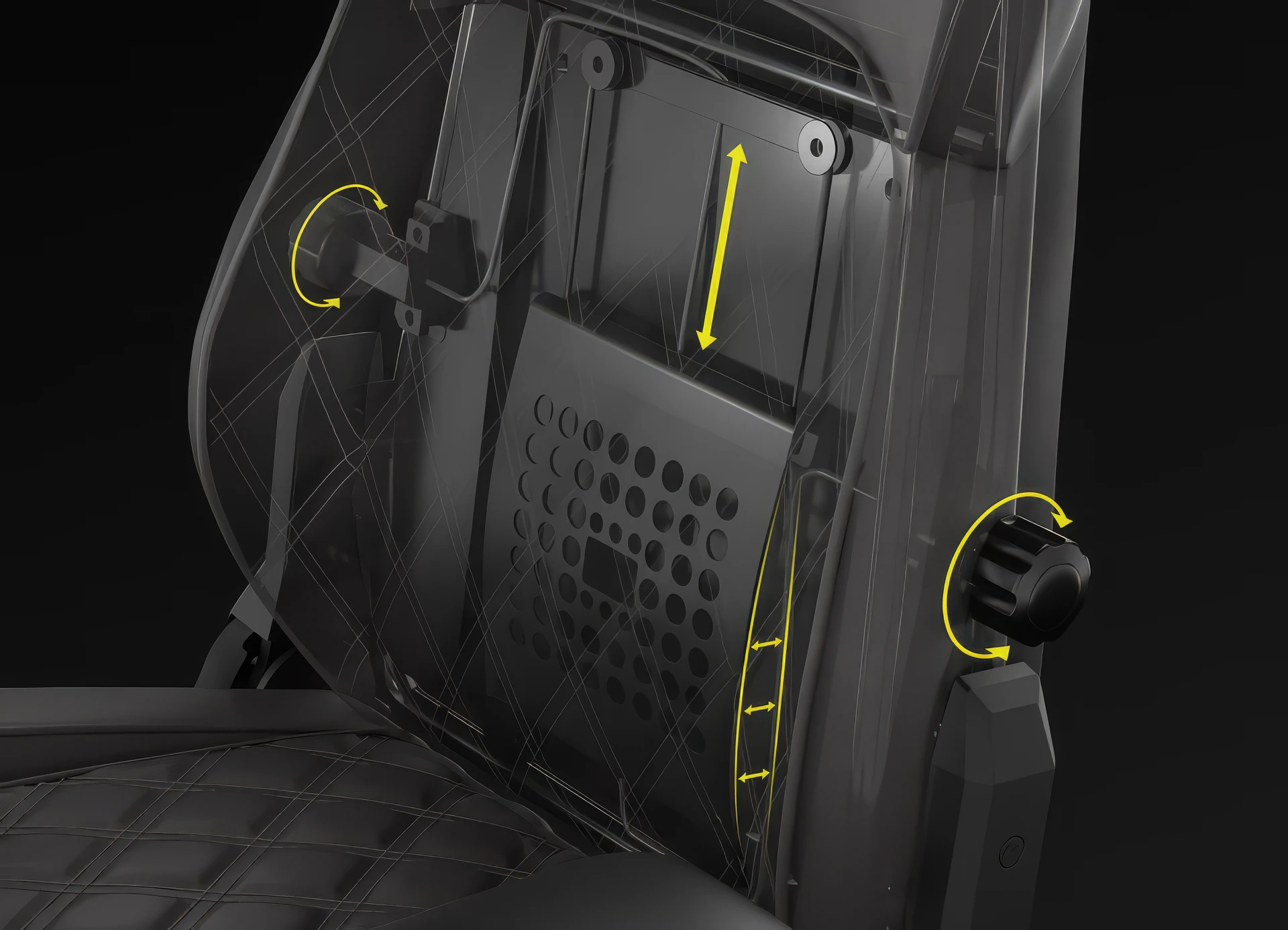
Ensuring true and long-lasting comfort in any chair is down to the degree of adjustability you have at your fingertips. Most models of chair will have height adjustment controlled by a gas strut in the base of the chair - this allows of simple vertical raising or lowering the whole chair to best align with your desk height. There will also be a seat cushion tilt mechanism too, so it can either be positioned flat or angled and locked in place. Being able to adjust the seat and backrest cushion angles independently offers the effect of forcing some back muscles to work whilst others rest, helping to keep you comfortable for longer sitting periods.

Gaming chair height adjustment mechanism featuring gas strut lift and seat tilt controls
Gaming chair backrest recline adjustment showing full range of motion from upright to flat positions

Backrest Adjustment

Next there is the back-rest adjustment - whereas most chairs will recline to some degree, gaming chairs will often offer a full 180 degrees of flexibility as opposed to a standard office chair allowing maybe only 135 degrees. The greater angle of recline provided gives you the most choice as to how you game, work or relax in your chair, and will reduce stress on the body when several hours are spent seated in one go.

4D adjustable armrests demonstrating height, width, angle and lateral position adjustment capabilities

Armrest Adjustment

When it comes to arm rests, most chairs have some element of adjustability, but it is important to understand exactly what flexibility you have. The arm rests are designed to support the weight of the forearms, wrists and hands, so maximum adjustability is preferred to not only address any body size or shape, but also the various seating positions you may adopt. The term 4D has been employed to describe arm rests that offer maximum movement in height, width, angle and forward to back lateral positioning.

Extra Comfort

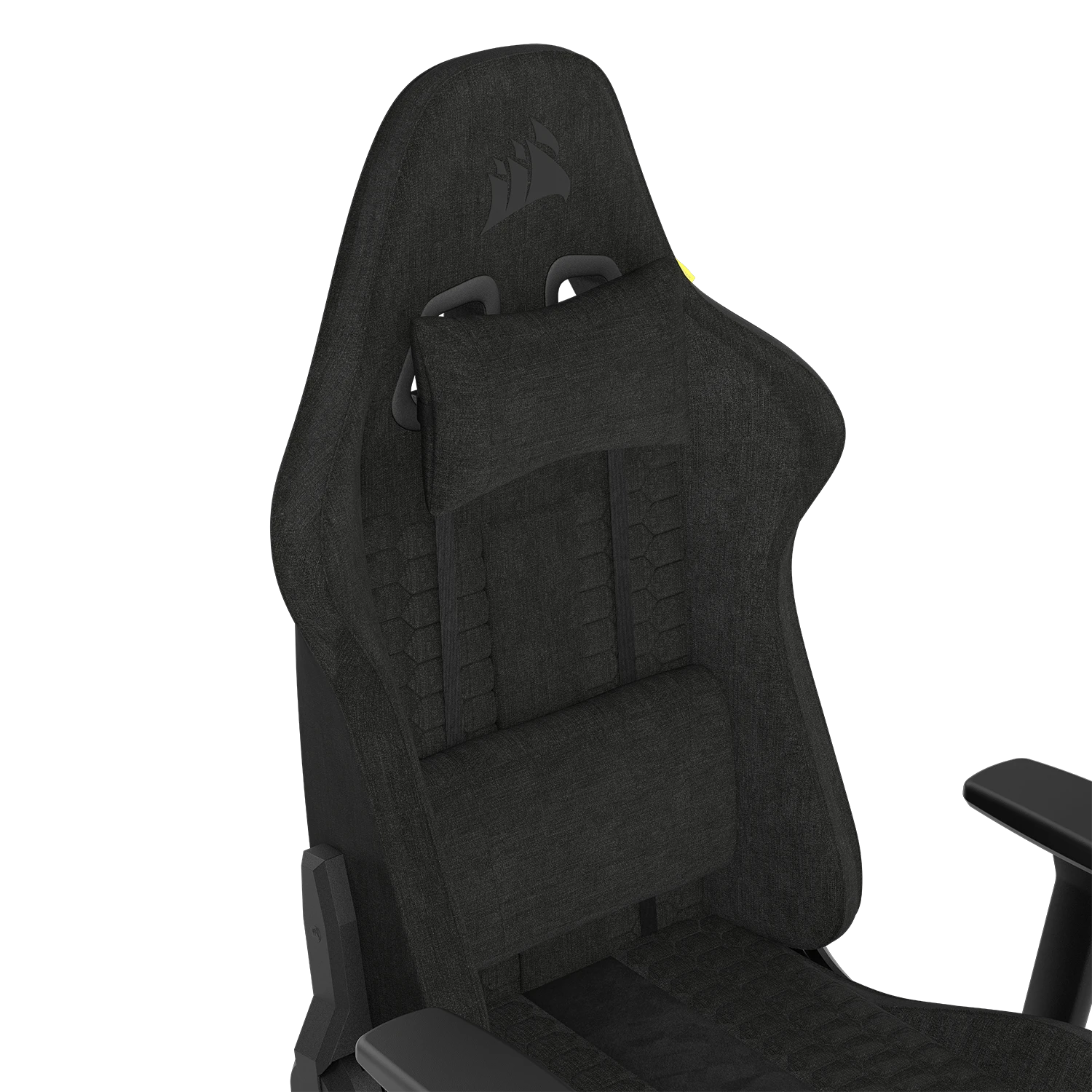
Although gaming chair cushions come with ergonomically contoured cushions to offer head, shoulder and lower back support, many feature extra pads that can enhance the standard backrest shape. Either additional headrest pads, lumbar support pads or both will offer a greater degree of comfort for prolonged usage, as these are designed to offer further bolstering to the body as muscles tire from being in a similar position for extended periods of time. These are probably a must if you envisage sitting - either working or gaming - over considerable amounts of time at one go.

Cockpit Gaming Chairs

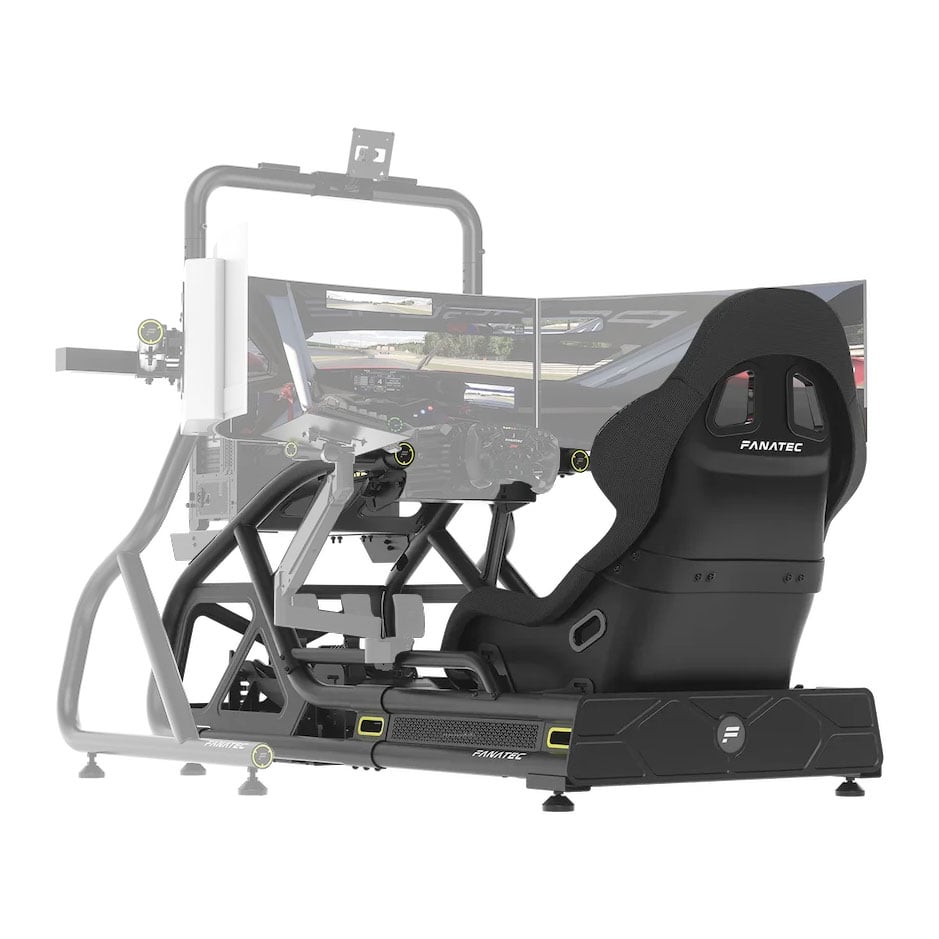
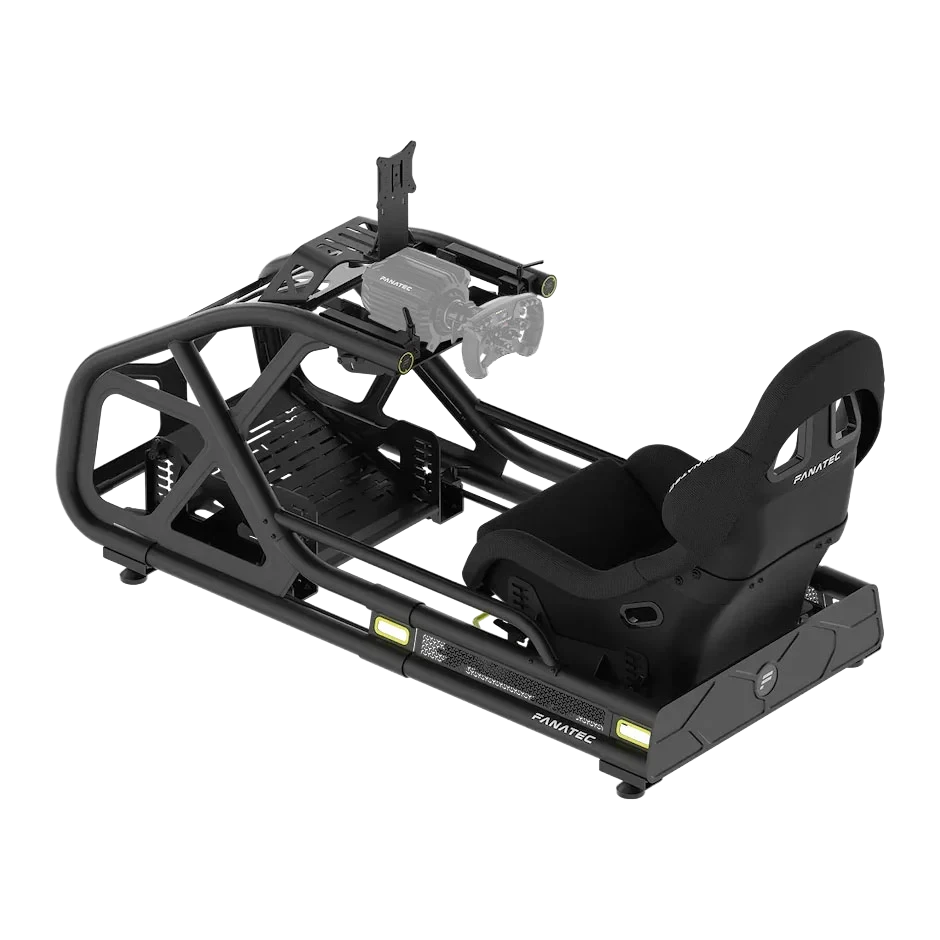
These specialist chairs help to create an immersive environment to enhance the experience of a driving or flight simulator. The chair is fixed to a frame that allows for the mounting of key accessory peripherals to it, such as steering wheels, pedals, joysticks, yokes and throttles to create a cockpit feel. These are worth considering if you are doing a lot of simulation. You can learn more by reading our Simulator Buyers Guide.

Cockpit gaming chair setup with racing simulator frame, steering wheel mount, and pedal configuration for immersive driving simulation

Accessories & Virtual Reality

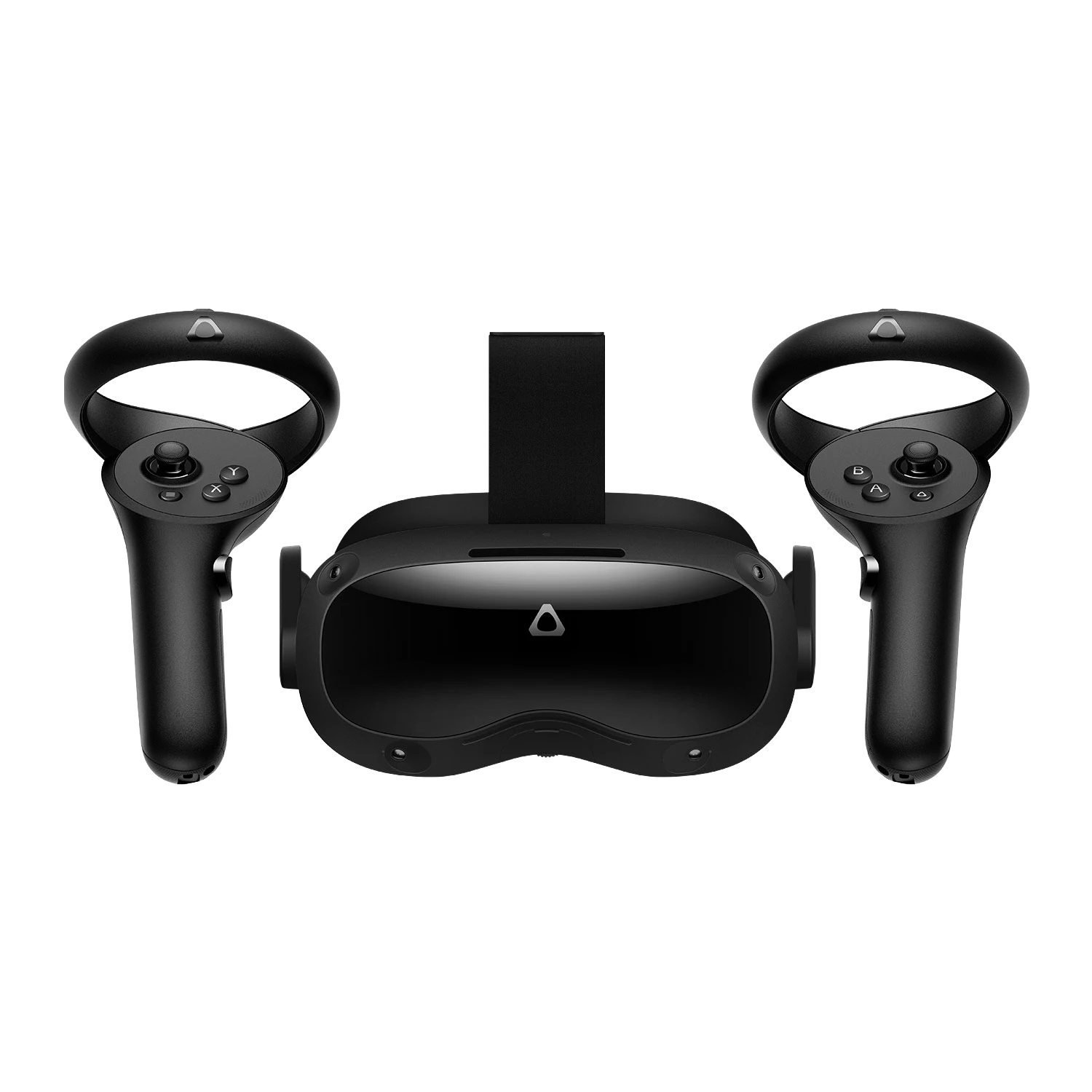
Additionally, we sell a range of accessories available for cockpit gaming chairs to enhance your experience including monitor stands, non-slip mats and numerous peripheral mounts. This type of cockpit chair can also be used in a virtual reality environment, where a VR headset is connected to your PC as the graphical display rather than having a traditional monitor or monitors positioned in front of the chair. You can learn more by reading our Virtual Reality Buyers Guide.

VR headset in use with gaming chair setup

Ready to Buy?

Now that you've discovered the perfect gaming chair for your setup, browse our range of gaming chairs to find the ideal match for your gaming space and needs.

View Gaming Chairs
Premium gaming chair ready for purchase featuring ergonomic design, lumbar support, and adjustable features

Racing Simulators

Take your racing experience to the next level with a full motion cockpit setup. Our range of racing simulation solutions includes everything from entry-level rigs to professional-grade motion platforms.

View Racing Simulators
Professional racing simulator cockpit with full motion platform and steering wheel setup

Frequently Asked Questions FAQ

Here are some common questions and answers to help you find the information you need.

This depends on your height, body size and weight. Most manufacturers provide information like seat cushion width and depth, and backrest cushion width and height. These non-adjustable dimensions are vital to ensure the chair fits you properly. Always check the weight rating to ensure the chair will support you comfortably.

The best material depends on your priorities. Genuine leather is the most durable and breathable but expensive. PU leather is affordable and easy to clean. Fabric and mesh are the most breathable options, ideal for hot environments, though they're harder to clean. Consider your climate and how many hours you'll spend in the chair.

4D armrests offer maximum adjustability with four directions of movement: height (up/down), width (in/out), angle (rotation), and forward/back lateral positioning. This allows you to perfectly position the armrests to support your forearms, wrists and hands regardless of your body size or seating position.

Lumbar support is highly recommended if you plan to sit for extended periods. It provides additional bolstering to your lower back as muscles tire, helping maintain proper posture and reducing strain. Many gaming chairs include removable lumbar cushions so you can adjust support to your preference.

Absolutely! Gaming chairs are ideal for office use. All the ergonomic features designed for long gaming sessions - adjustable armrests, lumbar support, reclining backrests, and quality cushioning - are equally beneficial for working from home or in an office environment.

A cockpit gaming chair is a specialist chair designed for racing or flight simulation. The chair is fixed to a frame that allows mounting of peripherals like steering wheels, pedals, joysticks, and throttles to create an immersive cockpit experience. They can also be used with VR headsets for fully immersive simulation.

Gaming chairs often offer up to 180 degrees of recline, compared to standard office chairs which typically only allow around 135 degrees. The greater recline angle gives you more flexibility for gaming, working, or relaxing, and helps reduce stress on your body during extended sessions.

Consider your body size and weight (check chair dimensions and weight capacity), preferred material (leather for durability, mesh for breathability), required adjustability features (4D armrests, recline angle), and additional comfort features like lumbar and headrest cushions. Also consider your desk height and whether you need specific features for simulation gaming.