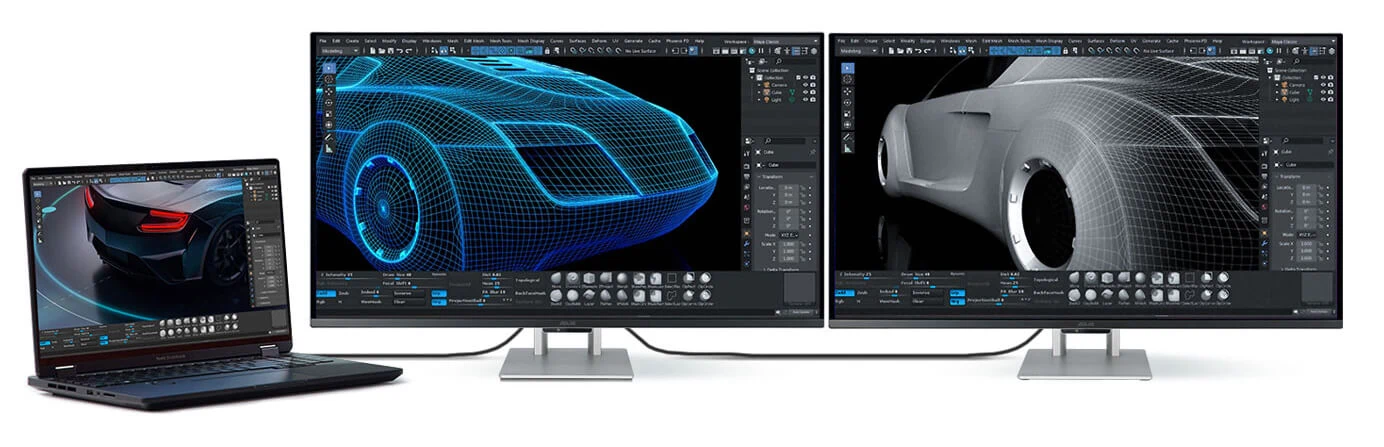
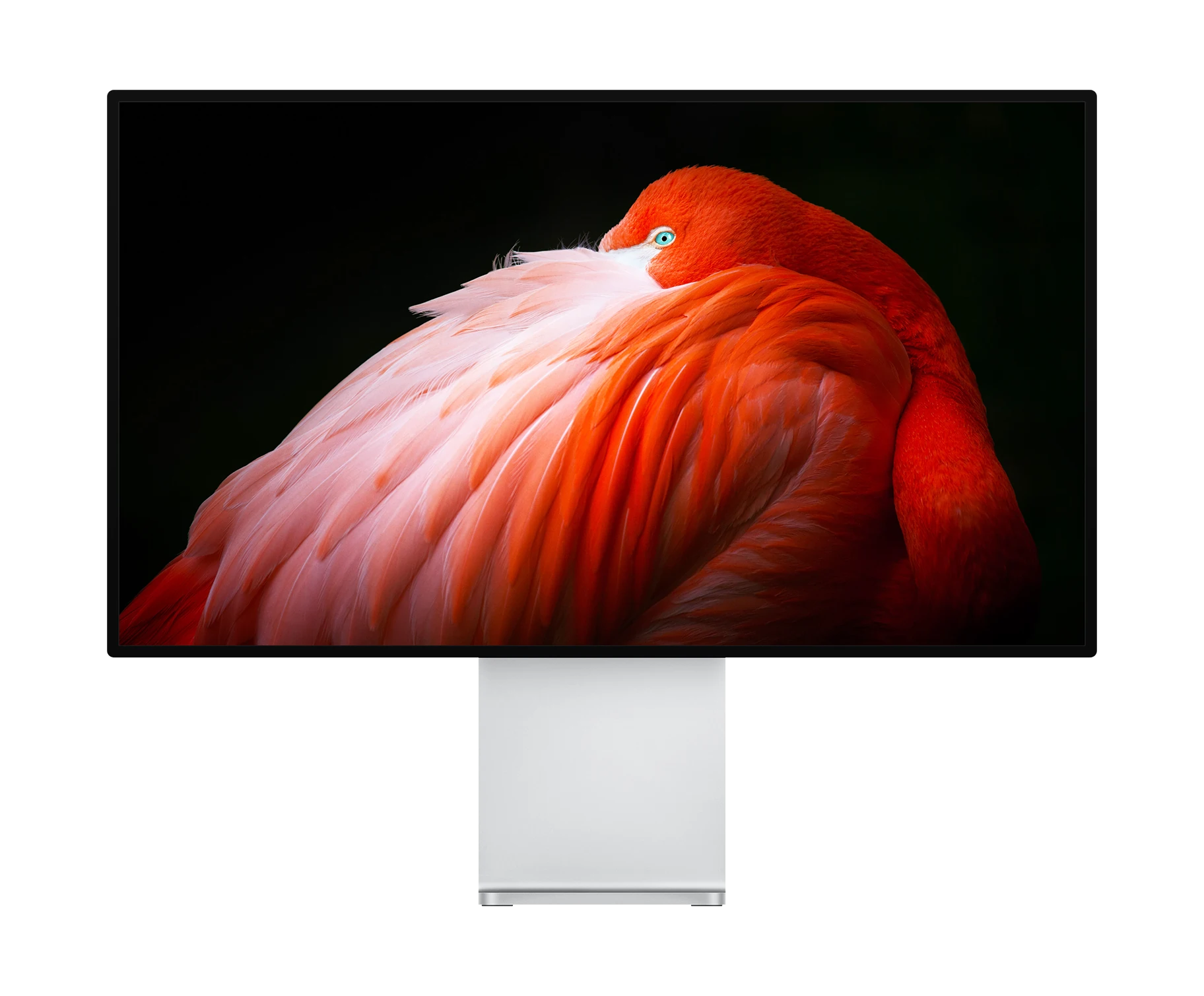
Choosing the right professional monitor is essential for photography, video editing, broadcast production, and creative workflows requiring precise colour accuracy and reliable performance. This guide covers the essential factors, monitor types, and top models to consider for pro studios and content creators in the UK.
Unlike standard consumer screens, professional monitors offer accurate colour reproduction, wider colour gamut's, consistent brightness, and hardware-level calibration support. They enable you to see true colours for photo retouching, video colour grading, broadcast review, and graphical user interface (GUI) editing workflows. Investing in the right display ensures your work translates faithfully across all distribution channels.
Understanding Professional Monitor Types
Colour Critical Monitors
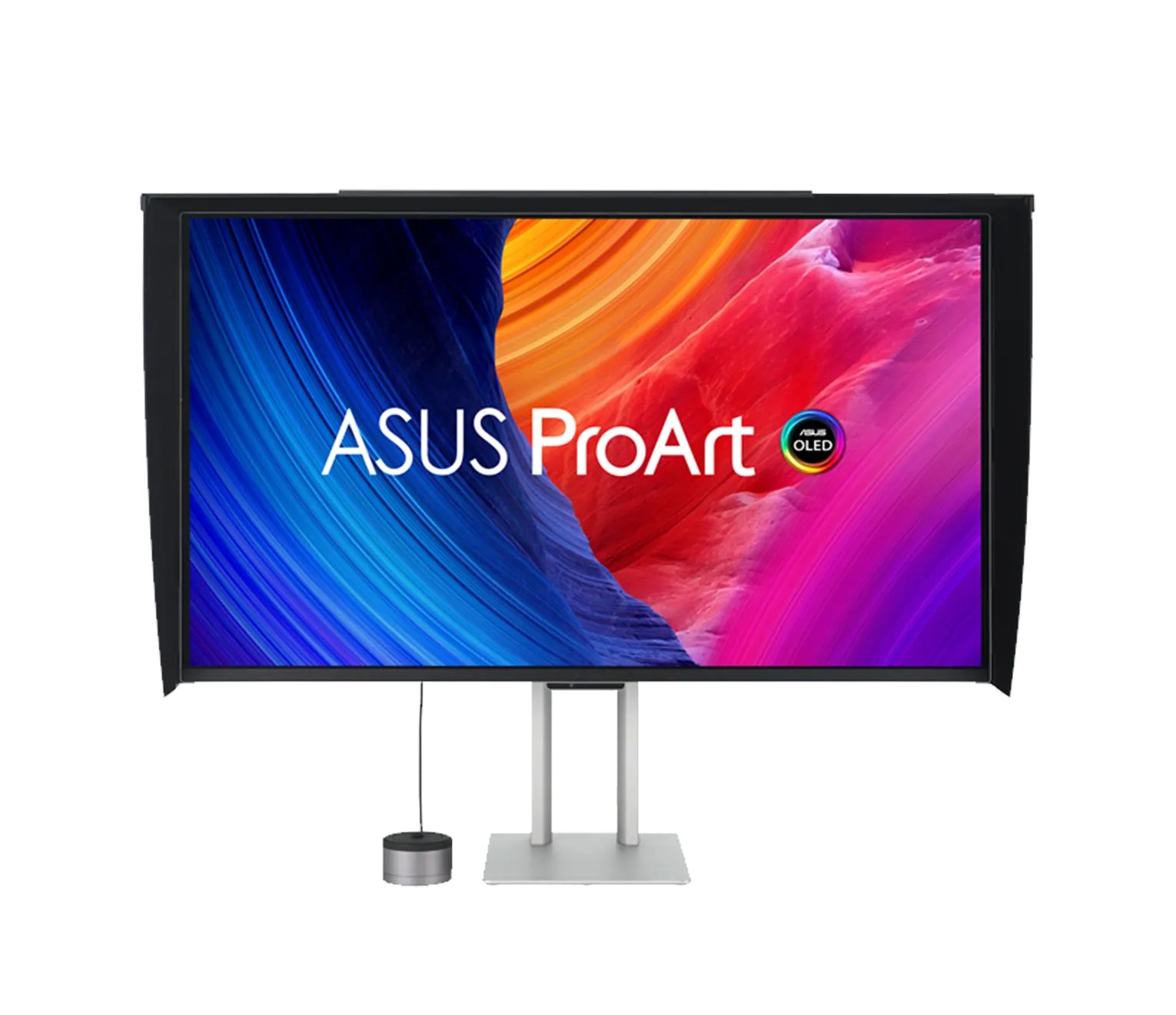
Colour critical reference monitors are designed for tasks demanding absolute colour accuracy - essential in photo editing, print proofing, and high-end cinematography. Look for models with 4K or higher resolution, wide colour gamut coverage (Adobe RGB, DCI-P3), built-in or hardware calibration, and uniformity compensation. Examples: BenQ SW272U, EIZO ColorEdge series, and ASUS ProArt PA32UCDMR-K.
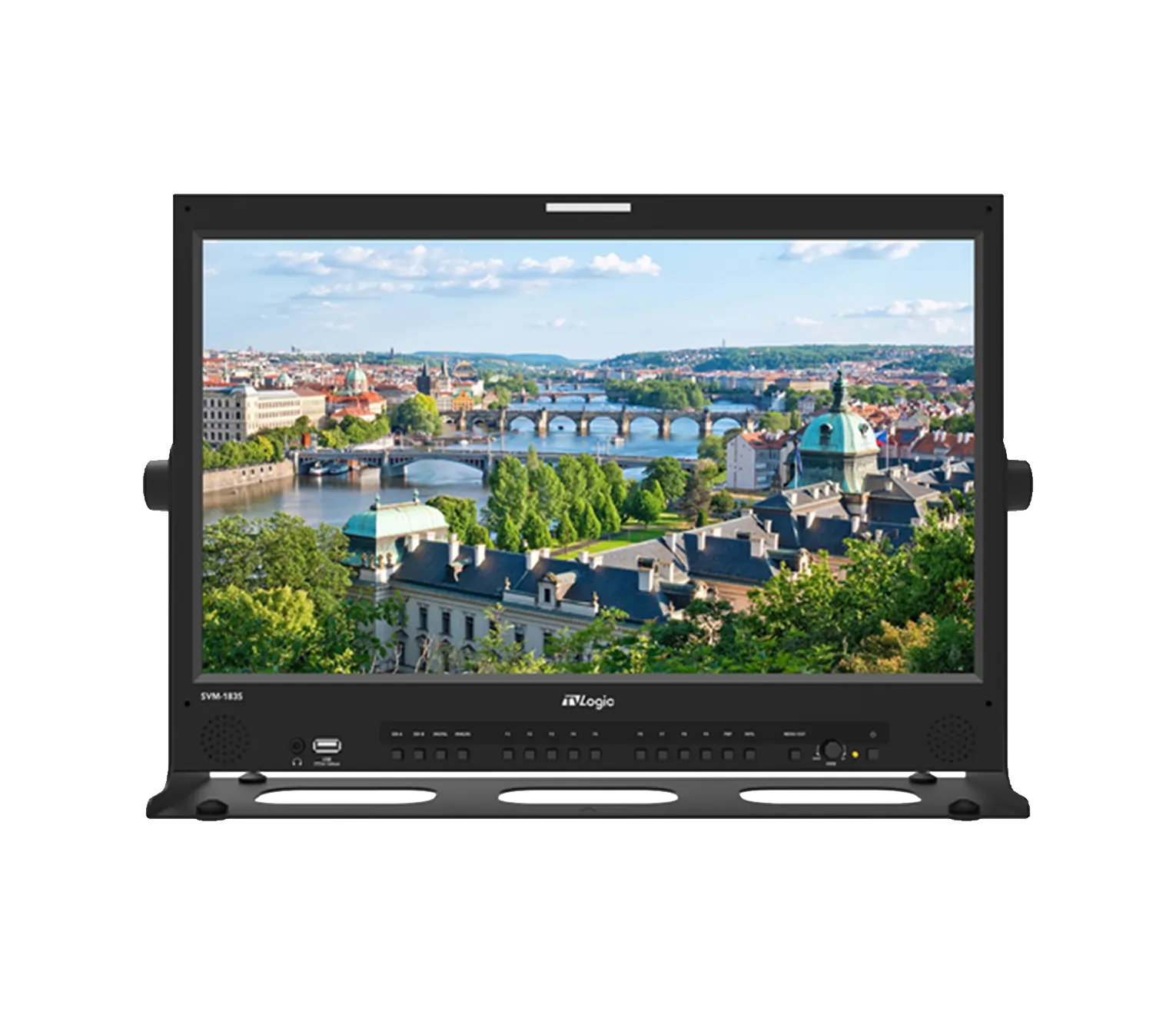
Broadcast monitors prioritise signal fidelity, real-time preview, SDI/HDMI connectivity, and compliance with broadcast standards. Key brands include Flanders Scientific, Sony, and Blackmagic which offer multi-format support, waveform/vectorscope overlays, and high-luminance HDR for live production and rackmount setups.
GUI (Graphical User Interface) monitors are optimised for design, timeline navigation, multi-window workflows, and supplementary preview. Choose 27–32" 4K UHD displays with IPS or OLED panels, >99% sRGB, and ergonomic stands. BenQ PD series, ASUS ProArt family and EIZO ColorEdge models balance workflow speed and precise visual feedback.
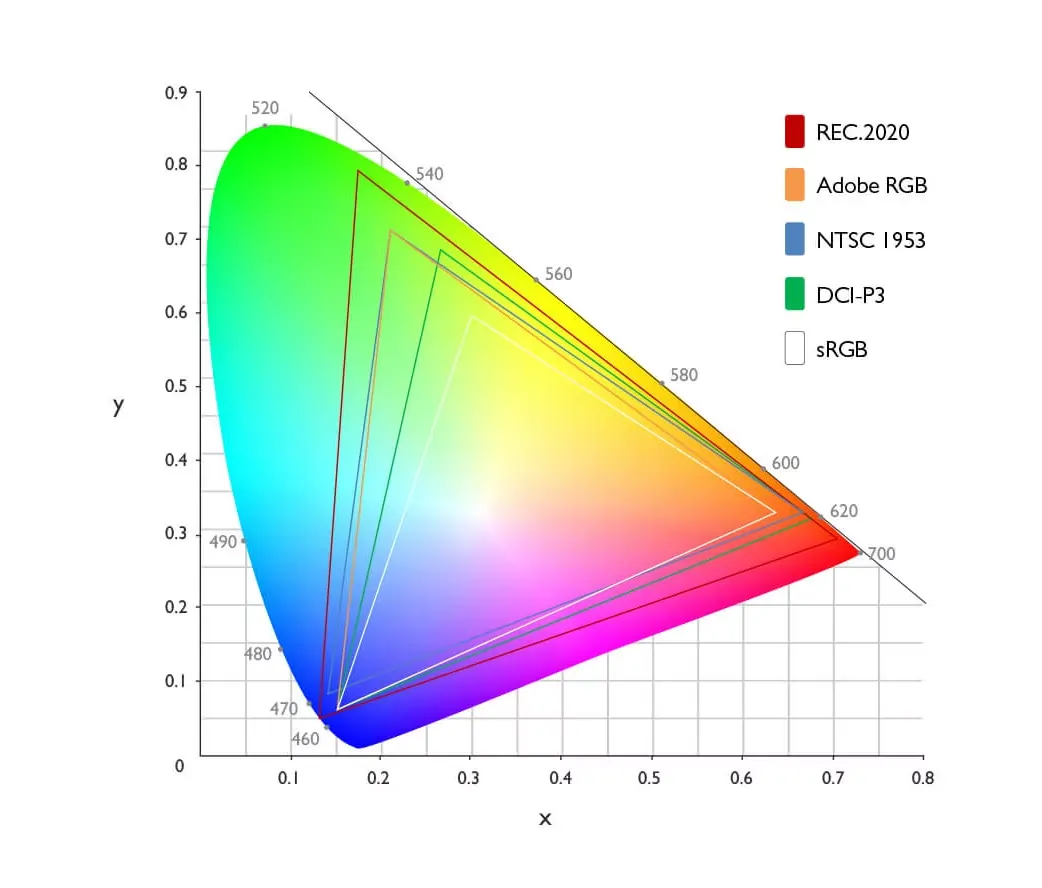
Colour Gamut & Accuracy: 100% sRGB, 99% Adobe RGB, and 95–99% DCI-P3 are benchmarks for pro photo and video work.
Calibration Support: Integrated or hardware LUT calibration ensures consistent output for print and broadcast.
Resolution & Size: Minimum 4K resolution for detailed editing; 27-32 inches is an ideal size to balance screen real estate and workflow efficiency.
Connectivity: SDI/HDMI for broadcast, Thunderbolt/USB-C for studio and editing integration.
Luminance & HDR: Look for 350 nits+ for regular work, 600 nits+ with HDR for video grading. HDR10 or Dolby Vision support greatly benefits video grading work.
Uniformity & Viewing Angle: Uniform brightness and wide viewing angles from IPS/OLED panels ensure reliable assessments.
Monitor size
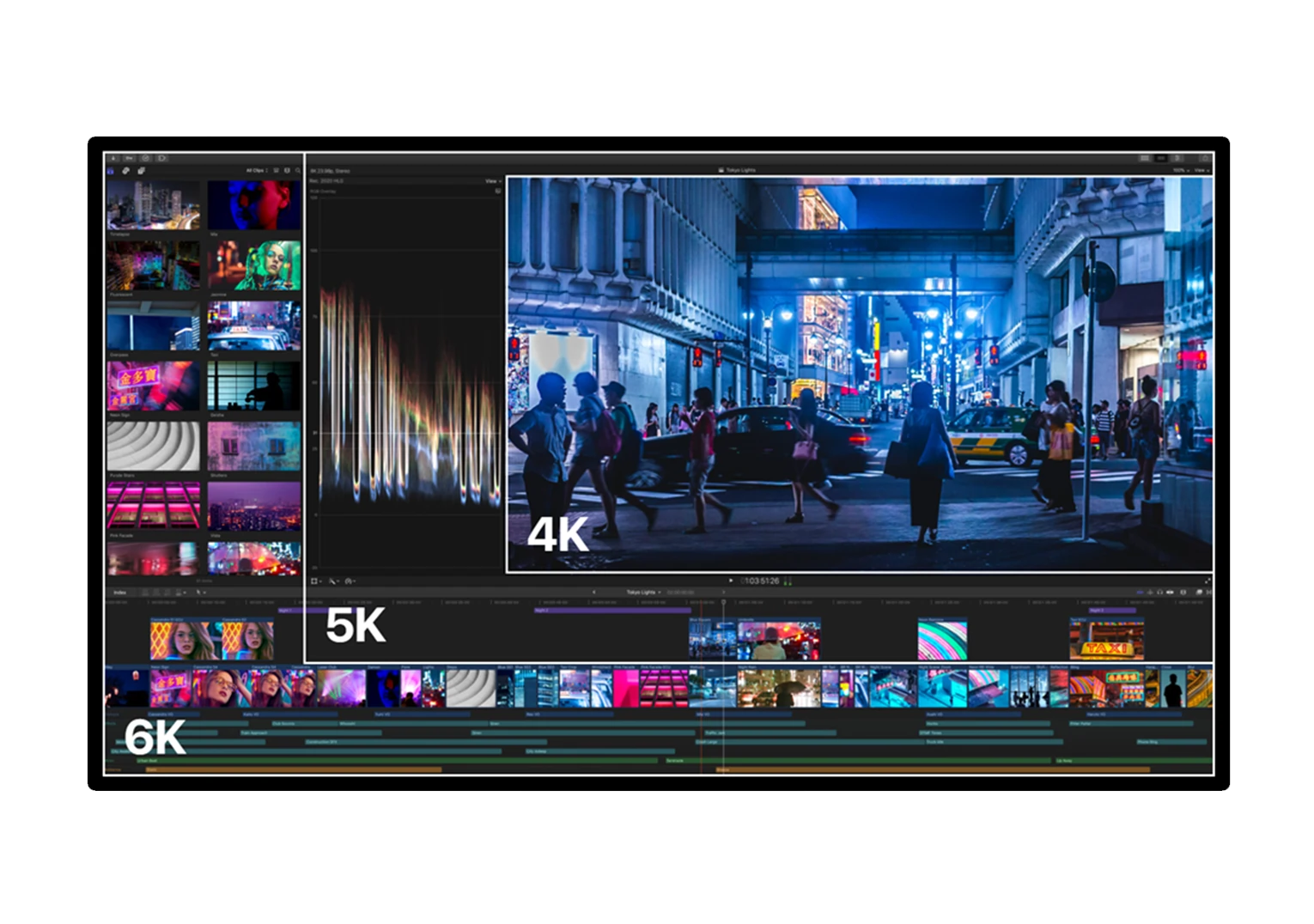
Monitor size is a crucial factor for professional displays and is measured diagonally in inches from the bottom left to the top right corner of the screen. While smaller monitors ranging from 19” to 25” are common in office or basic use, professional video editors, photographers, and graphic designers should opt for monitors that are 27 inches or larger to benefit from the increased real estate and higher resolution necessary for precise colour grading, detailed image work, and efficient multitasking with timelines and tool palettes. Industry-standard professional monitors typically start at 27” with 4K resolution, with larger 32” or 5K/6K screens providing enhanced workspace and visual clarity for high-end workflows. This combination of size and resolution ensures professionals have the clarity, detail, and workspace needed for demanding colour-critical and broadcast workflows
Resolution
Resolution is a critical factor in professional monitors, determining the amount of detail and clarity visible on screen. 4K UHD (3840×2160 pixels) has become the baseline standard for professional creative work, providing four times the pixel density of Full HD and allowing for precise detail in photo editing, video grading, and design. Higher resolutions like 5K (5120×2880) and 6K (6016×3384) are increasingly popular among professionals who require ultra-high resolution for retouching, cinematic workflows, and large-format print proofing, providing even greater pixel density and screen real estate.
While higher resolutions deliver sharper images and allow more workspace for tool palettes and timelines, they also demand more powerful graphics hardware to maintain smooth performance. Professionals should match resolution to both their workflow needs and their system capabilities to ensure optimal clarity without sacrificing responsiveness. Aspect ratio remains important as it affects usable workspace and content framing, with 16:9 dominant but 16:10 and ultrawide options preferred for specialised workflows.
Colour Gamut
Colour gamut is a fundamental for professional displays as it defines the range of colours a monitor can accurately reproduce, which directly impacts visual fidelity and colour accuracy essential for creative work. Professional monitors commonly cover wide gamuts such as 99% sRGB for general accuracy, around 99% Adobe RGB for photography and print workflows, and 95-99% DCI-P3 for digital cinema and HDR content. A wider colour gamut means the display can show richer, more vibrant reds, greens, and blues, improving realism and enabling precise colour grading and retouching.
High-end models also support hardware LUT calibration and 10-bit colour depth (1.07 billion colours) to ensure smooth tonal transitions without banding. Selecting a monitor with an appropriate colour gamut for your workflow - whether web content, print, or film - is critical to producing consistent, accurate results that faithfully translate across all viewing environments and output devices
Connectivity
When choosing a professional display, connectivity is a key factor to consider to ensure seamless integration with your creative workflow. Common connectivity options include HDMI, which is widely supported and delivers high-quality video and audio signals suitable for most applications. SDI, or Serial Digital Interface, is essential for broadcast and live production environments, providing robust, low-latency transmission over long cable runs and supporting industry-standard video formats such as 12G-SDI for 4K HDR signals. Thunderbolt 4 and USB-C have become integral to professional monitors, offering fast data transfer, power delivery, and the ability to carry video, audio, and data over a single cable, simplifying multi-device setups and reducing cable clutter.
When selecting a professional monitor, opting for versatile connectivity options not only ensures compatibility with a wide range of devices - including cameras, workstations, and external peripherals - but also future-proofs your setup for evolving technical standards and workflows. Prioritising these connections will help maintain a smooth and efficient production or post-production environment.
Product Comparison
Use this table to compare key specifications across products or tiers. The feature name column uses the dark feature-name style. Rows can contain plain text, ratings, check/cross symbols, pricing, or linked CTAs — mix and match as needed.
Match your investment to your workflow needs—photo editors, video colourists, broadcast engineers, or GUI-focused creatives.
Prioritize hardware LUT calibration and modern connectivity to future-proof your studio.
Don’t overlook ergonomic features like height adjustment and swivel to reduce fatigue.
This guide aims to help you find your perfect professional monitor, enhancing your creative output and ensuring your final work looks flawless on any platform.
Summary
Choosing the best professional monitor for colour critical work, broadcast, or editing is about matching your workflow with industry-grade features. Whether you need a 4K HDR reference display for grading, an SDI-ready broadcast monitor, or a high-resolution GUI monitor for creativity and productivity, this guide steers you towards the top models for 2025. Take advantage of hardware calibration, wide gamuts, and robust connectivity to future-proof your studio and gain a competitive edge in your projects.
Ready to Buy?
Browse our selection of professional displays to find the perfect fit for your setup.
Here are some common questions and answers to help you find the information you need.
colour critical monitor is specifically designed for tasks where colour precision is paramount, such as photo editing, print proofing, or video colour grading. These monitors offer wide colour gamuts, perfect calibration, and consistent brightness across the panel.
A 27–32" monitor with at least 4K resolution is ideal for balancing screen space and detail clarity, with larger 6K displays advantageous for ultra-high-res retouching or detailed video workflows.
OLEDs offer exceptional contrast and HDR performance, ideal for video grading, but IPS panels provide more consistent colour accuracy and durability, often preferred for colour critical photographic work.
Professional streaming and YouTube content mostly benefit from colour critical monitors. Broadcast monitors are crucial for live TV, OB trucks, and SDI workflows demanding signal analysis and standard compliance.
A: Calibrate monthly or after any environment or hardware changes. Monitors with built-in calibration sensors simplify this process and maintain consistent accuracy.