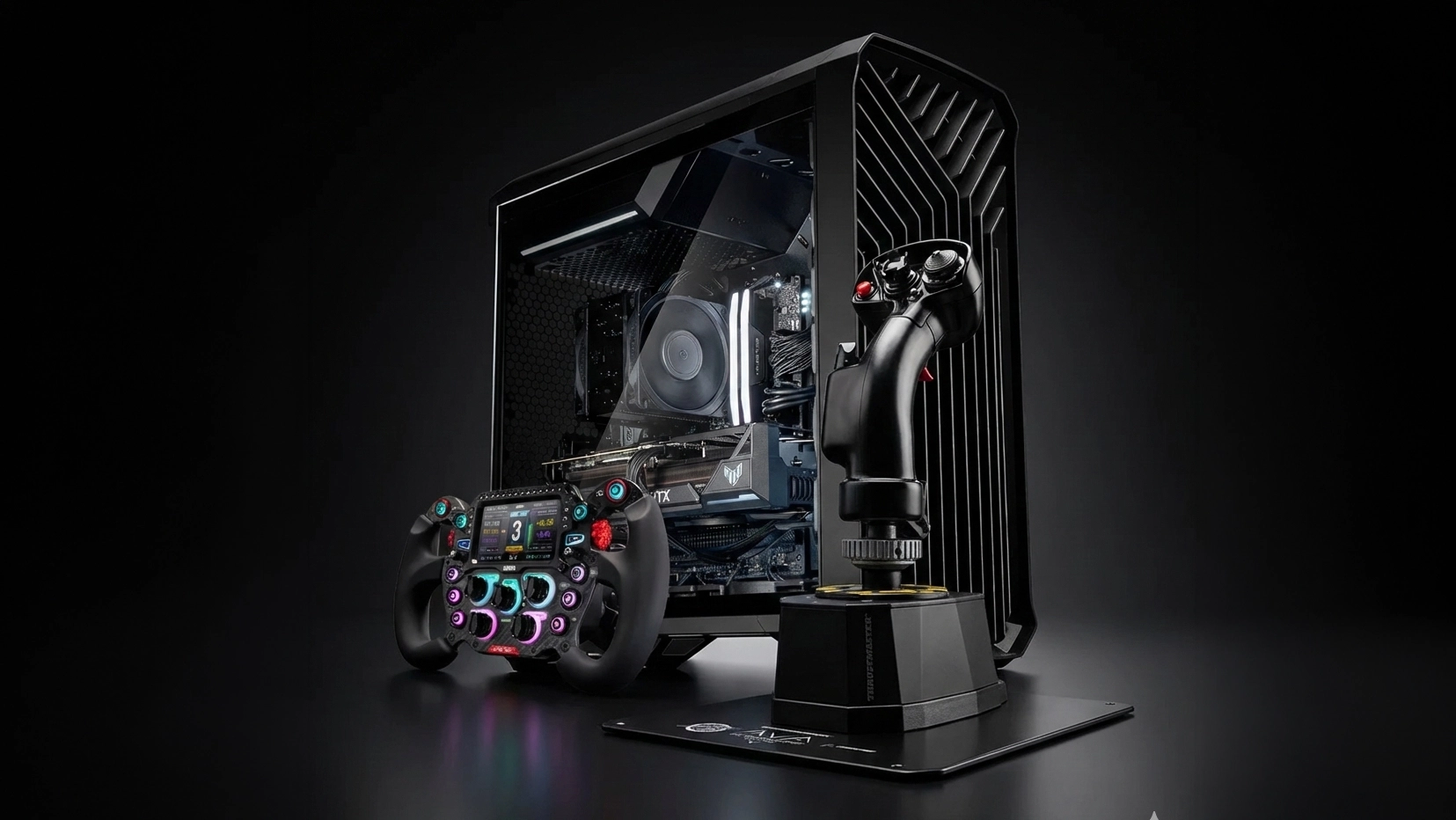
Enhance Your Simulation Experience
While the combination of keyboard and mouse is one of the defining characteristics of PC gaming, specialist hardware can take your racing simulation and flight simulations to the next level, drawing you into virtual worlds. This includes products such as steering wheels, joysticks, yokes, pedals, shifters and cockpits; plus, the ultimate immersive experience, motion simulators.
Simulators Explained
Click the tabs below to explore further.
Racing Simulators
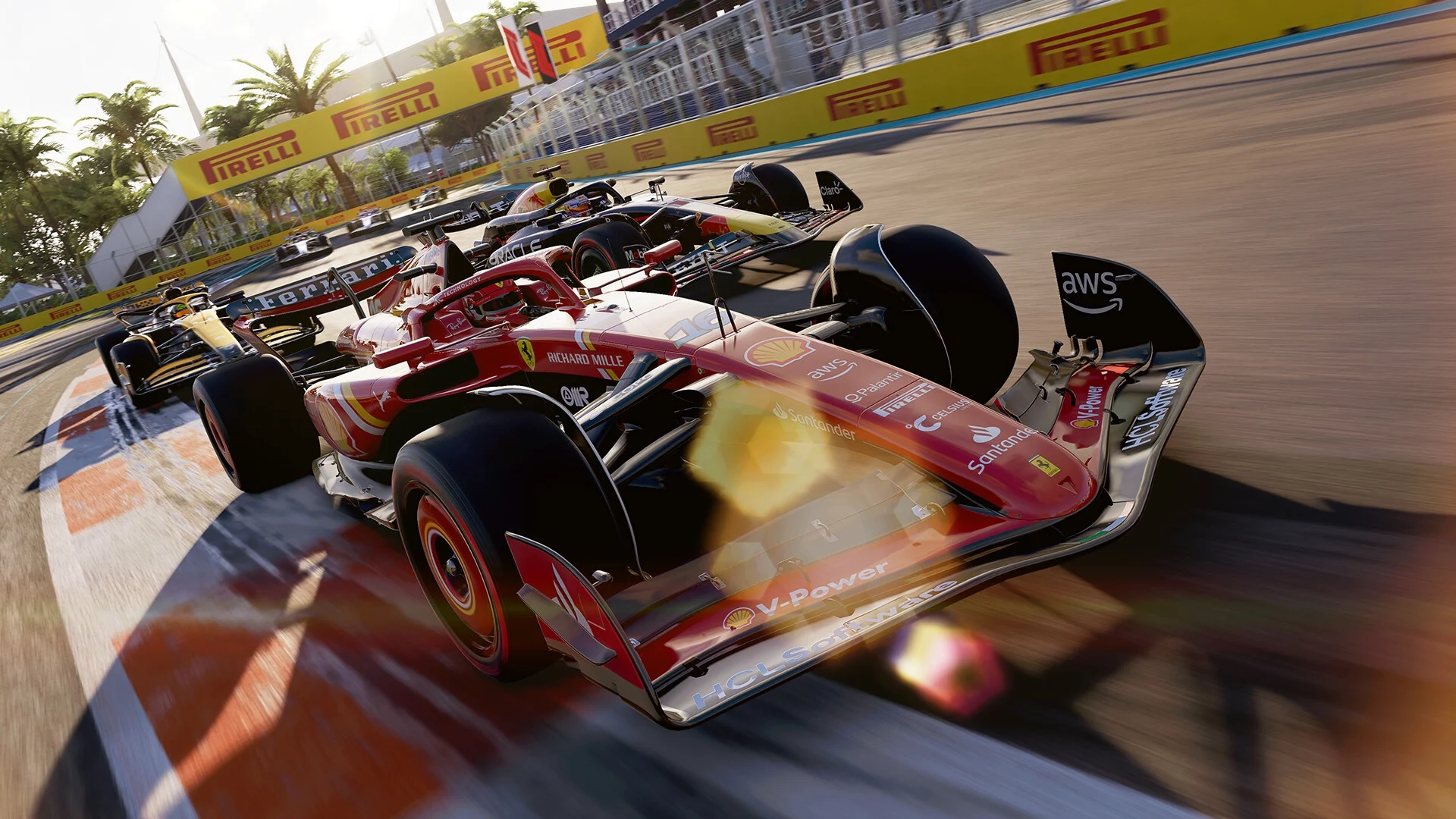
Racing, or driving simulators are not only popular among gamers, but also when combined with a motion simulator and appropriate software are a valuable training tool for professional racing drivers. Read on to discover what you need to know about the key products to improve your simulator experience.
Steering Wheels & Wheel Bases
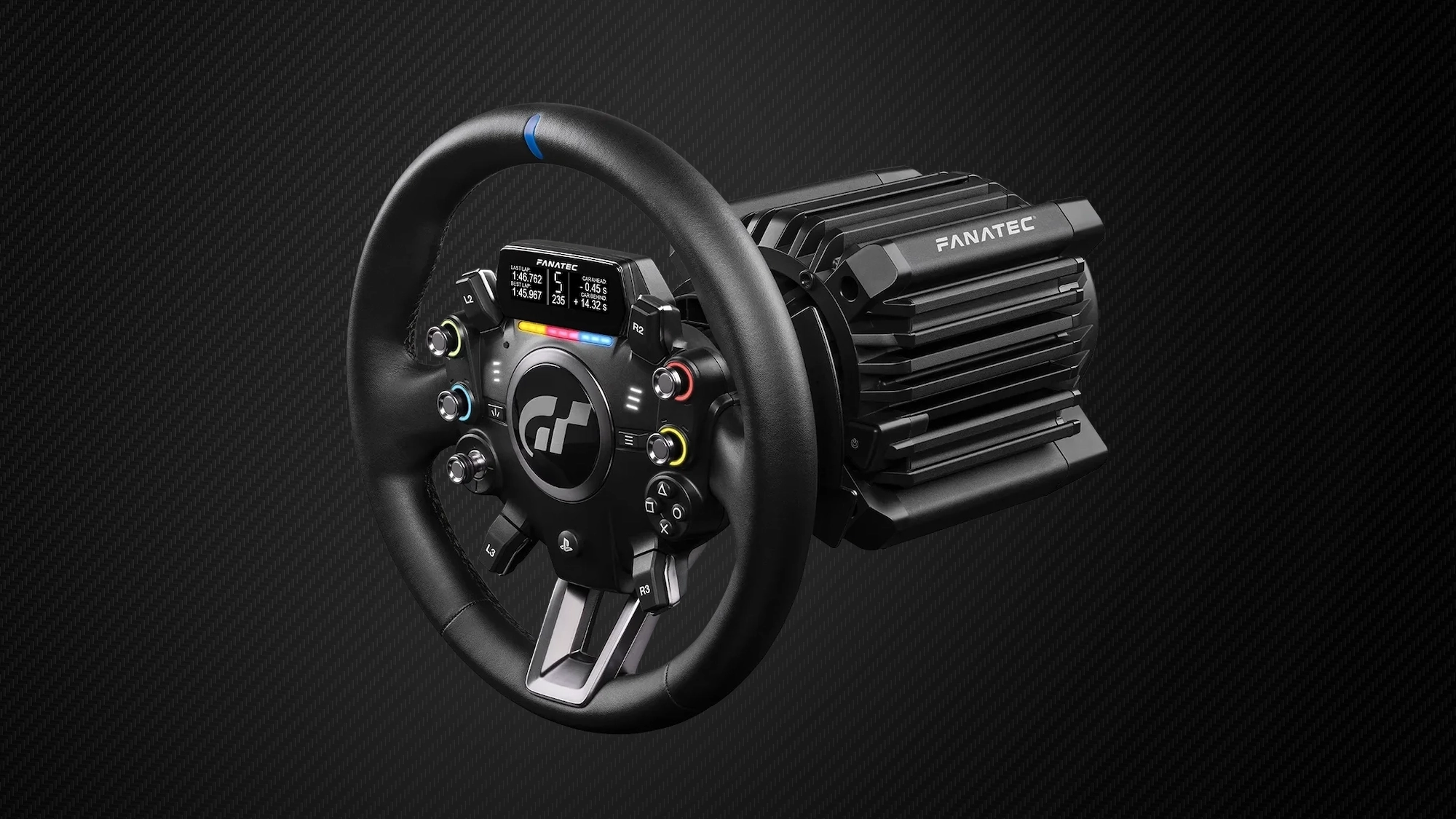
The first and most important component of any racing simulator is the steering wheel, providing far more lifelike and precise directional control than a keyboard and mouse, or gamepad. These are the key characteristics to look out for when choosing a steering wheel.
Force Feedback
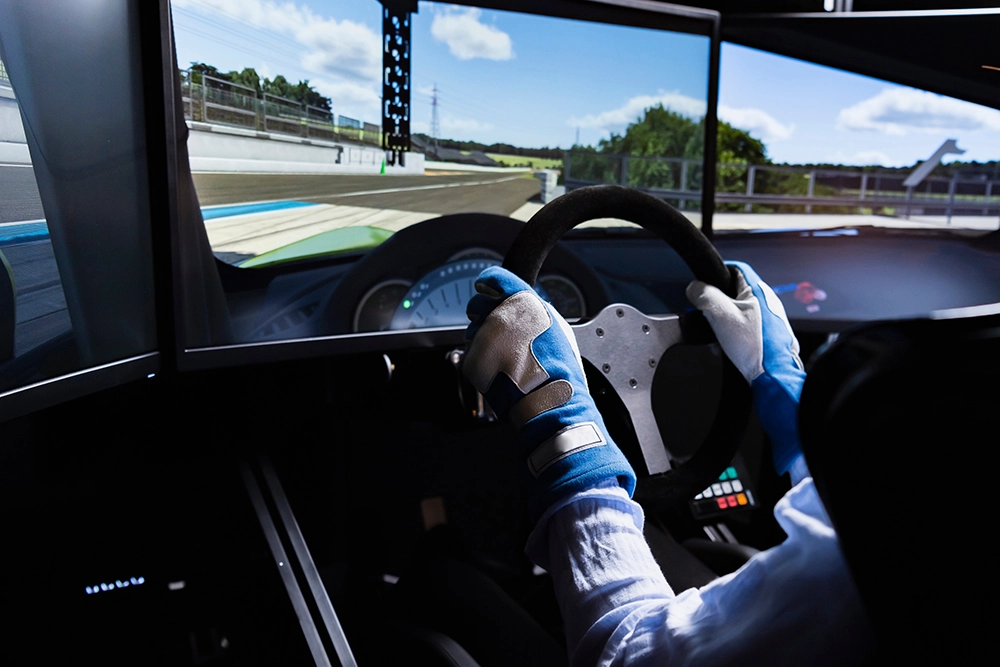
Force feedback is included on all but the most basic wheels, and simulates physical sensations through the wheel such as revving the engine, changes in traction, weight transfer and uneven surfaces. Entry-level force feedback is provided by gear drive wheels which can feel gritty, like you're turning a cog. Belt driven wheels are smoother, but can feel soft. For the best experience, look for a wheel base with a servo motor, also referred to as direct drive, as this will provide precise, instantaneous feedback.

Torque
Torque is the measure of how much resistance a wheel provides. The greater the torque, the faster the wheel will respond to changes in vehicle and the surface you're driving on. Entry-level steering wheels have around 2-3Nm (Newton-metres) of torque, whereas a wheel base with a servo motor could have as much as 30Nm. These also provide more consistent force than gear drive or belt driven wheels, and so will stand better up to longer sessions in the simulator.
Latency
Latency is the speed at which the steering wheel reacts to your inputs and the physics inside the racing simulator, with a lower latency making it easier to maintain control when drifting and other maneuverers.
Gear drive wheels typically have the highest (worst) latency, belt drive wheels a little less lag and servo motor wheels the least lag (best).
Depending on your budget, and how much realism you desire, there are two main types of steering wheel to choose between - an all-in-one steering wheel or a wheel base and wheel.
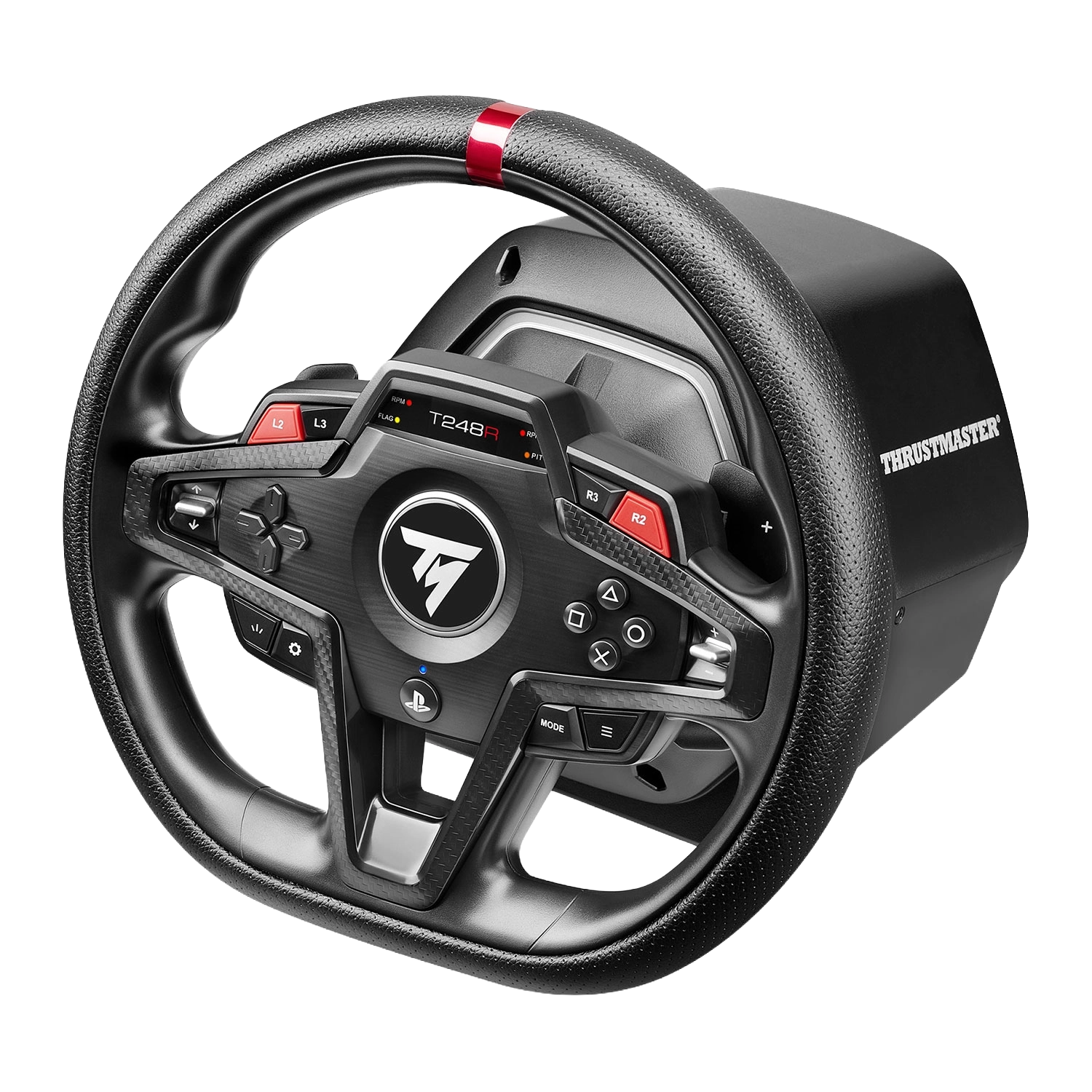
All-in-one Steering Wheels
Although you can get entry-level wheels for around £80, these lack any force feedback and so are only really suitable for children.
The recommended starting point for an adult racing sim wheel with belt driven force feedback is around £250, scaling all the way up to around £500 for one with servo motor direct drive. At the higher end of this price bracket some wheels are swappable, although you have limited flexibility and will have to stick with that brand.
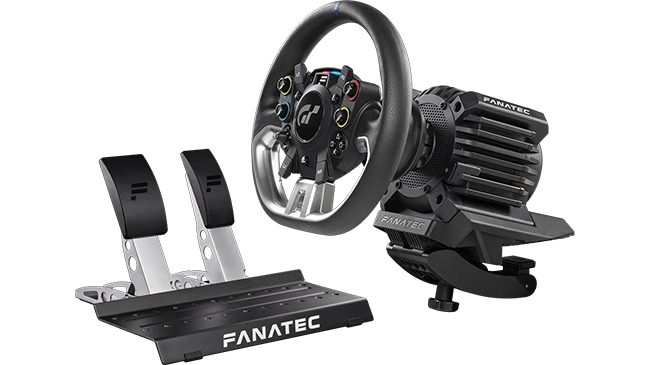
Wheel Bases & Steering Wheels
Your other option is to buy a wheel base with a direct drive servo motor and a separate steering wheel. Buying these two components will set you back at least £600, scaling all the way up to £4,000, but they provide a superior driving experience as detailed in the table below.
Going down this route also allows you to swap wheels to simulate different vehicles, such as swapping between rally and F1 wheels.
Now you understand about the different types of wheel, here's how they impact your racing experience.
| Entry-level ~ £80 |
Mid-range ≥ £250 |
High-end ≥ £600 |
|
|---|---|---|---|
| All-in-one Steering Wheels | All-in-one Steering Wheels | Wheel Bases & Steering Wheels | |
| Pros |
|
|
|
| Cons |
|
|
|
Shop all-in-one Steering Wheels
Get started with belt driven force feedback at a great price. Browse our selection of all-in-one steering wheels now.
Shop Now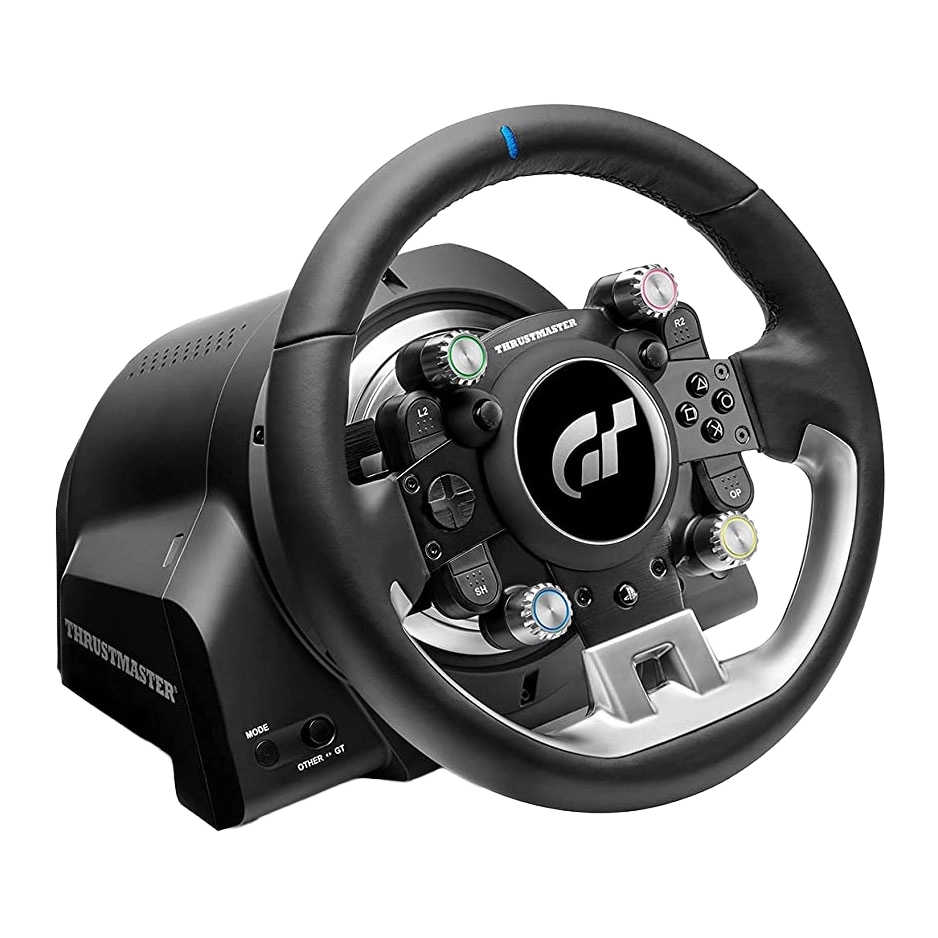
Shop Wheel Bases & Steering Wheels
For the ultimate racing experience, shop our selection of wheel bases with direct drive servo motors and separately steering wheels now.
Shop Now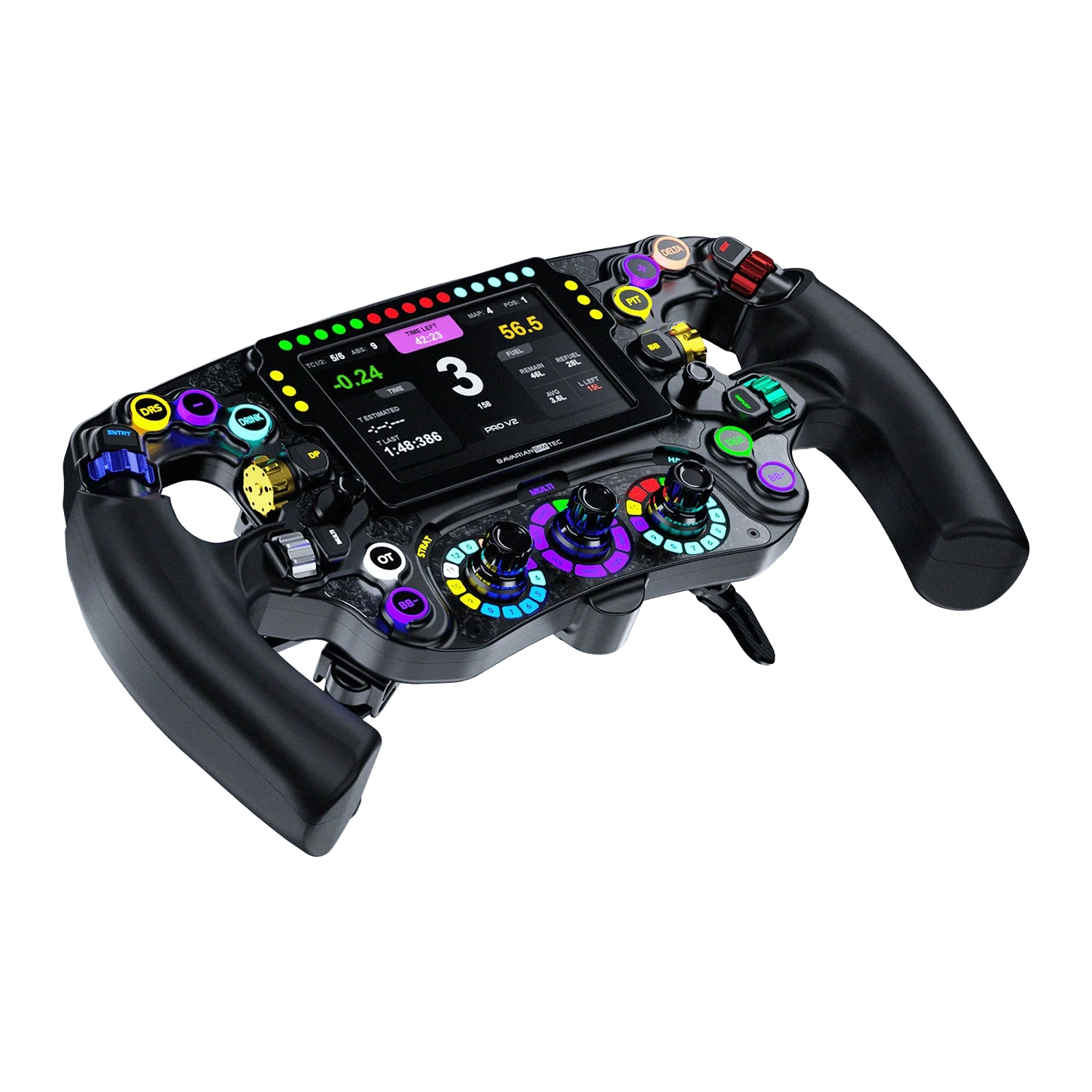
Racing Simulator Pedals
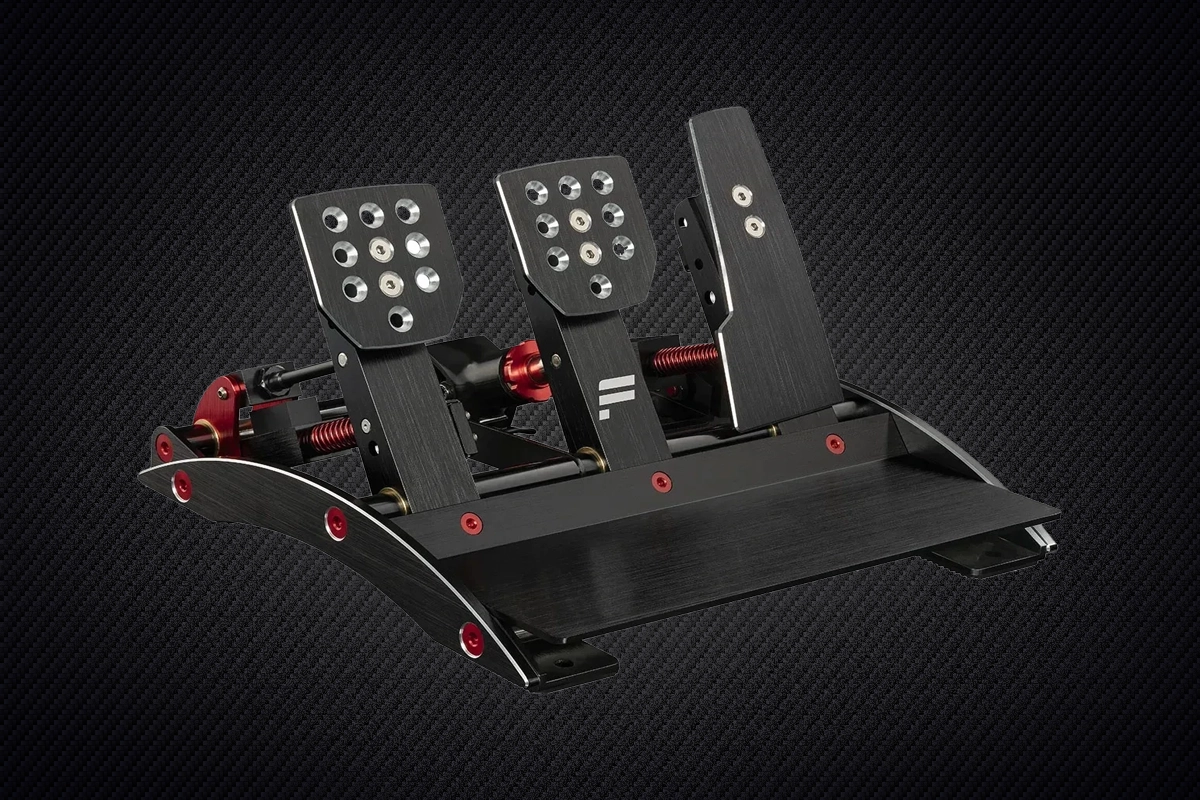
As with steering wheels, pedals are an essential add-on for any realistic driving experience, helping you accurately accelerate, brake and use the clutch compared to using a keyboard or gamepad. As already mentioned, many all-in-one steering wheels are bundled with a set of pedals, these are typically entry-level pedals with basic features, and a good choice when starting racing, but you'll get more features and better build quality when buying separate pedals. These are the key characteristics to look out for when choosing pedals.

Sensors
There are three main types of sensors used in pedals. The first and cheapest type uses a potentiometer - a sensor with variable resistance that measures the position of the pedal, interpreted by the simulation as braking force. Load cell pedals detect the amount of force you are applying and provide resistance accordingly, thus offering better realism. Hall-effect sensors work by measuring the distance between a magnet and the sensor itself which is then converted into an electrical signal and interpreted by the simulation as braking force.
Number of Pedals
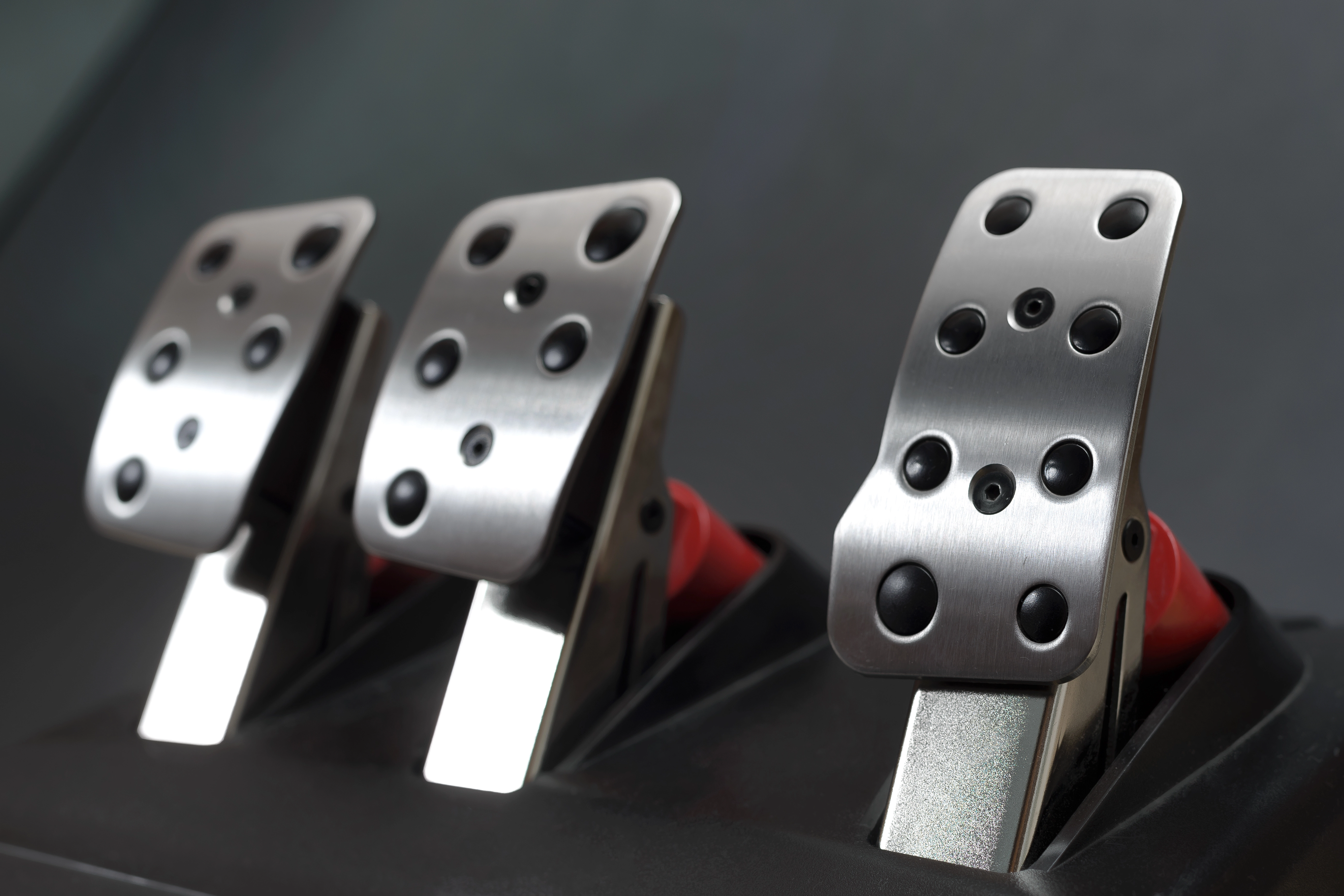
It may sound obvious, but it's also important to consider how many pedals you need as some sets include two pedals and some three. This is largely a personal decision, depending on how you like to change gear, and what vehicle you are simulating.
At the very high end of the market, such as Simucube pedals, you don't have to make an either-or decision. These pedals are sold individually, so you can swap between two- and three-pedal configurations at will depending on what you're driving.

Adjustability
Most pedals, even entry-level models, enable you to adjust the amount of pressure you feel when pushing down on the pedal, and travel length, typically by swapping springs or using adjustment notches.
At the very high end of the market, such as Simucube pedals, have force feedback and are software defined, enabling you to adjust every aspect, such as pressure, travel length, damping and friction using a Windows application. You can also use this to set profiles for specific vehicles in different simulations.
| Entry-level ~ £80 |
Mid-range ≥ £250 |
High-end ≥ £600 |
|
|---|---|---|---|
| Cost |
← LOWER HIGHER → |
||
| Sensor | Potentiometer | Load cell | Hall-effect |
| Materials | Plastic | Metal | Metal |
| Adjustment | Hardware | Hardware | Hardware / Software |
| Force feedback | close | close | check |
Shop Racing Pedals
Upgrade your braking and throttle control with responsive racing pedals. Explore our range of pedal sets to match your budget now.
Shop Now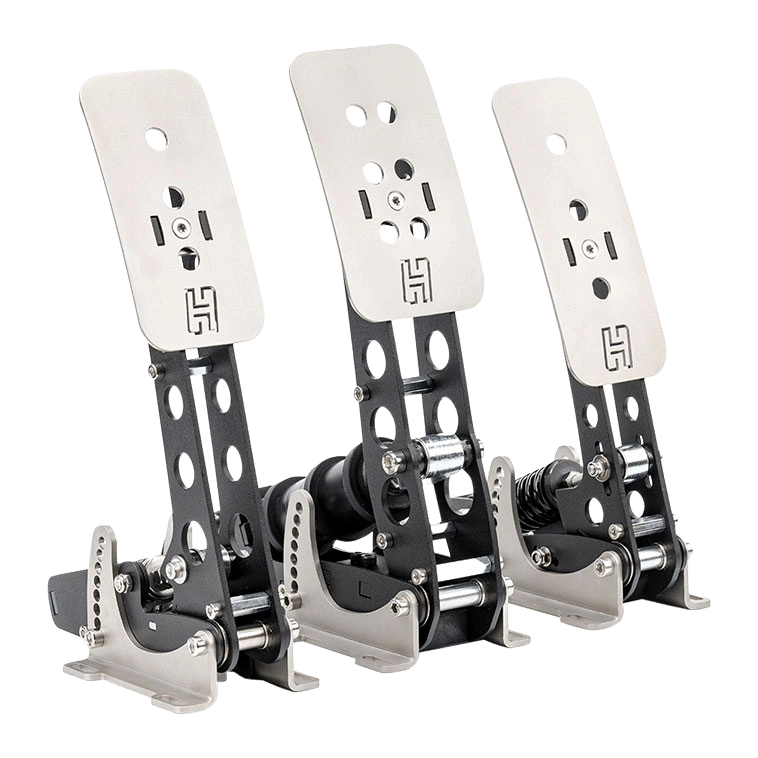
Racing Simulator Shifters / Gear Sticks
Shifters, also known as gear sticks, provide one of two ways to change gear, the other being using paddles mounted onto the steering wheel. Which is right for you is largely down to personal preference and what vehicles you are simulating.
Most shifters operate using the same H-pattern way as in a manual car, meaning you need to move the shifter lever around a gate in a forwards/backwards/left/right motion or a sequential pattern, using a simple forwards/backwards motion to move between the gears.
SHOP NOW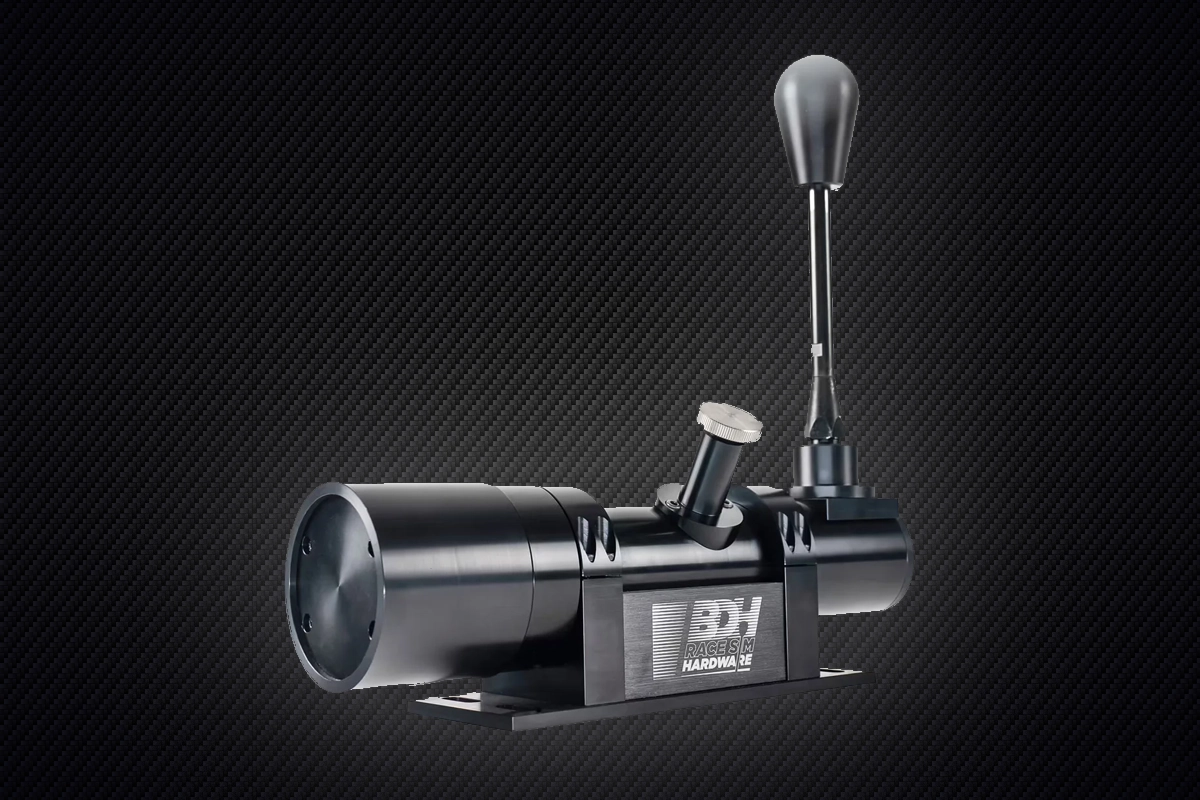
Racing Simulator Hand Brakes
Hand brakes are an essential addition for rallying and drifting, but are less relevant for other styles of racing. They typically use load cell or Hall-effect sensors to detect movement of the stick. Like high-end pedals, most hand brakes are fully adjustable, enabling you to dial in your drift by setting the tension, angle and stick travel to your liking.
SHOP NOW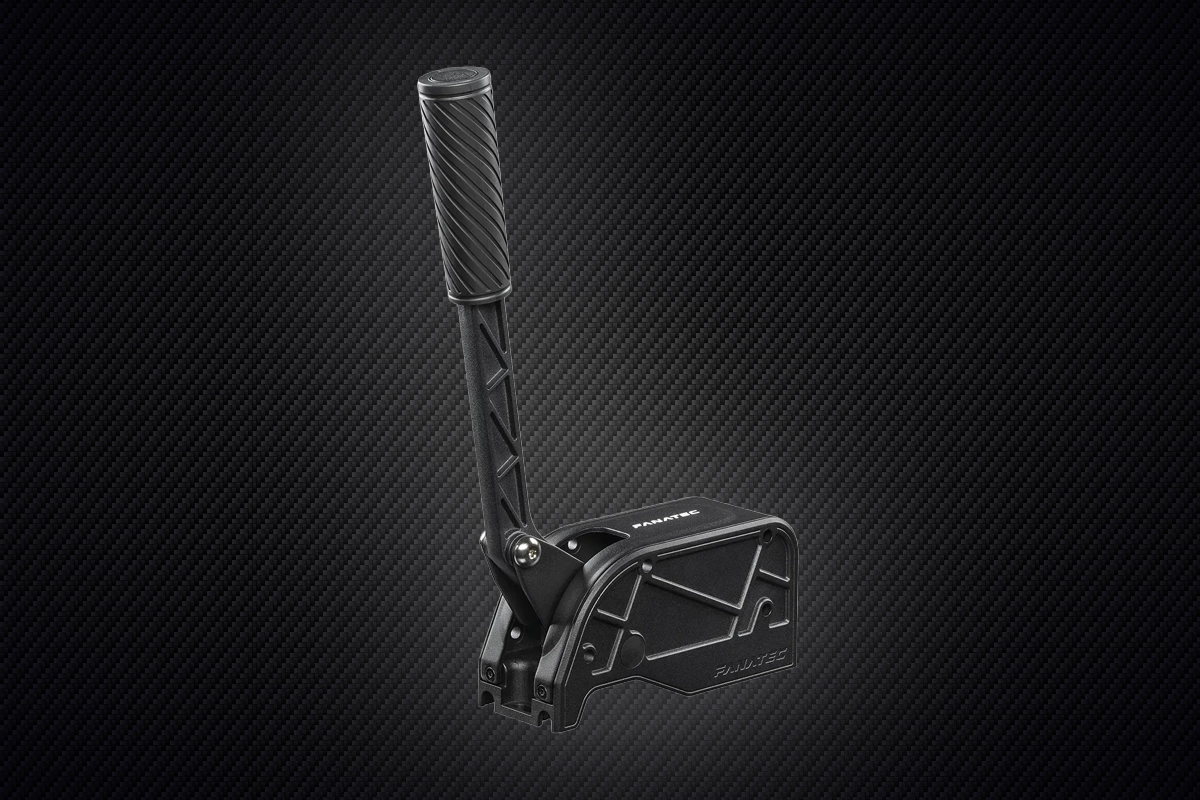
Racing Simulator Cockpits
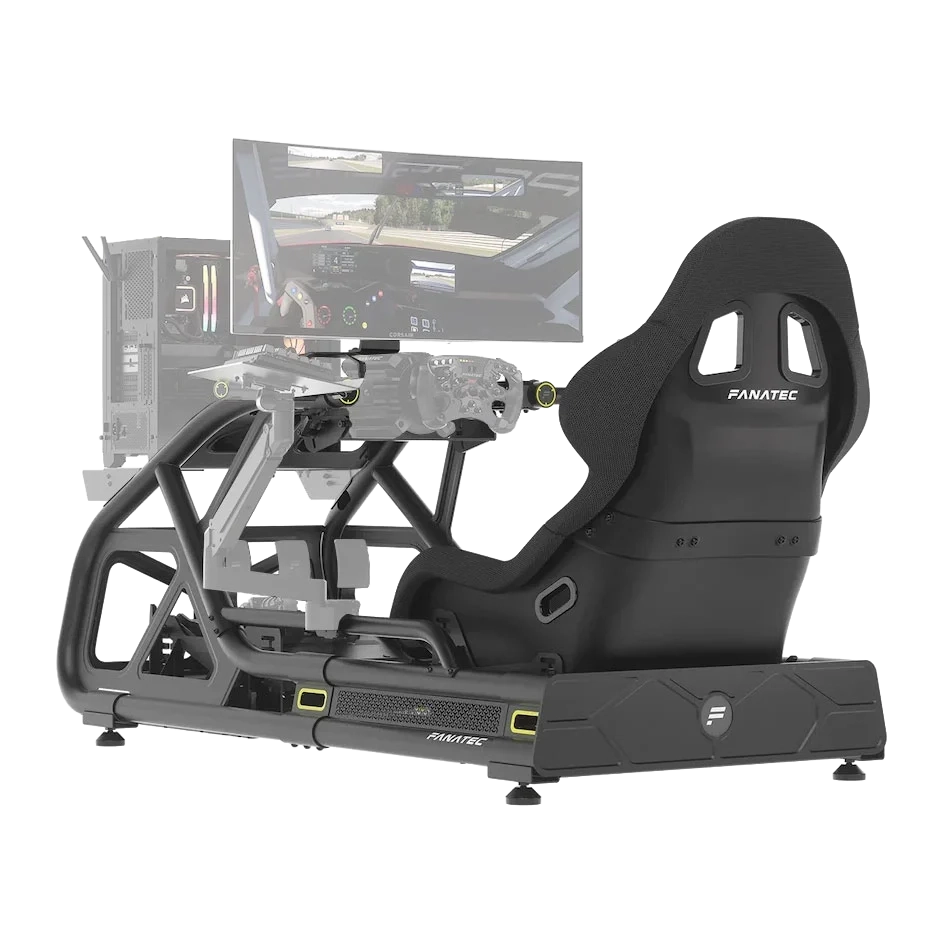
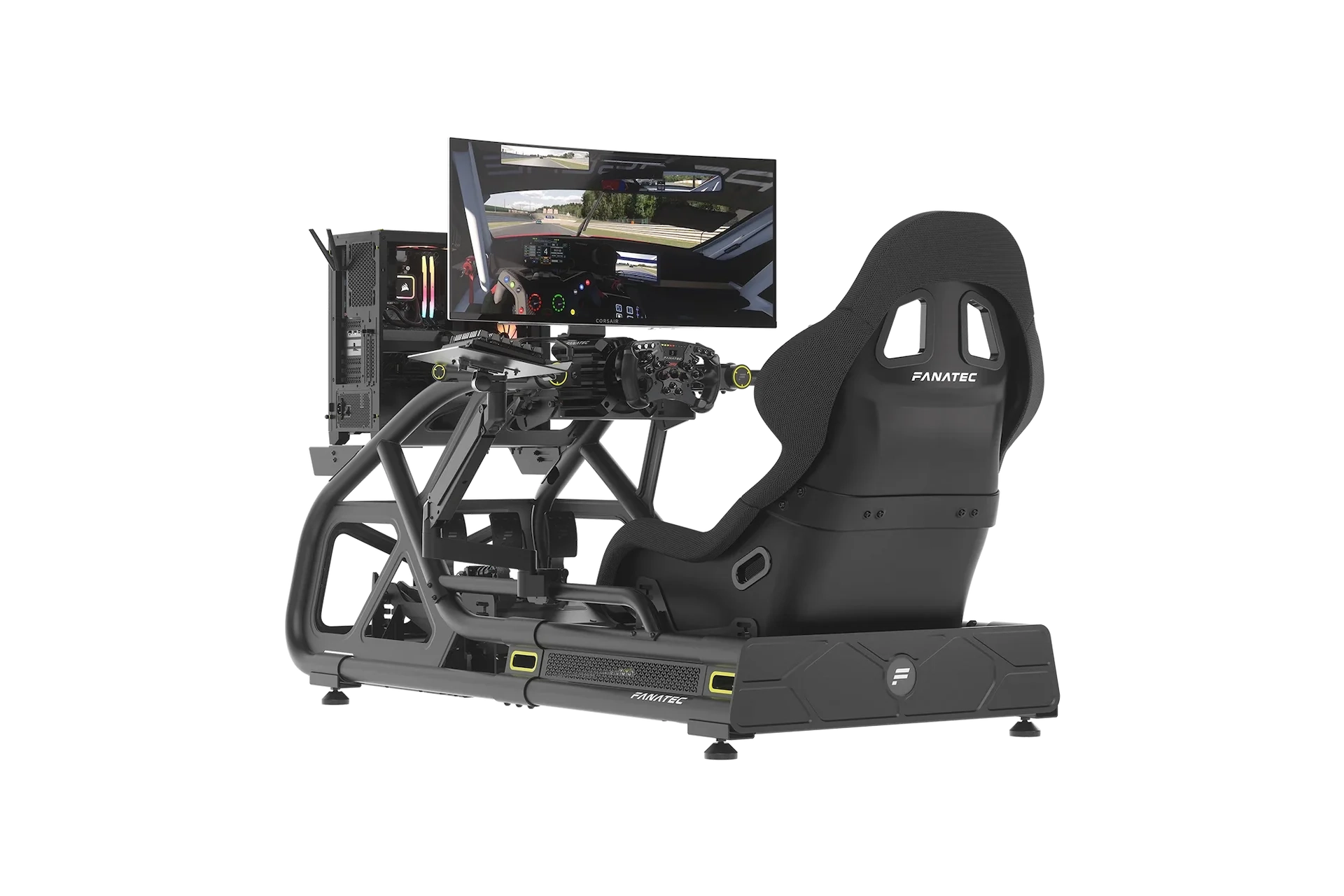
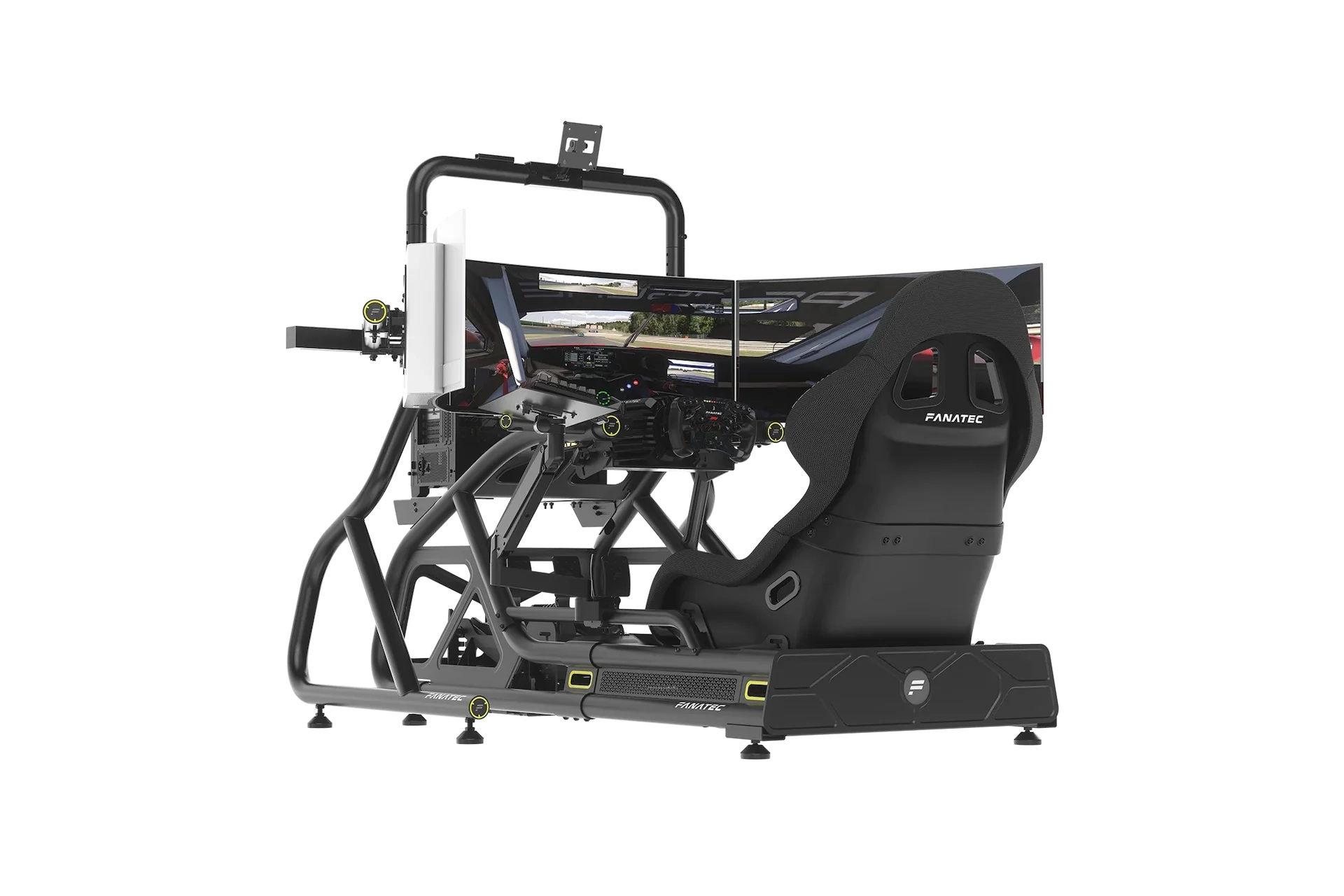
Once you've invested in all the aforementioned controllers, cockpits up the immersion of your racing simulation by making you feel like you're really there. Rather than mounting the steering wheel, pedals etc to a desk or dining table, cockpits have mounts which enable you to position these peripherals at the same height and angle as in a real car.
When choosing a cockpit it's important to check what controllers it is compatible with, and like just when shopping for a gaming chair, how adjustable it is for different size bodies.
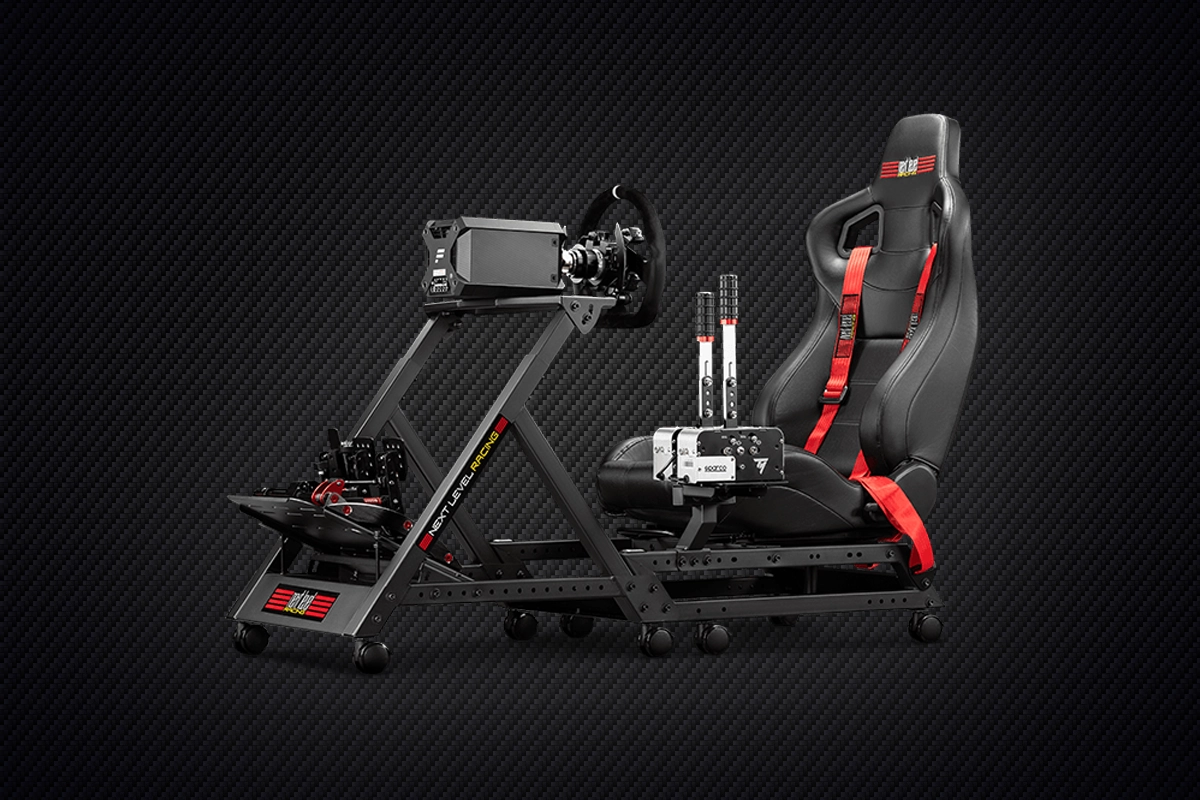
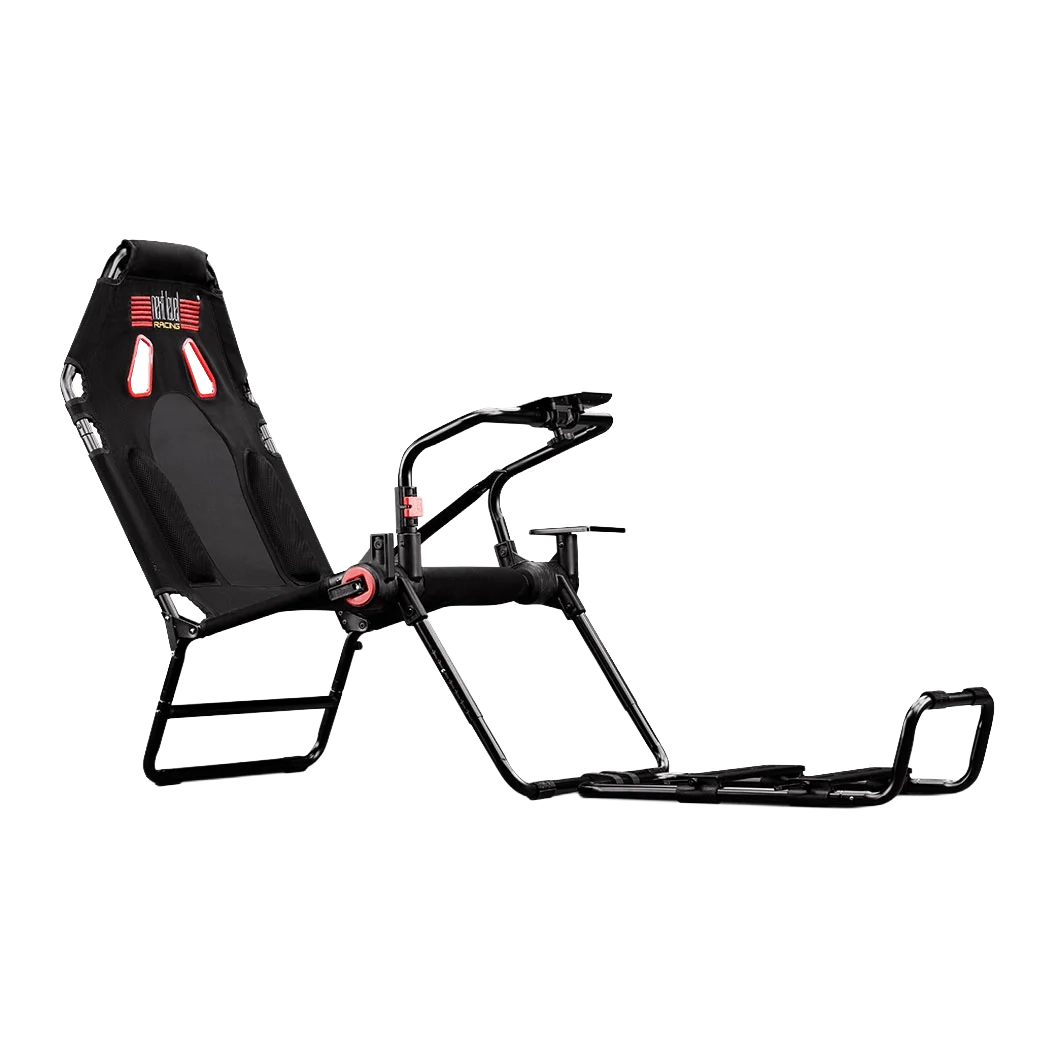
Entry-level cockpit
High-end cockpit
Entry-level racing cockpits are little more than a chair with a lightweight frame for mounting a steering wheel, although they do fold away to take up much less space when not being used. In contrast, higher-spec cockpits have extra features such as VESA mounts for monitors, more adjustability and integrated cable management. On some models you can even specify what chair you want.
For the ultimate in immersion, you can also get motion cockpits that move around, providing the physical sensations of racing.
Shop Racing Sim Cockpits
Complete your racing setup with a dedicated cockpit. Browse our selection of racing sim cockpits for an immersive experience.
Shop Now
Shop Racing Sim Seats
Upgrade your cockpit with premium racing seats for enhanced comfort and realism during long racing sessions.
Shop Now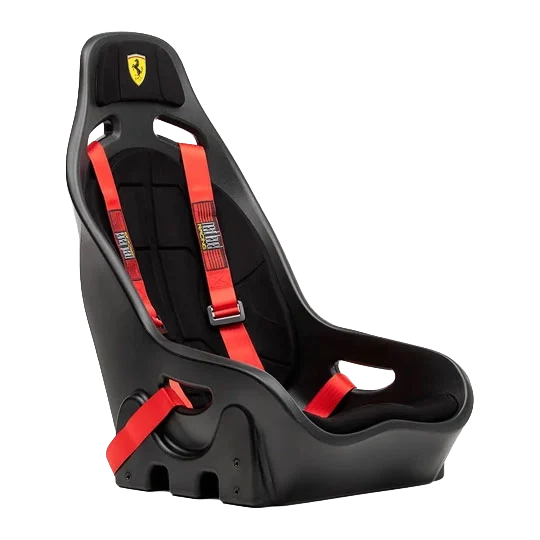
Racing Simulator Accessories
As should already have become apparent, racing simulators are highly customisable, from a few hundred pounds to tens of thousands of pounds. As such, there is also a wide variety of accessories available to customise your setup even further. Here is a small selection of what you can choose from.
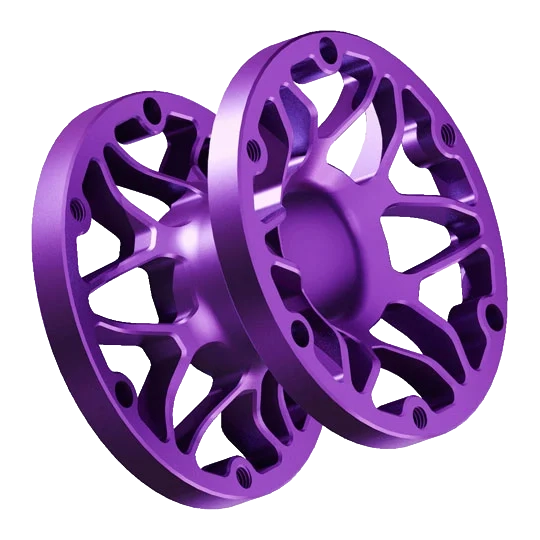
Different length spacers to customise the distance of the steering wheel from the cockpit.
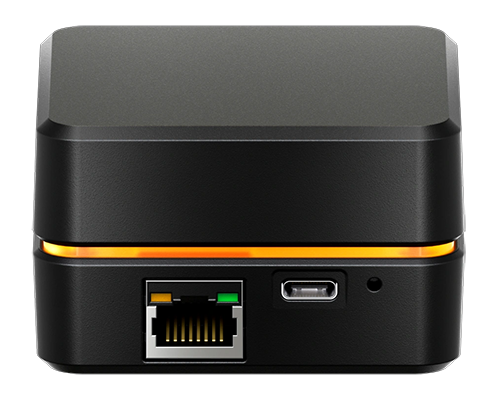
Hubs for connecting controllers to your PC using Ethernet rather than USB.
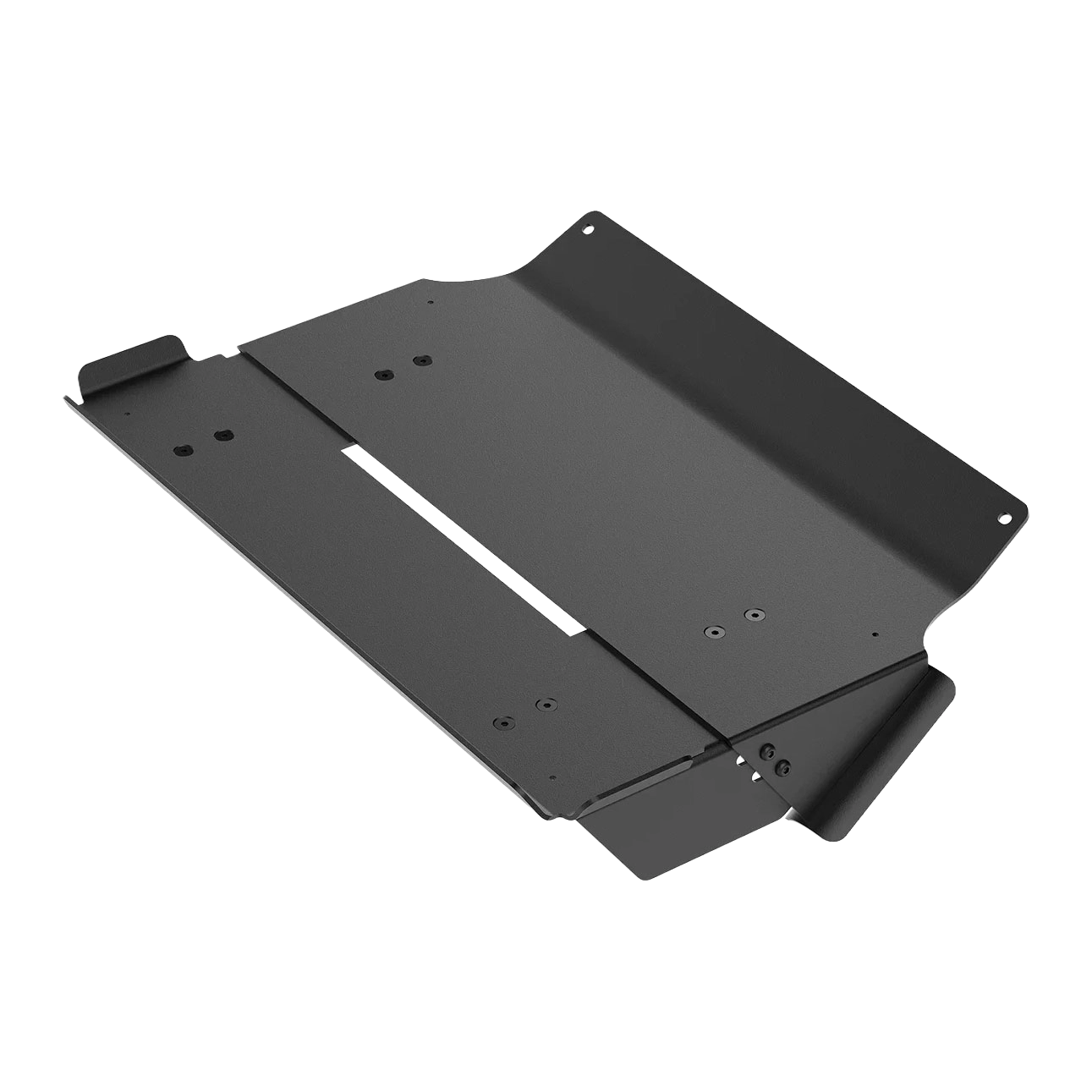
Cockpit-mounted trays so your keyboard and mouse can be within arm's reach.
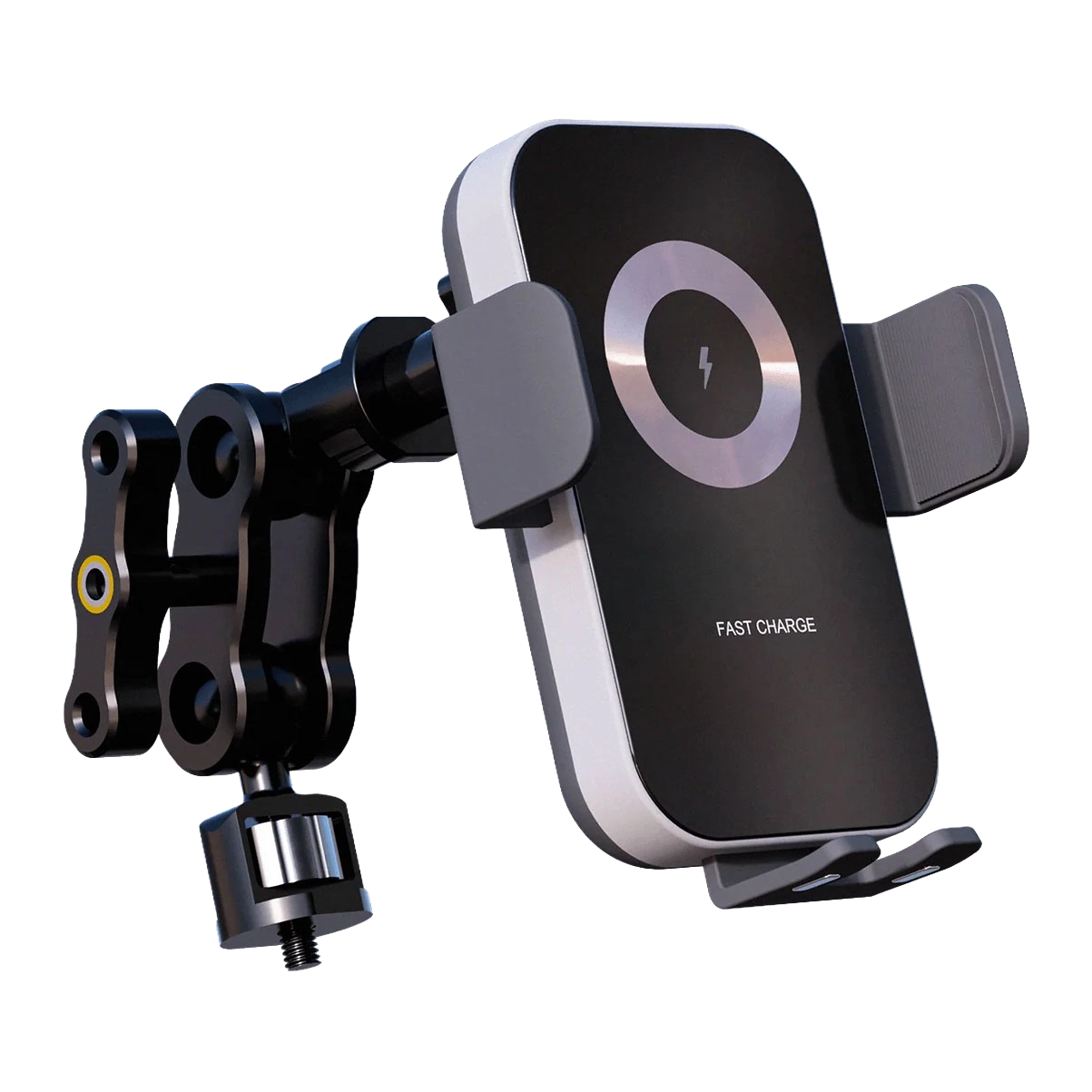
Smart phone holders to mount in the cockpit.
Elgato Stream Deck
We also highly recommend adding an Elgato Stream Deck to your simulator. This family of controllers has multiple buttons, each with its own display, that can be programmed for a wide variety of useful functions in racing sims such as traction control, engine management and wipers without having to reach for the keyboard.
SHOP NOW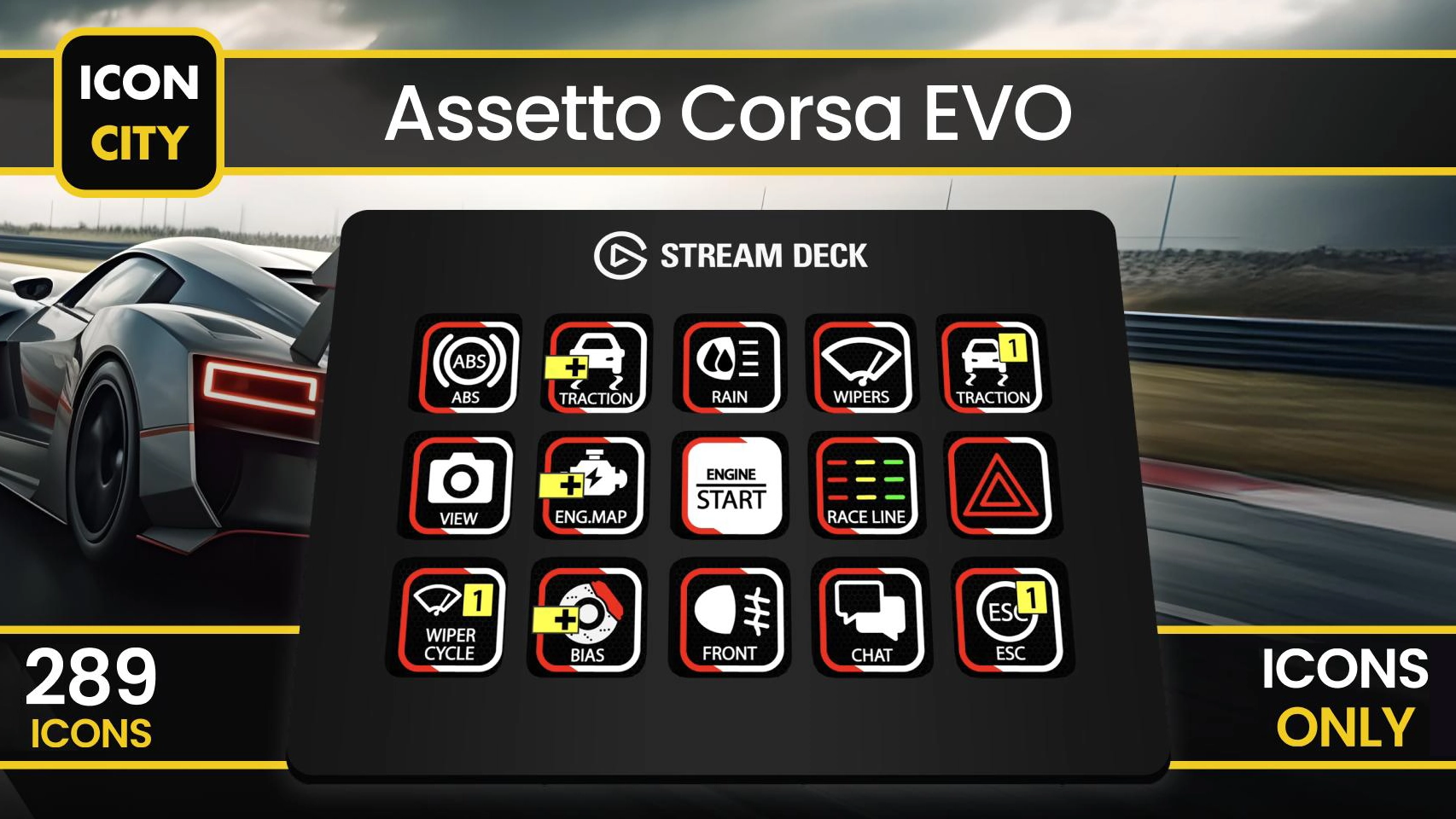
Racing Simulator PCs
A fast and powerful gaming PC is essential for providing a smooth framerate and realistic physics in your chosen simulations. Our in-house team of experts, 3XS Systems, has been building gaming PCs for more than 20 years. We know which components are the fastest and most reliable, and how to fine-tune and combine them for the ultimate simulator experience.
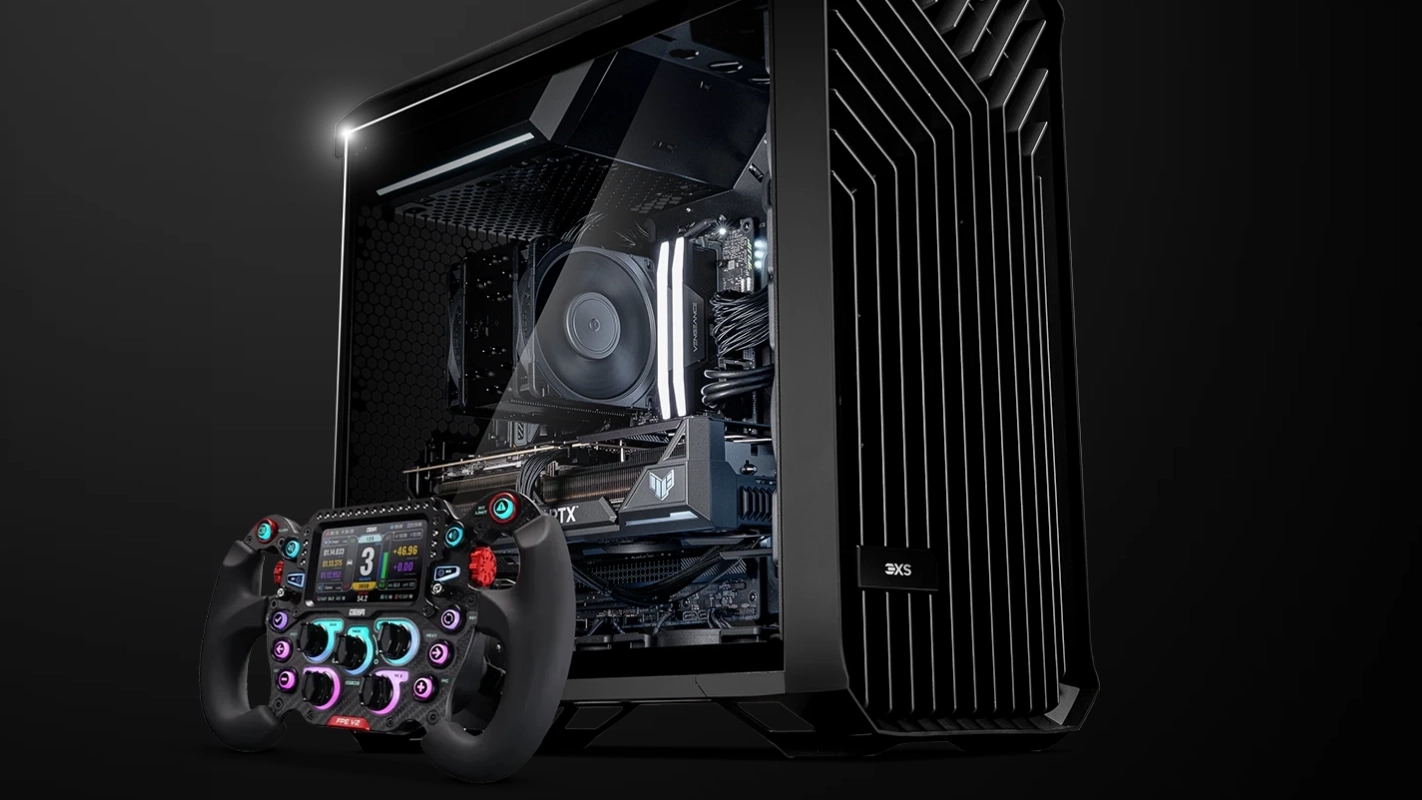
Gaming PC Buyers Guide
Power your racing simulator with a high-performance gaming PC. Discover the perfect components for smooth framerates and realistic physics.
Read More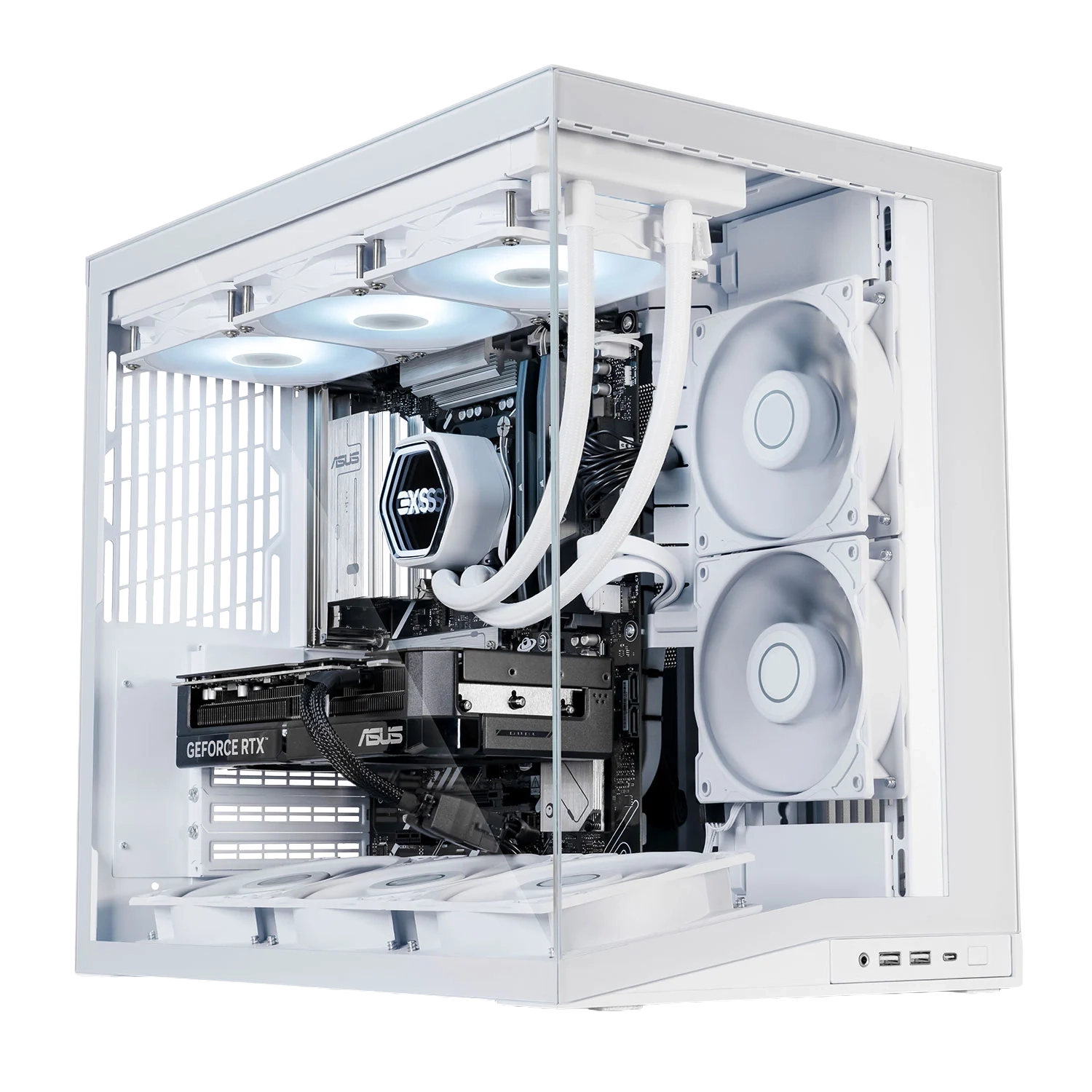
Shop 3XS Simulator PCs
Experience unparalleled performance with our custom-built 3XS gaming PCs, expertly configured for the ultimate racing simulation experience.
Shop Now
Racing Simulator Displays
When planning on building a racing simulator you also need to give some serious thought to how you're going to display the simulation. The type of display(s) used not only impact how immersive the simulation is, but also what sort of cockpit and accessories will be required to mount everything together. Your three principle options are:

Entry-level
Single Monitor / TV A single monitor or TV is the starting point for a racing simulator. An ultra-wide monitor will make it easier to spot cars passing you in your side mirrors.
Mid-range
Triple Monitors A triple monitor setup provides even more immersion than a single monitor, with one central screen plus two on either side to expand your peripheral vision.
High-end
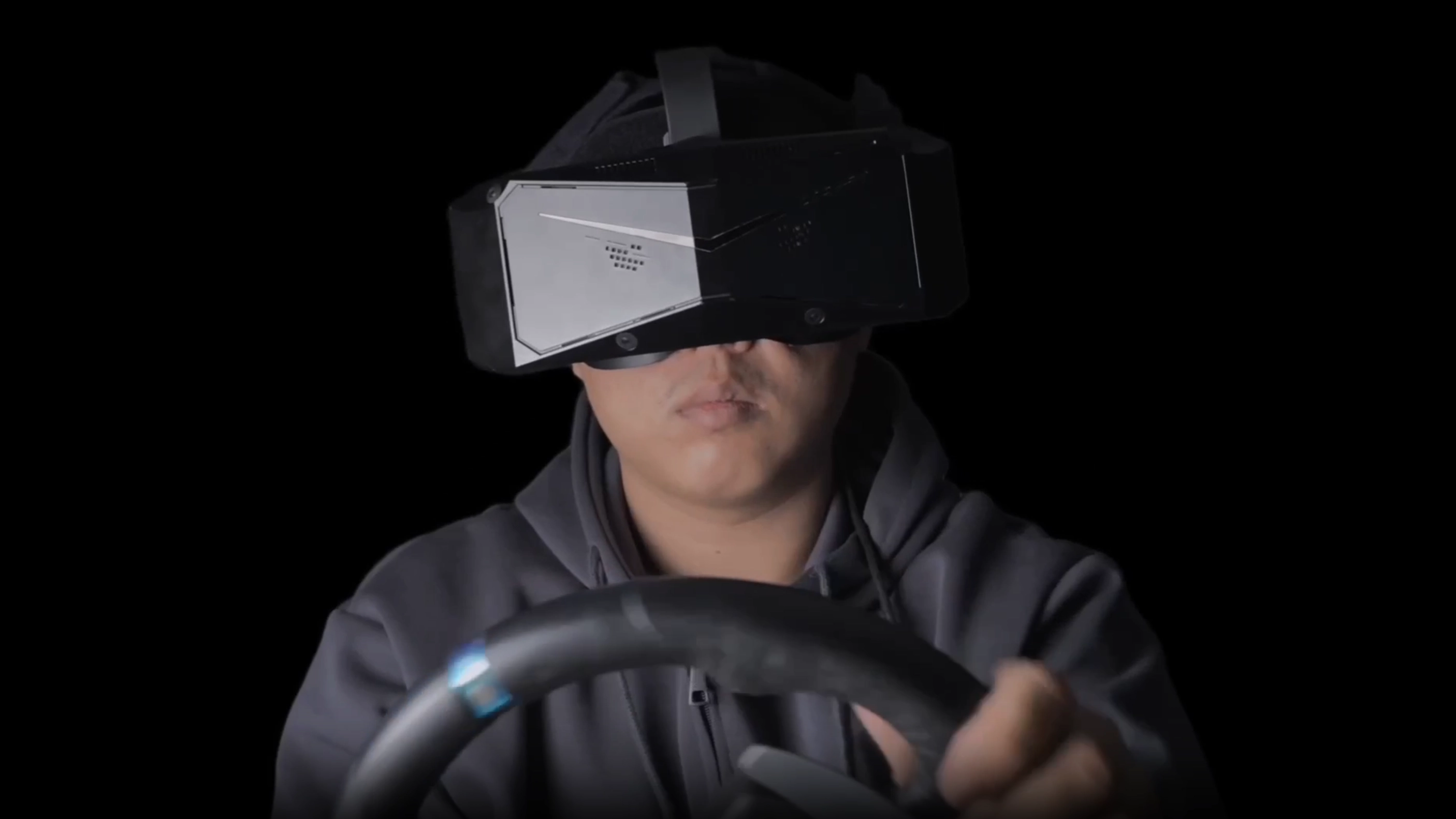
VR A VR headset draws you into a simulator in a way that no monitor can, especially when combined with a motion simulator. The latest VR headsets include passthrough cameras, enabling you to view your controllers and the virtual world at the same time.
Monitor Buyers Guide
Choose the perfect display for your racing setup. Learn about single monitors, ultra-wide displays, and triple-monitor configurations.
Read More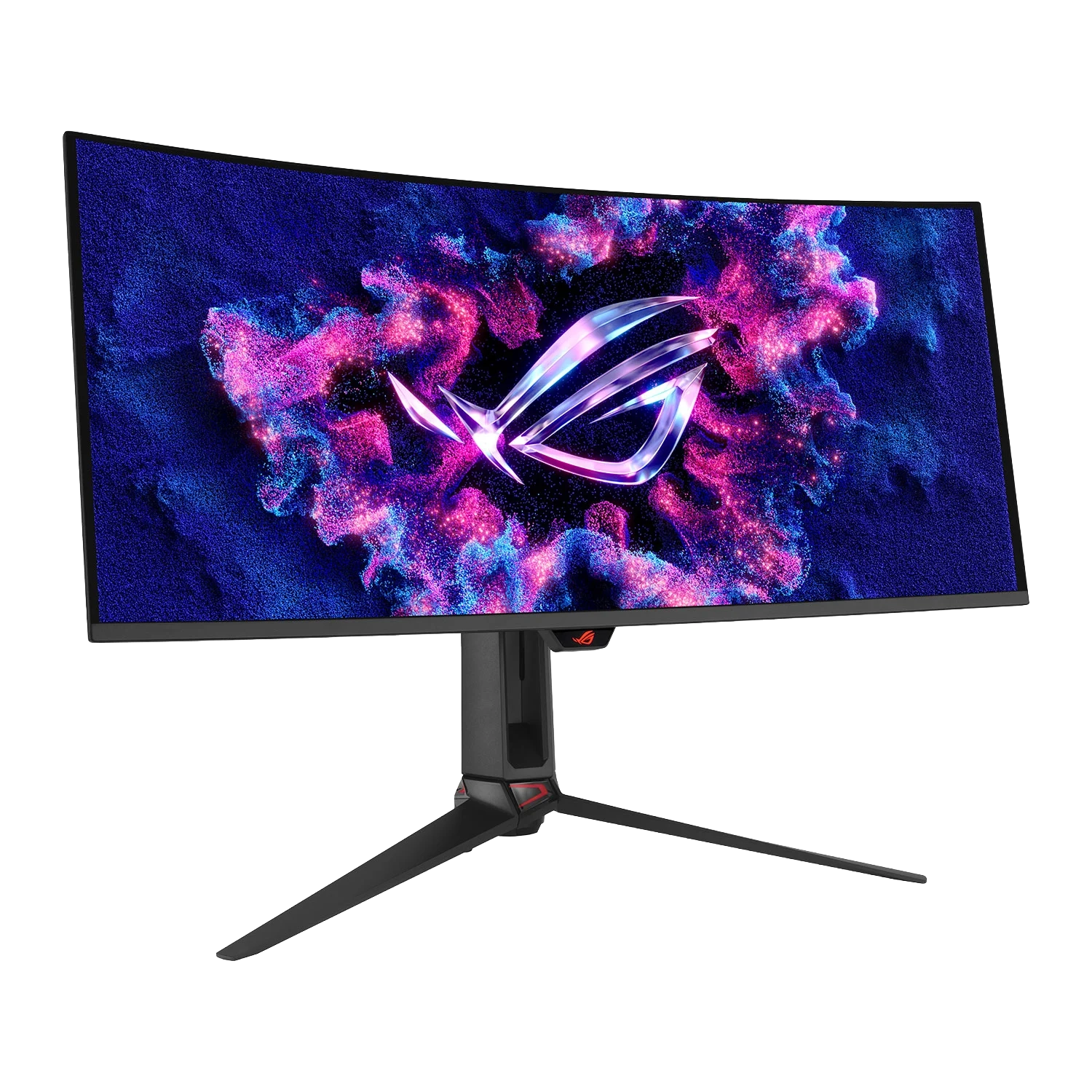
VR Buyers Guide
Explore immersive VR technology for the ultimate racing simulator experience and discover which headset suits your needs.
Read More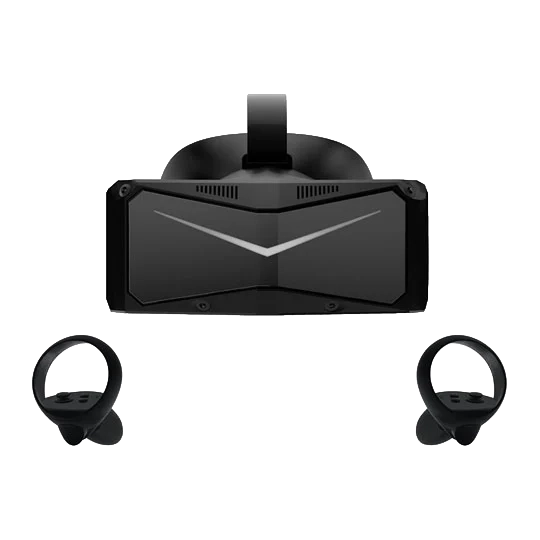
Complete Racing Simulators
If you don't fancy building your own our expert 3XS Systems engineers can custom build a racing simulator for you, they can even install and calibrate it at your home or work. The range starts with static racing simulators, comprising the same key components detailed in this guide, plus one of our award-winning 3XS gaming PCs and monitor(s).
SHOP NOWFlight Simulators
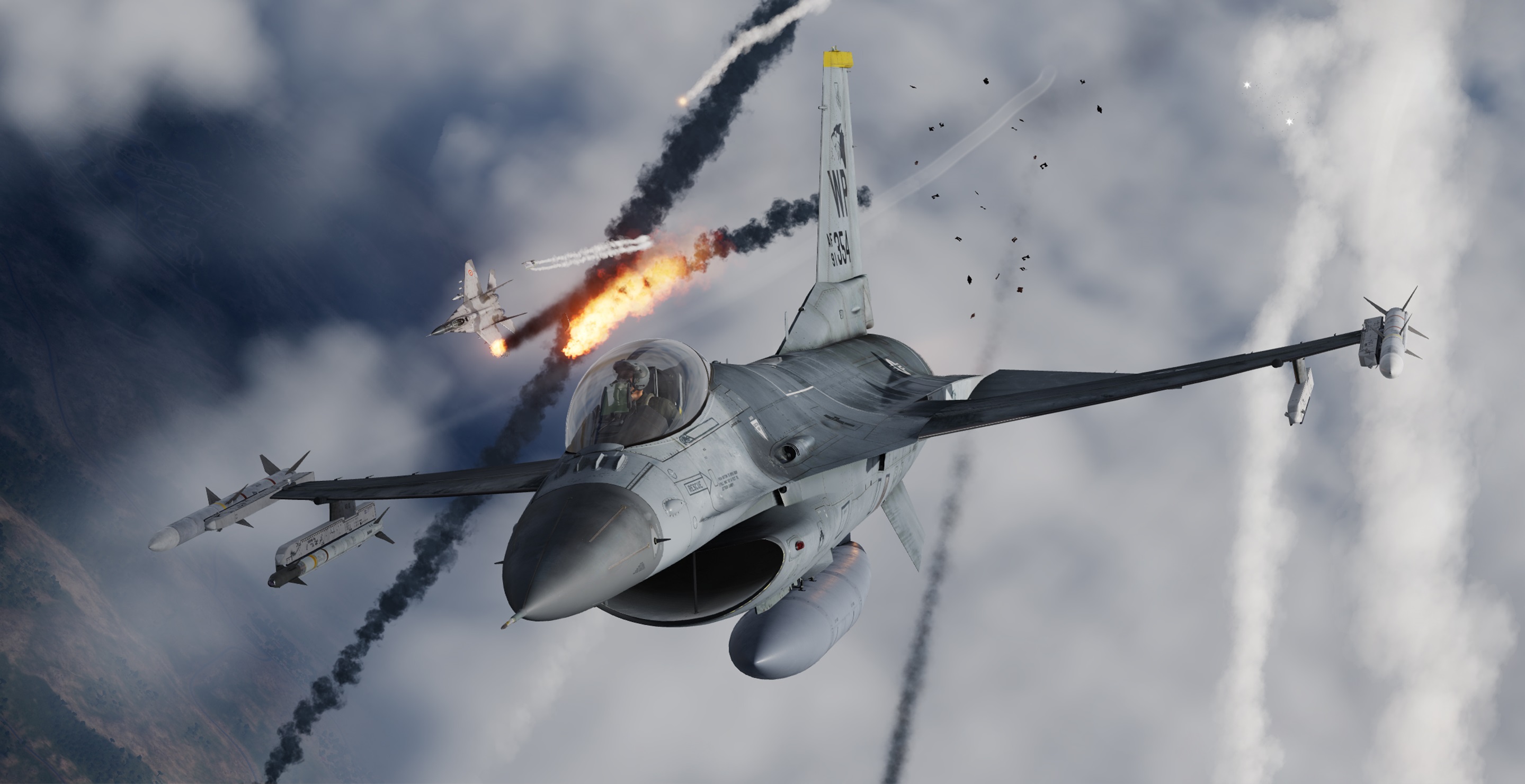
Flight and space simulators are not only popular among gamers, but also when combined with a motion simulator and appropriate software are a valuable training tool for professional pilots. Read on to discover what you need to know about the key products to improve your simulator experience.
Flight Sticks & Yokes
The first and most important component of any flight simulator is the flight stick or yoke, providing far more lifelike and precise directional control than a keyboard and mouse, or gamepad. These are the key characteristics to look out for when choosing either type of controller.

Sensors
There are three main types of sensors used in flight sticks and yokes. The first and cheapest type uses a potentiometer - a sensor with variable resistance that measures the position of the controller, interpreted by the simulation as steering. Load cell controllers detect the amount of force you are applying and provide resistance accordingly, thus offering better realism. Hall-effect sensors work by measuring the distance between a magnet and the sensor itself which is then converted into an electrical signal and interpreted by the simulation as steering.
Number of Buttons
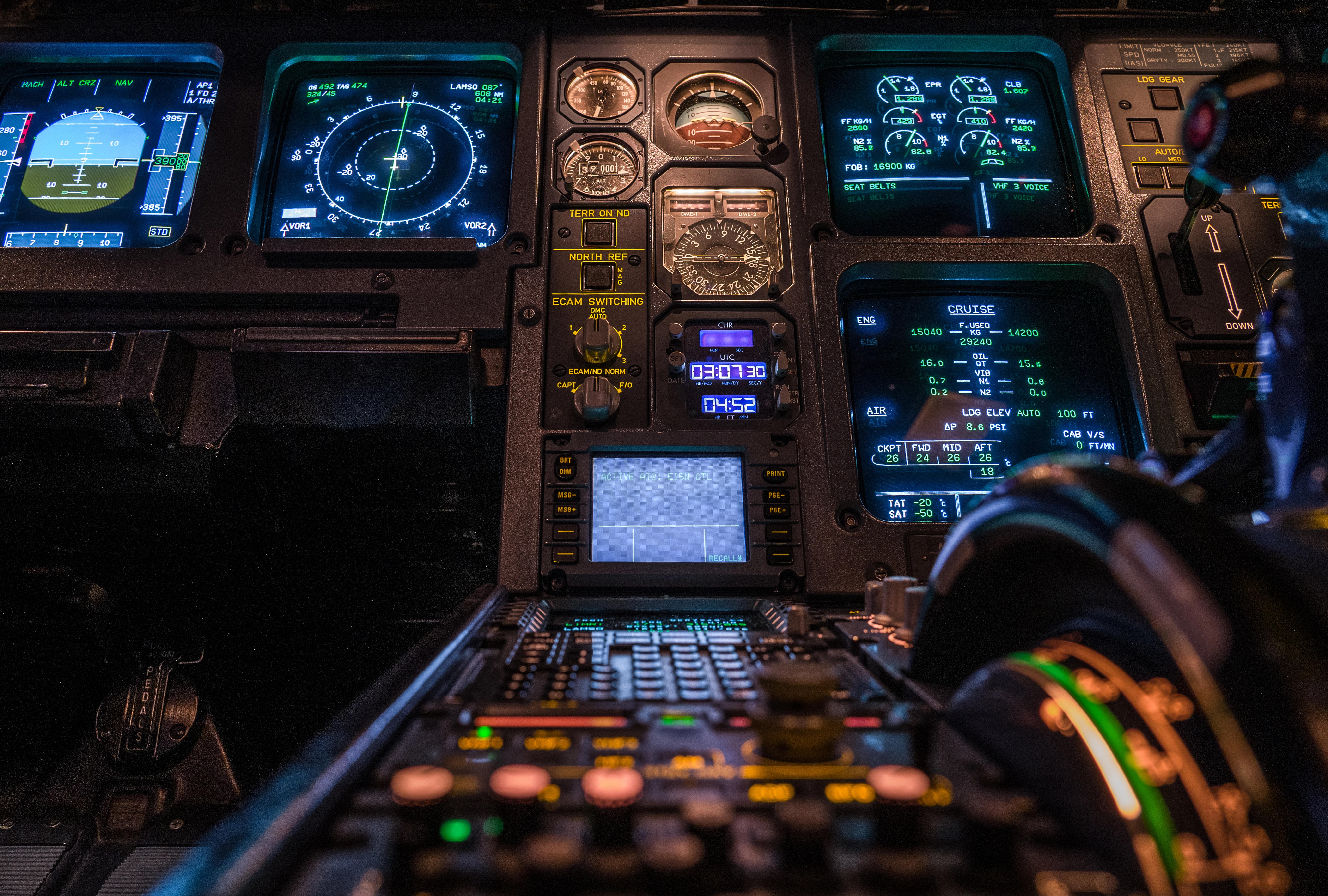
Just like with gaming mice designed for MMOs, it's also true that you can never have enough buttons on a flight stick or yoke. This is crucial, as you don't want to scrabble around trying to find a specific or combination of keys on your keyboard in the middle of a high stress situation such as landing or in combat. For this reason, some flight sticks and yokes are bundled with throttles brimming with even more buttons. See the dedicated section on throttles lower down this guide for further details.

Adjustability
You can adjust how some high-end flight sticks feels to move, such as changing the axis curve with different cams, changing the resistance via different springs, changing the travel via different deflection mask sizes and the damping via a damper. This is not only beneficial in that you can personalise the feel of the stick to your liking, but you can also customise it for specific aircraft in different simulations. For instance, you could choose a lighter configuration when flying fighters, and a heavier configuration when flying bombers.
Now we've covered the base technology, let's go through why you might choose a flight stick or a yoke, or potentially both.
Flight Sticks
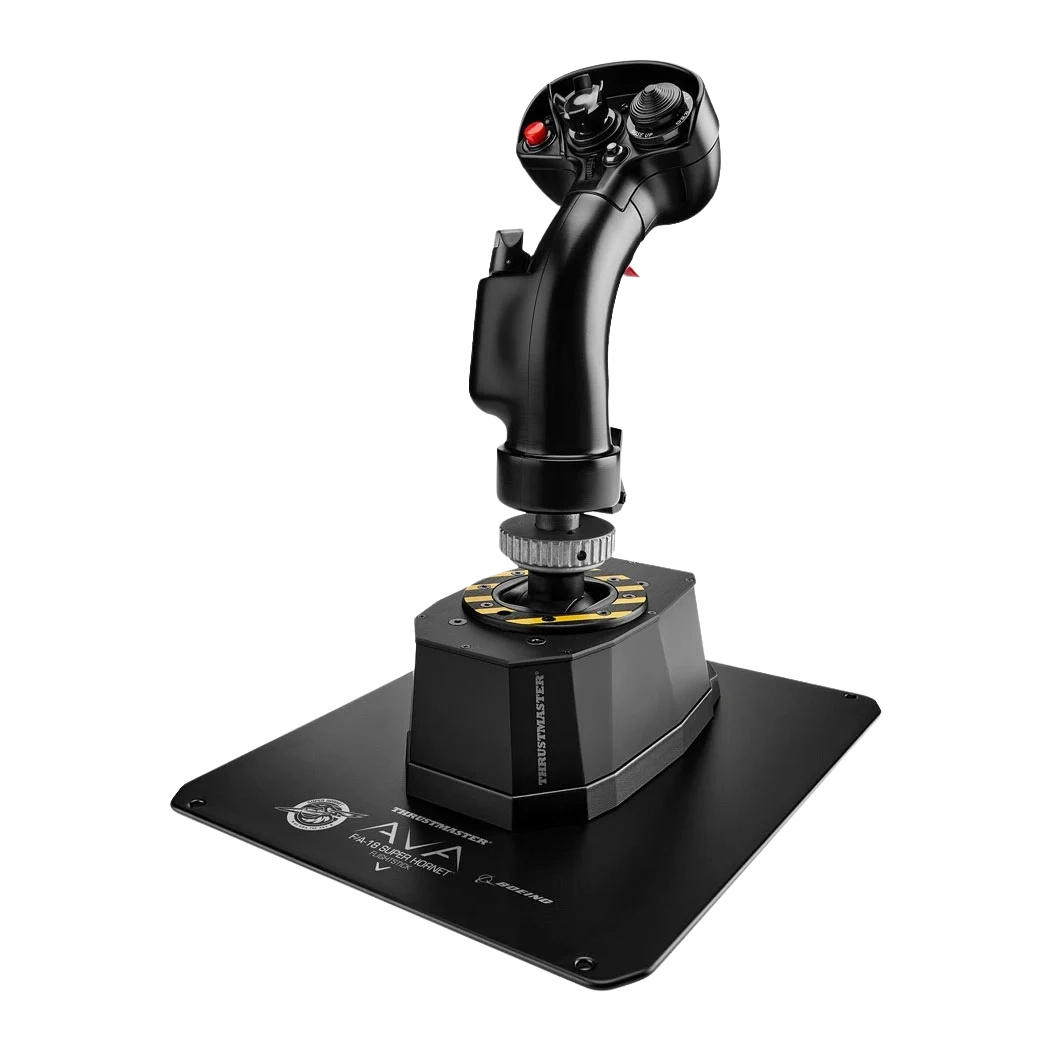
Flight sticks start at around £45, scaling all the way up to £500. They are the primary choice for most military flight simulators such as fighters, strike aircraft, modern bombers, some civilian light aircraft and larger civilian aircraft such as Airbus airliners, and helicopters of all types. This is because you'll find a flight stick in the cockpits of most modern aircraft of these types. Most spacecraft cockpits are heavily inspired by current military cockpits, so flight sticks are also the go-to choice for space simulators. If you're not planning on buying pedals, then make sure you buy a flight stick capable of twisting. This twisting motion is used to control the rudder - without it (or pedals) you'll be reaching for the keyboard, which is neither as precise or as ergonomic.
Yokes
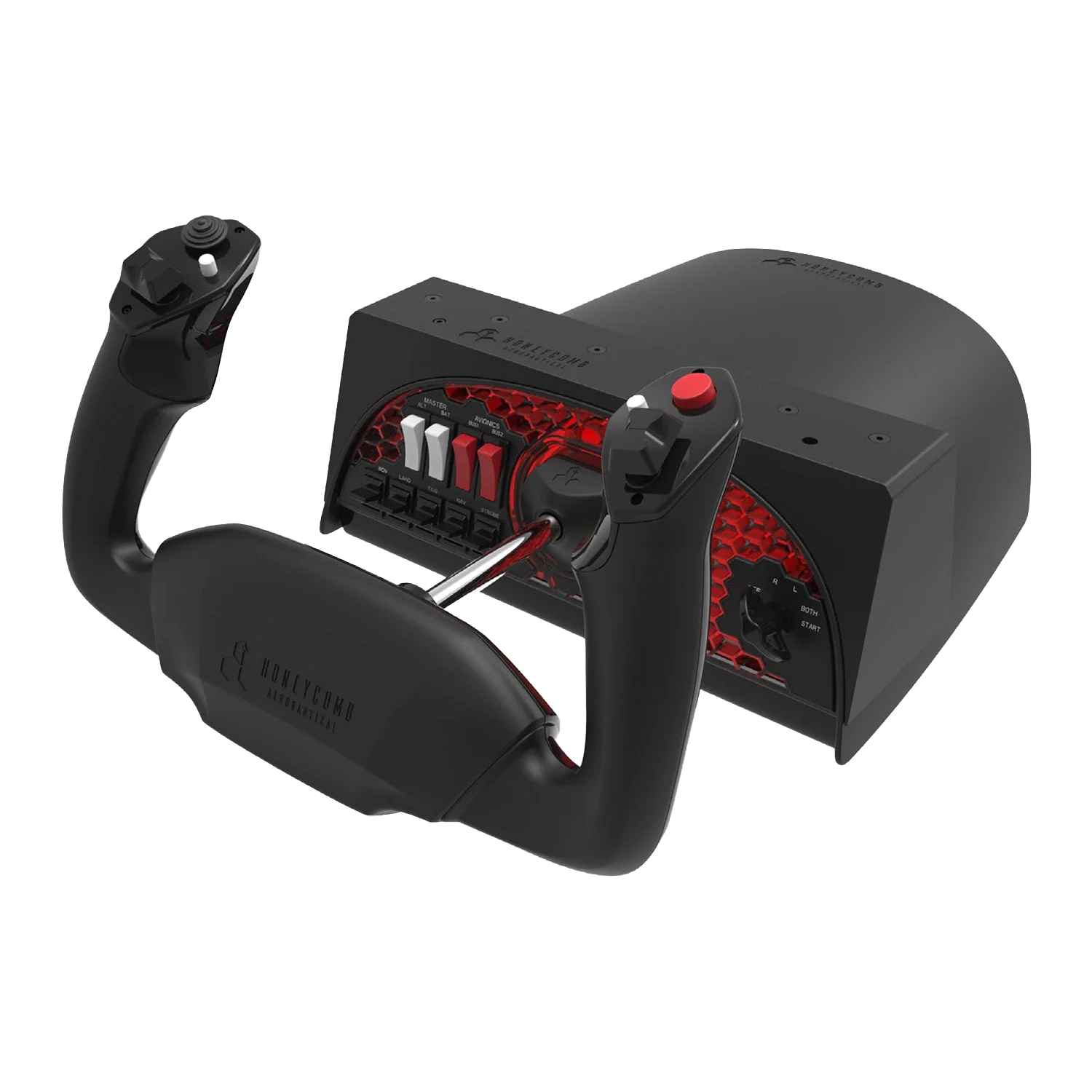
Yokes start at around £260, scaling all the way up to £500. They are the primary choice for simulating civilian aircraft such as Boeing airliners, some civilian light aircraft and WW2-era bombers. This is because you'll find a yoke in the cockpits of most aircraft of these types. If you're planning on buying a yoke, then make sure you buy pedals, see the dedicated section these lower down this guide for further details. Pedals are essential to control the rudder - without them you'll be reaching for the keyboard, which is neither as precise or as ergonomic.
Now you understand about the different types of controller, here's what they are best used to simulate. Although each controller is clearly best for certain aircraft, if you can't afford a flight stick and a yoke, then a flight stick is the best option to simulate all aircraft, ideally paired with a throttle.
| Flight Stick | Yoke | |
|---|---|---|
| Cost | Low to High | High |
| Fighters | check | close |
| Modern bombers | check | close |
| WW2-era bombers | close | check |
| Helicopters | check | close |
| Light civilian aircraft | check | check |
| Airbus airliners | check | close |
| Boeing airliners | close | check |
| Spacecraft | check | close |
Shop Flight Sticks
Get started with precise flight stick control. Browse our selection of flight sticks now.
Shop Now
Flight Simulator Throttles
A throttle is an essential part of any flight or space simulator, helping you adjust engine power far more accurately and ergonomically than using the keyboard. Although many entry-level flight sticks include a throttle wheel integrated into the base, for more precise control and functionality, or if you're flying with a yoke, a dedicated throttle is essential. Just like with flight controllers, throttles can be divided into two main types.
Military Throttles
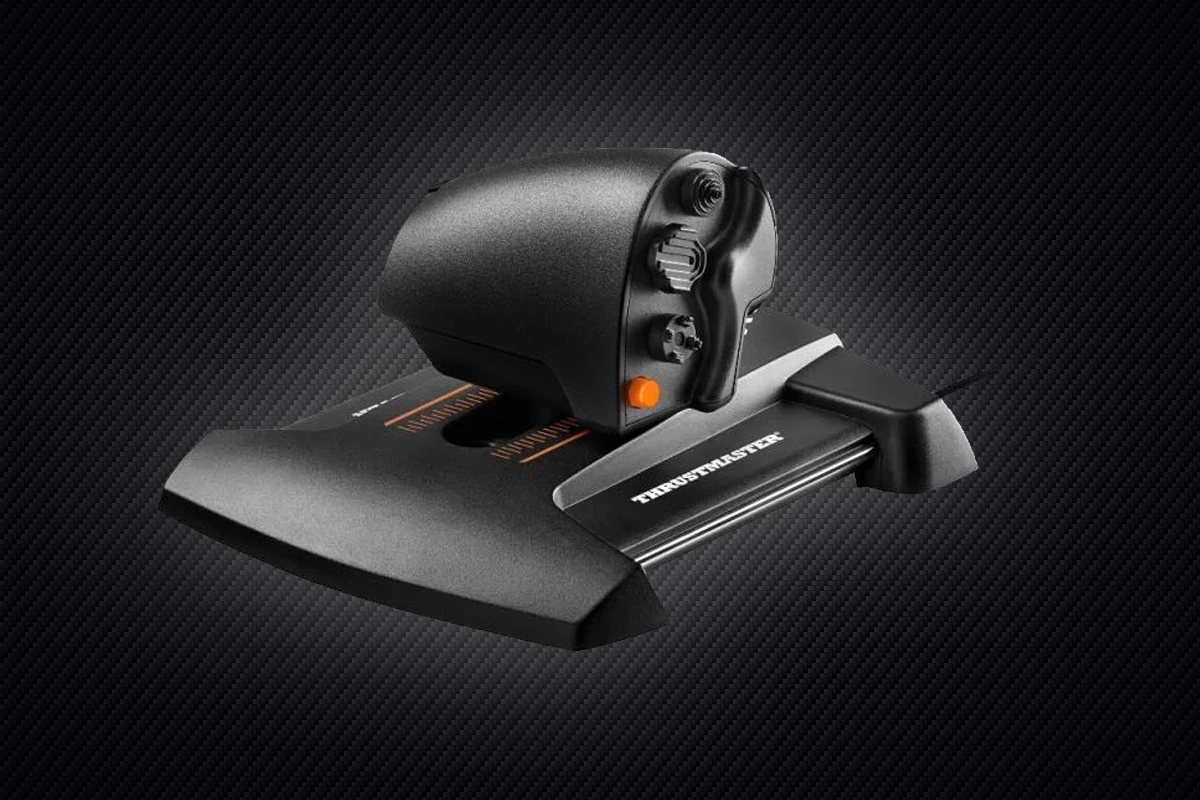
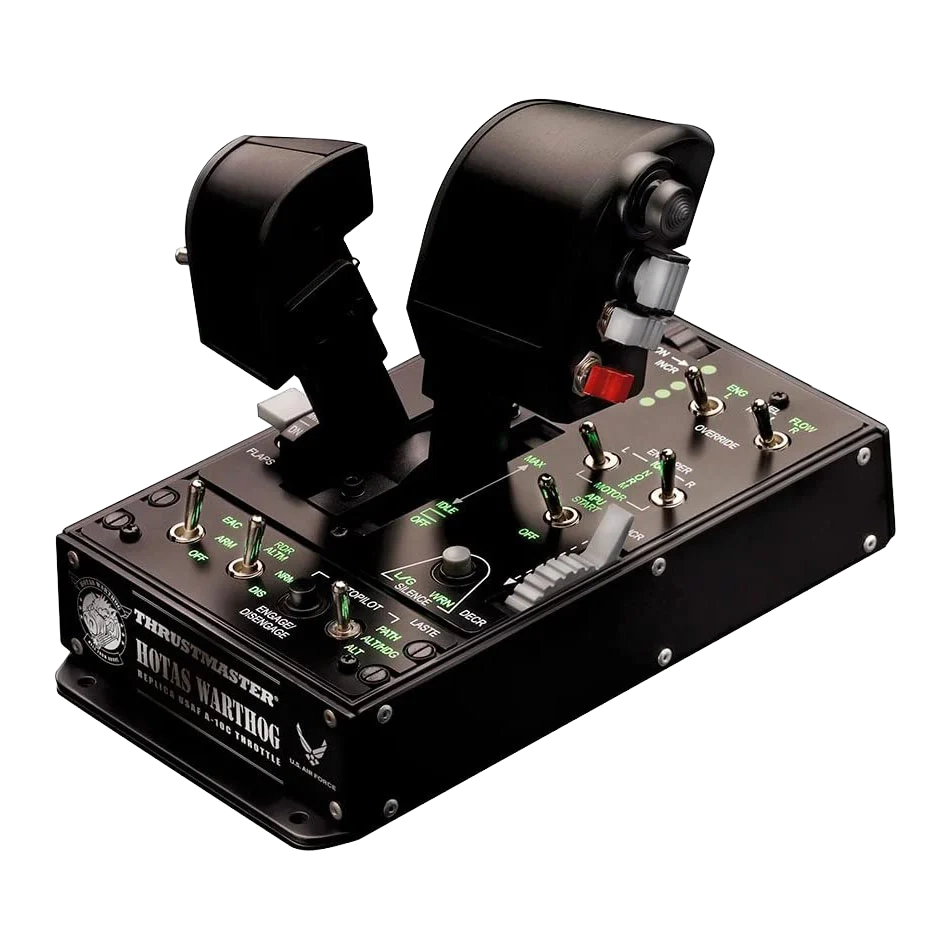
Military throttles start at around £100, scaling all the way up to £500. Entry-level models typically include a single throttle, but high-end models will split in two enabling you to adjust the power of two engines independently. Like the HOTAS (Hands on Throttle and Stick) configuration of their real-world counterparts, military flight simulator throttles feature lots of extra buttons so you don't need to reach for the keyboard as often in high-stress combat to control the weapons, countermeasures, sensors etc. Most spacecraft cockpits are heavily inspired by current military cockpits, so military throttles are also the go-to choice for space simulators.
Civilian Throttles
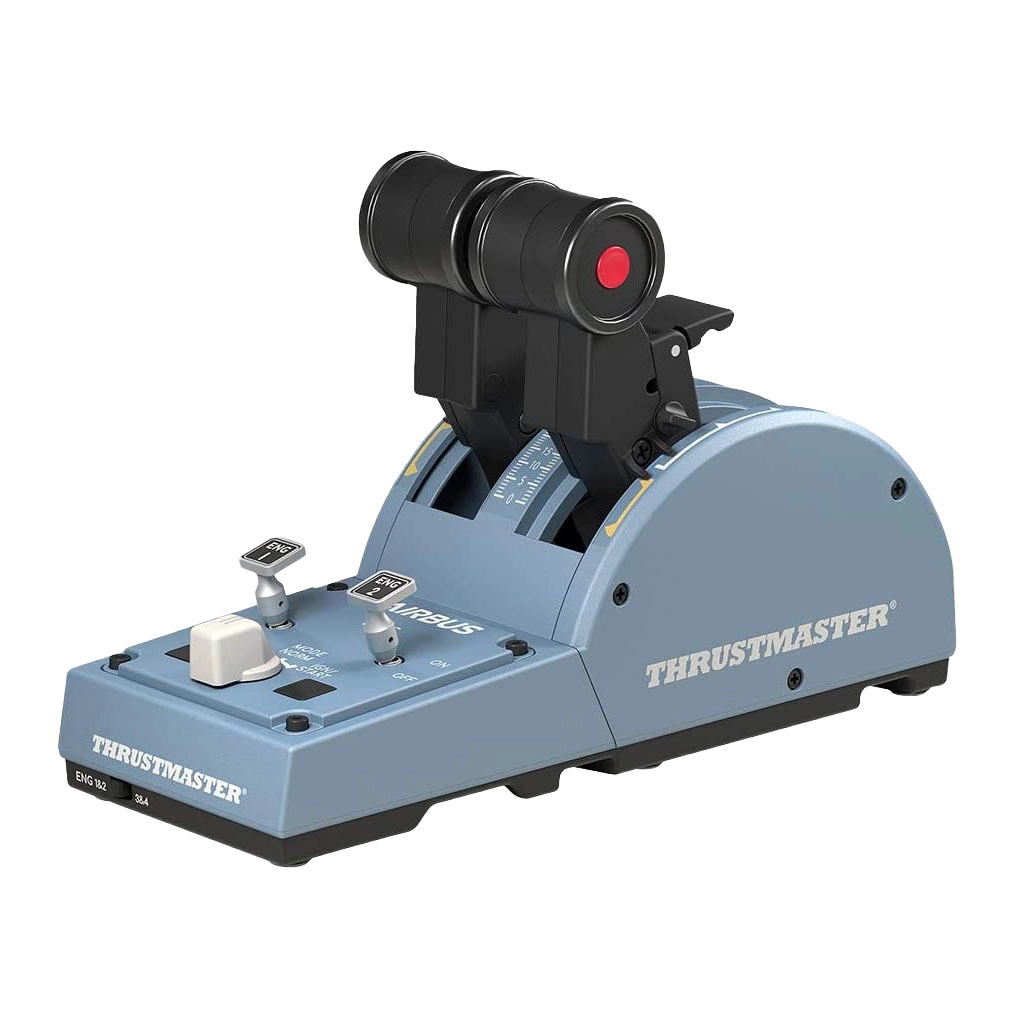
Civilian throttles start at around £100, scaling all the way up to £250. Entry-level models typically have two throttles plus a few extra buttons for starting and stopping each engine individually. High-end models may have even more throttles, plus additional buttons for common functions such as setting the flaps, parking brakes etc.
Shop Throttles
Get started with precise flight stick control. Browse our selection of flight sticks now.
Shop Now
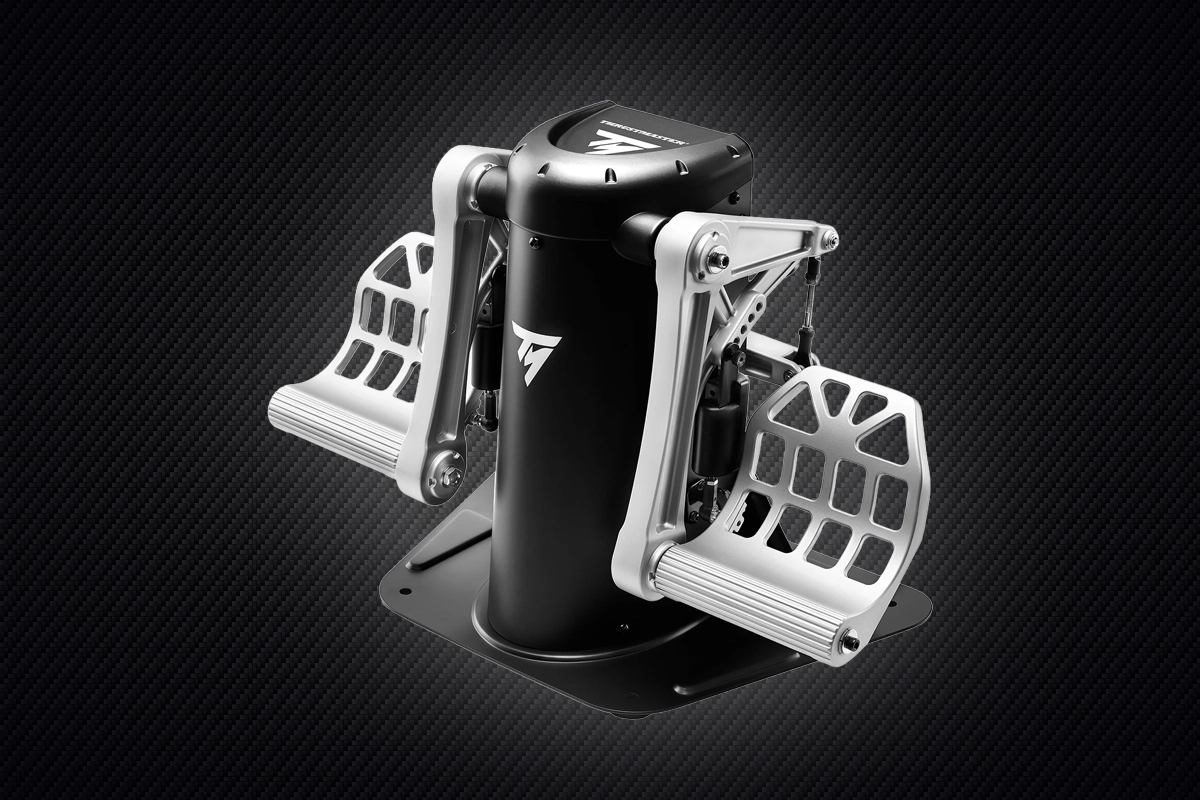
Flight Simulator Pedals
Pedals are an essential part for a realistic flight simulator, helping you accurately control the direction of the rudder, and engage and disengage the wheel brakes. Pedals are even more critical for helicopter simulators, being used to control the pitch of the tail rotor and counteract main rotor torque. These are the key characteristics to look out for when choosing pedals.
Sensors
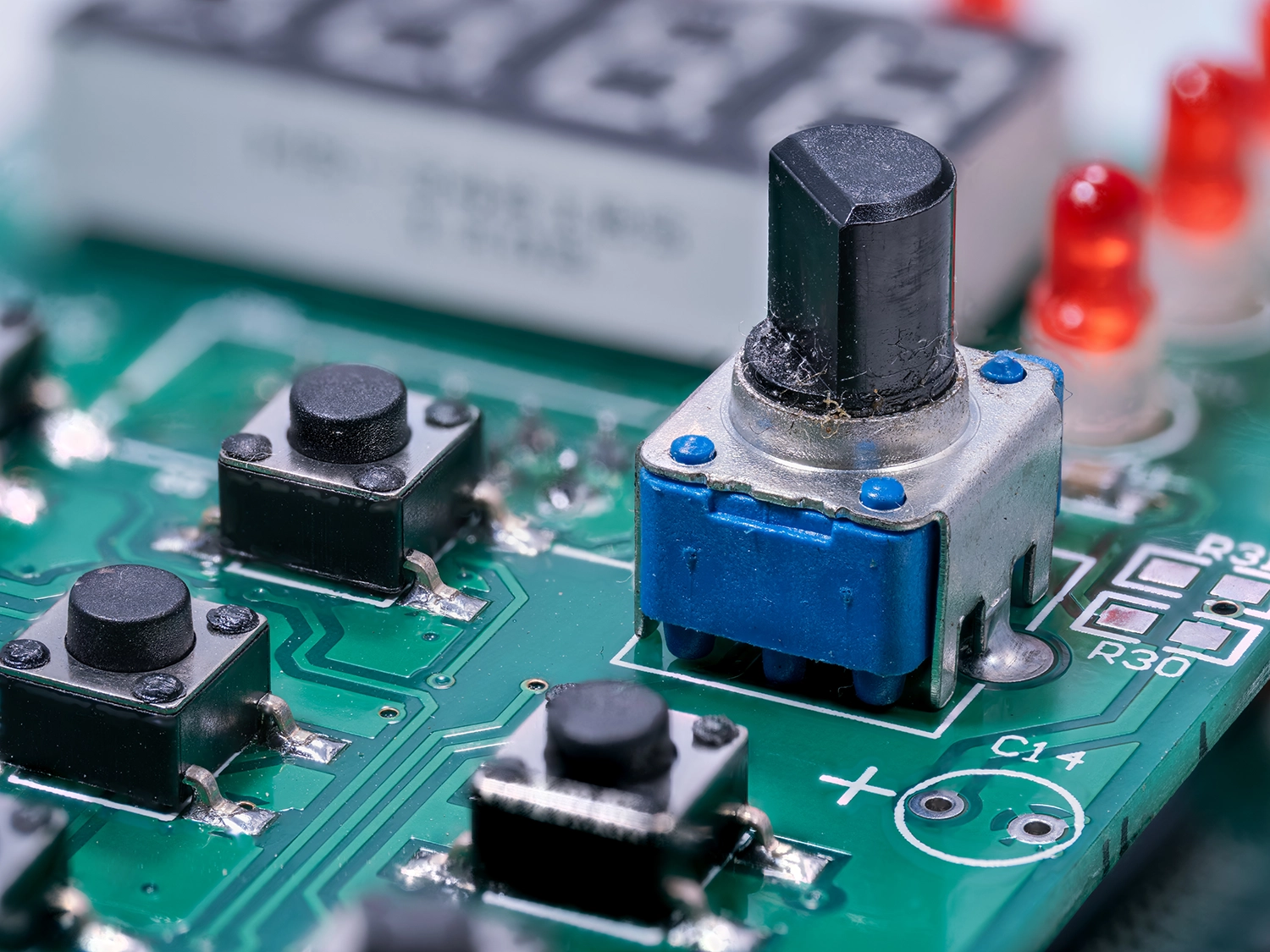
There are two main types of sensors used in pedals. The first and cheapest type uses a potentiometer - a sensor with variable resistance that measures the position of the pedal. Superior Hall-effect sensors work by measuring the distance between a magnet and the sensor itself which is then converted into an electrical signal.

Adjustability
Most pedals enable you to adjust the amount of pressure you feel when pushing down on the pedal, and travel length, typically via a tensor wheel and using adjustment notches.
Shop Flight Sim Pedals
Upgrade your rudder and brake control with responsive flight pedals. Explore our range of pedal sets now.
Shop Now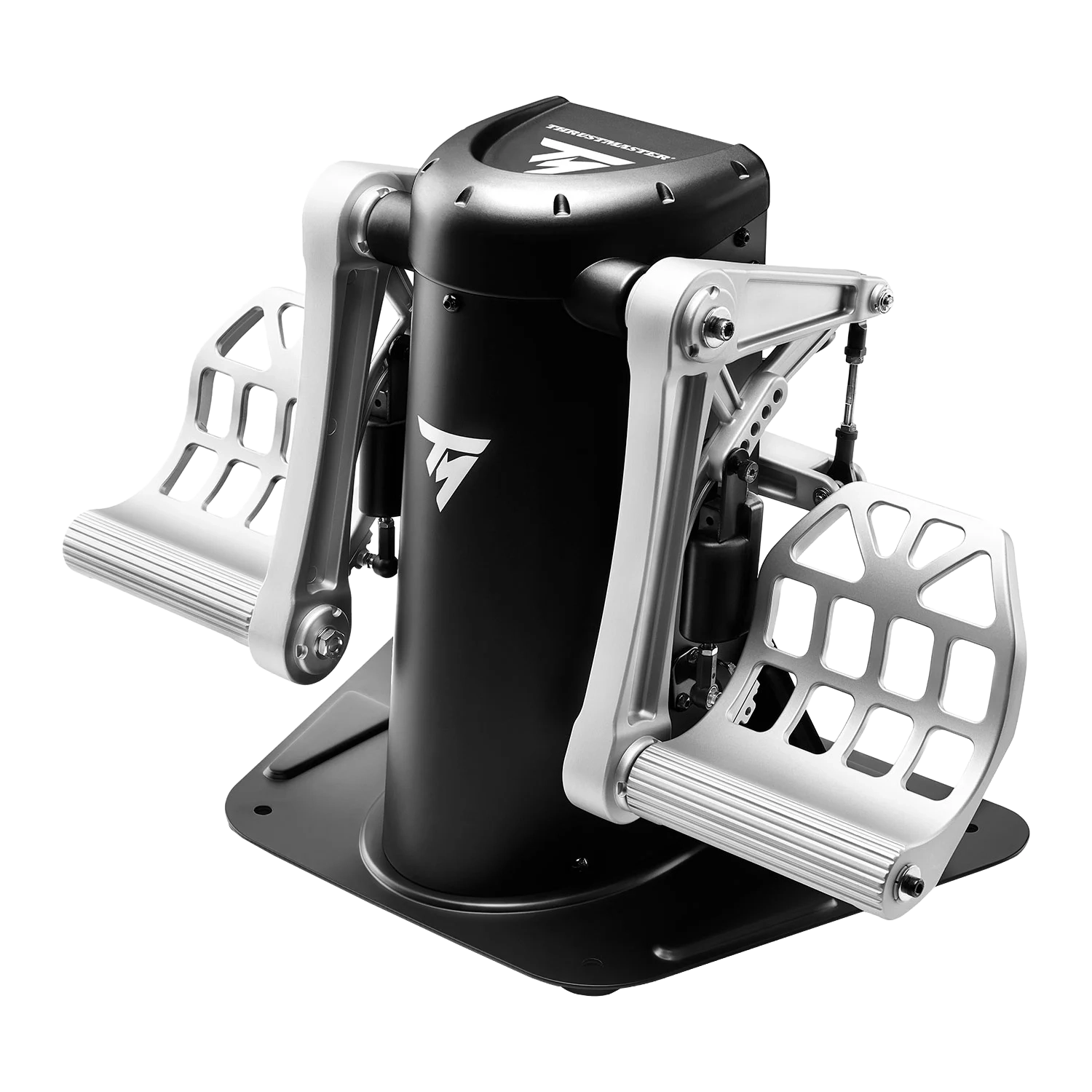
Flight Simulator Cockpits
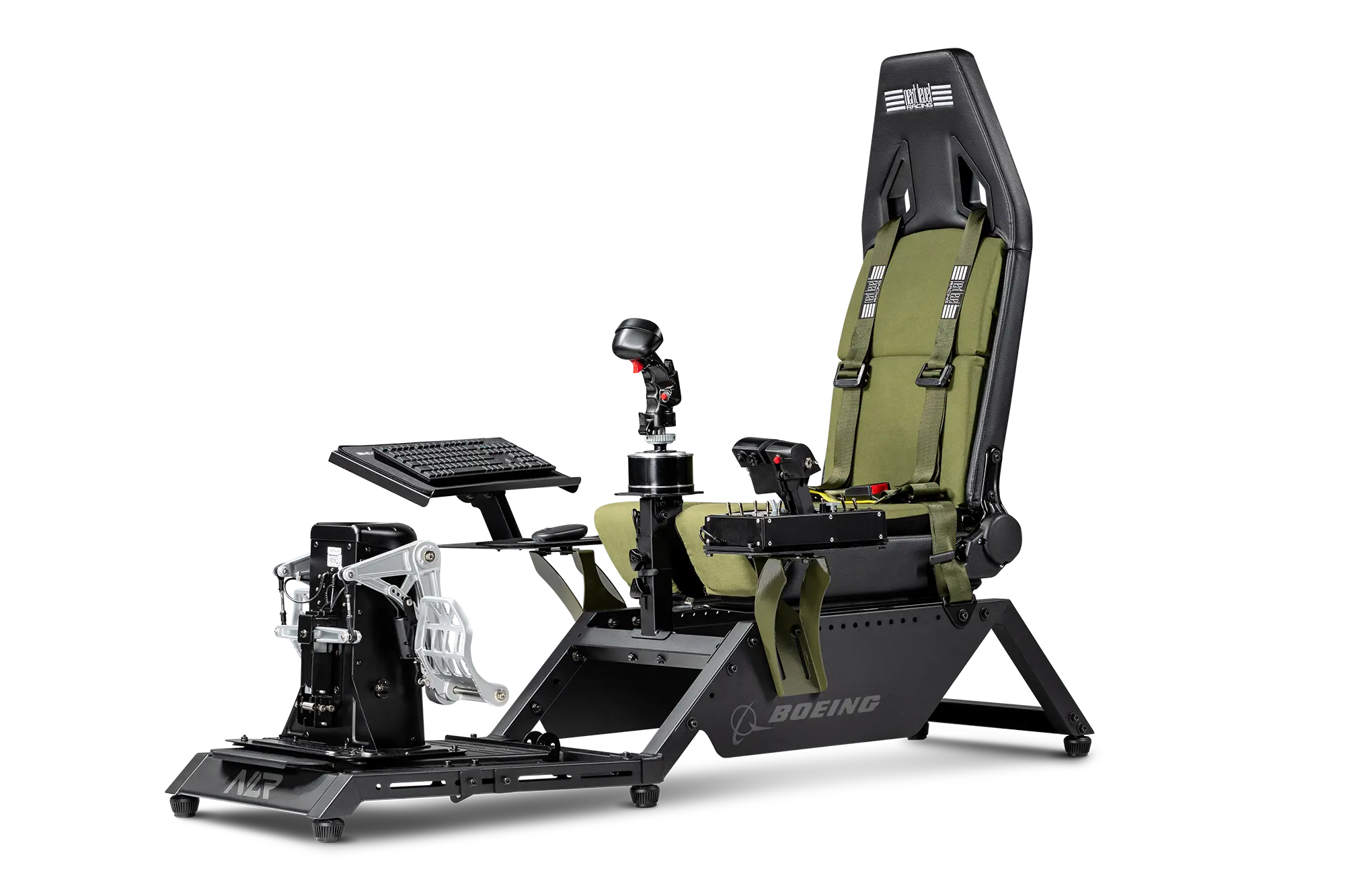
Once you've invested in all the aforementioned controllers, cockpits up the immersion of your flight simulation by making you feel like you're really there. Rather than mounting the flight stick/yoke, throttle and pedals to a desk or dining table, cockpits have mounts which enable you to position these peripherals at the same height and angle as in a real aircraft. When choosing a cockpit it's important to check what controllers it is compatible with, and like just when shopping for a gaming chair, how adjustable it is for different size bodies. For the ultimate in immersion, you can also get motion cockpits that move around, providing the physical sensations of flying.
Shop Flight Sim Cockpits
Get started with immersive flight cockpits. Browse our selection of flight sim cockpits now.
Shop Now
Flight Simulator Accessories
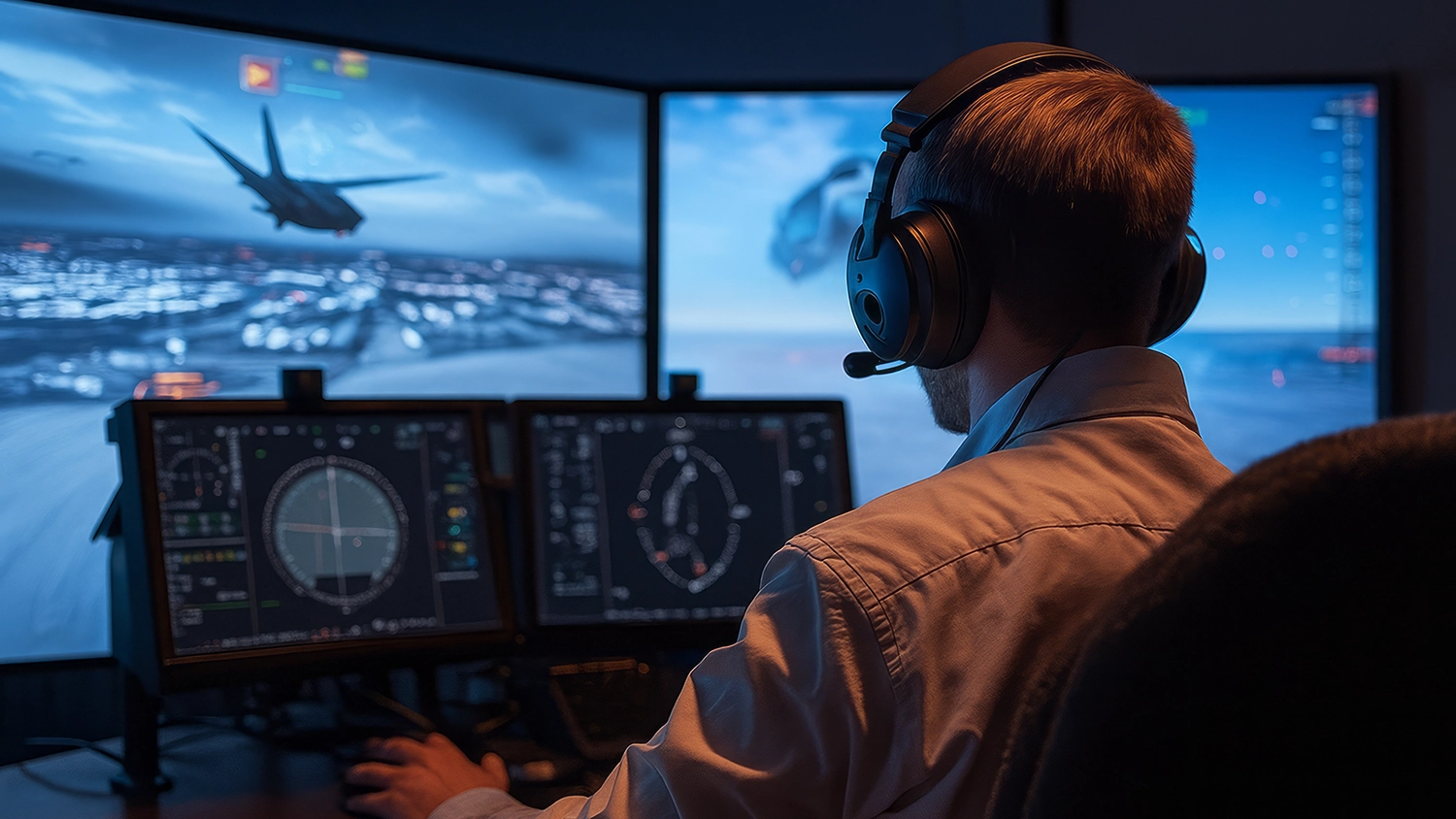
As should already have become apparent, flight simulators are highly customisable, from a few hundred pounds to thousands of pounds. As such, there is also a wide variety of accessories available to customise your setup even further. Here is a small selection of what you can choose from.
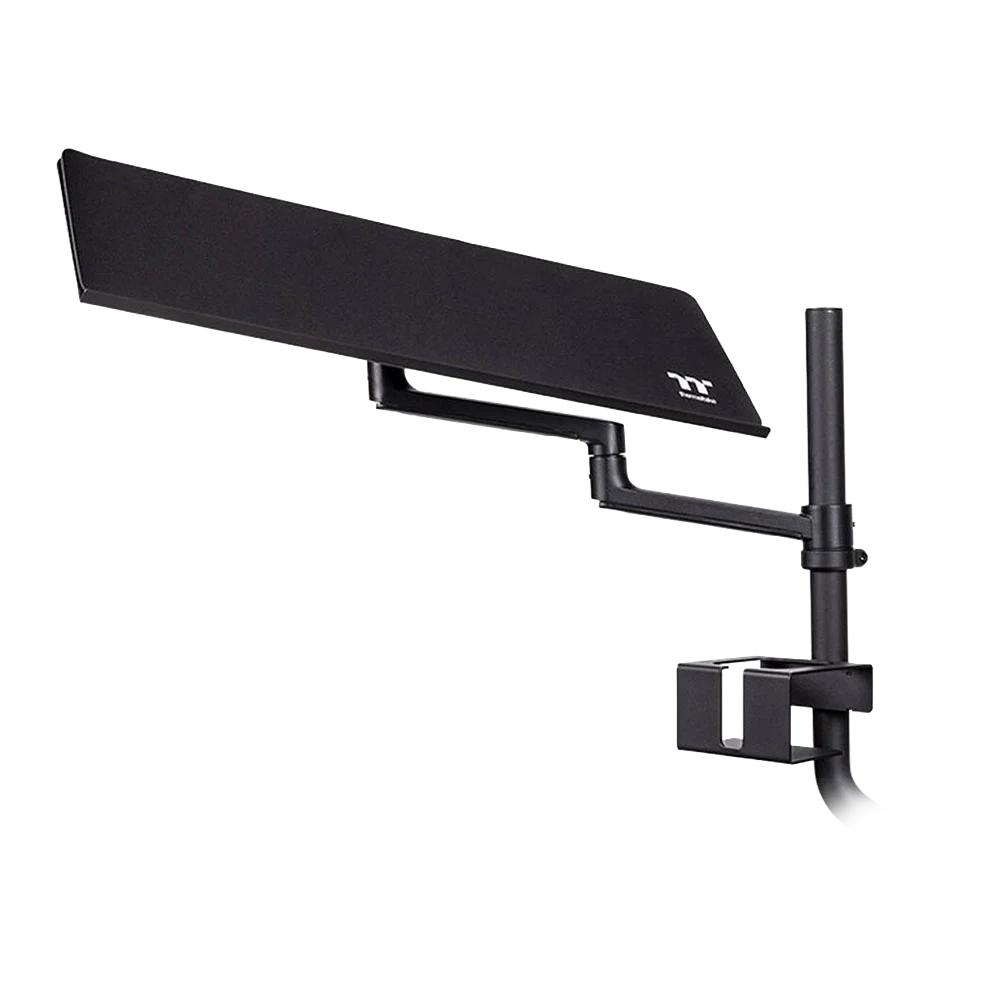
Cockpit-mounted trays so your keyboard and mouse can be within arm's reach.
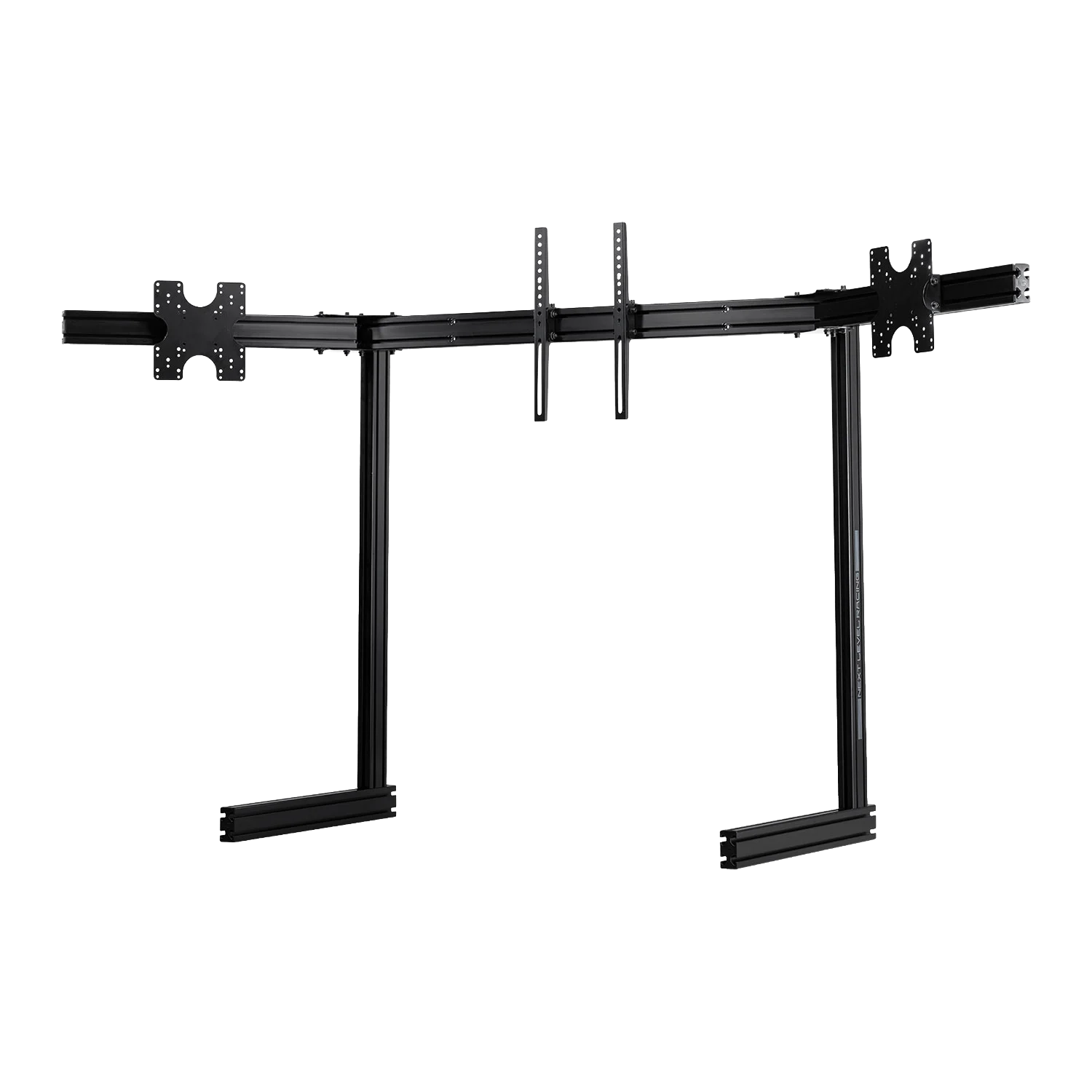
Adjustable, freestanding mounts for multiple monitors.
Elgato Stream Deck
We also highly recommend adding an Elgato Stream Deck to your simulator. This family of controllers has multiple buttons, each with its own display, that can be programmed for a wide variety of useful functions in flight sims such as controlling flaps, sensors and weapons without having to reach for the keyboard.
SHOP NOW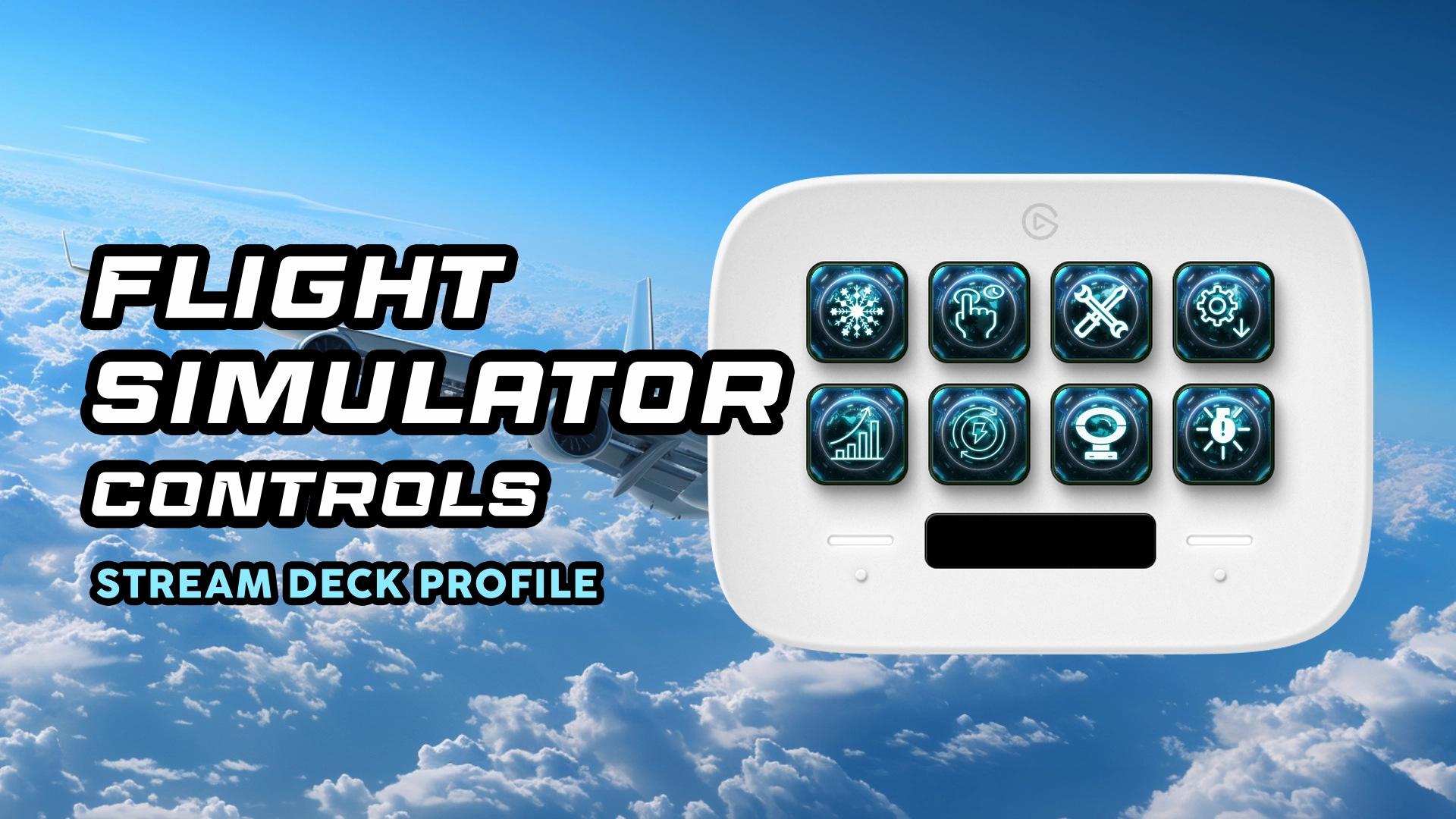
Shop Flight Simulator Accessories
Customize your flight sim setup with our range of accessories.
Shop Now
Shop Elgato Stream Decks
Control your flight sim with programmable buttons. Browse our Elgato Stream Decks now.
Shop Now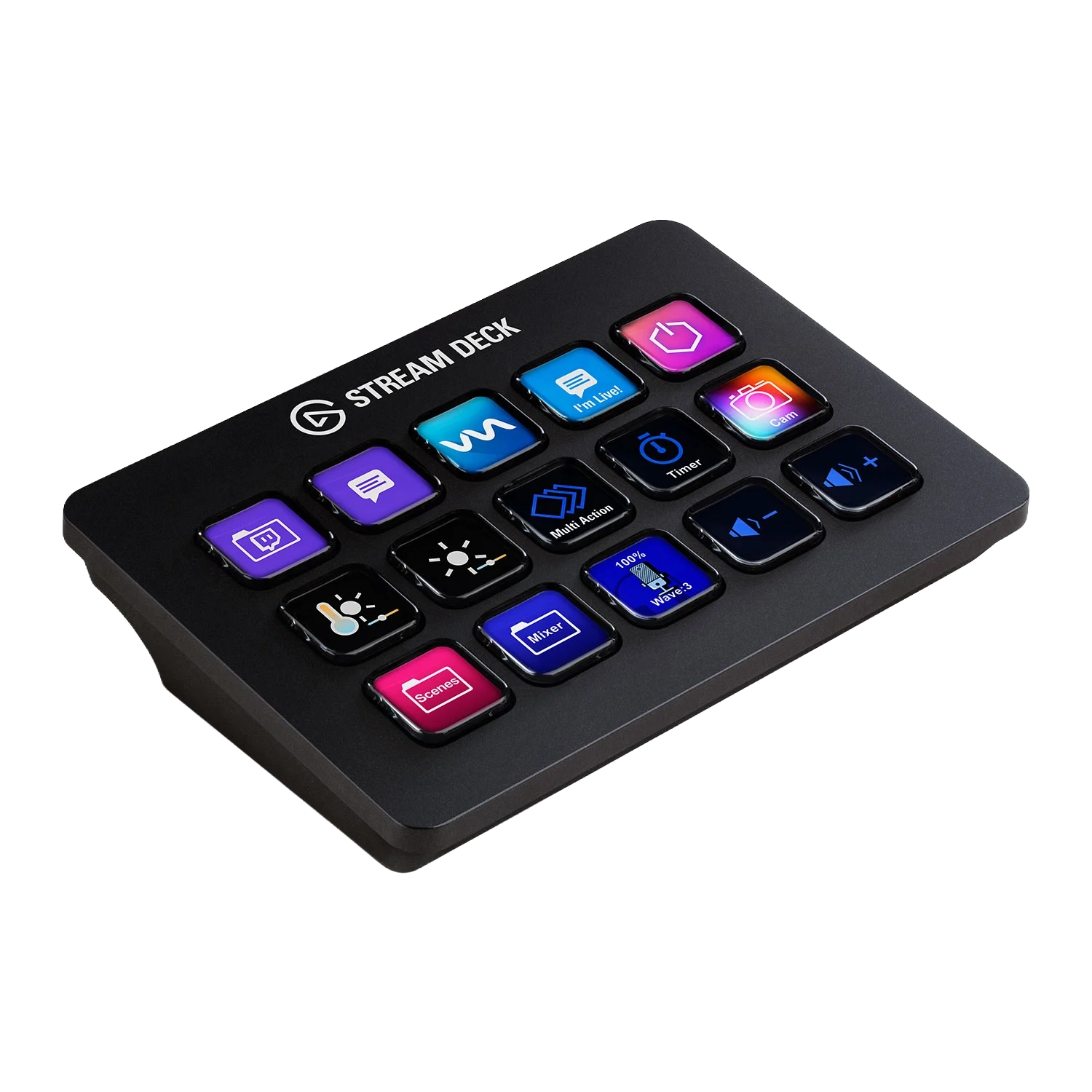
Flight Simulator PCs
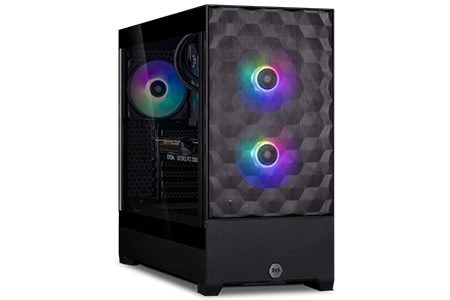
A fast and powerful gaming PC is essential for providing a smooth framerate and realistic physics in your chosen simulations. Our in-house team of experts, 3XS Systems, has been building gaming PCs for more than 20 years. We know which components are the fastest and most reliable, and how to fine-tune and combine them for the ultimate simulator experience.
Gaming PC Buyers Guide
Power your flight simulator with a high-performance gaming PC. Discover the perfect components for smooth framerates and realistic physics.
Read More
Shop 3XS Simulator PCs
Experience unparalleled performance with our custom-built 3XS gaming PCs, expertly configured for the ultimate flight simulation experience.
Shop Now
Flight Simulator Displays
When planning on building a flight simulator you also need to give some serious thought to how you're going to display the simulation. The type of display(s) used not only impact how immersive the simulation is, but also what sort of cockpit and accessories will be required to mount everything together. Your three principle options are:
Single Monitor / TV
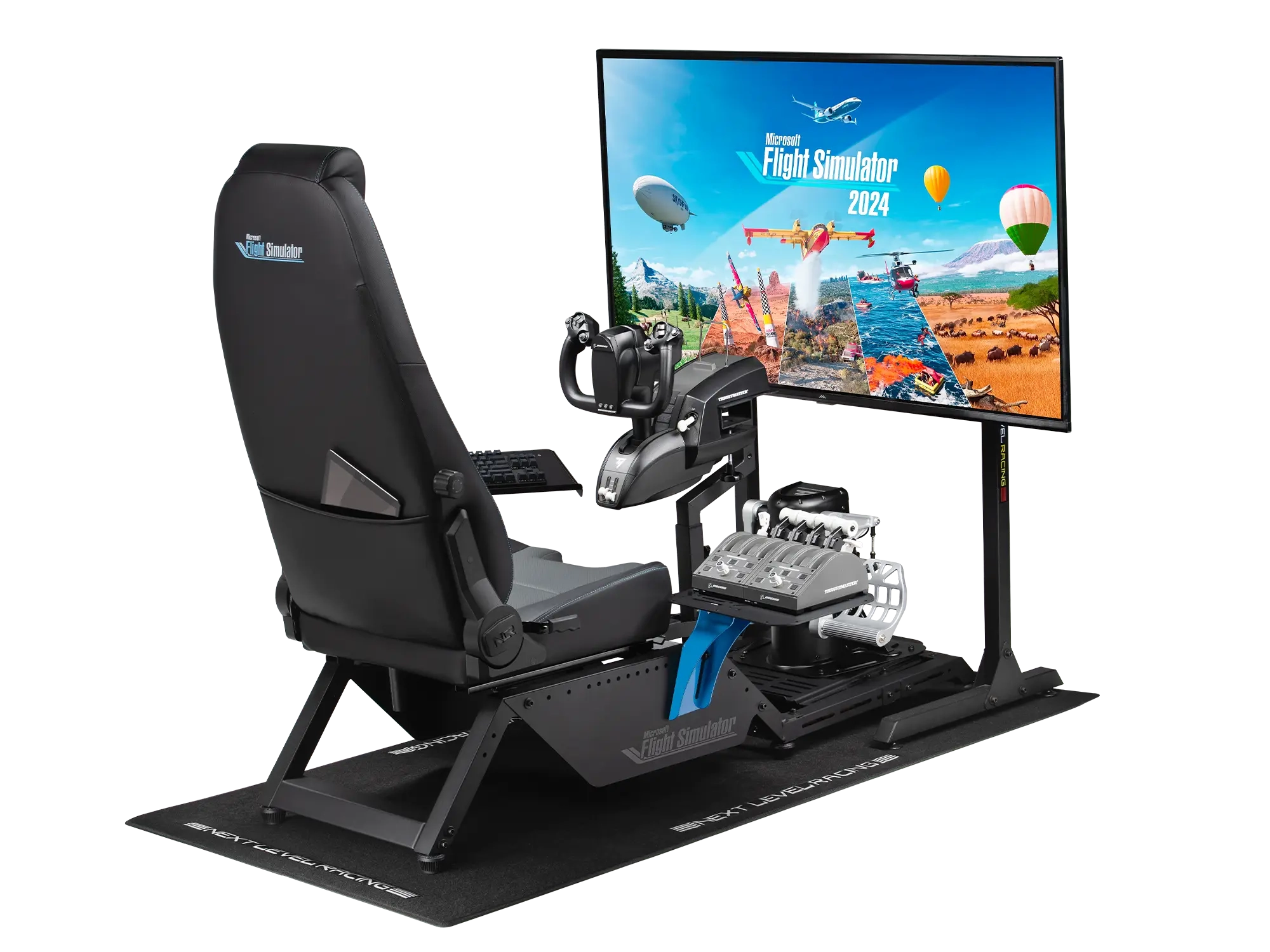
A single monitor or TV is the starting point for a flight simulator. An ultra-wide monitor will provide more view of the terrain and make it easier to spot nearby aircraft.
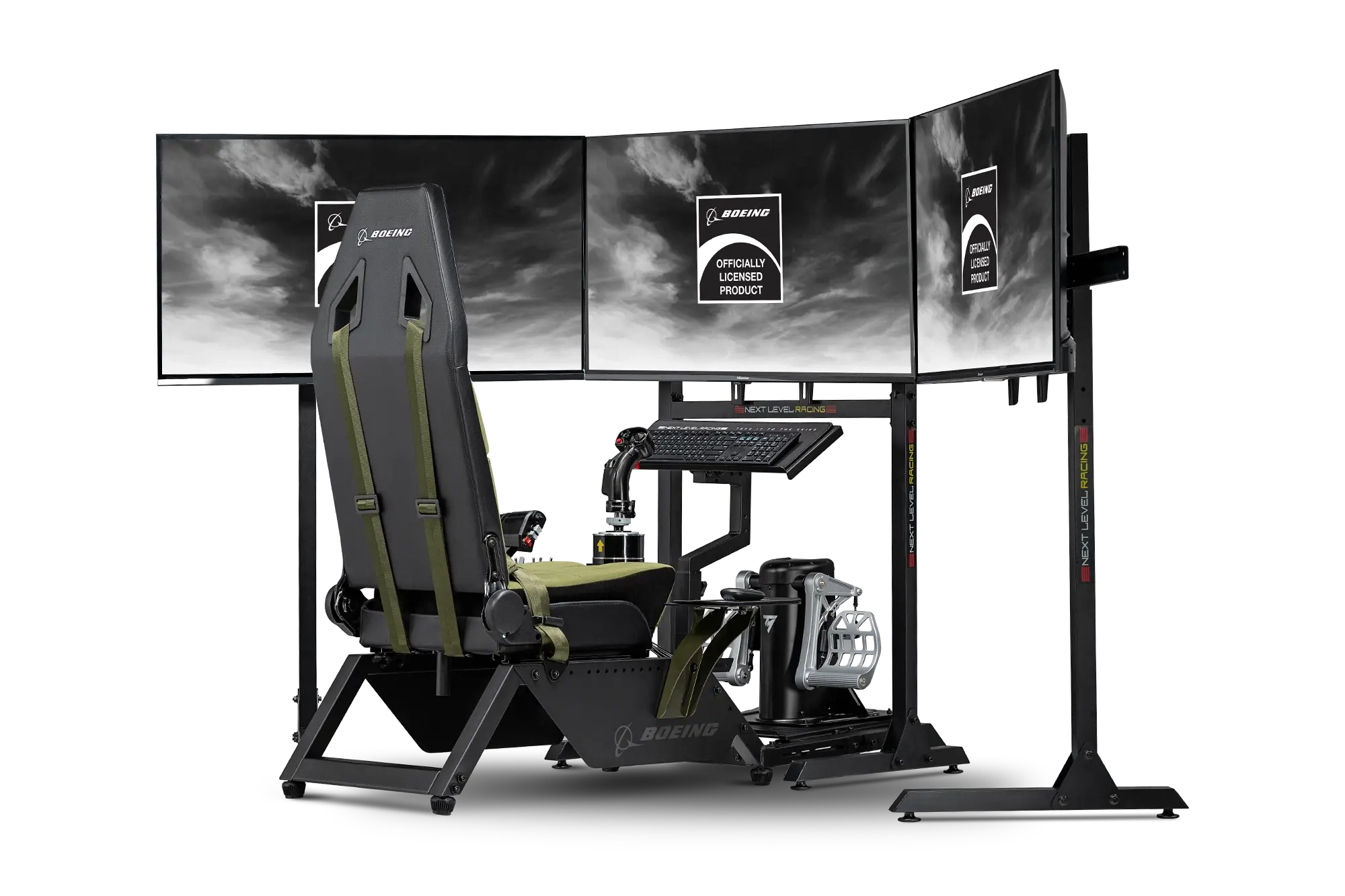
Triple Monitors
A triple monitor setup provides even more immersion than a single monitor, with one central screen plus two on either side to expand your peripheral vision.
VR
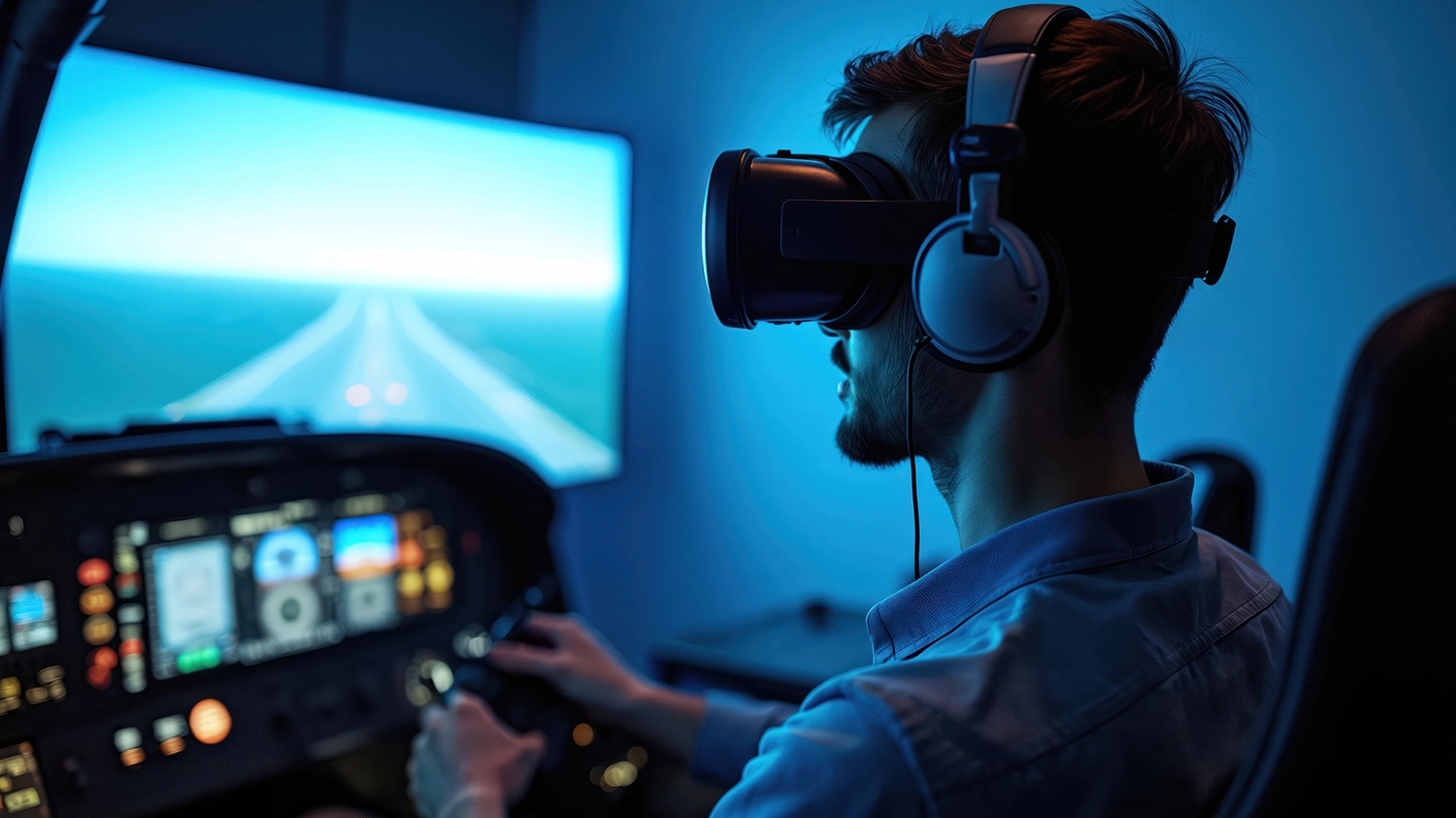
A VR headset draws you into a simulator in a way that no monitor can, especially when combined with a motion simulator. The latest VR headsets include passthrough cameras, enabling you to view your controllers and the virtual world at the same time. For further guidance read our MONITOR BUYERS GUIDE and VR BUYERS GUIDE.
Monitor Buyers Guide
Choose the perfect display for your flight simulator setup. Learn about single monitors, ultra-wide displays, and triple-monitor configurations.
Read More
VR Buyers Guide
Explore immersive VR technology for the ultimate flight simulator experience and discover which headset suits your needs.
Read More
Complete Flight Simulators
If you don't fancy building your own our expert 3XS Systems engineers can custom build a flight simulator for you, they can even install and calibrate it at your home or work. The range starts with static flight simulators, comprising the same key components detailed in this guide, plus one of our award-winning 3XS gaming PCs and monitor(s). We also build motion simulators, scroll down for further details for these, the ultimate in flight simulator immersion.
SHOP FLIGHT SIMULATORS
Motion Simulators
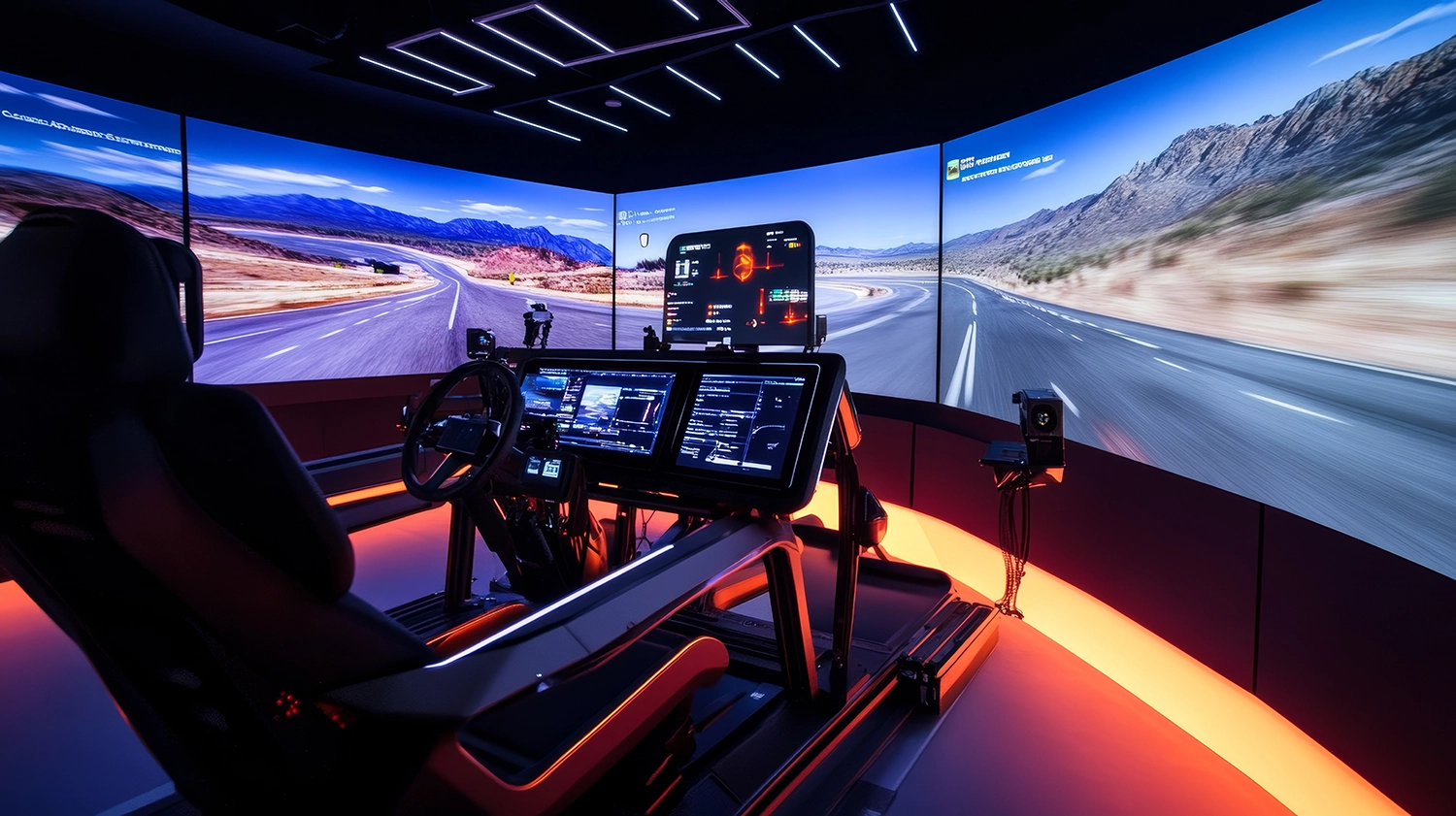
Whether you're into racing or flying then the ultimate addition to all of the above controllers is a motion simulator. These feature actuators that move the cockpit around in response to your actions in the simulator, enabling you to feel every turn on the track and bank in the air.
Motion simulators are available in a variety of configurations (2 DOF, 3 DOF, 4 DOF, 6 DOF) to suit every budget. The more DOF (Degrees Of Freedom) a simulator has, the more complex and realistic the movement.
Due to the way cars move, for entry-level racing simulation 2 DOF is sufficient, providing pitch (simulating accelerating and breaking) and roll (simulating turning left and right). 3 DOF adds yaw (simulating losing traction control), adding another level of realism. 4 DOF adds heave (simulating the car lifting off/landing when going over a bump or jump) - extremely useful when rallying. Finally, 6 DOF adds surge and sway, enhancing the previously mentioned axis, making the most realistic simulation.
In contrast, due to the more complex way aircraft move, a flight simulator needs at least 4 DOF, as shown in the video and table below, with more DOF providing more nuance and realism.
| Type | 2 DOF | 3 DOF | 4 DOF | 6 DOF |
|---|---|---|---|---|
| Use | Racing | Racing | Racing / Flight | Racing / Flight |
| Pitch | check | check | check | check |
| Roll | check | check | check | check |
| Yaw | check | check | check | |
| Heave | check | check | ||
| Surge | check | |||
| Sway | check | |||
| Cost |
← LOWER HIGHER → |
|||
Scan sells a variety of 2 DOF, 3 DOF, 4 DOF, 6 DOF motion simulators, either as off-the-shelf models or customised to your requirements, powered by our award-winning 3XS Systems gaming PCs. These can be delivered as parts, allowing you to build and configure it yourself, or delivered by our 3XS engineers who will unbox, setup and calibrate the simulator with you.
Shop Motion Simulators
Feel the action with motion simulators. Browse our selection of motion simulators now.
Shop Now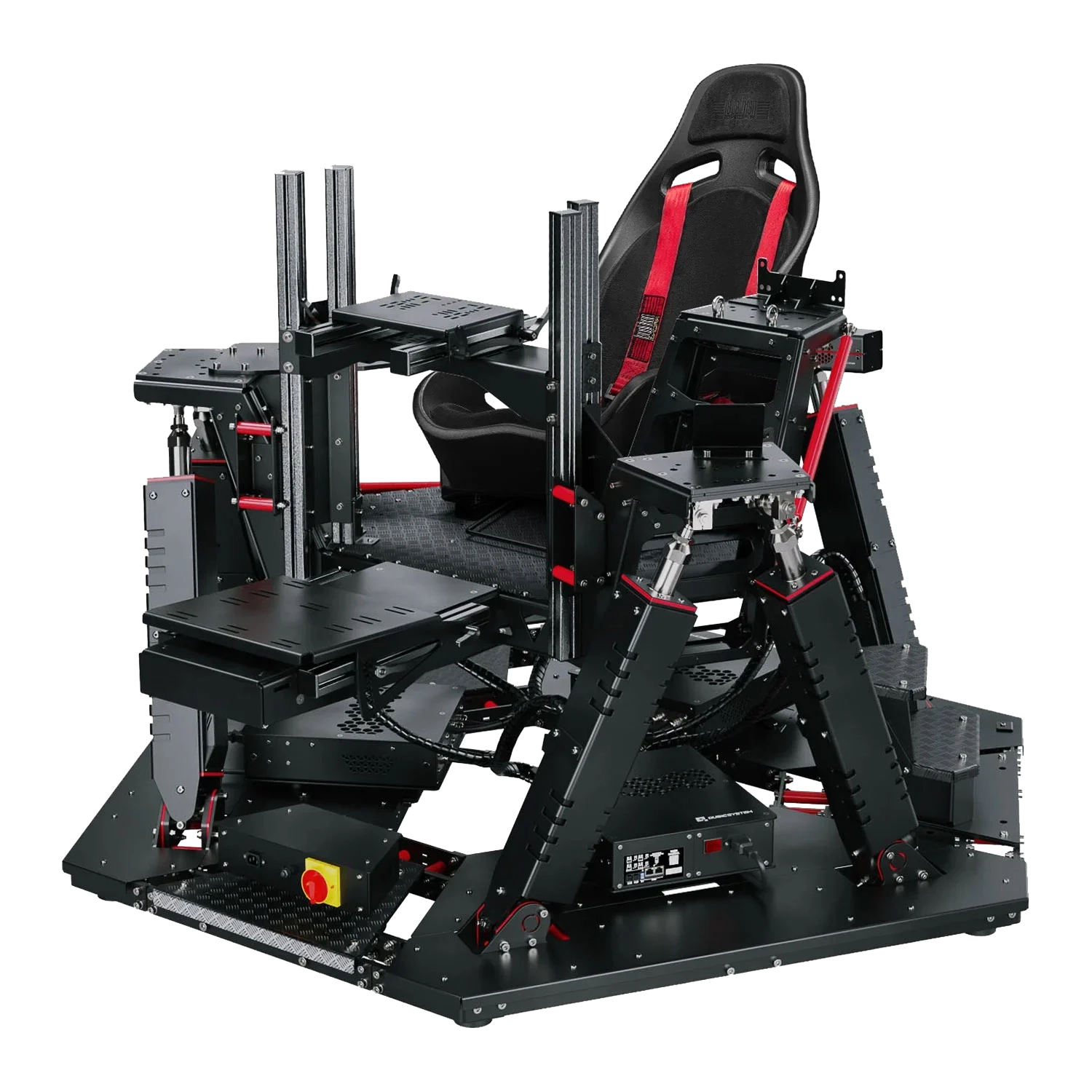
Frequently Asked Questions FAQ
Here are some common questions and answers to help you find the information you need.
The components needed for a basic racing simulator setup are an all-in-one steering wheel and pedals. For changing gear, you can use the paddles on the steering wheel or add a shifter/gear stick.
The equipment needed for a realistic flight simulator setup are a flight stick or yoke, throttle and pedals. To up the immersion further we recommend a flight simulator cockpit (static or motion-capable), enabling you to mount all this equipment together alongside your PC and monitor(s).