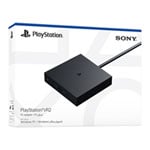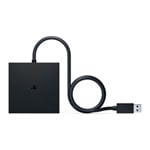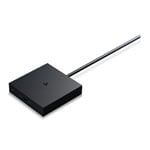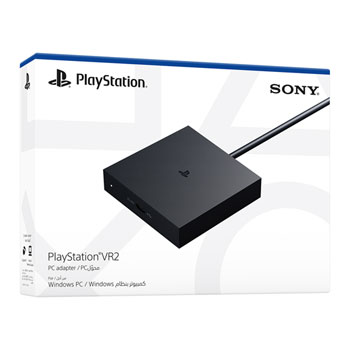

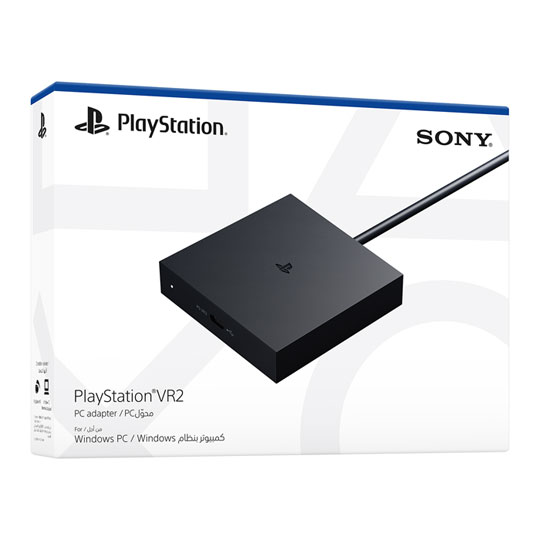
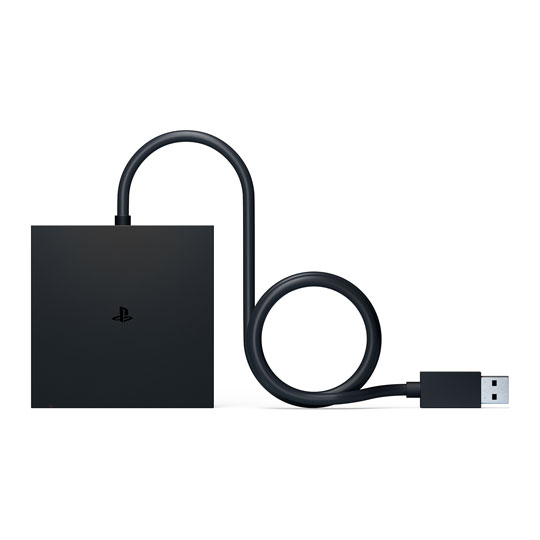
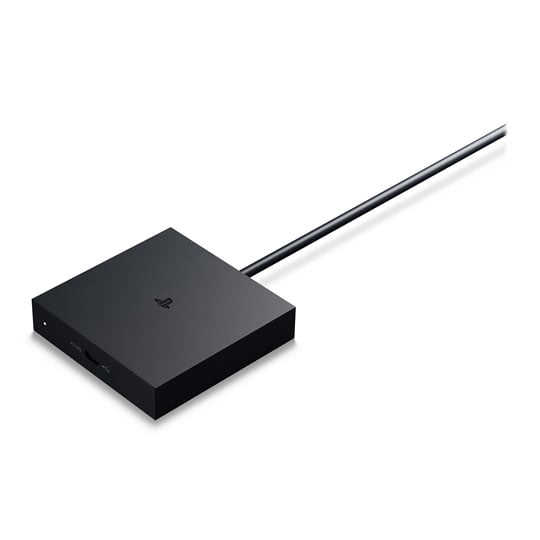


Expand the Library of Games to Play on your PlayStation®VR2
Browse, buy and play thousands of virtual reality games on Steam™. Discover multiplayer open worlds, survival horrors and stealth action games, plus sports sims, quirky puzzlers and free-to-play epics-explore Steam's huge range of virtual reality games to expand your PlayStation VR2 experience.
Connect the PlayStation VR2 PC adapter to your PlayStation VR2 and a Windows PC, download the SteamVR™ App and the free PlayStation VR2 App from Steam, and find your next favourite virtual reality game.
Minimum PC Requirements
Operating system: Windows 10 64bit / Windows 11 64bit
Processor: intel Core i5-7600 / Ryzen 3 3100 (Zen2 or later architecture is required)
RAM/Memory: 8 GB or more
GPU/Graphics Card: NVIDIA GeForce GTX 1650 or later (Turing or later architecture is required) | NVIDIA RTX series | AMD Radeon RX 5500XT or later | AMD Radeon RX 6500XT or later
For best performance, we recommend that you use an NVIDIA GeForce GTX 3060 or AMD Radeon RX 6600XT graphics card
DisplayPort: DisplayPort 1.4, Must have a standard DisplayPort or Mini DisplayPort output port
USB: Direct connection only
Bluetooth: Bluetooth 4.0 or later (Some Bluetooth adapters may not work due to Bluetooth adapter compatibility.
Compatible BT adaptor we have in stock Scan code: LN108543 Manufacturer code: 90IG05J0-MO0R00 / USB-BT500
(Please check playstation.com/psvr2-pc-spec for more information.)