PC Gaming On The Go

Before we dive into the details on the characteristics of handheld gaming PCs, here's how they compare to the other types of PC gaming device on the market.
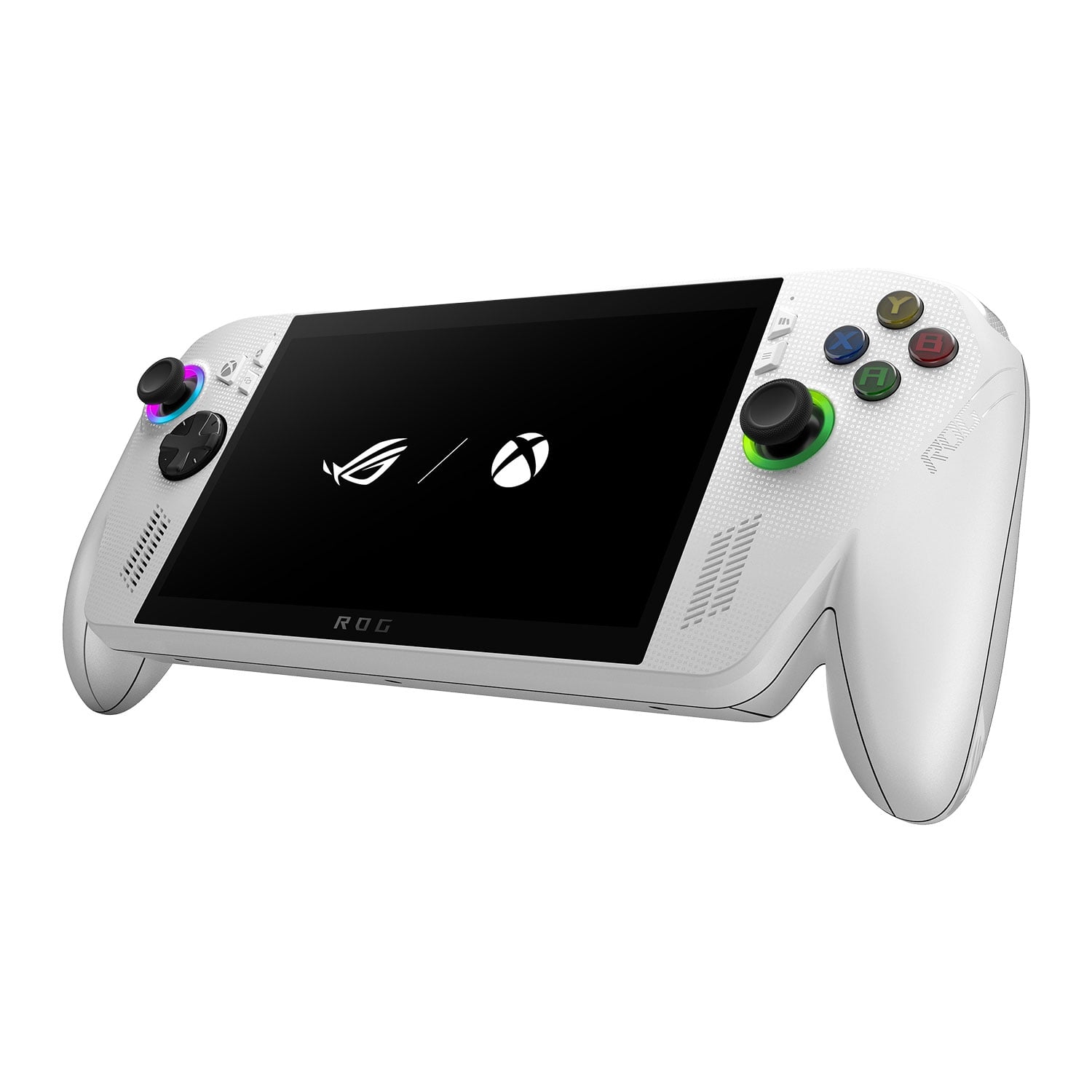
Handheld gaming PC

Handheld Consoles

Handheld gaming PCs take the best aspects of PC gaming packaged together in a compact device that you can take with you anywhere, anytime and game on for hours.
Gaming laptop

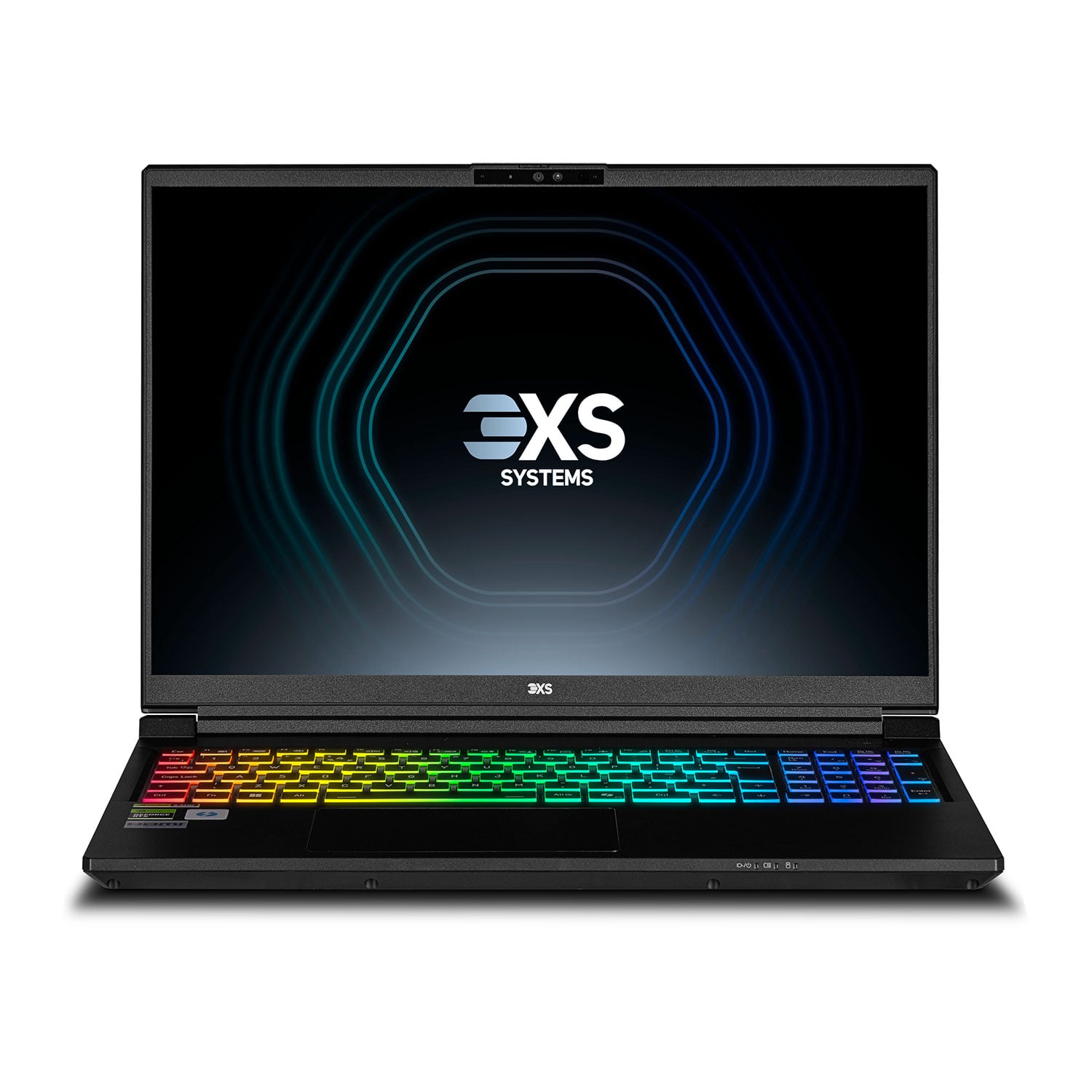
Gaming Laptops

Gaming laptops offer superior performance and flexibility to handheld PCs, at the cost of being larger, more expensive and, realistically, needing to be plugged into the mains as battery life is so limited.
Gaming desktop PC

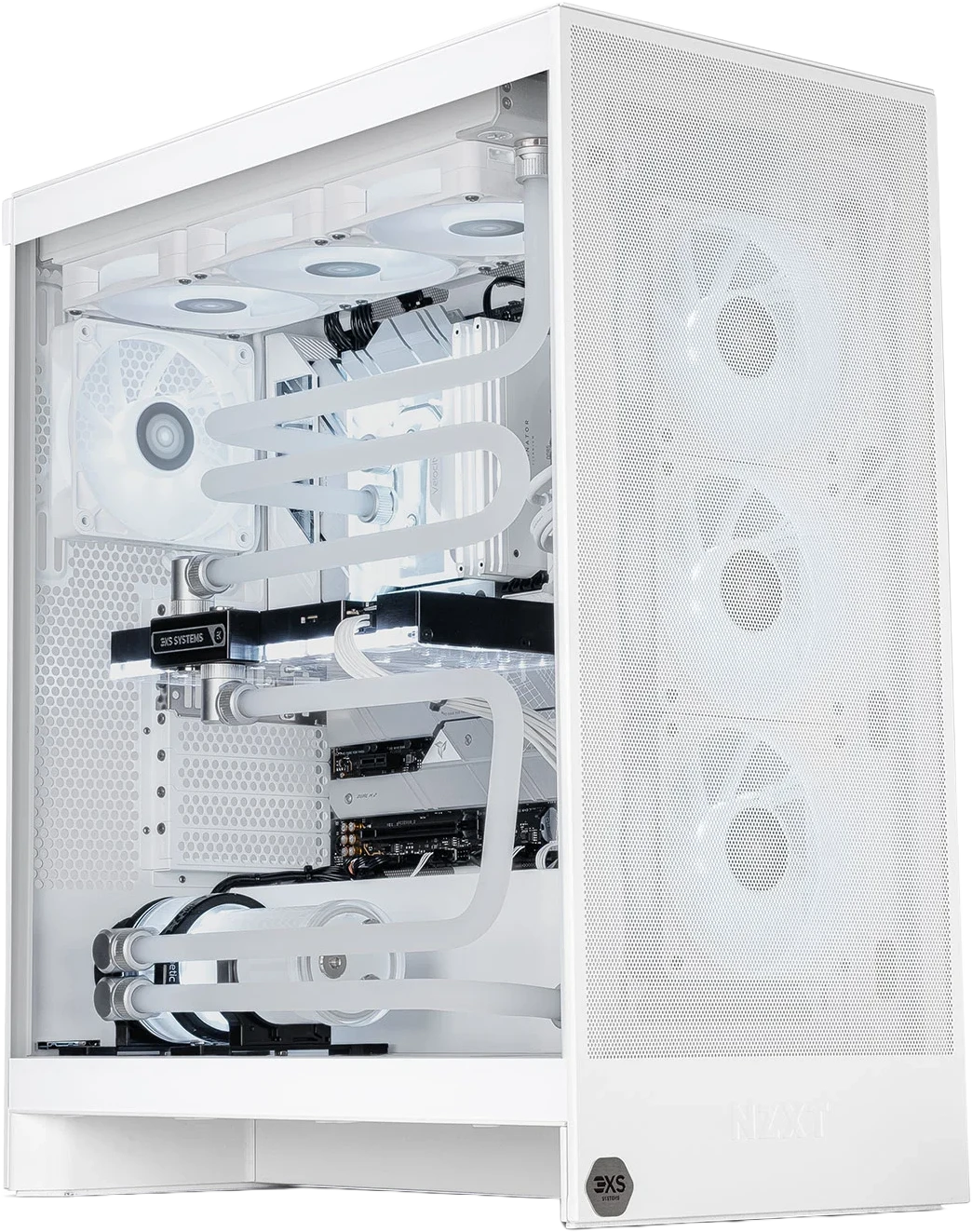
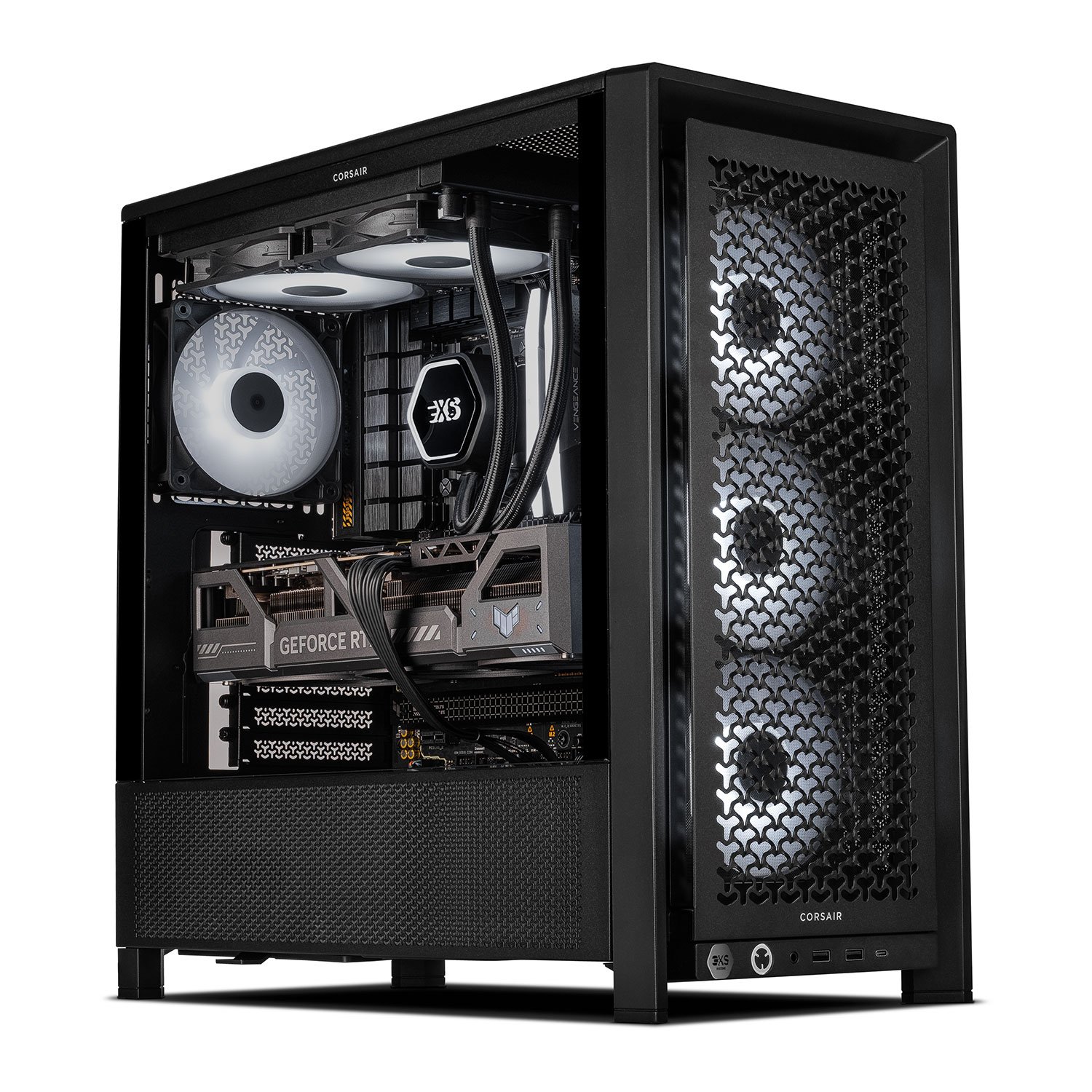
Gaming PCs

Gaming PCs offer the best performance, at the cost of not being portable. They can be used to stream more-demanding games to your handheld PC (more on this later).

Comparison of handheld PCs, gaming laptops and gaming PCs across cost, portability, battery life, performance and game variety
Feature Handheld PCs Gaming Laptops Gaming PCs
Cost
LOWERHIGHER
Portability Best (≈0.7 kg) Better (≈2.5 kg) Limited (≈20 kg)
Battery Life ≈3 hours ≈1 hour Not Applicable
Performance Good Better Best
Game Variety Some limitations Unlimited Unlimited

Handheld Console Screens

We'll start by exploring screen options, as this is the component of the console you'll be interacting with the most. The key characteristics to look out for in the screen are the size, resolution, which is the sharpness, and the refresh rate, which is the speed. As with some gaming laptops, many handhelds have touchscreens as well, although you're almost always better off using the physical controllers either side of the screen.

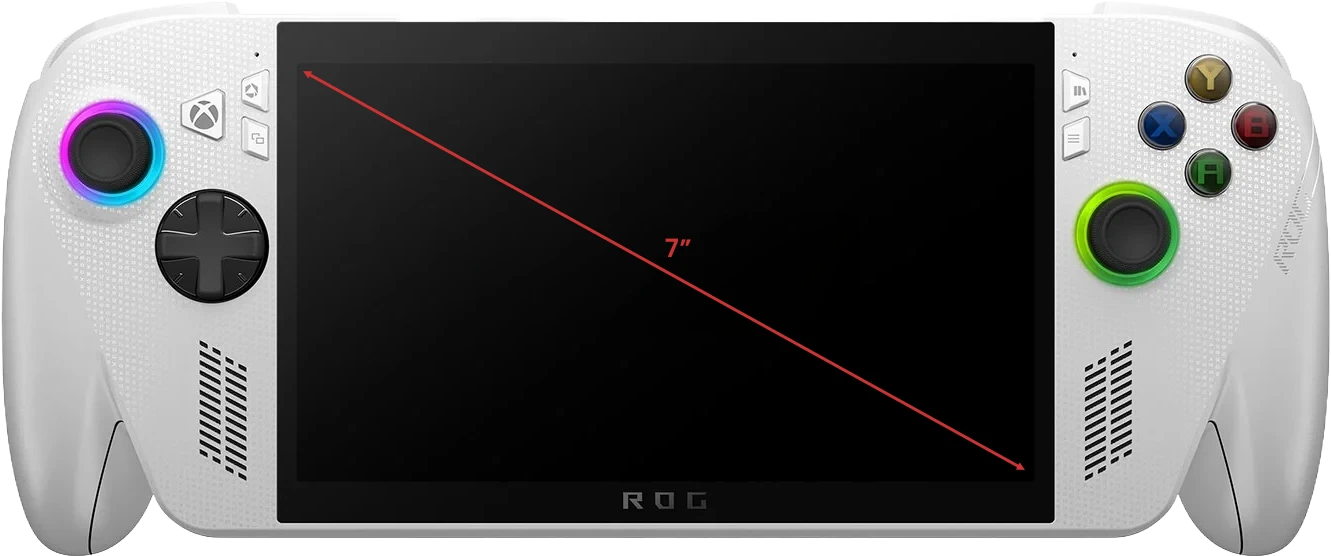
Handheld console screen size diagram

Size

Screen size is usually shown in inches, being measured on the diagonal from bottom right to top left. Most handheld gaming PCs have around 7in screens, as this is the sweet spot between viewing comfort and making the console too large to be handy.

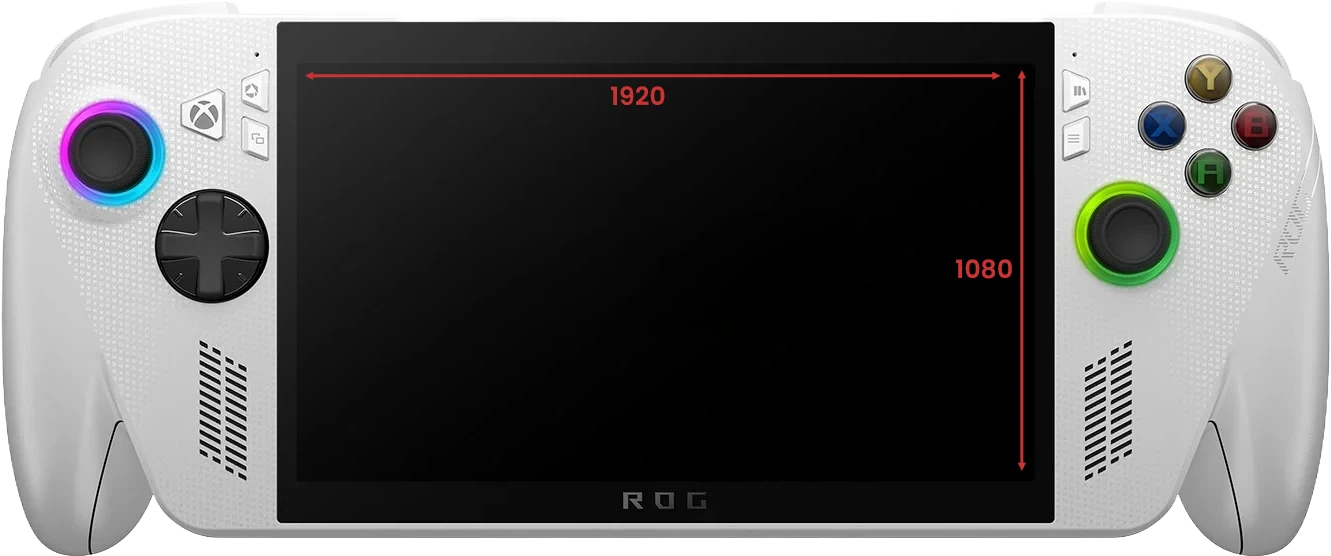
Handheld console screen resolution comparison

Resolution

Resolution is the number of pixels (the tiny dots that make up the image) that the screen possesses — it is shown as a number for screen length and a number for screen height. The higher the resolution the sharper and clearer games and the OS will appear.

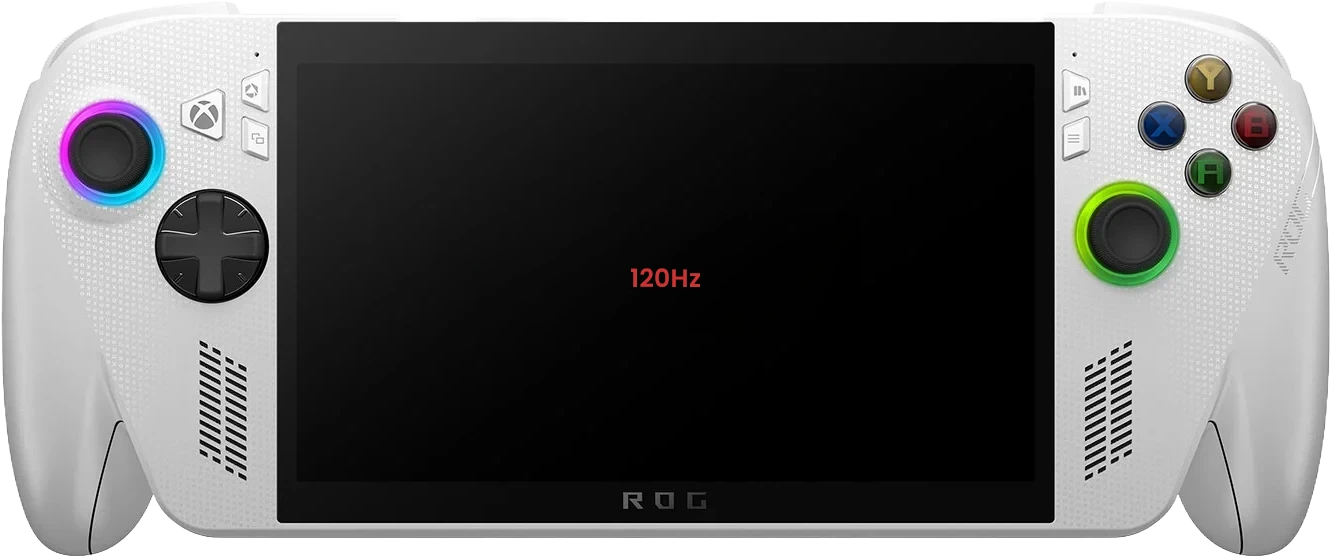
Handheld console screen refresh rate indicator

Refresh Rate

The higher the refresh rate of the screen, the faster it redraws the action, making fast-paced games look smoother. The bare minimum in terms of screen refresh rate is 60Hz, with different manufacturers offering higher refresh rate screens.

For more information on screen technology, read our in-depth Monitor Buyers Guide.

Handheld Console Controllers & Ergonomics

The other component you'll be interacting with most of the time are the controllers built into the console itself. This is a crucial distinction compared to gaming on a PC or laptop where you'll typically be interacting with a keyboard and mouse.

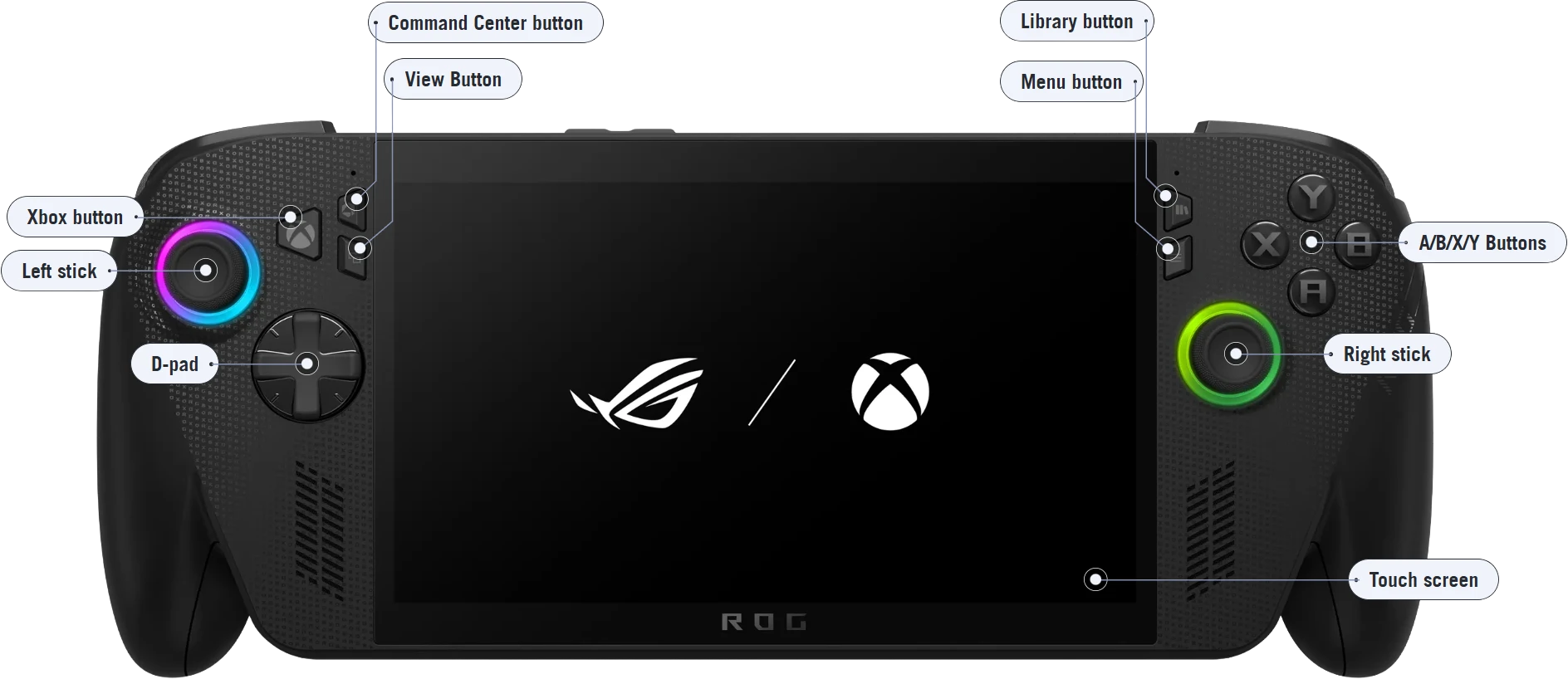
Most handheld gaming PCs follow the same principles as their console equivalents, with an array of buttons, D-pads, sticks and trackpads mounted either side of the screen, plus shoulder buttons on the rear, operating in much the same way as a gamepad. Some controllers may even have haptic feedback, physically reacting as you press down on buttons, adding another level of immersion.

One thing to look out for, which may sound counterintuitive at first is that unlike laptops, smaller isn't necessarily better when it comes to handheld consoles. This is because a larger body is more comfortable to grip with your whole hand, whereas a smaller body exerts pressure on your palms and wrists.

Given how personal controllers and ergonomics are, if you live in the area we highly recommend visiting our retail store in Bolton, so you can get hands-on with some handheld consoles and try them out for yourself.

Diagram of ASUS ROG Xbox Ally front controller layout showing buttons, sticks, D-pad and trackpads

Operating System

Before we dive into the inner workings of components and how they impact things such as performance and battery life, it's really important to be aware how the choice of operating system impacts what you can do with different handheld gaming PCs.

This is because unlike the vast majority of gaming PCs and laptops that run Windows, this isn't the case for all handheld consoles, as some run Android instead. This isn't a problem per se, but something to be aware of, in the same way that Apple iOS and Google Android smartphones do the same basic job and have many common applications, but also have some unique games and capabilities. For instance, due to the limited performance of handheld gaming consoles, some operating systems also enable you to wirelessly stream games from other consoles or the cloud to your handheld.

It's also worth noting that despite being marketed as game consoles, whether you buy a Windows- or Android-based console you'll be able to run other applications, not just games.

Android logo Windows 11 logo

Windows vs Android — What Can You Play?

While software features will vary from model to model, here's what you can expect from the most common operating systems used on handheld consoles.

Comparison of features available on Windows and Android handheld gaming consoles
Feature Windows Android
Windows games, i.e. Steam, Epic, Battle.net etc
Windows applications via desktop mode
Android games via Google Play
Android applications via Google Play
Xbox Game Pass games (with optional subscription)
Stream games from your PC using Steam Link
Stream games from your PC using GeForce Now
Stream games from GeForce Now (requires subscription)
Stream games from your Xbox (requires Xbox Game Pass) (with optional subscription)
Stream games from Xbox Cloud Gaming (requires subscription) (with optional subscription) (with optional subscription)

✔ = Supported | ✖ = Not supported

Handheld Console Processors

Now that we've covered the characteristics that impact how a console feels to use (screen, controllers, ergonomics and operating system) it's time to look at the components inside that determine its performance. Let's start with the processor.

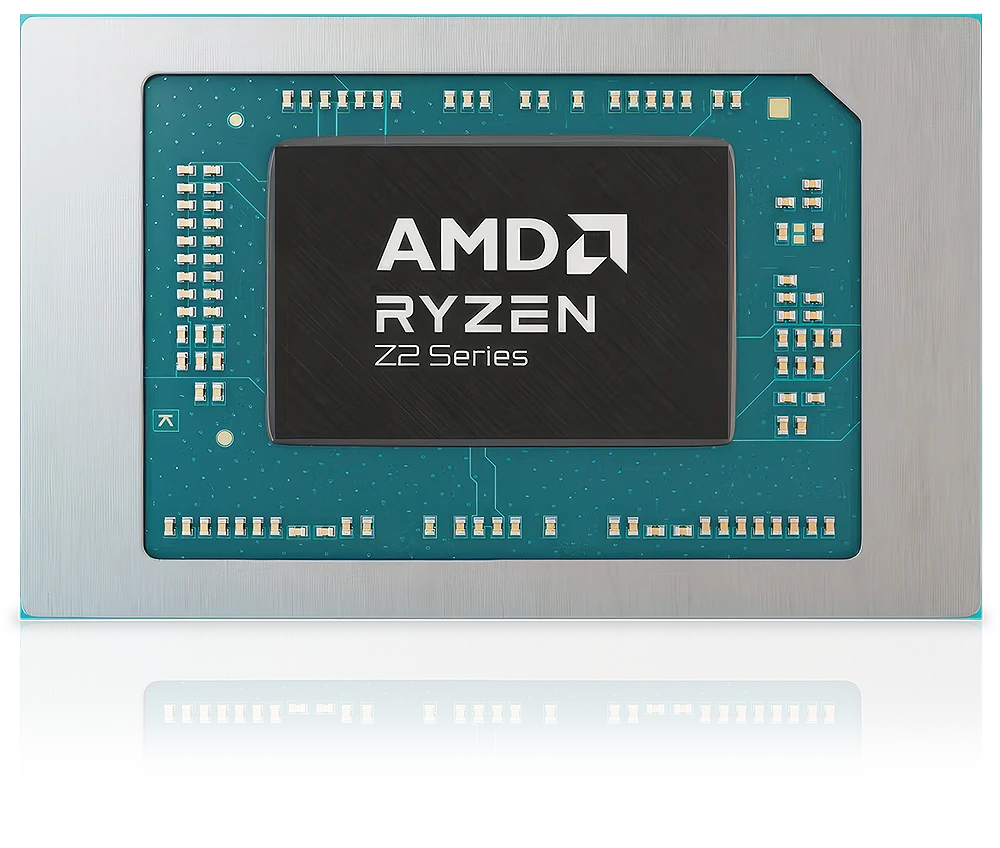
Most gaming PCs and laptops have two processors, an AMD or Intel CPU, plus an AMD or NVIDIA GPU. In contrast, due to their limited space, power and cooling, handhelds have a single processor known as an APU, functioning both as a CPU and GPU. Currently, AMD and Qualcomm are the most popular APU processor brands. Here's how AMD's Ryzen Z2 embedded gaming APUs range breaks down:

AMD Ryzen Z2 series embedded gaming APU lineup
AMD Ryzen Z2 series APU comparison showing CPU and GPU architecture and core counts
Model Z2 Extreme Z2 Z2 A
CPU Architecture Zen 5 & Zen 5c Zen 4 Zen 4
CPU Cores / Threads 8 / 16 8 / 16 4 / 8
GPU Architecture RDNA 3.5 RDNA 3 RDNA 2
GPU Cores 16 12 8
It's worth noting that due to the highly integrated nature of handheld consoles, the processor is soldered down onto the main PCB so is not upgradeable.

Handheld Console RAM

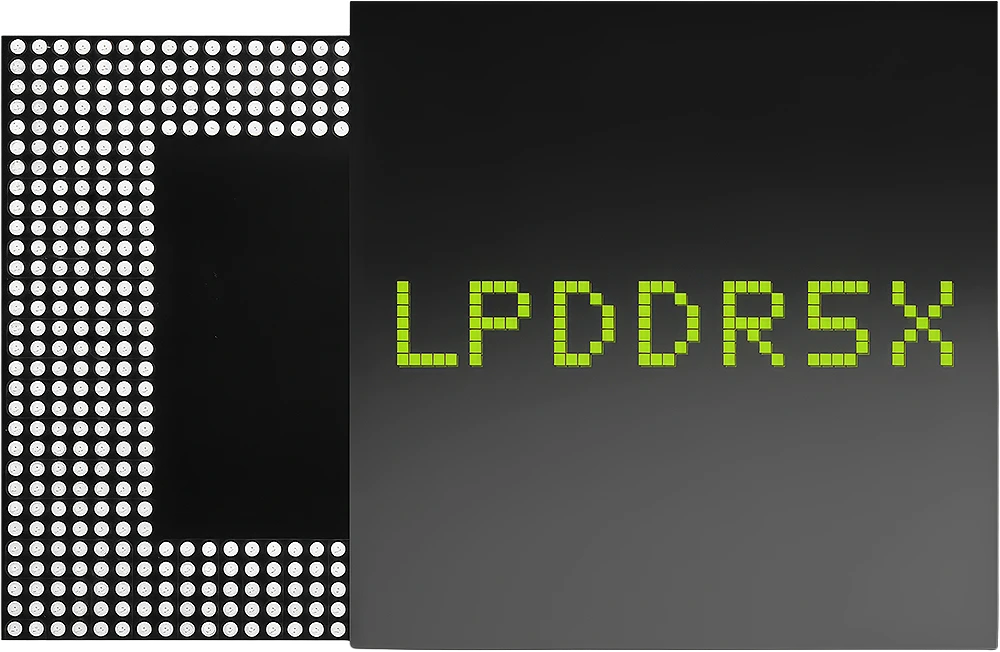
Just like a gaming PC or laptop, it's crucial to have sufficient system memory or RAM, if you don't, games will stutter at inopportune moments putting you off your aim. Unfortunately, due to the highly integrated nature of handheld consoles the RAM is soldered down onto the main PCB so it's not possible to upgrade after purchase. It's therefore really important to check how much RAM a console has, we recommend an absolute minimum of 16GB in a Windows-based console or 6GB in an Android-based console.

If you're struggling with performance in some games, you can adjust the amount of RAM allocated to the GPU in Windows.

LPDDR5X RAM chip used in handheld gaming consoles

Handheld Console Storage

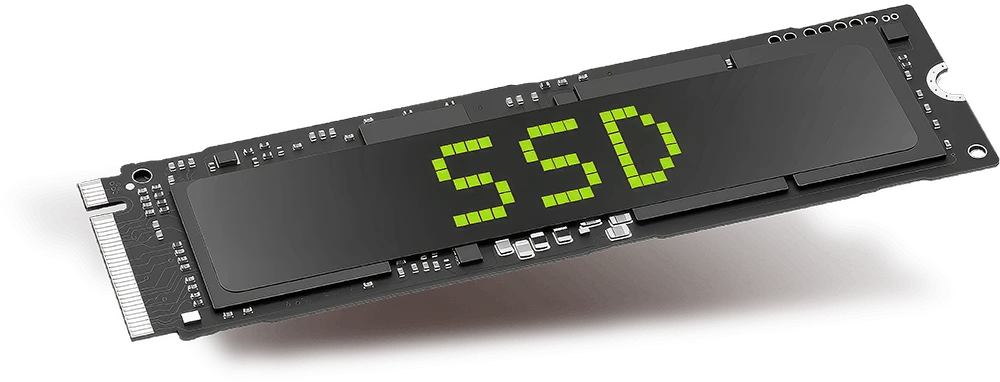
Just like a gaming PC or laptop, handheld consoles use SSDs to store the operating system and games. With games taking up more space every year, you can never really have too large an SSD in your console. We recommend an absolute minimum of 512GB in a Windows-based console or 128GB in an Android-based console.

Fortunately, some, but not all handheld consoles use industry standard M.2 NVMe SSDs for their storage, so you can install a larger capacity SSD at a later date. Beware that while most M.2 drives are 80mm long, some high capacity drives are 110mm long and will not fit in all consoles. Check your console manual before buying.

Some consoles also have a MicroSD slot to add further storage.

M.2 NVMe SSD used in handheld gaming consoles

Handheld Console Connectivity

Handheld consoles are designed to work as standalone devices, simply needing a WiFi connection to download new games, stream video etc. Most consoles also have some USB ports to connect to other devices, such as a monitor, keyboard and mouse. Unlike gaming PCs, which can be easily upgraded over time, consoles have a fixed specification so it's important to look at what ports it has. You can get more ports by using a docking station (more on this later). The tables below show the major differences between the USB ports and WiFi controllers found in consoles.

Comparison of USB standards showing bandwidth and connector type

USB Standards

Standard Bandwidth Connector
USB 2.0 480 Mb/s USB A
USB 3.0 5 Gb/s USB A
USB 3.1 10 Gb/s USB A
USB 3.2 20 Gb/s USB C
USB 4.0 40 Gb/s USB C
USB4 v2.0 80 Gb/s USB C
Comparison of Wi-Fi generations showing IEEE standard, frequency, data rate and range

Wi-Fi Standards

Generation IEEE Standard Frequency Max. Data Rate Max. Range
Wi-Fi 2 802.11b 2.4 GHz 11 Mbps 450 ft
Wi-Fi 1 802.11a 5 GHz 54 Mbps 400 ft
Wi-Fi 3 802.11g 2.4 GHz 54 Mbps 450 ft
Wi-Fi 5 802.11ac 5 GHz 1 Gbps 1,000 ft
Wi-Fi 6 / 6E 802.11ax 2.4 / 5 GHz 10 Gbps 1,000 ft
Wi-Fi 7 802.11be 2.4 / 5 / 6 GHz 24 Gbps 1,000 ft

Handheld Console Battery Life

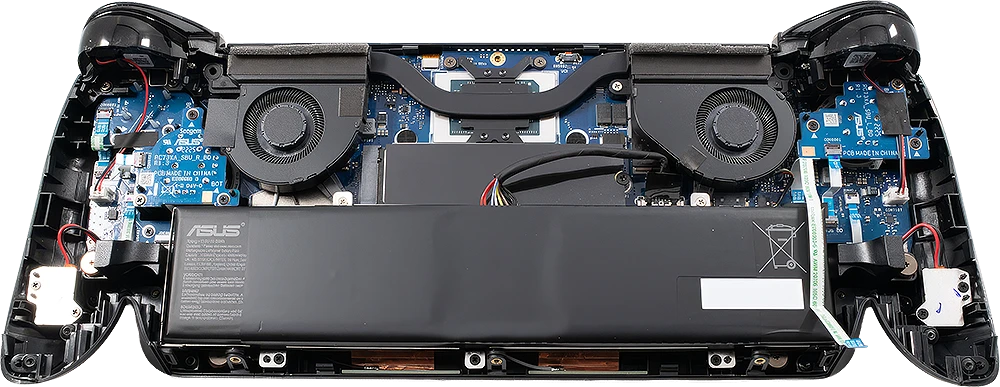
Unlike gaming laptops which are optimised for running off mains power, handheld consoles are designed to run off their internal battery for hours on end. Due to their highly integrated design, the battery is not upgradeable, so it's really important to check what size battery has been fitted by the manufacturer.

At minimum we recommend a 60Wh battery, which should give you around 2 and a half hours of gaming and around 15 hours of video streaming. However, there are a number of things you can do to extend battery life, such as changing power profiles, which will reduce screen brightness and limit processor performance. While this might sound like a bad thing, you'll rarely need to use the screen at maximum brightness indoors, and many games don't require full processor performance.

For example, using the Armoury Crate software on an Asus ROG Xbox Ally X we were able to extend the battery life to as much as 5 hours. Conversely, when the Ally was struggling with the framerate in some games, we maxed its performance, and as a result battery life dropped to just over an hour and a half.

Handheld gaming console battery compartment

Handheld Console Accessories

While handheld consoles aren't customisable to the same extent as a gaming PC or laptop, there are various accessories you can buy to enhance your gaming experience and protect your console. Here is a small selection of what you can choose from.

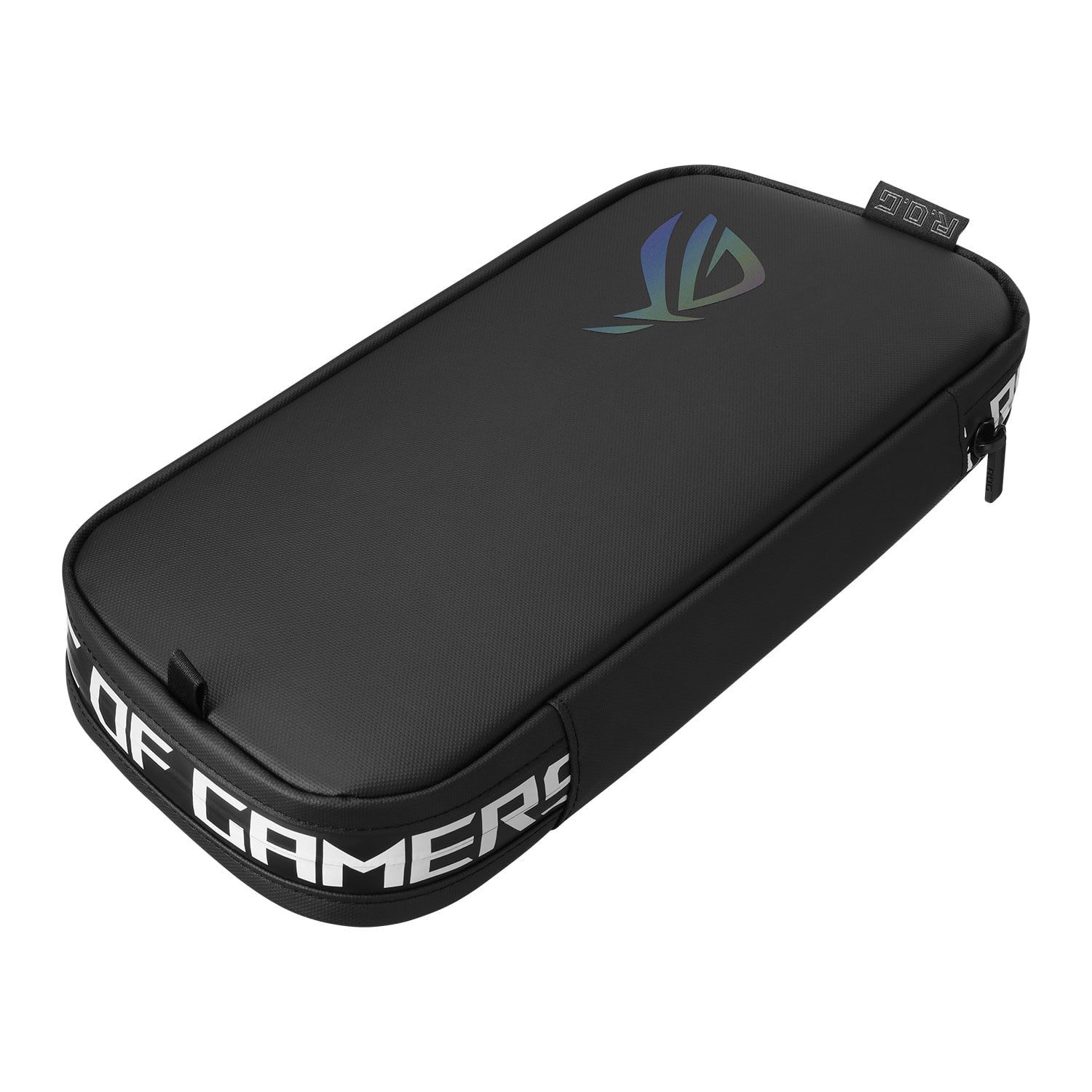
Handheld console travel case protecting console when not in use

Travel Cases

Travel cases that protect when not in use, some also double up as stands.

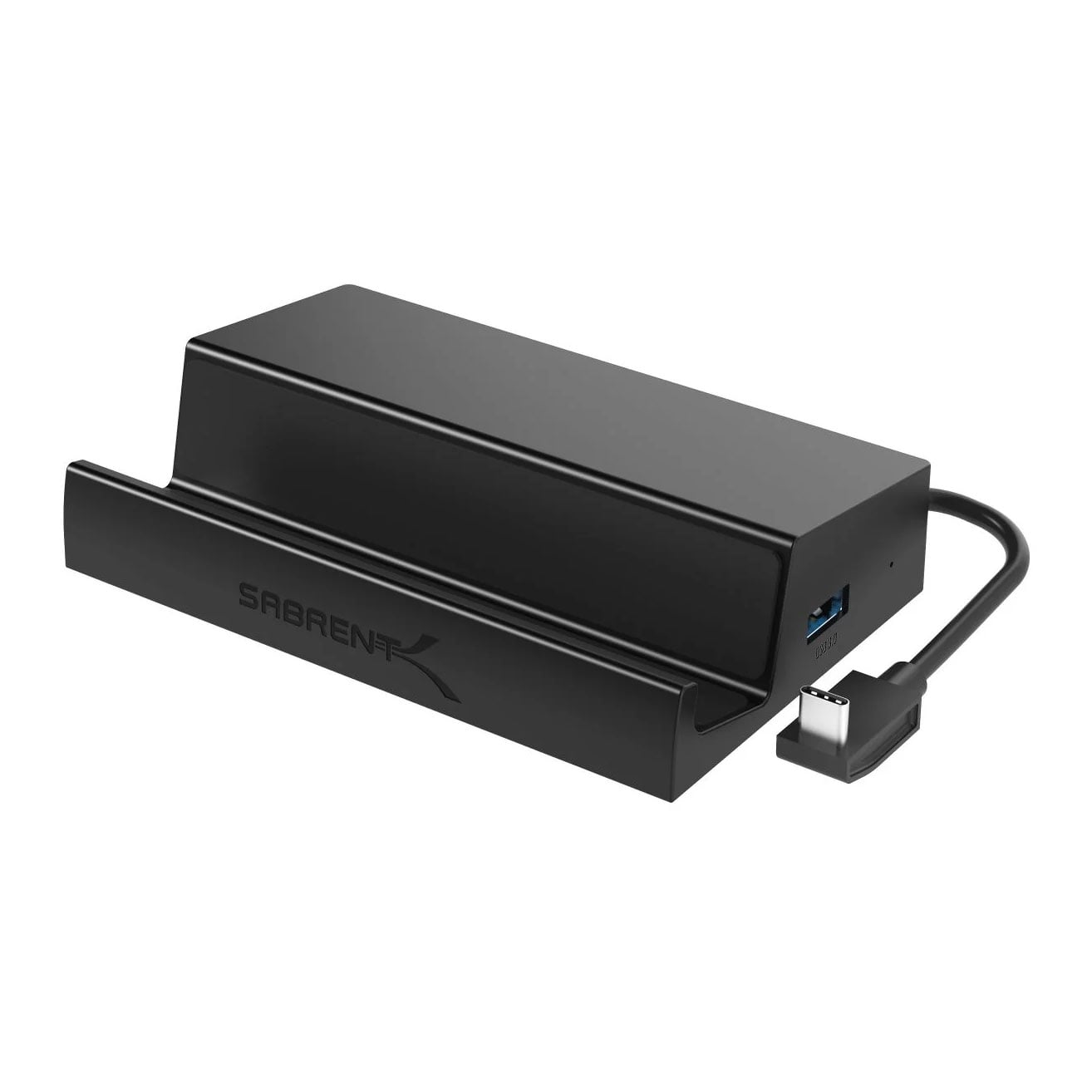
Handheld console docking station with USB and HDMI ports

Docking Stations

Docking stations, adding convenient charging and more ports.

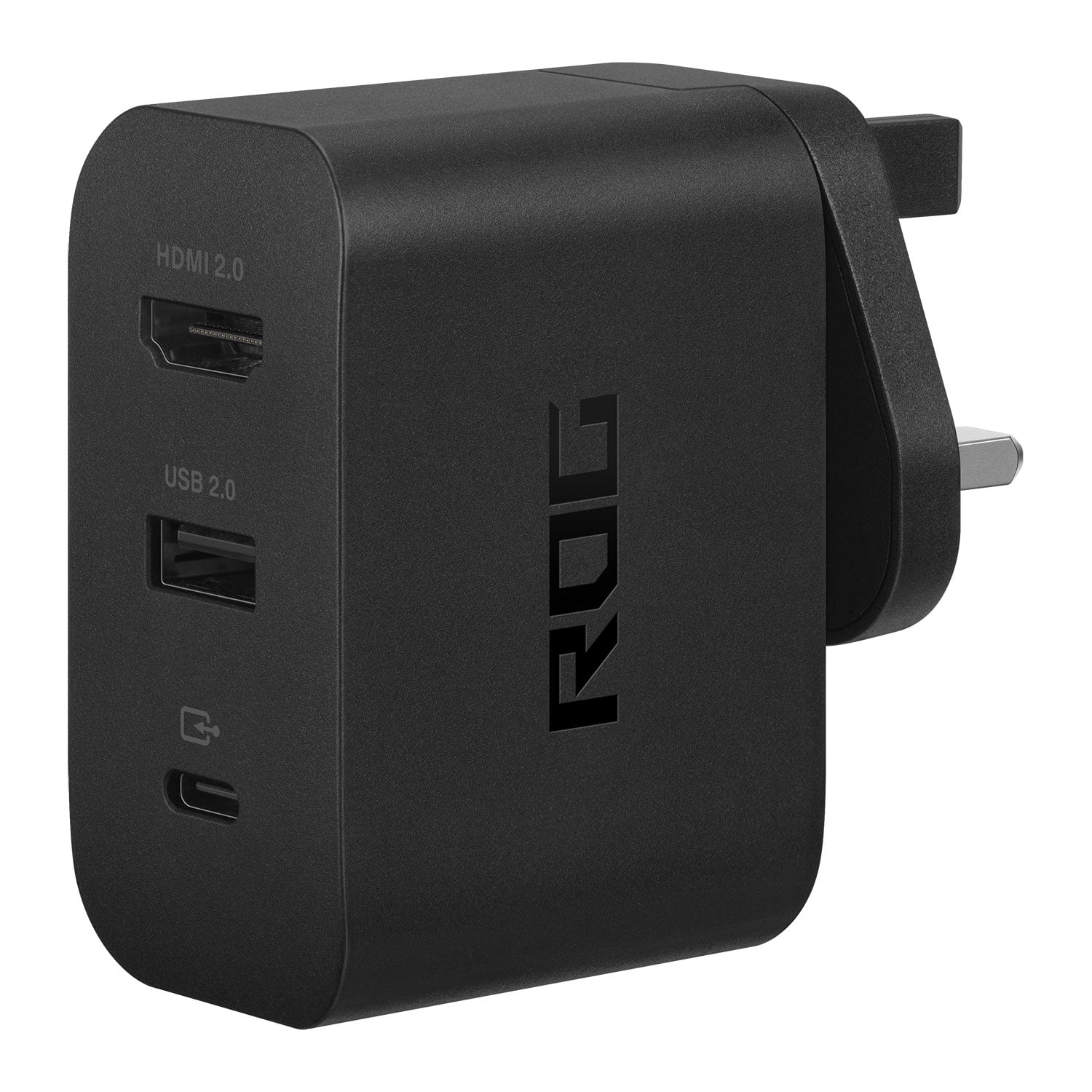
Handheld console mains charger with USB and HDMI hub

Mains Chargers

Mains chargers, some also double up as USB and HDMI hubs.

Ready to Buy?

Now that you've discovered the perfect handheld console, browse our range.

View Handheld Gaming PCs
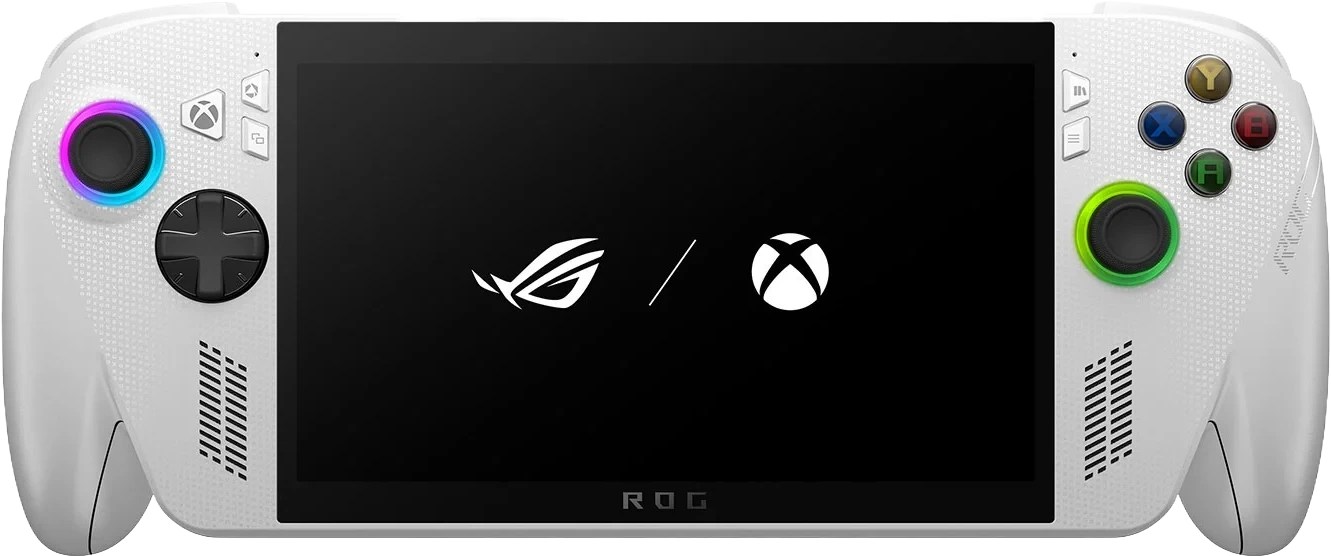
Handheld gaming PC ready to purchase from Scan

Level Up Your Gaming

If your current desktop PC is struggling with the latest games, find all you need to know about buying a new PC.

View Gaming PC Buying Guide
Gaming desktop PC buying guide from Scan

Frequently Asked Questions FAQ

Here are some common questions and answers to help you find the information you need.

A handheld console is a small device that allows you to play PC games from Steam, Epic, or Xbox Game Pass on the go.

You should consider a number of factors - screen characteristics, ergonomics, the games you can play, performance, connectivity and battery life - as laid out in the above guide.

There is no single answer to this, as the best handheld console ultimately depends on your specific needs. This may be a family-friendly atmosphere and a robust library of games, or alternatively high-performance PC gaming in a portable format.