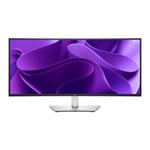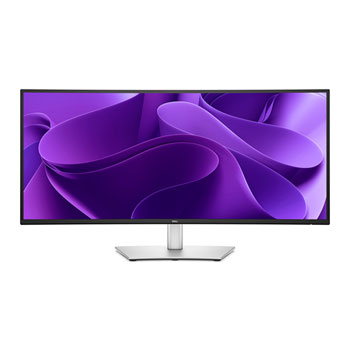

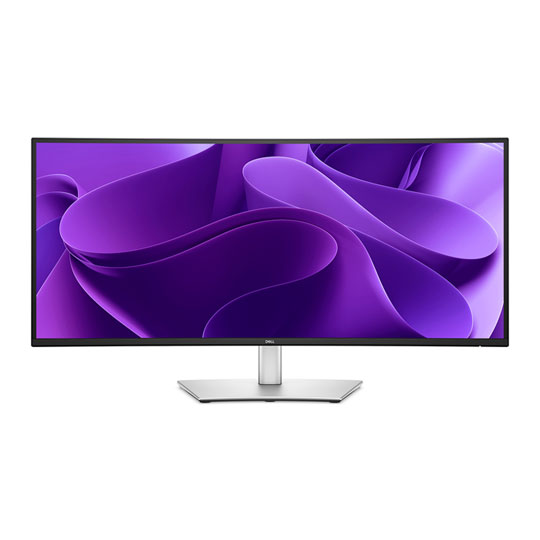
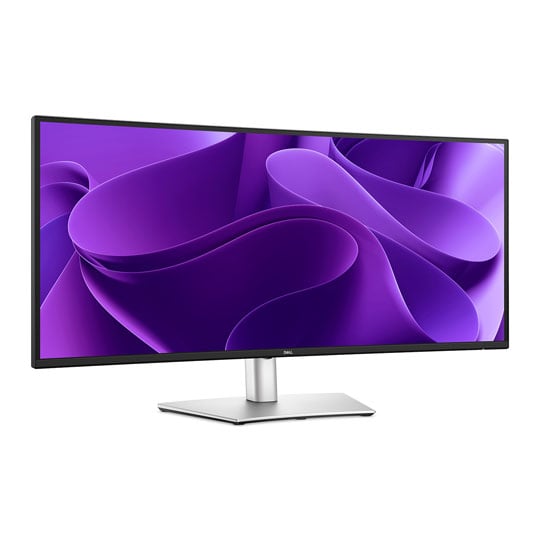
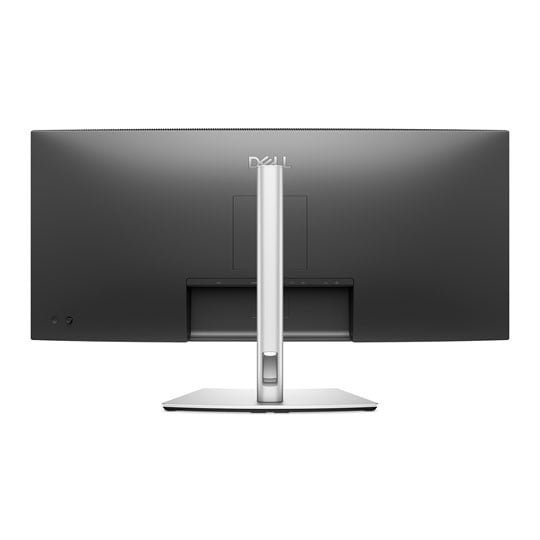
Dell Pro 34 Plus 34" Curved IPS Silver / Black USB-C Hub Monitor with KVM
Scan code: LN162312 Manufacturer code: P3425WE
£399.98
Get it Tomorrow, 08 JulIn stock
  • Thumbnail 1 : Dell Pro 34 Plus 34" Curved IPS Silver / Black USB-C Hub Monitor with KVM
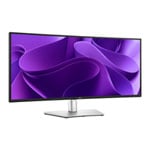
  • Thumbnail 2 : Dell Pro 34 Plus 34" Curved IPS Silver / Black USB-C Hub Monitor with KVM
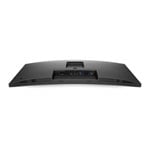
  • Thumbnail 3 : Dell Pro 34 Plus 34" Curved IPS Silver / Black USB-C Hub Monitor with KVM
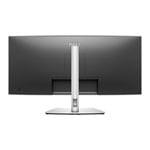
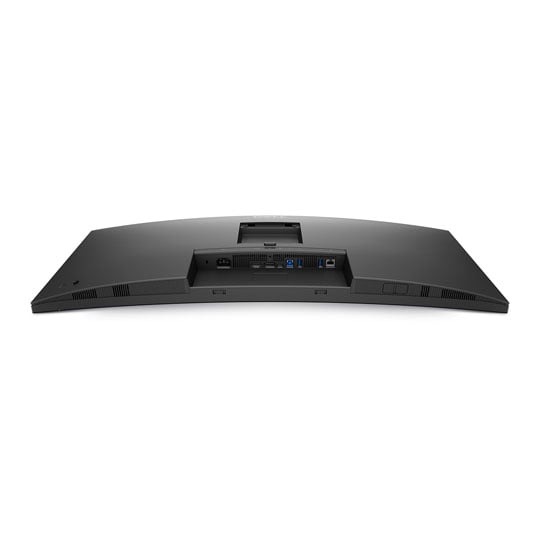
  • Thumbnail 4 : Dell Pro 34 Plus 34" Curved IPS Silver / Black USB-C Hub Monitor with KVM

Dell Pro 34 Plus 34" Curved IPS Silver / Black USB-C Hub Monitor with KVM

34.1" Dell P3425WE Pro 34 Plus Curved Monitor, 3800R, IPS, 3440x1440 WQHD, 5ms, 1500:1, 350cd/m², DP / HDMI / USB-C/A

Scan code: LN162312 Manufacturer code: P3425WE
£399.98
Free delivery on this item
Order now and get it tomorrow, Wed 8th Jul
Get it Tomorrow, 08 JulIn stock
Pay in 3 interest-free payments of £133.33

Email me when the availability or price changes

  • By DPD On 8th Jul Have your parcel delivered by DPD to your specified address. Receive SMS with one-hour delivery window | Free Receive SMS with one-hour delivery window Weekend, timed and European delivery options are available at checkout
  • Collect instore Order online, collect from our Bolton store (25-28 Enterprise Park, Middlebrook, Horwich, Bolton, BL6 6PE) | Free
  • UPS and DPD Pickup Pickup from local convenience store | £4.99 Collect your parcel from your newsagents, petrol stations and convenience stores

Finance this product

  • From £19.53 / month (APR 16.9%) for 24 months or 0% for 4 months
  • With a 10% deposit from just £9.99 / month (APR 15.9%)
  • SCANPROTECT Protect against installation damage for 28 days.

34.1" WQHD+ P3425WE Curved IPS Curved Hub Monitor from Dell
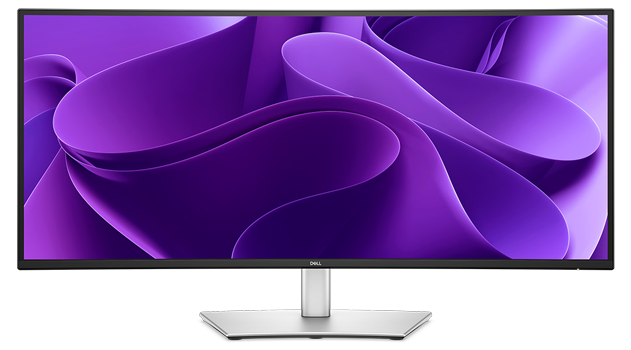
Immersive & InvolvingThe Dell Pro 34 Plus P3425WE is a 34.1-inch ultrawide curved monitor built to elevate professional workflows with immersive visuals and streamlined connectivity. Its 3800R curve and WQHD (3440 x 1440) resolution stretch across a vibrant IPS panel, delivering crisp detail, rich colour accuracy, and a 1500:1 contrast ratio that enhances depth and clarity across the entire screen. Ideal for multitasking and content-heavy workloads, the P3425WE also doubles as a USB-C hub—offering HDMI, DisplayPort, USB-A, USB-C, and RJ45 Ethernet support. A single USB-C upstream port carries DisplayPort signal and up to 90W power delivery, making it easy to power and connect your laptop in one clean move.

34.1-InchScreen Size

3440 x 1440WQHD+ Resolution

IPS BlackPanel Type

100HzRefresh Rate

3800RCurvature

Clarity from Every Angle
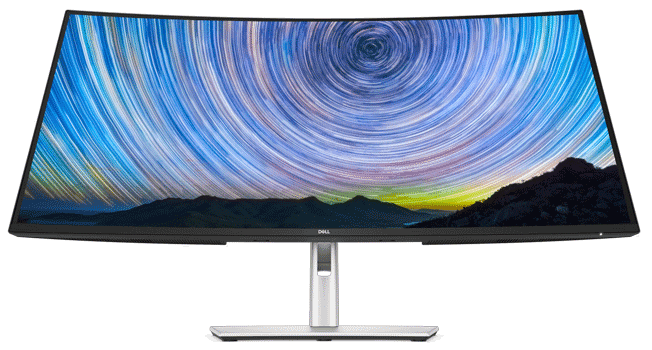
Expansive WQHD+See more on an ultrawide curved monitor with WQHD (3440 x 1440) resolution.


Excellent Contrast1500:1 contrast ratio for deeper blacks and brighter whites.


In-Plane SwitchingVibrant visuals across wide viewing angles enabled by In-Plane Switching (IPS) technology.
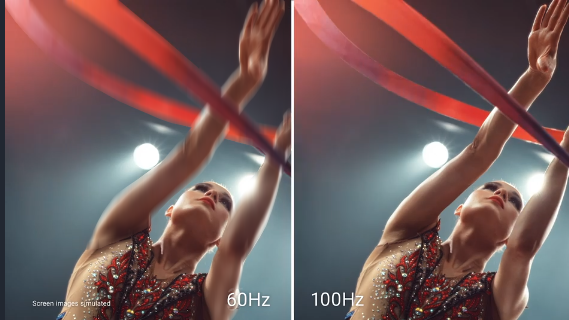

100Hz Refresh RateEnjoy smoother on-screen motion and a more responsive experience with a 100Hz refresh rate. Perfect for fast-paced multitasking or light gaming.

99% sRGB ColourAccurate and vibrant colour reproduction with 99% sRGB coverage ensures that images and media appear true-to-life.
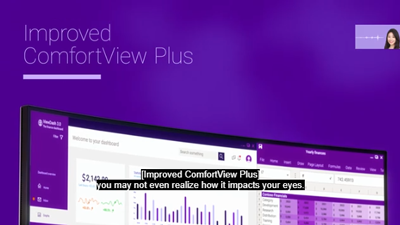
ComfortView PlusThis built-in, always-on low blue light filter reduces blue light emissions to <35% without distorting colour accuracy.

Easy Ergonomics
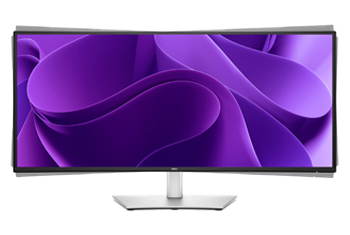
Monitor with Pivot

PivotShift the display clockwise or counterclockwise to fine-tune alignment.
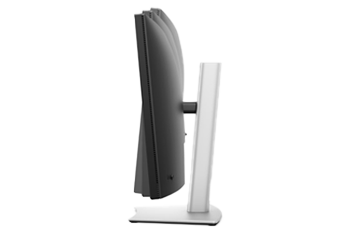
Monitor with Tilt

TiltAdjust the screen to find the most comfortable viewing angle.
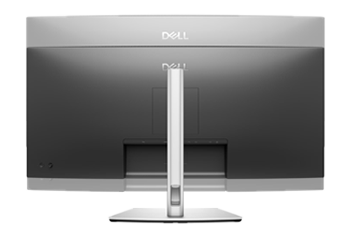
Monitor with Height Adjustment

HeightRaise or lower the monitor for optimal posture.
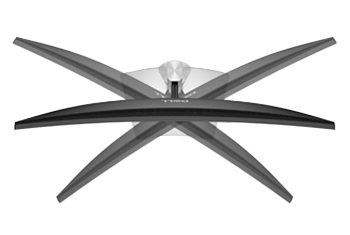
Monitor with Swivel

SwivelRotate left or right for easy screen sharing or a better desk setup.

Dell Display Manager 2.0

Dell Display Manager Easy Arrange

Effortless MultitaskingSnap multiple windows into custom or predefined layouts with Easy Arrange, keeping your workspace structured and efficient. No more dragging and resizing—just set your layout, place your apps in their zones, and Dell Display Manager will keep them right where you left them.

Dell Display Manager Easy Arrange

Pick Up Where You Left OffEasy Arrange Profiles let you save and recall your window layouts instantly. Whether you disconnect your monitor or restart your system, your apps snap back to their assigned positions the moment you reconnect. Spend less time reorganising and more time getting things done.

Dell Display Manager Easy Arrange

Adapts to Your DayWith Brightness and Contrast Scheduling, you can manually create custom presets for your display. Then, set schedules so your presets automatically kick in at the right times. Keep the brightness high for daytime tasks, or reduce it in the evening for a more comfortable viewing experience.

Dell Display Manager Easy Arrange

One Mouse, All DevicesConnect to two PC sources and Auto KVM (keyboard, video, mouse) will seamlessly switch control to the second connected PC. Use the KVM feature in Dell Display Manager to control both PCs with a single keyboard and mouse. The KVM wizard makes setup a breeze.

All-Access Hub

Pop-Up PeripheralsExperience the convenience of front-facing, pop-out USB-C (with up to 15W charging) and USB Type-A ports for easy connectivity. When you are done, just pop the ports back in for a clean look.
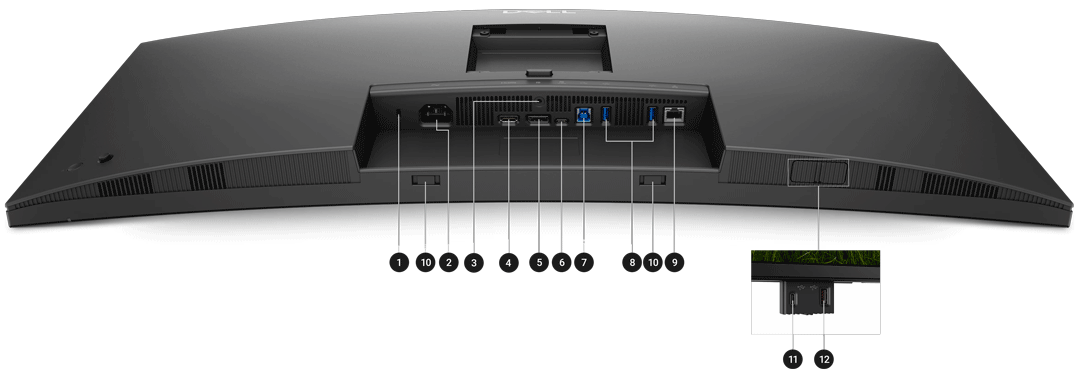

Detailed Back Panel I/O Annotation
Security lock slot (based on Kensington Security Slot™)
Power Connector
Stand-Lock
HDMI 2.1
DisplayPort 1.4
Type-C Upstream (5 Gbps, 90W, DP 1.4)
Type-B Upstream (5 Gbps)
Type-A Downstream (5 Gbps)
1GbE LAN
Soundbar Slots
Type-C Downstream (5 Gbps, Data Only)
Type-A Downstream
Specifications
Screen Size 34"
Edition Dell Pro 34 Plus USB-C Hub Monitor - P3425WE
Panel Type IPS
Panel Coating Anti-Glare (3H)
Panel Finish  
Touchscreen  
Backlight LED
Pitch Size 0.2325 x 0.2325 mm
Curvature 3800R
Adaptive Frame-rate Technology N/A
HDCP Yes
Connectors
  • 1 x Audio Line-Out
  • 1 x DisplayPort 1.4
  • 1 x HDMI 2.1
  • 1 x Kensington security slot
  • 1 x RJ45
  • 1 x USB 3.2 Gen 1 Type-C
  • 3 x USB 3.2 Gen1 Type-A
  • 1 x USB Type-B
  • 1 x USB Type-C (DisplayPort w/ Charging)
Position Adjustment
  • Height Adjustable
  • Pivot
  • Swivel
  • Tilt
Resolution 3440x1440
Aspect Ratio 21:9
Max. Refresh Rate 100Hz
Response Time 5 ms
Brightness 350 cd/m²
Viewing Angle 178 / 178 (°H/°V)
Contrast Ratio/Dynamic Contrast Ratio 1500:1
Color Gamut  
Color Bit Depth  
HDR Support No
Supported HDR Standards  
Speakers No
Speaker Configuration N/A
Web Camera No
Power Usage (Switched on) 28.7 W
VESA 100 x 100
3D Support No
Anti-Theft Features Kensington-lock Ready
Included Accessories
  • 1 x DisplayPort Cable
  • 1 x Power Cable
  • 1 x USB Cable
  • 1 x USB Type-C Cable
Monitor Colour Silver/ Black
Dimensions (with stand) 815.95 x 541.25 x 229.42 mm (WxHxD)
Dimensions (without stand) 815.95 x 358 x 83 mm (WxHxD)
Weight (with Stand) 9.91 kg
Note  
Additional Information
Scan Code LN162312
Model Number P3425WE
GTIN 5397184962510
Warranty

Please note your statutory rights are not affected.

For further information regarding Scan's warranty procedure please see our terms and conditions

Details
Duration:
36 months
Type:
Direct
DOA Period:
7 days
Manufacturer Contact Details
Manufacturer:
Dell
Telephone:
0800 028 2660
Loading Please Wait

Please wait . . .

Buying Guide
Need help? Read our Monitors Buying Guide
HDR Monitors
HDR Monitors
Date Issued: 11th May 2020

PC monitor manufacturers tend to focus on a particular buzzword or acronym almost every year. In the past, we have been treated to HD (high definition), denoting the screen is capable of running a minimum 720p resolution.

Read More

Display Panel Types
Display Panel Types
Date Issued: 15th May 2015

Choosing a monitor is not an easy decision to make, and not just because of the large number of variations in resolution, refresh rates, sizes and connectivity options. There are also varying panel technologies used to form each display that need to be considered. These panel technologies can be grouped into three broad categories which cover the vast majority of monitors sold in the consumer market.

Read More

Dell Pro 34 Plus 34" Curved IPS Silver / Black USB-C Hub Monitor with KVM

PayPal Credit

Monthly Payment: £36.24
Instalment Rate: 16.9% p.a. (fixed)
Cost of purchase: £399.98
Total inc. interest: £434.83
Monthly Payment: £19.53
Instalment Rate: 16.9% p.a. (fixed)
Cost of purchase: £399.98
Total inc. interest: £468.72
Example
Minimum Spend: £99
Instalment Rate: N/A
Cost of purchase: £99
Total inc. interest: £99
If you are approved for a credit limit with PayPal Credit and use it for future purchases, the APR for those purchases won't be more than 23.9% and may be even lower.

Representative Example:

Purchase Rate: 23.9% p.a. (variable)

Representative: 23.9% APR (variable)

Assumed Credit Limit: £1,200

Subject to status. Terms and Conditions apply.