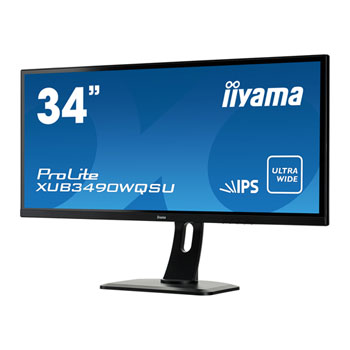
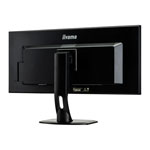
Iiyama XUB3490WQSU 34" Ultra Wide Quad HD IPS Monitor
Scan code: LN70055
Manufacturer code: XUB3490WQSU-B1
End Of Life

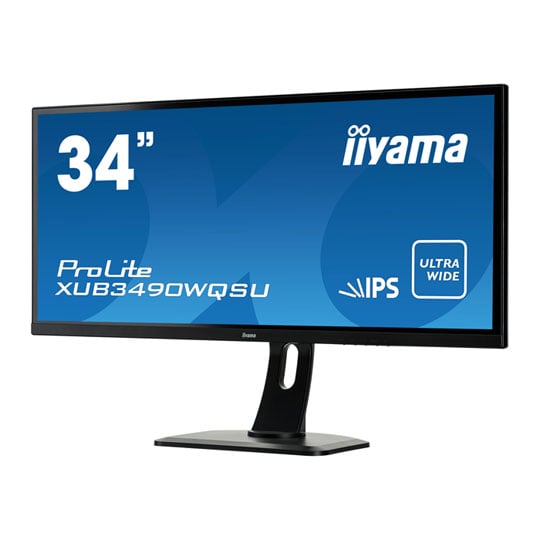
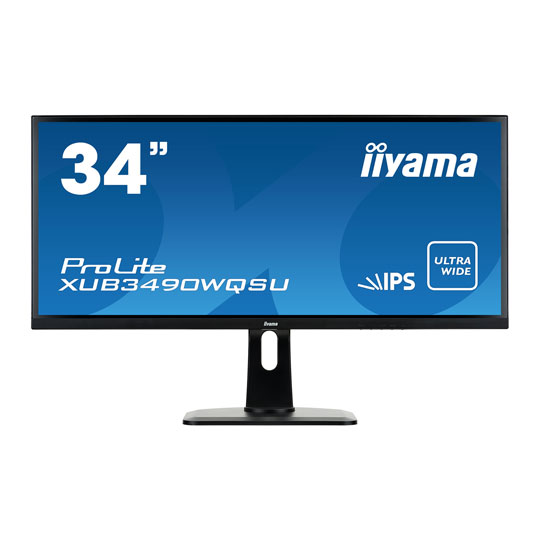
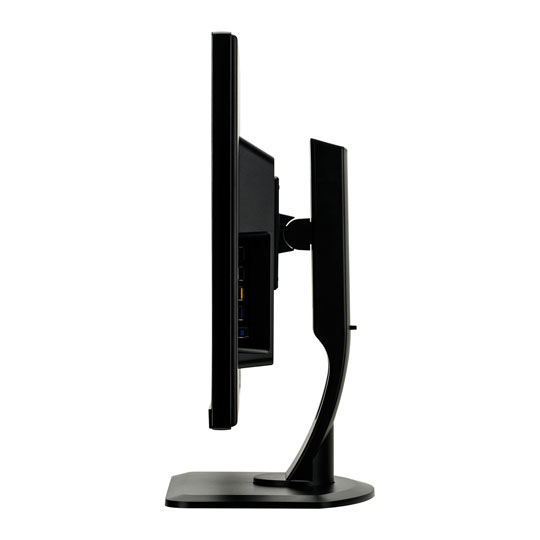
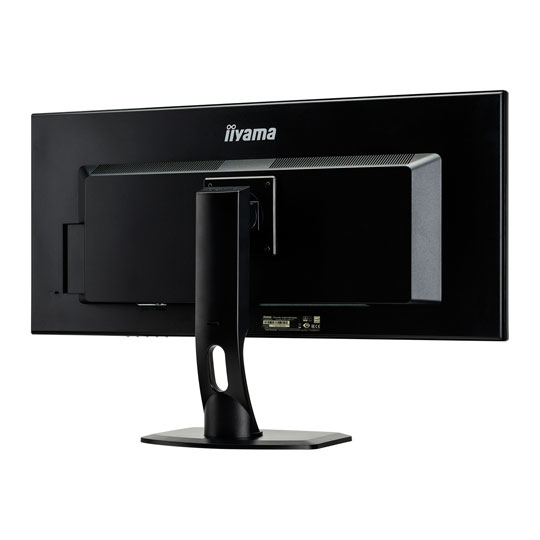


Iiyama XUB3490WQSU 34" Ultra Wide Quad HD IPS Monitor
34" iiyama ProLite XUB3490WQSU-B1 UltraWide Monitor, AH-IPS Panel, 3440x1440, 21:9, 5ms, 320cd/m², DP/HDMI/USB3.0 Hub
Scan code:
LN70055
Manufacturer code:
XUB3490WQSU-B1
This product is no longer available to purchase.
Email me when the availability or price changes
- SCANPROTECT Protect against installation damage for 28 days.
Product Overview
34” IPS ultra-wide screen with a height adjustable stand
ProLite XUB3490WQSU is a 34” LED monitor featuring the latest IPS Panel technology considered to be the best all round panel type. It offers accurate and consistent colour reproduction with wide viewing angles and a fast response time. UWQHD (Ultra Wide QHD) resolution offers an ultra wide (21:9) viewable area. The large amount of space and good pixel density offered by the size and resolution of this screen provide great potential on the desktop. Very suitable for those who want to use side-by-side applications, watch a movie shot in widescreen format or enrich their gaming experience. Features IPS
IPS technology offers higher contrast, darker blacks and much better viewing angles than standard TN technology. The screen will look good no matter what angle you look at it.
Ultra Wide Quad HD
UWQHD (Ultra Wide QHD) resolution offers an ultra wide (21:9) viewable area.
Black Tuner
The users can adjust the brightness and the dark shades with the Black Tuner, giving greater viewing performance in shadowed areas and helping to spot the enemy earlier.
Blue Light Reducer
As we all know looking at a monitor screen for several hours per day, especially form a closer distance, causes eye fatigue. This effect is much stronger with computer screens than with TV equipment. One of the factors responsible for this phenomenon is the blue light emitted by the screen. Therefore reducing the amount of blue light ultimately allows our eyes to feel less tired while working long hours with a computer screen. We achieved it by adjusting the monitor's brightness and color temperature through a new feature called “Blue light reduction” easily accessible through the monitor’s OSD menu.
ACR
Contrast Ratio is a measurement of the difference between the darkest black and the brightest white your monitor can display. Advanced Contrast Ratio is a feature that automatically adjusts contrast and brightness of the screen to assure perfect picture quality while watching films and playing games.
ProLite XUB3490WQSU is a 34” LED monitor featuring the latest IPS Panel technology considered to be the best all round panel type. It offers accurate and consistent colour reproduction with wide viewing angles and a fast response time. UWQHD (Ultra Wide QHD) resolution offers an ultra wide (21:9) viewable area. The large amount of space and good pixel density offered by the size and resolution of this screen provide great potential on the desktop. Very suitable for those who want to use side-by-side applications, watch a movie shot in widescreen format or enrich their gaming experience. Features IPS
IPS technology offers higher contrast, darker blacks and much better viewing angles than standard TN technology. The screen will look good no matter what angle you look at it.
Ultra Wide Quad HD
UWQHD (Ultra Wide QHD) resolution offers an ultra wide (21:9) viewable area.
Black Tuner
The users can adjust the brightness and the dark shades with the Black Tuner, giving greater viewing performance in shadowed areas and helping to spot the enemy earlier.
Blue Light Reducer
As we all know looking at a monitor screen for several hours per day, especially form a closer distance, causes eye fatigue. This effect is much stronger with computer screens than with TV equipment. One of the factors responsible for this phenomenon is the blue light emitted by the screen. Therefore reducing the amount of blue light ultimately allows our eyes to feel less tired while working long hours with a computer screen. We achieved it by adjusting the monitor's brightness and color temperature through a new feature called “Blue light reduction” easily accessible through the monitor’s OSD menu.
ACR
Contrast Ratio is a measurement of the difference between the darkest black and the brightest white your monitor can display. Advanced Contrast Ratio is a feature that automatically adjusts contrast and brightness of the screen to assure perfect picture quality while watching films and playing games.

Iiyama XUB3490WQSU 34" Ultra Wide Quad HD IPS Monitor
![Iiyama XUB3490WQSU 34" Ultra Wide Quad HD IPS Monitor]()