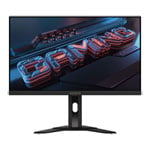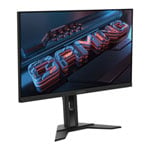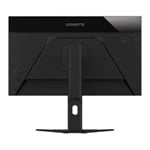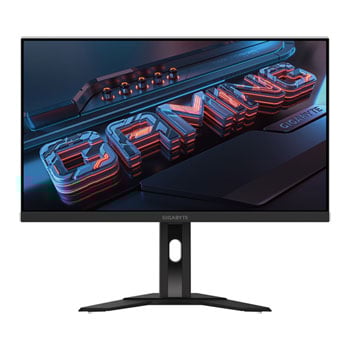

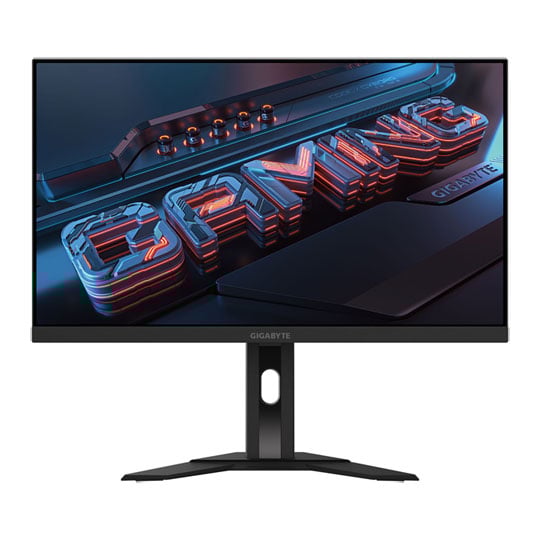
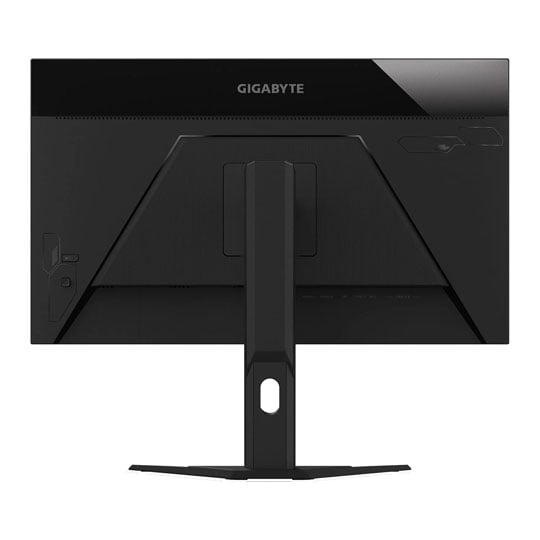


Gigabyte 27" 4K UHD 160Hz Adaptive Sync HDR IPS Gaming Monitor
27" Gigabyte M27UA Gaming Monitor, IPS, 3840x2160, Display HDR400, 1ms, 160Hz, FreeSync Premium, 1000:1, 400cd/m², USB-C
Email me when the availability or price changes
- SCANPROTECT Protect against installation damage for 28 days.
Suggested Alternatives
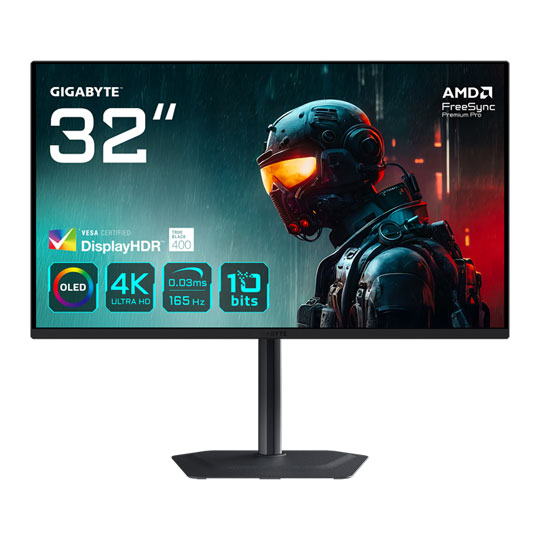
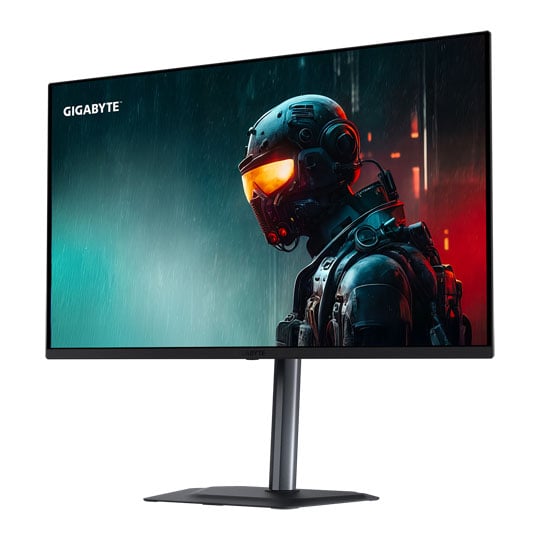
Gigabyte M27UA 160Hz 4K Ultra HD Adaptive Sync Gaming Monitor

Join the fight As an unseen player, monitors are often underestimated. The truth is, monitors form a synergistic effect and bring out the best performance of PC components. GIGABYTE gaming monitors offer the ultimate specifications and quality, users can truly enjoy upscale performance without the need for extravagance.
27"Screen Size
3840 x 2160UHD Resolution
IPSPanel Type

A Superior Visual Experience
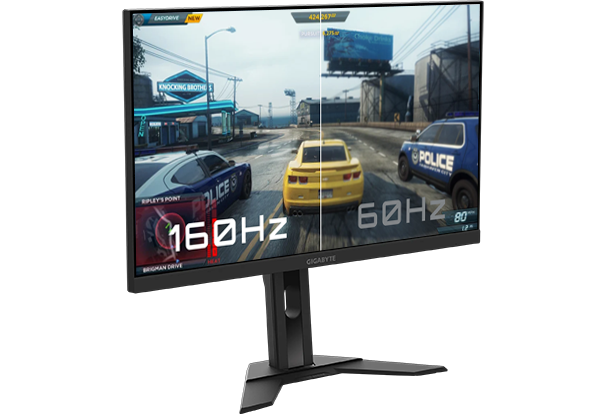
Ultra HD with 160Hz and Super-speed IPS Equipped with a high resolution and fast 160Hz refresh rate, giving you detailed display quality and a fluid gaming experience. The M27UA has a super-fast 1ms response time for the smoothest gaming experience ever.
Simple but Stylish
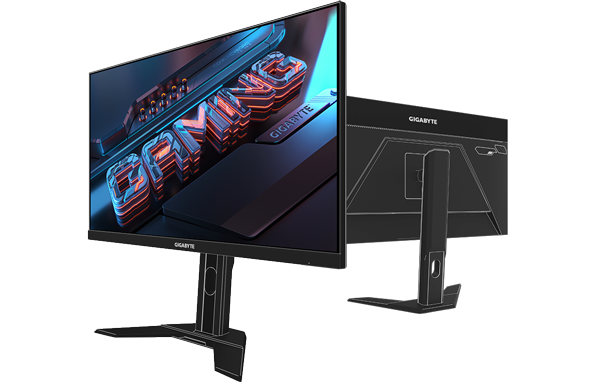
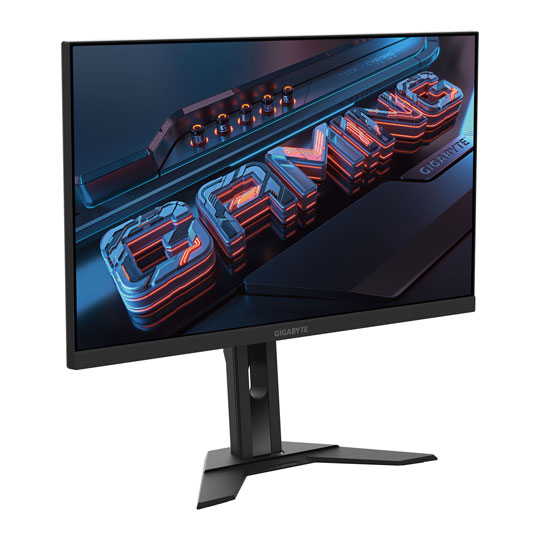
G Series characteristics The streamline appearance represents the simplicity of the GIGABYTE gaming series design philosophy, sturdy stand and matte finish built for functional and aesthetic features adding more to the characteristics.
Game Your Way with Gaming Features
Auto-update Users can effortlessly enjoy the finest gaming experience with features GIGABYTE continues to develop and upgrade while giving extra protection to your monitor.
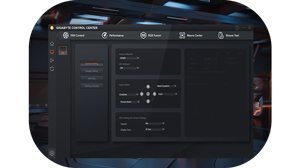
OSD SidekickGIGABYTE OSD Sidekick allows you to set the display options with your keyboard and mouse, giving you the easiest way to adjust monitor settings.
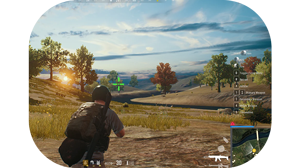
Game assistDesigned with Game Assist features such as: Crosshair, Aim Stabilizer and PIP/PBP. These features enhance your gaming for better visual clarity.
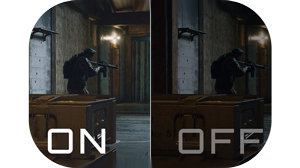
Black Equalizer 2.0The Black Equalizer 2.0 deepens the details of the dark side on the scene without affecting other display areas. Just enable this feature to reveal all of your hidden enemies!
Practical Tech Features

Flicker-freeGIGABYTE M series monitors feature Flicker-Free technology, which helps to prevent eye strain and fatigue.

Low Blue LightDesigned with Low Blue Light technology. Certified by TÜV Rheinland for eye health protection.

Clear soundThe Gigabyte M27UA is built with quality sound for an epic gaming experience.
Get the Perfect Viewing Angle
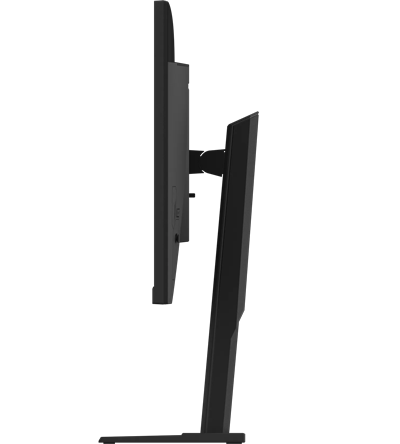
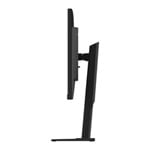
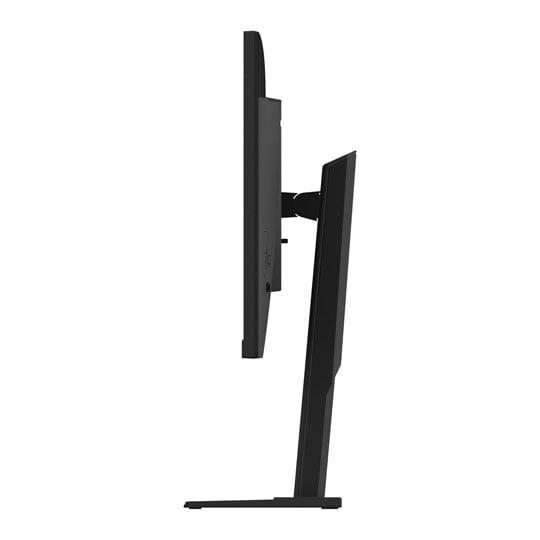
Ergonomic Design GIGABYTE Gaming monitor features a stand that's designed to offer extensive range of tilt adjustments. Free up essential space for a clutter-free desktop.
Tilt -5°~+20°
Height adjustment 130mm
Viewing angle 178°(H) / 178°(V)
VESA Wall mount 100x100 mm