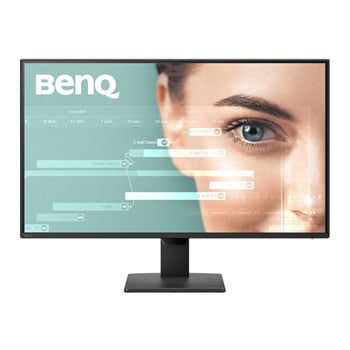
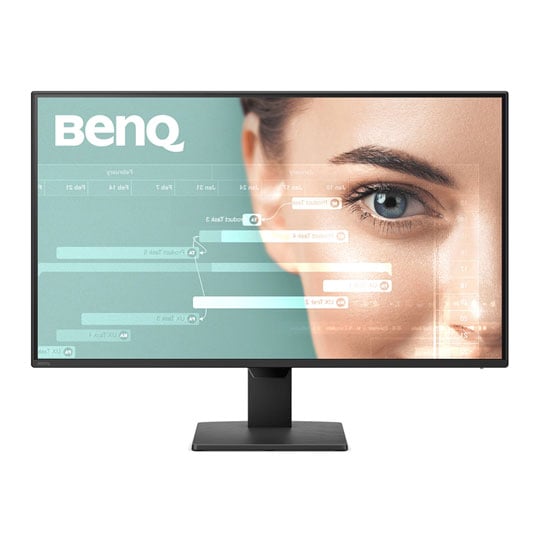
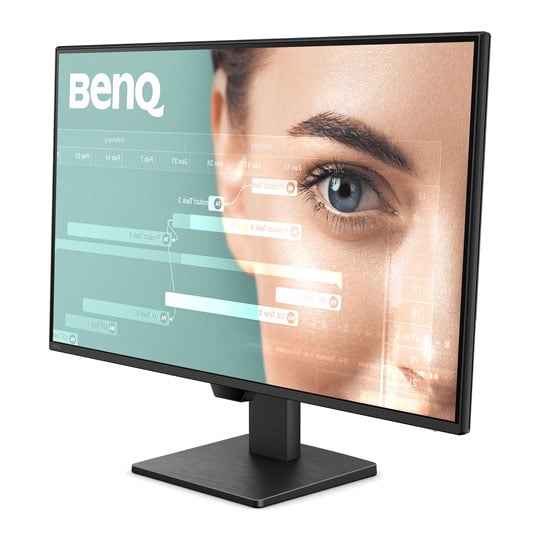
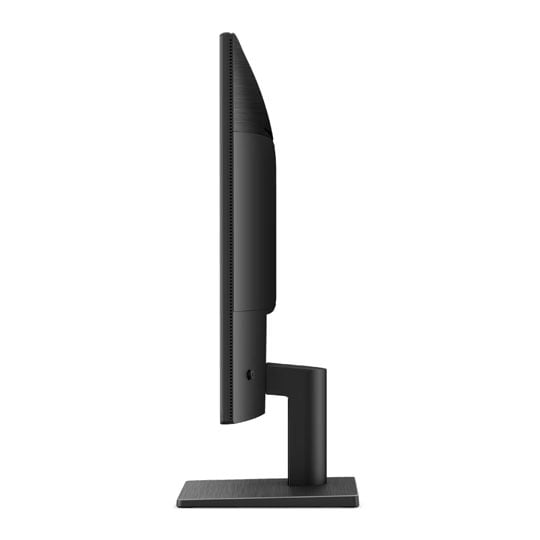
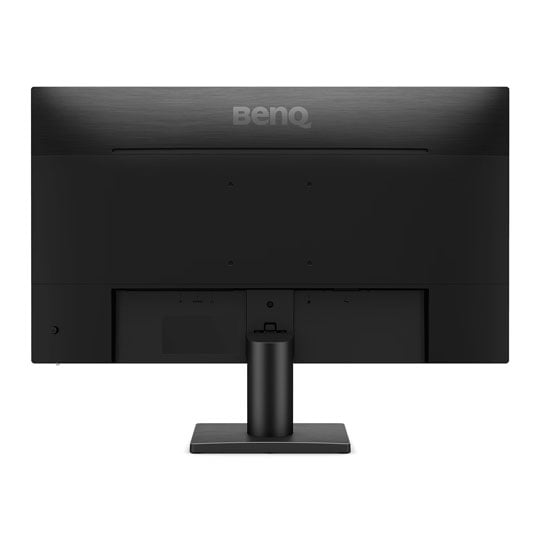
BenQ GW2790P 27” Full HD 120Hz IPS Home Office Monitor
27" BenQ GW2790P Monitor, IPS, 1920 x 1080, 120Hz, 1ms, HDMI 1.4 / DP 1.2 / Speakers
More Info £5.48 Next day deliveryEmail me when the availability or price changes
Finance this product
- From £8.34 / month (APR 0%) for 12 months
- Spend over £280.00 and Buy Now, Pay Later or spread the cost of your finance over 24-48 months with a 10% deposit.
Suggested Alternatives

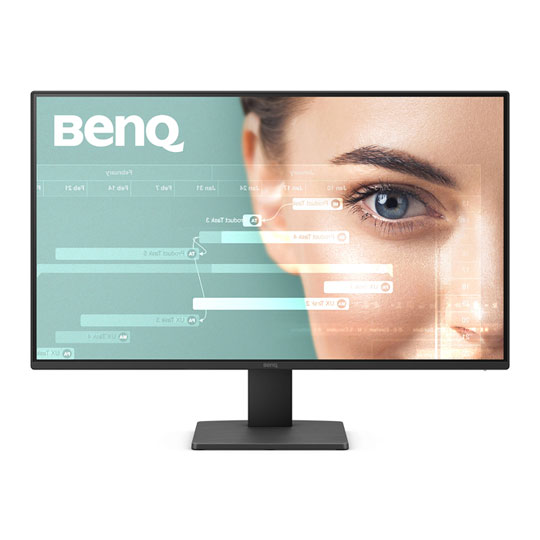
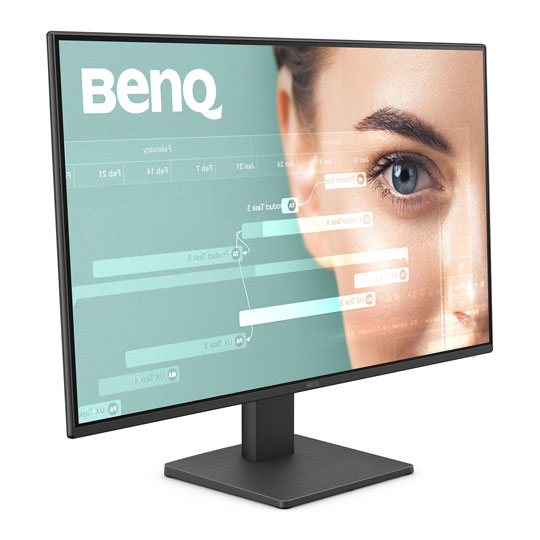
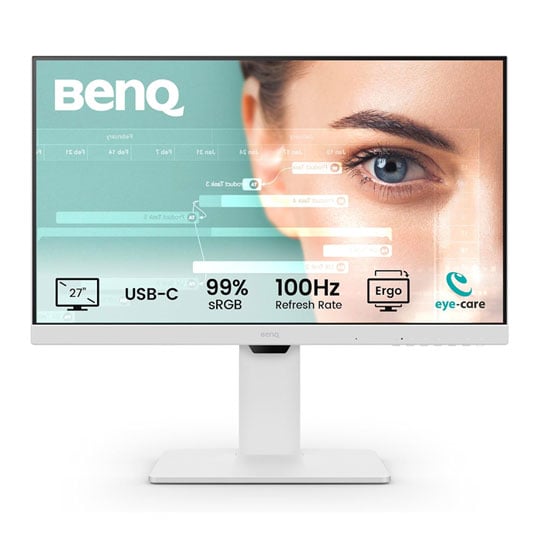
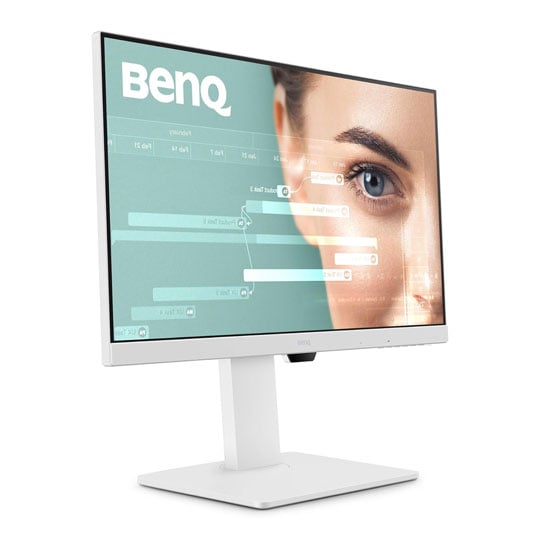
 27" BenQ GW2791 Monitor, IPS, 1920x1080, 5ms, 100Hz, 1300:1, 250cd/m², HDMI / DPBenQ 27" GW2791 Full HD IPS 100Hz Monitor
LN155891
No customer review
Key Specifications
- 27" BenQ GW2791 Monitor
- IPS
- 1920x1080
- 5ms
- 100Hz
- 1300:1
- 250cd/m²
- HDMI / DP
£99.98Get it Tomorrow, 25 NovIn stock
 27" BenQ GW2786TC Monitor, IPS, 1920x1080, 5ms, 100Hz, 1300:1, 250cd/m², 2x 2w Speakers, HDMI / DP / USB-A/CBenQ 24" GW2786TC Full HD IPS 100Hz Monitor
LN164871
No customer review
Key Specifications
- 27" BenQ GW2786TC Monitor
- IPS
- 1920x1080
- 5ms
- 100Hz
- 1300:1
- 250cd/m²
- 2x 2w Speakers
- HDMI / DP / USB-A/C
£179.99Pre order
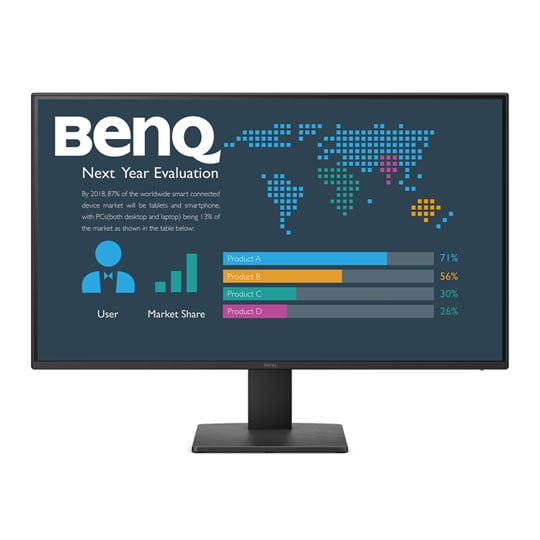
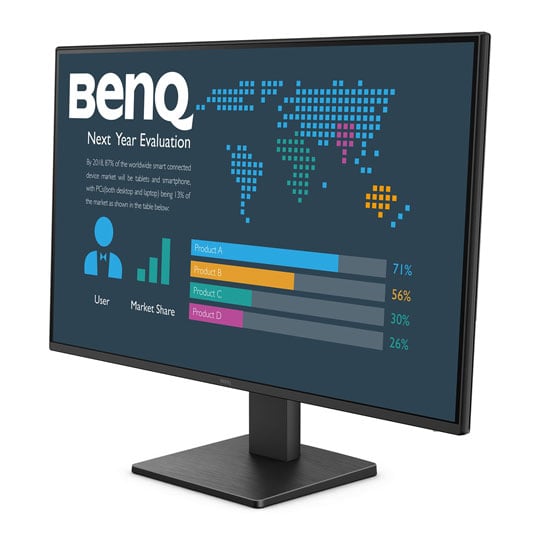 27" BenQ BL2791P Monitor, IPS, 1920 x 1080, 120Hz, 1ms, HDMI 1.4 / DP 1.2BenQ BL2791P 27” Full HD 120Hz IPS Business Monitor
LN174643
No customer review
Key Specifications
- 27" BenQ BL2791P Monitor
- IPS
- 1920 x 1080
- 120Hz
- 1ms
- HDMI 1.4 / DP 1.2
£99.98Pre order
BenQ GW2790P Monitor
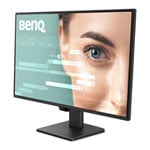
The BenQ GW2790P is a 27-inch Full HD eye-care monitor designed for home-office work, browsing, streaming, and casual gaming. Its main differentiators are its 120 Hz refresh rate, 99% sRGB IPS panel, adaptive brightness, and certified eye-comfort features.
The GW2790P combines a 1920 x 1080 IPS display with a 120 Hz refresh rate, 250-nit typical brightness, and a 1500:1 native contrast ratio. BenQ positions it as an "All-Day Comfort for Lasting Focus" monitor, with a particular emphasis on reducing visual fatigue during extended work sessions.
Visual Optimizer
BenQ's Visual Optimizer-formerly known as B.I. or Brightness Intelligence-automatically adapts the display to changing ambient lighting. This is intended to keep the screen comfortable from bright daytime conditions through to late-night use, reducing the need for manual brightness adjustments.
120 Hz Motion
The monitor's 120 Hz refresh rate refreshes the image twice as often as a standard 60 Hz display. BenQ says this makes scrolling, streaming, and more demanding on-screen tasks feel smoother and more stable, while also supporting more fluid casual gaming.
Wide-View IPS Panel
The 99% sRGB IPS panel is designed to deliver vivid, accurate colours across wide viewing angles. With 178-degree horizontal and vertical viewing angles, the display is intended to remain consistent when viewed from different positions, making it suitable for shared viewing or varied desk setups.
Full HD Display
The 27-inch, 1920 x 1080 Full HD screen provides a 16:9 aspect ratio and 93 pixels per inch. It uses a matte screen coating, which can help reduce distracting reflections in a typical home-office environment.
Ultrathin Bezel Design
BenQ highlights the monitor's ultrathin bezel, which creates a cleaner, less visually cluttered viewing area. This can be especially useful in multi-monitor arrangements, where narrow borders reduce the visual gap between displays.
Flexible Connectivity
The GW2790P includes one HDMI 1.4 port and one DisplayPort 1.2 port, allowing straightforward connection to laptops, desktops, consoles, or other compatible devices. BenQ presents this dual-input setup as a way to simplify workflow and reduce setup interruptions.
Built-In Audio
The monitor includes 2 W x 2 built-in speakers and a headphone jack. This makes it a practical all-in-one option for basic video calls, streaming, and everyday audio without immediately needing external speakers.
Reading and Accessibility Modes
The display offers several colour modes: Standard, Game, ePaper, Care, and Cinema. It also includes a Colour Weakness feature intended to improve colour clarity for users with red-green colour deficiency, alongside ePaper mode for more comfortable long-form reading.
VESA MediaSync
VESA MediaSync is included to support smoother, jitter-free video playback across international broadcast formats. This feature is aimed at improving the viewing experience for streamed and broadcast video content.
Features
• 27” 1920x1080 IPS display.
• 120Hz refresh rate.
• 1ms response time.
• 16.7 Million colour range.
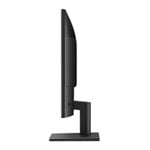
• Tilt up to 20° up & -5° down.
• 100x100mm VESA support.
• DisplayPort, HDMI.
• TUV-Certified Eye Comfort.



PayPal Credit
| Monthly Payment: | £8.34 |
| Instalment Rate: | 0% p.a. (fixed) |
| Cost of purchase: | £99.98 |
| Total inc. interest: | £99.98 |
| Example | |
| Minimum Spend: | £99 |
| Instalment Rate: | N/A |
| Cost of purchase: | £99 |
| Total inc. interest: | £99 |
Representative Example:
Purchase Rate: 23.9% p.a. (variable)
Representative: 23.9% APR (variable)
Assumed Credit Limit: £1,200
Subject to status. Terms and Conditions apply.