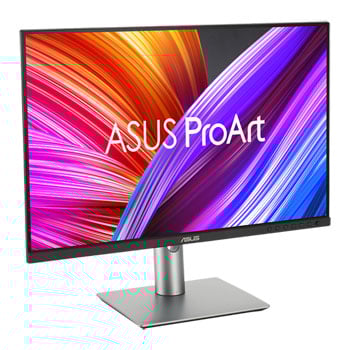

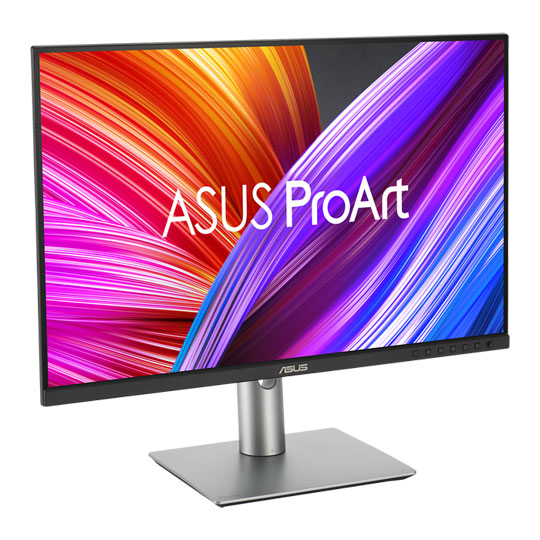
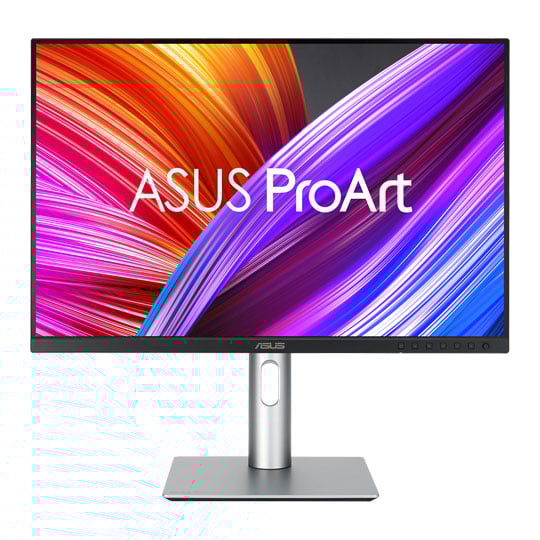
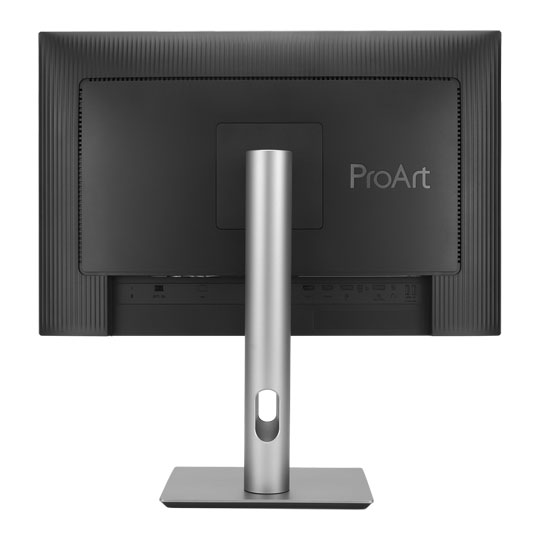


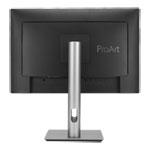
ASUS 24" ProArt PA248CRV Professional WUXGA Monitor
24.1" ASUS ProArt PA248CRV WUXGA Monitor, 100% sRGB/97% DCI-P3, 1920x1200, 16:10, 75Hz HDR10, DP1.4/HDMI/USB-C
Email me when the availability or price changes
Finance this product
- From £12.65 / month (APR 16.9%) for 24 months or 0% for 4 months
- Spend over £390.00 and Buy Now, Pay Later or spread the cost of your finance over 24-48 months with a 10% deposit.
ASUS - '24.1" ProArt Display PA248CRV'
Professional 16:10 Monitor

All the Essentials for ProsProArt Display PA248CRV is a 24.1-inch 16:10 WUXGA monitor designed for professional video editors. This Calman Verified display boasts a wide colour gamut with 97% DCI-P3 coverage and is factory pre-calibrated to Delta E < 2 for exceptional colour accuracy. For added convenience, the built-in USB-C® port offers DisplayPort™ support, superfast data transfers, and 96-watt power delivery via a single cable.

24.1-inchIPS
16:101920 x 1200
97%DCI-P3
100%sRGB
ΔE < 2Colour Accuracy
Empowering Creative Professionals

Filmmakers & Video Editors16:10 aspect ratio can get more vertical field of view with wide colour gamut, it's ideal for video production.

ColouristsFactory pre-calibrated to Delta E < 2 colour accuracy for industry-leading colour fidelity.

Designers & PhotographersTruly precise colour reproduction to bring out the details in photographs or digital artwork.
Exquisite Design
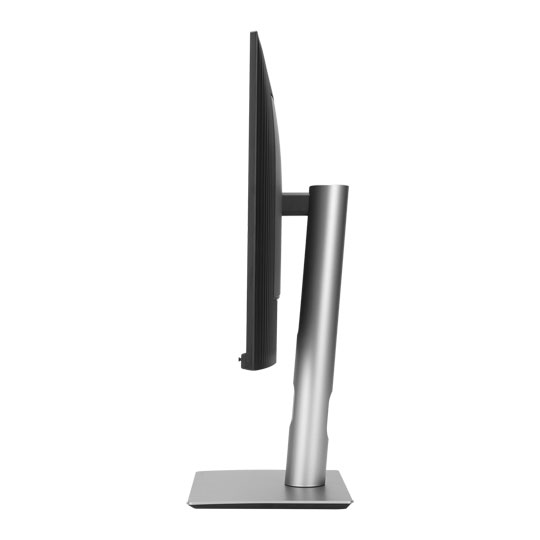
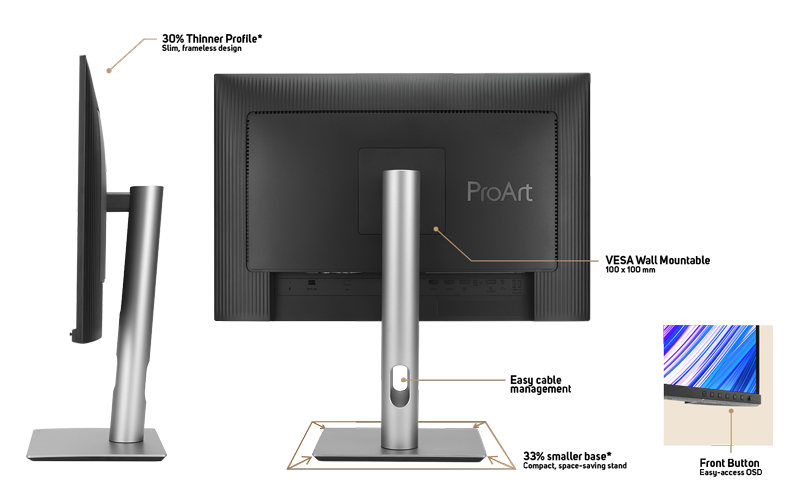
Compared to its predecessor, ProArt Display PA248CRV has a space-saving base that’s 33% smaller, as well as a 30% slimmer profile that measures just 8 mm at its thinnest point. Like its contemporaries in the ProArt Display family, PA248CRV feels right at home in a studio or in any living space, with an understated elegance that is a nod to exquisite craftsmanship and uncompromising attention to detail.
*Compared to a ProArt Display of the same size
Enjoy True-to-Life Colour
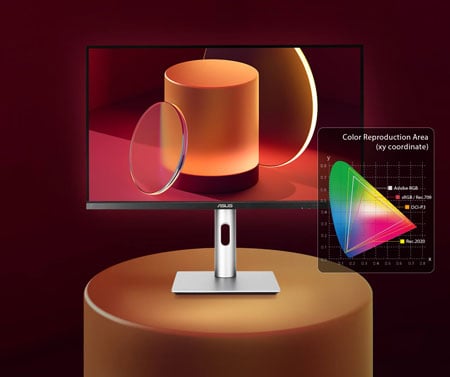
100% sRGB & 97% DCI-P3PA248CRV goes beyond industry colour standards, providing 97% DCI-P3 and 100% sRGB coverage bringing out the smallest details in photos.
Delta E < 2 Colour Accuracy
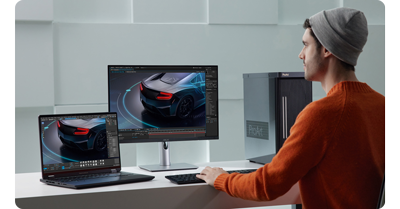
Class-Leading Colour FidelityEach ProArt display is factory pre-calibrated using a new three-scale process to guarantee industry-leading colour fidelity. The display then undergoes stringent testing using ASUS advanced grayscale tracking technology to ensure smoother colour gradations, better uniformity, and high colour accuracy with a Delta E < 2 colour difference.
True Colour, Out of the Box
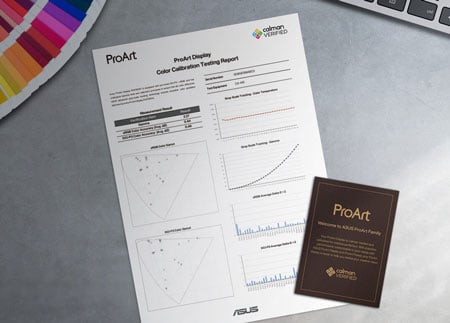
Calman VerifiedColour professionals rely on colour-accurate displays to ensure that their creations look exactly as intended. Each PA248CRV is Calman Verified and subjected to stringent, meticulous testing to ensure smoother gradation for assured colour-accurate viewing and content-creation experiences.
Unleash Creativity With AI
infinite creative possibilitiesThe rise of generative AI enables creators to spark inspiration more quickly, bringing infinite creative possibilities to professional creators. The wide colour gamut, high resolution, and professional colour accuracy of ProArt Displays provide the best visual experience, enjoy a smooth creative experience, and speed up the overall workflow.
turn imagination into reality
(Photoshop)
Discover the power of generative AI with tools for Text to Image and Generative Fill. Simplify the creative process, effortlessly create, adjust, and enhance visuals.
Seamless Quick Video Edits
(Premiere Pro)
Generative AI tools streamline complex tasks and boost editing speed. Use features like Object Add/Remove and Generative Extend for quick, precise adjustments
Bring Your World into 3D
(Substance 3D)Image-to-Texture transforms generative AI for 3D artists, allowing fast creation of photorealistic textures from image. It enhances creativity while integrating smoothly into workflows.
Quick Colour Gamut Adjustment
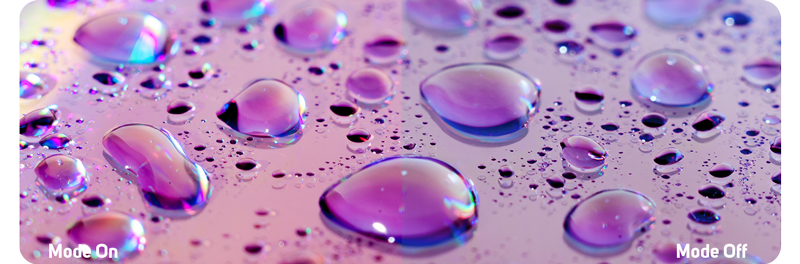
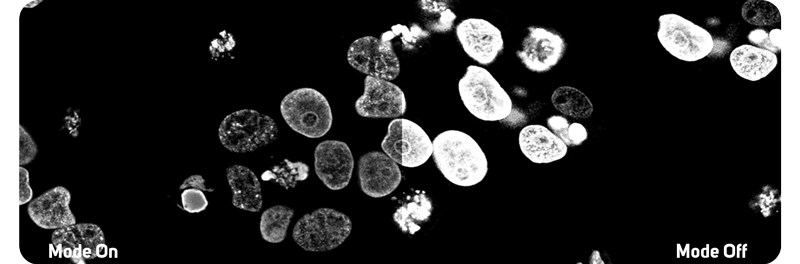
ASUS-exclusive ProArt Preset provides multiple colour modes to suit different needs. PA248CRV is compliant with the DICOM Part 14 standard to ensure smooth gradations and accurate identification of grayscale shading.



The USB-C That Does it All
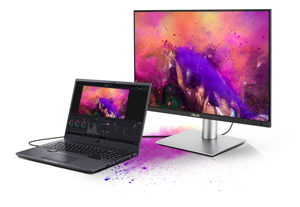
USB-C with 96W Power DeliveryThe included USB-C® port enables superfast data transfers, DisplayPort connectivity, and 96-watt power delivery to charge laptops and other devices―all via a single cable. PA248CRV also serves as a USB hub: any device connected to the monitor’s USB ports gains access to other connected peripherals.
Expansive Connectivity

HDMI
Displayport
In
Displayport
MST
USB-C
USB Hub
Earphone Jack
In addition to USB-C, ProArt display offers a myriad of connectivity options including HDMI®, DisplayPort™ (with daisy-chain support), USB Type-A, and additional USB-C downstream port for compatibility with a wide range of devices. DisplayPort allows users to daisy-chain multiple displays from a single video source, enhancing productivity. PA248CRV also includes a passthrough port for headphones.
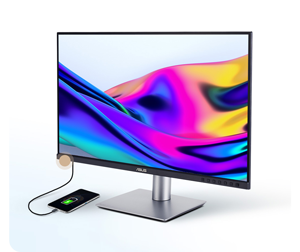
Connect to Your Devices EasilyA built-in USB 3.2 hub at the bottom of PA248CRV includes one USB Type-A port and USB-C®, allowing you to easily connect a variety of devices and peripherals, as well as charge compatible devices.*
*Please check the power requirements of your device to ensure they match the monitor’s USB power output.
ASUS Eye Care Technology
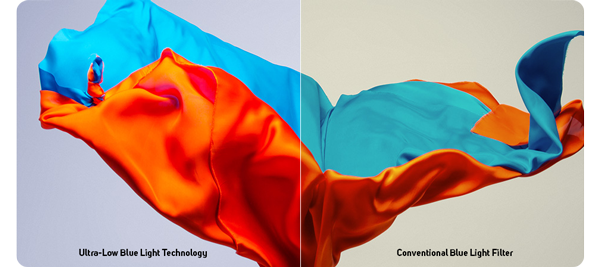
ASUS Ultra-Low Blue Light TechnologyThe new hardware-based ASUS Ultra-Low Blue Light technology reduces potentially harmful high-energy blue light emissions while offering color performance that’s better than monitors with software-only filtering solutions.

ASUS Flicker-Free Technology ASUS Flicker-Free technology provides more comfortable viewing experiences by reducing on-screen flicker to minimize eye strain, headaches, and eye fatigue when spending long hours in front of a display.
Ergonomic Stand
Each ProArt display features an ergonomic stand with tilt, swivel, pivot, and height adjustments for comfortable viewing. The ability to pivot the screen clockwise or counterclockwise 90° for use in Portrait mode comes in handy when working with long documents, coding or web browsing. Furthermore, the quick-release feature makes it easy to attach the display via the integrated VESA wall mount―screw-free, so it's done in seconds!
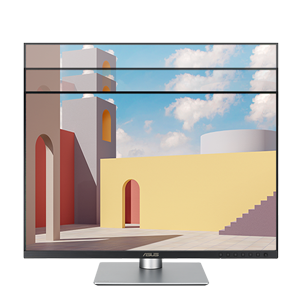
0~130 mmHeight Adjustment
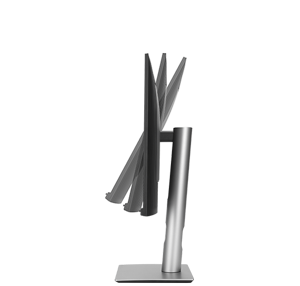
-5°~+23°Tilt
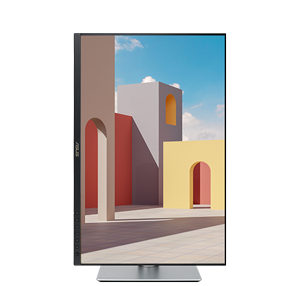
-90°~+90°Pivot
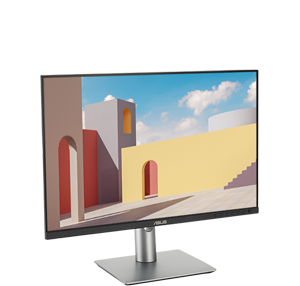
-30°~+30°Swivel
Trusted by World's Leading Creative Schools & Studios

Sustaining An Incredible Future

Environmental CertificationProArt Display PA248CRV is stringently tested to meet the requirements of world-leading sustainability certifications. These tests include a comprehensive database of up-to-date criteria, independent verification, and a structured system for continuous improvement.

Eco-friendly PackagingProArt Display PA248CRV packaging are made of at least 80% recycled cardboard. ASUS has designed the packaging to minimize weight and volume, which helps conserve natural resources and allows more devices to be transported in a single shipping container.

Energy-Efficient FeaturesProArt Display PA248CRV has a power-saving Eco-mode, and achieve zero-watt power consumption with hard-switch off.

Eco-friendly MaterialsExtensive research and development ensure ProArt Display PA248CRV is made from eco-friendly materials like 85% post-consumer recycled (PCR) plastics and components like mercury-free panels.

Free 3 Months of Adobe Creative Clouds

Get complimentary membership with the purchase of selected ASUS products.* (Up to a £321.11 value)By purchasing ASUS ProArt Display series, customers are entitled to receive a free three-month trial of Adobe® Creative Cloud® to experience the latest AI-powered applications – providing an enhanced visual experience with ProArt Display's professional color accuracy. This allows creators to inspire creativity and enjoy a smooth and exciting creative experience.
Learn More




PayPal Credit
| Monthly Payment: | £23.47 |
| Instalment Rate: | 16.9% p.a. (fixed) |
| Cost of purchase: | £258.98 |
| Total inc. interest: | £281.54 |
| Monthly Payment: | £12.65 |
| Instalment Rate: | 16.9% p.a. (fixed) |
| Cost of purchase: | £258.98 |
| Total inc. interest: | £303.49 |
| Example | |
| Minimum Spend: | £99 |
| Instalment Rate: | N/A |
| Cost of purchase: | £99 |
| Total inc. interest: | £99 |
Representative Example:
Purchase Rate: 23.9% p.a. (variable)
Representative: 23.9% APR (variable)
Assumed Credit Limit: £1,200
Subject to status. Terms and Conditions apply.