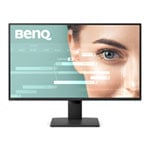

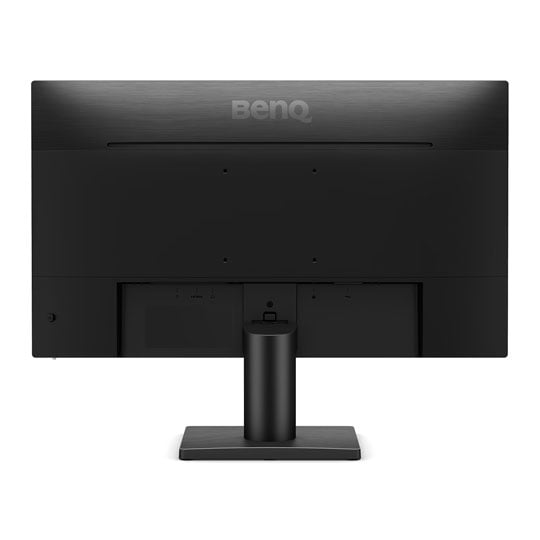
BenQ GW2490P 24” Full HD 120Hz IPS Home Office Monitor
New
BenQ GW2490P 24” Full HD 120Hz IPS Home Office Monitor
Scan code: LN174640 Manufacturer code: GW2490P
£79.99Item currently awaiting an ETA
Pre order
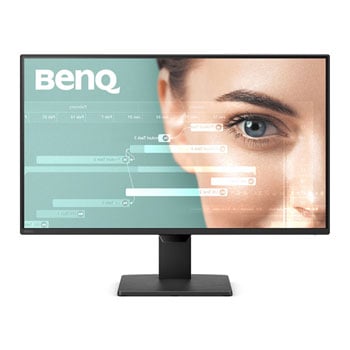
  • Thumbnail 1 : BenQ GW2490P 24” Full HD 120Hz IPS Home Office Monitor
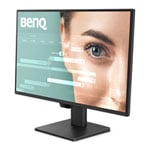
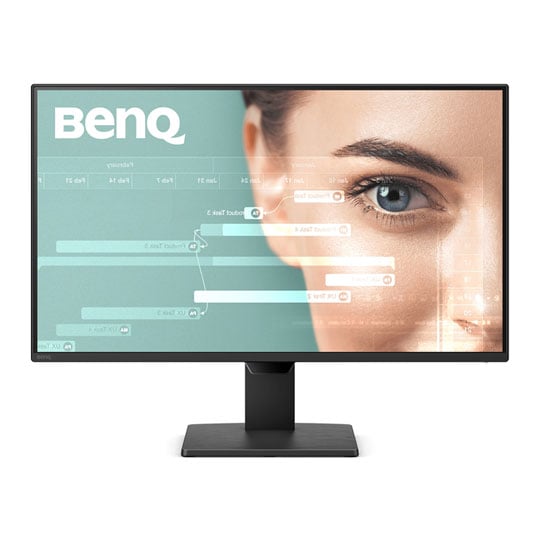
  • Thumbnail 2 : BenQ GW2490P 24” Full HD 120Hz IPS Home Office Monitor
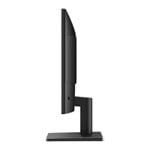
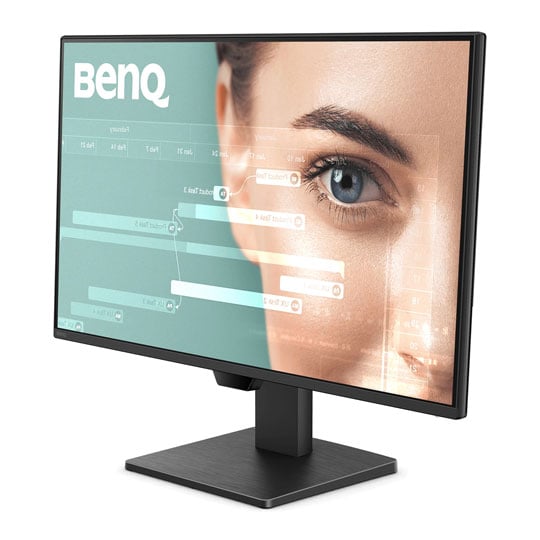
  • Thumbnail 3 : BenQ GW2490P 24” Full HD 120Hz IPS Home Office Monitor
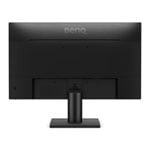
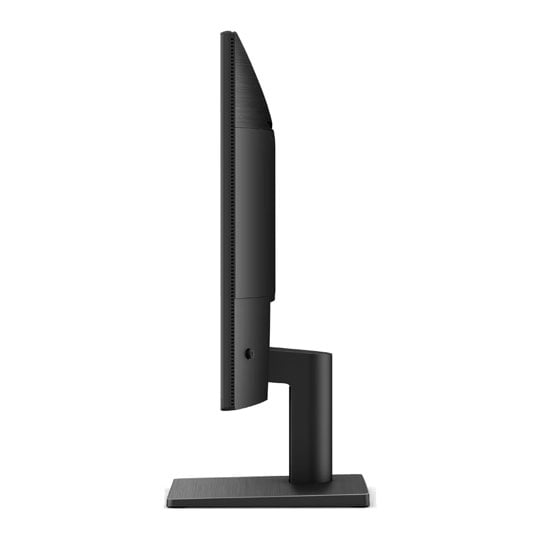
  • Thumbnail 4 : BenQ GW2490P 24” Full HD 120Hz IPS Home Office Monitor
New
LN174640 MPN: GW2490P

BenQ GW2490P 24” Full HD 120Hz IPS Home Office Monitor

24" BenQ GW2490P Monitor, IPS, 1920 x 1080, 120Hz, 1ms, HDMI 1.4 / DP 1.2 / Speakers

More Info
£79.99
£5.48 Next day delivery
Item currently awaiting an ETA
Pre order
Pay in 3 interest-free payments of £26.67

Email me when the availability or price changes

  • By DPD Have your parcel delivered by DPD to your specified address. Receive SMS with one-hour delivery window | £5.48 Weekend, timed and European delivery options are available at checkout
  • Collect instore Order online, collect from our Bolton store (25-28 Enterprise Park, Middlebrook, Horwich, Bolton, BL6 6PE) | Free
  • UPS and DPD Pickup Pickup from local convenience store | £4.99 Collect your parcel from your newsagents, petrol stations and convenience stores

Finance this product

  • Spend over £280.00 and Buy Now, Pay Later or spread the cost of your finance over 24-48 months with a 10% deposit.
Product Overview

BenQ GW2490P Monitor

The BenQ GW2490P is a 23.8-inch Full HD eye-care monitor designed for home-office work, browsing, streaming, and casual gaming. Its main differentiators are its 120 Hz refresh rate, 99% sRGB IPS panel, adaptive brightness, and certified eye-comfort features.

The GW2490P combines a 1920 x 1080 IPS display with a 120 Hz refresh rate, 250-nit typical brightness, and a 1500:1 native contrast ratio. BenQ positions it as an "All-Day Comfort for Lasting Focus" monitor, with a particular emphasis on reducing visual fatigue during extended work sessions.


Visual Optimizer

BenQ's Visual Optimizer-formerly known as B.I. or Brightness Intelligence-automatically adapts the display to changing ambient lighting. This is intended to keep the screen comfortable from bright daytime conditions through to late-night use, reducing the need for manual brightness adjustments.


120 Hz Motion

The monitor's 120 Hz refresh rate refreshes the image twice as often as a standard 60 Hz display. BenQ says this makes scrolling, streaming, and more demanding on-screen tasks feel smoother and more stable, while also supporting more fluid casual gaming.


Wide-View IPS Panel

The 99% sRGB IPS panel is designed to deliver vivid, accurate colours across wide viewing angles. With 178-degree horizontal and vertical viewing angles, the display is intended to remain consistent when viewed from different positions, making it suitable for shared viewing or varied desk setups.


Full HD Display

The 23.8-inch, 1920 x 1080 Full HD screen provides a 16:9 aspect ratio and 93 pixels per inch. It uses a matte screen coating, which can help reduce distracting reflections in a typical home-office environment.


Ultrathin Bezel Design

BenQ highlights the monitor's ultrathin bezel, which creates a cleaner, less visually cluttered viewing area. This can be especially useful in multi-monitor arrangements, where narrow borders reduce the visual gap between displays.


Flexible Connectivity

The GW2490P includes one HDMI 1.4 port and one DisplayPort 1.2 port, allowing straightforward connection to laptops, desktops, consoles, or other compatible devices. BenQ presents this dual-input setup as a way to simplify workflow and reduce setup interruptions.


Built-In Audio

The monitor includes 2 W x 2 built-in speakers and a headphone jack. This makes it a practical all-in-one option for basic video calls, streaming, and everyday audio without immediately needing external speakers.


Reading and Accessibility Modes

The display offers several colour modes: Standard, Game, ePaper, Care, and Cinema. It also includes a Colour Weakness feature intended to improve colour clarity for users with red-green colour deficiency, alongside ePaper mode for more comfortable long-form reading.


VESA MediaSync

VESA MediaSync is included to support smoother, jitter-free video playback across international broadcast formats. This feature is aimed at improving the viewing experience for streamed and broadcast video content.


Features


• 23.8” 1920x1080 IPS display.
• 120Hz refresh rate.
• 1ms response time.
• 16.7 Million colour range.
• Tilt up to 20° up & -5° down.
• 100x100mm VESA support.
• DisplayPort, HDMI.
• TUV-Certified Eye Comfort.

Specifications
Screen Size 23.8"
Edition GW2490P
Panel Type IPS
Panel Coating  
Panel Finish  
Touchscreen  
Backlight LED
Pitch Size  
Curvature  
Adaptive Frame-rate Technology N/A
HDCP No
Connectors
  • 1 x DisplayPort 1.2
  • 1 x HDMI 1.4
  • 1 x Headphone
Position Adjustment Tilt
Resolution 1920x1080 (Full HD)
Aspect Ratio 16:9
Max. Refresh Rate 120Hz
Response Time 1 ms
Brightness 250 cd/m²
Viewing Angle 178/178 (°H/°V)
Contrast Ratio/Dynamic Contrast Ratio 1500:1
Color Gamut  
Color Bit Depth 16.7M Colours
HDR Support No
Supported HDR Standards  
Speakers Yes
Speaker Configuration 2W x2
Web Camera No
Power Usage (Switched on) 25 W
VESA 100 x 100
3D Support No
Anti-Theft Features  
Included Accessories
  • 1 x HDMI Cable
  • 1 x Quick Start Guide
  • 1 x Safety Guide
  • 1 x Warranty Card
Monitor Colour Black
Dimensions (with stand) 543 x 414.3 x 181.9 (WxHxD)
Dimensions (without stand) 543 x 315.8 x 46.4 (WxHxD)
Weight (with Stand) 2.92 kg
Note  
Additional Information
Scan Code LN174640
Model Number GW2490P
GTIN 4718755098925
Warranty

Please note your statutory rights are not affected.

For further information regarding Scan's warranty procedure please see our terms and conditions

Details
Duration:
24 months
Type:
Direct
DOA Period:
15 days
Manufacturer Contact Details
Manufacturer:
BENQ
Telephone:
0207 216 0039
Buying Guide
Need help? Read our Monitors Buying Guide
HDR Monitors
HDR Monitors
Date Issued: 11th May 2020

PC monitor manufacturers tend to focus on a particular buzzword or acronym almost every year. In the past, we have been treated to HD (high definition), denoting the screen is capable of running a minimum 720p resolution.

Read More

Display Panel Types
Display Panel Types
Date Issued: 15th May 2015

Choosing a monitor is not an easy decision to make, and not just because of the large number of variations in resolution, refresh rates, sizes and connectivity options. There are also varying panel technologies used to form each display that need to be considered. These panel technologies can be grouped into three broad categories which cover the vast majority of monitors sold in the consumer market.

Read More

NVIDIA G-Sync
NVIDIA G-Sync
Date Issued: 17th Dec 2013

G-SYNC works in a surprisingly simple way - it calculates how long the present frame takes to compute and then, crucially, varies the refresh rate of the monitor to match. It works between a minimum of 33.3ms (30fps) and the maximum supported refresh of the display. The key takeaway here is that the graphics card and monitor are both synced up to one another - the monitor doesn't have the limitations imposed by a rigid, fixed-rate scanning routine.

Read More

Graphics Card Outputs
Date Issued: 8th Oct 2010

Modern desktop computers and notebooks comprise of a CPU, motherboard, graphics, storage, and, usually an optical drive. Computers have a number of ports and sockets that enable the user to plug-in various peripherals such as a printer, USB mouse, or, perhaps most importantly of all, an Internet connection.

Read More

HDMI
HDMI
Date Issued: 3rd Dec 2008

Keeping in tandem with technological developments, audio/video connectors continue to evolve at a steady pace. Today, the most common digital connector comes in the form of HDMI and we're here to tell you what it is, what it does, and why you might need it.

Read More

Blu-ray
Blu-ray
Date Issued: 3rd Dec 2008

Blu-ray Disc is now widely regarded as the physical successor to DVD, we take a closer look at what it is, what advantages it brings, and what it could mean to you.

Read More

DVI
DVI
Date Issued: 20th Oct 2008

As you’ll all likely know by now, DVI is the current standard for connection of a PC or other display generator to a digital display output. You’ll recognise the multi-pin connector and know that almost all modern LCD displays have the corresponding input connector, for feeding from your PC. But do you know how DVI works? This TekSpek seeks to teach you how.

Read More

HDTV 720/1080
HDTV 720/1080
Date Issued: 14th Jun 2008

Whether the broadcasters are going HD or not, TV sets and projectors are arriving thick and fast which claim to support higher resolutions than regular telly. But HDTV is far from just one standard – it incorporates a couple of different resolutions, two different scanning modes, and a number of different frame rates. In this article, we present a guide to what all the terms actually mean.

Read More

DVI/HDMI/HDCP
DVI/HDMI/HDCP
Date Issued: 14th Jun 2008

There’s a lot more to High Definition than just having the ability to run your screen at the right resolution. With more than one type of connection available, and the thorny subject of signal encryption to contend with, just because your monitor and graphics are capable of 1,920 x 1,080 or better does not necessarily mean they will be able to display HDTV in all its glory.

Read More

BenQ GW2490P 24” Full HD 120Hz IPS Home Office Monitor