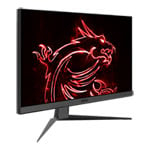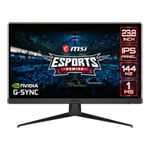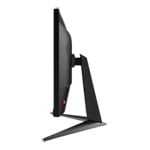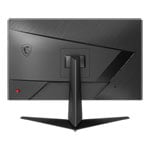

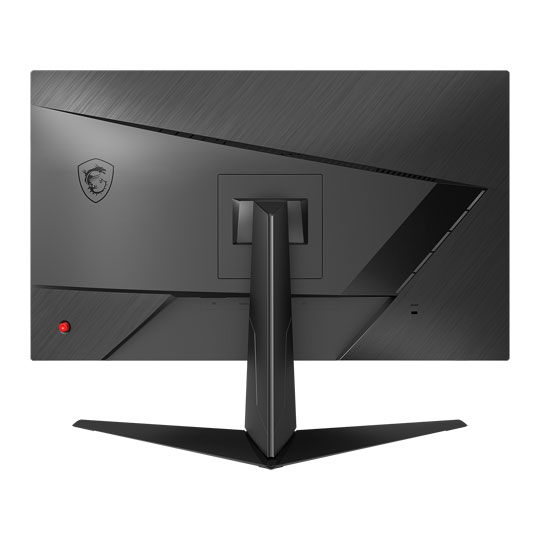
MSI 24" Full HD 144Hz G-Sync Compatible IPS Gaming Monitor
End Of Life
MSI 24" Full HD 144Hz G-Sync Compatible IPS Gaming Monitor
Scan code: LN116032 Manufacturer code: G242
End Of Life
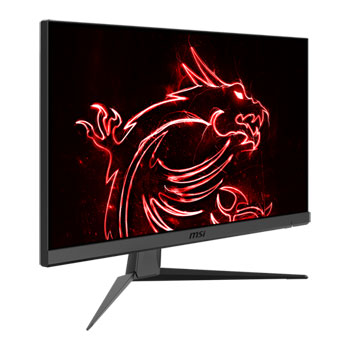
  • Thumbnail 1 : MSI 24" Full HD 144Hz G-Sync Compatible IPS Gaming Monitor
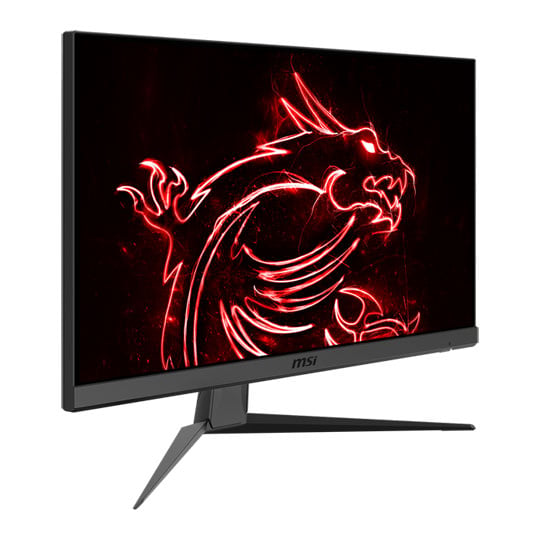
  • Thumbnail 2 : MSI 24" Full HD 144Hz G-Sync Compatible IPS Gaming Monitor
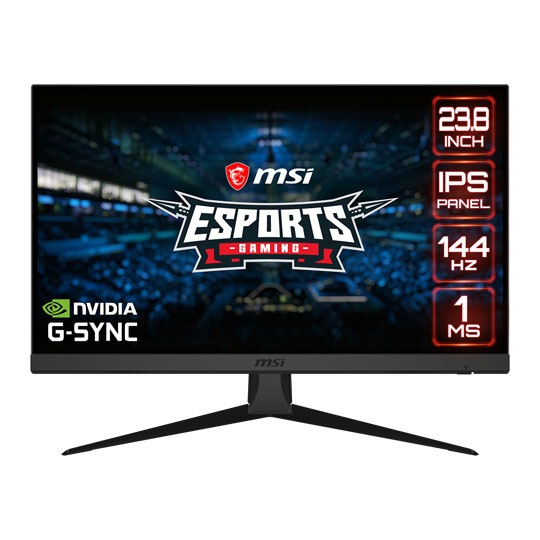
  • Thumbnail 3 : MSI 24" Full HD 144Hz G-Sync Compatible IPS Gaming Monitor
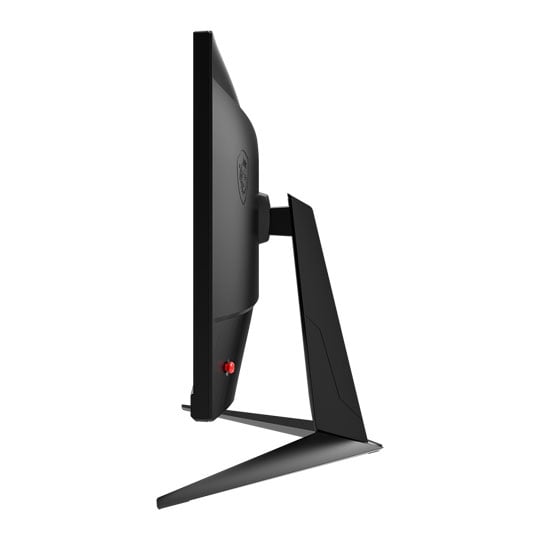
  • Thumbnail 4 : MSI 24" Full HD 144Hz G-Sync Compatible IPS Gaming Monitor
  • MSI 24" Full HD 144Hz G-Sync Compatible IPS Gaming Monitor : video thumbnail 1
End Of Life

MSI 24" Full HD 144Hz G-Sync Compatible IPS Gaming Monitor

23.8" MSI Optix G242 Monitor, IPS, 1920x1080, 1ms, 144Hz, FreeSync, 100M:1, 250cd/m², HDMI/DP

Scan code: LN116032 Manufacturer code: G242
End of life
This product is no longer available to purchase.

Email me when the availability or price changes

  • SCANPROTECT Protect against installation damage for 28 days.

24" Optix G242 Full HD 144Hz FreeSync Gaming Monitor from MSI
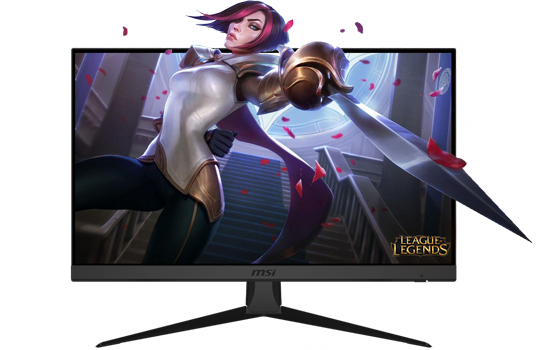
24-inch MSI Optix G242 Monitor

ESPORTS GAMING like never before Visualise your victory with the MSI Optix G242 E-sports Gaming monitor, in a world where precision and speed are paramount to success the Optix G242 stands tall, boasting a beautiful 24" IPS panel with a frameless design, lightning fast 144Hz refresh rate with a 1ms GTG response time and a wider colour gamut for perfect image replication you can say goodbye to annoying distractions like screen-tear and choppy framerates and say hello to pristine, smooth visuals. Moreover the MSI Optix G242 features a plethora of exclusive MSI technologies like night-vision, game mode and anti-flicker to ensure your viewing experience is always comfortable, immersive and that you always remain at the very top of your game.

24"Screen Size

1920 x 1080Resolution

IPSPanel Type

144HzRefresh Rate

Feature Set

Immerse yourself into any Environment
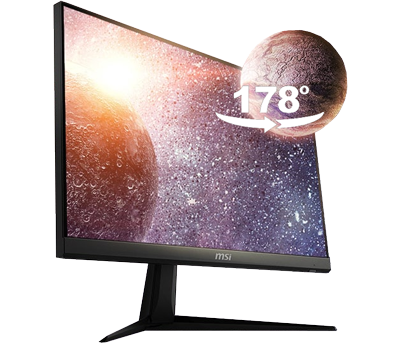
IPS Panel Technology

STUNNING 178 DEGREES OF WIDE VIEWING ANGLE The Optix G242 is equipped with a wonderful IPS panel that eliminates image distortion and offers minimal colour shifts when viewed from different angles. IPS Panel technology also provides crystal clear imagery and instantly optimises screen colour and brightness to ensure the finest viewing experience. MSI gaming monitors have more options for placing your monitor in your setup without giving up the optimal viewing experience. Colours and details will stay sharp at more angles compared to other monitors.

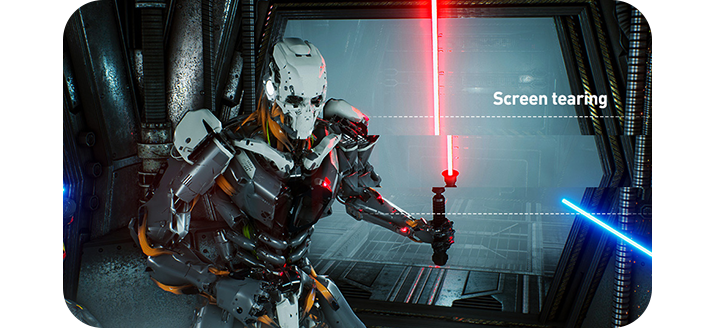
Tear Free, Stutter Free, Fluid Gaming
amd freesync

AMD FreeSync™ TECHNOLOGY Gaming shouldn't be a choice between choppy gameplay or broken frames. With MSI Optix series gaming monitors, it doesn't have to be. Get fluid, artifact-free performance at virtually any framerate with AMD FreeSync™ technology.

*Please Note: FreeSync technology requires a monitor and AMD Radeon™ graphics, both with FreeSync support.

Experience Superior and Smooth Gameplay
144Hz Refresh Rate

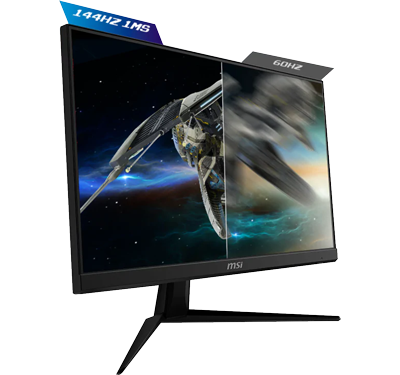
144HZ REFRESH RATE   |   1MS RESPONSE TIME The Optix G242 boasts a rapid 144Hz refresh rate and 1ms response time which benefits the most fast-paced game genres such as FPS, RTS, Racing-Sims, Fighters and MOBas. These games require quick and precise movements, which an ultra-high refresh rate and fast response time will allow you to get ahead of the competition.

This is True Colour to the Limit
Wide Colour Gamut

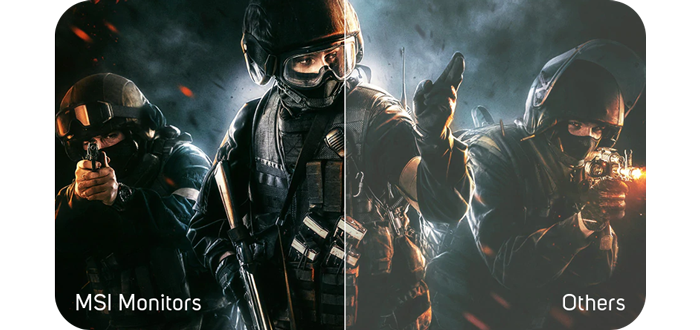
WIDE COLOUR GAMUT The Optix Series gaming monitors provide more colour gamut coverage compared to general monitors. Gameplay colours and details will look more realistic and refined, pushing immersion to its limits.

Maximum Ergonomics and Optimum Viewing Experiences
multi screen

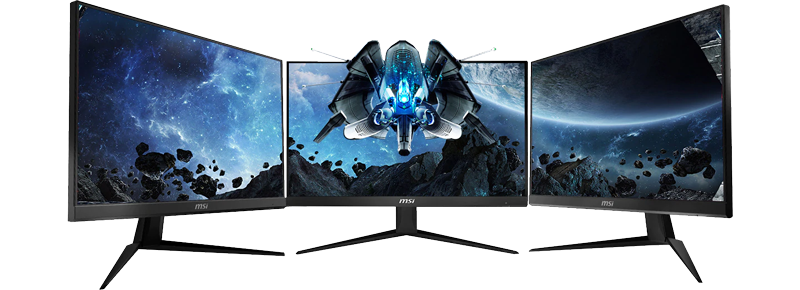
MULTI-SCREEN SETUP CAPABILITIES With a super narrow bezel you can enjoy the greatest immersion possible in the latest games if you opt for a multi-monitor 180-degree setup. Experience better continuity between screens while playing games, working or general computing. Through adjustments of tilting (-5°~20°), you can easily change the position of the monitor for maximum ergonomics.

Reduce Fatigue on your Eyes while Gaming

flicker free technology

ANTI-FLICKER TECHNOLOGY Anti-Flicker technology provides comfortable viewing by reducing onscreen flickering. Optix monitors are optimized to produce less amount of blue light displayed by the monitor, so that you can game for longer periods of time without eye fatigue.

Expose the Darkest of Areas in Game

Night Vision

NIGHT VISION ENGAGED Whether your entire screen is dark, or just a few portions have heavy shadows. Let the world's first smart black tuner brighten your day by bringing out the fine details in dark areas.

Choose Your Gaming Style

Game Mode

MSI Game Mode MSI Optix gaming monitors offer several different display modes that you can choose from, gamers can choose and alternate between the different modes based on the current game being played and optimise their visual to give them an even better gaming experience.

Connections at Your Fingertips
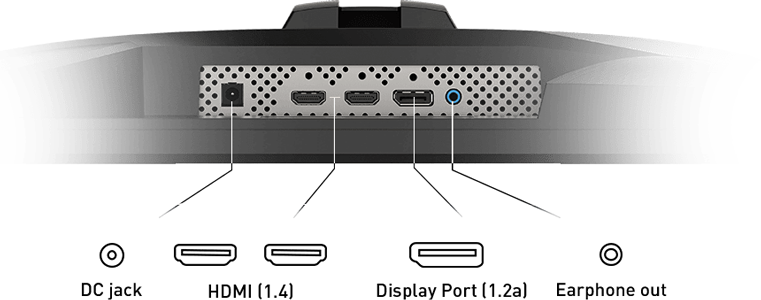
IO
Warranty

Please note your statutory rights are not affected.

For further information regarding Scan's warranty procedure please see our terms and conditions

Details
Duration:
36 months
Type:
Direct
DOA Period:
30 days
Manufacturer Contact Details
Manufacturer:
MSI
Telephone:
(+44) 870 820 0009
Buying Guide
Need help? Read our Monitors Buying Guide
HDR Monitors
HDR Monitors
Date Issued: 11th May 2020

PC monitor manufacturers tend to focus on a particular buzzword or acronym almost every year. In the past, we have been treated to HD (high definition), denoting the screen is capable of running a minimum 720p resolution.

Read More

Display Panel Types
Display Panel Types
Date Issued: 15th May 2015

Choosing a monitor is not an easy decision to make, and not just because of the large number of variations in resolution, refresh rates, sizes and connectivity options. There are also varying panel technologies used to form each display that need to be considered. These panel technologies can be grouped into three broad categories which cover the vast majority of monitors sold in the consumer market.

Read More

NVIDIA G-Sync
NVIDIA G-Sync
Date Issued: 17th Dec 2013

G-SYNC works in a surprisingly simple way - it calculates how long the present frame takes to compute and then, crucially, varies the refresh rate of the monitor to match. It works between a minimum of 33.3ms (30fps) and the maximum supported refresh of the display. The key takeaway here is that the graphics card and monitor are both synced up to one another - the monitor doesn't have the limitations imposed by a rigid, fixed-rate scanning routine.

Read More

Graphics Card Outputs
Date Issued: 8th Oct 2010

Modern desktop computers and notebooks comprise of a CPU, motherboard, graphics, storage, and, usually an optical drive. Computers have a number of ports and sockets that enable the user to plug-in various peripherals such as a printer, USB mouse, or, perhaps most importantly of all, an Internet connection.

Read More

HDMI
HDMI
Date Issued: 3rd Dec 2008

Keeping in tandem with technological developments, audio/video connectors continue to evolve at a steady pace. Today, the most common digital connector comes in the form of HDMI and we're here to tell you what it is, what it does, and why you might need it.

Read More

Blu-ray
Blu-ray
Date Issued: 3rd Dec 2008

Blu-ray Disc is now widely regarded as the physical successor to DVD, we take a closer look at what it is, what advantages it brings, and what it could mean to you.

Read More

DVI
DVI
Date Issued: 20th Oct 2008

As you’ll all likely know by now, DVI is the current standard for connection of a PC or other display generator to a digital display output. You’ll recognise the multi-pin connector and know that almost all modern LCD displays have the corresponding input connector, for feeding from your PC. But do you know how DVI works? This TekSpek seeks to teach you how.

Read More

HDTV 720/1080
HDTV 720/1080
Date Issued: 14th Jun 2008

Whether the broadcasters are going HD or not, TV sets and projectors are arriving thick and fast which claim to support higher resolutions than regular telly. But HDTV is far from just one standard – it incorporates a couple of different resolutions, two different scanning modes, and a number of different frame rates. In this article, we present a guide to what all the terms actually mean.

Read More

DVI/HDMI/HDCP
DVI/HDMI/HDCP
Date Issued: 14th Jun 2008

There’s a lot more to High Definition than just having the ability to run your screen at the right resolution. With more than one type of connection available, and the thorny subject of signal encryption to contend with, just because your monitor and graphics are capable of 1,920 x 1,080 or better does not necessarily mean they will be able to display HDTV in all its glory.

Read More

MSI 24" Full HD 144Hz G-Sync Compatible IPS Gaming Monitor