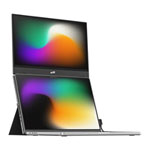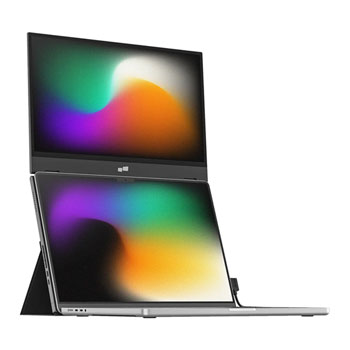

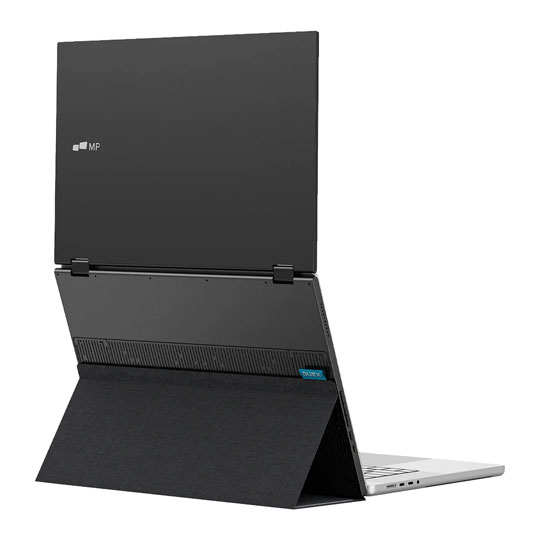
Mobile Pixels Duex Float 2 15.6" Full HD USB-C Portable Monitor with Built-in Kickstand
End Of Life
Mobile Pixels Duex Float 2 15.6" Full HD USB-C Portable Monitor with Built-in Kickstand
Scan code: LN164810 Manufacturer code: 101-1011P02
End Of Life
  • Thumbnail 1 : Mobile Pixels Duex Float 2 15.6" Full HD USB-C Portable Monitor with Built-in Kickstand
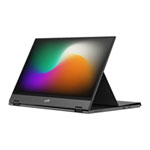
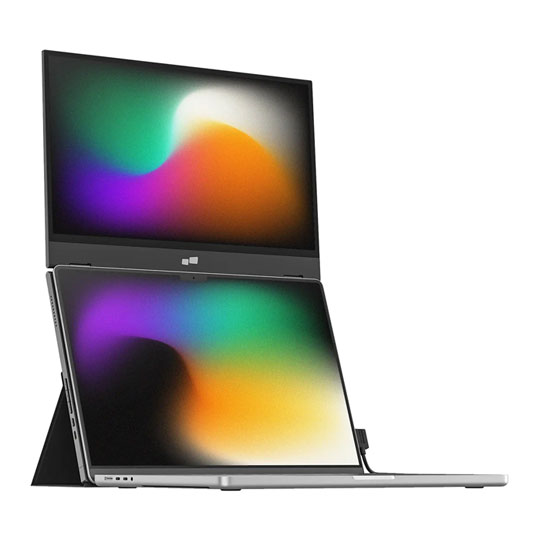
  • Thumbnail 2 : Mobile Pixels Duex Float 2 15.6" Full HD USB-C Portable Monitor with Built-in Kickstand
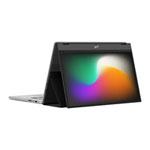
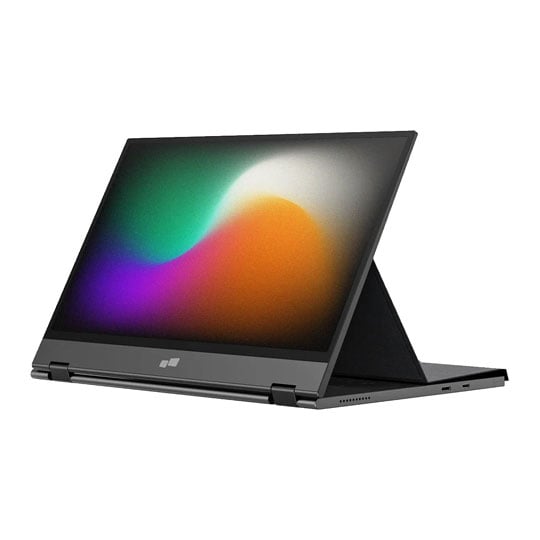
  • Thumbnail 3 : Mobile Pixels Duex Float 2 15.6" Full HD USB-C Portable Monitor with Built-in Kickstand
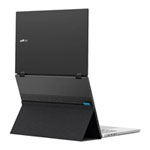
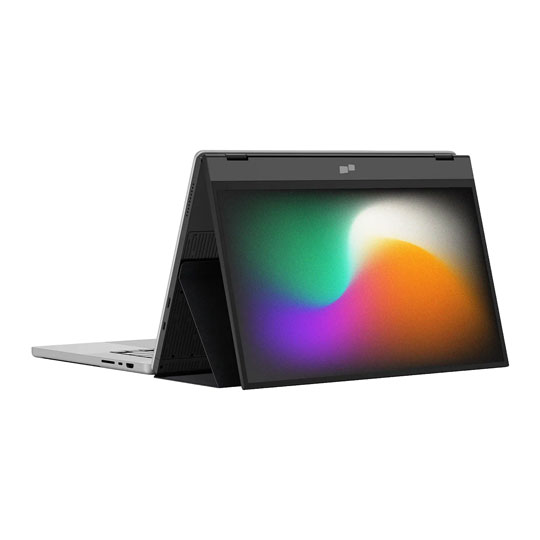
  • Thumbnail 4 : Mobile Pixels Duex Float 2 15.6" Full HD USB-C Portable Monitor with Built-in Kickstand
End Of Life

Mobile Pixels Duex Float 2 15.6" Full HD USB-C Portable Monitor with Built-in Kickstand

15.6" Mobile Pixels Duex Float 2 Monitor, 1920x1080, 300cd/m², 2 × Speakers, Built-in Kickstand, mini HDMI / USB-C

Scan code: LN164810 Manufacturer code: 101-1011P02
End of life
This product is no longer available to purchase.

Email me when the availability or price changes

  • SCANPROTECT Protect against installation damage for 28 days.

15.6" Duex Float 2 Full HD Portable Monitor from Mobile Pixels

Hero Image of the Duex Float 2 Full HD Portable Monitor

Sleek, portable, premium The Mobile Pixels Duex Float 2 15.6" Full HD USB‑C Portable Monitor is a lightweight and versatile 15.6-inch portable display designed to expand your screen space wherever you work or travel. It offers a crisp Full HD (1920 × 1080) resolution with a 60Hz refresh rate, anti-glare panel, and integrated stereo speakers for both productivity and media consumption. The monitor connects easily via USB-C (with DP Alt Mode and up to 65 W pass-through charging) or mini-HDMI, making it compatible with laptops, smartphones, and other devices without needing extra software. Its redesigned built-in kickstand and three viewing modes (stacked, presentation, and standalone) allow flexible setups, whether as a secondary screen attached to your laptop, flipped for sharing content, or freestanding on a desk. With its slim profile and portable form factor, it’s ideal for boosting productivity on the go.

15.6"Screen Size

1920 x 1080Full HD Resolution

IPSPanel Type

Dual Screens, Perfected

33% icon

Lighter than Float 1

20% icon

Thinner than Float 1

Icon of a screen with audio waves emitting from both sides

Built-in Stereo Speakers

Man hiking with a backpack in an icon style

Easy to Pack Up

Stacked tasks icon

Good for Multitaskers

USB-C 65W Icon

Pass-Through Charging

Various service logos such as macOS, Windows, iOS, DeX, and Nintendo Switch

Powerful Compatibility

Three Viewing Modes

Image of the monitor on top of a laptop being used as a secondary monitor

Stacked modeUse it as your secondary monitor as an extended display or mirrored display. Achieve a healthy ergonomic alignment while working on the go.

Image of the monitor on a table with a news article on screen

Presentation modeYou can also flip the screen and easily share content with someone in front of you, like a presentation to your team at work.

Image of the monitor plugged into a phone

Free-standing modeUse the built-in kickstand and turn Duex Float into a independent display. Perfect for gaming or viewing documents.

Versatile Design

Front and back images of the integrated kickstand

Newly Designed Integrated Kickstand Mobile Pixels redesigned the integrated kickstand of the Duex Float 2 Series, which can support your monitor while protecting your screen as a cover when putting it into your backpack on the go. It allows you to utilise it independently without magnetically attaching it to your laptop. It also comes with 4 optional magnets if you prefer to magnetically attach the Duex Float 2 Series monitors to your laptop.


Gif image of a male setting up and plugging in the monitor

Set up in Seconds 1: Open the cover and rotate the screen out.
2. Fold the cover back and stick it to the base of the monitor.
3. Attatch the monitor to your laptop via the optional magnets.
4. Connect the cable to your laptop.

Pairs Perfectly with your Devices

macOS and Windows Logo Icons

macOS/ WindowsSet up Duex Float 2 Series monitors with your laptop (macOS/ Windows) via a single USB-C cable transmitting both video and power for efficient plug and play and quick transitions. For laptop it has a USB-C port without DP ALT mode, you can also use the HDMI cable to connect.

iOS and DeX Icons

mobile devicesExtended screen space for your phone. With USB-C connectivity, Duex Float 2 Series delivers additional screen space for your iPhone and Android smartphones.

Visual Perfection

Image of a smartphone plugged into the monitor streaming Netflix

Built-in Dual Speakers Engineered with dual integrated speakers, Duex Float 2 Series blends outstanding screen performance with stereo sound for an immersive multimedia experience.


Front view of the monitor connected to a laptop with photographs on the screen and photography equipment on the desk around it

Easy on the Eyes The anti-glare screen minimises reflections, which can cause eye strain and fatigue when viewing screens for long periods. Also, the reduced glare and improved visibility contribute to a more comfortable and enjoyable viewing experience, whether you're watching movies, playing games, or working on tasks.


Warranty

Please note your statutory rights are not affected.

For further information regarding Scan's warranty procedure please see our terms and conditions

Details
Duration:
12 months
Type:
Return to base
DOA Period:
28 days
RTB Period:
12 months
Manufacturer Contact Details
Manufacturer:
Scan
Telephone:
01204-474747
Buying Guide
Need help? Read our Monitors Buying Guide
Display Panel Types
Display Panel Types
Date Issued: 15th May 2015

Choosing a monitor is not an easy decision to make, and not just because of the large number of variations in resolution, refresh rates, sizes and connectivity options. There are also varying panel technologies used to form each display that need to be considered. These panel technologies can be grouped into three broad categories which cover the vast majority of monitors sold in the consumer market.

Read More

NVIDIA G-Sync
NVIDIA G-Sync
Date Issued: 17th Dec 2013

G-SYNC works in a surprisingly simple way - it calculates how long the present frame takes to compute and then, crucially, varies the refresh rate of the monitor to match. It works between a minimum of 33.3ms (30fps) and the maximum supported refresh of the display. The key takeaway here is that the graphics card and monitor are both synced up to one another - the monitor doesn't have the limitations imposed by a rigid, fixed-rate scanning routine.

Read More

Graphics Card Outputs
Date Issued: 8th Oct 2010

Modern desktop computers and notebooks comprise of a CPU, motherboard, graphics, storage, and, usually an optical drive. Computers have a number of ports and sockets that enable the user to plug-in various peripherals such as a printer, USB mouse, or, perhaps most importantly of all, an Internet connection.

Read More

DVI
DVI
Date Issued: 20th Oct 2008

As you’ll all likely know by now, DVI is the current standard for connection of a PC or other display generator to a digital display output. You’ll recognise the multi-pin connector and know that almost all modern LCD displays have the corresponding input connector, for feeding from your PC. But do you know how DVI works? This TekSpek seeks to teach you how.

Read More

HDTV 720/1080
HDTV 720/1080
Date Issued: 14th Jun 2008

Whether the broadcasters are going HD or not, TV sets and projectors are arriving thick and fast which claim to support higher resolutions than regular telly. But HDTV is far from just one standard – it incorporates a couple of different resolutions, two different scanning modes, and a number of different frame rates. In this article, we present a guide to what all the terms actually mean.

Read More

DVI/HDMI/HDCP
DVI/HDMI/HDCP
Date Issued: 14th Jun 2008

There’s a lot more to High Definition than just having the ability to run your screen at the right resolution. With more than one type of connection available, and the thorny subject of signal encryption to contend with, just because your monitor and graphics are capable of 1,920 x 1,080 or better does not necessarily mean they will be able to display HDTV in all its glory.

Read More

Mobile Pixels Duex Float 2 15.6" Full HD USB-C Portable Monitor with Built-in Kickstand