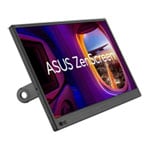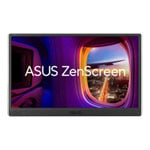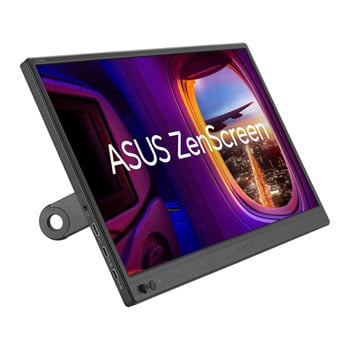
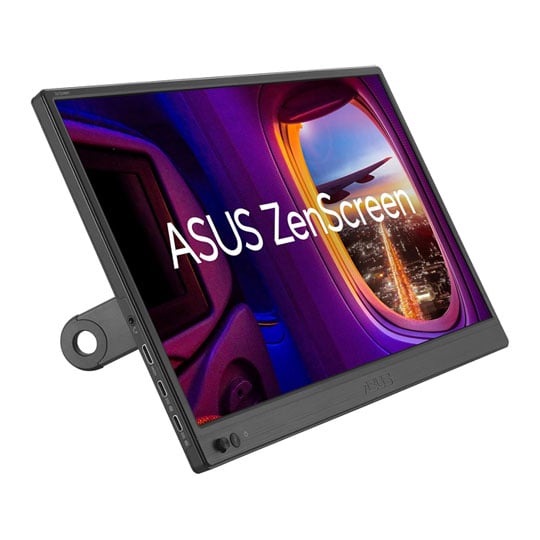
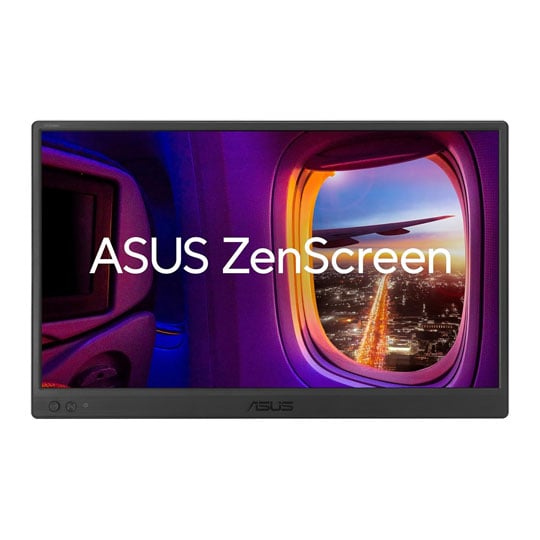
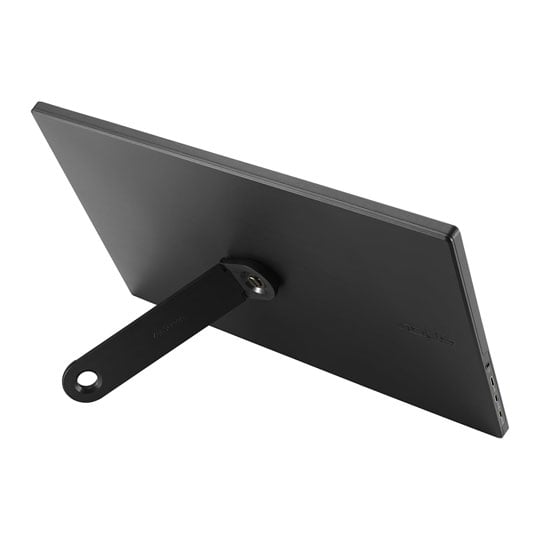


ASUS 15.6" ZenScreen Full HD IPS USB-C Portable Monitor
15.6" ASUS ZenScreen MB169CK Portable Kickstand Monitor, IPS, 1920x1080, 5ms, 250cd/m², 800:1, MiniHDMI/USB Type-C(DP)
Email me when the availability or price changes
Finance this product
- Spend over £390.00 and Buy Now, Pay Later or spread the cost of your finance over 24-48 months with a 10% deposit.
- SCANPROTECT Protect against installation damage for 28 days.
Suggested Alternatives
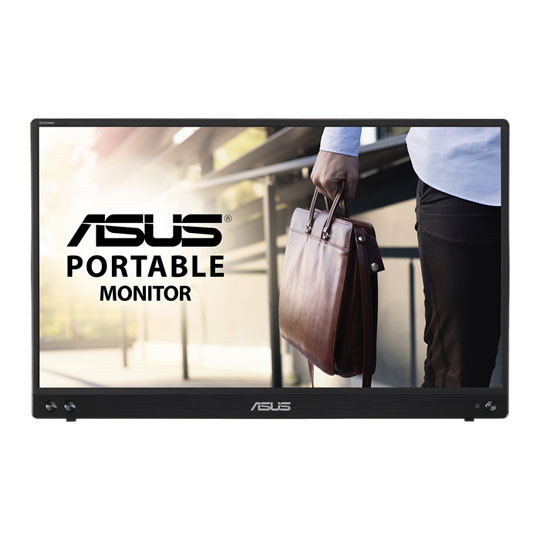
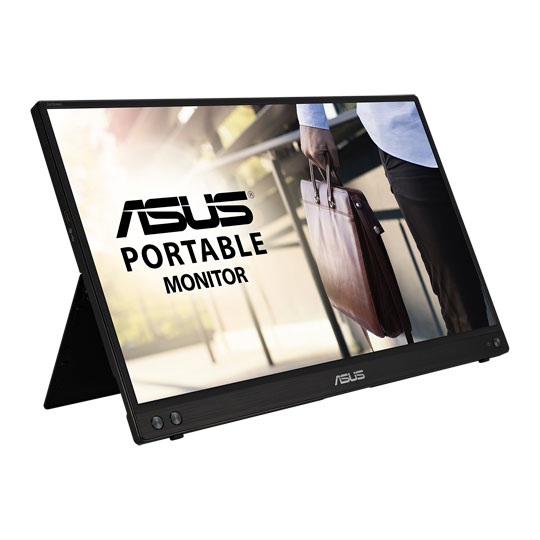
 15.6" ASUS ZenScreen MB16ACV Portable Monitor, IPS, 1920x1080, 60Hz, 5ms, 800:1, 250cd/m², USB Type-CASUS 15.6" Full HD 60Hz Portable IPS Monitor USB-C/microHDMI
LN141833
Customer Review (2)
15.6" ASUS ZenScreen MB16ACV Portable Monitor, IPS, 1920x1080, 60Hz, 5ms, 800:1, 250cd/m², USB Type-CASUS 15.6" Full HD 60Hz Portable IPS Monitor USB-C/microHDMI
LN141833
Customer Review (2)Key Specifications
- 15.6" ASUS ZenScreen MB16ACV Portable Monitor
- IPS
- 1920x1080
- 60Hz
- 5ms
- 800:1
- 250cd/m²
- USB Type-C
RRP: £188.99£143.99Free delivery on this itemPre order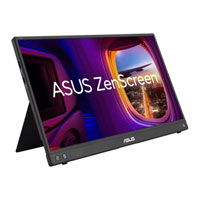
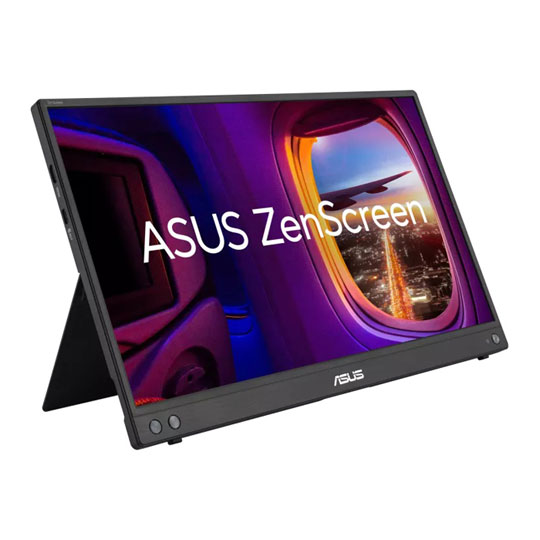
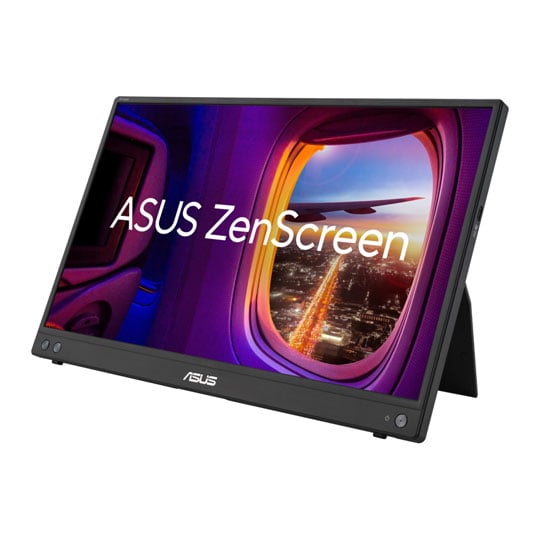 15.6" ASUS ZenScreen MB16AHV Portable Kickstand Monitor, IPS, 1920x1080, 5ms, 250cd/m², 800:1, MiniHDMI/USB Type-C(DP)ASUS 15.6" ZenScreen Full HD IPS USB-C Portable Monitor
LN152791
Customer Review (1)
15.6" ASUS ZenScreen MB16AHV Portable Kickstand Monitor, IPS, 1920x1080, 5ms, 250cd/m², 800:1, MiniHDMI/USB Type-C(DP)ASUS 15.6" ZenScreen Full HD IPS USB-C Portable Monitor
LN152791
Customer Review (1)Key Specifications
- 15.6" ASUS ZenScreen MB16AHV Portable Kickstand Monitor
- IPS
- 1920x1080
- 5ms
- 250cd/m²
- 800:1
- MiniHDMI/USB Type-C(DP)
RRP: £148.99£138.98Free delivery on this itemPre order
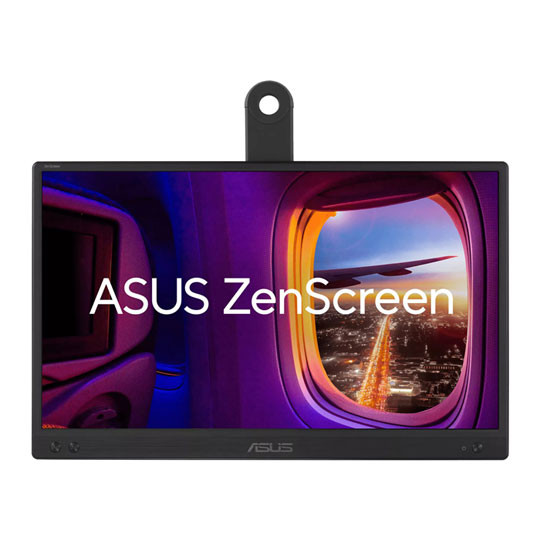
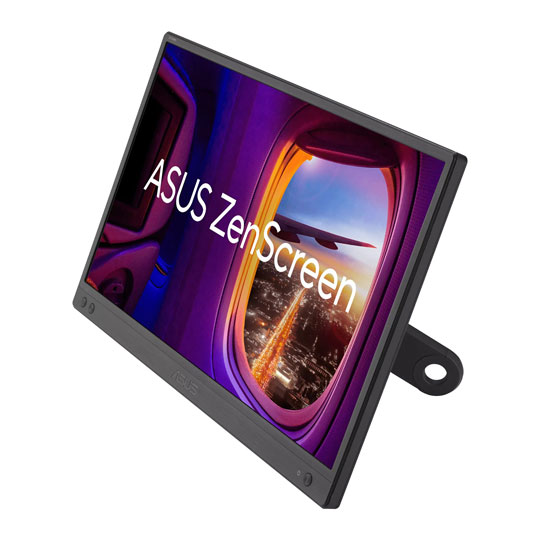 15.6" ASUS ZenScreen MB166CR Portable Monitor, IPS, 1920x1080, 5ms, 250cd/m², 800:1, 360° Kickstand, USB Type-C(DP)ASUS 15.6" ZenScreen Full HD Portable IPS USB-C Monitor
LN152792
No customer review
15.6" ASUS ZenScreen MB166CR Portable Monitor, IPS, 1920x1080, 5ms, 250cd/m², 800:1, 360° Kickstand, USB Type-C(DP)ASUS 15.6" ZenScreen Full HD Portable IPS USB-C Monitor
LN152792
No customer reviewKey Specifications
- 15.6" ASUS ZenScreen MB166CR Portable Monitor
- IPS
- 1920x1080
- 5ms
- 250cd/m²
- 800:1
- 360° Kickstand
- USB Type-C(DP)
RRP: £128.99£108.98Free delivery on this itemGet it Tomorrow, 06 OctIn stock
15.6" ZenScreen Portable FHD IPS Monitor from ASUS

Extend Your Vision, Free Your World The ASUS ZenScreen™ is more than just a portable monitor—it’s like adding a new dimension to your productivity. With USB-C™ and mini-HDMI connectivity, it seamlessly integrates with a variety of devices, transforming your setup in an instant. It feels less like an accessory and more like an extension of yourself, offering a crystal-clear, expansive view that adapts to your every need. Whether you're managing spreadsheets or diving into creative projects, everything flows effortlessly. Mounted like a canvas with its flexible stand, it turns any space into a workspace, redefining how and where you get things done.
15.6"Screen Size
1920 x 1080Resolution
IPSPanel Type

Slim and Stylish

PACKS A PUNCHThe ASUS ZenScreen's colours burst to life like vivid splashes on a canvas, each pixel delivering sharp details with a 0.179mm pitch. At 1920x1080 resolution, the display brings a full palette of 262,000 colours, with 250 nits of brightness illuminating every hue. With an 800:1 contrast ratio, its imagery is as bold as it is balanced, offering dynamic tones that shift smoothly in a flicker-free experience. A response time of 5ms ensures every frame flows like a brushstroke, while its 60Hz refresh rate keeps the display fluid and steady, transforming each moment into a visual masterpiece.
250 NitsBrightness
178° / 178°Viewing Angle
262KColour Range
Adaptable, Anywhere
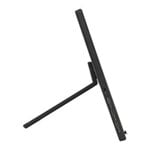
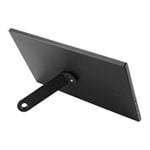
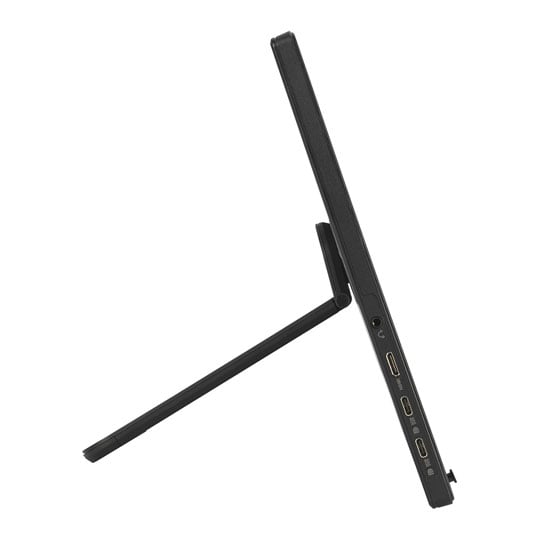
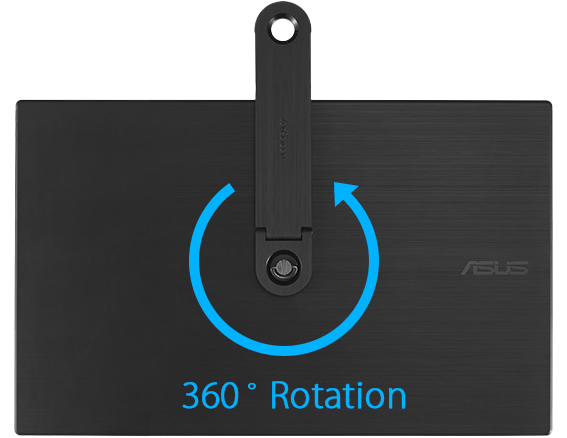
Rotary StandA 360° detachable kickstand allow you to screw-in with ease on the rear tripod socket, enabling easy tilt adjustments in either portrait or landscape mode. With the 360° kickstand design you can even put it on a tabletop mount with ease.
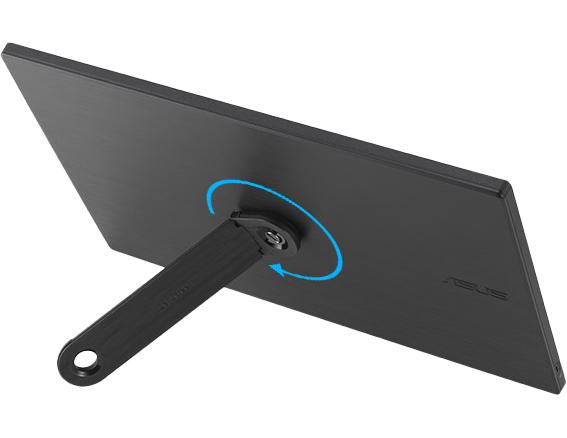
Landscape Mode
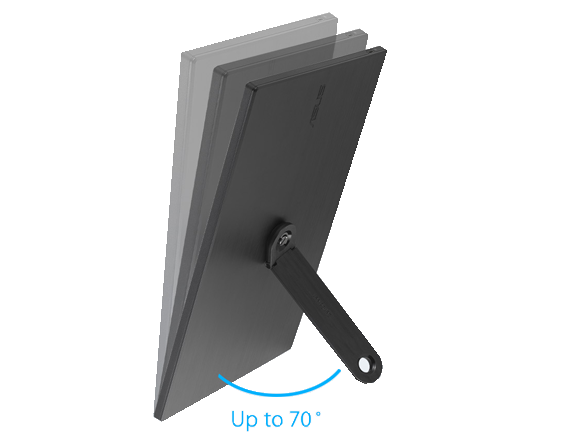
Portrait Mode
Wall-Mount Mode
Nimble & Light

Stylish Carry CaseASUS ZenScreen™ is ideal for life on the road. This sleek portable display is light weight and has a slim profile, so it fits easily in any travel bag and is ready for productivity, anytime and anywhere.
Smart & Adaptable With DisplayWidget software, ZenScreen can sense its orientation and switch between landscape and portrait modes. Landscape mode is ideal for presentations and spreadsheets, while Portrait mode is great for coding and messaging.
One Cable is all you Need

plug and playMB169CK features rich connectivity with dual USB-C and mini-HDMI ports. A single USB-C cable* is all you need to duplicate or extend your laptop screen. USB-C handles both power and video signal transmission, so it’s simply a matter of plug-and-play when it’s time to level up your work efficiency.
Protect Your Eyes
ASUS Eye Care TechnologyWith exclusive Ultra-Low Blue Light technology, you're well-equipped to shield yourself from the contrast of blue light. The four adjustable filter settings are like layers of comfort, wrapping your screen in a calm, protective glow, keeping your eyes fresh and your focus sharp.