What makes a great RTX Studio PC?
NVIDIA Studio supports dozens of RTX enhanced applications and hundreds of DCC applications from the likes of Adobe, Autodesk and Blackmagic.
Our in-house team of experts, 3XS Systems, has been building PCs for more than 20 years. We know which components are the fastest and most reliable, and how to fine-tune and combine them for the ultimate gaming experience. Here’s what you need to know.

NVIDIA Certified
Scan is an NVIDIA Elite Partner, awarded for our GPU-accelerated systems expertise.

Trusted by You
3XS gaming PCs are rated 4.8 on Trustpilot with hundreds of reviews every year

3 Years Warranty
3XS Systems include a three-year warranty offering complete peace of mind.
7 Days Support
Our experienced technical support engineers are available seven days a week.
Chosen by Pro Gamers
Our gaming PCs are used by a host of leading game developers and esports teams.
Now you know why you should choose 3XS to build your gaming PC, here is what you need to know about the most important components. This will help you choose the specification of your PC.
Graphics Card (GPU)
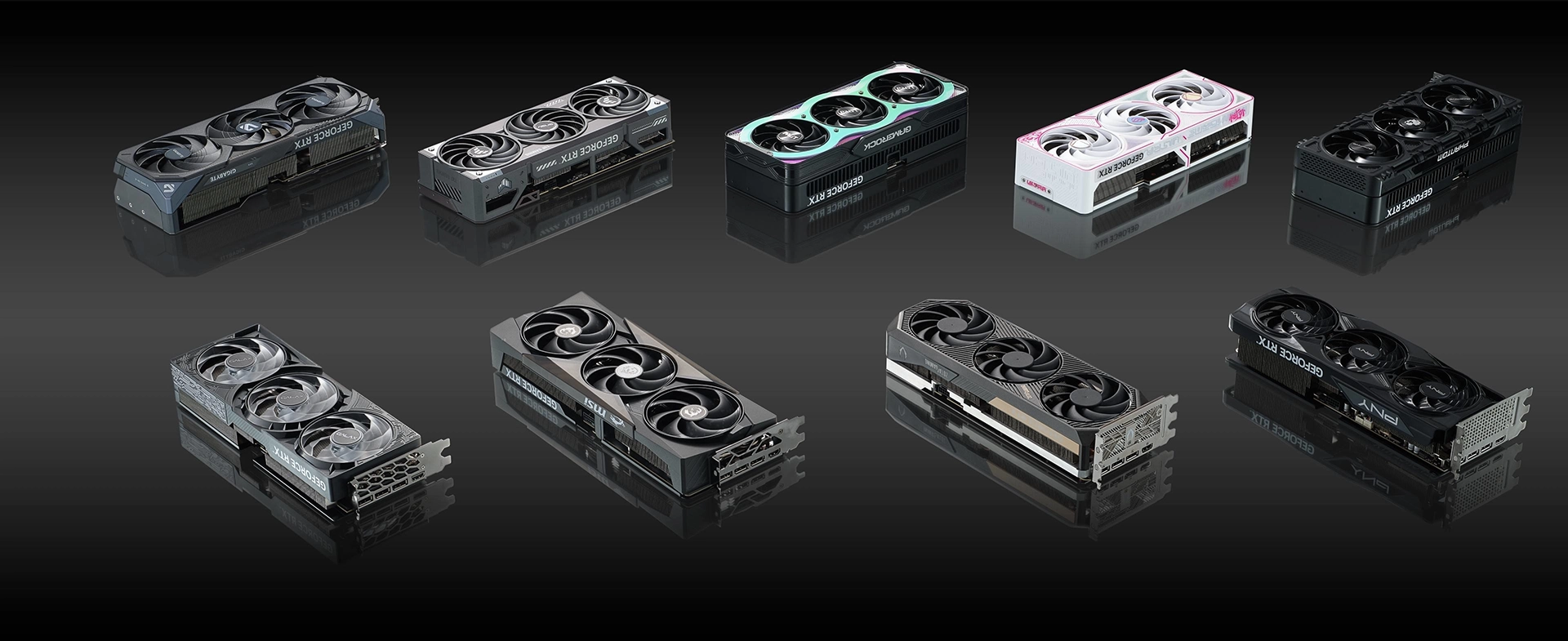
The graphics card or GPU is the most important component when running content creation applications, as it most directly affects how graphics and video will look on-screen. RTX Studio PCs are configured with GeForce RTX graphics cards, pre-installed with the RTX Studio driver which is tested by NVIDIA with leading content creation applications, ensuring a smooth and consistent user experience. What’s more, GeForce RTX graphics cards are also brilliant for gaming, so if you feel like letting your hair down in-between projects then an RTX Studio PC is also great for enjoying the best PC gaming has to offer.
Animation
Visualise stunning photorealistic models as you create virtual worlds in realtime with hardware-accelerated ray tracing.
Video Editing
Play back and edit high resolution video smoothly without pre-caching or generating proxies. Use AI to colour grade, track objects, match faces, slow-mo video, and reframe landscape video into portrait format.
Photography
Apply GPU-accelerated features and filters to your images. Alternatively, you can automatically give your RAW images crisper detail, better colour rendering, and fewer artefacts.
Graphic Design
Create illustrations with a GPU-accelerated canvas that enables smooth and interactive panning and zooming. Instantly visualise your 2D art in photorealistic 3D with RTX GPU-accelerated rendering.
Architectural Visualisation
View complex structures and environments in dynamic and brilliantly 3D renders packed full of detail with RTX-accelerated ray tracing.
Gaming & Streaming
An NVIDIA RTX Studio laptop is also great for gaming, supporting DLSS frame generation technology and realtime raytracing. You can also use NVIDIA Broadcast for streaming.
Explore the range of GeForce RTX 50-series laptop GPUs below. When you look at the specifications of 3XS Studios PCs you’ll note that the graphics cards are made by other brands, most notably Asus. This is because NVIDIA doesn’t manufacture graphics cards itself, just GPUs.
| RTX 5090 | RTX 5080 | RTX 5070 TI | RTX 5070 | RTX 5060 TI | RTX 5060 | RTX 5050 | |
|---|---|---|---|---|---|---|---|
| Performance | |||||||
| Content Creation | ✔ | ✔ | ✔ | ✔ | ✔ | ✔ | ✖ |
| Gaming | ✔ | ✔ | ✔ | ✔ | ✔ | ✔ | ✔ |
| Streaming | ✔ | ✔ | ✔ | ✔ | ✖ | ✖ | ✖ |
| Price | |||||||
| CUDA Cores | 21,760 | 10,752 | 8,960 | 6,144 | 4,608 | 3,840 | 2,560 |
| Tensor Cores | 680 (5th Gen) | 336 (5th Gen) | 280 (5th Gen) | 192 (5th Gen) | 144 (5th Gen) | 120 (5th Gen) | 80 (5th Gen) |
| RT Cores | 170 (4th Gen) | 84 (4th Gen) | 70 (4th Gen) | 48 (4th Gen) | 36 (4th Gen) | 30 (4th Gen) | 20 (4th Gen) |
| Memory | 32GB GDDR7 | 16GB GDDR7 | 16GB GDDR7 | 12GB GDDR7 | 8/16GB GDDR7 | 8GB GDDR7 | 8GB GDDR6 |
We also sell graphics workstations for content creation workflows with NVIDIA RTX PRO GPUs.
Processor (CPU)
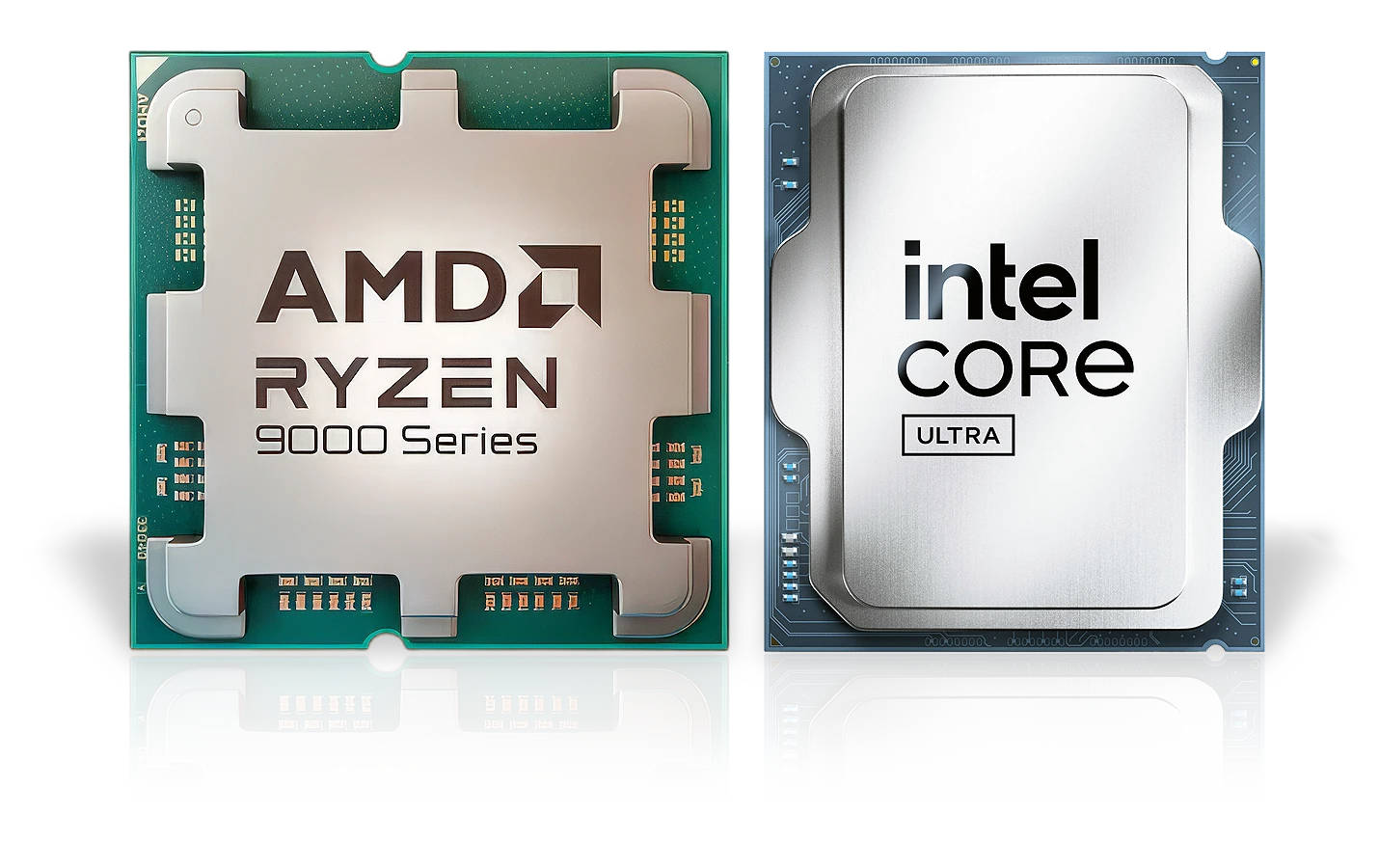
Alongside the graphics card, the processor or CPU is also key, as it is responsible for other tasks outside of graphics. A processor with a higher clock speed and more cores will result in a better overall experience and it is a good idea to match the graphics card with the processor. This doesn’t mean they have to be the same brand, but it would be unwise to pair a high-end graphics card with an entry-level processor, as this will limit the performance of the graphics card.
The tabs below give more detail on the two main brands of processor, Intel and AMD, and the different models each brand makes.
Intel Core Ultra CPUs
We recommend Intel Core Ultra CPUs in our gaming PCs, available in a range of performance and price points, as shown in the table below.
| Core Ultra 9 | Core Ultra 7 | Core Ultra 5 | |
|---|---|---|---|
| Performance | |||
| Price | |||
| Content Creation | ✔ | ✔ | ✔ |
| Gaming | ✔ | ✔ | ✔ |
| Streaming | ✔ | ✔ | ✖ |
| P-Cores / Threads | 8 / 8 | 8 / 8 | 6 / 6 |
| E-Cores / Threads | 16 / 16 | 12 / 12 | 8 / 8 |
For more information on CPU specifications read our INTEL DESKTOP CPU BUYERS GUIDE.
AMD Ryzen CPUs
We recommend AMD Ryzen CPUs in our gaming PCs, available in a range of performance and price points, as shown in the table below.
| RYZEN 9 | RYZEN 7 | RYZEN 5 | |
|---|---|---|---|
| Performance | |||
| Price | |||
| Content Creation | ✔ | ✔ | ✔ |
| Gaming | ✔ | ✔ | ✔ |
| Streaming | ✔ | ✔ | ✖ |
| Cores / Threads | 12 - 16 / 24 - 32 | 8 / 16 | 6 / 12 |
For more information on AMD CPU specifications read our AMD GAMING CPU BUYERS GUIDE.
System Memory
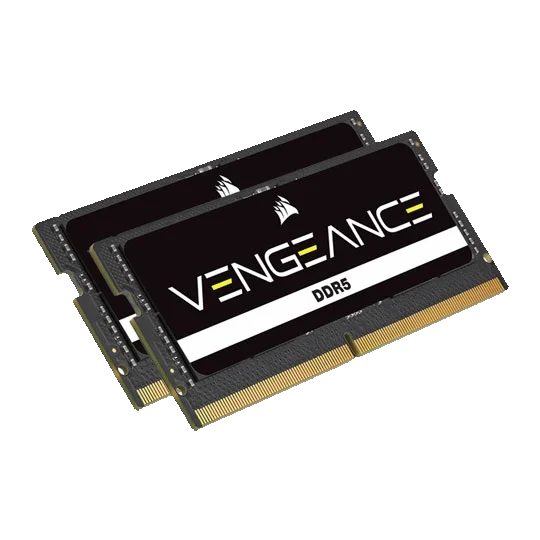
While having sufficient memory on the graphics card is important, application and game performance will be crippled without adequate system memory or RAM. You should choose the quantity of system memory depending on the types of applications and the size of your projects as indicated below. Most laptops can be upgraded with additional RAM later on as your needs change.
Relative Performance
System Cooling
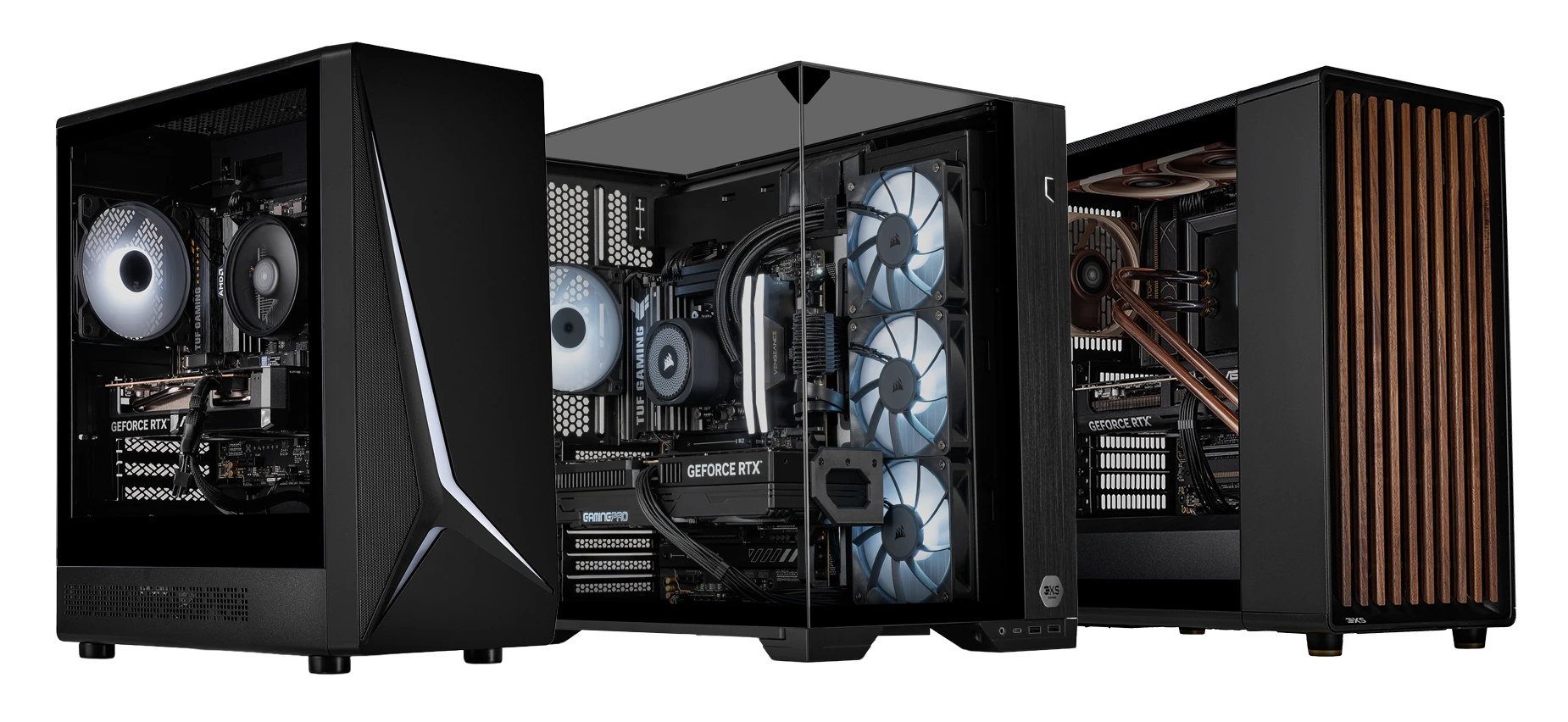
Graphics cards and processors, especially high-end models, consume a lot of power and emit a lot of heat. For this reason, our engineers spend a lot of time tweaking our 3XS gaming PCs to run both cool and quiet.
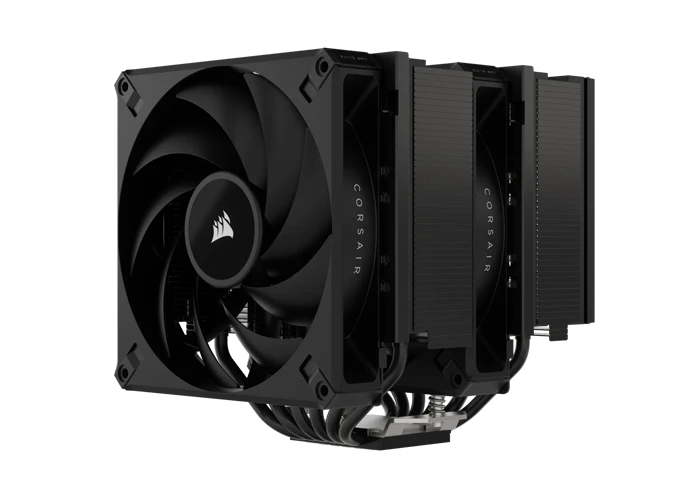
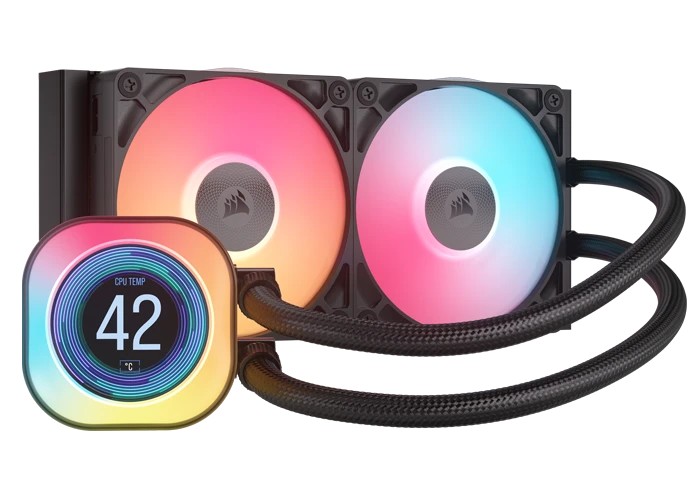
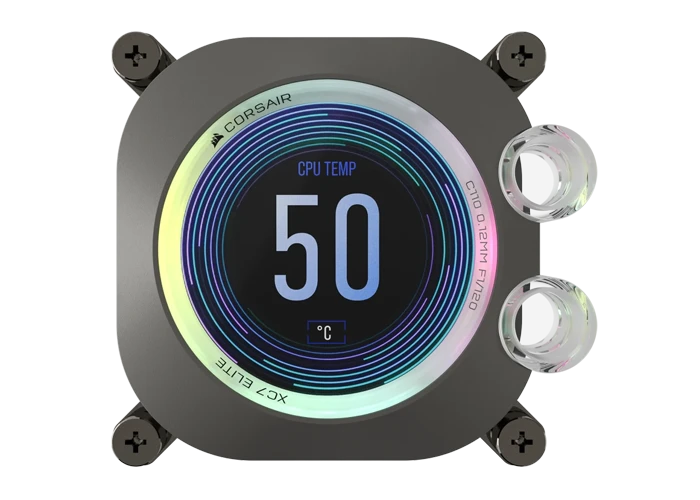
There are three main types of cooling available, air-coolers, all-in-one hydrocoolers and custom watercooling loops. Air-cooling is the most common in entry-level PCs, being cost-effective without any real downsides. Most mid-range and high-end PCs feature hydrocoolers, which are more efficient than air-coolers and are more visually appealing. The ultimate option is a custom watercooling loop, which provides the best cooling and looks stunning.
The table below gives a quick summary of the advantages of each of these types of cooler.
| Air Cooler | Hydrocooler | Custom Watercooling | |
|---|---|---|---|
|
|
|
|
| Cooling | |||
| Price | |||
| Visual Stand-Out | |||
You can learn more about these options by reading our AIR COOLING & HYDROCOOLER BUYERS GUIDE and WATERCOOLING BUYERS GUIDE.
Additional Features
Here are the other things you need to know about the quality components we use to build 3XS gaming PCs.

Storage
We use the latest high performance NVMe SSDs in our 3XS gaming PCs, cutting loading times for games and putting you first in the queue for online matches.
We offer a minimum 1TB SSD in our gaming PCs, which is enough storage capacity for a handful of games at once. We also offer PCs with more storage, such as 2TB and 4TB as a standard. Alternatively, you can purchase more storage as required later on.
Motherboard
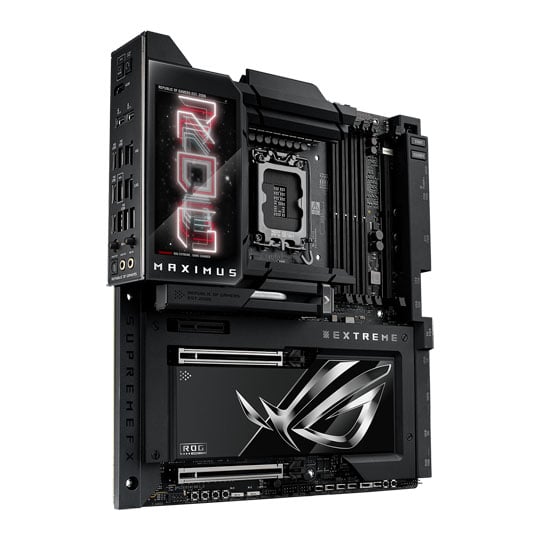
The motherboard is the cornerstone of a gaming PC, linking together all the components and helping them communicate with one another. We use Asus, the world's premier motherboard brand, in our 3XS gaming PCs.

Power Supply
3XS gaming PCs are powered by high-quality 80PLUS and Cybenetics rated power supplies, made by Corsair, ensuring a reliable and efficient power source for the system.

Connectivity
3XS gaming PCs are equipped with best-in-class connectivity, including standard-speed USB and ultra-fast USB-C ports, high-speed Ethernet network ports, plus super-reliable WiFi and Bluetooth wireless networking.
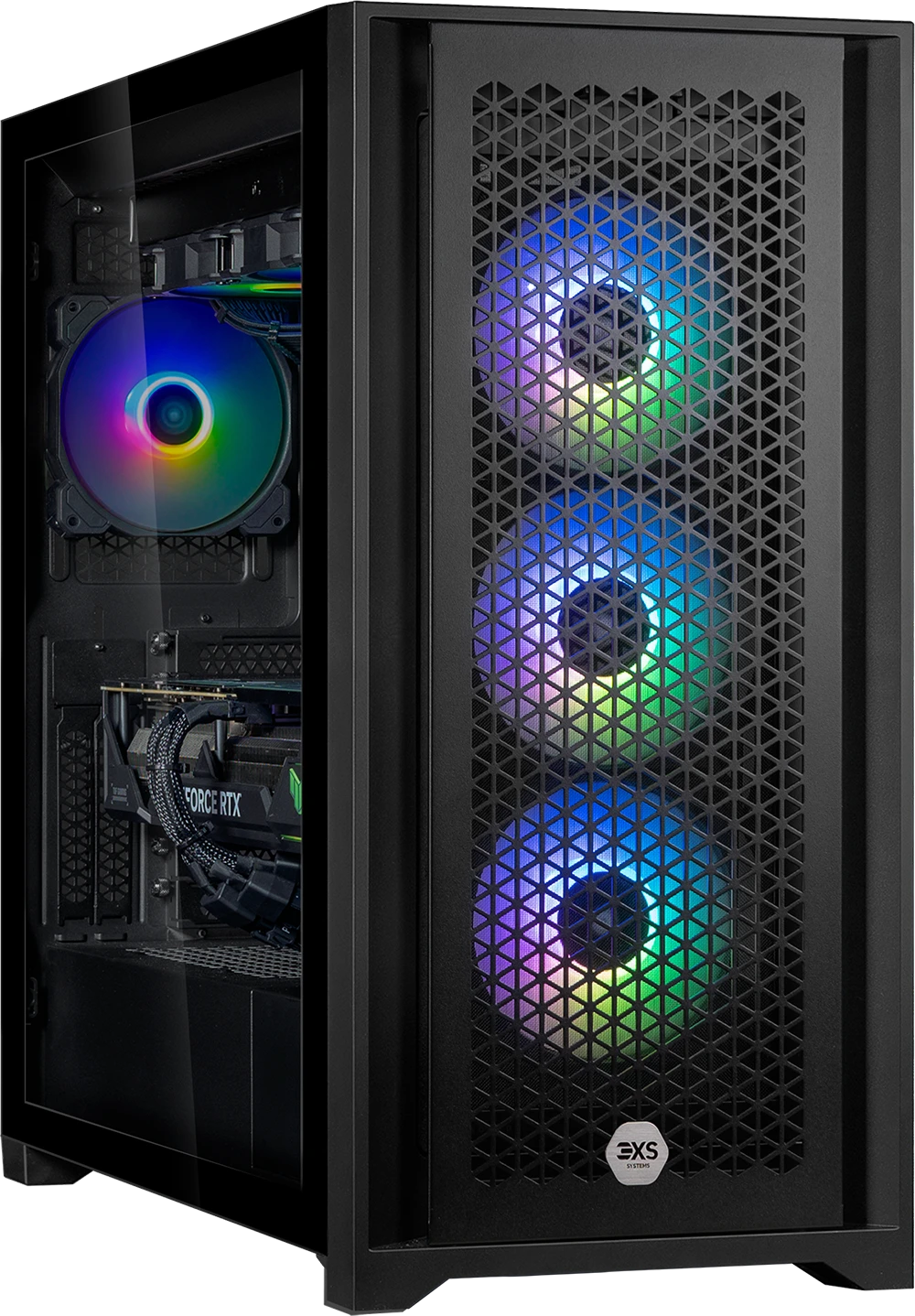
Case & RGB Lighting
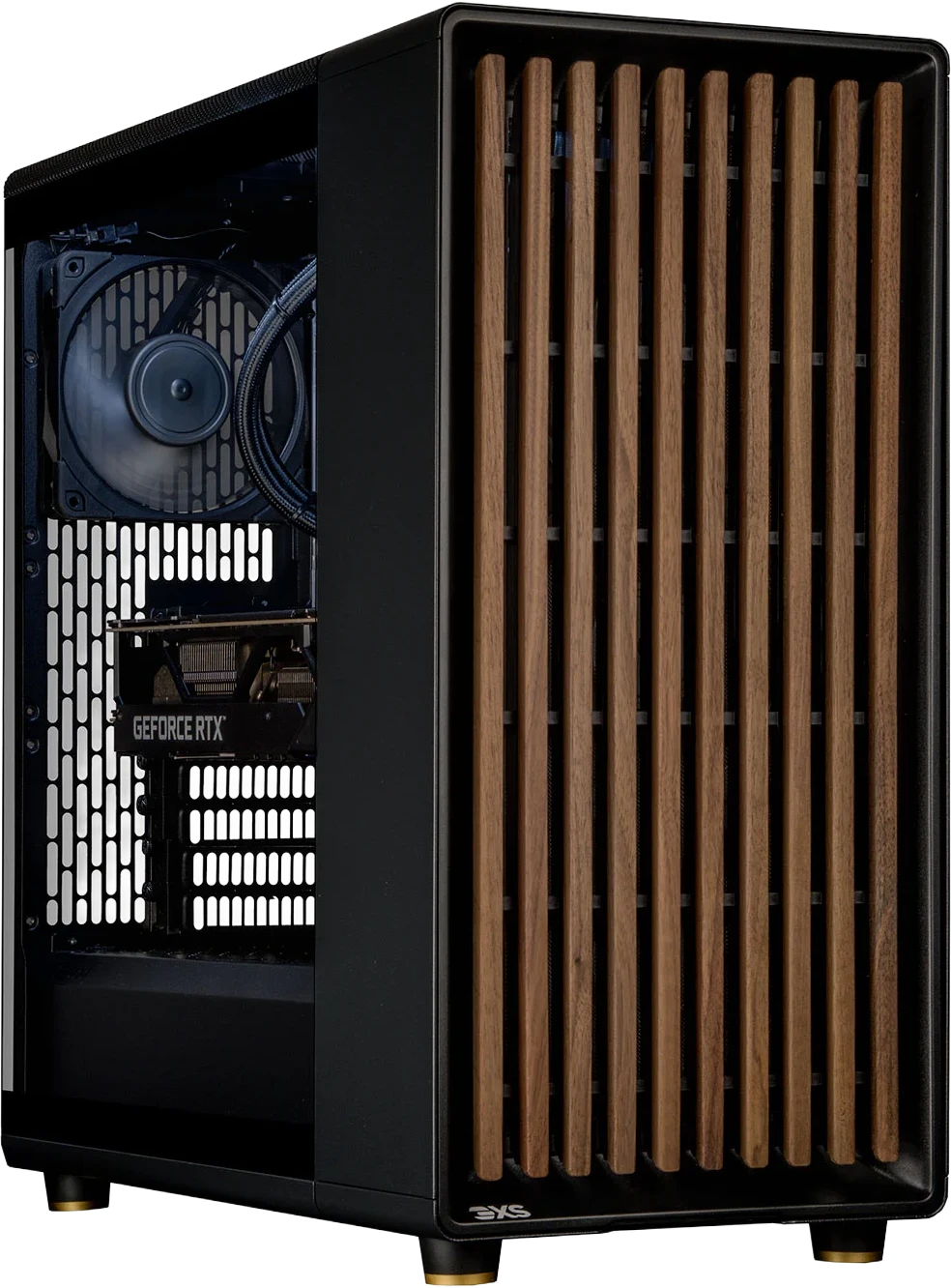
3XS gaming PCs are available in a variety of cases, giving you a wide choice of colours, sizes and finishes.
In addition, they also feature a fully-programmable lighting system that enables you to customise the look of your PC by selecting different colours and patterns for individual components.

Operating System
3XS gaming PCs are preinstalled with Microsoft Windows 11 Home, fully updated and optimised for the best gaming experience.
Accessories
Our 3XS video workstations can be complemented by a range of accessories to suit every workflow.
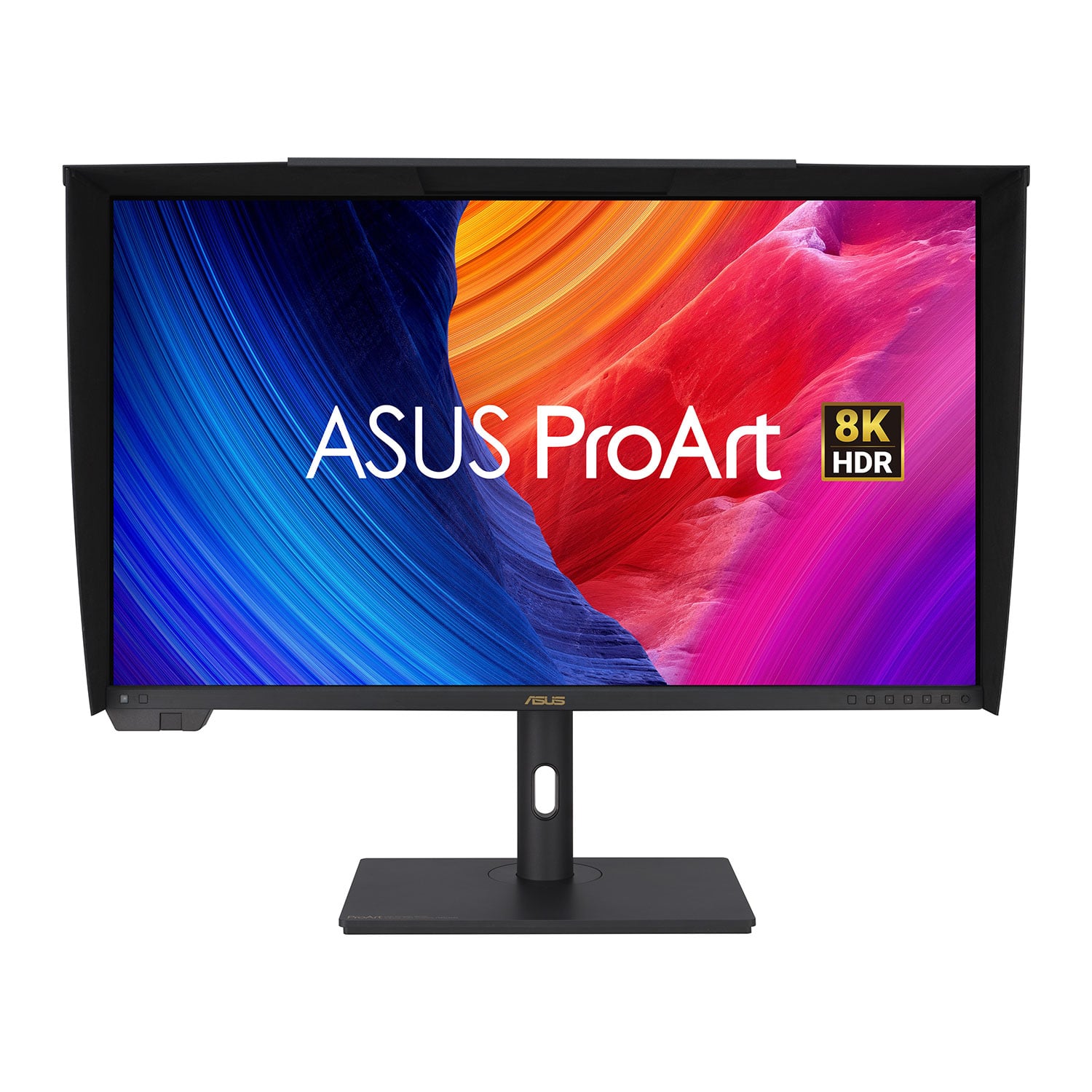
Monitor
Upgrade your visual experience with either our standard Monitor Buyers Guide. or Professional Monitor Buyers Guide which covers colour critical monitors.
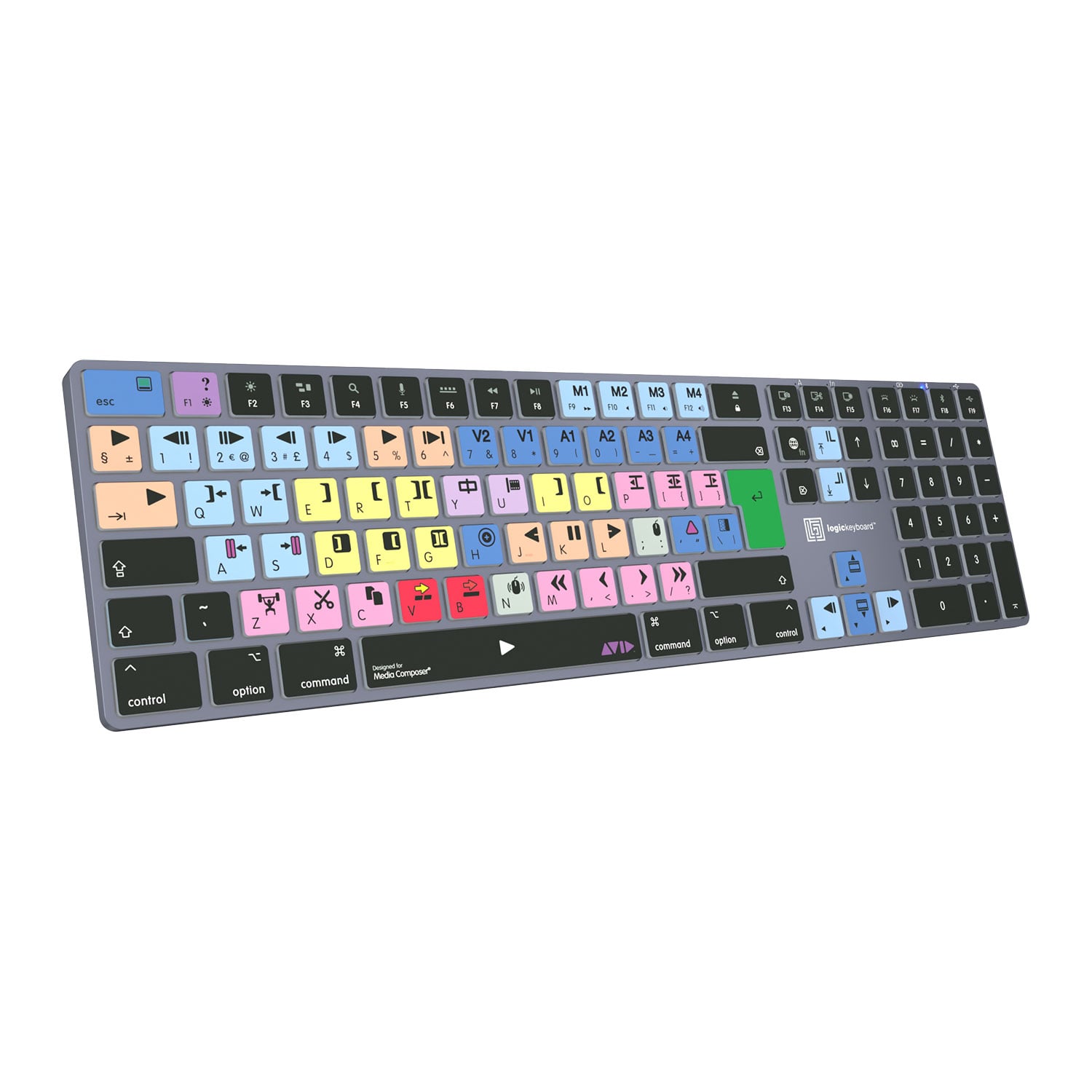
Keyboard
The keyboard has a massive impact on your experience.
Learn more by reading our Keyboards Buyers Guide.

Mouse
Mice are available in a huge variety of shapes, sizes and weights with extra features such as adjustable DPI rate, poll rate and more.
Learn more by reading our Gaming Mouse Buyers Guide.
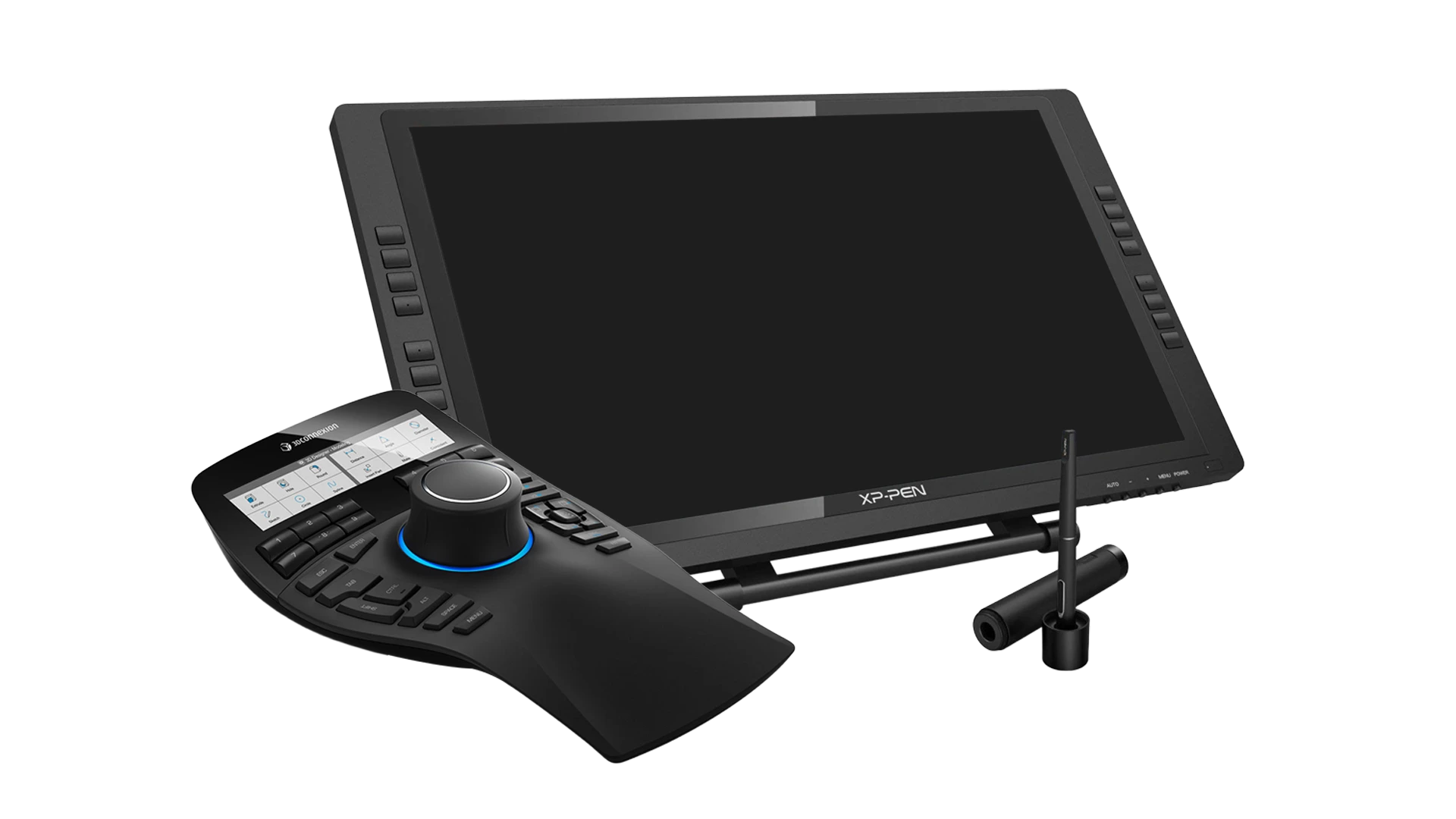
Graphics Controllers
Content creation applications may be easier to control with the use of dedicated graphics mice and tablets alongside the integrated keyboard and touchpad. These offer much greater control and flexibility with 3D and spatial workloads.
Learn more by reading our Graphics Controllers Buyers Guide.
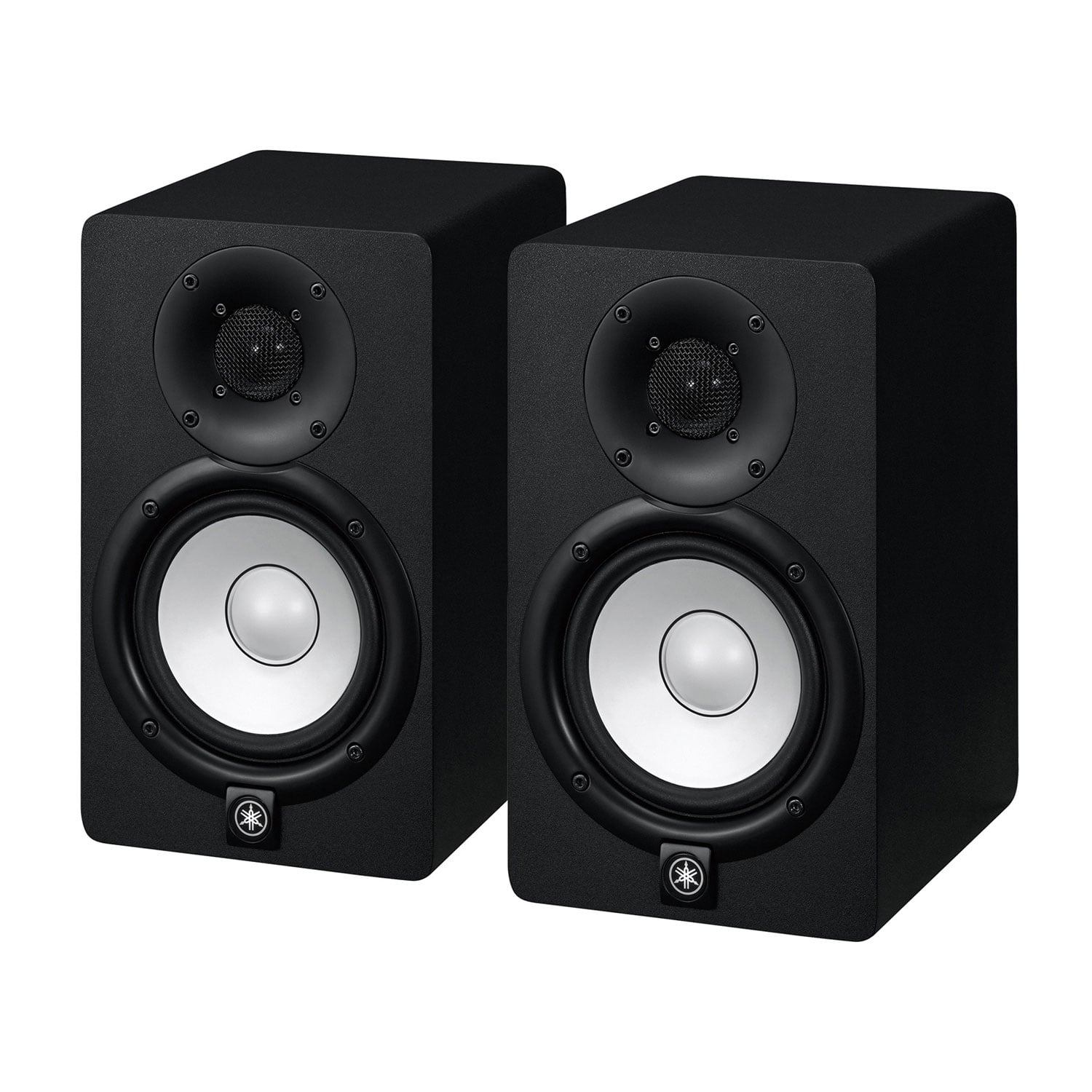
Speakers
Whether you're gaming, listening to music or watching videos, PC speakers are a great addition to your setup. Dedicated PC speakers provide far superior sound quality than the tiny speakers integrated into monitors.
Browse our range of PC Speakers.
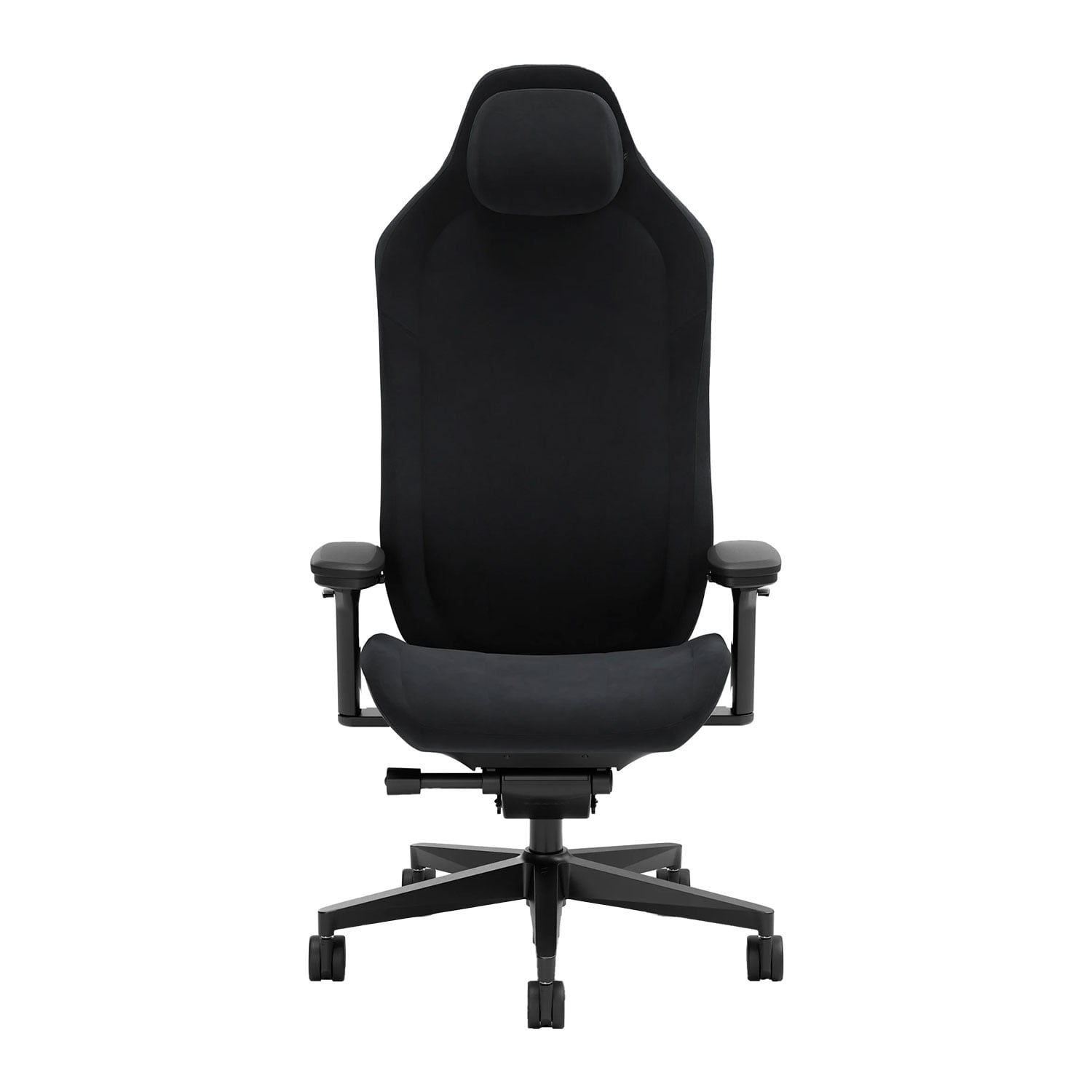
Chair
The designers of these chairs have thought about how users sit, how they move, and what they need most from their chair.
Learn more by reading our Gaming Chair Buyers Guide.
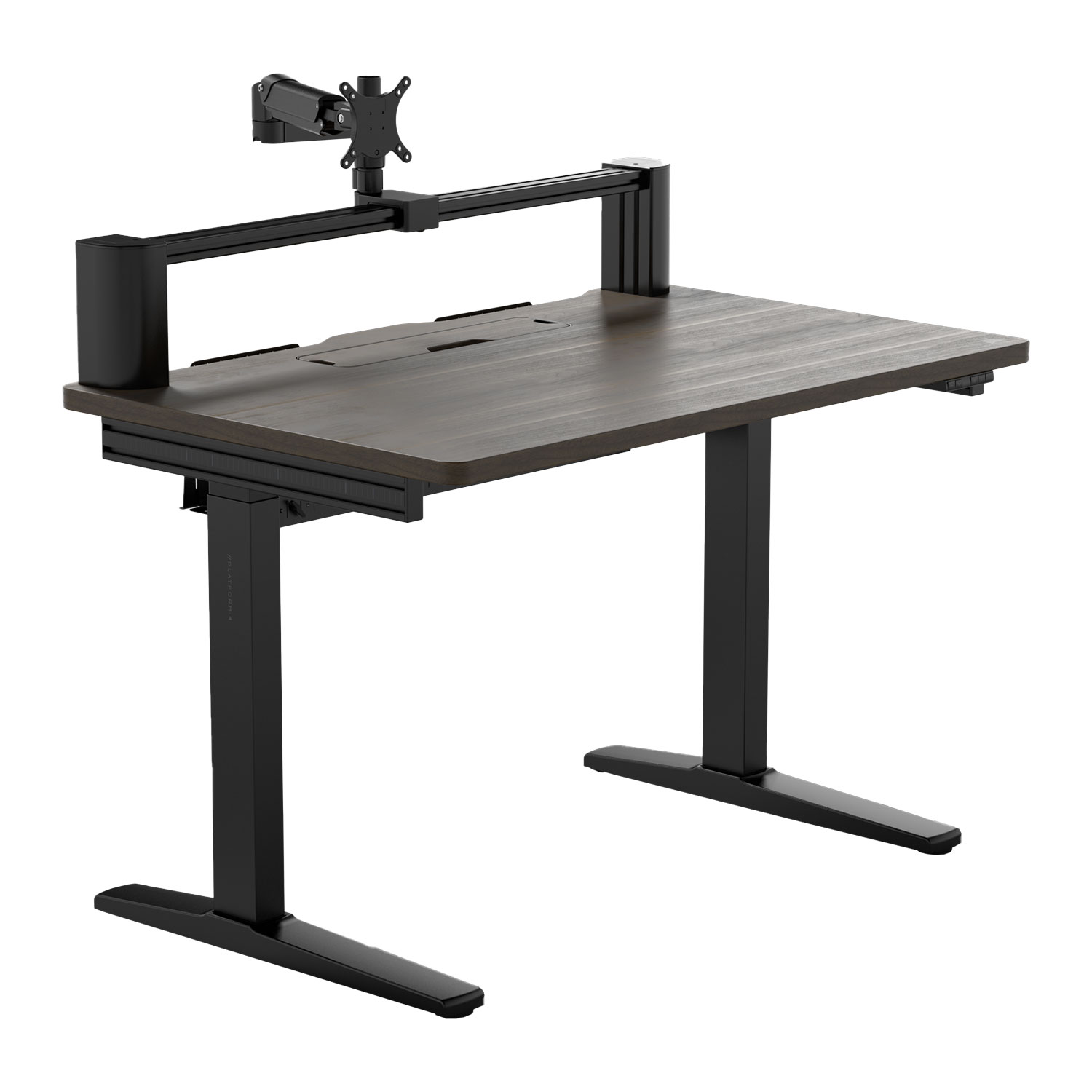
Desk
Desks are purpose designed for PCs, having useful features such as flexible monitor arms, so you can position your screen(s) at the perfect height and angle.
Learn more by reading our Gaming Desk Buyers Guide.
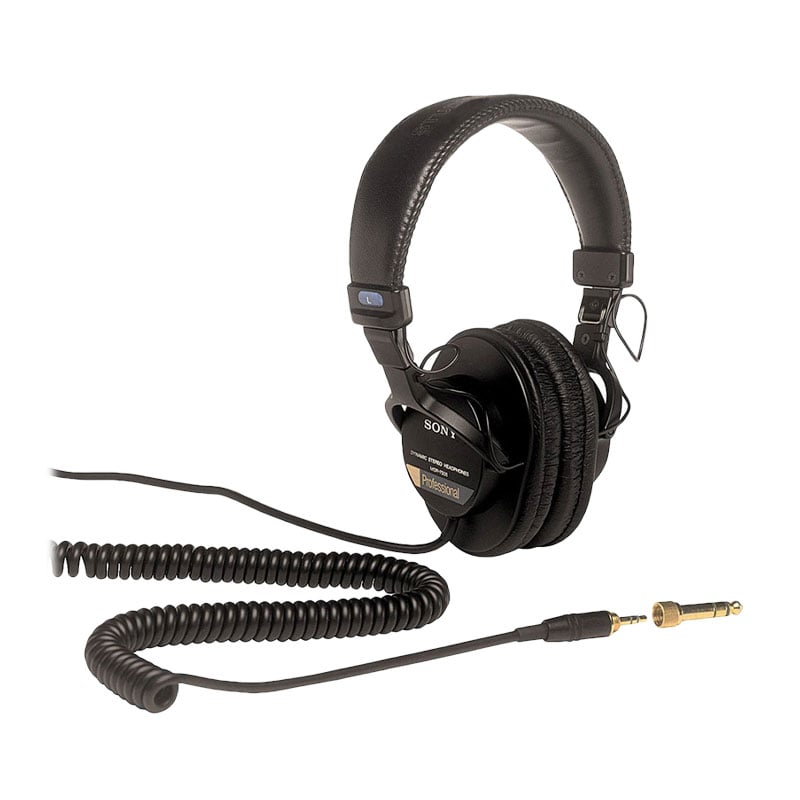
Headset
A headset is essential for listening to music, films and online communication.
Learn more by reading our Gaming Headset Buyers Guide.
Ready to Buy?
Click the links below to view the range of pre-configured 3XS gaming PCs.
Alternatively, we can CUSTOM BUILD a gaming PC for you.
Need Help Choosing?
If you still have questions on how to select a gaming PC don't hesitate to contact one of our friendly advisors on
Frequently Asked Questions FAQ
NVIDIA RTX Studio is a special driver for its GPUs that is equally suited to driving professional content creation applications and games. NVIDIA Studio supports dozens of RTX enhanced applications and hundreds of DCC applications from the likes of Adobe, Autodesk and Blackmagic.
Yes, the NVIDIA RTX Studio has been developed for gaming and creative applications. Simply open the NVIDIA Control Panel application and switch between gaming and Studio mode as appropriate.
NVIDIA works with leading ISVs to add new features and optimise performance when running the RTX Studio driver.
While both types of laptops can run all Windows software, RTX Studio laptops are equipped with GeForce RTX GPUs which are optimised for visualisation workloads and gaming. In contrast, RTX Pro laptops are optimised for professional graphics workloads such as CAD, rendering, AI and complex simulations.
3XS RTX Studio PCs are available to rent on a monthly basis in Scan Cloud. You never have to worry about system failures and returns. Hosting in the Scan Cloud covers all failures and in the event of a system failure, provide you with a backup system to restore your applications and files to. For further information look out for the CLOUD READY section on 3XS RTX Studio PC product pages.
3XS RTX Studio PCs are available to purchase using Scan Finance, paid for on flexible terms of up to 48 months or via PayPal Credit. For further information look out for the Finance section on 3XS RTX Studio PC product pages.