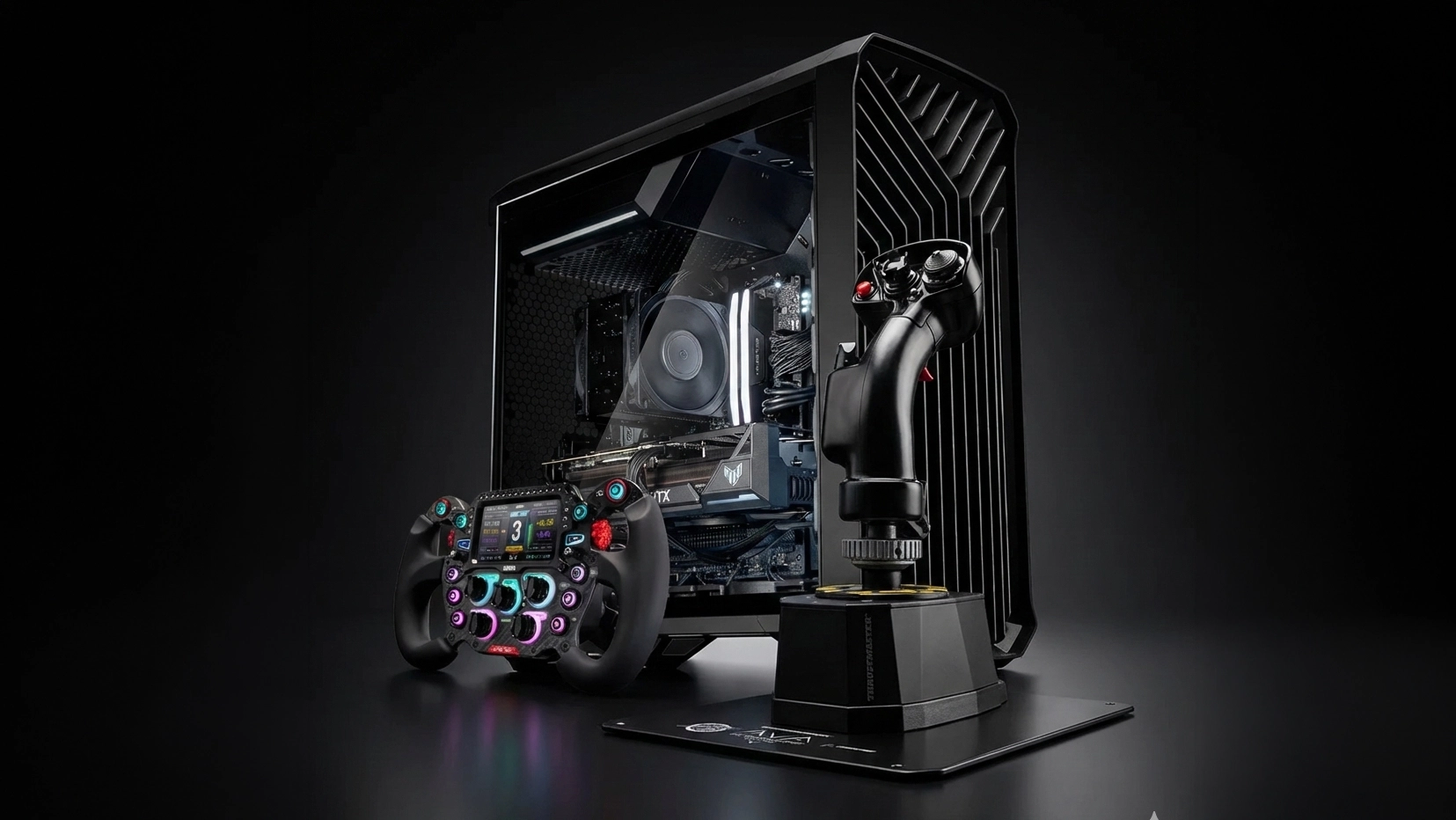
3XS Simulation Gaming PC

Enhance Your Simulation Experience

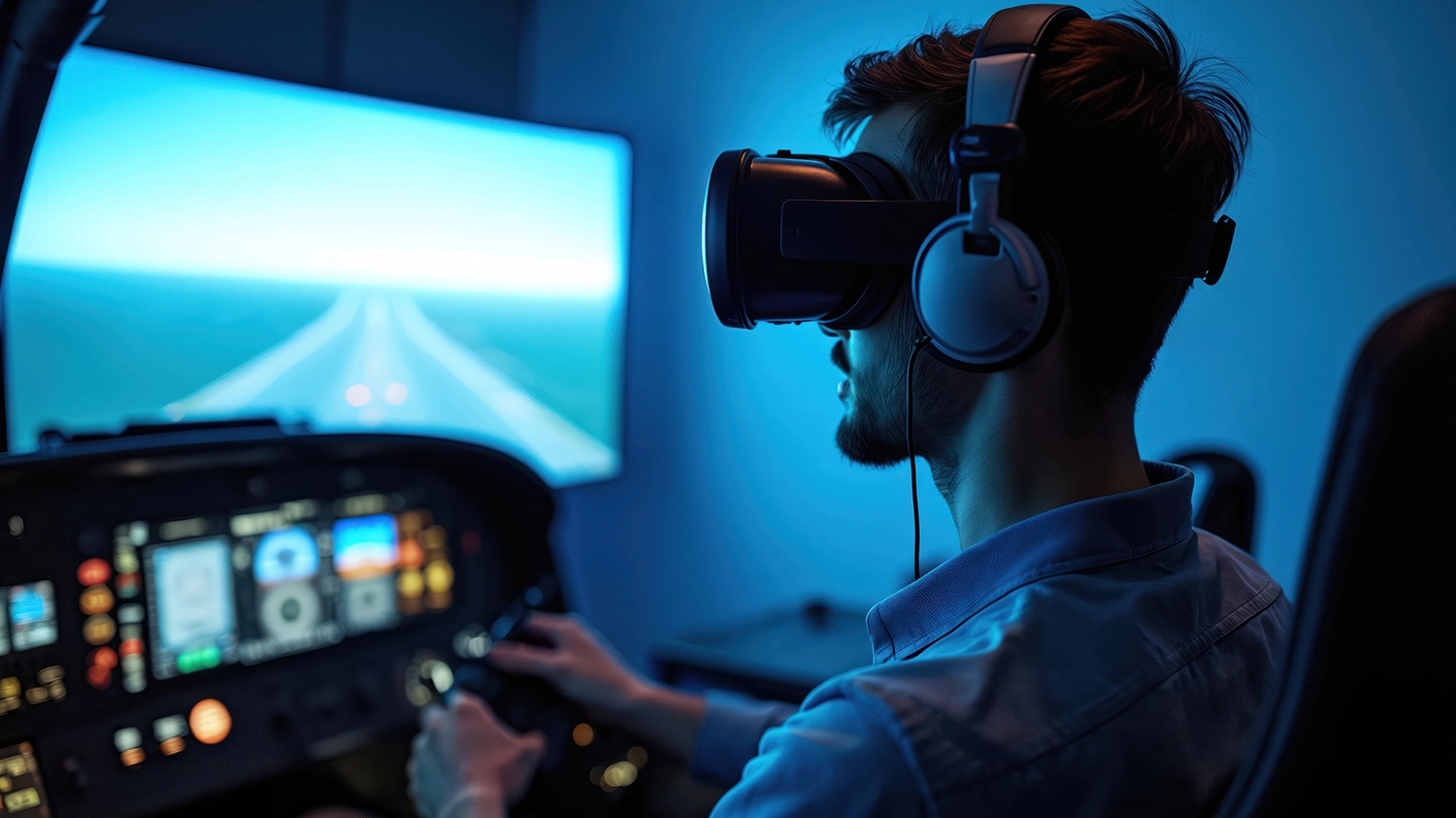
While the combination of keyboard and mouse is one of the defining characteristics of PC gaming, specialist hardware can take your flight simulations to the next level, drawing you into virtual worlds. This includes products such as joysticks, yokes, pedals, and cockpits; plus, the ultimate immersive experience, motion simulators.

Flight Simulators

Flight and space simulators are not only popular among gamers, but also when combined with a motion simulator and appropriate software are a valuable training tool for professional pilots. Read on to discover what you need to know about the key products to improve your simulator experience.

Flight Simulators

Flight Sticks & Yokes

The first and most important component of any flight simulator is the flight stick or yoke, providing far more lifelike and precise directional control than a keyboard and mouse, or gamepad. These are the key characteristics to look out for when choosing either type of controller.

Flight Sticks & Yokes
Sensors

Sensors

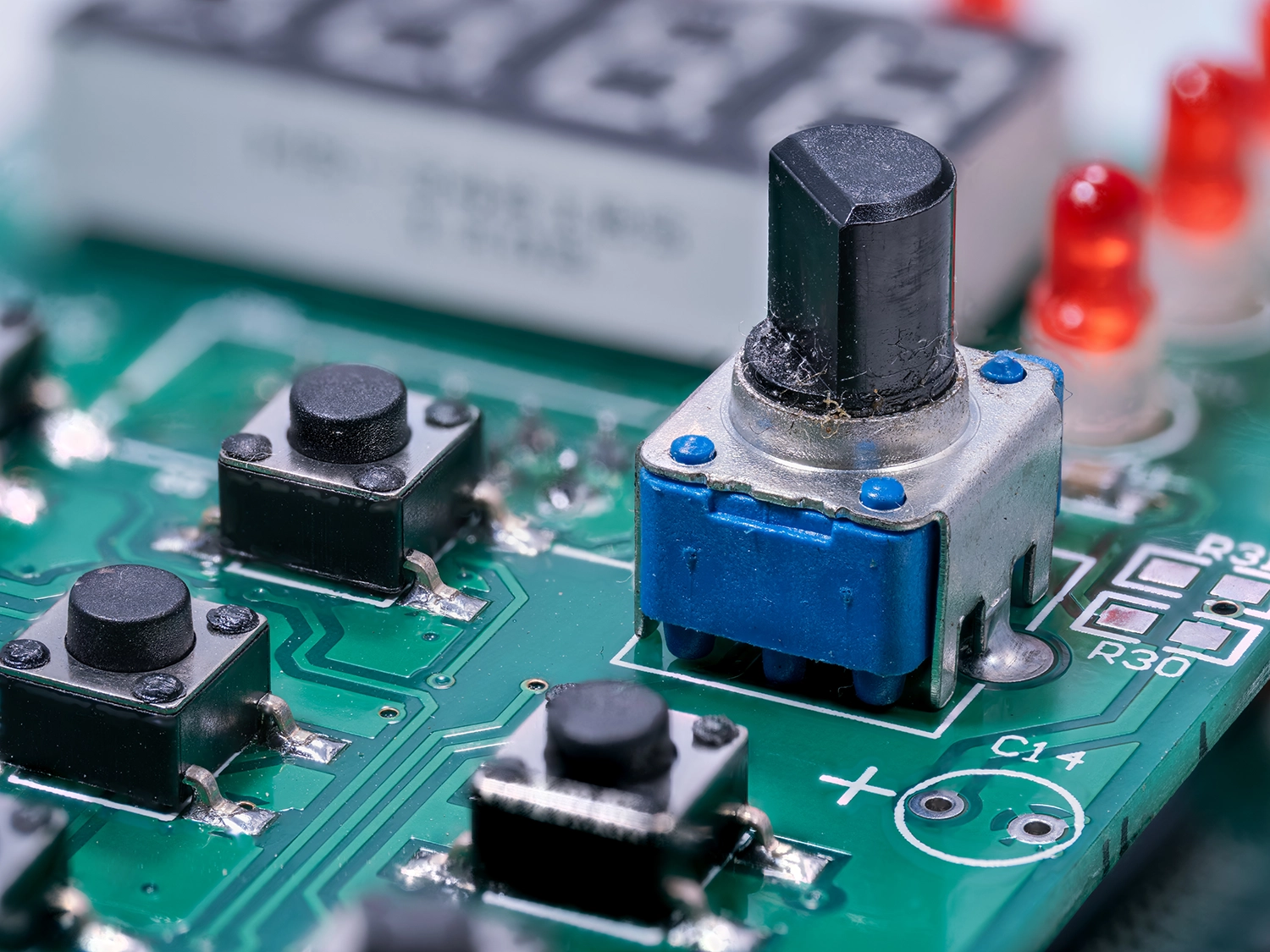
There are three main types of sensors used in flight sticks and yokes. The first and cheapest type uses a potentiometer - a sensor with variable resistance that measures the position of the controller, interpreted by the simulation as steering. Load cell controllers detect the amount of force you are applying and provide resistance accordingly, thus offering better realism. Hall-effect sensors work by measuring the distance between a magnet and the sensor itself which is then converted into an electrical signal and interpreted by the simulation as steering.

Number of Buttons

Number of Buttons

Just like with gaming mice designed for MMOs, it's also true that you can never have enough buttons on a flight stick or yoke. This is crucial, as you don't want to scrabble around trying to find a specific or combination of keys on your keyboard in the middle of a high stress situation such as landing or in combat. For this reason, some flight sticks and yokes are bundled with throttles brimming with even more buttons. See the dedicated section on throttles lower down this guide for further details.

Adjustability

Adjustability

You can adjust how some high-end flight sticks feels to move, such as changing the axis curve with different cams, changing the resistance via different springs, changing the travel via different deflection mask sizes and the damping via a damper. This is not only beneficial in that you can personalise the feel of the stick to your liking, but you can also customise it for specific aircraft in different simulations. For instance, you could choose a lighter configuration when flying fighters, and a heavier configuration when flying bombers.

Now we've covered the base technology, let's go through why you might choose a flight stick or a yoke, or potentially both.

Flight Sticks

Flight Sticks

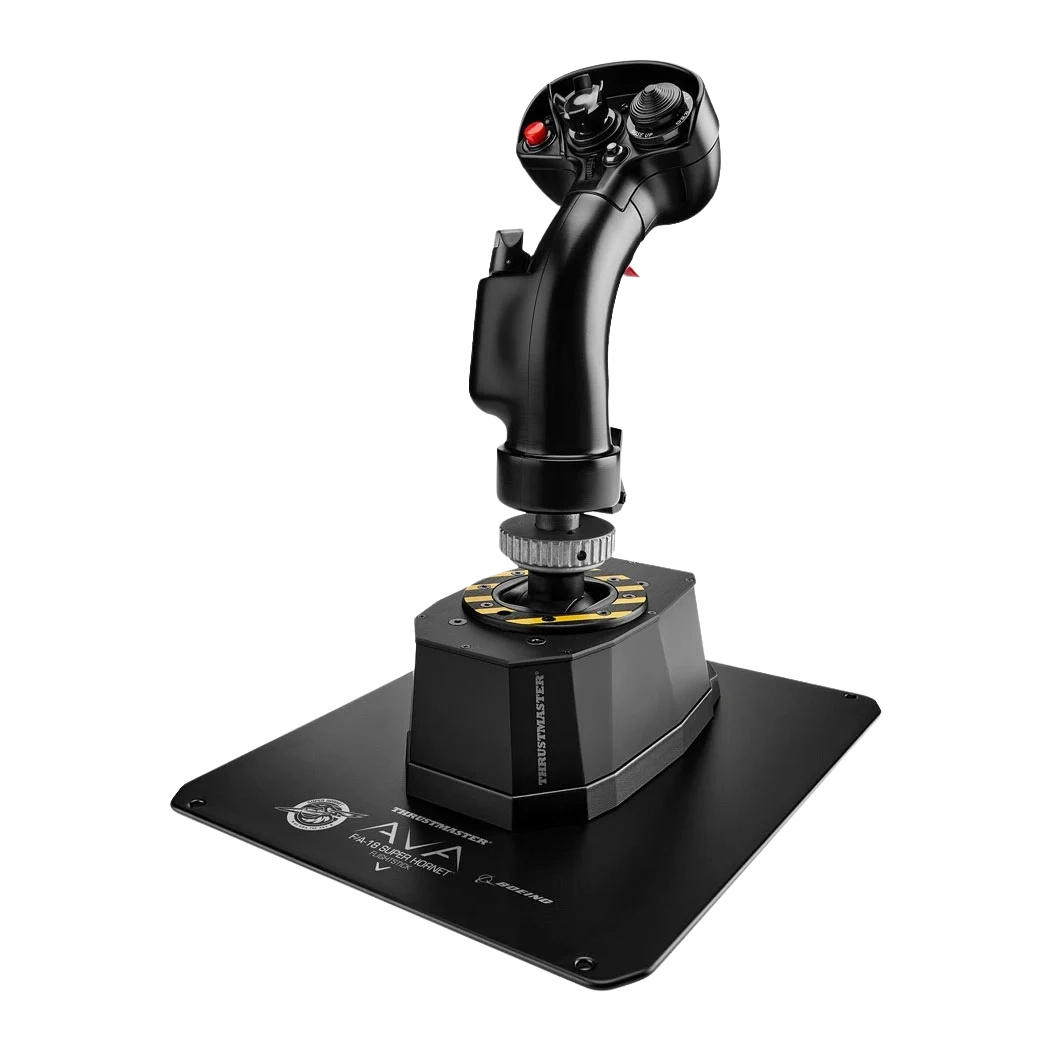
Flight sticks start at around £45, scaling all the way up to £500. They are the primary choice for most military flight simulators such as fighters, strike aircraft, modern bombers, some civilian light aircraft and larger civilian aircraft such as Airbus airliners, and helicopters of all types. This is because you'll find a flight stick in the cockpits of most modern aircraft of these types. Most spacecraft cockpits are heavily inspired by current military cockpits, so flight sticks are also the go-to choice for space simulators. If you're not planning on buying pedals, then make sure you buy a flight stick capable of twisting. This twisting motion is used to control the rudder - without it (or pedals) you'll be reaching for the keyboard, which is neither as precise or as ergonomic.

Yokes

Yokes

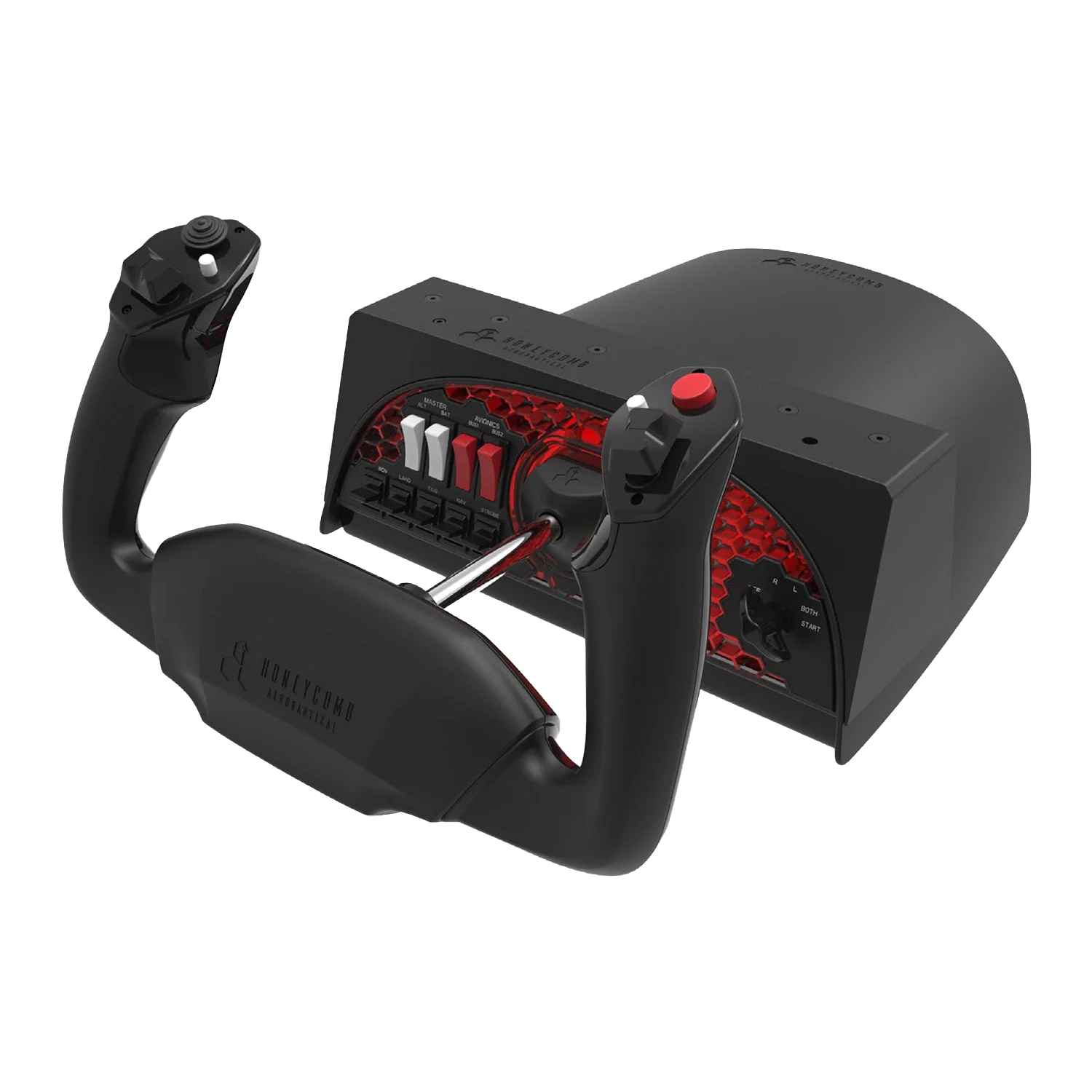
Yokes start at around £260, scaling all the way up to £500. They are the primary choice for simulating civilian aircraft such as Boeing airliners, some civilian light aircraft and WW2-era bombers. This is because you'll find a yoke in the cockpits of most aircraft of these types. If you're planning on buying a yoke, then make sure you buy pedals, see the dedicated section these lower down this guide for further details. Pedals are essential to control the rudder - without them you'll be reaching for the keyboard, which is neither as precise or as ergonomic.

Now you understand about the different types of controller, here's what they are best used to simulate. Although each controller is clearly best for certain aircraft, if you can't afford a flight stick and a yoke, then a flight stick is the best option to simulate all aircraft, ideally paired with a throttle.

Flight Stick Yoke
Cost Low to High High
Fighters check close
Modern bombers check close
WW2-era bombers close check
Helicopters check close
Light civilian aircraft check check
Airbus airliners check close
Boeing airliners close check
Spacecraft check close

Shop Flight Sticks

Get started with precise flight stick control. Browse our selection of flight sticks now.

Shop Now
Flight Sticks products

Shop Yokes

For the ultimate civilian aircraft experience, shop our selection of yokes now.

Shop Now
Yokes products

Flight Simulator Throttles

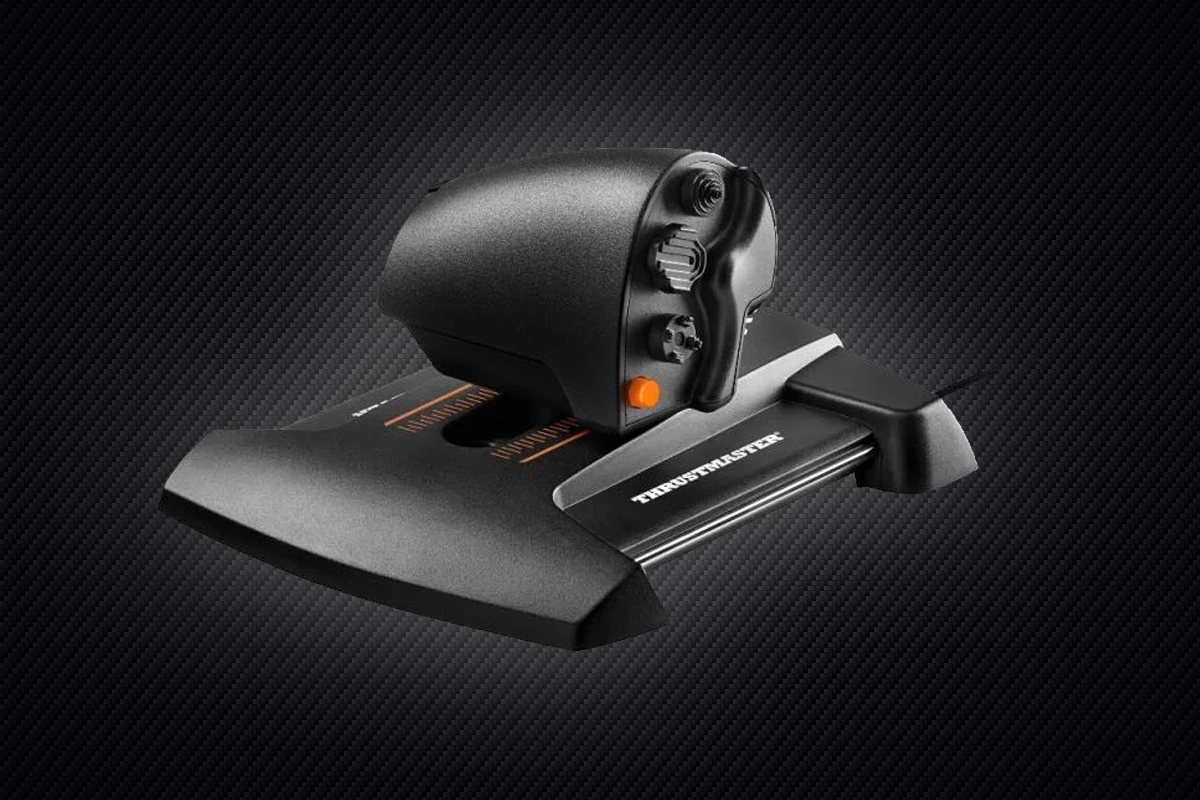
A throttle is an essential part of any flight or space simulator, helping you adjust engine power far more accurately and ergonomically than using the keyboard. Although many entry-level flight sticks include a throttle wheel integrated into the base, for more precise control and functionality, or if you're flying with a yoke, a dedicated throttle is essential. Just like with flight controllers, throttles can be divided into two main types.

Flight Simulator Throttles
Military Throttles

Military Throttles

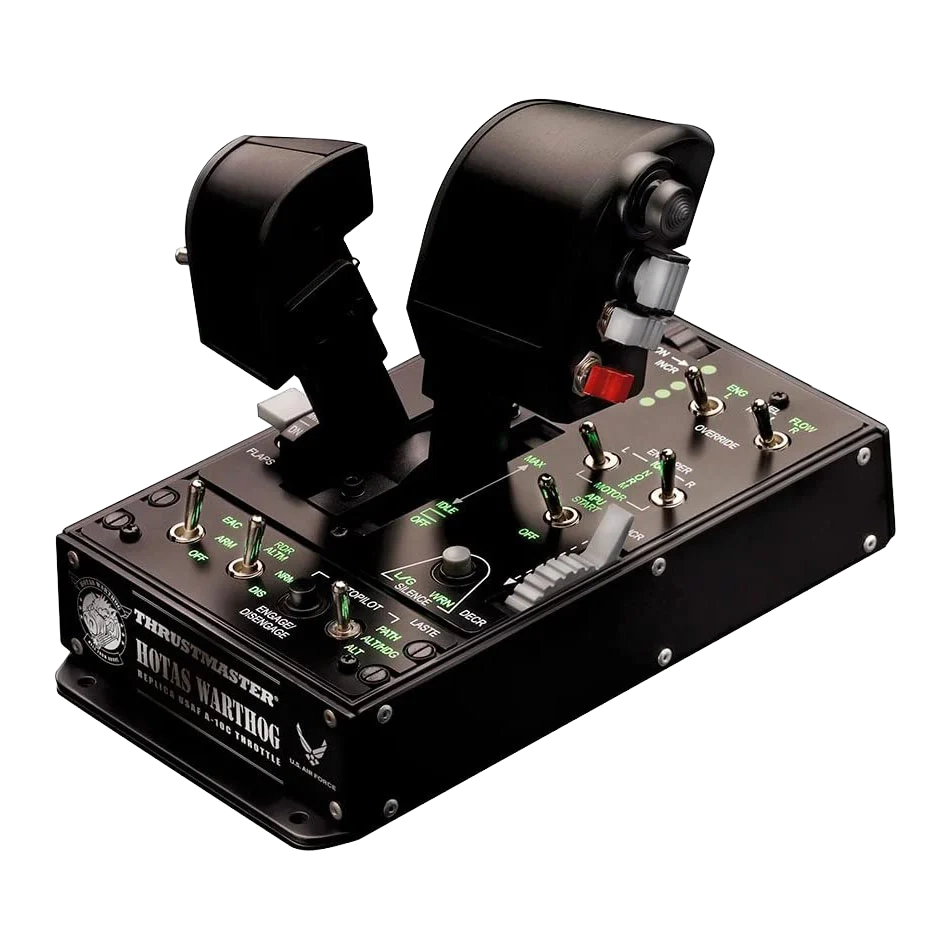
Military throttles start at around £100, scaling all the way up to £500. Entry-level models typically include a single throttle, but high-end models will split in two enabling you to adjust the power of two engines independently. Like the HOTAS (Hands on Throttle and Stick) configuration of their real-world counterparts, military flight simulator throttles feature lots of extra buttons so you don't need to reach for the keyboard as often in high-stress combat to control the weapons, countermeasures, sensors etc. Most spacecraft cockpits are heavily inspired by current military cockpits, so military throttles are also the go-to choice for space simulators.

Civilian Throttles

Civilian Throttles

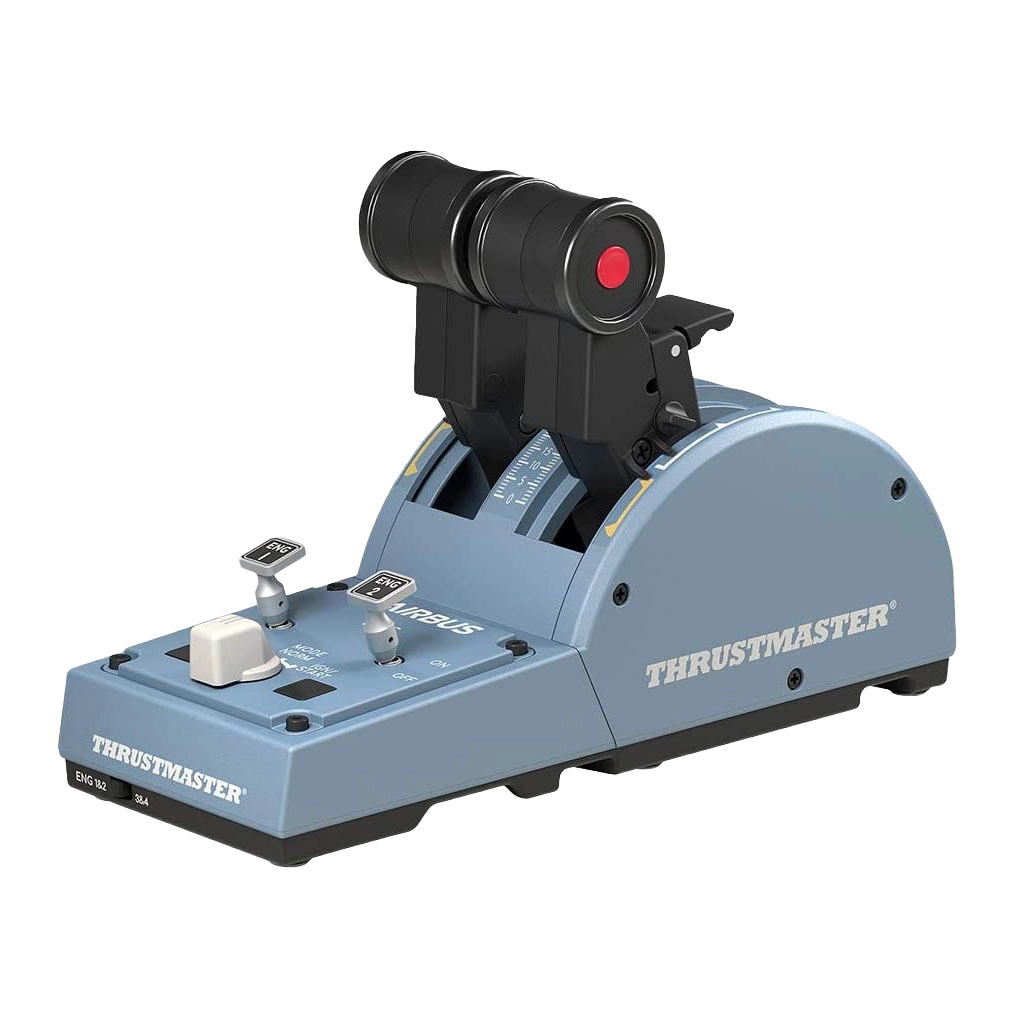
Civilian throttles start at around £100, scaling all the way up to £250. Entry-level models typically have two throttles plus a few extra buttons for starting and stopping each engine individually. High-end models may have even more throttles, plus additional buttons for common functions such as setting the flaps, parking brakes etc.

Shop Throttles

Get started with precise flight stick control. Browse our selection of flight sticks now.

Shop Now
Throttles

Flight Simulator Pedals

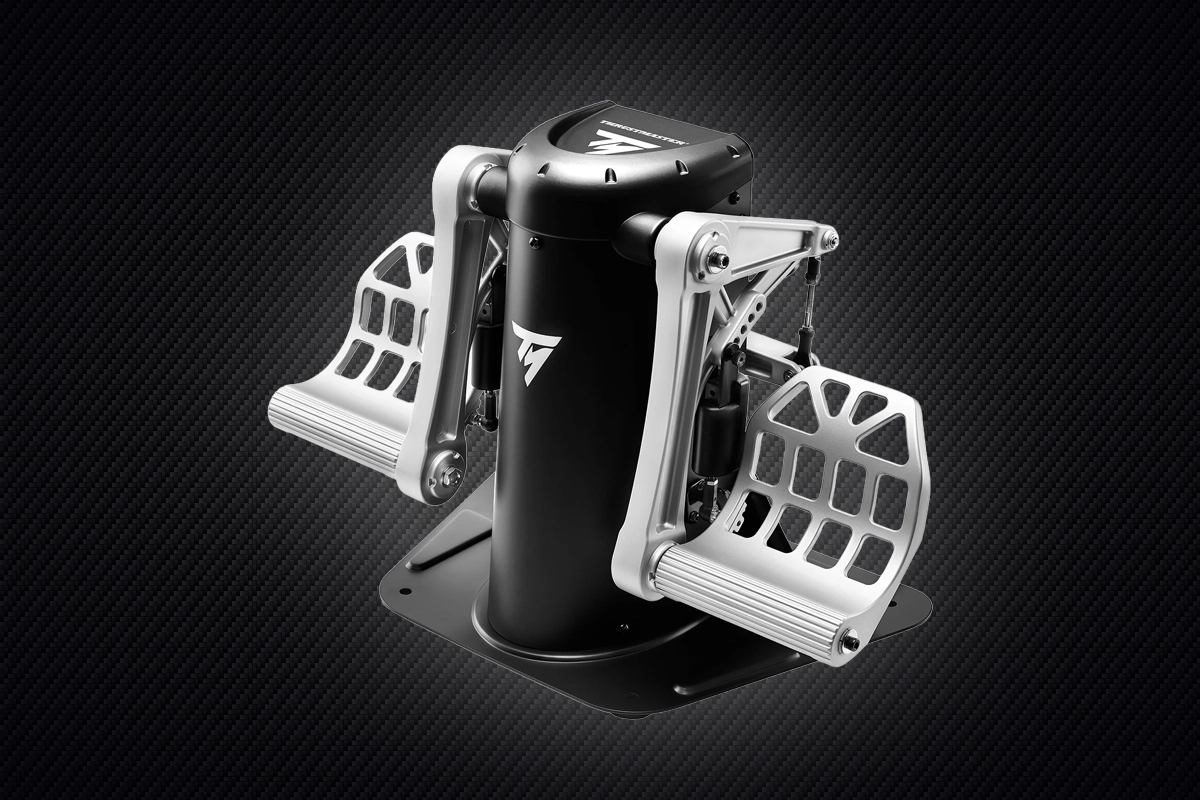
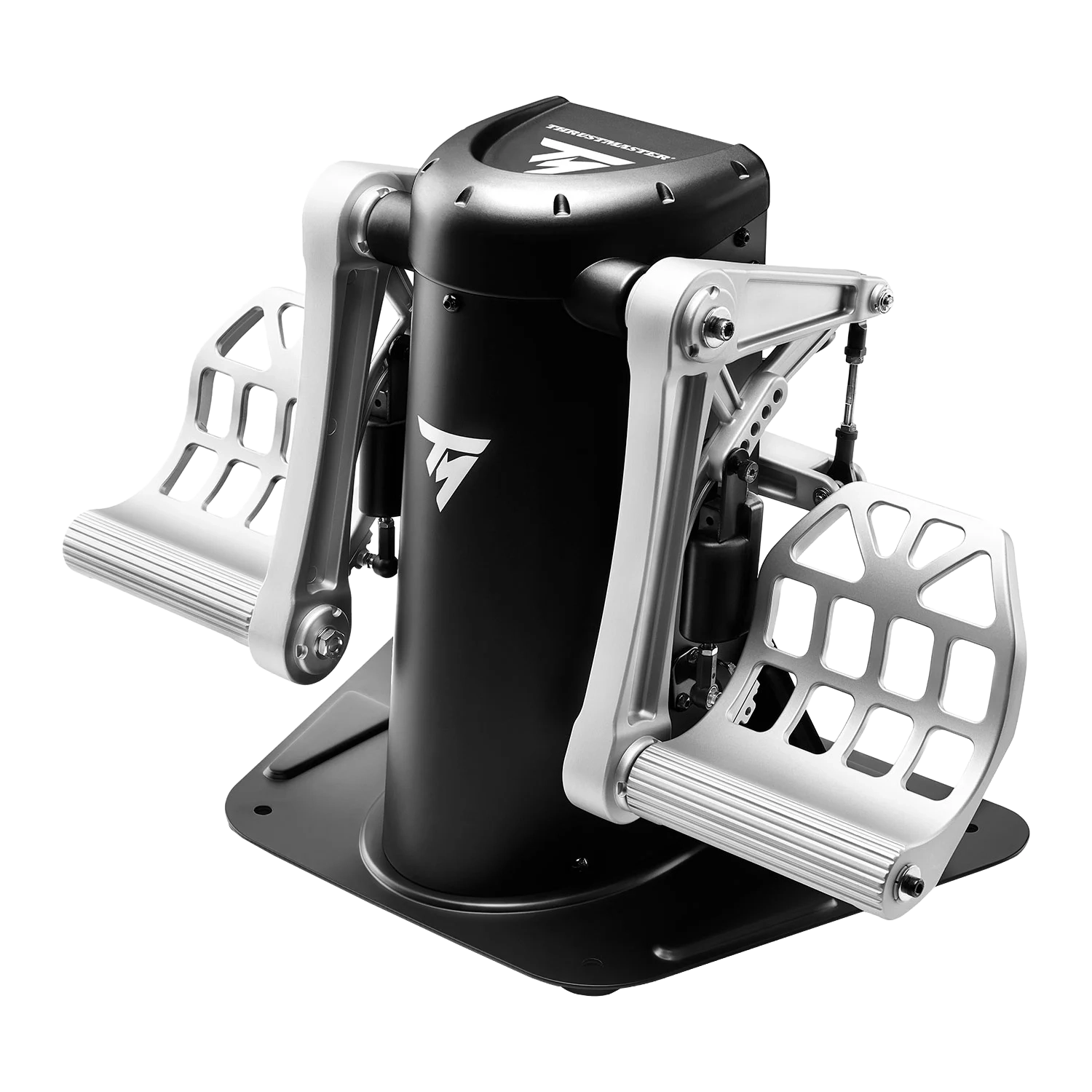
Pedals are an essential part for a realistic flight simulator, helping you accurately control the direction of the rudder, and engage and disengage the wheel brakes. Pedals are even more critical for helicopter simulators, being used to control the pitch of the tail rotor and counteract main rotor torque. These are the key characteristics to look out for when choosing pedals.

Flight Simulator Pedals
Sensors

Sensors

There are two main types of sensors used in pedals. The first and cheapest type uses a potentiometer - a sensor with variable resistance that measures the position of the pedal. Superior Hall-effect sensors work by measuring the distance between a magnet and the sensor itself which is then converted into an electrical signal.

Adjustability

Adjustability

Most pedals enable you to adjust the amount of pressure you feel when pushing down on the pedal, and travel length, typically via a tensor wheel and using adjustment notches.

Shop Flight Sim Pedals

Upgrade your rudder and brake control with responsive flight pedals. Explore our range of pedal sets now.

Shop Now
Flight pedals products

Flight Simulator Cockpits

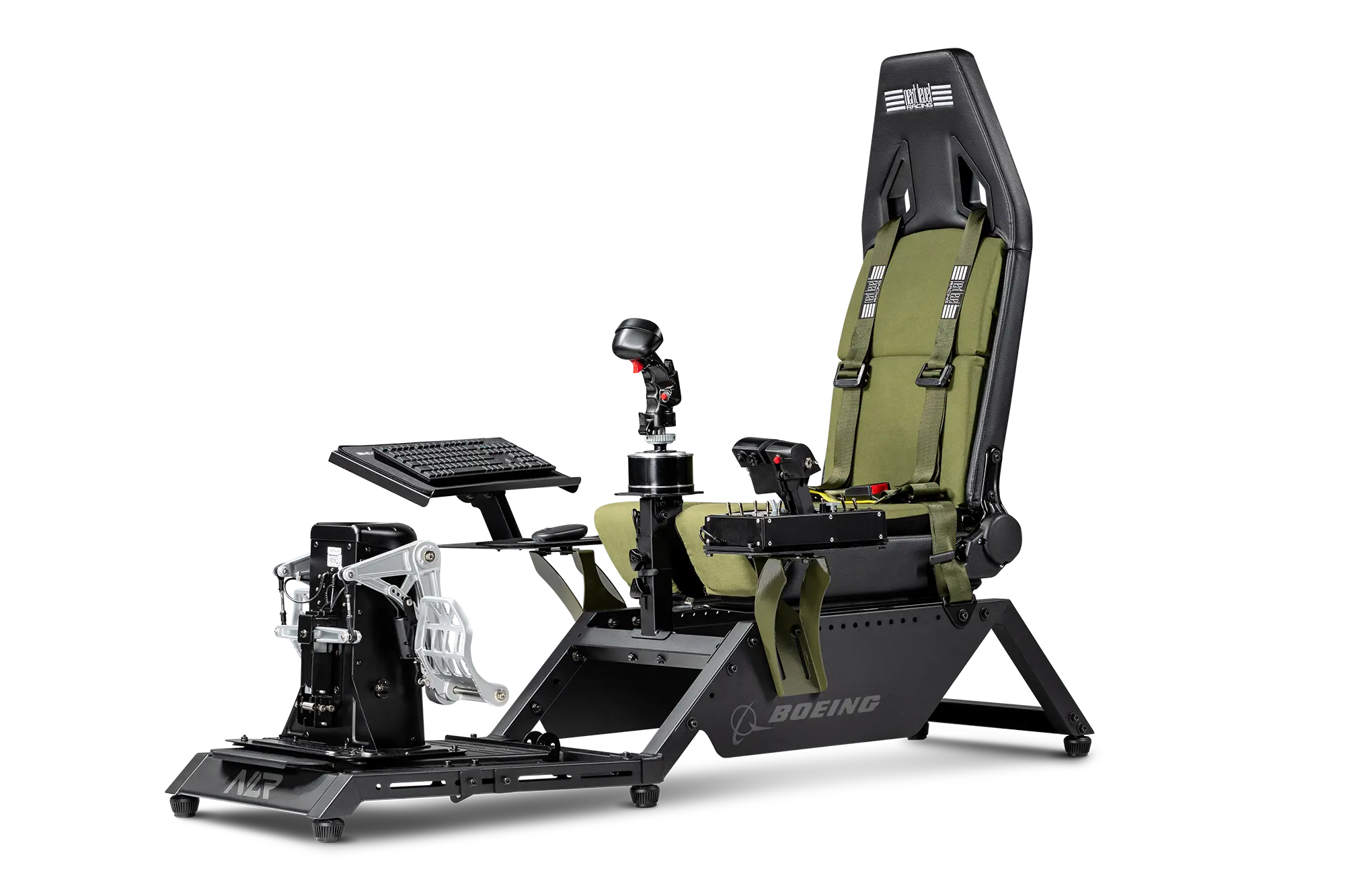
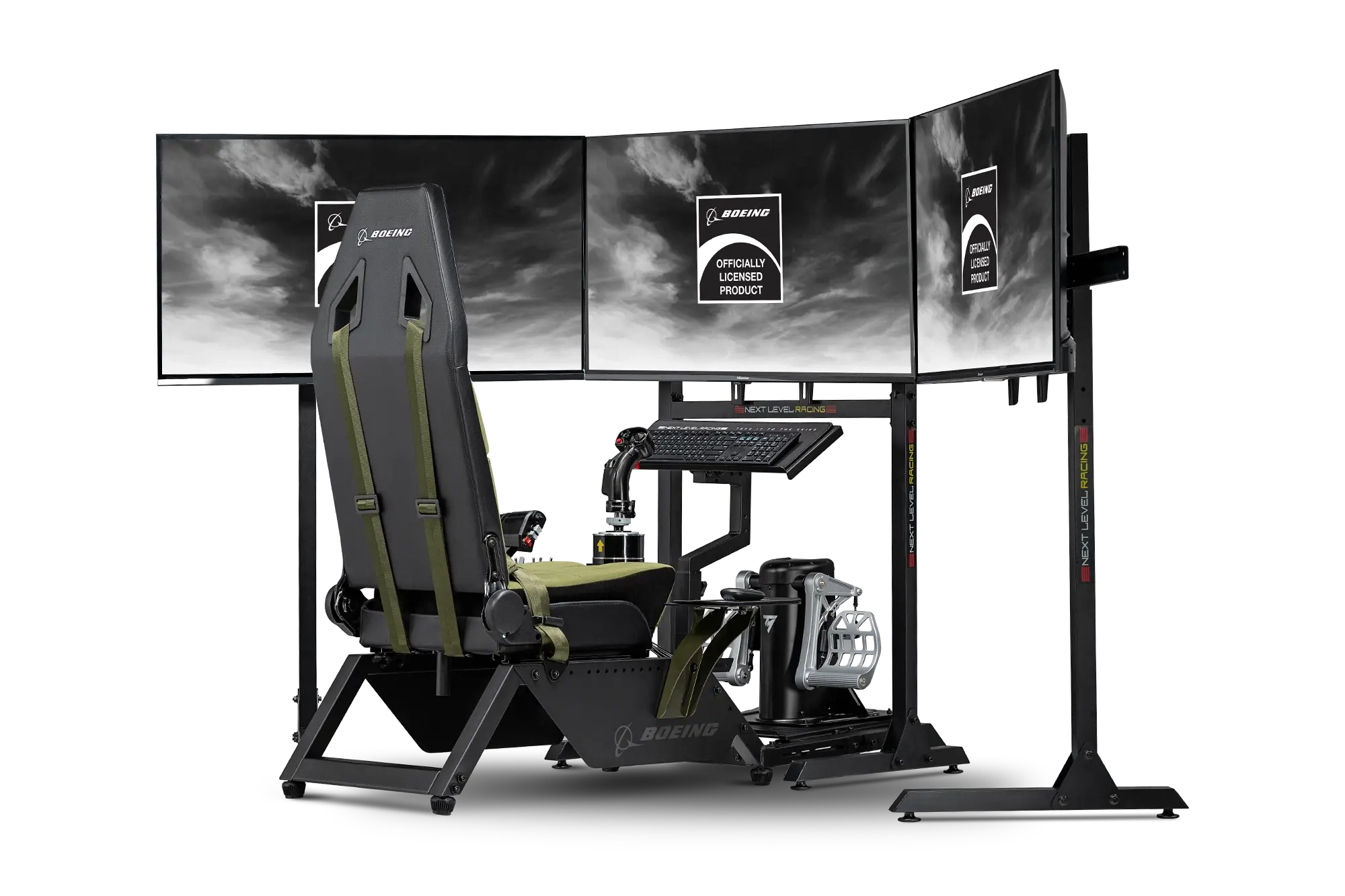
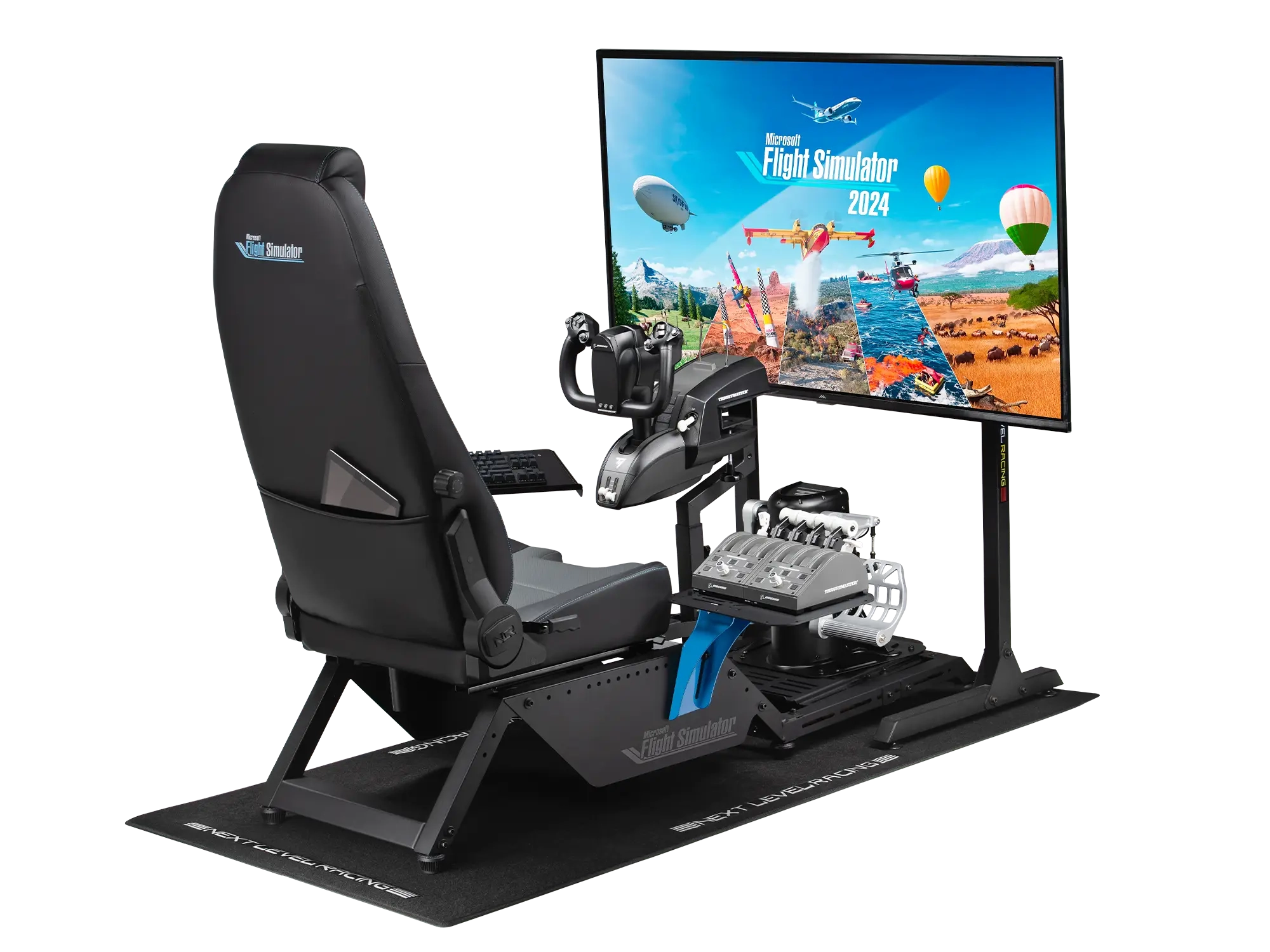
Once you've invested in all the aforementioned controllers, cockpits up the immersion of your flight simulation by making you feel like you're really there. Rather than mounting the flight stick/yoke, throttle and pedals to a desk or dining table, cockpits have mounts which enable you to position these peripherals at the same height and angle as in a real aircraft. When choosing a cockpit it's important to check what controllers it is compatible with, and like just when shopping for a gaming chair, how adjustable it is for different size bodies. For the ultimate in immersion, you can also get motion cockpits that move around, providing the physical sensations of flying.

Flight Simulator Cockpits

Shop Flight Sim Cockpits

Get started with immersive flight cockpits. Browse our selection of flight sim cockpits now.

Shop Now
Flight cockpits products

Flight Simulator Accessories

As should already have become apparent, flight simulators are highly customisable, from a few hundred pounds to thousands of pounds. As such, there is also a wide variety of accessories available to customise your setup even further. Here is a small selection of what you can choose from.

Flight Simulator Accessories
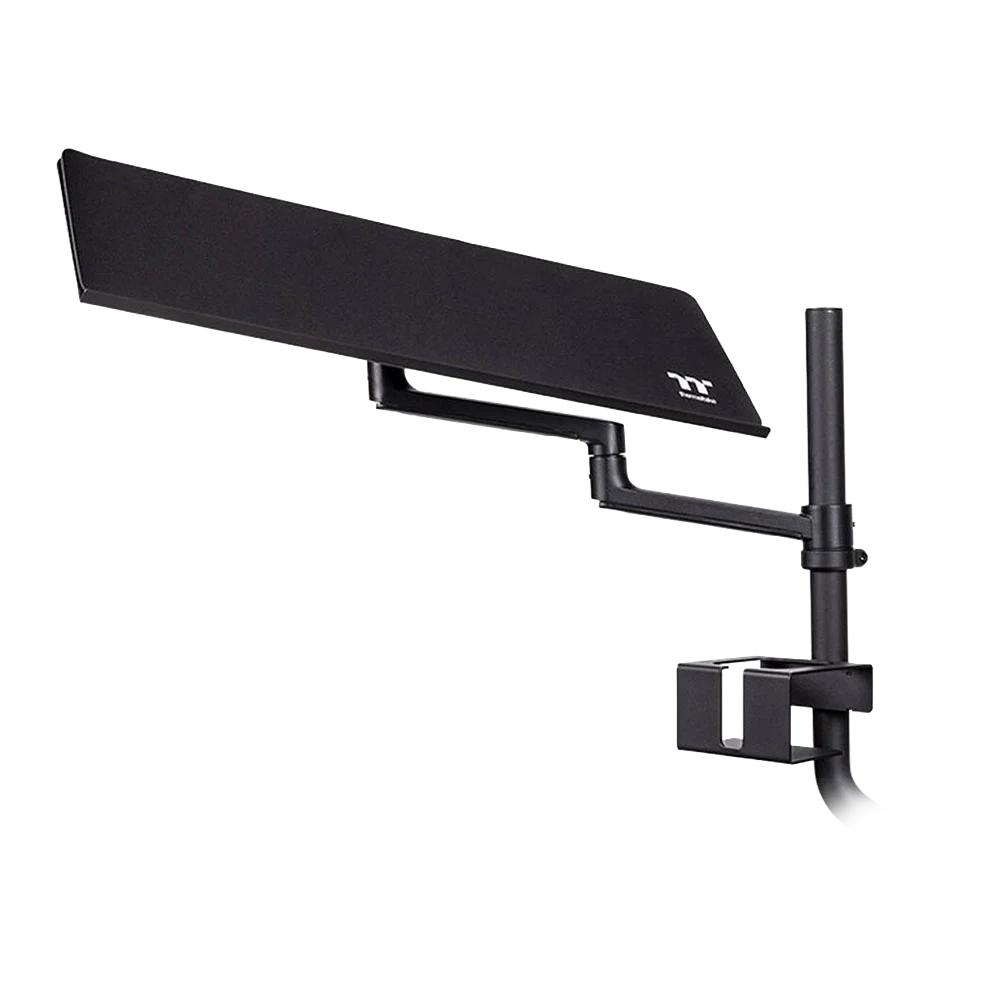
Cockpit-mounted trays

Cockpit-mounted trays so your keyboard and mouse can be within arm's reach.

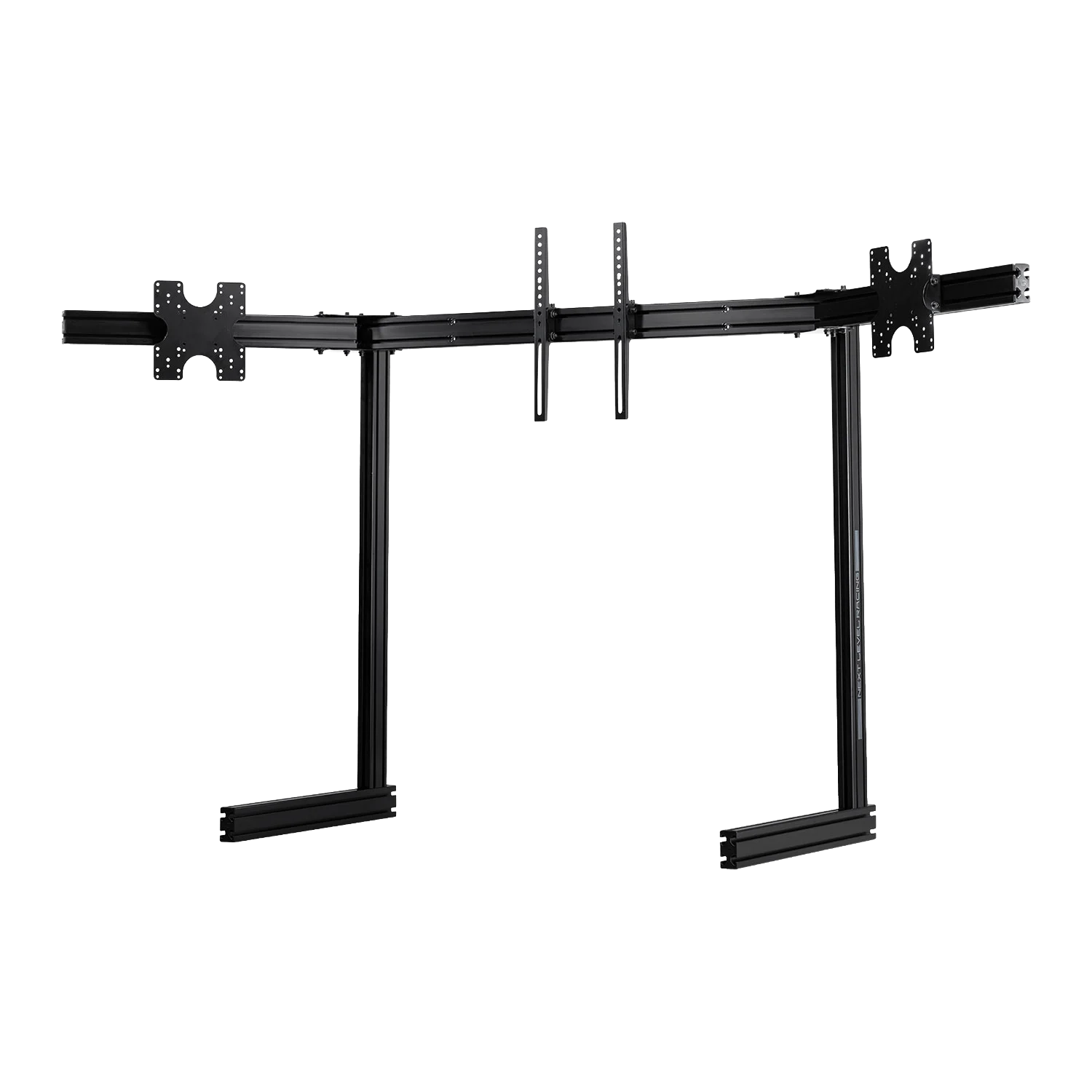
Monitor mounts

Adjustable, freestanding mounts for multiple monitors.

Elgato Stream Deck

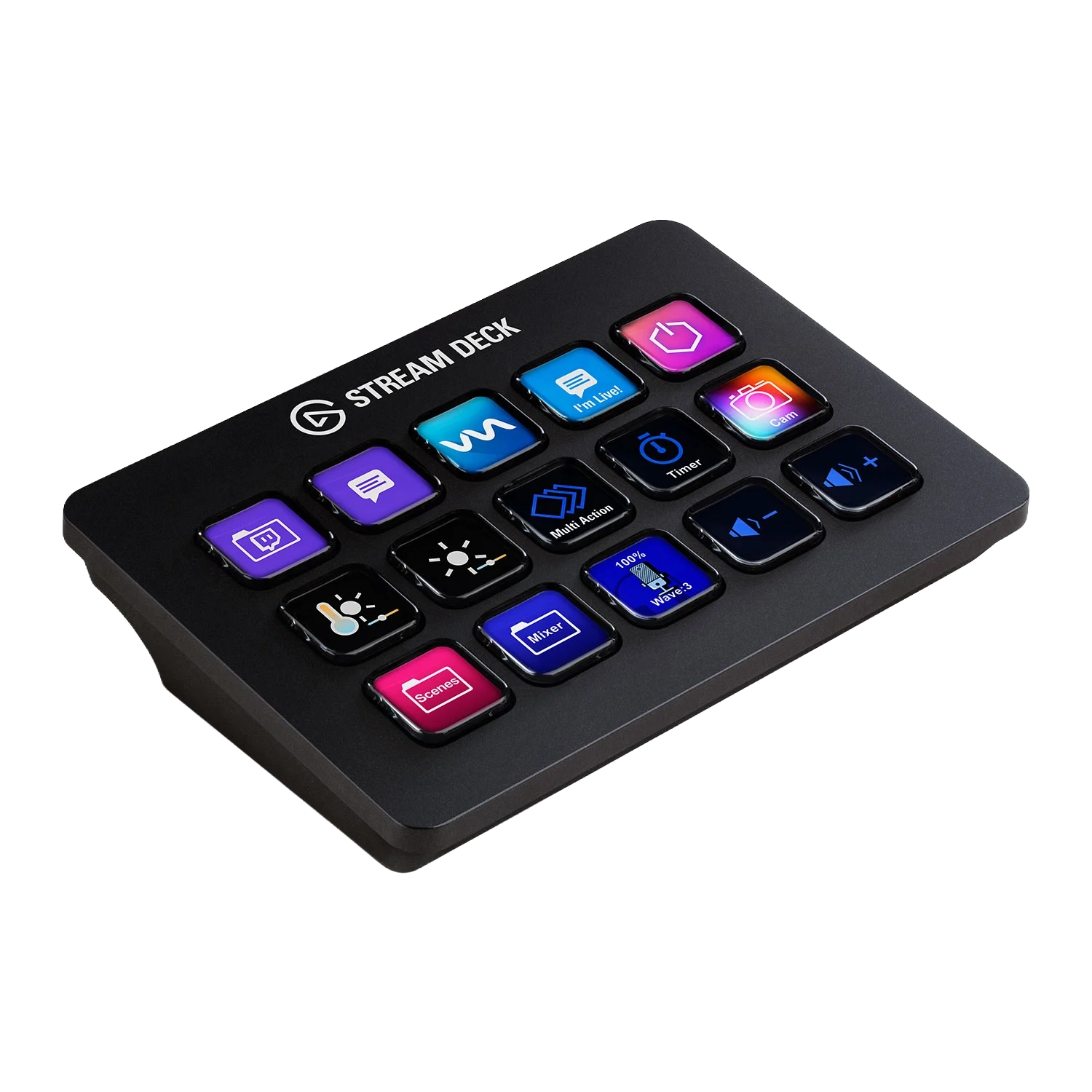
We also highly recommend adding an Elgato Stream Deck to your simulator. This family of controllers has multiple buttons, each with its own display, that can be programmed for a wide variety of useful functions in flight sims such as controlling flaps, sensors and weapons without having to reach for the keyboard.

SHOP NOW
Elgato Stream Deck

Shop Flight Simulator Accessories

Customize your flight sim setup with our range of accessories.

Shop Now
Flight accessories products

Shop Elgato Stream Decks

Control your flight sim with programmable buttons. Browse our Elgato Stream Decks now.

Shop Now
Elgato Stream Deck products

Flight Simulator PCs

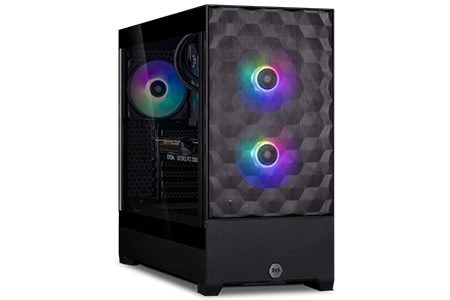
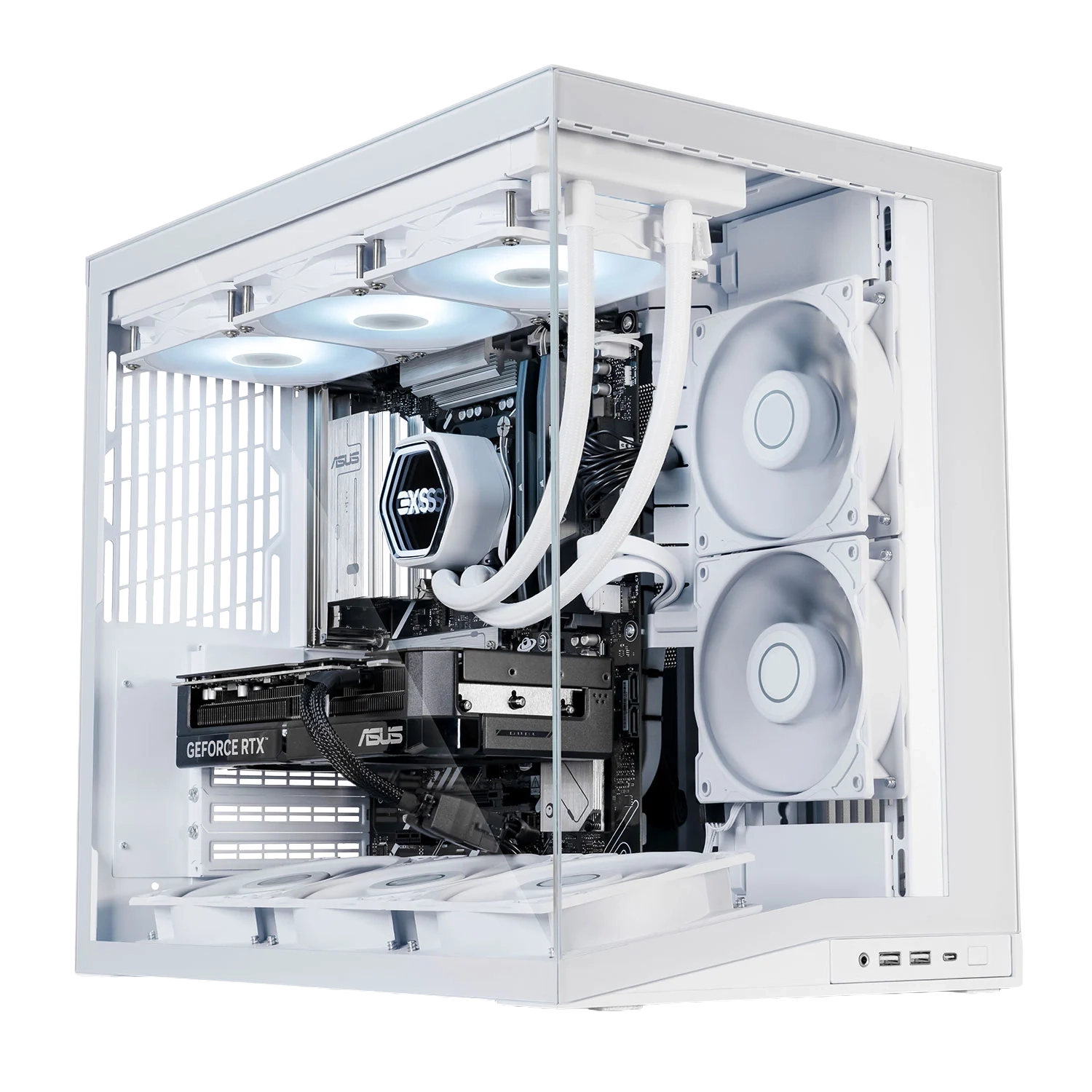
A fast and powerful gaming PC is essential for providing a smooth framerate and realistic physics in your chosen simulations. Our in-house team of experts, 3XS Systems, has been building gaming PCs for more than 20 years. We know which components are the fastest and most reliable, and how to fine-tune and combine them for the ultimate simulator experience.

Flight Simulator PCs

Gaming PC Buyers Guide

Power your flight simulator with a high-performance gaming PC. Discover the perfect components for smooth framerates and realistic physics.

Read More
3XS gaming PCs

Shop 3XS Simulator PCs

Experience unparalleled performance with our custom-built 3XS gaming PCs, expertly configured for the ultimate flight simulation experience.

Shop Now
3XS simulator PCs

Flight Simulator Displays

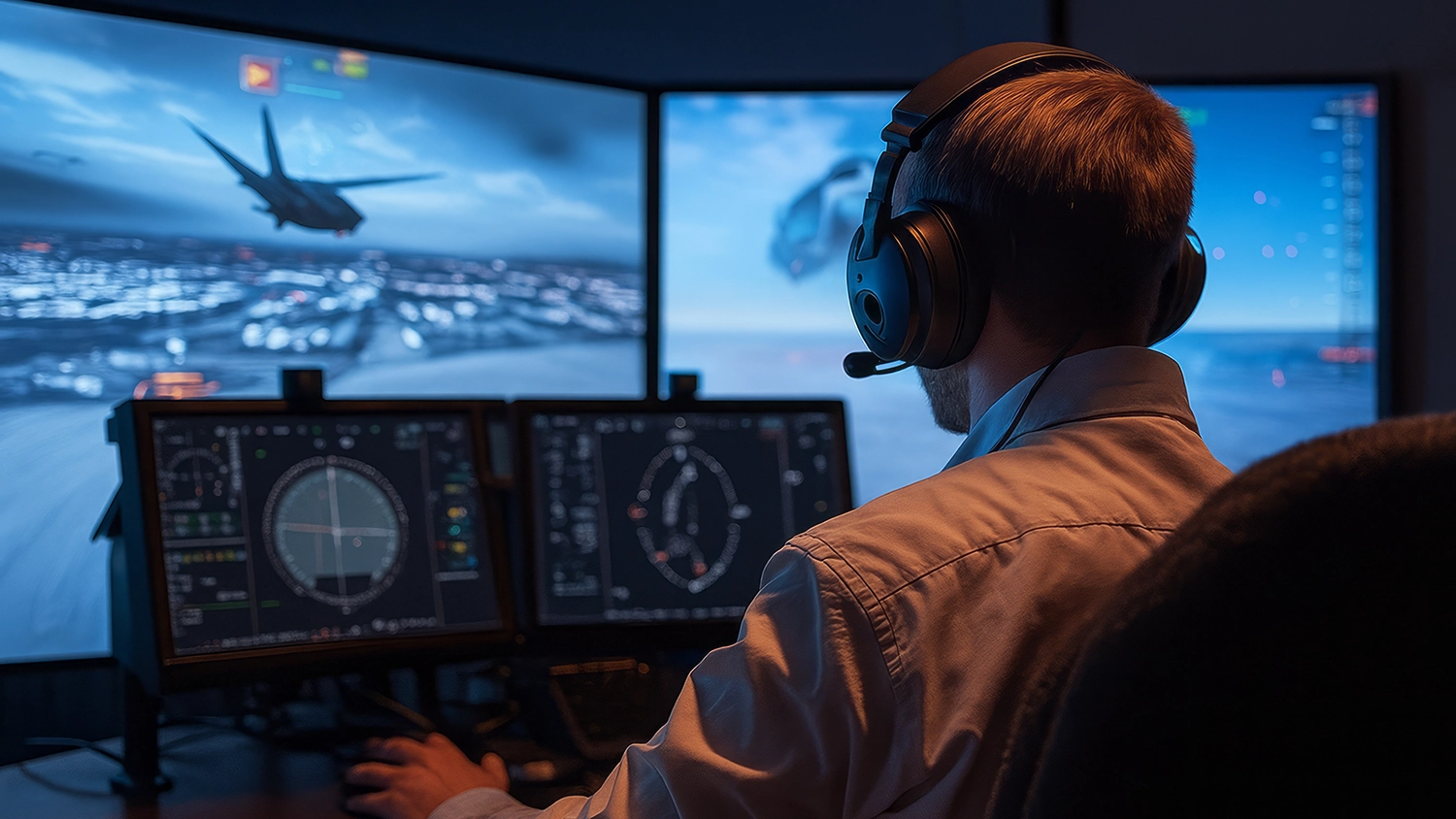
When planning on building a flight simulator you also need to give some serious thought to how you're going to display the simulation. The type of display(s) used not only impact how immersive the simulation is, but also what sort of cockpit and accessories will be required to mount everything together. Your three principle options are:

Flight Simulator Displays
Single Monitor / TV

Single Monitor / TV

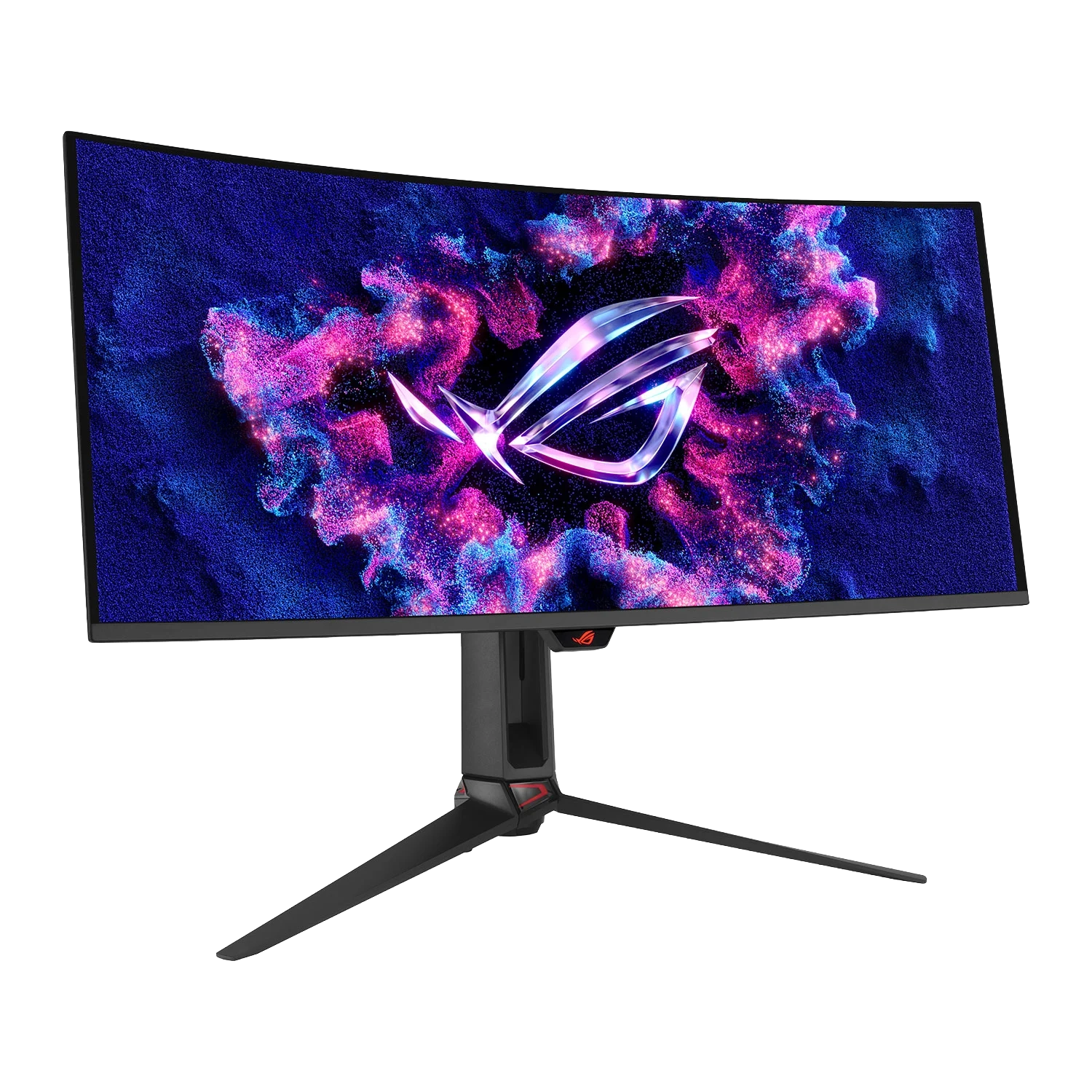
A single monitor or TV is the starting point for a flight simulator. An ultra-wide monitor will provide more view of the terrain and make it easier to spot nearby aircraft.

Triple Monitors

Triple Monitors

A triple monitor setup provides even more immersion than a single monitor, with one central screen plus two on either side to expand your peripheral vision.

VR Headsets

VR

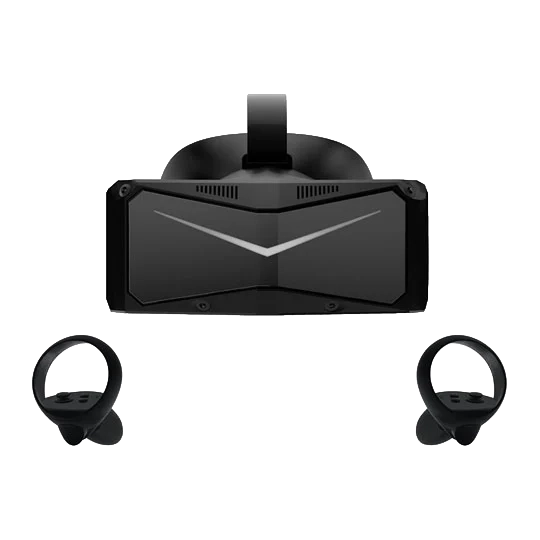
A VR headset draws you into a simulator in a way that no monitor can, especially when combined with a motion simulator. The latest VR headsets include passthrough cameras, enabling you to view your controllers and the virtual world at the same time. For further guidance read our MONITOR BUYERS GUIDE and VR BUYERS GUIDE.

Monitor Buyers Guide

Choose the perfect display for your flight simulator setup. Learn about single monitors, ultra-wide displays, and triple-monitor configurations.

Read More
Flight sim monitors

VR Buyers Guide

Explore immersive VR technology for the ultimate flight simulator experience and discover which headset suits your needs.

Read More
VR headsets

Complete Flight Simulators

If you don't fancy building your own our expert 3XS Systems engineers can custom build a flight simulator for you, they can even install and calibrate it at your home or work. The range starts with static flight simulators, comprising the same key components detailed in this guide, plus one of our award-winning 3XS gaming PCs and monitor(s). We also build motion simulators, scroll down for further details for these, the ultimate in flight simulator immersion.

SHOP FLIGHT SIMULATORS
Complete Flight Simulators

Motion Simulators

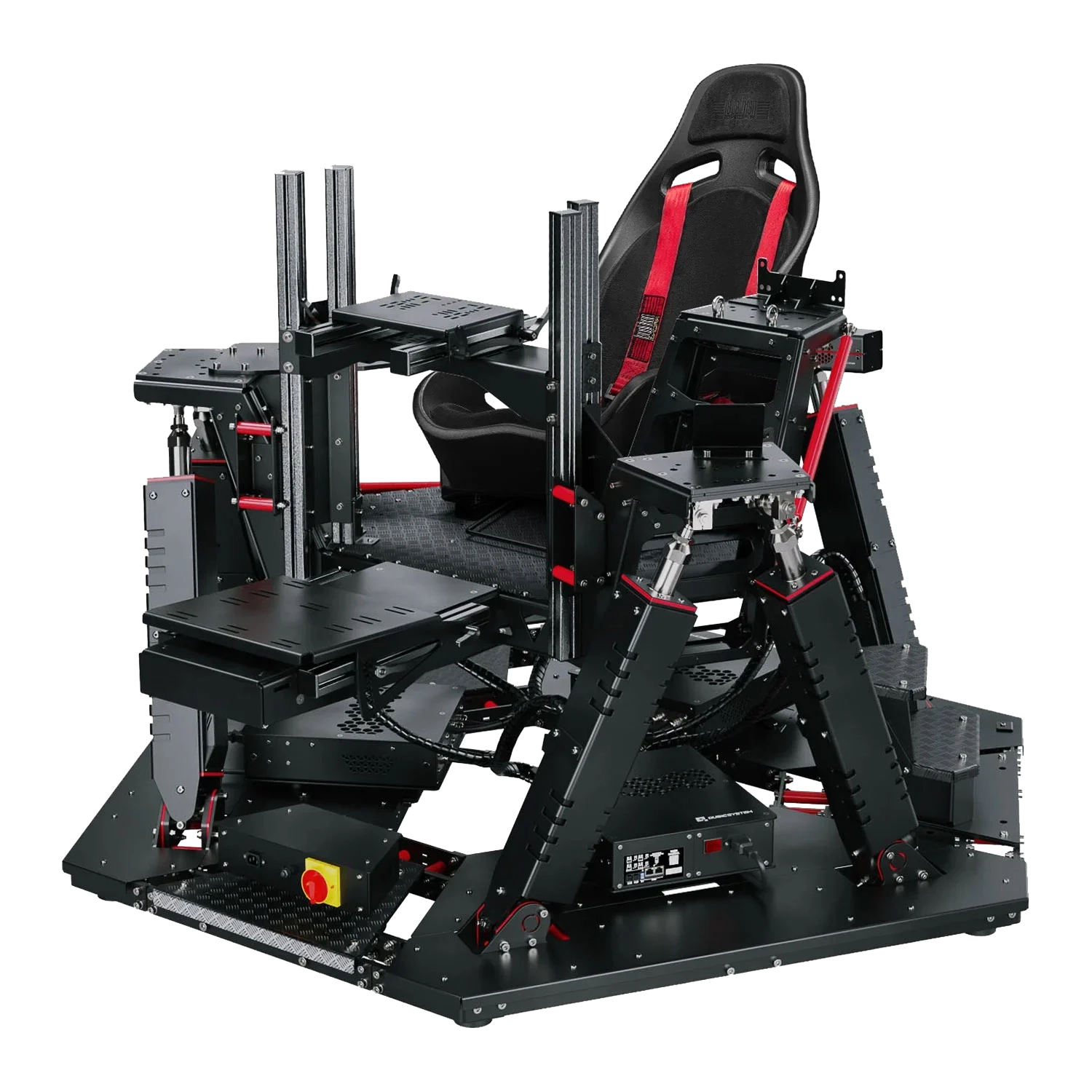
Whether you're into racing or flying then the ultimate addition to all of the above controllers is a motion simulator. These feature actuators that move the cockpit around in response to your actions in the simulator, enabling you to feel every turn on the track and bank in the air.

Motion simulators are available in a variety of configurations (2 DOF, 3 DOF, 4 DOF, 6 DOF) to suit every budget. The more DOF (Degrees Of Freedom) a simulator has, the more complex and realistic the movement.

Due to the way cars move, for entry-level racing simulation 2 DOF is sufficient, providing pitch (simulating accelerating and breaking) and roll (simulating turning left and right). 3 DOF adds yaw (simulating losing traction control), adding another level of realism. 4 DOF adds heave (simulating the car lifting off/landing when going over a bump or jump) - extremely useful when rallying. Finally, 6 DOF adds surge and sway, enhancing the previously mentioned axis, making the most realistic simulation.

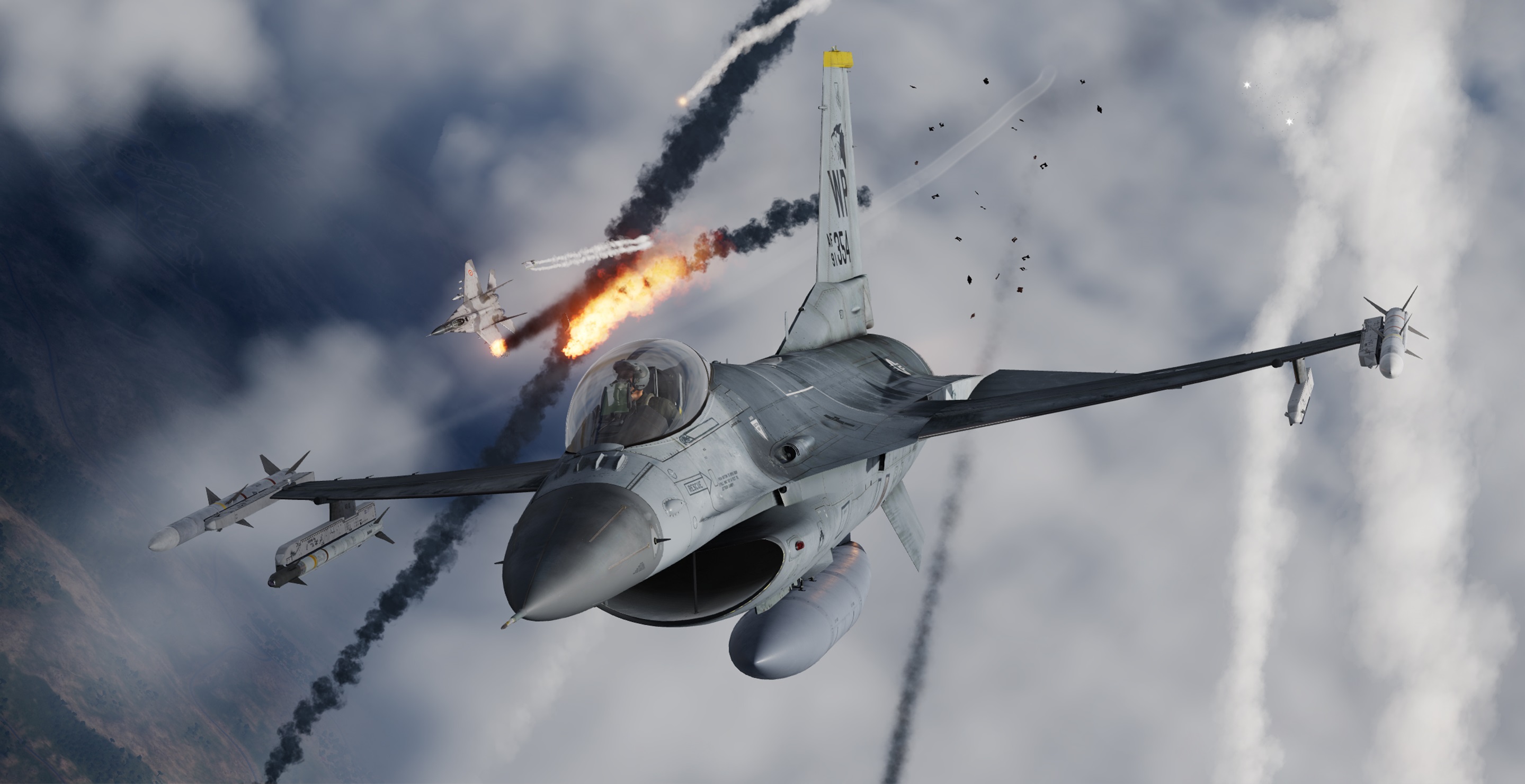
In contrast, due to the more complex way aircraft move, a flight simulator needs at least 4 DOF, as shown in the video and table below, with more DOF providing more nuance and realism.
Type 2 DOF 3 DOF 4 DOF 6 DOF
Use Racing Racing Racing / Flight Racing / Flight
Pitch check check check check
Roll check check check check
Yaw check check check
Heave check check
Surge check
Sway check
Cost

← LOWER

HIGHER →

Scan sells a variety of 2 DOF, 3 DOF, 4 DOF, 6 DOF motion simulators, either as off-the-shelf models or customised to your requirements, powered by our award-winning 3XS Systems gaming PCs. These can be delivered as parts, allowing you to build and configure it yourself, or delivered by our 3XS engineers who will unbox, setup and calibrate the simulator with you.

Shop Motion Simulators

Feel the action with motion simulators. Browse our selection of motion simulators now.

Shop Now
Motion simulator products

Frequently Asked Questions FAQ

Here are some common questions and answers to help you find the information you need.

The equipment needed for a realistic flight simulator setup are a flight stick or yoke, throttle and pedals. To up the immersion further we recommend a flight simulator cockpit (static or motion-capable), enabling you to mount all this equipment together alongside your PC and monitor(s).

Yes, you can start with the essentials (flight stick or yoke, throttle and pedals), choosing other items later on.

Start by identifying the weakest part of your existing setup. For many flight sims, a sensible progression is flight stick or yoke → cockpit → display upgrades → improved throttle → improved pedals. Prioritise upgrades that improve consistency and comfort rather than simply buying the most powerful hardware available.

For a top flight simulator experience we recommend the following items:

  • Flight stick or yoke
  • Throttle
  • Pedals
  • Cockpit
  • Triple Monitors or VR Headset
  • 6 DOF Motion Simulator

The table below breaks down a couple of different scenarios, indicating typical cost for each of the components needed to build a flight simulator.

Mid-rangePremium
Flight stick or yoke£100 – Generic controller£500 – Higher quality replica controller
Throttle£100 – Generic controller£400 – Higher quality replica controller
Pedals£100£500 – Higher quality components and build quality
Gaming PC£2,300£5,500 – Higher frame rates
Display£150 – Single 1440p monitor£450 – Triple 1440p monitors or £1,500 – VR Headset
Cockpit£600£1,000 – Higher build quality and configurability
Total£3,350*£8,350*

* We also sell full motion cockpits from £15,000.

Scan Computers sells a wide range of motion simulator cockpits, from 2 DOF, all the way up to 6 DOF, depending on your budget and available space. They can be delivered as parts, allowing you to build and configure it yourself, or delivered by our 3XS engineers who will unbox, setup and calibrate the simulator with you.

Flight sticks are the primary choice for most military flight simulators such as fighters, strike aircraft, modern bombers, some civilian light aircraft and larger civilian aircraft such as Airbus airliners, and helicopters of all types. This is because you'll find a flight stick in the cockpits of most modern aircraft of these types.

Yokes are the primary choice for simulating civilian aircraft such as Boeing airliners, some civilian light aircraft and WW2-era bombers. This is because you'll find a yoke in the cockpits of most aircraft of these types.

HOTAS stands for Hands On Throttle-And-Stick. A HOTAS setup combines a flight stick with a separate throttle and places numerous buttons, switches and other controls within easy reach. This makes it particularly useful for complex aircraft where you want to perform common functions without reaching for a keyboard. You can buy entry-level HOTAS or buy a separate flight stick and throttle for superior functionality and build quality.

Pedals are an essential part for a realistic flight simulator, helping you accurately control the direction of the rudder, and engage and disengage the wheel brakes. Pedals are even more critical for helicopter simulators, being used to control the pitch of the tail rotor and counteract main rotor torque.