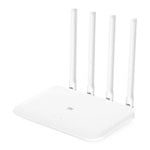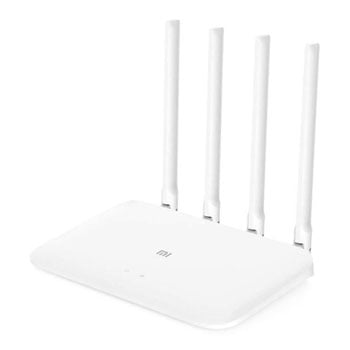

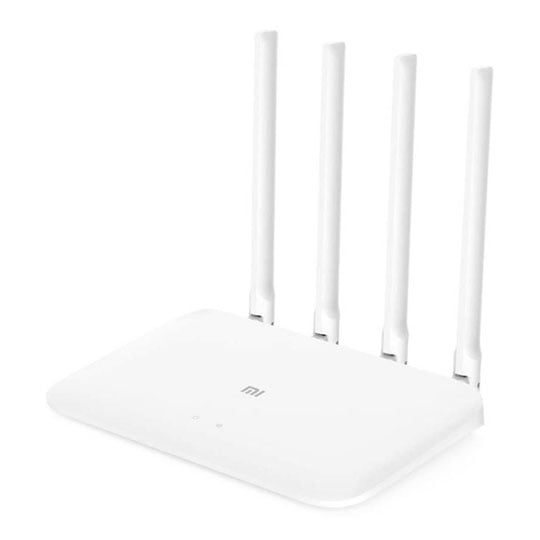
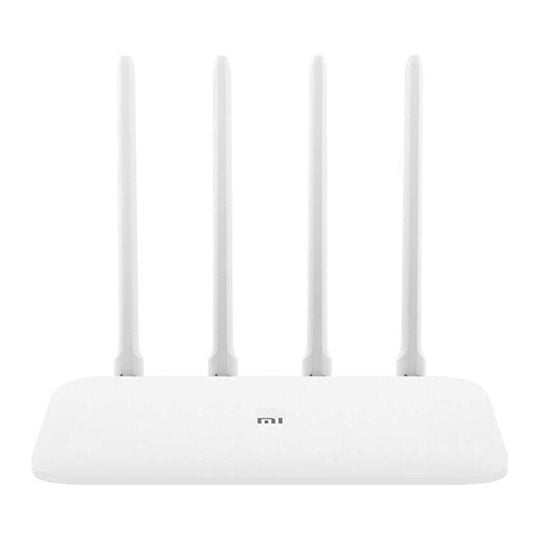


Mi Router 4A Gigabit Edition from Xiaomi

a secure way to connectEnjoy high-speed connectivity across your home with the Mi Router 4A Gigabit Edition router. With four high-gain antennas and a large 128MB memory, you can be assured your Wi-Fi is always stable. It also features Anti-Hacking Security and Child Safety features for an extra layer of protection when online.
4High-Gain Antennas
128MBMemory
880MHzDual Core
Enjoy High Speed Broadband

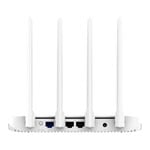
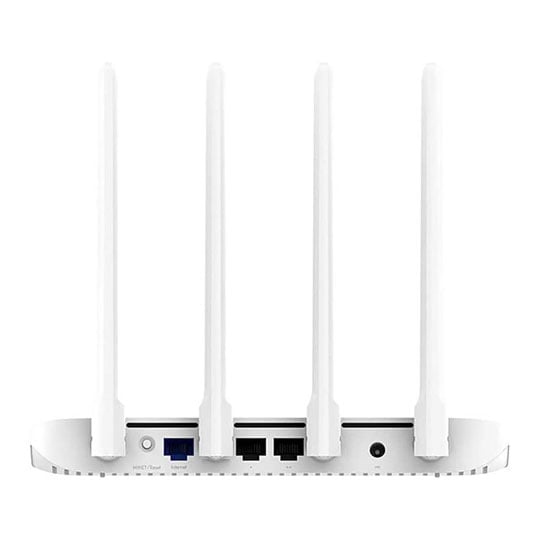
fibre-optic full gigabitThe Mi Router 4A Gigabit Edition features one gigabit WAN port and two gigabit LAN ports, easily achieving network speeds of 100 Mbps and above. Compared with 100-megabit ports, it allows you to better utilise every megabit of bandwidth.
Faster Connection Speeds

Dual-core CPUFeaturing a dual-core quad-threaded processors with a single-core clock speed of up to 880 MHz for powerful performance that easily supports gigabit network ports and gigabit dual-band Wi-Fi data transmission for a smoother online experience.
Smoother Internet Performance

Wireless dual-band 1167 MbpsThe dual concurrent bands, 2.4 GHz and 5 GHz, do not create interference, and offer wireless connection speeds of up to 1167 Mbps. The 2.4-GHz band transmits over greater distances for better coverage and better performance through walls; the 5-GHz band uses 802.11ac technology to reduce interference and boost connection speeds, for a smoother experience when watching HD videos and playing online games.
Eliminating Name Confusion

Dual-band integrationThe Mi Router 4A supports dual-band integration, combining the 2.4-GHz and 5-GHz bands under one Wi-Fi name so you no longer have to worry about which Wi-Fi to connect to. The 2.4-GHz band offers better transmission through walls, while the 5-GHz band delivers higher speeds and the dual-band device automatically selects the optimal frequency.
Further Features of the Mi Router 4A Gigabit Edition

omni-directional high-gain antennasThe 4 precision-tested external omni-directional high-gain antennas have been carefully designed and arranged to maximize transmission performance, even in more complex environments.

Large 128mb memorySupports stable connections for up to 128 devices. Ensure a stable connection for each and every connected device.
The 5-GHz frequency band supports low-density parity code (LDPC) code to correct errors. This reduces interference during data transmission and significantly increases Wi-Fi signal coverage for more efficient data transmission.

Wider coverage area.

Smart error correction algorithm.

Data transmission resistant to interference.
Manage Children's Time

Keep your kids safeYou can set time limits for internet access by specific devices and set which websites your children can visit, to protect them when they go online.
Control Network Connections

with the Mi Wifi appReceive instant notifications when someone accesses your network and block them in one step. The Mi WiFi app will notify you when an unfamiliar device connects to the network.
Internet Settings that both Parents can Configure

Search for and connect to the "xiaomi_XXXX" wireless network without a password

Go to router.miwifi.com to enter the broadband account information and complete the set-up.
Friendly in More Ways than One

Eco-friendly casingThe outer casing and packaging of the Mi Router 4A Gigabit Edition are made of recyclable and environmentally friendly materials to minimise the impact on the environment. The router body has an understated geometric form and durable non-coated matte white plastic shell—simple and durable, aesthetically in harmony with the rest of your home.