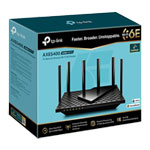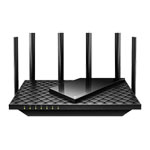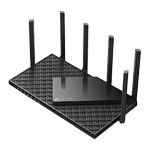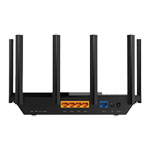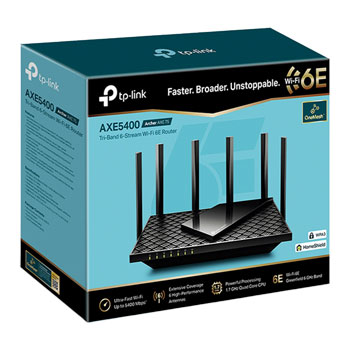

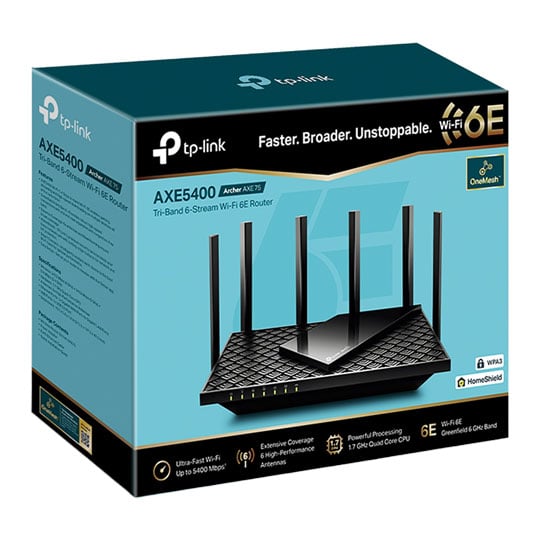
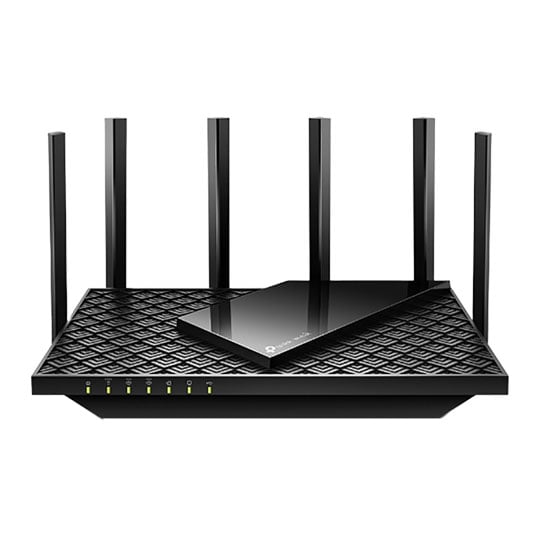
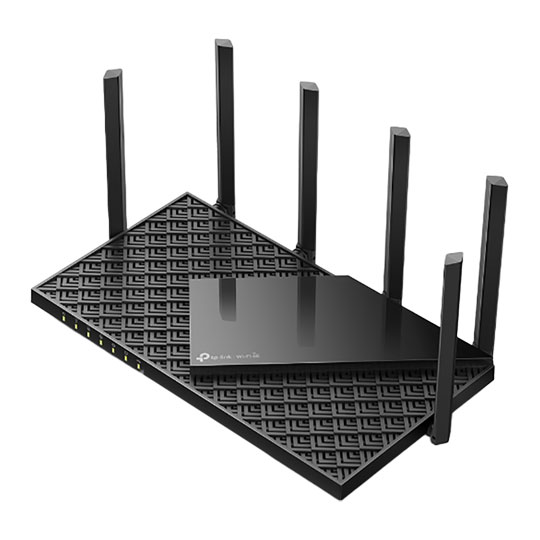
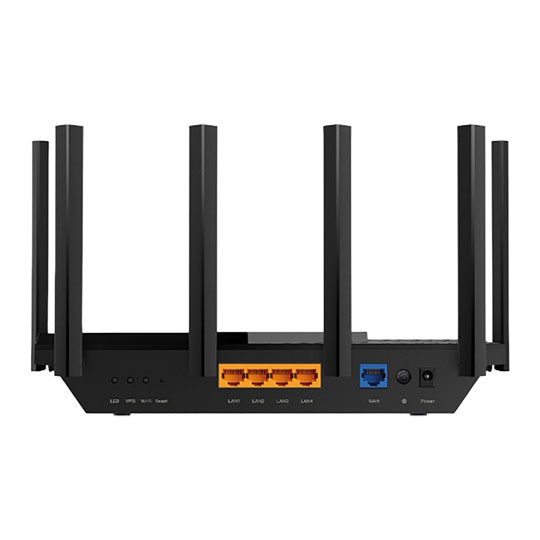


tp-link Archer AXE75 WiFi 6E Tri- Band Gigabit Router
tp-link Archer AXE75 WiFi Router, 6x Antennas, Tri-Band AXE5400 (2402+2402+574Mbps), GbE, OFDMA, Beamforming, 802.11ax
Email me when the availability or price changes
- SCANPROTECT Protect against installation damage for 28 days.
Suggested Alternatives
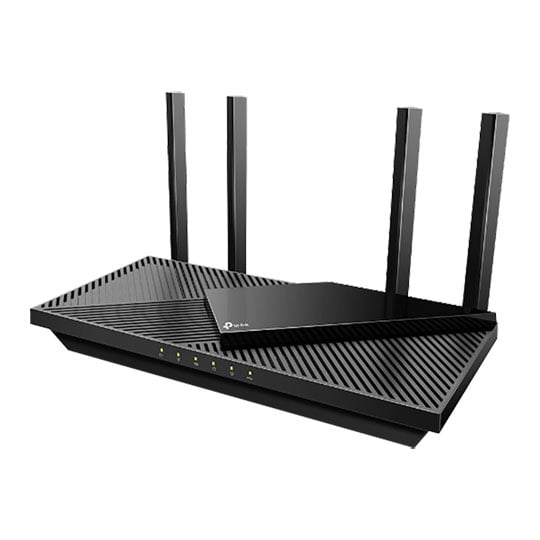
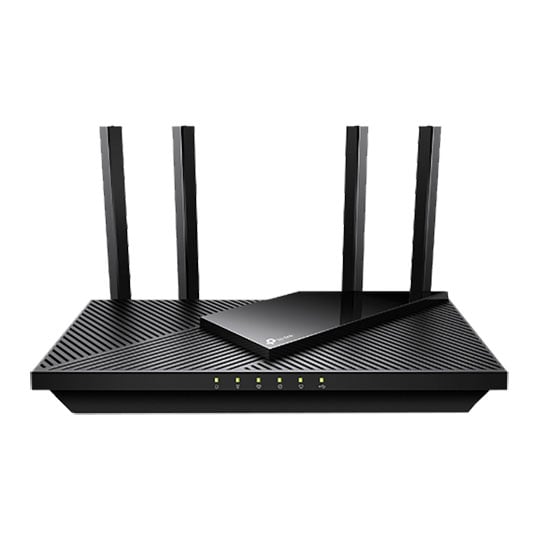
WiFi 6E: A Faster Future
WiFi 6E introduces the brand new 6 GHz band without any overlap or interference from other bands and older devices. This means a congestion-free frequency that offers more bandwidth, faster speed, and lower latency.
Maximise All Your Device Speeds
Archer AXE75 provides WiFi speeds up to 5400 Mbps, enabling your devices to run at full speed. Enjoy fluent 4K/8K streaming, immersive AR/VR gaming, and blazing-fast downloads.
More RAM, Better Processing
With an advanced chipset and high memory, experience fast connections with minimal latency even under heavy loads. Every click and tap on your laptop or phone responds quicker.
Connect More Stay Fast
The number of IoT devices today creates greater demands on home WiFi. Archer AXE75 future-proofs your home network with a higher capacity of up to 200+ devices. OFDMA and other advanced tech cut down the clutter throughout your frequency bands, eliminating latency and jitter.
WiFi Coverage Throughout Your Home
6× high-performance antennas boost WiFi signals throughout your home. Beamforming technology detects devices and concentrates signals towards them, especially to previously hard-to-reach areas.
USB 3.0
Easily share files between connected devices with an external drive. Or create your own personal cloud storage for simple, secure access from anywhere.
TP-Link HomeShield
With TP-Link HomeShield, enjoy advanced secuirty features delivering a safe environment that protects your family and network's data and privacy.
WPA3: Stronger Security for Your Network
The latest WiFi security protocol, WPA3, brings new capabilities to improve cybersecurity in personal networks. More secure encryption in WiFi password safety and enhanced protection against brute-force attacks combine to safeguard your home network.
Easy Setup and Use
Whether you prefer the intuitive Tether app or TP-Link’s powerful web interface, you can set up your Archer AXE75 in minutes. The Tether app allows you to manage network settings from any Android or iOS device.
Protect Your Children
Block inappropriate content for your children, and customize a time range for better online habits.
New Connection Notification
You will be notified by your phone when new devices connect. Kick off any suspicious connections and block them. It’s as simple as that.
Easy Firmware Upgrade
Tired of upgrading firmware? OTA updates enable easy firmware upgrades with a click in the management panel. To keep your security and functions always up-to-date, just turn on the auto schedule.
• AXE5400 Tri-Band – AXE5400 Tri-Band Wi-Fi delivers Wi-Fi speeds up to 5400 Mbps.
• Cutting-Edge Processing – Armed with a 1.7 GHz Quad-Core CPU.
• SuperSpeed USB 3.0 – Up to 10× faster transfer speeds than USB 2.0.
• Wi-Fi 6E Unleashed – The brand new 6 GHz band brings more bandwidth, faster speeds, and near-zero latency.
• HomeShield – Customize your home network with enhanced security and control.
• OneMesh™ – Creates a Mesh network by connecting to a TP-Link OneMesh Extender for seamless whole-home coverage.
• Connect More Devices—OFDMA technology increases capacity by 4 times to enable simultaneous transmission to more devices.
• Ultra-Low Latency—Enables more responsive gaming and video chatting.
• Compatible with Alexa—Control your router via voice commands and make your life smarter and easier with Amazon Alexa.