
Suggested Alternatives
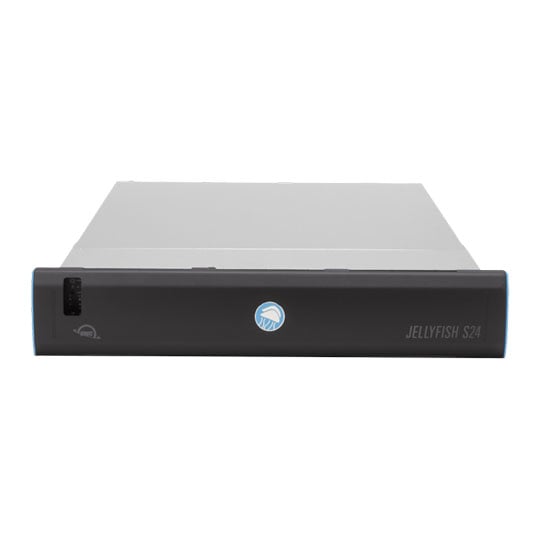
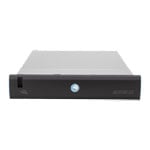
 OWC Jellyfish S24 96TB, 2RU, 2x 10GbE RJ45OWC Jellyfish S24 96TB
LN166986
No customer review
OWC Jellyfish S24 96TB, 2RU, 2x 10GbE RJ45OWC Jellyfish S24 96TB
LN166986
No customer reviewKey Specifications
- OWC Jellyfish S24 96TB
- 2RU
- 2x 10GbE RJ45
Call for price
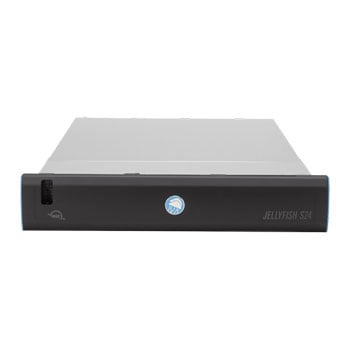
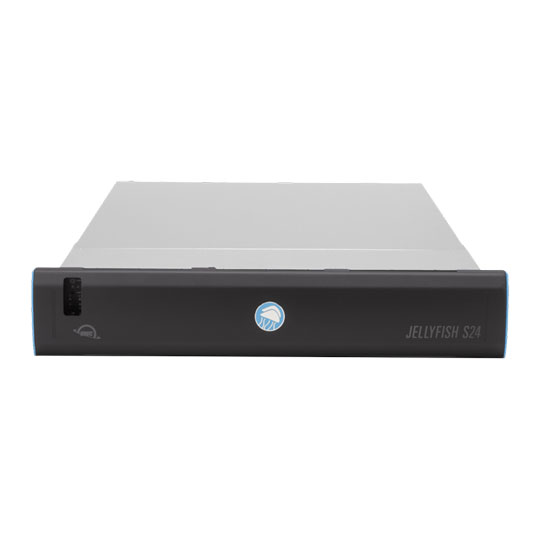 OWC Jellyfish S24 192TB, 2RU, 2x 10GbE RJ45OWC Jellyfish S24 192TB
LN166983
No customer review
OWC Jellyfish S24 192TB, 2RU, 2x 10GbE RJ45OWC Jellyfish S24 192TB
LN166983
No customer reviewKey Specifications
- OWC Jellyfish S24 192TB
- 2RU
- 2x 10GbE RJ45
Call for price
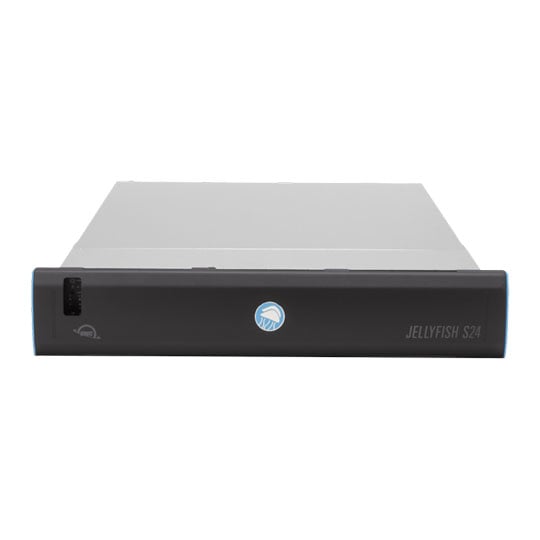
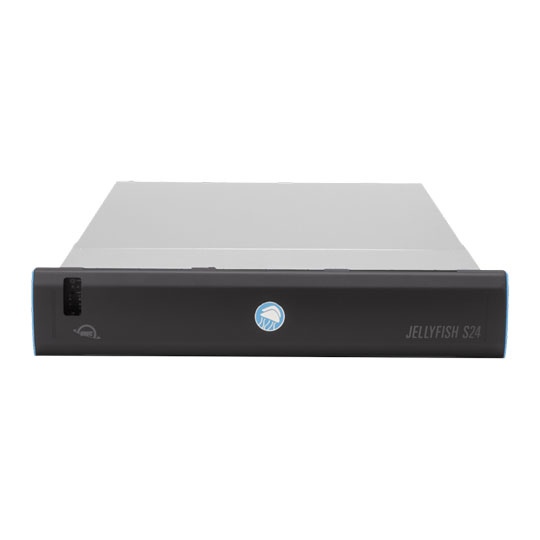 OWC Jellyfish S24 384TB, 2RU, 2x 10GbE RJ45OWC Jellyfish S24 384TB
LN166984
No customer review
OWC Jellyfish S24 384TB, 2RU, 2x 10GbE RJ45OWC Jellyfish S24 384TB
LN166984
No customer reviewKey Specifications
- OWC Jellyfish S24 384TB
- 2RU
- 2x 10GbE RJ45
Call for price
OWC - 'Jellyfish S24'
48TB

High-Performance SSD production server for small to medium-sized workgroupsThe OWC Jellyfish S24 is a high-performance, all-flash shared storage server engineered for modern video teams that demand ultra-fast, low-latency collaboration on 4K, 8K, RAW, and multicam workflows. Powered by OWC Mercury Extreme Pro SSDs and featuring dual 100GbE connectivity, this rack-mounted 2U system delivers exceptional sustained read/write speeds while remaining easily expandable with hybrid spinning-disk options for petabyte-scale growth. With simple setup, intuitive software, and broad compatibility with macOS, Windows, Linux, and leading NLE, DAW, and VFX applications, the Jellyfish S24 provides a scalable, future‑ready backbone for professional video production.

ScalableEnterprise-quality all flash system. Hybrid expansion with spinning disks.

PerformanceEnables nearly any video workflow with almost no latency.

Up to 384TBAll flash storage in a single head unit.

100GOptional 100G Ethernet.
Connectivity, Storage, Performance

Collaboration without limitsThe Jellyfish S24 is designed to work on a dual 100G ethernet backbone. With 2x100GbE QSFP288 ports and 2x10GbE ports, the S24 is meant to power your server room at blazing fast speeds. Connect the dual 100G to an optimized switch and then spread the all flash bandwidth out to your team however you’d like.

Hybrid expansion designed around your needsJellyfish S24 allows you to design completely around your team's storage needs and budget offering in head unit flash storage and spinning disk expansion options. Fully compatible with R24-E expansion bays to create the ultimate hybrid pool.

Any workflow becomes possibleOWC Jellyfish S24 is the workhorse of the modern video team. It makes quick work of the most demanding RAW workflows, multicam sequences, and finishing jobs, which means you can say yes to anything thrown your way.
Setup

Setup is SimpleJellyfish S24 supports any networking configuration to meet your workflow needs. Whether it’s 10 GbE, 25 GbE, or 100GbE, you'll be able to work with that configuration. Once fully installed all that is required is to power on the system, launch Jellyfish Connect and start editing.

OS CompatibilityThe OWC Jellyfish S24 video editing server is compatible with Mac, Windows, and Linux operating systems and supports a mixed hardware / software environment.

NLE CompatibilityWork in the NLE, DAW, or VFX software of your choosing, or use them all. Our engineers work closely with Apple, Adobe, and Blackmagic to ensure seamless workflows between your favorite apps.
Included Software Tools

OWC Jellyfish ConnectConnect is installed on each workstation, sets up a 4k+ connection to their Jellyfish NAS, and is used to mount the media folders, just like an external hard drive.

OWC Jellyfish ManagerUpon initial setup, we spend a few minutes to setup your team, giving each person access to read & write to the folders, and even setup automated backups to the cloud.

OWC Jellyfish RemoteWork from home and at the office, each person can connect to Jellyfish with the same ease-of-use as when connected at the office or studio.

OWC Jellyfish Media ManagerStreamline and organize your pre-editing process with the ultimate file browser for all video formats—making proxy generation easier than ever.