
Suggested Alternatives
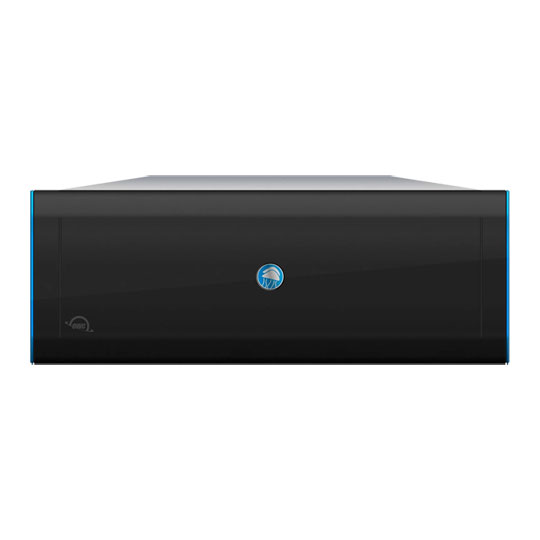
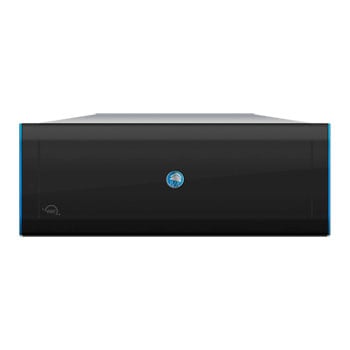
 OWC Jellyfish R24 144TB, 4RU, Rackmount NAS StorageOWC Jellyfish R24 144TB
LN166976
No customer review
OWC Jellyfish R24 144TB, 4RU, Rackmount NAS StorageOWC Jellyfish R24 144TB
LN166976
No customer reviewKey Specifications
- OWC Jellyfish R24 144TB
- 4RU
- Rackmount NAS Storage
Call for price
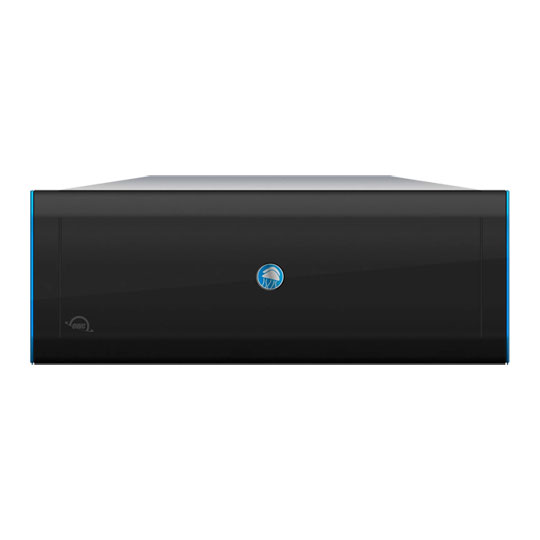 OWC Jellyfish R24 288TB, 4RU, Rackmount NAS StorageOWC Jellyfish R24 288TB
LN166977
No customer review
OWC Jellyfish R24 288TB, 4RU, Rackmount NAS StorageOWC Jellyfish R24 288TB
LN166977
No customer reviewKey Specifications
- OWC Jellyfish R24 288TB
- 4RU
- Rackmount NAS Storage
Call for price
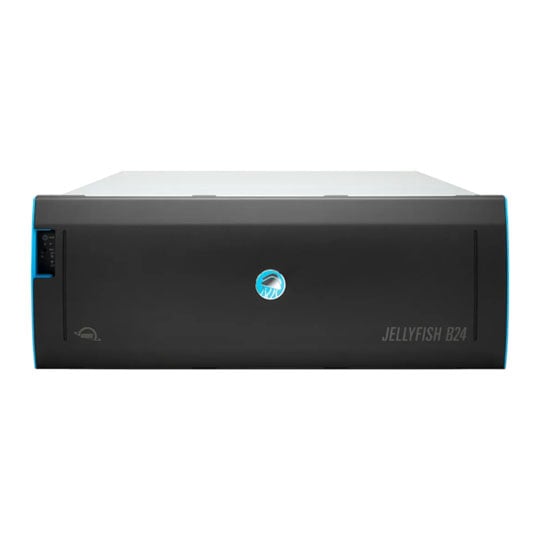 576TB OWC Jellyfish B24, 4RU, Rackmount NAS StorageOWC Jellyfish B24 576TB
LN166968
No customer review
576TB OWC Jellyfish B24, 4RU, Rackmount NAS StorageOWC Jellyfish B24 576TB
LN166968
No customer reviewKey Specifications
- 576TB OWC Jellyfish B24
- 4RU
- Rackmount NAS Storage
Call for price
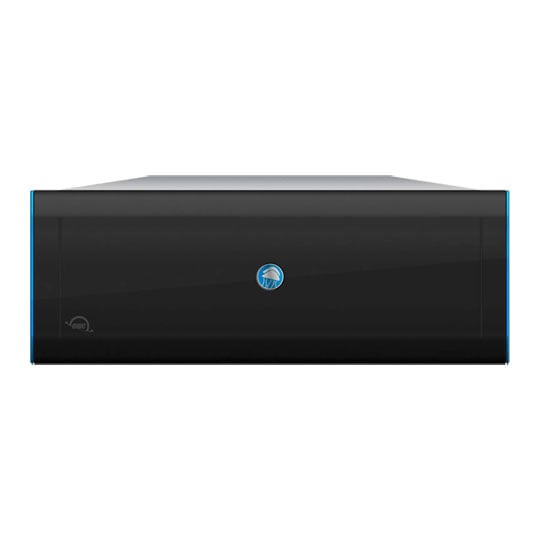
OWC - Jellyfish R24
576TB

Rackmount NAS StorageOWC’s most powerful NAS solution. The Jellyfish R24 is designed to live alongside all your other server room equipment. With a capacity up to 576TB, the Jellyfish R24 is the preferred solution for ultra-high-bandwidth connectivity (25GbE/50GbE/100GbE) and can seamlessly merge into the most complex enterprise network environments.

Up to 6x10G/1GDirect Connections

Remote AccessFor Growing Teams

Up to 576TBRAW Storage Capacity

ExpandabilityAdd up to 4x R24-E Expansions
Connectivity
Plug & Play, Switch OptionalThe OWC Jellyfish R24 video editing server can be used with or without a switch. Users can connect directly into one of up to 16 onboard 1GbE or 10GbE ports, or connect to a switch for greater expansion.


Performance
A Bandwidth Beast in 4UOWC Jellyfish R24 is the workhorse of the modern video team. It makes quick work of the most demanding RAW workflows, multicam sequences, and finishing jobs, which means you can say yes to anything thrown your way.

* 0 Expansions Connected

* 4 Expansions Connected
Setup & Software

Setup is SimpleThe OWC Jellyfish R24 was designed to be rack mounted in your server room. This entails standard data centre practice for easy rack mount install and integration into your network. Once installed all that is required is to power on the system, launch Jellyfish Connect and start editing. If you need additional help or support team is only a phone call away.

OWC Jellyfish ManagerIf you've never had to manage a server before, we designed the OWC Jellyfish Manager for you. If you have managed a server before, you'll wonder why they weren't all this intuitive or easy to use.

OWC Jellyfish ConnectWe've made connecting your Mac to the OWC Jellyfish R24 easier than ever with our patented OWC Jellyfish Connect app for macOS. Just open the app on your computer and get right to work.

OS CompatibilityThe OWC Jellyfish R24 video editing server is compatible with Mac, Windows, and Linux operating systems and supports a mixed hardware / software environment.

NLE CompatibilityWork in the NLE, DAW, or VFX software of your choosing, or use them all. Our engineers work closely with Apple, Adobe, and Blackmagic to ensure seamless workflows between your favorite apps.