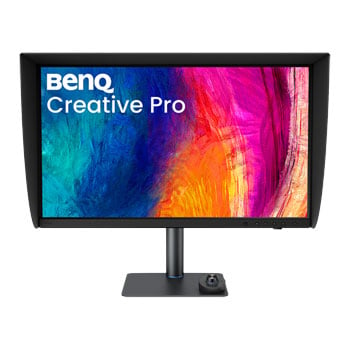

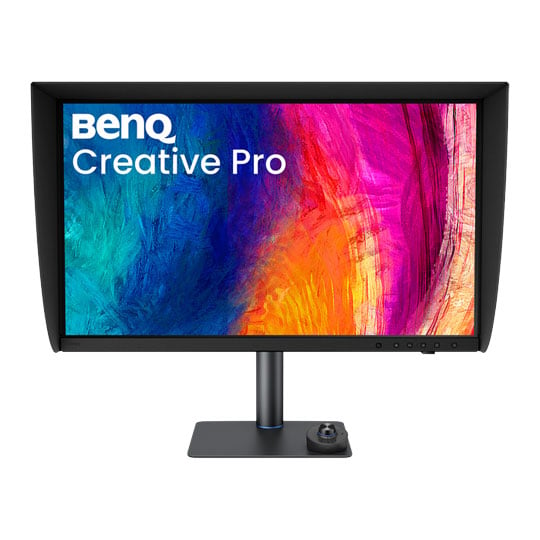
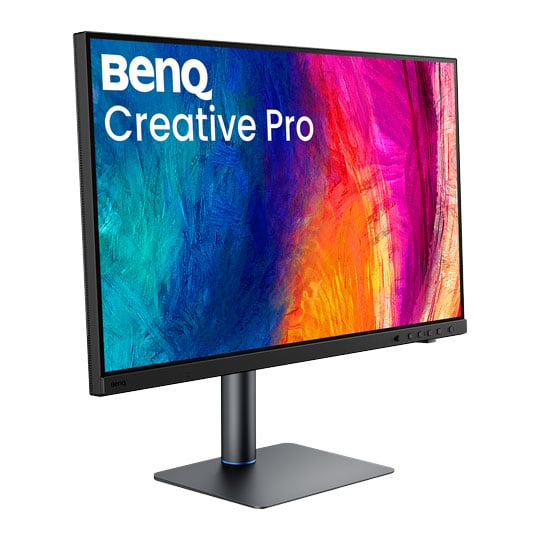
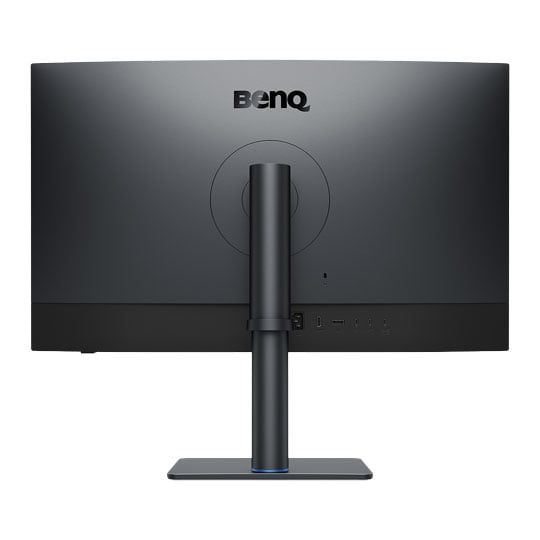


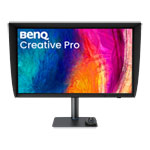
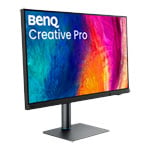
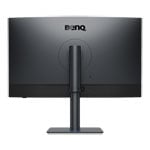
BenQ Creative Pro PV3250U 32” 4K Monitor
BenQ Creative Pro PV3250U Monitor, IPS, 100% sRGB/Rec.709, 99% P3, 3840x2160, 120Hz, HDR10/HDR600
Email me when the availability or price changes
Finance this product
- From £39.48 / month (APR 16.9%) for 48 months or 0% for 4 months
- With a 10% deposit from just £34.97 / month (APR 15.9%)
BenQ Creative Pro PV3250U
32” 4K Monitor for Colour Grading & Video Editing

Refine Every Shadow, Deliver with ConfidenceMeet the BenQ Creative Pro PV3250U, a professional 32-inch 4K monitor designed for colour grading, video editing and commercial post-production. With Rec.709 accuracy, a 3000:1 contrast ratio, 0.03-nit black levels and hardware calibration powered by a 16-bit 3D LUT, it reveals subtle shadow detail without black crush or tonal shifts. Add Calman and ColourSpace certification, AQCOLOR precision, Thunderbolt 4 connectivity with up to 96W power delivery, built-in KVM and an ESS DAC for high-resolution audio, and the PV3250U gives creative professionals a dependable, streamlined workspace from first edit to final delivery.

Built for Commercial Post-Production Workflows
Precise colour grading begins where standard displays lose detail. Even small shifts in dark tones can lead to costly misjudgements. The PV Series removes dark-tone blind spots, ensuring consistent visibility across the entire screen — so every adjustment you make carries through to the final output.
EditorVisual consistency from timeline to delivery
Finishing ArtistHardware-calibrated 3D LUT for consistent, colour-accurate results
ColouristAccurate shadow detail for confident grading decisions
Studio OwnerA balanced setup that reduces rework and protects long-term return on investment
Shadow Accuracy Without Black Crush

No Black Crush, No Tonal ShiftBuilt to Rec. 709 standards and maintained through hardware calibration, the PV3250U preserves dark-tone fidelity exactly as intended.
3000:1 Native Contrast

Deeper Shadow SeparationWith a class-leading 3000:1 contrast ratio — three times that of typical IPS monitors — the PV3250U achieves 0.03-nit black levels under Rec. 709 conditions, exceeding Grade 1 SDR requirements to reveal deeper blacks while preserving texture and tonal separation.
Consistent Dark Tone Reproduction


Rec. 709 gamma 2.4 demands precise low-grey tracking. Without calibration, tonal steps can crush or band; with reference-grade calibration, every step stays smooth and visible.
Hardware Calibration with 16-bit 3D LUT Precision
Built on monitor-internal 16-bit 3D LUT calibration, the PV3250U goes beyond conventional 1D LUT adjustments. With calibration data stored directly in the display hardware, colour stays predictable across grading, review, and delivery.

16-bit 3D LUTBy mapping nearly 5,000 RGB reference points across the full colour space, 16-bit 3D LUT calibration corrects hue, saturation, and gamut relationships for more accurate, more consistent colour decisions.

Hardware CalibrationCalibration data is stored directly in the monitor’s IC chip, reducing reliance on OS or GPU-based color adjustments.
Verified by Industry-Leading Colour Authorities


Certified by Calman and ColourSpaceThe PV3250U is certified by Calman and ColourSpace for verified colour accuracy and consistent SDR workflows. To advance dark-tone evaluation, BenQ collaborated exclusively with Calman to establish dedicated dark-level assessment criteria — supporting more reliable creative decisions from production through to final delivery.
Corner-to-Corner Colour Precision
BenQ’s exclusive AQCOLOR technology delivers studio-grade colour accuracy and consistency, trusted by professionals worldwide. Out-of-the-box Delta E≤2 colour precision ensures that what you see on screen matches your intended output every time.

Uniformity ControlFull Screen Calibration via Micro-Zone Correction.
Colour Tolerance ManagementHigh-Precision Instrument Alignment.
Industry Standards ComplianceFrom Rec.709, DCI-P3 to Adobe RGB and Beyond.
Uniformity You Can Rely On

Colour UniformityUneven colour or brightness — at the centre or the edges of the screen — can skew your visual judgement. BenQ uses full-panel global calibration to keep colour and brightness consistent across the entire display, so you can check your projects accurately and deliver without rework.
Calibration Simplified, with Precision

AQCOLOR PilotBenQ-exclusive AQCOLOR Pilot delivers industry-standard precision. Its intuitive interface combines default and customisable settings, helping you achieve optimal colour consistency in just a few simple steps.
Flexible Setups for Mac Production Workflows

Less Time Switching and More Time DeliveringConnect your Mac to storage, displays, and production essentials through a single hub — so your team spends less time switching and more time delivering.
All-in-One Thunderbolt 4 Connection

One Cable, Everything ConnectedThunderbolt 4 carries 4K video, 40Gbps data, and up to 96W of power through a single port — enough to run a full production setup from your Mac.
Studio-Grade Audio, Built Right In

Built-in ESS DACHear your work in high resolution, straight from the display. A built-in ESS DAC drives high-impedance headphones up to 300Ω — so you catch subtle transients, hold an accurate balance, and monitor every detail with confidence, no external amp required.
Mac Device Colour Matching & Preview

M-book ModeExclusive M-book Mode matches the PV3250U to Mac® and MacBook Pro colours — one look, across every screen.

iDevice Colour SyncGo a step further: preview how your colours will appear on iPhone and iPad before export, for consistent visuals across screens.
Expand Your Workspace

Daisy ChainRun dual 4K displays from a single connection — more timeline, more scopes, more room to work.
One Desk. Two Systems. Zero Clutter.

Built-in KVMThe built-in KVM switch gives you instant control of multi-computer setups — Mac Studio, PC, or MacBook Pro. Command keyboard, mouse, and grading panels from a single station, and keep your desk clear for the work that matters.
Edit Smarter. Deliver Faster

Quick Access Function KeysDedicated function keys put essential controls at your fingertips, designed for professional post-production. Indicator lighting fades automatically after use, keeping distractions off your screen while you review.
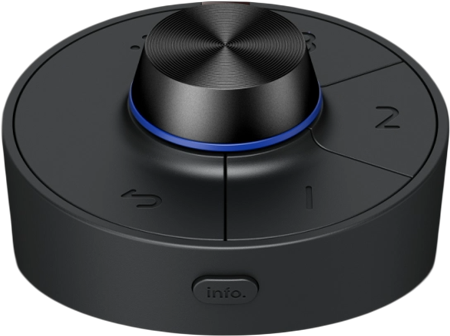
Wireless Hotkey PuckThe Wireless Hotkey Puck (G4) simplifies monitor control with Display Pilot 2 sync, letting you configure shortcut functions directly. Three customisable keys give quick access to Color Mode, Input, KVM, or app launch, while the rotation dial adjusts brightness, contrast, and volume — no menus needed.Up to 30 custom profiles ensure dedicated pairing and interference-free control in shared studio environments.

Inspect Shadow DetailsInstantly lift shadow regions while preserving highlight brightness, revealing hidden detail without clipping or shifting the overall tonal balance. Perfect for spotting cleanup issues, compositing artefacts, and finishing inconsistencies during review and QC.
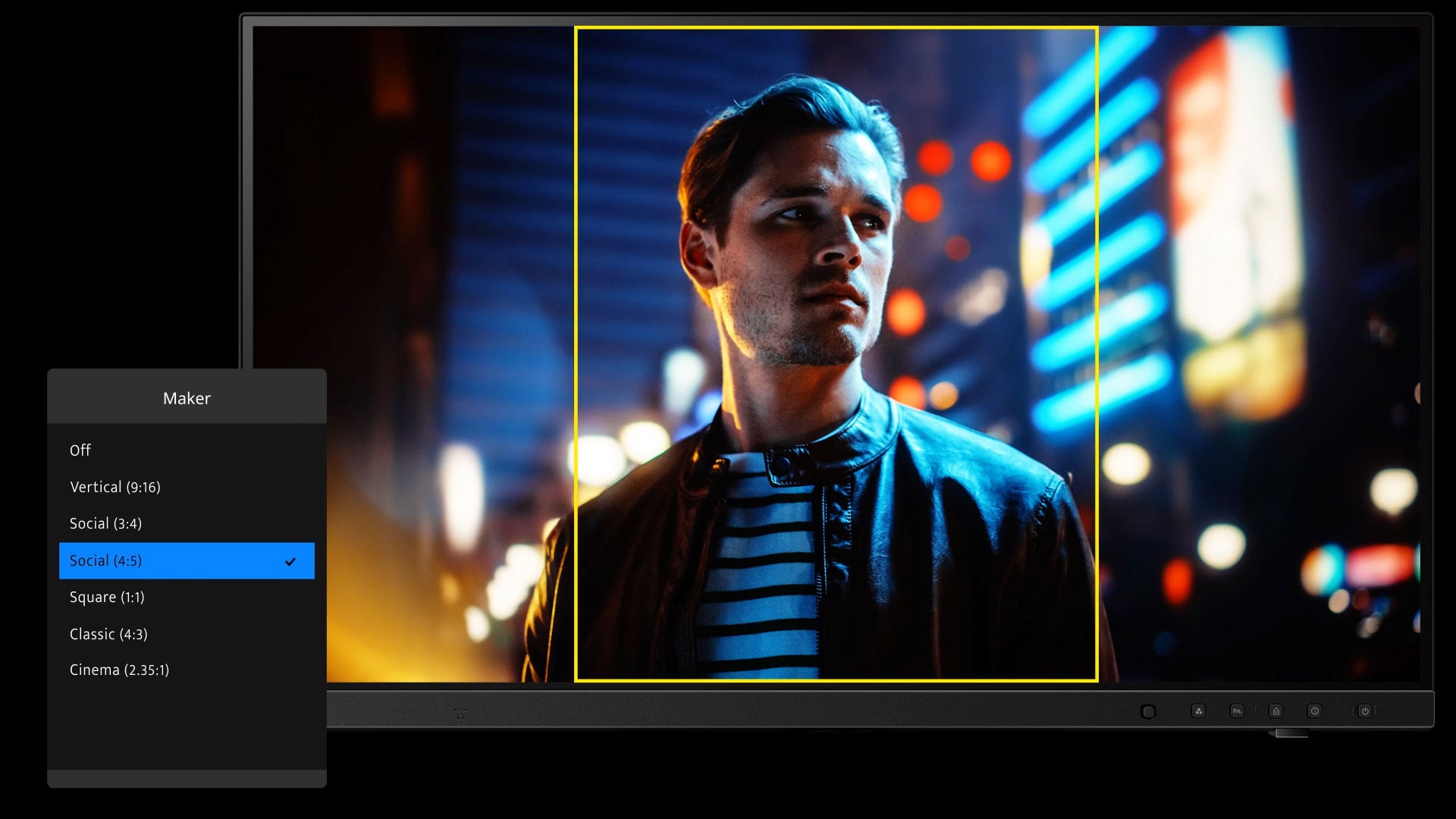
Confidence in Every FrameBuilt-in markers offer multiple aspect-ratio overlays: a stable visual reference for producing content across platforms.

Zoom to Check DetailsZoom into any area to verify focus accuracy and spot fine details.
Take Control of Your Display Settings
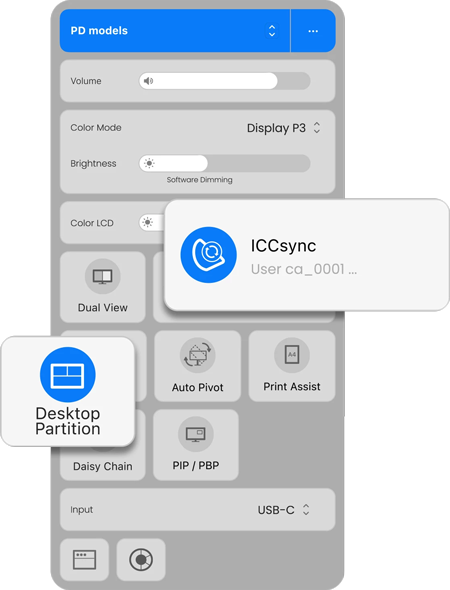
BenQ Display Pilot 2Take full control of your display with BenQ’s free Display Pilot 2 software. Its customisable interface lets you organise functions such as ICCsync, Color Modes, and Desktop Partition — so you can work exactly the way you want to.

Sync with MacBook ControlOn macOS, your MacBook and monitor work as one. Press the brightness or volume key once, and both screens adjust in sync.
Magnetic Shading Hood

Snaps Into Place InstantlyThe one-piece magnetic shading hood snaps into place instantly—no tools or assembly required. It blocks ambient light, glare, and light spill from the environment, including neighboring monitors, letting you accurately review and edit your color-critical work.
Comfort That Keeps You Creating
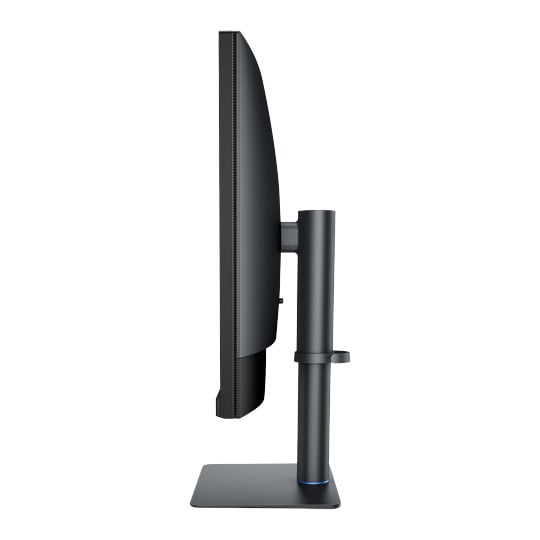
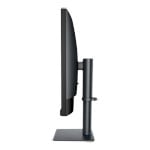
Position your monitor for optimal comfort with the built-in ergonomic stand. With a variety of tilt, swivel, and pivot control points, whether you’re working on design or presenting your ideas to clients, there’s always the right spot and the right angle to do it.

Pivot 90°

Swivel 15°/15°

Tilt -5°~20°

115mm Height Adjustment
PayPal Credit
| Monthly Payment: | £126.84 |
| Instalment Rate: | 16.9% p.a. (fixed) |
| Cost of purchase: | £1,399.99 |
| Total inc. interest: | £1,522.04 |
| Monthly Payment: | £68.36 |
| Instalment Rate: | 16.9% p.a. (fixed) |
| Cost of purchase: | £1,399.99 |
| Total inc. interest: | £1,640.60 |
| Monthly Payment: | £49.03 |
| Instalment Rate: | 16.9% p.a. (fixed) |
| Cost of purchase: | £1,399.99 |
| Total inc. interest: | £1,764.82 |
| Monthly Payment: | £39.48 |
| Instalment Rate: | 16.9% p.a. (fixed) |
| Cost of purchase: | £1,399.99 |
| Total inc. interest: | £1,894.63 |
| Example | |
| Minimum Spend: | £99 |
| Instalment Rate: | N/A |
| Cost of purchase: | £99 |
| Total inc. interest: | £99 |
Representative Example:
Purchase Rate: 23.9% p.a. (variable)
Representative: 23.9% APR (variable)
Assumed Credit Limit: £1,200
Subject to status. Terms and Conditions apply.