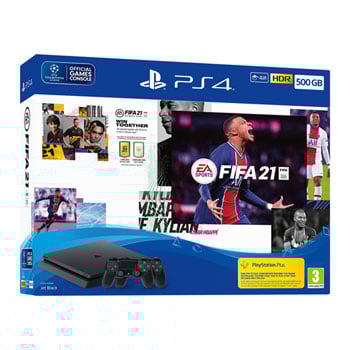

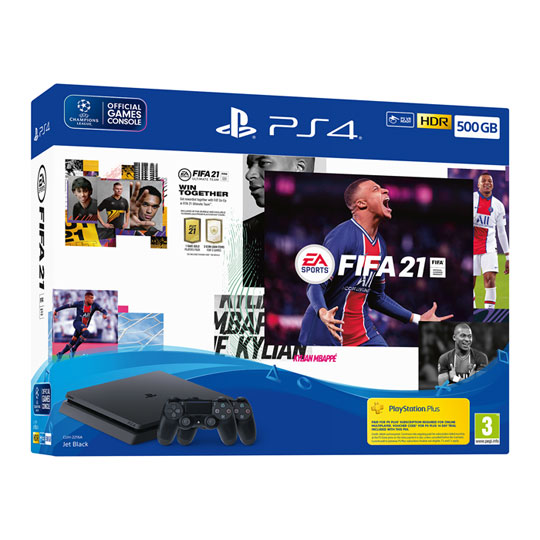
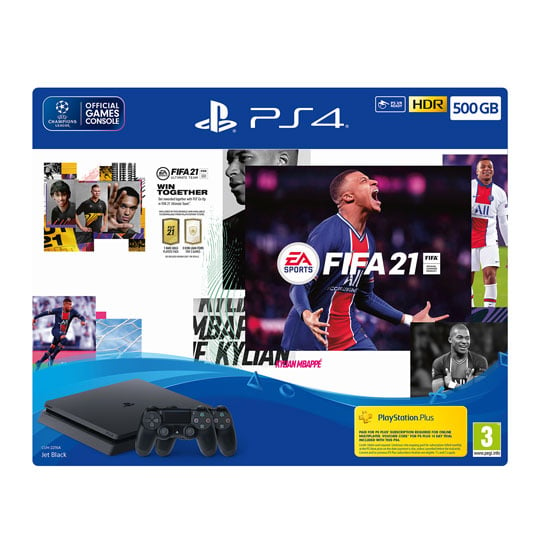
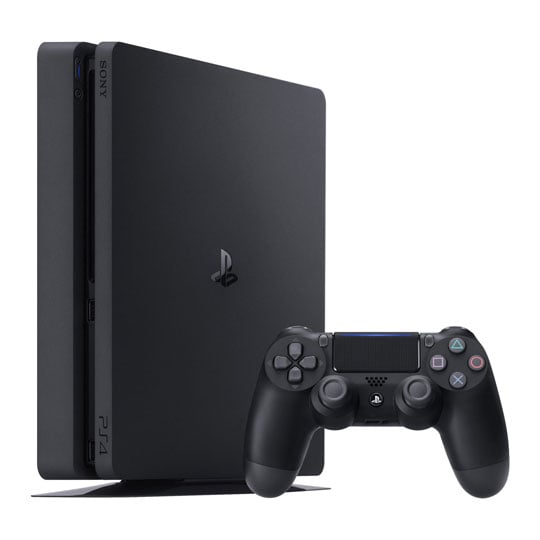


Sony PS4 500GB FIFA 21 Extra Controller Bundle
500GB Sony PlayStation 4 FIFA 21 Bundle with Second DualShock 4 Controller, FIFA 21 Standard Edition + Digital Content
Email me when the availability or price changes
- SCANPROTECT Protect against installation damage for 28 days.
500GB Sony PlayStation 4 Fifa 21 Plus Additional Controller Bundle

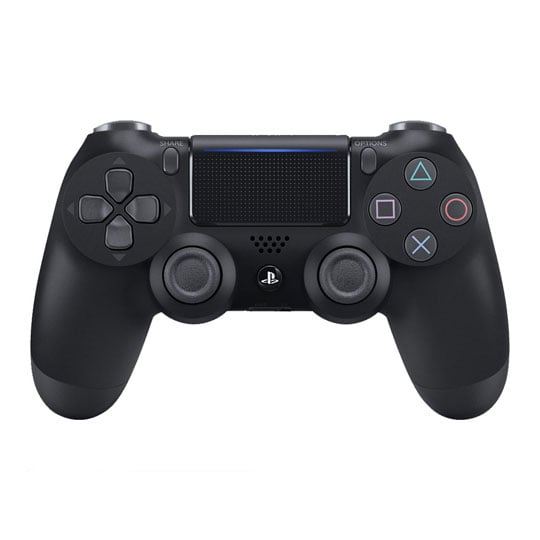
Get Your Game Face On Whether its on the streets or in the stadium, FIFA 21 has more ways to play than ever before. Celebrate authentic culture, style and creativity of the worlds most popular football series in HDR Quality with this 500GB Sony PlayStation 4 Bundle. The EA SPORTS™ FIFA 21 500GB PS4™ Console Bundle includes a 500GB Jet Black PlayStation®4 console, 2x matching Jet Black DUALSHOCK®4 wireless controllers for you and a friend to team up or go head-to-head, EA SPORTS™ FIFA 21 Standard Edition on Blu-ray Disc™ and voucher codes to redeem a 14-day PlayStation®Plus trial and FIFA 21 Ultimate Team voucher.
A Plethora of Gaming Titles Available for PS4
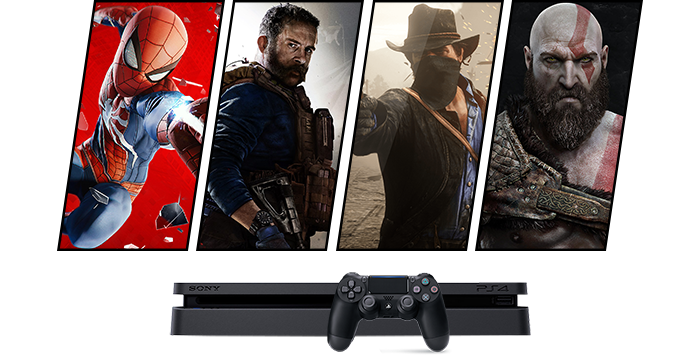
Get the true gaming experience with PlayStation Get many of the biggest and best gaming titles including PlayStation Exclusives on the PS4 and get an incredible gaming experience with the PlayStation 4. From the stunning Manhattan skyline of Marvel’s Spider-Man and the towering Norse mountains of God of War, to the vast plains of Red Dead Redemption 2 and the intense battlegrounds of Call of Duty: Black Ops 4.
Inside Look: PlayStation®4 Features
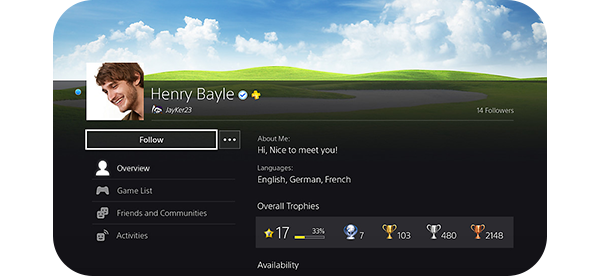
PSN AccountSet up your user account to connect to PlayStation Network and access the PlayStation 4 system’s robust online features. Customize your account with a unique avatar to share with your friends list. You can also change your profile’s background image and color scheme with a screenshot from your favorite game, or create your own custom dashboard theme. Use your PSN account on the PS4 system, on the web portal for the PlayStation Store, and with the PlayStation App on your mobile device.
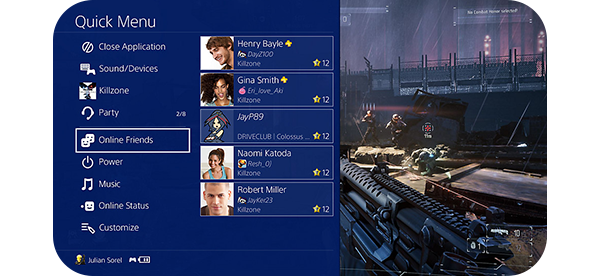
Quick MenuPress and hold the PS button to bring up the “quick menu.” Here you can access useful settings, such as system notifications, friends list, sound and device settings, Share Play, Spotify music playback settings, power and restart options, and more.
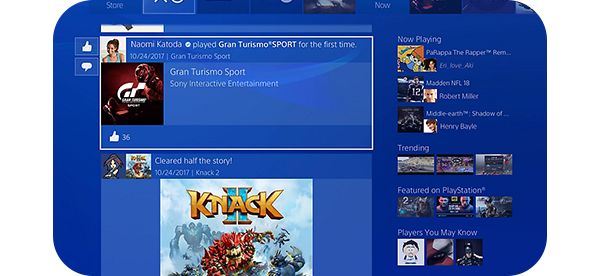
See What's NewSee what your friends are playing in What’s New, where you can view their latest shared screenshots, video clips, and unlocked trophies. You can also check out the latest trending Live from PlayStation broadcasts of top games.
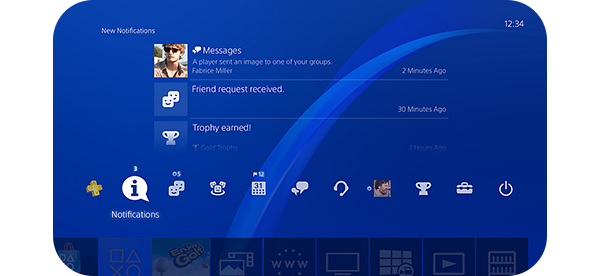
Dashboard Menu The PlayStation 4 home screen is where you’ll see your games and downloaded content, streaming services like PlayStation Vue, YouTube, and Netflix, as well as your online community features like Friends List, Notifications, Communities, and Events. Organize games and other content into custom folders, and customize your home screen with unique themes from the PlayStation Store.
Entertainment Apps and ServicesThe PlayStation 4 offers easy access to the best gaming and entertainment available. Whether you want to enjoy online multiplayer gaming with PlayStation Plus, stream movies and TV shows with PlayStation™ Video, or use your PS4 system as your streaming video hub, we’ve got you covered. The PlayStation 4 system also features native support for video streaming services like Netflix, Amazon Video, Hulu, HBO Now, Twitch, YouTube, NBA, NFL, MLB.TV, and more.
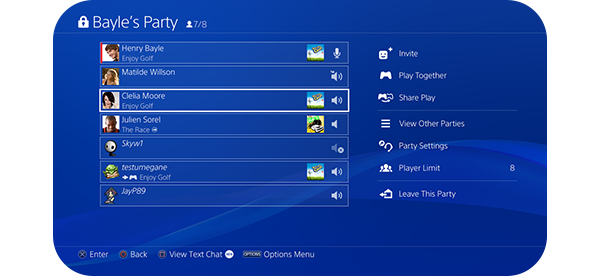
Connect and SocializeConnect with friends and see their profiles from your Friends List, and “follow” anyone including content creators, game broadcasters, and game developers to see what they are playing and sharing. Send private messages to friends or create group chats to organize game nights. Create Parties and invite friends for group voice and text chat, and join each other’s online games or continue group chat while you all play solo.
Capture and Share Your Biggest and Best Moments
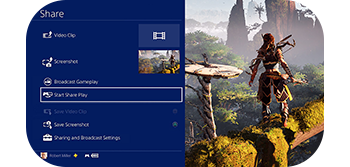
INTEGRATED SHARE BUTTONUse the SHARE button on the DUALSHOCK 4 wireless controller to capture and save screenshots and video clips, and share them to your What’s New feed or upload directly to Twitter, Twitch, YouTube, and more. Customize the SHARE button settings to take a screenshot with a single button press. You can even share songs and playlists from PlayStation Music to Twitter or your PSN activities “What’s New” log.
Enjoy Games Together

Share PlayPlay your favorite games together with your friends wherever they are in the world, even if they don’t own a copy of the game. Share Play* lets any friend who owns a PS4 console watch you play, take over the controls to try the game for themselves, and even jump into a local multiplayer game and play coop or versus with you as the second player. Just press and hold the SHARE button and pick “Start Share Play.”
*PlayStation Plus required for both parties.
Connect with Live Streams
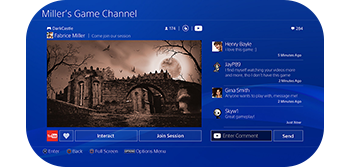
Live from PlayStation StreamingWatch live streams from many of your favorite games, or stream your own gaming exploits, with Live From PlayStation. View trending PS4 livestreams, search for your favorite game, and view the latest uploaded video clips and screenshots from the global community.
Play for the Ultimate Victory
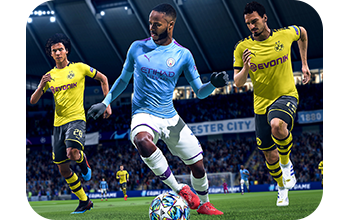
Tournaments & CommunitiesSign up for special online multiplayer community and anniversary events for your favorite games, and sign up for solo and team-based tournaments in the Events section to compete for glory. You can even set up custom events and invite friends to join you for game night.
Make Sure the Whole Family Plays with Safety
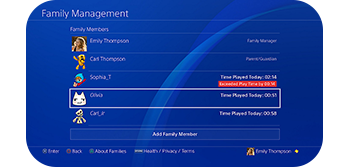
Family Settings and Parental ControlsSet up parental controls and choose whether children can use online features, set restrictions to prevent access to mature content, set time limits for hours of gameplay per day, and set spending restrictions for PlayStation Store digital content. Update settings and give gameplay time extensions via the online portal and through the PlayStation App.
Get Connected with PlayStation Plus
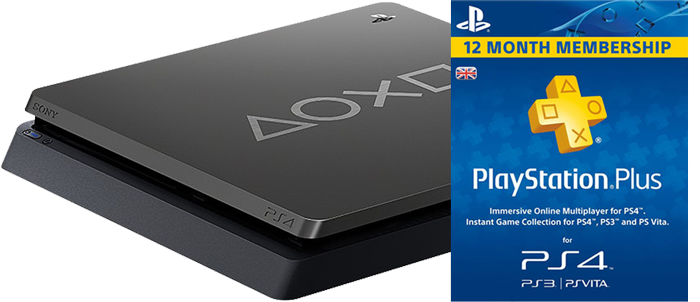
Online Multiplayer and Free PS Plus Monthly Games PlayStationPlus is the premium membership service for PlayStation Network that helps you get the most out of your PlayStation 4, PlayStation 3 and PlayStation Vita. Supercharge your gaming by joining PlayStation Plus today.