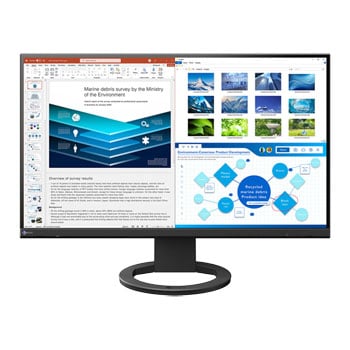
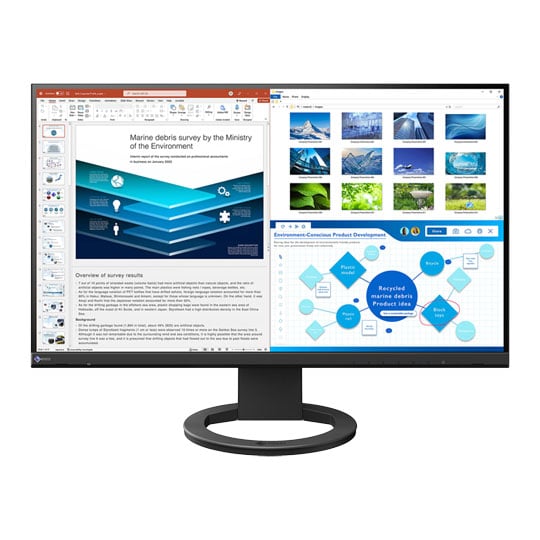
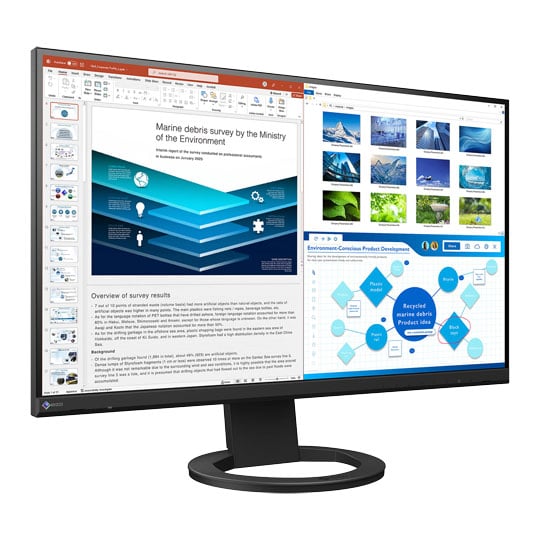
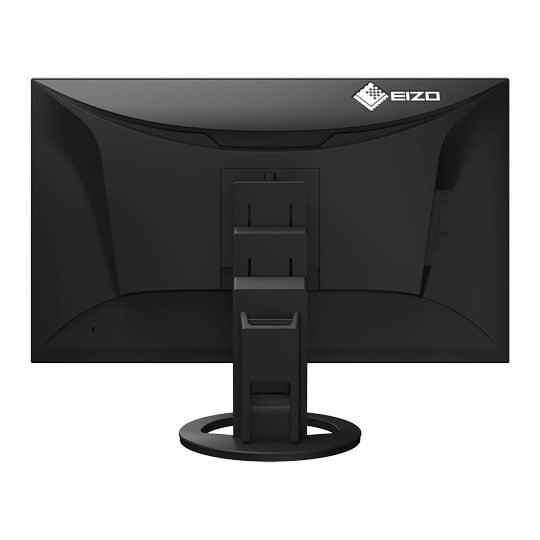


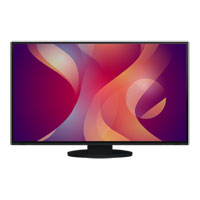
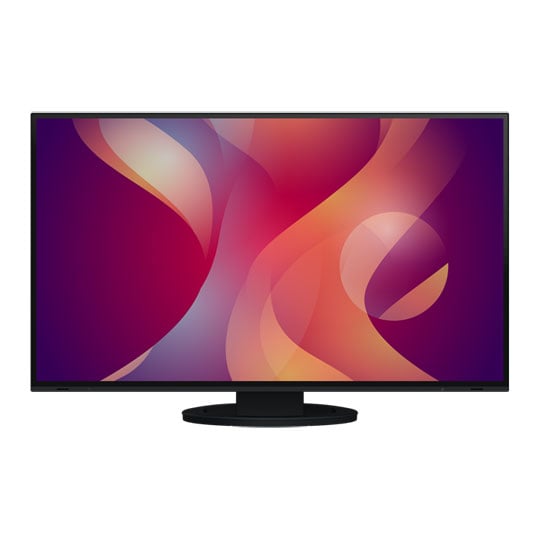
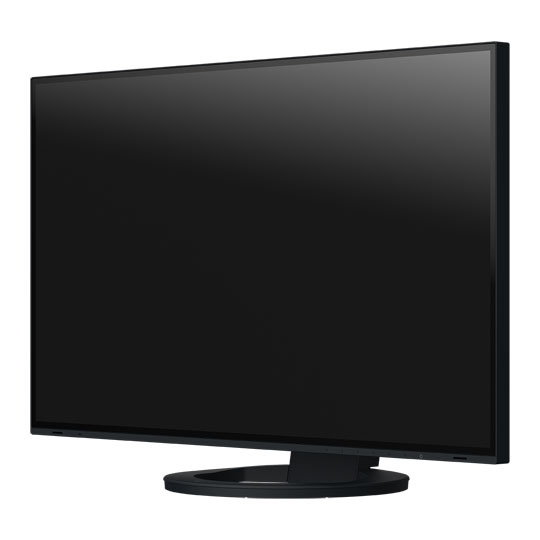
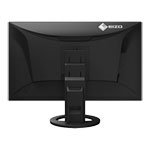
EIZO EV2720S FlexScan 27" Monitor
27” EIZO EV2720S FlexScan Monitor, IPS, 2560 x 1440, 16:9, 350cdm2, 1500:1, USB-C, DisplayPort, HDMI, Black
Email me when the availability or price changes
Finance this product
- From £17.70 / month (APR 16.9%) for 36 months or 0% for 4 months
- With a 10% deposit from just £12.63 / month (APR 15.9%)
Suggested Alternatives
 EIZO Flexscan 27" EV2795-BK, 2560x1440, 60Hz, 16:9, 350cdm2, 1000:1, Docking Station, USB-C/DisplayPort/HDMI, BlackEIZO Flexscan 27" Monitor
LN111161
Customer Review (2)
EIZO Flexscan 27" EV2795-BK, 2560x1440, 60Hz, 16:9, 350cdm2, 1000:1, Docking Station, USB-C/DisplayPort/HDMI, BlackEIZO Flexscan 27" Monitor
LN111161
Customer Review (2)Key Specifications
- EIZO Flexscan 27" EV2795-BK
- 2560x1440
- 60Hz
- 16:9
- 350cdm2
- 1000:1
- Docking Station
- USB-C/DisplayPort/HDMI
- Black
£699.98Pre order
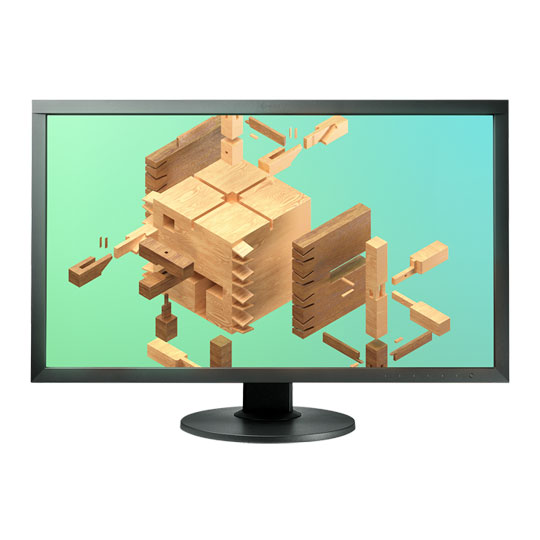
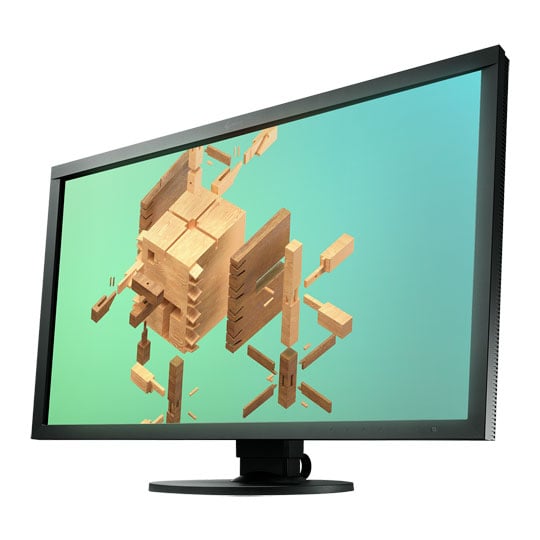 EIZO ColorEdge 27" CS2731, 2560x1440, 60Hz, 16:9, 350cdm2, 1000:1, KVM, USB-C/DisplayPort/HDMI/DVI-D, BlackEIZO ColorEdge 27" Monitor
LN117243
No customer review
EIZO ColorEdge 27" CS2731, 2560x1440, 60Hz, 16:9, 350cdm2, 1000:1, KVM, USB-C/DisplayPort/HDMI/DVI-D, BlackEIZO ColorEdge 27" Monitor
LN117243
No customer reviewKey Specifications
- EIZO ColorEdge 27" CS2731
- 2560x1440
- 60Hz
- 16:9
- 350cdm2
- 1000:1
- KVM
- USB-C/DisplayPort/HDMI/DVI-D
- Black
£899.99Pre order
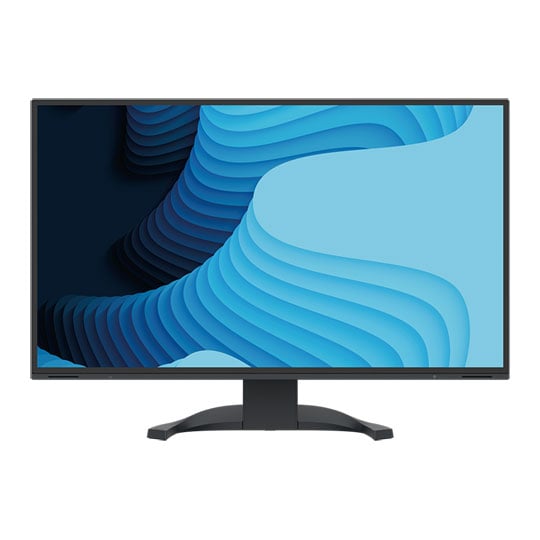
 EIZO FlexScan 27" EV2740X-BK, 3840x2160, 16:9, 350cdm2, 2000:1, Docking Station, USB-C/DisplayPort/HDMI, BlackEIZO EV2740X 27" Monitor
LN146542
No customer review
EIZO FlexScan 27" EV2740X-BK, 3840x2160, 16:9, 350cdm2, 2000:1, Docking Station, USB-C/DisplayPort/HDMI, BlackEIZO EV2740X 27" Monitor
LN146542
No customer reviewKey Specifications
- EIZO FlexScan 27" EV2740X-BK
- 3840x2160
- 16:9
- 350cdm2
- 2000:1
- Docking Station
- USB-C/DisplayPort/HDMI
- Black
£865.99Pre order
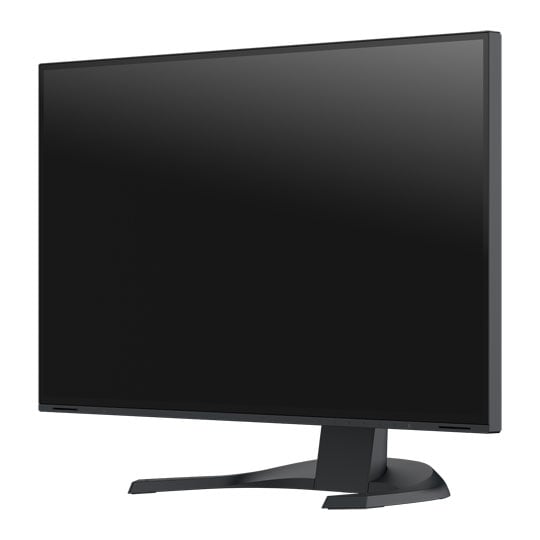
EIZO EV2720S FlexScan
27" WQHD Office Monitor

Multi-talented In the OfficeThe EIZO FlexScan EV2720S is a 27-inch office monitor designed for productive, comfortable work at home or in the workplace, combining crisp image quality, practical USB-C connectivity and ergonomic flexibility in one professional display. With a single cable for video, data, audio and laptop charging, plus precise colours, stable viewing angles and a fully adjustable stand, the EV2720S helps create a cleaner, more efficient and fatigue-free workspace.

One Cable For Everything

Modern and Future-proofA single USB-C cable is all that is needed to provide video and audio reproduction, transfer data quickly and supply power to the connected devices. The 70 W power supply via USB-C is highly practical and can reliably charge small computers or laptops. This creates more space on your desk since you no longer need an additional power supply for your computer.
One Monitor, Many Ports

Conveniently ConnectedIt couldn't be easier: Most end devices, such as PC, laptop, mouse, keyboard or headphones, can be connected directly to the monitor, thanks to its wide range of signal interfaces and ports. This makes your daily work easier and ensures a tidy desk.
Elegant Design
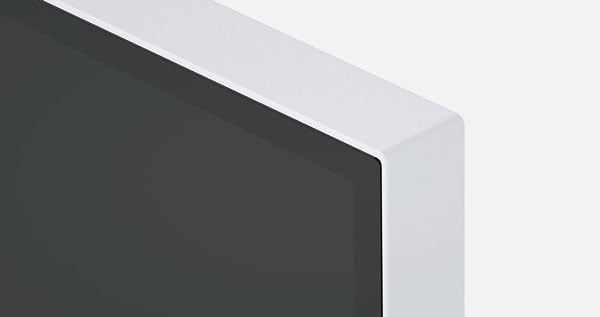
For Every Work EnvironmentThe monitor’s appearance can be the key to creating a pleasant working atmosphere. Whether you are at home or in the office, the monitor’s virtually frameless design and ergonomic functionality allows it to fit naturally into your workplace environment. The housing is available in both an elegant black and in white, with matching white cables.
Outstanding Image Quality

See More, Work BetterThe monitor is capable of all three key elements of excellent image quality: excellent resolution of 2560 x 1440 pixels, maximum contrast of 1500:1, and stable brightness of up to 350 cd/m2. That means you will experience razor-sharp text contours, brilliant graphics, and clear images. Thanks to the high-quality IPS panels with LED backlight, contrasts and colours remain stable from every viewing angle.
WQHD Resolution

High Resolution For Efficient MultitaskingWith its 27-inch WQHD resolution (2560 x 1440), the EV2720S offers 1.8 times more space than conventional Full HD monitors (1920 x 1080). This makes it easy to fit several windows on the screen, which increases efficiency and saves frequent switching and scrolling.
Precise Colour Control


Look-up-TableAn image can only be perfect if the colours are, too. This is why EIZO monitors have a 10-bit look-up table at a minimum, which allows the colour information to be assigned much more precisely than with conventional 8-bit LUTs. The finest colour gradations ensure that gradients are always perfectly displayed, while also offering customised adjustment options. For example, you can adjust the white balance from 4000 K to 10000 K in 500-K intervals.
Overdrive to Quickly Change ImagesThe overdrive function accelerates the switching time to such an extent that gray-gray changes typically occur in just 5 ms. You can watch movies and fast image changes without annoying afterglow. When scrolling and positioning windows or images, the display is legible in fractions of a second – faster than it can be perceived. Power consumption and energy efficiency are always in view.
Automatic Brightness Control


Auto EcoViewAt day, at night, bright, dark: No matter when and how you work, the Auto EcoView function continuously measures changes of the ambient light and optimises the monitor with ideal brightness values automatically by using a sensor. The benefits: Annoying glare is reduced, your eyes will not get tired as quickly. A special two-point control takes into account the brightest and darkest environment over the course of the day with the respectively desired screen brightness. Another plus: the automatic brightness adjustment can significantly reduce power consumption. Of course, you can also continue to configure the monitor manually. EcoView Index is used for orientation on how economical your settings are.
Easy On The Eyes
Flicker FreeTo help protect your eyes, EIZO has developed a hybrid technology to control the backlight. This combines the benefits of the otherwise standard PWM (pulse width modulation) and DC (direct current) control. The PWM control uses much higher frequencies than standard PWM methods. The result: a flicker-free viewing experience while maintaining picture quality and colour stability. In addition, compared to pure DC control, you can adjust the brightness to less than 1% of the maximum value in darkly lit rooms. The benefit: Your screen remains free from flicker and glare even under these conditions. The flicker-free and low blue light content of the EIZO FlexScan monitors is certified by TÜV Rheinland.
Optimal Anti-glare CoatingThe EV2720S offers a perfect, non-glare surface. By minimising glare by diffusing the reflected light, the EV2720S effectively protects your eyes from straining. This keeps your eyes from getting as tired and allows you to sit comfortably in front of the monitor, without having to sit in a forced position to prevent glare.
Ergonomic Stand

Height169 mm

TiltBetween 5° forwards and 35° backwards

Swivel344°

Rotationclockwise and anti-clockwise
Flexible AdjustmentErgonomic and stable: the adjustable stand focuses on ergonomics. You can rotate, swivel and tilt the monitor stand until you find the most comfortable setting for your back, neck and sitting posture. It features continuous height adjustment and can be lowered almost to the base plate of the stand, enabling you to position the top image line ergonomically right below your eye level.
Image Signals Side by Side

Picture-by-picture (PbP)The Picture-by-Picture mode allows you to display different signal sources on one screen. You can select which signal is to be displayed on the right or left half of the screen. Use the Picture-by-Picture mode, for example, if you want to connect two computers to one monitor, or if you want to replace two individual screens connected to one computer.
Optimised Colour Display

Preset Colour ModesPreset colour modes optimise the viewing of images, texts or videos. Because it makes a difference whether you are watching a video, looking at a picture, surfing the net or writing texts. At the touch of a button, you can set the respective preset for brightness, gamma correction and color temperature. An example: Paper mode simulates the pleasant contrast of printed paper, making reading easier on the eyes and preventing fatigue.
Image Signals Side by Side
Picture-by-picture (PbP)The Picture-by-Picture mode allows you to display different signal sources on one screen. You can select which signal is to be displayed on the right or left half of the screen. Use the Picture-by-Picture mode, for example, if you want to connect two computers to one monitor, or if you want to replace two individual screens connected to one computer.
Operation Made Easy

Button GuideElectrostatic switches are integrated into the front of the EV2400R instead of mechanical buttons. This ensures ease of use while also giving the monitor an extremely elegant look. With the Button Guide, you have all functions at a glance. One touch of the control panel is enough, and the function assignment of the buttons is displayed. Your advantage: clarity of operation and a clean, uncluttered design. The speakers and all the controls are also built into the bezel, pointing forward in the direction of the user. They are fully integrated into the monitor’s flat, nearly frameless design to offer an excellent user experience.
Screen InStyle

Monitor Control and AdministrationIn addition to the on-screen menu, you can conveniently control the EV2720S by using the Screen InStyle software on a PC. The configuration options include color reproduction, energy saving options, and ergonomic functions. In multi-screen systems, the settings can be applied synchronously to all connected screens with Screen InStyle. System administrators can centrally manage and control monitors connected in the network with Screen InStyle installed using the Screen InStyle Server application. This optimises power consumption and simplifies asset management of the monitors. Workload reduction for administrators: The software allows you to create a default setup for all relevant monitor settings. This setup can be distributed to the connected monitors via the local network which facilitates the roll-out process.
Save Energy Effortlessly

Power Saving FunctionsEnergy efficiency is an important aspect in the development of EIZO monitors. The monitors are equipped with features and functions to reduce power consumption to a minimum.
he Auto EcoView function automatically adjusts the brightness of the screen to changes in ambient light. This saves electricity compared to a monitor that is operated at a constant brightness. Of course, you can still adjust the monitor manually. The EcoView Index serves as a guide to how economical your setting is. The EcoView Optimizer automatically reduces the backlight in dark images, thereby reducing power consumption. At the same time, the signal is amplified and the color tone values are adjusted. The result: you experience the usual image quality with lower consumption. These EcoView technologies reduce overall power consumption by up to 50 %* compared to the display at maximum brightness. Another plus: the automatic brightness adjustment can be easy on your eyes.
The monitors have an integrated mechanical power switch, which is extremely practical and energy-saving: If you switch off the monitor using the power switch, the device will stop consuming any power at all. Moreover, it consumes a maximum of 0.4 watt in standby mode.
Comprehensive Product Sustainability

Focus On the Environment and ResourcesFlexScan monitors from EIZO are produced in accordance with international environmental regulations and in a socially responsible manner. Suppliers along the supply chain are carefully selected and have also committed themselves to this responsibility. During the design process, attention was paid to the low use of resources with high-quality components and materials as well as careful production. In addition, FlexScan monitors protect resources and the climate thanks to their long service life, warranty and repairability.
Conserving Resources

Environmentally Conscious Use of MaterialsThe EV2720S is made of more than 50% recycled plastic. This reduces the amount of plastic waste entering the environment, conserves resources and promotes the reuse of materials. Reducing the use of volatile organic compounds (VOCs) in material production, such as those found in certain paints and varnishes, is also of global interest. Through years of research, EIZO has succeeded in achieving a smooth, nearly homogeneous color and texture in its monitor housings without the use of varnish.
Reduce Packaging Waste

Sustainable PackagingFor the packaging of the EV2720S, EIZO uses a padding made of moulded pulp cellulose. The material is made from recycled cardboard and paper and has a much lower environmental impact when disposed of than traditional polystyrene or plastic. All cables are stored in a cardboard compartment instead of being individually packed in plastic bags.

Collective Packaging On DemandDepending on the quantity and delivery time, EIZO offers an alternative packaging option with four monitors and four separate stands in one shipping unit each. This reduces packaging waste, increases shipping efficiency and shortens unpacking and installation time.
Compliance with Sustainability Standards

Standards and GuidelinesThe monitor is certified to important and comprehensive sustainability standards such as TCO Certified Generation 10 and ENERGY STAR®. It also has an EPEAT Gold registration for compliance with strict sustainability standards at the highest level, which is even complemented by a Climate+ award on science-based climate protection standards. The EV2720S represents a safe investment if aspects such as ESG (environmental, social and corporate governance) or SDG (Sustainable Development Goals) of the United Nations are to be observed and required guidelines are to be complied with.
Sustainable Development Goals
As part of its sustainability initiatives, EIZO is contributing towards the United Nations' Sustainable Development Goals (SDGs).

Environmentally Conscious Product DevelopmentFlexScan embodies EIZO's commitment to sustainability through the use of recycled materials and low-impact components. The monitors are optimized for energy efficiency, contributing to lower greenhouse gas (GHG) emissions. EIZO also collects and recycles used products to further minimize environmental impact. We strive to promote efficient and circular resource use across every stage of the product lifecycle - from parts and materials procurement to manufacturing, transportation, user experience, and end-of-life disposal. All production sites at EIZO's headquarters in Japan operate on 100% renewable energy.
Workstyle Innovation and ProductivityFlexScan offers a versatile lineup and user-friendly features to support a wide range of workstyles. Each monitor can be adjusted to match individual preferences for screen position and display settings, while integrated eye care technologies help reduce eye fatigue during use. With reliable image quality and thoughtful design, FlexScan empowers business professionals to work more efficiently and comfortably.


PayPal Credit
| Monthly Payment: | £45.80 |
| Instalment Rate: | 16.9% p.a. (fixed) |
| Cost of purchase: | £505.49 |
| Total inc. interest: | £549.55 |
| Monthly Payment: | £24.69 |
| Instalment Rate: | 16.9% p.a. (fixed) |
| Cost of purchase: | £505.49 |
| Total inc. interest: | £592.35 |
| Monthly Payment: | £17.70 |
| Instalment Rate: | 16.9% p.a. (fixed) |
| Cost of purchase: | £505.49 |
| Total inc. interest: | £637.29 |
| Example | |
| Minimum Spend: | £99 |
| Instalment Rate: | N/A |
| Cost of purchase: | £99 |
| Total inc. interest: | £99 |
Representative Example:
Purchase Rate: 23.9% p.a. (variable)
Representative: 23.9% APR (variable)
Assumed Credit Limit: £1,200
Subject to status. Terms and Conditions apply.