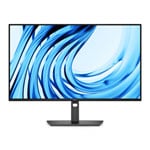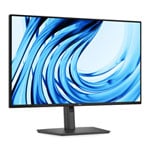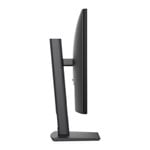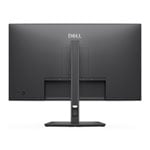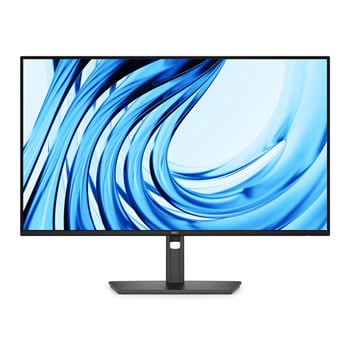

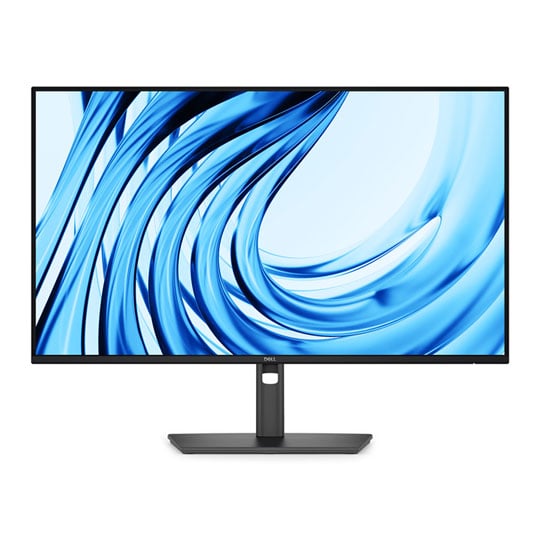
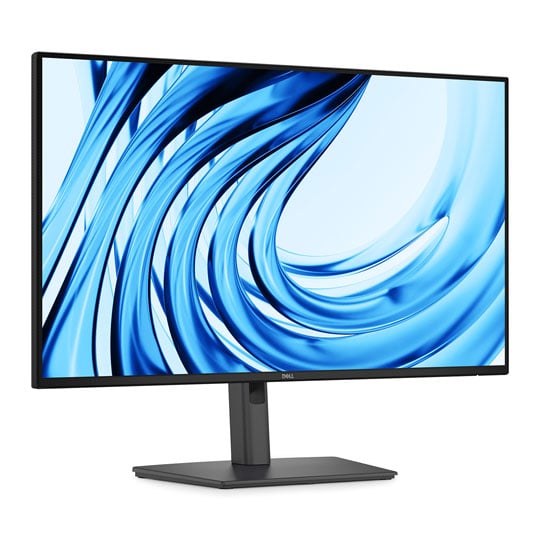
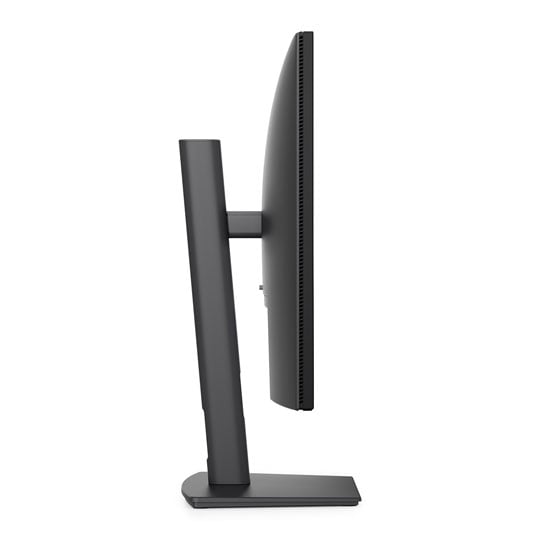
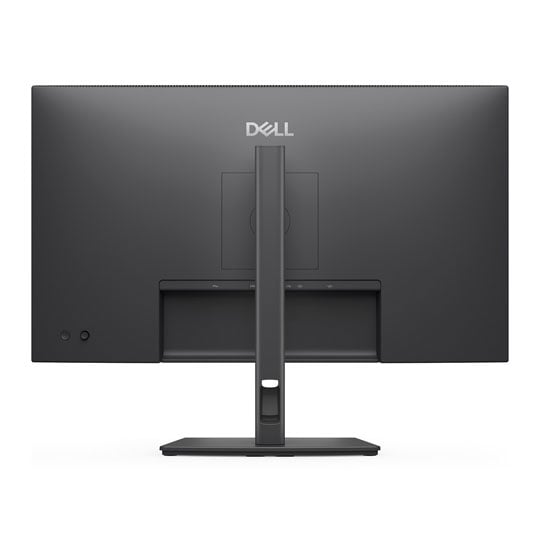
Dell Pro P 27 P2726H 27" FHD 120Hz IPS Business Monitor
Offer
Dell Pro P 27 P2726H 27" FHD 120Hz IPS Business Monitor
Scan code: LN171016 Manufacturer code: DELL-P2726H
£169.98
Get it Tomorrow, 07 AugIn stock
  • Thumbnail 1 : Dell Pro P 27 P2726H 27" FHD 120Hz IPS Business Monitor
  • Thumbnail 2 : Dell Pro P 27 P2726H 27" FHD 120Hz IPS Business Monitor
  • Thumbnail 3 : Dell Pro P 27 P2726H 27" FHD 120Hz IPS Business Monitor
  • Thumbnail 4 : Dell Pro P 27 P2726H 27" FHD 120Hz IPS Business Monitor
Offer

Dell Pro P 27 P2726H 27" FHD 120Hz IPS Business Monitor

27” Dell Pro P 27 P2726H Monitor, IPS, 1920 x 1080, 120Hz, 5ms, HDMI 1.4 / DP 1.4 / USB

Scan code: LN171016 Manufacturer code: DELL-P2726H
£169.98
Free delivery on this item
Order now and get it tomorrow, Fri 7th Aug
Get it Tomorrow, 07 AugIn stock
Pay in 3 interest-free payments of £56.66

Email me when the availability or price changes

  • By DPD On 7th Aug Have your parcel delivered by DPD to your specified address. Receive SMS with one-hour delivery window | Free Receive SMS with one-hour delivery window Weekend, timed and European delivery options are available at checkout
  • Collect instore Order online, collect from our Bolton store (25-28 Enterprise Park, Middlebrook, Horwich, Bolton, BL6 6PE) | Free
  • UPS and DPD Pickup Pickup from local convenience store | £4.99 Collect your parcel from your newsagents, petrol stations and convenience stores

Finance this product

  • From £15.40 / month (APR 16.9%) for 12 months or 0% for 4 months
  • Spend over £390.00 and Buy Now, Pay Later or spread the cost of your finance over 24-48 months with a 10% deposit.
  • SCANPROTECT Protect against installation damage for 28 days.

27" P2726H Pro P 27 Full HD 120Hz IPS Monitor from Dell

27-inch P2726H Pro P 27 Full HD 120Hz IPS Monitor from Dell.

For Everyday Productivity Equipped for seamless productivity, the Dell Pro 27 Monitor (P2726H) combines a 27-inch Full HD IPS display with a smooth 120Hz refresh rate for comfortable, responsive everyday performance. Extensive connectivity, including HDMI, DisplayPort and USB hub functionality, supports an efficient workspace, while the fully adjustable stand enables personalised viewing. TÜV-certified 4-star Eye Comfort technology, low blue light and flicker-free viewing help reduce eye strain during extended use, making it an ideal choice for modern professional environments.

27"Screen Size

1920x1080FHD Resolution

IPSPanel Type

120Hz/5ms GTG (Fast)Refresh Time/Response Rate

Connect to Productivity

Equipped with a variety of ports for all your accessories and built for versatility.

Dell Pro P Monitor on office desk next to Dell PC and peripherals.

Connectivity Connect all your favourite accessories with a varity of quick and reliable ports.

Remote Manageability Simplify management with Dell Display and Peripheral Manager (DDPM) and Dell Device Management Console (DDMC) through the cloud. IT administrators can configure and deploy updates with ease. Experience firmware updates that are faster, smarter, and completely silent.

Mounting Compatibility VESA compatible and an optional snap-on soundbar for added functionality.

Underside of the Dell Pro P monitor revealing 2x USB-C ports.

Quick Access Ports Thoughtfully designed with a bottom bezel featuring 2 USB-C (with up to 15W charging) quick-access ports, this monitor offers the convenience of easy connectivity.

An intuitive on-screen display highlights port locations, making it effortless to connect your devices.

Enhanced Eye Comfort

TÜV 4-Star certified monitor for eye comfort reduces eye fatigue while you work.

Lions face, one half with low blue light active, one half without.

Reduces Blue Light This monitor features hardware low blue light technology, reducing harmful blue light emissions to ≤35% for all day eye comfort without sacrificing colour.

Email interface, one half with clear 120hz, other half with slightly blurry 60Hz.

Refresh Rate 120Hz refresh rate delivers less flicker, more seamless scrolling and smoother motion.

Tropical fish swimming around a reef.

Vivid Colours Experience wide colour coverage of 99% sRGB and 99% BT.709 with up to 16.7 million displayable colours for vibrant and accurate visuals.

Work in Clear Detail

Top down illustration of Pro P monitor, swirling colours on-screen, eye icons outside of the screen to the left and right.

Colour Consistency Consistent, vibrant colours across wide viewing angles enabled by In-Plane Switching (IPS) technology.

Chinese lanterns illuminating a night sky.

Exceptional Contrast 1500:1 contrast ratio for deeper blacks and brighter whites.

Engineered for Comfort

Adjustability to meet your preferences throughout the day, complemented by an ultra-thin bezel for a sleek design.

Tilt adjustment.

Tilt From -5°/+21°

Swivel adjustment.

Swivel Bi-directional up to 45°

Pivot adjustment.

Pivot Bi-directional up to 90°

Height adjustment.

Height Up to 150mm

Dell Display and Peripheral Manager

Experience Dell's singular, innovative application to optimise the performance of your entire Dell PC workspace.

Dell Display and Peripheral Manager user interface.

Maximise Productivity Easy Arrange tiles apps across screens with pre-set partitions and customises up to five windows, enhancing multitasking. Easy Arrange Memory saves and restores app profiles manually, on schedule, or at start-up.

Customise Your Views Work comfortably, day or night. Automate your brightness and contrast settings to match your schedule.

More Manageable Save time and boost IT efficiency with the Dell Device Management Console to manage your Dell peripheral fleet at scale, from a single cloud-based console. Discover expanded Command Line Interface features from Dell Display and Peripheral Manage.

Convenient Connectivity

Rear IO ports with numbered bullets overlaid.

Security lock slot.

Power connector.

HDMI (HDCP 1.4).

DisplayPort 1.4 (HDCP 1.4)

USB Type-B 5Gbps upstream

2x USB Type-A 5Gbps downstream.

2x USB-C 5Gbps downstream.

2x Soundbar slots.

Stand lock.

Security lock slot.

Power connector.

HDMI (HDCP 1.4).

DisplayPort 1.4 (HDCP 1.4)

USB Type-B 5Gbps upstream

2x USB Type-A 5Gbps downstream.

2x USB-C 5Gbps downstream.

2x Soundbar slots.

Stand lock.

Specifications
Screen Size 27"
Edition P2726H
Panel Type IPS
Panel Coating Anti-Glare
Panel Finish  
Touchscreen  
Backlight LED
Pitch Size 0.3114 mm x 0.3114 mm
Curvature N/A
Adaptive Frame-rate Technology N/A
HDCP Yes
Connectors
  • 1 x DisplayPort 1.4
  • 1 x HDMI
  • 2 x USB 3.2 Gen 1 Type-C
  • 2 x USB 3.2 Gen1 Type-A
  • 1 x USB3.2 Gen1 Type-B (upstream)
Position Adjustment
  • Height Adjustable
  • Pivot
  • Swivel
  • Tilt
Resolution 1920x1080 (Full HD)
Aspect Ratio 16:9
Max. Refresh Rate 120Hz
Response Time 5 ms
Brightness 300 cd/m²
Viewing Angle 178 / 178 (°H/°V)
Contrast Ratio/Dynamic Contrast Ratio 1500:1
Color Gamut 99% sRGB
Color Bit Depth 16.7M Colours
HDR Support No
Supported HDR Standards  
Speakers No
Speaker Configuration  
Web Camera No
Power Usage (Switched on) 13.5 W
VESA 100 x 100
3D Support No
Anti-Theft Features Kensington-lock Ready
Included Accessories
  • 1 x DisplayPort Cable
  • 1 x HDMI Cable
  • 1 x Power Cable
  • 1 x USB Cable
  • 1 x USB Type-C to A Adapter
Monitor Colour Graphite
Dimensions (with stand) 610.69 x 534.56 x 192.28 mm (WxHxD)
Dimensions (without stand)  
Weight (with Stand) 6.06 kg
Note  
Additional Information
Scan Code LN171016
Model Number DELL-P2726H
GTIN 5397321029489
Warranty

Please note your statutory rights are not affected.

For further information regarding Scan's warranty procedure please see our terms and conditions

Details
Duration:
12 months
Type:
Direct
DOA Period:
7 days
Manufacturer Contact Details
Manufacturer:
DELL
Telephone:
0800 028 2660
Buying Guide
Need help? Read our Monitors Buying Guide
HDR Monitors
HDR Monitors
Date Issued: 11th May 2020

PC monitor manufacturers tend to focus on a particular buzzword or acronym almost every year. In the past, we have been treated to HD (high definition), denoting the screen is capable of running a minimum 720p resolution.

Read More

Display Panel Types
Display Panel Types
Date Issued: 15th May 2015

Choosing a monitor is not an easy decision to make, and not just because of the large number of variations in resolution, refresh rates, sizes and connectivity options. There are also varying panel technologies used to form each display that need to be considered. These panel technologies can be grouped into three broad categories which cover the vast majority of monitors sold in the consumer market.

Read More

Graphics Card Outputs
Date Issued: 8th Oct 2010

Modern desktop computers and notebooks comprise of a CPU, motherboard, graphics, storage, and, usually an optical drive. Computers have a number of ports and sockets that enable the user to plug-in various peripherals such as a printer, USB mouse, or, perhaps most importantly of all, an Internet connection.

Read More

HDMI
HDMI
Date Issued: 3rd Dec 2008

Keeping in tandem with technological developments, audio/video connectors continue to evolve at a steady pace. Today, the most common digital connector comes in the form of HDMI and we're here to tell you what it is, what it does, and why you might need it.

Read More

DVI
DVI
Date Issued: 20th Oct 2008

As you’ll all likely know by now, DVI is the current standard for connection of a PC or other display generator to a digital display output. You’ll recognise the multi-pin connector and know that almost all modern LCD displays have the corresponding input connector, for feeding from your PC. But do you know how DVI works? This TekSpek seeks to teach you how.

Read More

HDTV 720/1080
HDTV 720/1080
Date Issued: 14th Jun 2008

Whether the broadcasters are going HD or not, TV sets and projectors are arriving thick and fast which claim to support higher resolutions than regular telly. But HDTV is far from just one standard – it incorporates a couple of different resolutions, two different scanning modes, and a number of different frame rates. In this article, we present a guide to what all the terms actually mean.

Read More

DVI/HDMI/HDCP
DVI/HDMI/HDCP
Date Issued: 14th Jun 2008

There’s a lot more to High Definition than just having the ability to run your screen at the right resolution. With more than one type of connection available, and the thorny subject of signal encryption to contend with, just because your monitor and graphics are capable of 1,920 x 1,080 or better does not necessarily mean they will be able to display HDTV in all its glory.

Read More

Dell Pro P 27 P2726H 27" FHD 120Hz IPS Business Monitor

PayPal Credit

Monthly Payment: £15.40
Instalment Rate: 16.9% p.a. (fixed)
Cost of purchase: £169.98
Total inc. interest: £184.80
Example
Minimum Spend: £99
Instalment Rate: N/A
Cost of purchase: £99
Total inc. interest: £99
If you are approved for a credit limit with PayPal Credit and use it for future purchases, the APR for those purchases won't be more than 23.9% and may be even lower.

Representative Example:

Purchase Rate: 23.9% p.a. (variable)

Representative: 23.9% APR (variable)

Assumed Credit Limit: £1,200

Subject to status. Terms and Conditions apply.