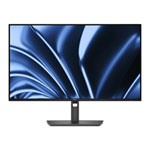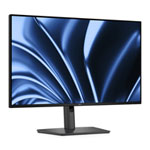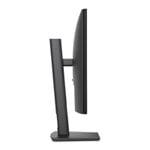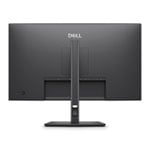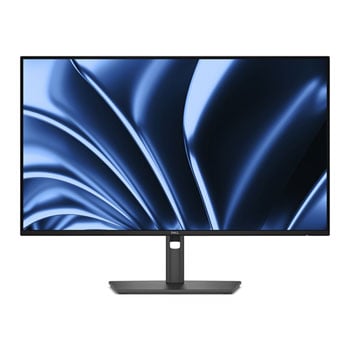

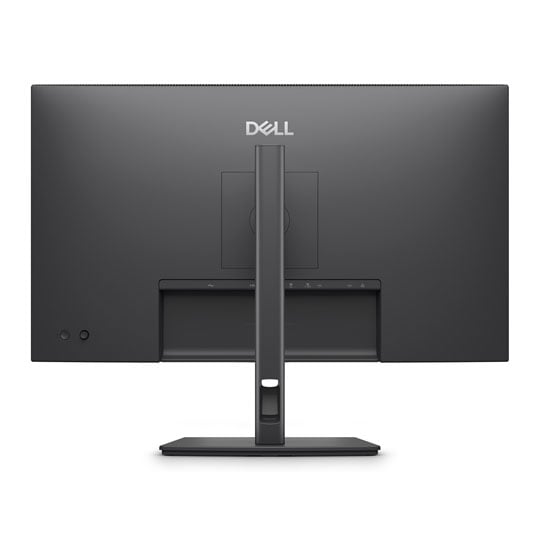
Dell P2726HE 27" Full HD 120Hz IPS Professional USB-C Hub Monitor
Scan code: LN170376 Manufacturer code: P2726HE
£219.98
Get it Monday, 08 JunIn stock
  • Thumbnail 1 : Dell P2726HE 27" Full HD 120Hz IPS Professional USB-C Hub Monitor
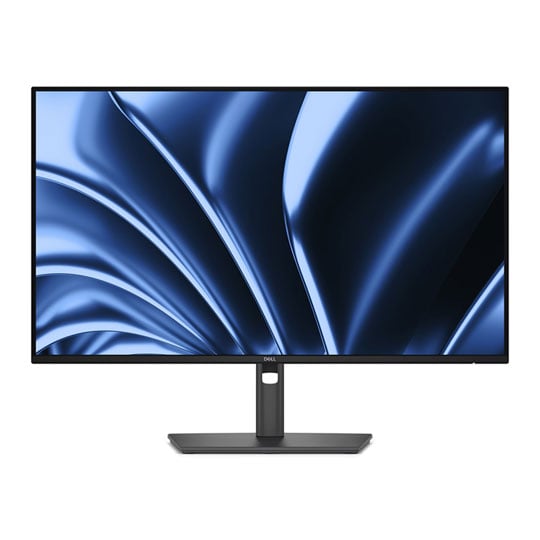
  • Thumbnail 2 : Dell P2726HE 27" Full HD 120Hz IPS Professional USB-C Hub Monitor
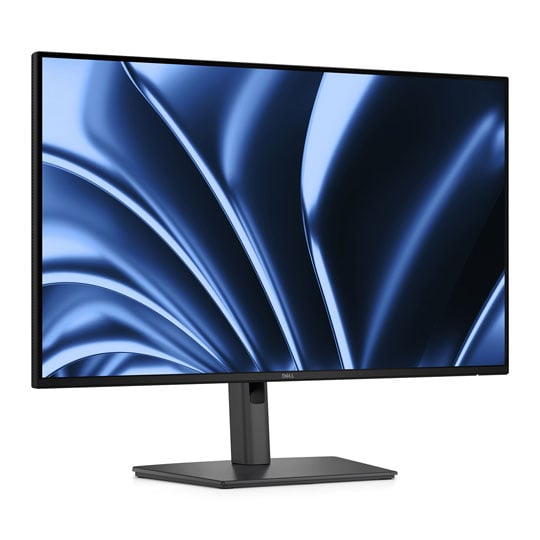
  • Thumbnail 3 : Dell P2726HE 27" Full HD 120Hz IPS Professional USB-C Hub Monitor
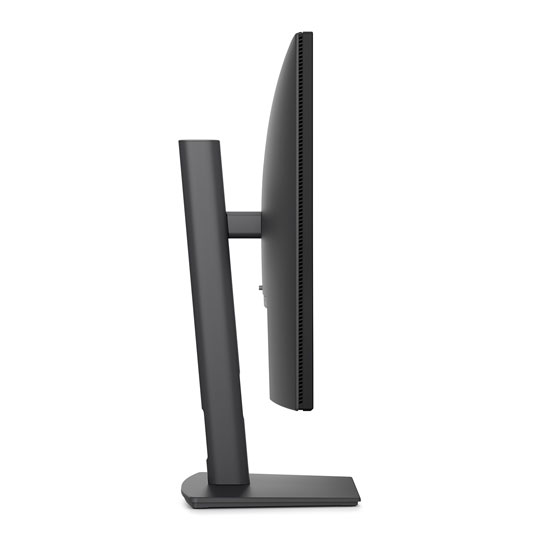
  • Thumbnail 4 : Dell P2726HE 27" Full HD 120Hz IPS Professional USB-C Hub Monitor

Dell P2726HE 27" Full HD 120Hz IPS Professional USB-C Hub Monitor

27” Dell P2726HE Monitor, IPS, 1920 x 1080, 120Hz, 5ms, HDMI 2.1 / DP 1.4 / USB-C Hub

Scan code: LN170376 Manufacturer code: P2726HE
£219.98
Free delivery on this item
Order now and receive it by Monday, 8th June
Get it Monday, 08 JunIn stock
Pay in 3 interest-free payments of £73.33

Email me when the availability or price changes

  • By DPD On 8th Jun Have your parcel delivered by DPD to your specified address. Receive SMS with one-hour delivery window | Free Receive SMS with one-hour delivery window Weekend, timed and European delivery options are available at checkout
  • Collect instore Order online, collect from our Bolton store (25-28 Enterprise Park, Middlebrook, Horwich, Bolton, BL6 6PE) | Free
  • UPS and DPD Pickup Pickup from local convenience store | £4.99 Collect your parcel from your newsagents, petrol stations and convenience stores

Finance this product

  • From £10.75 / month (APR 16.9%) for 24 months or 0% for 4 months
  • Spend over £390.00 and Buy Now, Pay Later or spread the cost of your finance over 24-48 months with a 10% deposit.
  • SCANPROTECT Protect against installation damage for 28 days.

27" Pro P Full HD USB-C Hub Monitor from Dell

27-inch Pro P USB-C Hub Monitor from Dell

Elevate Your Productivity Dell's 27-inch USB-C hub monitor is built for seamless productivity, combining FHD clarity, broad connectivity, and up to 100W power delivery in a clean, clutter-reducing setup. It also emphasises comfort and efficiency with TÜV 4-star eye comfort, a 120Hz refresh rate, vivid colour coverage, and thoughtful quick-access ports for everyday convenience.

Optimised Connectivity and Efficiency

Connect your accessories with a wide variety of ports and enhance efficiency via daisy chaining, all in a clutter-free setup.

Two Dell Pro 27 Plus USB-C Hub monitors side by side on a desk.

Single-Cable Solution Carry video, data, Ethernet, and up to 100W power — all through a single USB-C connection.

Extensive Connectivity Wide port selection for all accessories, with RJ45 ensuring stable Ethernet connectivity.

Remote Manageability Streamline management via DDPM and DDMC, enabling seamless cloud updates—fast, silent firmware deployment.

Work Seamlessly Daisy-chain displays for seamless multitasking, with ultrathin bezels keeping focus across dual screens.

Mounting Compatibility VESA - compatible with an optional snap-on soundbar for enhanced functionality.

Underside of Dell Pro P monitor showing the quick access USB-C ports.

Quick Access Ports Thoughtfully designed with a bottom bezel featuring 2 USB-C (with up to 15W charging) quick-access ports, this monitor offers the convenience of easy connectivity.

Silent Firmware Update

Firmware update user interface.

Uninterrupted Productivity Deliver an exceptional user experience with seamless firmware updates completed in just 2-3 minutes, reducing update time by up to 90%. Updates run during PC disconnect or monitor sleep preventing screen blackouts, along with flexible scheduling of updates ensuring 100% uninterrupted user productivity with guaranteed execution and compliance.

Works with Devices on macOS®

Tested with devices on macOS, this USB-C monitor is ready-to-work with Mac® devices. Requires USB-C or HDMI connectivity. Daisy chaining multiple displays via a single cable requires Thunderbolt connectivity. Please check your device for compatibility, as select M-series chips may not support some features. Install Dell Display and Peripheral Manager application to customise advance settings.

Enhanced Eye Comfort

TÜV 4-Star certified monitor for eye comfort reduces eye fatigue while you work.

Tiger face split with half overlay of no blue light against bluelight.

Reduces Blue Light This monitor features hardware low blue light technology, reducing harmful blue light emissions to ≤35% for all day eye comfort without sacrificing colour.

Email interface split between 120hz and 60hz to highlight smoother scrolling.

Refresh Rate 120Hz refresh rate delivers less flicker, more seamless scrolling and smoother motion.

Under water shot of tropical school of fish to highlight vivid colours.

Vivid Colours Experience wide colour coverage of 99% sRGB and 99% BT.709 with up to 16.7 million displayable colours for vibrant and accurate visuals.

Dell Display and Peripheral Manager

Experience Dell’s singular, innovative application to optimise the performance of your entire Dell PC workspace.

Dell Display and Peripheral Manager

Maximise Productivity Easy Arrange tiles apps with presets, saves layouts, and restores profiles on schedule or startup.

Customise Your Views Work comfortably, day or night. Automate your brightness and contrast settings to match your schedule.

More Manageable Dell Device Management Console streamlines fleet control, with CLI features via Dell Display and Peripheral Manager.

Designed for Comfort and Ease

Adjustability to meet your preferences throughout the day, complemented by an ultra-thin bezel for a sleek design.

Tilt adjustable.

Tilt From -5°/+21°

Swivel adjustable.

Swivel Bi-directional up to 45°

Pivot adjustable.

Pivot Bi-directional up to 90°

Height adjustable.

Height Up to 150 mm

Specifications
Screen Size 27"
Edition P2726HE
Panel Type IPS
Panel Coating Anti-Glare (3H)
Panel Finish  
Touchscreen  
Backlight LED
Pitch Size 0.31140 mm x 0.31140 mm
Curvature  
Adaptive Frame-rate Technology N/A
HDCP No
Connectors
  • 1 x DisplayPort 1.4
  • 1 x DisplayPort Out
  • 1 x HDMI 2.1
  • 1 x RJ45
  • 2 x USB 3.2 Gen 1 Type-C
  • 2 x USB 3.2 Gen1 Type-A
Position Adjustment
  • Height Adjustable
  • Pivot
  • Swivel
  • Tilt
Resolution 1920x1080 (Full HD)
Aspect Ratio 16:9
Max. Refresh Rate 120Hz
Response Time 5 ms
Brightness 300 cd/m²
Viewing Angle  
Contrast Ratio/Dynamic Contrast Ratio 1500:1
Color Gamut  
Color Bit Depth 16.7M Colours
HDR Support No
Supported HDR Standards  
Speakers No
Speaker Configuration  
Web Camera No
Power Usage (Switched on) 14.9 W
VESA 100 x 100
3D Support No
Anti-Theft Features  
Included Accessories
  • 1 x Power Cable
  • 1 x USB Cable
Monitor Colour Black
Dimensions (with stand) 610.69 x 534.56 x 192.28 (WxHxD)
Dimensions (without stand)  
Weight (with Stand) 4.5 kg
Note  
Additional Information
Scan Code LN170376
Model Number P2726HE
GTIN 5397321029519
Warranty

Please note your statutory rights are not affected.

For further information regarding Scan's warranty procedure please see our terms and conditions

Details
Duration:
36 months
Type:
Direct
DOA Period:
7 days
Manufacturer Contact Details
Telephone:
0800 028 2660
Buying Guide
Need help? Read our Monitors Buying Guide
HDR Monitors
HDR Monitors
Date Issued: 11th May 2020

PC monitor manufacturers tend to focus on a particular buzzword or acronym almost every year. In the past, we have been treated to HD (high definition), denoting the screen is capable of running a minimum 720p resolution.

Read More

Display Panel Types
Display Panel Types
Date Issued: 15th May 2015

Choosing a monitor is not an easy decision to make, and not just because of the large number of variations in resolution, refresh rates, sizes and connectivity options. There are also varying panel technologies used to form each display that need to be considered. These panel technologies can be grouped into three broad categories which cover the vast majority of monitors sold in the consumer market.

Read More

Graphics Card Outputs
Date Issued: 8th Oct 2010

Modern desktop computers and notebooks comprise of a CPU, motherboard, graphics, storage, and, usually an optical drive. Computers have a number of ports and sockets that enable the user to plug-in various peripherals such as a printer, USB mouse, or, perhaps most importantly of all, an Internet connection.

Read More

HDMI
HDMI
Date Issued: 3rd Dec 2008

Keeping in tandem with technological developments, audio/video connectors continue to evolve at a steady pace. Today, the most common digital connector comes in the form of HDMI and we're here to tell you what it is, what it does, and why you might need it.

Read More

DVI
DVI
Date Issued: 20th Oct 2008

As you’ll all likely know by now, DVI is the current standard for connection of a PC or other display generator to a digital display output. You’ll recognise the multi-pin connector and know that almost all modern LCD displays have the corresponding input connector, for feeding from your PC. But do you know how DVI works? This TekSpek seeks to teach you how.

Read More

HDTV 720/1080
HDTV 720/1080
Date Issued: 14th Jun 2008

Whether the broadcasters are going HD or not, TV sets and projectors are arriving thick and fast which claim to support higher resolutions than regular telly. But HDTV is far from just one standard – it incorporates a couple of different resolutions, two different scanning modes, and a number of different frame rates. In this article, we present a guide to what all the terms actually mean.

Read More

DVI/HDMI/HDCP
DVI/HDMI/HDCP
Date Issued: 14th Jun 2008

There’s a lot more to High Definition than just having the ability to run your screen at the right resolution. With more than one type of connection available, and the thorny subject of signal encryption to contend with, just because your monitor and graphics are capable of 1,920 x 1,080 or better does not necessarily mean they will be able to display HDTV in all its glory.

Read More

Dell P2726HE 27" Full HD 120Hz IPS Professional USB-C Hub Monitor

PayPal Credit

Monthly Payment: £19.93
Instalment Rate: 16.9% p.a. (fixed)
Cost of purchase: £219.98
Total inc. interest: £239.16
Monthly Payment: £10.75
Instalment Rate: 16.9% p.a. (fixed)
Cost of purchase: £219.98
Total inc. interest: £257.74
Example
Minimum Spend: £99
Instalment Rate: N/A
Cost of purchase: £99
Total inc. interest: £99
If you are approved for a credit limit with PayPal Credit and use it for future purchases, the APR for those purchases won't be more than 23.9% and may be even lower.

Representative Example:

Purchase Rate: 23.9% p.a. (variable)

Representative: 23.9% APR (variable)

Assumed Credit Limit: £1,200

Subject to status. Terms and Conditions apply.