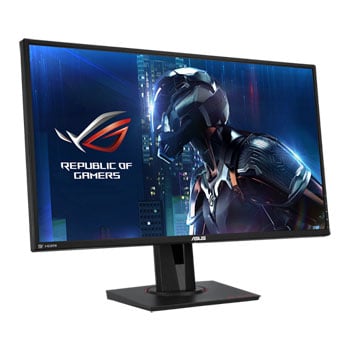

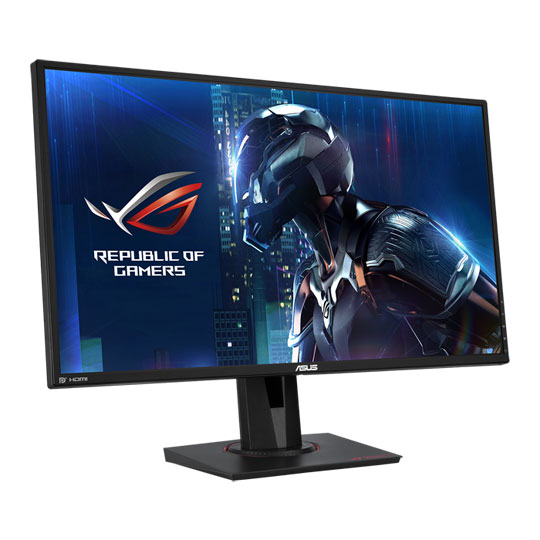



ASUS 27" Quad HD 165Hz G-SYNC Gaming Monitor
27" ASUS ROG Swift PG278QE Monitor, TN, 2560x1440, 165Hz, 1ms, G-SYNC, 1000:1, 350cd/m², HDMI/DP/USB
Email me when the availability or price changes
- SCANPROTECT Protect against installation damage for 28 days.
- 48HR REPLACEMENT If you need to return this item, your replacement will be dispatched within 2 working days of your product arriving back at Scan.
27" ROG Swift QHD Overclockable 165Hz Gaming Monitor with G-SYNC

the must-have weapon for all enthusiast players Embrace the professional gaming arena with all the tools you need to conquer every battle. The ASUS ROG Swift PG278QE Gaming monitor has been stupendously crafted to lead you to victory. Featuring WQHD (2560 x 1440) display and a rapid overclockable 165Hz refresh rate allows you to game with flawless visuals. Integrated NVIDIA® G-SYNC™ technology works by matching the display’s refresh rate to your GPU to provide super-smooth visuals and lag-free gaming. This inspiring monitor features the latest gaming enhancements and technologies, plus innovative design touches to make it a must-have defence for all devotee gamers.
27"Screen Size
2560 x 1440WQHD Resolution
TNPanel Type
Highly Detailed Visuals and more Onscreen Space

impeccable 27-inch 2K/WQHD display Experience a new generation of displays with the ROG Swift PG278QE which features a WQHD 2560 x 1440 resolution for supreme detail in every game. This impressive 27" display delivers four times the resolution of 720p and 109 pixels per inch. Enjoy finer image detail and up to 77% more onscreen desktop space than the standard Full HD (1920 x 1080) displays.

CONVENTIONAL 1920 X 1080 MONITORShows less detail and spacing and less room for work bars on the side with relatively blurrier images.

ROG Swift PG278QEView more detail and spacing with more room for working bars on the side. Images are also much sharper and more detailed.
Ultra-Smooth Graphics for Seamless Gameplay
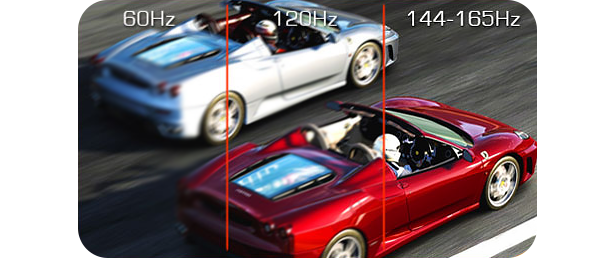
BLAZING-FAST OVERCLOCKABLE 165HZ REFRESH RATE The ROG Swift PG278QE offers an impressive refresh rate of up to 165Hz and 1ms response time. With this, lag and motion blur are drastically reduced to give you better visuals and the upper hand in first person shooters, racers, real-time strategy, and sports titles. This ultra-fast refresh rate allows you to play at the highest visual settings and lets you react immediately to what’s on-screen.
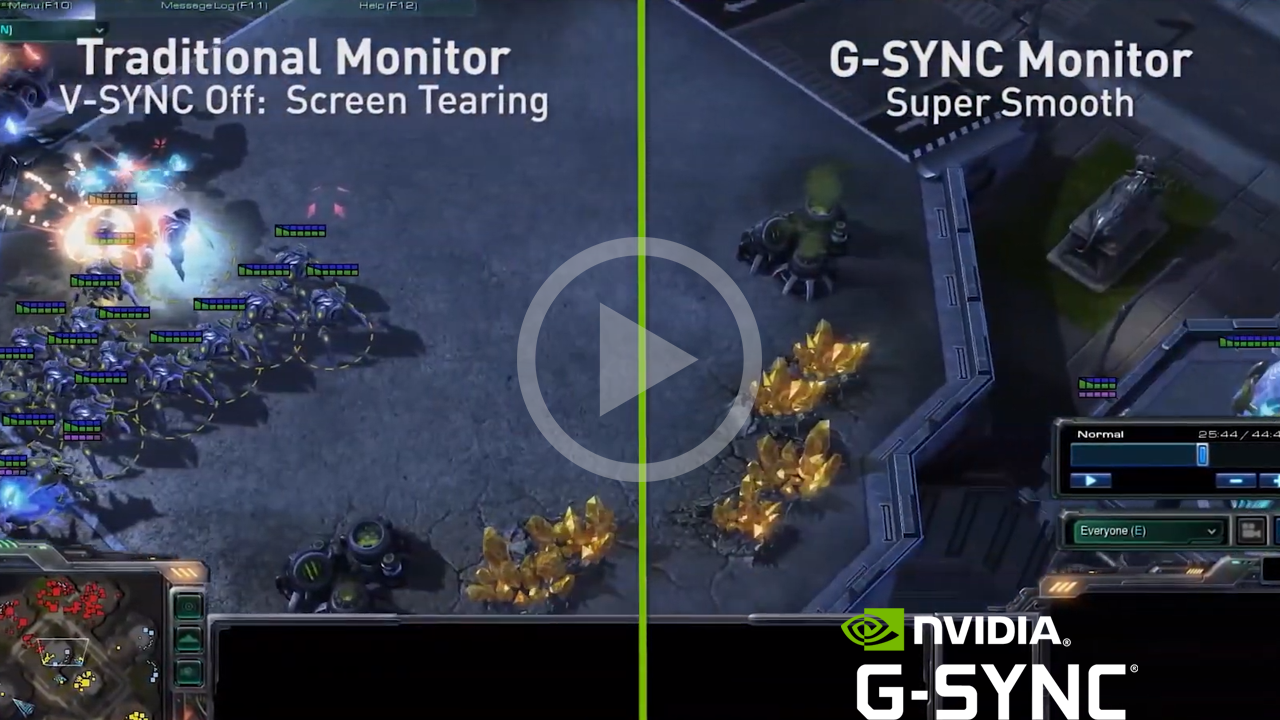
Gain a Competitive Edge with NVIDIA G-SYNC Technology
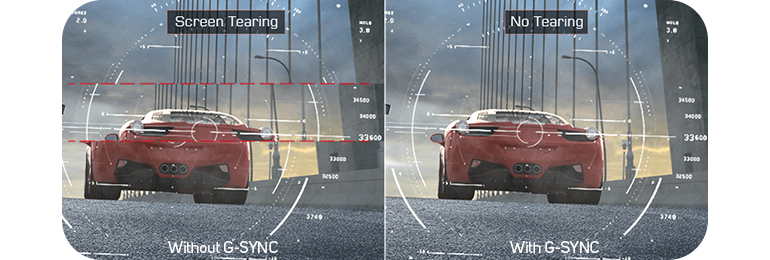
GAME SMOOTHLY AND ELIMINATE LAG The ROG Swift PG278QE incorporates NVIDIA® G-SYNC™ display technology to deliver the smoothest, fastest and most breath-taking gaming imaginable. G-SYNC™ synchronises the monitor’s refresh rate to your graphics card, eliminating screen tearing and minimising display stutter and input lag. The ROG Swift PG278QE allows you to enjoy seamless, smooth and lag-free gameplay when playing the latest fast-paced first-person shooters, sports, and action-adventure titles.
Improve Your Skills with ASUS-Exclusive GamePlus Technology
Gamer-Centric Enhancements Get the most out of your games with the exclusive ASUS GamePlus hotkey, ROG are committed to engineering in-game enhancements for creating the best gaming experiences. This special feature is co-developed with input from professional gamers, allowing them to practice and perfect their gaming skills.

Crosshair An overlay provides four different crosshair options, so you can select the one that best suits the shooter you are currently playing.
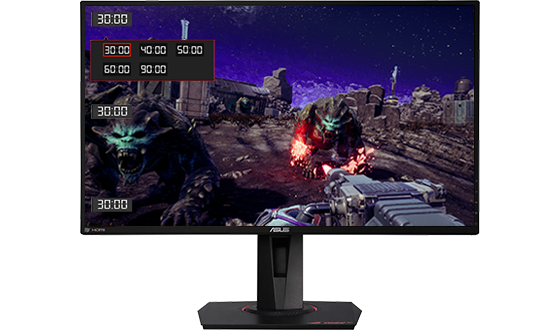
Timer Onscreen timer that can be positioned on the left of the display to keep track of elapsed game time.
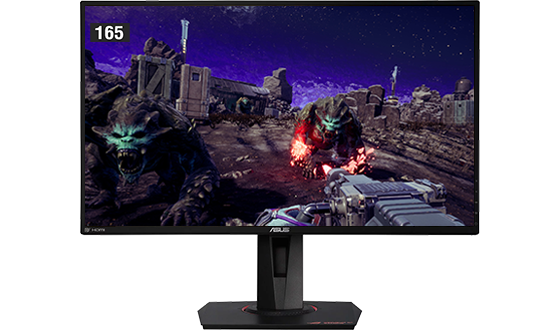
FPS counter The FPS counter lets you know how smoothly the game is running. This can be activated while G-sync is on.
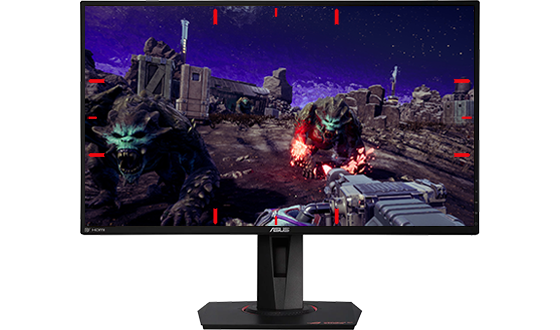
Display alignment Activating the display alignment function gives users three alignment lines on all four corners of the monitor to take the guesswork out of multi-display set-ups, so each monitor lines up perfectly.
Optimize your Imagery with GameVisual Enhancements
ASUS GAMEVISUAL TECHNOLOGY You can use up to six pre-set display modes for various types of games, this provides optimized visuals with GameVisual ASUS-exclusive technology, so you'll always have the best picture for each task.
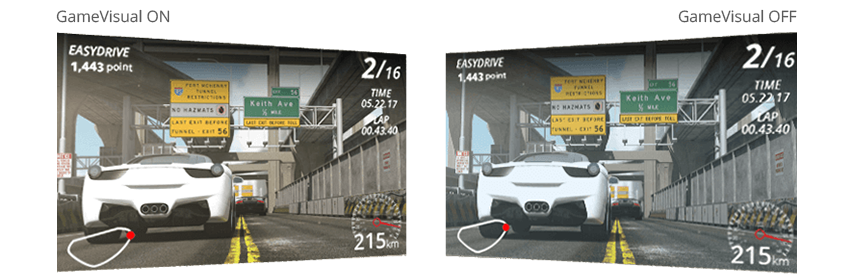
Racing mode Racing mode reduces input lag, making it ideal for fast-paced racing games when G-SYNC technology is on, so you'll never miss even a millisecond of the action.
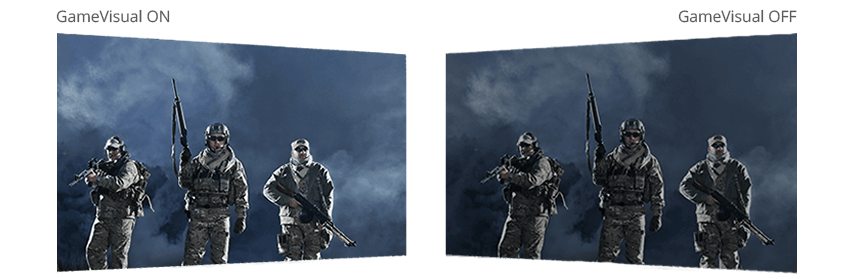
Cinema mode Cinema mode cools and saturates colours to give you a more immersive and cinematic viewing experience.

RTS/RPG mode Enhances colour saturation and contrast sharpness to give you better, brighter colours and detailed visuals for real-time strategy (RTS) or RPG games.
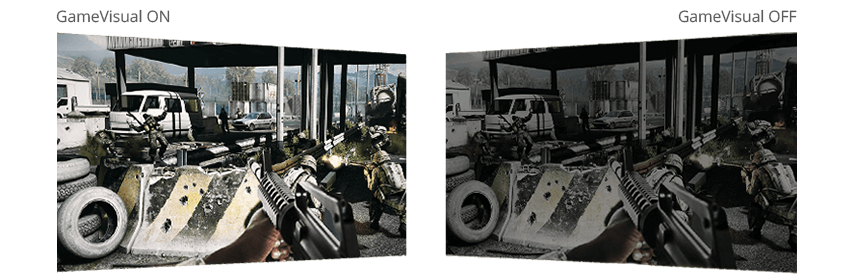
FPS mode FPS mode also enhances colour saturation and contrast sharpness to give you more real-to-life, brighter colours for pristine details even during fast-paced battles.

sRGB mode sRGB mode is perfect for surfing the web or editing photos. Get accurate, realistic colours and enjoy perfectly accurate imagery.
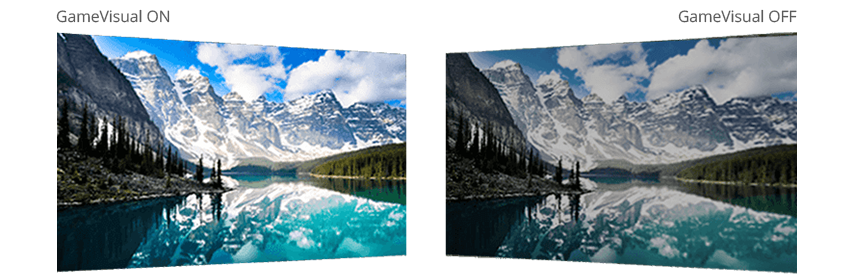
Scenery mode Scenery mode provides more contrast gradations, makes grass greener and skies more blue. This mode is ideal for slideshows and presentations as it gives vibrant and detailed visuals.
Multi-Display Gaming at its Finest
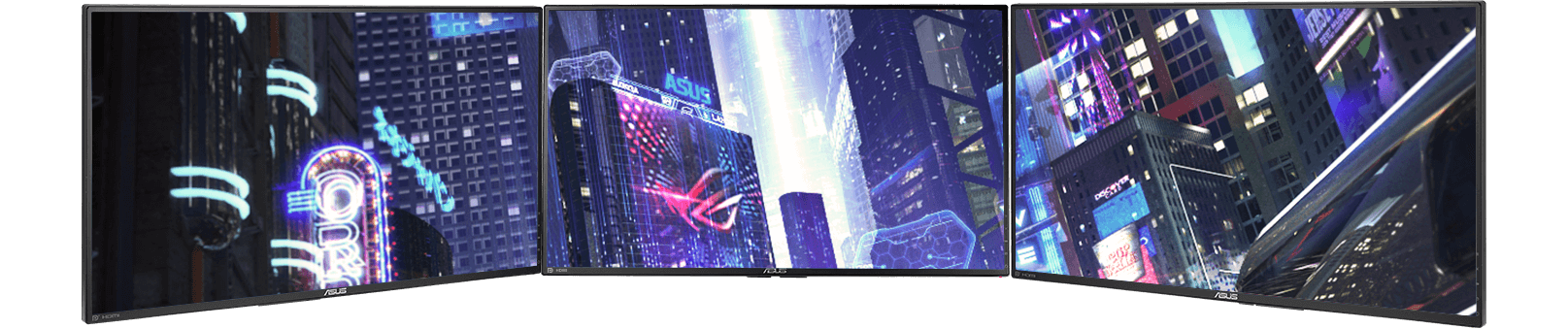
Super-narrow bezel design for seamless multi-display setups
The ROG Swift PG278QE's slim profile and super-narrow 6mm bezel makes it perfect for almost seamless multi-display setups so your eyes move swiftly from one monitor to another.
It can also be VESA wall-mounted – an even easier way to have a multi-display gaming setup.
Extensive Connectivity with Hotkeys
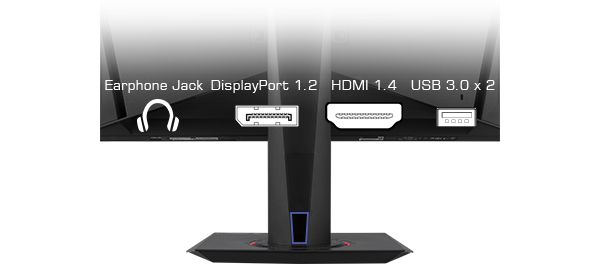
KEEP ORGANIZED WITH SMART CABLE MANAGEMENT Utilize flexible connectivity options for WQHD (2560 x 1440) input via the ROG Swift’s DisplayPort 1.2 and HDMI ports. This versatile display also has two USB 3.0 ports especially for your mouse and keyboard. You can even charge your mobile devices while gaming. The PG278QE also provides a cable management design feature on the back of the monitor to help you organize and hide your cables and keep your gaming area tidy.
Ultra-Low Blue Light Technology

PROTECT YOUR EYES FROM HARMFUL BLUE LIGHT The ROG Swift series helps to prevent eye-fatigue and strain, with the certified ASUS Ultra-low Blue Light filters which protect your eyes from harmful blue light. You can find access to these four filter settings via the on-screen menu, the settings help you when web browsing, reading or word processing and viewing photos and videos.
Game with Reduced Strain on your Eyes
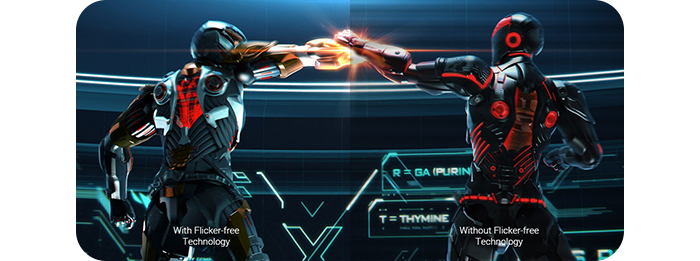
PROTECTIVE FLICKER-FREE TECHNOLOGY Flicker-free technology works to reduce onscreen flicker, giving you a more comfortable, marathon-ready gaming environment. It is designed to minimise eyestrain, headaches and eye fatigue when you're immersed in long gaming sessions. The ROG Swift PG278QE has undergone stringent performance tests and has been certified by TÜV Rheinland laboratories, a global provider of technical, safety and certification services.
Discover the Best Viewing Angle
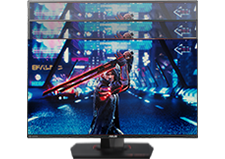
HeightAdjust the screen from
0 ~ 130mm
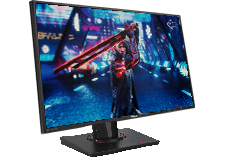
SwivelRotate the screen from
+90° ~ -90°
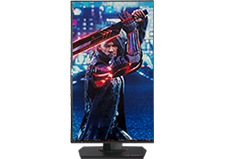
PivotPivot the screen from
90° ~ -90°
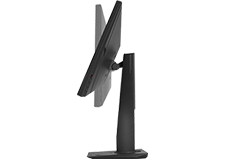
TiltTilt the screen from
+33° ~ -5°
Learn more about NVIDIA G-SYNC Technology