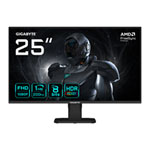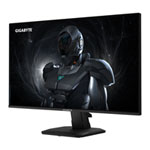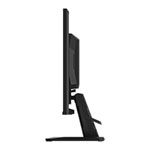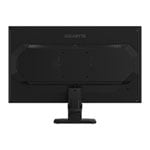

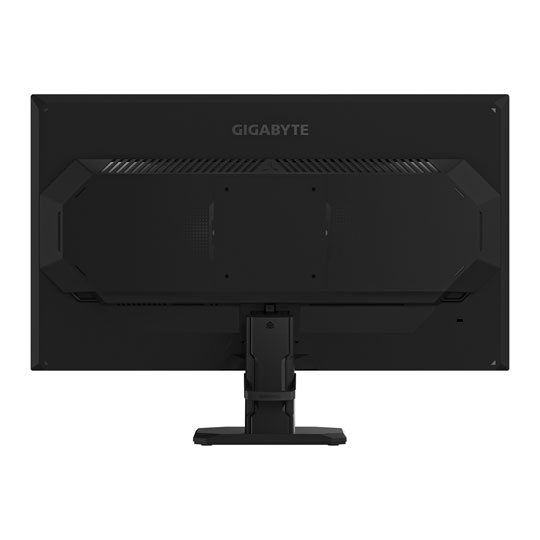
Gigabyte 24.5" GS25F2 FHD 200Hz FreeSync Premium IPS Gaming Monitor
End Of Life
Gigabyte 24.5" GS25F2 FHD 200Hz FreeSync Premium IPS Gaming Monitor
Scan code: LN159479 Manufacturer code: GS25F2
End Of Life
  • Thumbnail 1 : Gigabyte 24.5" GS25F2 FHD 200Hz FreeSync Premium IPS Gaming Monitor
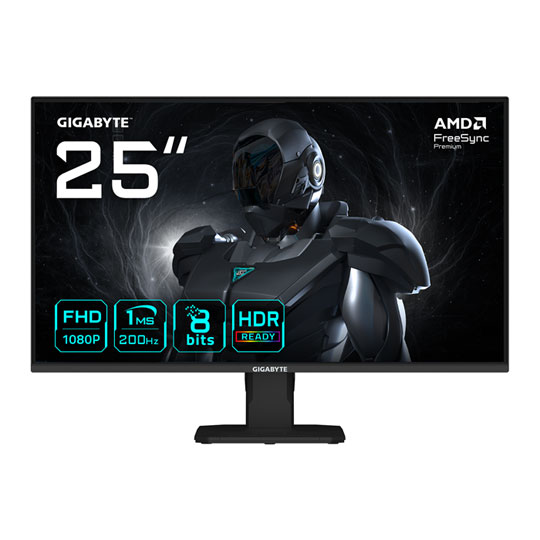
  • Thumbnail 2 : Gigabyte 24.5" GS25F2 FHD 200Hz FreeSync Premium IPS Gaming Monitor
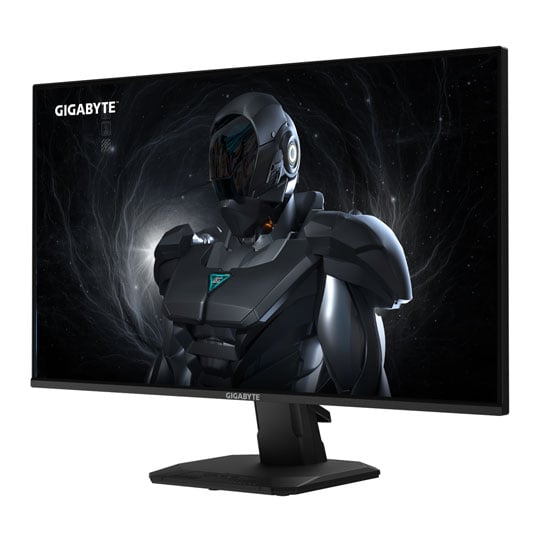
  • Thumbnail 3 : Gigabyte 24.5" GS25F2 FHD 200Hz FreeSync Premium IPS Gaming Monitor
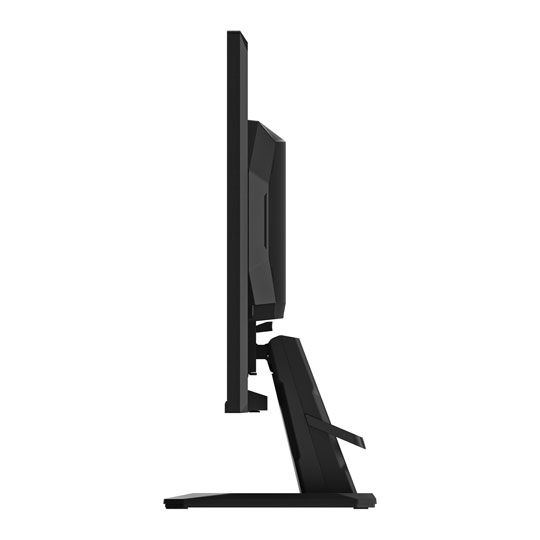
  • Thumbnail 4 : Gigabyte 24.5" GS25F2 FHD 200Hz FreeSync Premium IPS Gaming Monitor
End Of Life

Gigabyte 24.5" GS25F2 FHD 200Hz FreeSync Premium IPS Gaming Monitor

24.5" Gigabyte GS25F2 Gaming Monitor, IPS, 1920x1080, 1ms, 200Hz, FreeSync Premium, 1000:1, 300cd/m², HDMI / DP

Scan code: LN159479 Manufacturer code: GS25F2
End of life
This product is no longer available to purchase.

Email me when the availability or price changes

  • SCANPROTECT Protect against installation damage for 28 days.

24.5" GS25F2 FHD 200Hz FreeSync Premium IPS Gaming Monitor from GIGABYTE
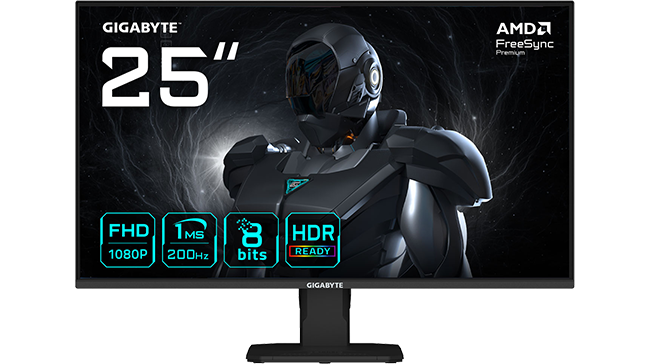
GS25F2

join the fight The 25” SS IPS panel of the GIGABYTE GS25F2, with the FHD screen, 200Hz refresh rate, and 1 ms response time, creates an ideal environment that immerses you in fine details for gaming. With 120% sRGB colour, 8-bit colour depth, and a high contrast ratio of 1000:1, the monitor delivers high image quality, bringing your games and visuals to life with stunning colour accuracy. To ensure you enjoy every battle, we integrate AMD FreeSync Premium, Flicker-Free, and Eyesafe 2.0 technologies with the monitor, dedicated to providing a comfortable stutter-free viewing experience without straining your eyes. Unleash your gaming potential with this compelling combination of quality and affordability.

24.5"Screen Size

200HzRefresh Rate

1920 x 1080Resolution

SS IPSPanel Type

The Finest Visual Experience

180Hz

FHD 200HZWith a high resolution and fast refresh rate, enjoy a more detailed display quality and a fluid gaming experience.

1ms

super speed IPSEnjoy a super-fast 1ms response time, giving you smoother visuals during gaming.

1ms

wide colour gamutExperience true immersion on this fantastic colour display with wide-gamut colour coverage.

Simple but Stylish
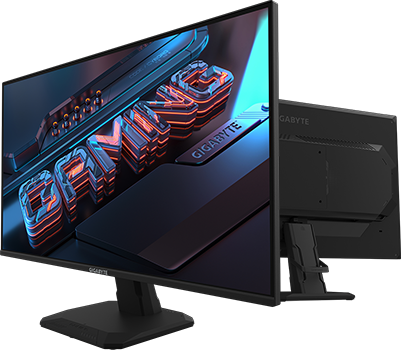
GS27QCA

streamlined design The streamlined appearance represents the simplicity of the GIGABYTE gaming series design. With a sturdy stand and matte finish, built for functionality and aesthetics, adding more to the characteristics.

Impressive Gaming Features

OSD Sidekick

OSD SidekickGIGABYTE's OSD Sidekick allows you to set display options with your keyboard and mouse, giving you an easier way to adjust monitor settings.

Black Equaliser

smart ODSmart OD technology allows the display to dynamically alter its overdrive settings as frame rates fluctuate, ensuring optimal results for any game.

Game Assist

game assistUtilise an on-screen timer, crosshair and aim stabiliser which works to reduce motion blur, giving you extra tools to hone your skills.

Black Equaliser

black equaliserBlack Equaliser deepens the details in darker scenes without affecting other areas, giving you the perfect picture in any scenario so you can easily spot enemies.

Features to Keep you in Play

Flicker-Free

Flicker-FreePreventing eye strain and fatigue.

Eyesafe 2.0

Eyesafe 2.0Other solutions adjust the blue light by shifting color to warmer hues. Eyesafe® certified 2.0 reduces high-energy blue light while maintaining colour performance.

Low Blue Light

Low Blue LightCertified by TÜV Rheinland for eye health protection.

Warranty

Please note your statutory rights are not affected.

For further information regarding Scan's warranty procedure please see our terms and conditions

Details
Duration:
36 months
Type:
Direct
DOA Period:
28 days
RTB Period:
28 months
Manufacturer Contact Details
Manufacturer:
Gigabyte Uk
Buying Guide
Need help? Read our Monitors Buying Guide
HDR Monitors
HDR Monitors
Date Issued: 11th May 2020

PC monitor manufacturers tend to focus on a particular buzzword or acronym almost every year. In the past, we have been treated to HD (high definition), denoting the screen is capable of running a minimum 720p resolution.

Read More

Display Panel Types
Display Panel Types
Date Issued: 15th May 2015

Choosing a monitor is not an easy decision to make, and not just because of the large number of variations in resolution, refresh rates, sizes and connectivity options. There are also varying panel technologies used to form each display that need to be considered. These panel technologies can be grouped into three broad categories which cover the vast majority of monitors sold in the consumer market.

Read More

NVIDIA G-Sync
NVIDIA G-Sync
Date Issued: 17th Dec 2013

G-SYNC works in a surprisingly simple way - it calculates how long the present frame takes to compute and then, crucially, varies the refresh rate of the monitor to match. It works between a minimum of 33.3ms (30fps) and the maximum supported refresh of the display. The key takeaway here is that the graphics card and monitor are both synced up to one another - the monitor doesn't have the limitations imposed by a rigid, fixed-rate scanning routine.

Read More

Graphics Card Outputs
Date Issued: 8th Oct 2010

Modern desktop computers and notebooks comprise of a CPU, motherboard, graphics, storage, and, usually an optical drive. Computers have a number of ports and sockets that enable the user to plug-in various peripherals such as a printer, USB mouse, or, perhaps most importantly of all, an Internet connection.

Read More

HDMI
HDMI
Date Issued: 3rd Dec 2008

Keeping in tandem with technological developments, audio/video connectors continue to evolve at a steady pace. Today, the most common digital connector comes in the form of HDMI and we're here to tell you what it is, what it does, and why you might need it.

Read More

Blu-ray
Blu-ray
Date Issued: 3rd Dec 2008

Blu-ray Disc is now widely regarded as the physical successor to DVD, we take a closer look at what it is, what advantages it brings, and what it could mean to you.

Read More

DVI
DVI
Date Issued: 20th Oct 2008

As you’ll all likely know by now, DVI is the current standard for connection of a PC or other display generator to a digital display output. You’ll recognise the multi-pin connector and know that almost all modern LCD displays have the corresponding input connector, for feeding from your PC. But do you know how DVI works? This TekSpek seeks to teach you how.

Read More

HDTV 720/1080
HDTV 720/1080
Date Issued: 14th Jun 2008

Whether the broadcasters are going HD or not, TV sets and projectors are arriving thick and fast which claim to support higher resolutions than regular telly. But HDTV is far from just one standard – it incorporates a couple of different resolutions, two different scanning modes, and a number of different frame rates. In this article, we present a guide to what all the terms actually mean.

Read More

DVI/HDMI/HDCP
DVI/HDMI/HDCP
Date Issued: 14th Jun 2008

There’s a lot more to High Definition than just having the ability to run your screen at the right resolution. With more than one type of connection available, and the thorny subject of signal encryption to contend with, just because your monitor and graphics are capable of 1,920 x 1,080 or better does not necessarily mean they will be able to display HDTV in all its glory.

Read More

Gigabyte 24.5" GS25F2 FHD 200Hz FreeSync Premium IPS Gaming Monitor