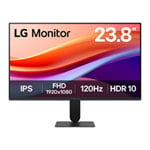


LG 24" 24U411A-B Full HD 120Hz IPS Gaming Monitor
End Of Life
LG 24" 24U411A-B Full HD 120Hz IPS Gaming Monitor
Scan code: LN164988 Manufacturer code: 24U411A-B.AEKQ
End Of Life
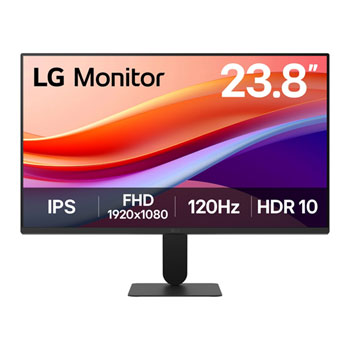
  • Thumbnail 1 : LG 24" 24U411A-B Full HD 120Hz IPS Gaming Monitor
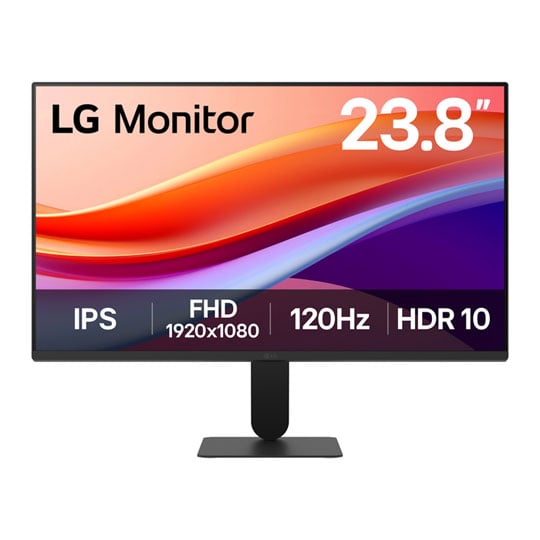
  • Thumbnail 2 : LG 24" 24U411A-B Full HD 120Hz IPS Gaming Monitor
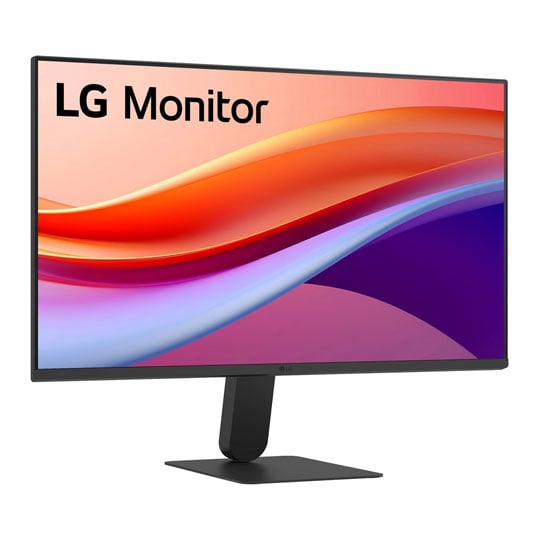
  • Thumbnail 3 : LG 24" 24U411A-B Full HD 120Hz IPS Gaming Monitor
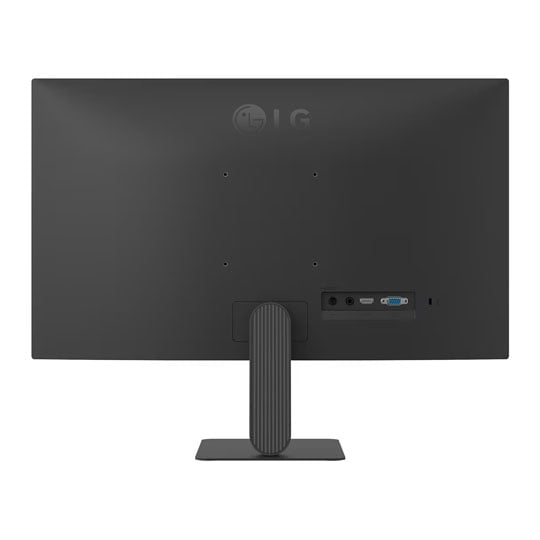
  • Thumbnail 4 : LG 24" 24U411A-B Full HD 120Hz IPS Gaming Monitor
End Of Life

LG 24" 24U411A-B Full HD 120Hz IPS Gaming Monitor

24" LG 24U411A-B Gaming Monitor, IPS, 1920x1080, 120Hz, 5ms, 1500:1, 250cd/m², HDR10, HDMI / VGA / 3.5mm

Scan code: LN164988 Manufacturer code: 24U411A-B.AEKQ
End of life
This product is no longer available to purchase.

24" 24U411A-B Full HD 120Hz IPS Gaming Monitor from LG

24U411A-B

Vivid Colours with Precision The LG 24U411A-B is a 27-inch FHD monitor featuring a 120Hz refresh rate and an IPS panel with 99% sRGB coverage for vivid colour and clarity. It offers various viewing modes such as Dynamic Action Sync, and Black Stabiliser for enhanced gaming. Reader Mode and Flicker Safe ensure comfortable viewing, while the slim design maximises immersion and desktop efficiency.

24"Screen Size

1920 x 1080Full HD Resolution

120HzRefresh Rate

IPSPanel Type

Slim Design, True Colours

Slim Design FHD

27" Full HD IPS DisplayThis Full HD(1920x1080) screen delivers clear visuals with an sRGB 99% (Typ.) colour gamut and 250 nits (Typ.) brightness with 1500:1 contrast ratio.

Almost Floating Ultra-Slim Design

Borderless Panel

Borderless design and slim stand base Experience more screen and less distraction with the ultra-slim bezel and minimal slim stand base, featuring a 4-side virtually borderless design. The floating-like stand enhances the clean, weightless aesthetic, while the seamless screen feel delivers an immersive visual experience—ideal for dual setups or minimalist workspaces.

Fluid Visuals, Seamless Flow

120Hz Refresh Rate

120Hz Refresh RateA fast 120Hz provides a smooth frame loading in various programs. Also, you can enjoy realistic gameplay with less screen stuttering and motion blur.

Fast-Paced Speed to Victory

1ms Response Time

1ms MBR1ms Motion Blur Reduction makes smooth gameplay, reducing blur and ghosting. Dynamic and fast-paced objects amidst all the action can give gamers a competitive edge.

Further Impressive Monitor Features

sRGB 99%

sRGB 99% (Typ.) and HDR 10This LG monitor supports HDR 10 and offers 99% sRGB (Typ.) coverage, providing a wide colour spectrum that enables high-fidelity colour representation for an immersive gaming experience. The vivid colour expression also makes it ideal for creative work, productivity tasks, and casual entertainment alike.

LG Switch app

LG Switch appLG Switch app helps to optimize the monitor to your work and life. You can readily divide the whole display up to 6, change the theme design, or even launch a video call platform with a mapped hotkey.

Dynamic Action Sync

Dynamic Action SyncReducing input lag with Dynamic Action Sync, gamers can catch critical moments in real time and respond quickly.

Black Stabiliser

Black StabiliserBlack Stabiliser helps gamers detect snipers lurking in the darkest corners and swiftly navigate flash explosions.

Adjustable Tilt for your Convenience

Ergonomic Tilt

Head tilt from -5º to 20ºWhether you're watching videos, attending virtual meetings, or switching between apps, the tilt-adjustable display keeps your eyes aligned and focused. Enjoy a more natural, less fatigue experience with smooth angle control from -5° to 20°.

Warranty

Please note your statutory rights are not affected.

For further information regarding Scan's warranty procedure please see our terms and conditions

Details
Duration:
24 months
Type:
Direct
DOA Period:
28 days
RTB Period:
1 months
Manufacturer Contact Details
Manufacturer:
LG ELECTRONICS
Telephone:
0844 847 1400
Buying Guide
Need help? Read our Monitors Buying Guide
HDR Monitors
HDR Monitors
Date Issued: 11th May 2020

PC monitor manufacturers tend to focus on a particular buzzword or acronym almost every year. In the past, we have been treated to HD (high definition), denoting the screen is capable of running a minimum 720p resolution.

Read More

Display Panel Types
Display Panel Types
Date Issued: 15th May 2015

Choosing a monitor is not an easy decision to make, and not just because of the large number of variations in resolution, refresh rates, sizes and connectivity options. There are also varying panel technologies used to form each display that need to be considered. These panel technologies can be grouped into three broad categories which cover the vast majority of monitors sold in the consumer market.

Read More

NVIDIA G-Sync
NVIDIA G-Sync
Date Issued: 17th Dec 2013

G-SYNC works in a surprisingly simple way - it calculates how long the present frame takes to compute and then, crucially, varies the refresh rate of the monitor to match. It works between a minimum of 33.3ms (30fps) and the maximum supported refresh of the display. The key takeaway here is that the graphics card and monitor are both synced up to one another - the monitor doesn't have the limitations imposed by a rigid, fixed-rate scanning routine.

Read More

Graphics Card Outputs
Date Issued: 8th Oct 2010

Modern desktop computers and notebooks comprise of a CPU, motherboard, graphics, storage, and, usually an optical drive. Computers have a number of ports and sockets that enable the user to plug-in various peripherals such as a printer, USB mouse, or, perhaps most importantly of all, an Internet connection.

Read More

HDMI
HDMI
Date Issued: 3rd Dec 2008

Keeping in tandem with technological developments, audio/video connectors continue to evolve at a steady pace. Today, the most common digital connector comes in the form of HDMI and we're here to tell you what it is, what it does, and why you might need it.

Read More

Blu-ray
Blu-ray
Date Issued: 3rd Dec 2008

Blu-ray Disc is now widely regarded as the physical successor to DVD, we take a closer look at what it is, what advantages it brings, and what it could mean to you.

Read More

DVI
DVI
Date Issued: 20th Oct 2008

As you’ll all likely know by now, DVI is the current standard for connection of a PC or other display generator to a digital display output. You’ll recognise the multi-pin connector and know that almost all modern LCD displays have the corresponding input connector, for feeding from your PC. But do you know how DVI works? This TekSpek seeks to teach you how.

Read More

HDTV 720/1080
HDTV 720/1080
Date Issued: 14th Jun 2008

Whether the broadcasters are going HD or not, TV sets and projectors are arriving thick and fast which claim to support higher resolutions than regular telly. But HDTV is far from just one standard – it incorporates a couple of different resolutions, two different scanning modes, and a number of different frame rates. In this article, we present a guide to what all the terms actually mean.

Read More

DVI/HDMI/HDCP
DVI/HDMI/HDCP
Date Issued: 14th Jun 2008

There’s a lot more to High Definition than just having the ability to run your screen at the right resolution. With more than one type of connection available, and the thorny subject of signal encryption to contend with, just because your monitor and graphics are capable of 1,920 x 1,080 or better does not necessarily mean they will be able to display HDTV in all its glory.

Read More

LG 24" 24U411A-B Full HD 120Hz IPS Gaming Monitor