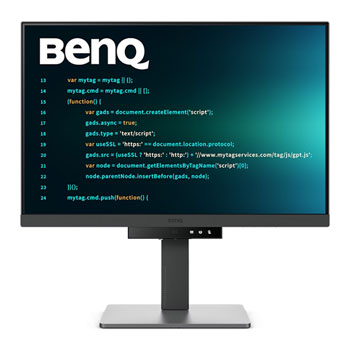
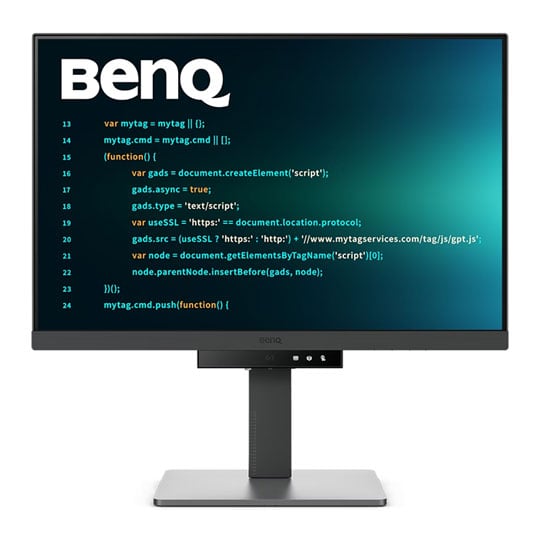
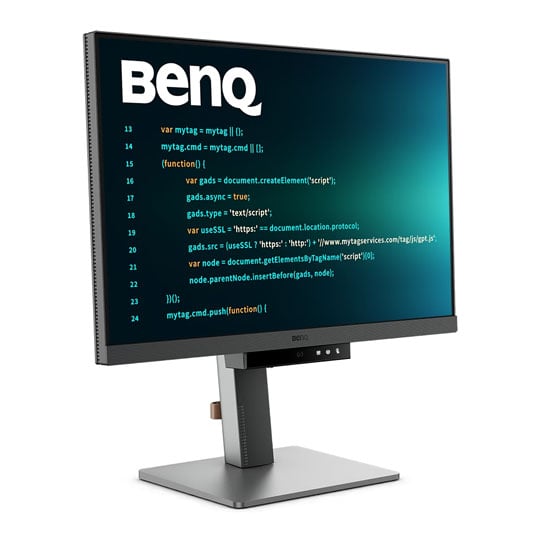
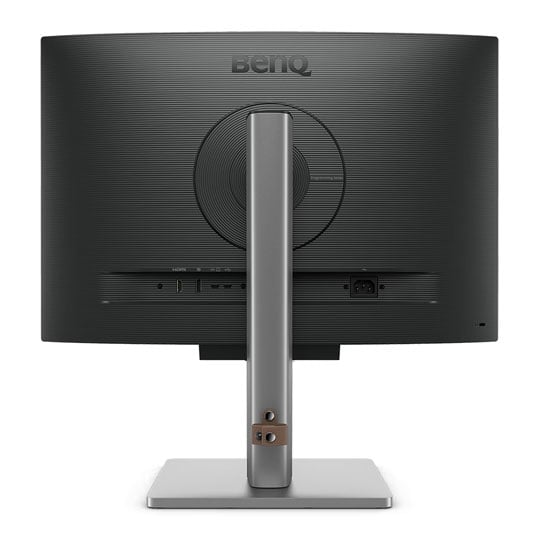


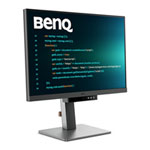
BenQ 24" RD240Q WQXGA IPS 60Hz Programming Monitor
24" BenQ RD240Q Programming Monitor, IPS, 2560x1440, 5ms, 60Hz, 1000:1, 300cd/m², 2x 2w Speakers, HDMI / DP / USB-A/C
Email me when the availability or price changes
Finance this product
- From £17.09 / month (APR 16.9%) for 24 months or 0% for 4 months
- Spend over £390.00 and Buy Now, Pay Later or spread the cost of your finance over 24-48 months with a 10% deposit.
- SCANPROTECT Protect against installation damage for 28 days.
Suggested Alternatives
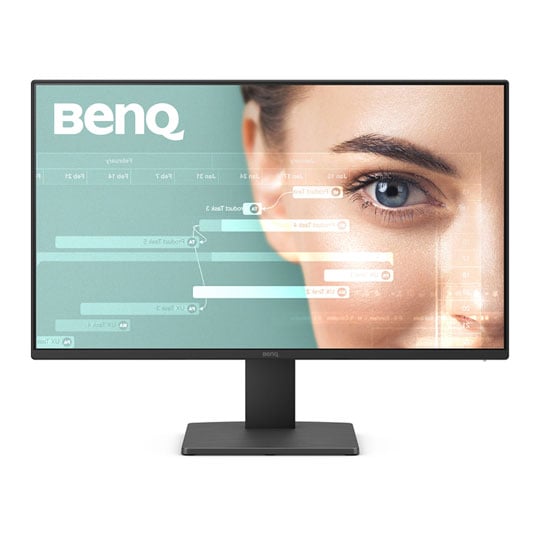
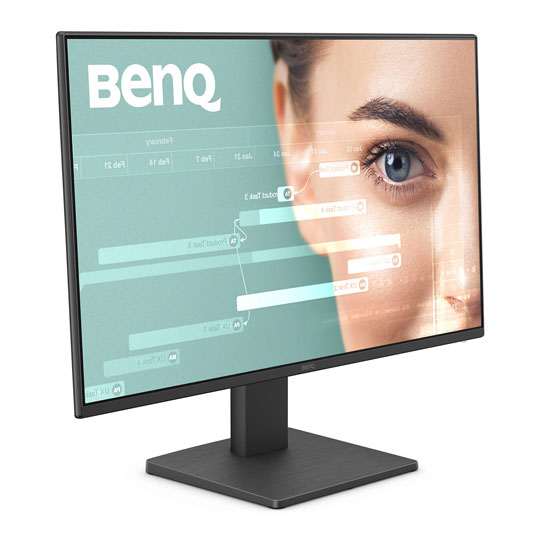
 23.8" BenQ GW2491 Monitor, IPS, 1920x1080, 5ms, 100Hz, 1300:1, 250cd/m², HDMI / DPBenQ 24" GW2491 Full HD IPS 100Hz Monitor
LN155890
No customer review
23.8" BenQ GW2491 Monitor, IPS, 1920x1080, 5ms, 100Hz, 1300:1, 250cd/m², HDMI / DPBenQ 24" GW2491 Full HD IPS 100Hz Monitor
LN155890
No customer reviewKey Specifications
- 23.8" BenQ GW2491 Monitor
- IPS
- 1920x1080
- 5ms
- 100Hz
- 1300:1
- 250cd/m²
- HDMI / DP
£79.99Finance options available when you spend over £99.00Pre order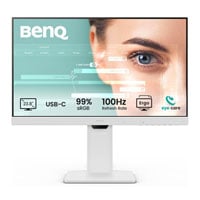
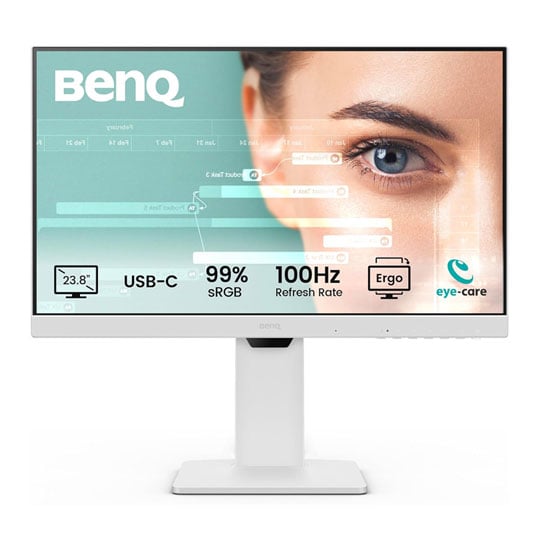
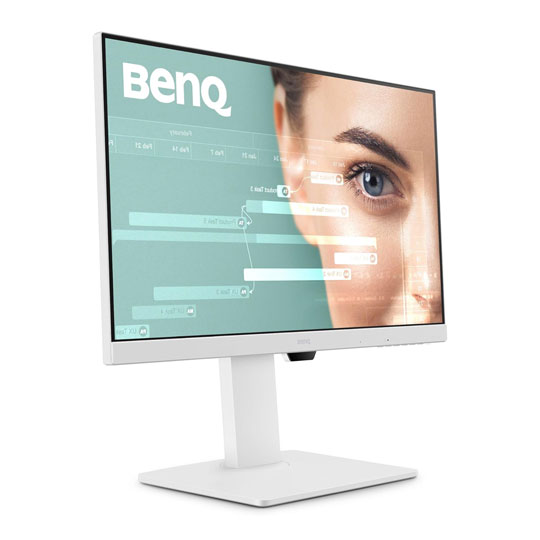 24" BenQ GW2486TC Monitor, IPS, 1920x1080, 5ms, 100Hz, 1300:1, 250cd/m², 2x 2w Speakers, HDMI / DP / USB-A/CBenQ 24" GW2486TC Full HD IPS 100Hz Monitor
LN164866
No customer review
24" BenQ GW2486TC Monitor, IPS, 1920x1080, 5ms, 100Hz, 1300:1, 250cd/m², 2x 2w Speakers, HDMI / DP / USB-A/CBenQ 24" GW2486TC Full HD IPS 100Hz Monitor
LN164866
No customer reviewKey Specifications
- 24" BenQ GW2486TC Monitor
- IPS
- 1920x1080
- 5ms
- 100Hz
- 1300:1
- 250cd/m²
- 2x 2w Speakers
- HDMI / DP / USB-A/C
£159.98Pre order
24" RD240Q WQXGA IPS 60Hz Programming Monitor from BenQ

Astonishing Clarity for the Ultimate Coding ExperienceThe BenQ RD240Q is a 24.1-inch WQXGA (2560 × 1600) programming monitor purpose-built to enhance productivity and comfort for developers and technical professionals. Featuring a 16:10 IPS display, it provides additional vertical screen space, allowing more lines of code or documents to be viewed with less scrolling. BenQ's dedicated Coding Modes optimise text clarity for both light and dark themes, while the advanced anti-glare coating helps minimise reflections for improved focus during extended work sessions. The monitor also incorporates comprehensive Eye-Care technologies, including Brightness Intelligence Gen2, Low Blue Light Plus, Flicker-Free technology, and Night Hours Protection to reduce eye strain. With a fully ergonomic stand offering height, tilt, swivel, and pivot adjustments, alongside 90W USB-C connectivity with DisplayPort Alt Mode and daisy-chain support, the RD240Q delivers a versatile, comfortable, and efficient workspace tailored to modern programming and professional workflows.
24"Screen Size
2560 x 1440Resolution
60HzRefresh Rate
IPSPanel Type


Anti-Glare

WQXGA (2560 x1600)

Coding Modes

Body Comfort

USB Type-C

Superior Code Differentiation BenQ's advanced coding modes ensure crystal-clear fonts and improved code differentiation, reducing eye strain during prolonged use.

Code with Comfort and Efficiency Offer both dark and light themes for adaptable coding environments. Swiftly adjust brightness, sharpness, and contrast for optimal coding conditions.

Assign Different Modes to Applications Application Mode makes it easy to assign different color modes and remembers your frequently-used settings for your applications. Bind your IDE with the RD series' advanced coding modes for the optimal state of flow.

Intelligent Circadian Displays BenQ Low Blue Light Plus includes Circadian Mode, which automatically adjusts your screen's color temperature throughout the day, mirroring the natural sunrise to sunset cycle. Enjoy eye comfort worry-free.

Display Pilot 2 Shortcuts The Exclusive Shortcuts feature allows you to easily bind commonly used functions to the hotkeys. With Display Pilot 2, copying and pasting shortcuts is no longer limited to one set at a time; it conveniently remembers two sets of content at once, enhancing efficiency.

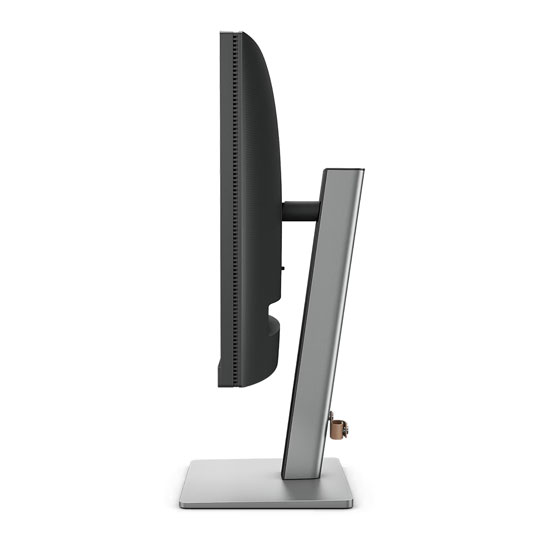
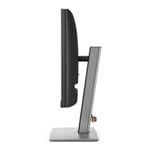
Optimisation for Maximum Physical Comfort Enhance your coding workspace with adjustable height, tilt, pivot, and swivel capabilities for optimal efficiency and comfort. Relieve prolonged neck and body aches. BenQ Programming Monitors prioritise your comfort for long-term projects.

Pivot

Swivel

Tilt

Height Adjustable Stand

Endless Horizons, Intuitive Workflows Whether it's multi-screen integration or single-screen data comparison, a BenQ Programming Monitor meets your multitasking needs. With a rare 16:10 ratio design, RD240Q is crafted for coders to provide an expansive field of view.

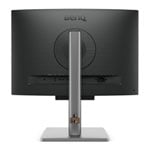
Seamless Connectivity BenQ Programming Monitors offer ample port options, including USB Type-C for all-in-one connectivity. Multi-Stream Transport Technology allows you to extend screens across multiple displays using USB Type-C. The 90W USB Type-C carries images, videos, and other data seamlessly, plus it charges your mobile devices at the same time, all with one cable.

Coding Hotkey and Function Bar Effortlessly boost productivity with the unique Coding HotKey and Function Bar designs. With a swift press of the Coding HotKey at the heart of the function bar, immerse yourself instantly into the coding realm.

Night Hours Protection Discover enhanced eye protection in dark with Night Hours Protection. Its intelligent ambient light detection and auto-switch capabilities require minimal user intervention, ensuring effortless and consistent eye care.

Brightness Intelligence Gen2 BenQ B.I. Gen2 detects the brightness in the environment and automatically adjusts the screen brightness, giving you more customisation and care for your eyes.

Code with Refreshed Eyes For over a decade, BenQ leading Eye-Care Technology has safeguarded your eye health and provided comfort during long hours of screen time. Global safety authority TÜV Rheinland certifies RD240Q's Flicker-Free and Low Blue Light as truly friendly to the human eye. Eyesafe 2.0 certification ensures that the display reduces blue light while maintaining vivid colour.

BenQ’s Green Commitment : A Vision of SustainabilityBenQ prioritizes eco-friendly practices in their product development, underlining their commitment to sustainability. BenQ Programming Monitors incorporate eco-friendly technology, recycled materials, and an energy-efficient design.

85% PCRThe housing of monitors is made with 85% PCR (Post-Consumer Recycled) materials, contributing to environmentally conscious production practices.

Recyclable Cardboard PackingBenQ package their monitors in recyclable cardboard, minimising their environmental impact and promoting eco-friendliness.

Auto Power OffThe Auto Power Off of our feature allows users to automatically power down the screen after 10, 20, or 30 minutes of inactivity, conserving energy and further promoting sustainability.

EcoPrivacySave power and safeguard screen privacy effortlessly with our feature that automatically dims your monitor during inactivity.


PayPal Credit
| Monthly Payment: | £31.71 |
| Instalment Rate: | 16.9% p.a. (fixed) |
| Cost of purchase: | £349.99 |
| Total inc. interest: | £380.48 |
| Monthly Payment: | £17.09 |
| Instalment Rate: | 16.9% p.a. (fixed) |
| Cost of purchase: | £349.99 |
| Total inc. interest: | £410.14 |
| Example | |
| Minimum Spend: | £99 |
| Instalment Rate: | N/A |
| Cost of purchase: | £99 |
| Total inc. interest: | £99 |
Representative Example:
Purchase Rate: 23.9% p.a. (variable)
Representative: 23.9% APR (variable)
Assumed Credit Limit: £1,200
Subject to status. Terms and Conditions apply.