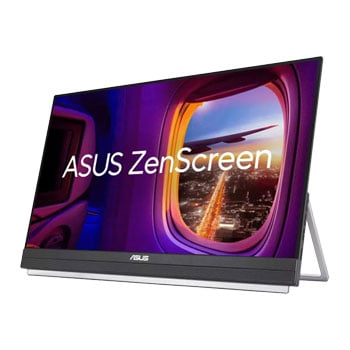
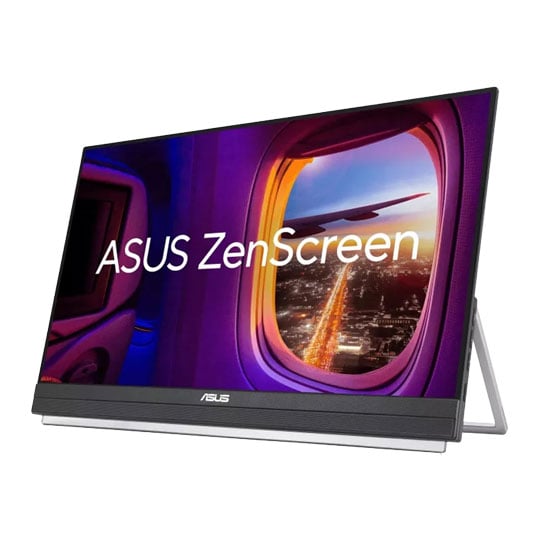


ASUS 22" ZenScreen Full HD Portable IPS USB-C Monitor
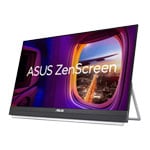
22" ASUS ZenScreen MB229CF Portable Monitor, IPS, 1920x1080, 5ms, 250cd/m², 1000:1, USB Type-C
Email me when the availability or price changes
Finance this product
- From £10.38 / month (APR 0%) for 24 months
- Spend over £390.00 and Buy Now, Pay Later or spread the cost of your finance over 24-48 months with a 10% deposit.
- SCANPROTECT Protect against installation damage for 28 days.
Suggested Alternatives
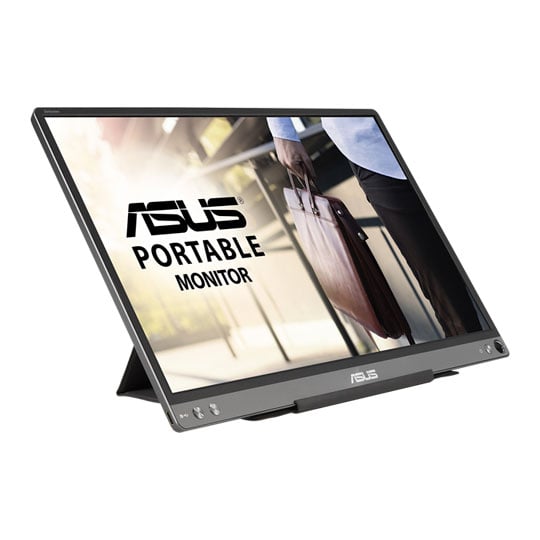
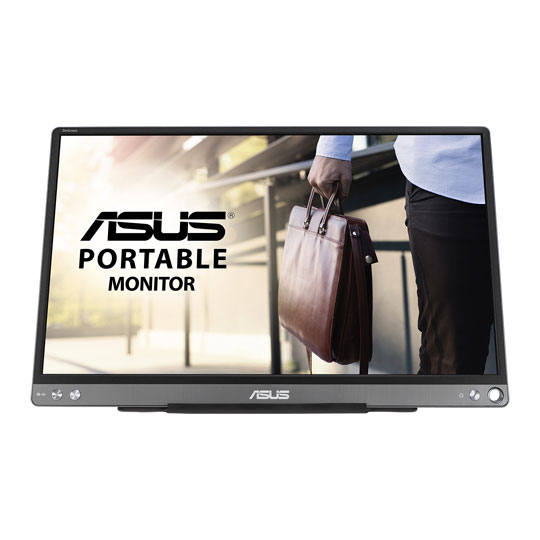
 15.6" ASUS ZenScreen MB16ACE Portable Monitor, IPS, 1920x1080, 5ms, 250cd/m², 800:1, USB-C/AASUS 15.6" ZenScreen Full HD Portable IPS Monitor USB-C/A inc Smart Case
LN111577
Customer Review (7)
15.6" ASUS ZenScreen MB16ACE Portable Monitor, IPS, 1920x1080, 5ms, 250cd/m², 800:1, USB-C/AASUS 15.6" ZenScreen Full HD Portable IPS Monitor USB-C/A inc Smart Case
LN111577
Customer Review (7)Key Specifications
- 15.6" ASUS ZenScreen MB16ACE Portable Monitor
- IPS
- 1920x1080
- 5ms
- 250cd/m²
- 800:1
- USB-C/A
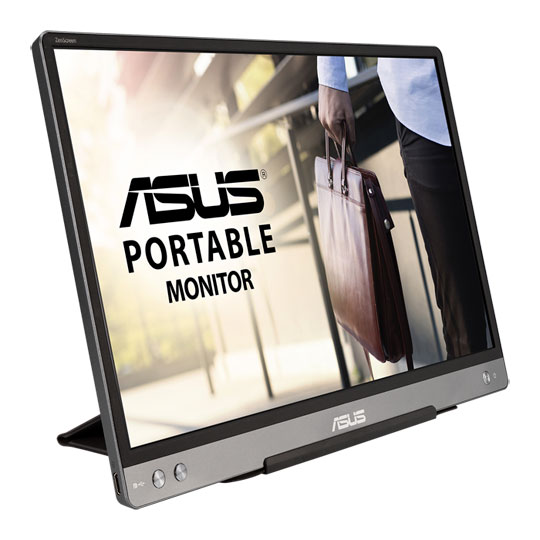
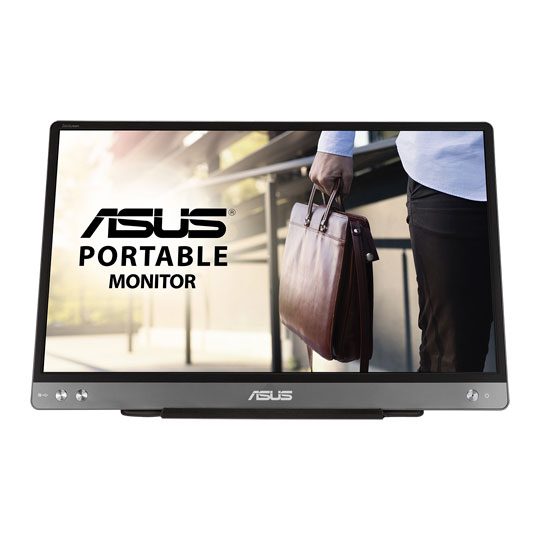 14" ASUS ZenScreen MB14AC Portable Monitor, IPS, 1920x1080, 5ms, 250cd/m², 700:1, USBASUS 14" ZenScreen Full HD Portable IPS USB Monitor
LN115793
Customer Review (1)
14" ASUS ZenScreen MB14AC Portable Monitor, IPS, 1920x1080, 5ms, 250cd/m², 700:1, USBASUS 14" ZenScreen Full HD Portable IPS USB Monitor
LN115793
Customer Review (1)Key Specifications
- 14" ASUS ZenScreen MB14AC Portable Monitor
- IPS
- 1920x1080
- 5ms
- 250cd/m²
- 700:1
- USB
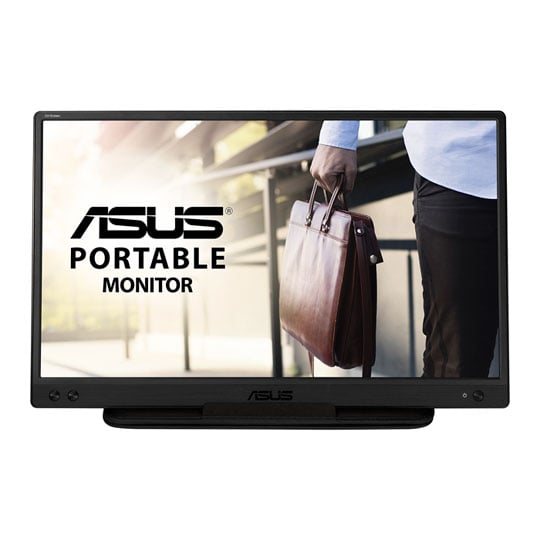
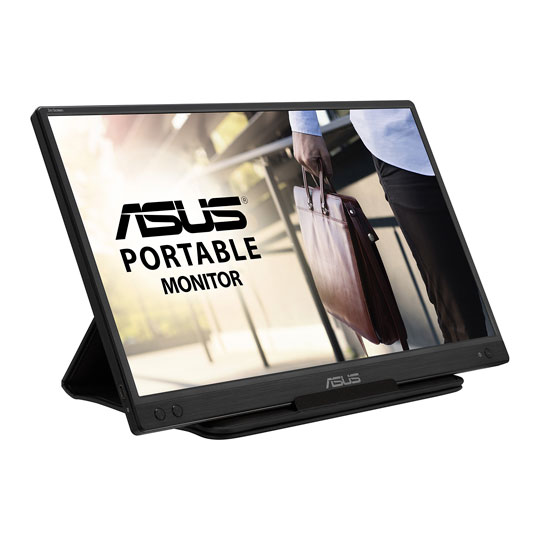 15.6" ASUS ZenScreen MB166C Portable Monitor, IPS, 1920x1080, 5ms, 250cd/m², 800:1, USB Type-CASUS 15.6" ZenScreen Full HD Portable IPS USB-C Monitor
LN127425
Customer Review (4)
15.6" ASUS ZenScreen MB166C Portable Monitor, IPS, 1920x1080, 5ms, 250cd/m², 800:1, USB Type-CASUS 15.6" ZenScreen Full HD Portable IPS USB-C Monitor
LN127425
Customer Review (4)Key Specifications
- 15.6" ASUS ZenScreen MB166C Portable Monitor
- IPS
- 1920x1080
- 5ms
- 250cd/m²
- 800:1
- USB Type-C
RRP: £109.99£93.98Free delivery on this itemFinance options available when you spend over £99.00ETA 1-3 days
22" ZenScreen MB229CF Full HD Portable Monitor from ASUS

Make the Most out of Any WorkstationThe ASUS ZenScreen MB229CF Portable Monitor is a versatile 21.5-inch Full HD display designed to enhance productivity for professionals, remote workers, and content creators. Featuring an IPS panel with a 100Hz refresh rate, this portable monitor delivers smooth visuals, wide viewing angles, and accurate colours for multitasking and media consumption. With USB-C and HDMI connectivity, the ZenScreen MB229CF offers seamless compatibility with laptops, desktops, and mobile devices, while its slim, lightweight design and built-in kickstand make it ideal for both home offices and on-the-go setups. Eye Care technology with flicker-free and low blue light features ensures comfortable extended viewing, making the ASUS ZenScreen MB229CF a reliable second screen solution for modern workflows.
21.5 InchScreen Size
1080 x 1920FHD Resolution
IPSPanel Type
100 HzRefresh Rate

Built for Home and Office


From HomeThe 21.5-inch Full HD screen gives coding, spreadsheets, and research extra space, with a smooth 100Hz refresh rate that keeps navigation comfortable. When work’s done, it’s just as suited to YouTube or tutorials alongside a laptop.

In the OfficeIn office spaces, ZenScreen MB229CF adds practical screen space where it matters. It’s ideal for spreadsheets, code reviews, or keeping reference material visible, with flexible positioning that suits desks, partitions, and shared work areas.
Excellent Ergonomics

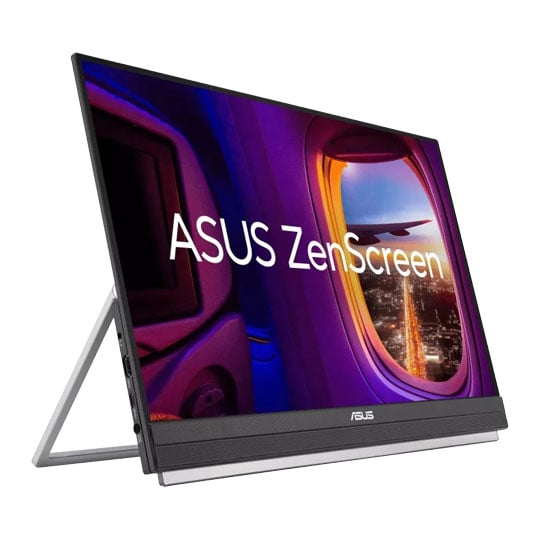
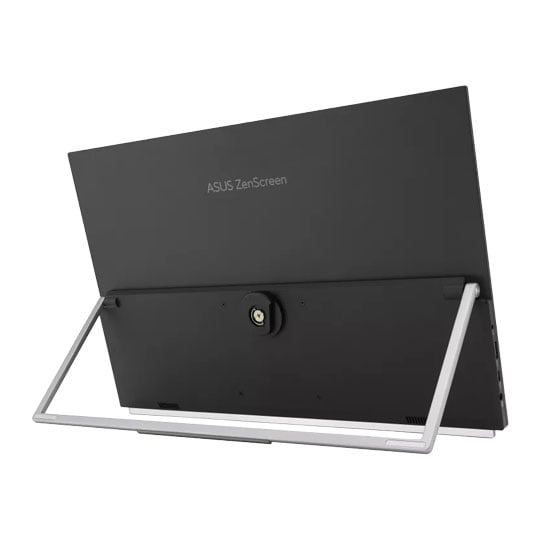
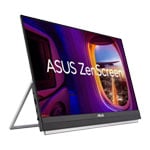
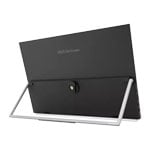
Fold-out kickstandThe carrying handle does double duty as a kickstand to securely prop ZenScreen MB229CF up at 12–60° on any flat surface, ensuring comfortable viewing angles. Perfect for multitasking or for demonstrations to small groups.

Partition MountedThe unique partition kit helps you free up space by enabling you to hang ZenScreen MB229CF from cubicle partitions or dividers. Offering 150 mm of height adjustment, the hanger kit lets you raise or lower the screen to eye level for perfect viewing.

C-clamp armThe C-clamp arm allows you to tilt and pan ZenScreen MB229CF to eye level. It offers -5˚-20˚ tilt, -90-90˚swivel, -90-90˚ pivot, and extension/retraction adjustments of up to 144mm. A quick-release mechanism allows you to easily mount or detach the monitor.

Fold-out kickstandThe carrying handle does double duty as a kickstand to securely prop ZenScreen MB229CF up at 12–60° on any flat surface, ensuring comfortable viewing angles. Perfect for multitasking or for demonstrations to small groups.

Partition MountedThe unique partition kit helps you free up space by enabling you to hang ZenScreen MB229CF from cubicle partitions or dividers. Offering 150 mm of height adjustment, the hanger kit lets you raise or lower the screen to eye level for perfect viewing.

C-clamp armThe C-clamp arm allows you to tilt and pan ZenScreen MB229CF to eye level. It offers -5˚-20˚ tilt, -90-90˚swivel, -90-90˚ pivot, and extension/retraction adjustments of up to 144mm. A quick-release mechanism allows you to easily mount or detach the monitor.
Big on Convenience

Position and ViewZenScreen MB229CF is larger than most portable monitors, and its frameless FHD IPS panel delivers up to 22-inch stunning diagonal visuals and wide, 178° viewing angles. Its 2.2 kg design and convenient carrying handle makes hotdesking easy―so any space can be transformed into a productive work area.
Immersive Audio for Work and Play

Powerful SoundWith 2.1 channel audio speakers deliver incredible sound, so you can enjoy immersive audio when watching videos, listening to music, or when gaming.
ASUS Eye Care Technology

ASUS Flicker Free TechnologyTÜV Rheinland-certified ASUS Flicker Free technology eliminates flicker, ensuring comfortable viewing experiences. This technology helps minimize eyestrain and other ailments typically associated with extended hours of viewing.

ASUS Blue Light FilterThe TÜV Rheinland-certified ASUS Blue Light Filter can be easily engaged via the onscreen display menu, with an intuitive slider allowing you to set your preferred filter level. All ASUS displays undergo stringent performance tests.
Simple Connectivity
All the EssentialsA variety of I/O ports ensure compatibility with a wide range of devices. Integrated USB-C connectivity provides audiovisual signal transmission along with 60-watt power delivery, and HDMI® and an earphone jack offer convenience.

Power Input

USB-C with 60W PD / DP

HDMI Port

Headphone Jack
NOTE: You can power THE MB229CF with a single USB-C connection, though monitor brightness will be limited.


PayPal Credit
| Monthly Payment: | £20.75 |
| Instalment Rate: | 0% p.a. (fixed) |
| Cost of purchase: | £248.99 |
| Total inc. interest: | £248.99 |
| Monthly Payment: | £10.38 |
| Instalment Rate: | 0% p.a. (fixed) |
| Cost of purchase: | £248.99 |
| Total inc. interest: | £248.99 |
| Example | |
| Minimum Spend: | £99 |
| Instalment Rate: | N/A |
| Cost of purchase: | £99 |
| Total inc. interest: | £99 |
Representative Example:
Purchase Rate: 23.9% p.a. (variable)
Representative: 23.9% APR (variable)
Assumed Credit Limit: £1,200
Subject to status. Terms and Conditions apply.