CONTENT HUB

What is AI Hardware?
AI hardware is the specialised components within computer systems that power the complex processing required to develop, train and deploy AI models. This blog will clearly explain everything you need to know.
AI hardware includes the Central Processing Unit (CPU), and one or more Graphics Processing Units (GPU(s)). For example, a desktop PC will contain a mid-range CPU and GPU in order for it to perform everyday compute tasks and support graphics and video applications. In contrast, an AI workstation will be configured with a high-end CPU and multiple high-end GPU cards to provide the parallel compute performance required for AI.
What Hardware is Needed for AI?
The primary hardware needed for AI is CPU(s) and GPU(s), however the exact configurations will depend on the stage of the AI journey - development, training or inferencing.
Development
This is where a model is built and tested. An entry-level system may feature an Intel Core 7 or AMD Ryzen 7 CPU connected to single consumer-grade NVIDIA GeForce RTX 5080 GPU. This can be in either a laptop or desktop PC depending on your needs for portability or expandability.
More demanding AI development will need an AI workstation with an Intel Core 9 or AMD Ryzen 9 CPU and multiple GeForce RTX 5090 GPUs (for cost effectiveness) or multiple professional-grade RTX PRO 6000 GPUs (for ultimate performance).
Training
Training is much more demanding than development, so more powerful hardware is required. Typically, a server will contain twin Intel Xeon or AMD EPYC CPUs and eight datacentre-grade NVIDIA GPUs. Frequently, multiple such servers will be connected together on a high-speed network to create a large GPU cluster that acts as a single powerful unit.
Inferencing
Inferencing large models will be carried out on the same hardware as training, however deploying AI models in the real world will require much smaller and less power-hungry GPUs such as the embedded NVIDIA Jetson range.
AI Computing Hardware Explained
CPU
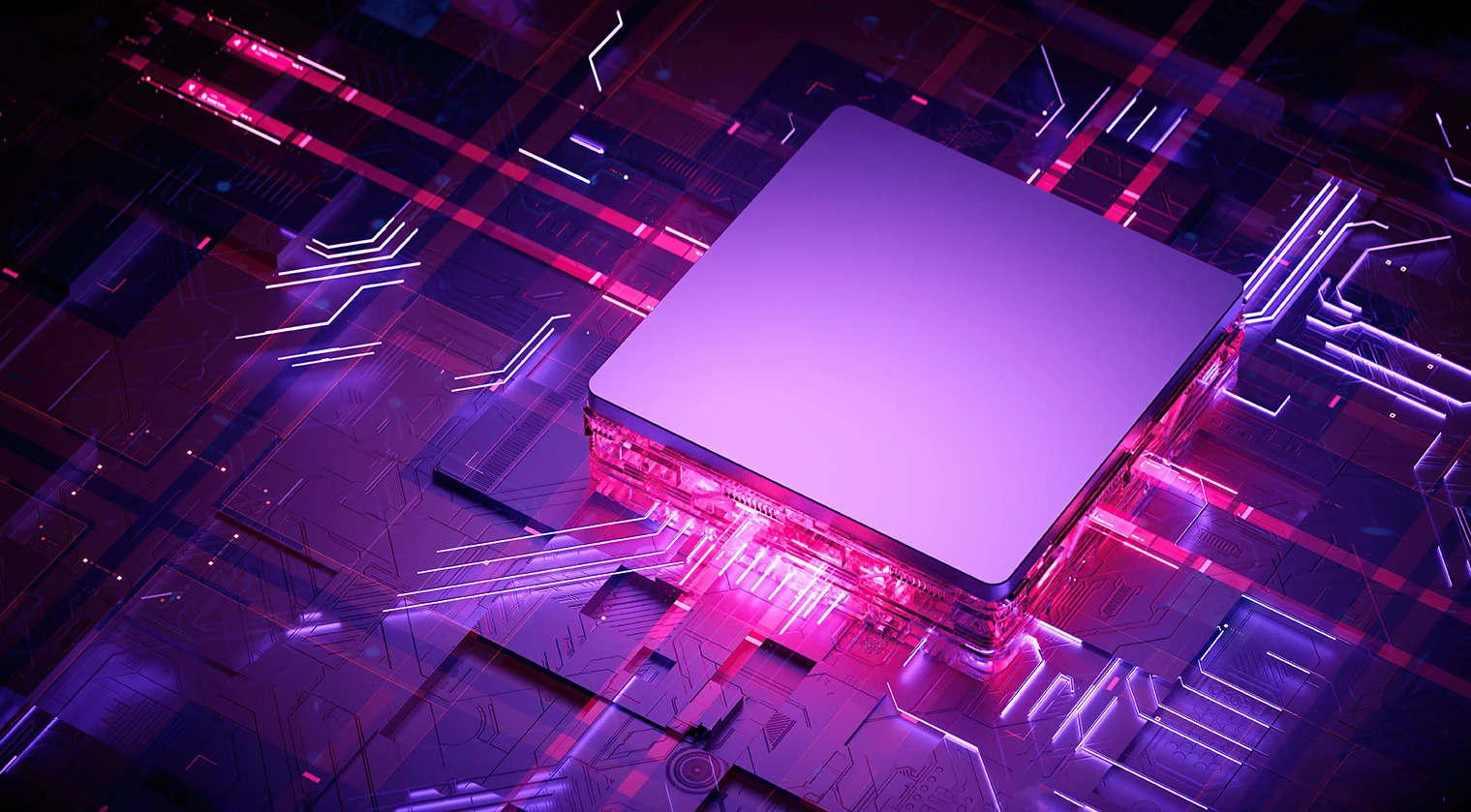
A CPU acts as an AI system's orchestrator, managing data pipelines, pre-processing information, and handling logical or sequential tasks (one after the other), using tens or hundreds of powerful cores. They may also run lightweight small AI models.
GPU
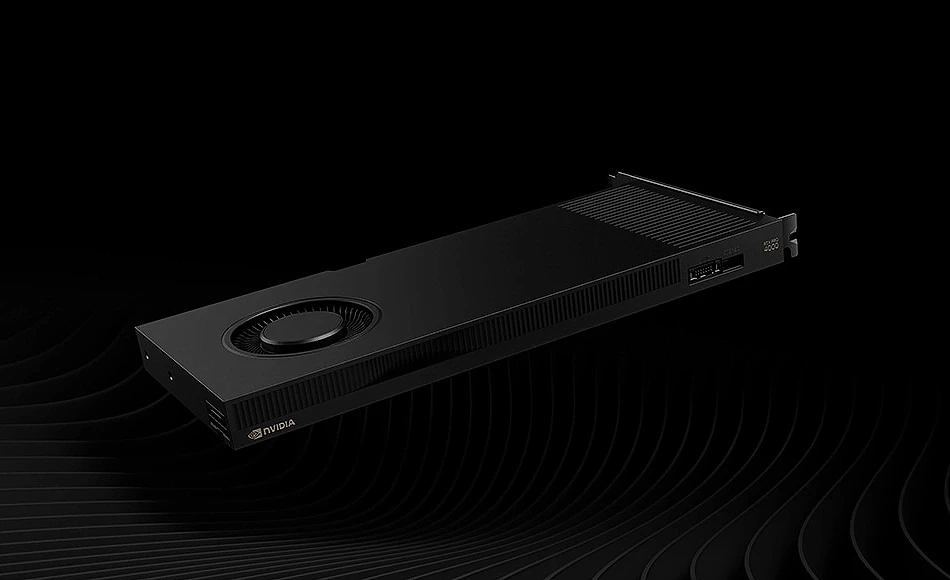
A GPU rapidly processes and renders visual information or performs mathematical calculations, by performing thousands of actions per second in parallel (simultaneously) across many thousands of simpler but focused cores. GPUs deliver greater parallel processing power and shorter time to results than CPUs.
NPU
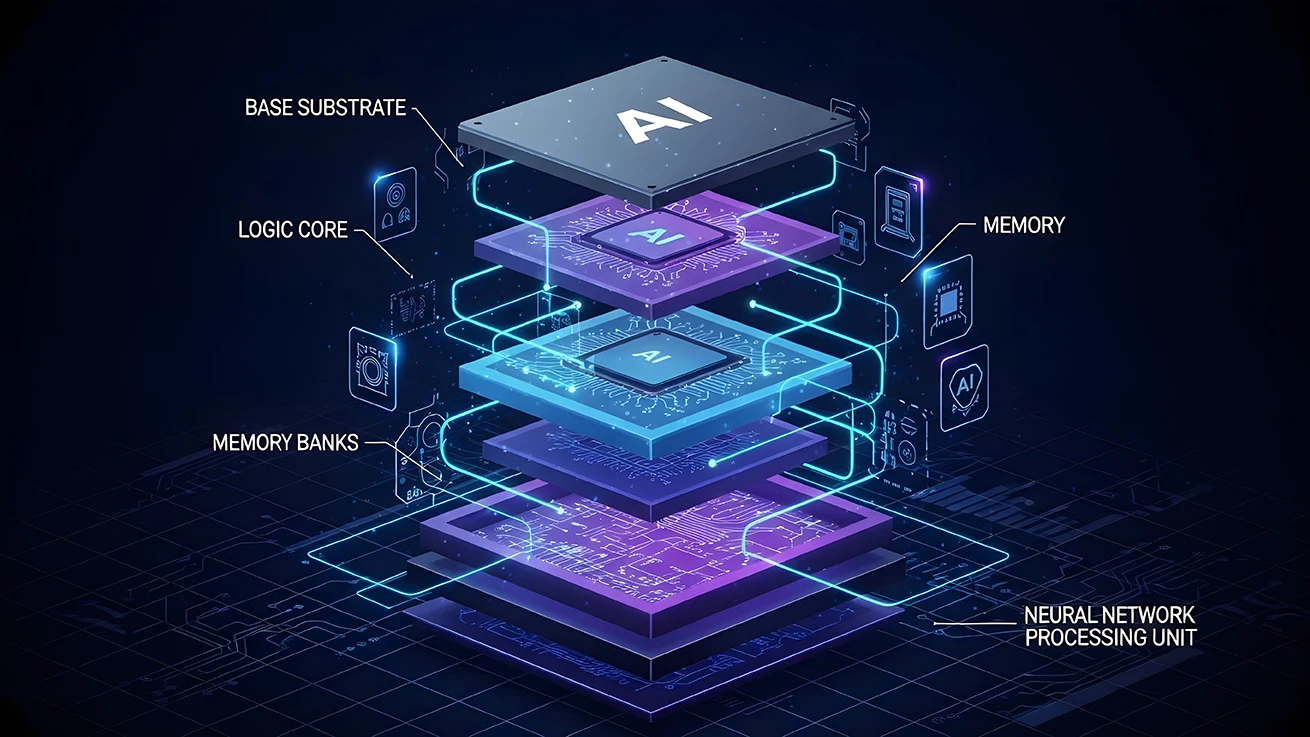
A Neural Processing Unit (NPU) is a specialised chip that processes AI algorithms locally with high efficiency and low power consumption. An NPU is often integrated into laptop or desktop CPUs to accelerate AI performance in the absence of a dedicated GPU.
TPU
A Tensor Processing Unit (TPU) is a specialised, integrated circuit designed to accelerate the mathematical calculations and matrix operations required for training and running AI models. They are usually employed in cloud compute platforms, rather than local hardware.
You can decode more AI jargon by reading our glossary.
GPU vs CPU for AI
For small models a CPU may be suitable, however a dedicated GPU is recommended for scale and speed. In larger systems the CPU and GPU work together to prepare and execute the workloads.
| CPU | GPU | |
|---|---|---|
| Small Models | ✔ | ✔ |
| Mid-size Models | ✖ | ✔ |
| Large Models | ✖ | ✔ |
| Data Pre-processing | ✔ | ✖ |
| Orchestration | ✔ | ✖ |
Consumer vs Enterprise AI Hardware
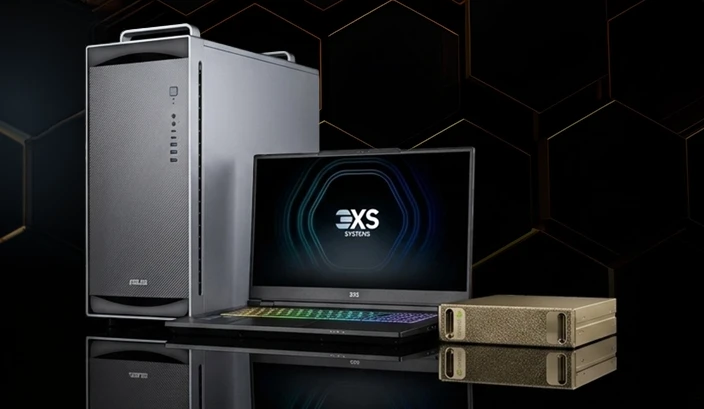
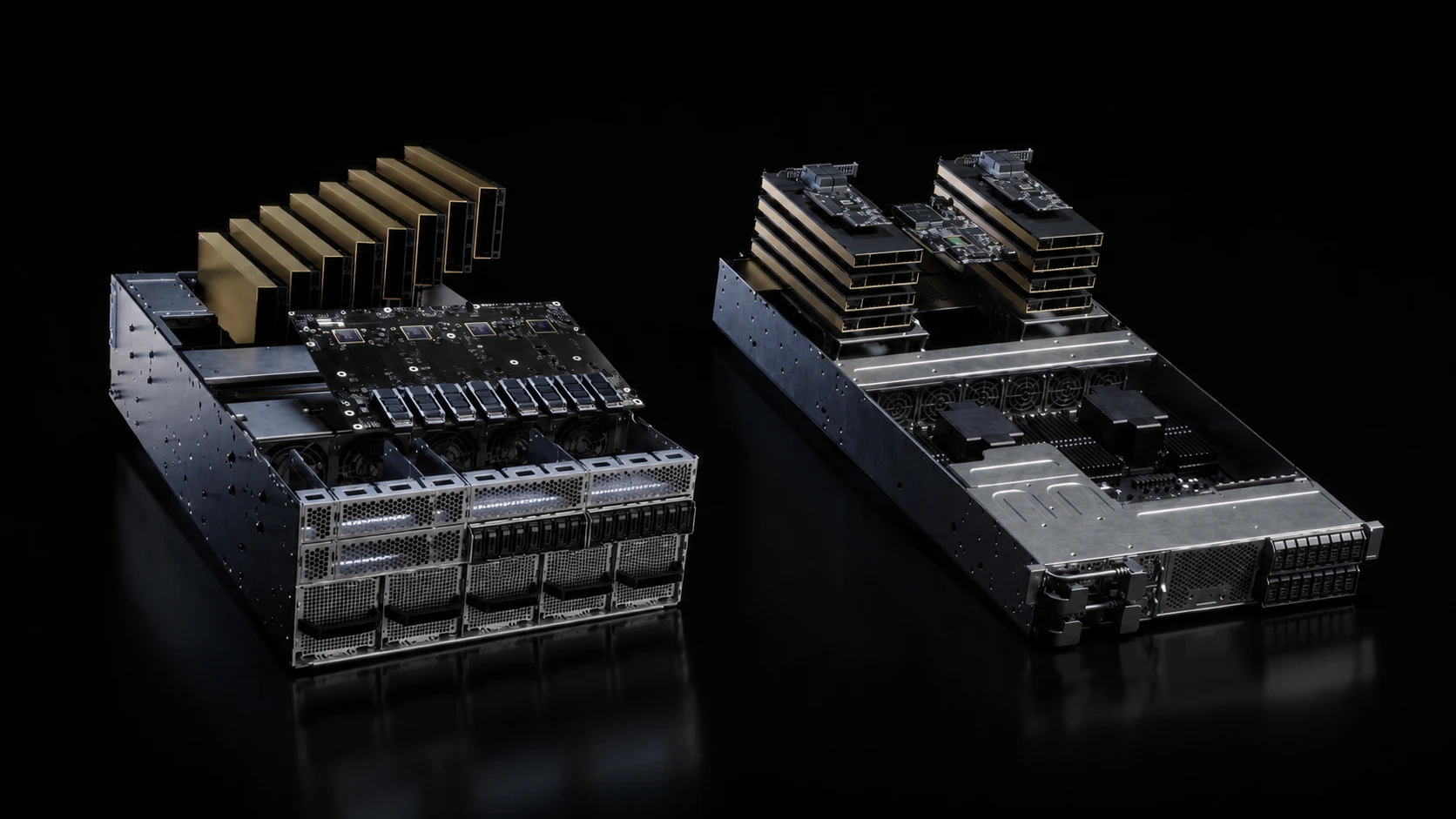
Consumer AI hardware is aimed at local AI assistant tasks and basic model development, whereas enterprise AI hardware is aimed at training and scaling complex AI models. A laptop with an NPU within the CPU will be able to search files and perform automated tasks such as summarising and setting rules for email replies.
In contrast, a workstation or server with multiple GPUs will be capable of scaling, training and fine-tuning advanced AI models, often running several at a time, without cross-contamination.
Local vs Cloud AI Infrastructure
Whatever the scale of AI hardware, it can be accessed locally (your desktop, workstation or server) or in the cloud (remote hardware that you access over the Internet). Local hardware offers the benefits of data security but scalability is limited unless you upgrade the GPU. In contrast, cloud infrastructure offers flexibility and scalability, in that you can access it from anywhere and you can select the hardware to match your task.
A hybrid approach is often best, choosing your local hardware to cope with 70-80% of your AI workloads and bursting to a cloud service for extra compute as and when required.
AI Hardware Use Cases
Training
Large-scale AI hardware is used to train and fine-tune models using massive datasets, to get them to a point where less powerful hardware can deliver results when exposed to unseen data.
Inferencing
Inferencing is the results phase of the AI journey, where a trained model is deployed to look at previously unseen data and apply what it has learnt.
Generative AI
This is a form of inferencing where a trained model can generate new content when prompted. A model may be trained on many thousands of texts, so it understands context and is able to write a new poem in a particular style when asked.
Agentic AI
This form of inference takes generative AI one step further and allows the model, such as a customer service agent, to reason and make decisions so that its responses are human-like and have relevant context.
Edge AI and Robotics
This is simply inferencing out in the real world (think cameras capturing video footage to be analysed) or in robotic applications, where robots exhibit learned behaviour so they can safely interact with humans (often called physical AI).
How to Choose AI Hardware
Choosing AI hardware is not a straightforward task, as there are several factors to be considered. Workload size, how it will scale and the budget you have are all key. A good solution should be one that offers some room for growth as AI models scale quickly, and if possible keep some budget aside for bursting out to the cloud when more power is required.
It may also be wise to choose an AI partner for expert advice and / or infrastructure management or consultancy, as this could help guide your decisions and save you time and money in the long run. Read our seven-part A-Z of AI blog series to learn more.
FAQs
What is the best hardware for AI?
The best AI hardware is a system that contains the combination of CPU and GPU that suits your needs now and into the future. Learn more by reading our AI Development and AI Training & Inferencing Buyers Guides.
Can AI run without a GPU?
Local AI assistant type tasks and small lightweight AI models will run without a dedicated GPU, however as models scale quickly, a system with a dedicated GPU is always recommended.
What is training vs inference?
AI training is the phase where a model learns from vast datasets to identify patterns, while inference is the active phase where the trained model applies that knowledge to new, unseen data to make predictions or generate outputs.