AI-assisted and Cloud-connected editing
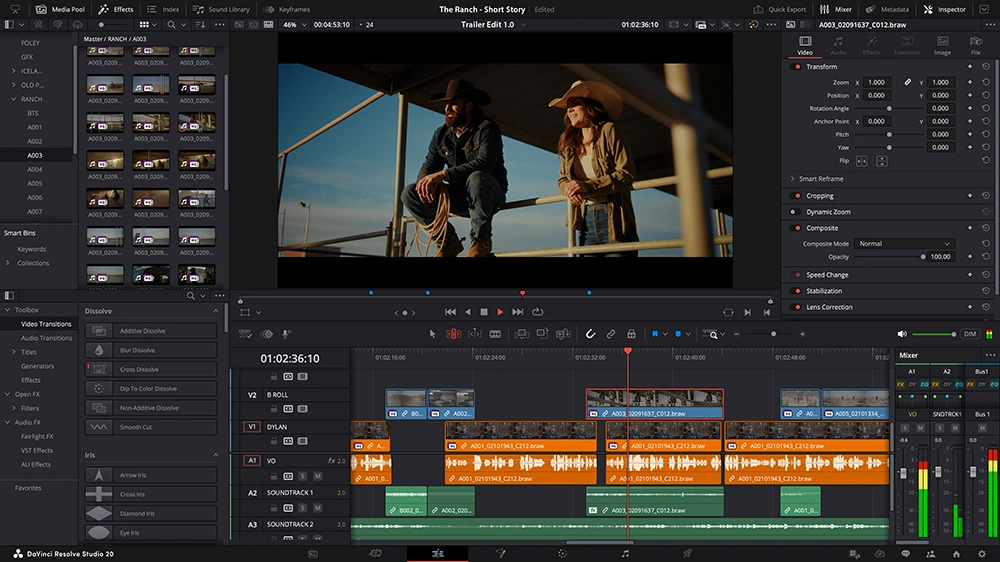
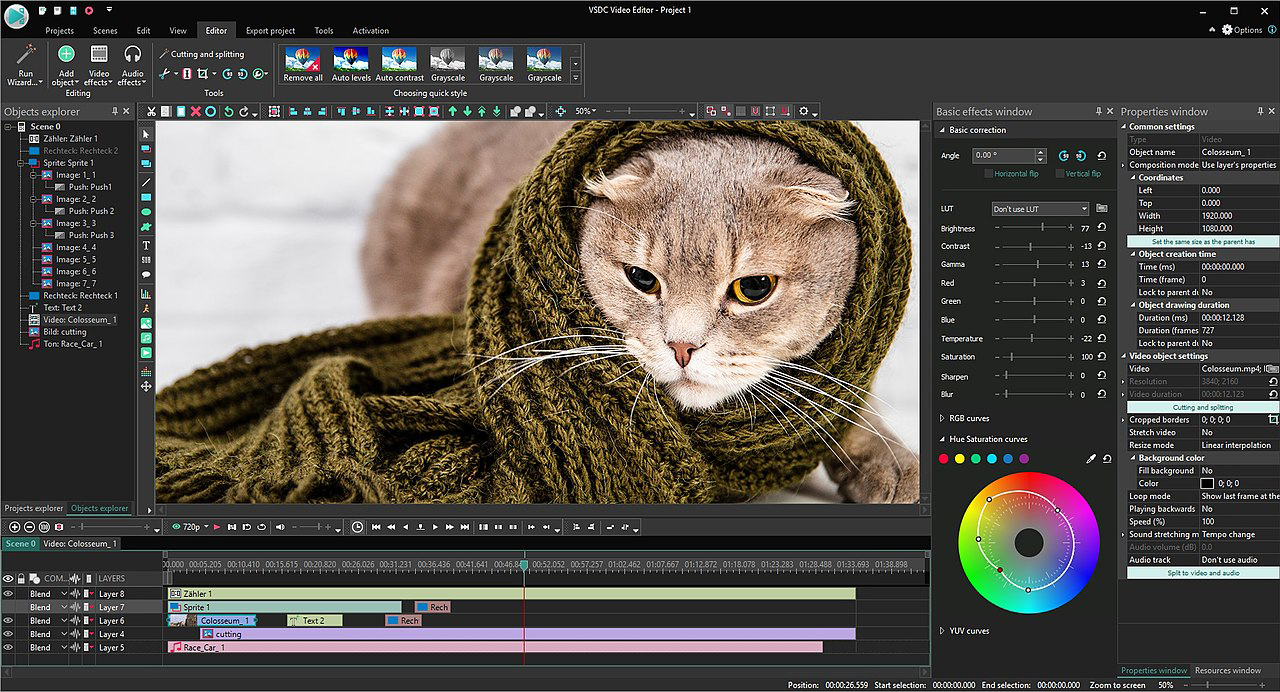
In many modern video editing software’s AI-powered tools and cloud collaboration are now central to many video editing workflows, from solo creators to large post teams offering faster production and global collaboration.
Why AI matters in video editing
AI features are designed to speed up every day editing chores and improve production value without needing specialist skills.
- Faster workflows for solo creators and teams - AI can automatically find cutting points, remove silences, tag clips and generate subtitles, turning hours of manual work into minutes. This is especially useful for YouTubers, podcasters, educators and social teams producing content at scale.
- Higher production value with less effort - Auto‑reframing, colour matching, noise reduction and smart upscaling let editors hit a more “cinematic” standard even if they do not have a dedicated colourist or audio engineer.
Key AI features to look for
When comparing NLEs, highlight how they use AI in specific, practical ways.
- Auto‑reframe and smart cropping - Automatically reframes landscape projects into vertical or square formats, tracking the main subject so editors can quickly repurpose 16:9 content for TikTok, Instagram Reels and YouTube Shorts. This is ideal for agencies and brands turning one master edit into multiple social versions.
- Speech‑to‑text, subtitles and text‑based editing - Built‑in transcription converts dialogue to text, making it easy to generate subtitles, create cut‑lists and even edit by deleting words from a transcript. This is a huge time‑saver in interviews, podcasts, webinars and long‑form education content.
- Scene detection and smart selects - AI‑driven scene detection can split long camera rolls into individual shots and automatically group similar clips, helping editors find usable takes faster on large projects.
- Auto colour and smart filters - AI‑assisted tools can match shots, apply basic looks and suggest corrections for exposure or white balance, which is particularly helpful when working with mixed cameras or run‑and‑gun footage.
- Enhanced noise reduction and upscaling - Some suites use AI to denoise low‑light footage and upscale HD to 4K/8K more gracefully than traditional algorithms, extending the life of older cameras and archives.
Cloud‑connected editing and collaboration
Cloud features change how teams share projects, review work and store media.
- Cloud libraries and project sync - Some NLEs can sync projects, bin structures and proxies to the cloud so editors can work from home, office and studio without shuffling drives. This suits agencies, universities and production companies with hybrid teams.
- Remote review and approvals - Browser‑based review links allow clients and producers to comment on cuts without installing the full editing software. Timecoded comments feed back into the project, reducing email chains and confusion.
- Team projects and shared timelines - Higher‑end solutions support multiple editors working on the same project, locking sequences or bins to avoid conflicts. This is valuable for broadcast and HETV workflows where tight deadlines require parallel work.
- Cloud rendering and delivery - Some platforms can render in the cloud or publish directly to YouTube, Vimeo and social channels, offloading export work from the local machine and simplifying distribution.
Hardware and connectivity considerations
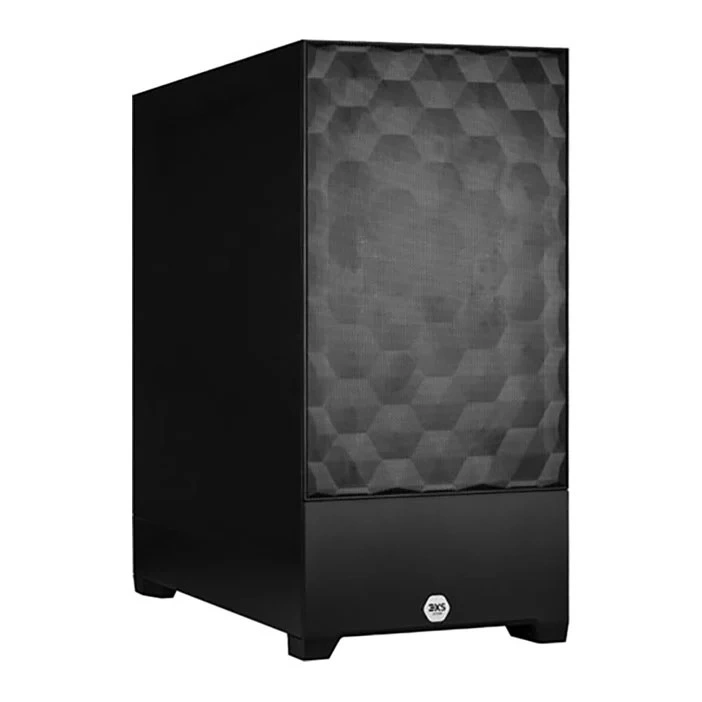
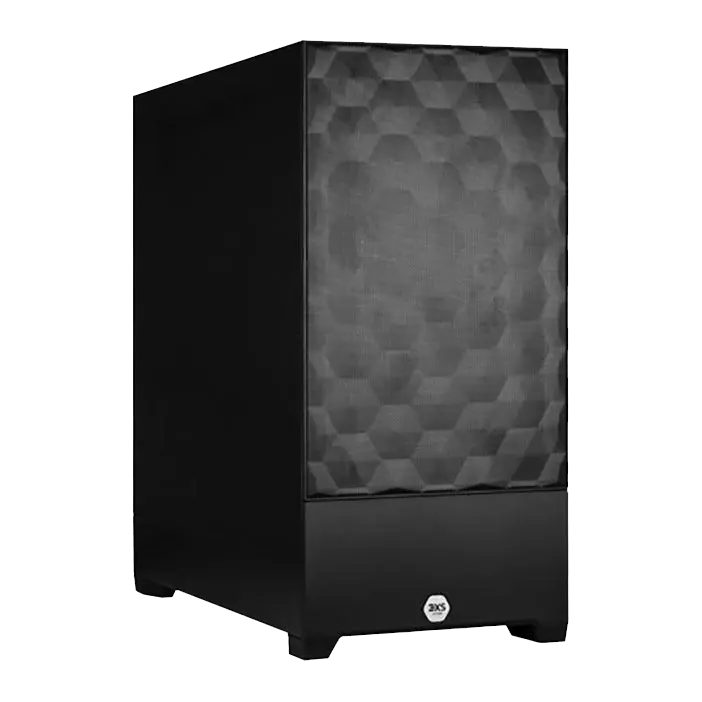
AI and cloud features perform best when paired with suitable hardware and a stable connection, which is where Scan’s 3XS workstations can shine, offering tailored solitions for your needs.
- GPU and CPU for AI workloads - Many AI tasks (denoising, upscaling, smart reframe) are heavily GPU‑accelerated, we recommend RTX‑class GPUs as they deliver maximum bang-per-buck for most workloads. Strong multi‑core CPUs help with decoding and background analysis tasks.
- RAM and storage - AI analysis (like generating transcripts or proxies) can consume extra memory and disk space. We recommend at least 32GB RAM for serious AI‑assisted workflows and fast NVMe SSDs for cache, proxies and temporary files.
- Internet connection for cloud features - Basic features like web review links and simple project sync usually work fine over typical UK broadband, but heavier cloud workflows – such as large proxy uploads, shared project libraries and multi‑user timelines really benefit from higher upload speeds and wired connections in studio environments. Teams using services like Blackmagic Cloud to share DaVinci Resolve projects get the best results when their edit bays are tied into a robust LAN with 10GbE networking, so that local media access and sync operations are never bottlenecked by internal bandwidth even as they collaborate globally via the cloud.