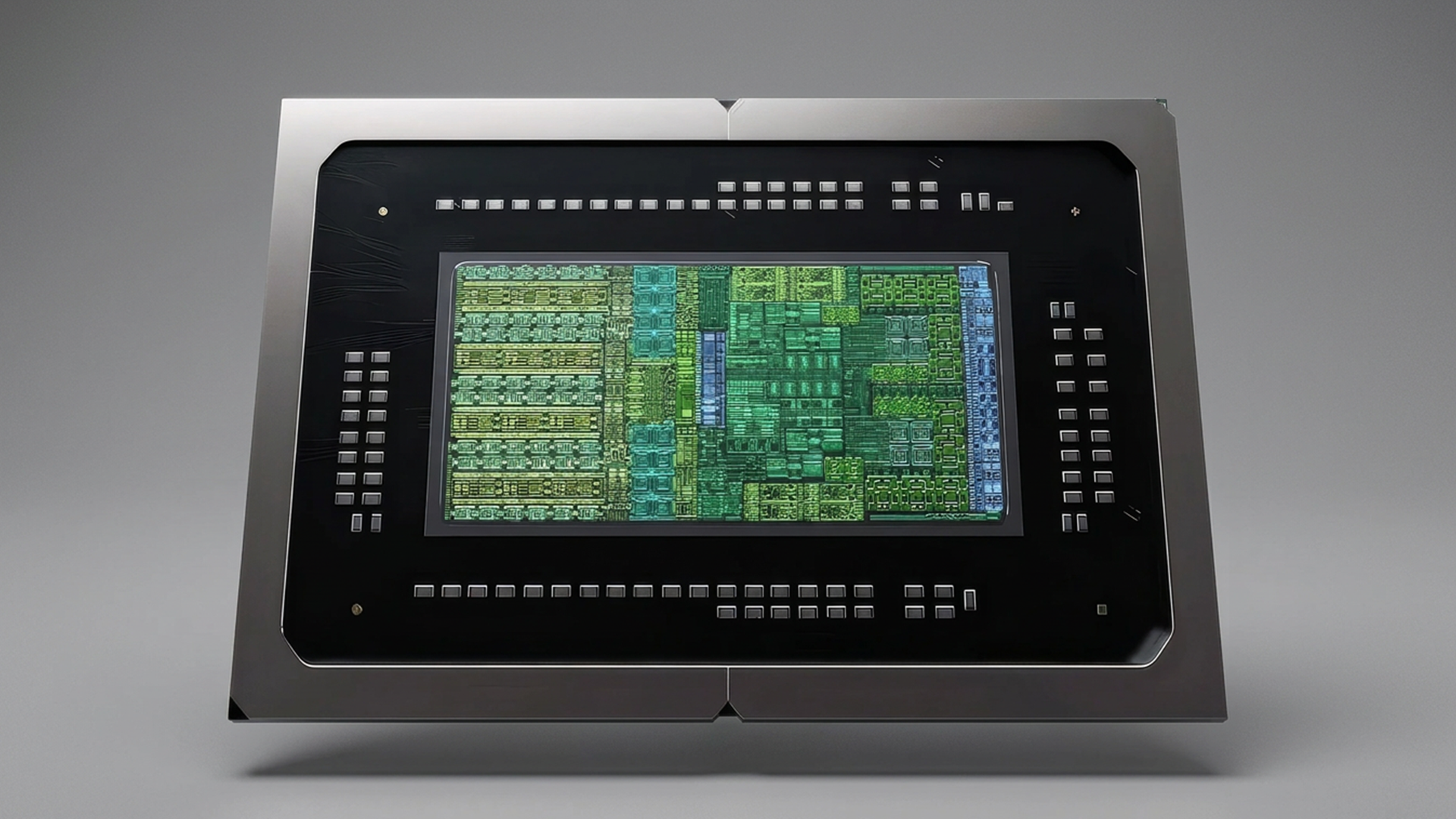
NVIDIA RTX Spark represents a major shift in PC computing, combining AI workstation capabilities, creator-focused performance, and RTX gaming technologies into a new Windows platform. RTX Spark systems are designed for developers, content creators, AI professionals, and power users who want advanced performance in thin and light laptops, and compact desktops.
What is NVIDIA RTX Spark?
NVIDIA RTX Spark is a new platform for laptops and small form factor desktop PCs with powerful graphics and AI capabilities. Traditional platforms comprise an x86 AMD or Intel CPU with a discrete AMD or NVIDIA GPU, each with their own separate pools of memory. In contrast, RTX Spark is a SoC (System on Chip), comprising an Arm-based NVIDIA CPU, NVIDIA GPU and unified memory all in one package.
There are many advantages to an SoC, including reduced footprint and power consumption, meaning systems can be smaller or portable with longer battery life. The first RTX Spark SoC is called the N1X and is available in two versions, each with a different number of CPU cores and GPU cores. These SoCs are then paired with different amounts of unified memory, as detailed in the table below. As with any platform, more cores will mean more performance, especially in AI, graphically demanding applications and gaming.
Comparison of the two NVIDIA RTX Spark N1X configurations
Specification
RTX Spark N1X (20-core CPU)
RTX Spark N1X (18-core CPU)
Performance
chevron_left FASTERSLOWER chevron_right
Price
chevron_left HIGHERLOWER chevron_right
CPU cores
20 (Grace)
18 (Grace)
CUDA cores
6,144 (Blackwell)
5,120 (Blackwell)
Tensor cores
192 (5th gen)
160 (5th gen)
RT cores
48 (4th gen)
40 (4th gen)
Unified memory
24, 32, 48, 64 or 128GB
24, 32, 48, 64 or 128GB
Unified memory explained
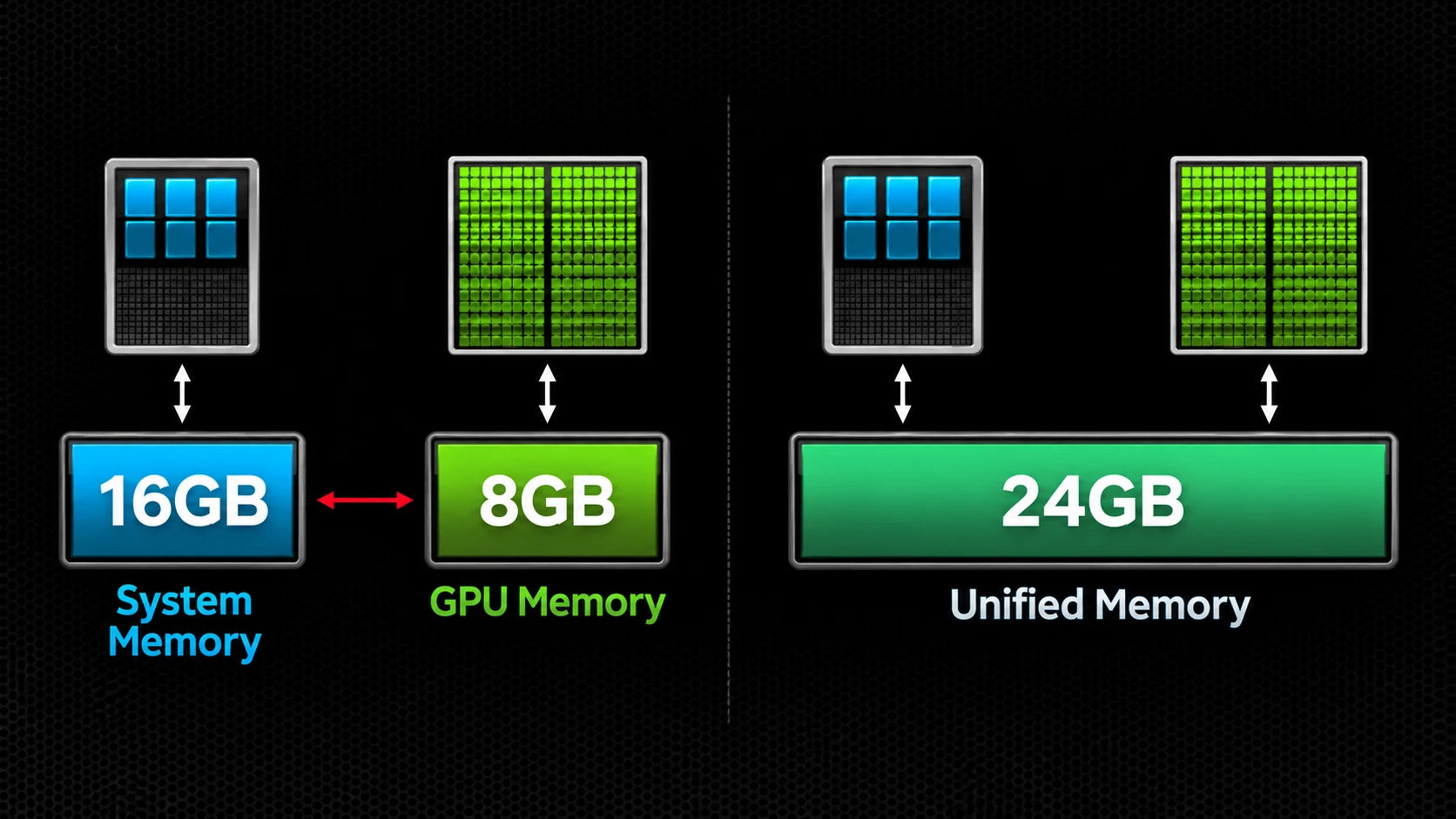
If you're familiar with GPUs then you'll be used to looking at specs including CUDA, Tensor and RT cores alongside a VRAM (GPU memory) capacity. In the RTX Spark SoC the three types of cores are comparable with those in a traditional PCIe graphics card, however the VRAM is not. Illustrated below, on the left is a traditional system, where there is 16GB system memory for the CPU and 8GB VRAM. On the right is an SoC system where both CPU and GPU have access to the full 24GB of unified memory.
It is clear to see that for the SOC system, in times of complex compute tasks, the CPU can access up to 24GB of memory rather than 16GB in the traditional system; and likewise for large graphical workloads the GPU can use the full 24GB too, rather than being limited to the 8GB dedicated GPU memory. This presents a system architecture much more flexible and scalable to a wider variety of workloads.
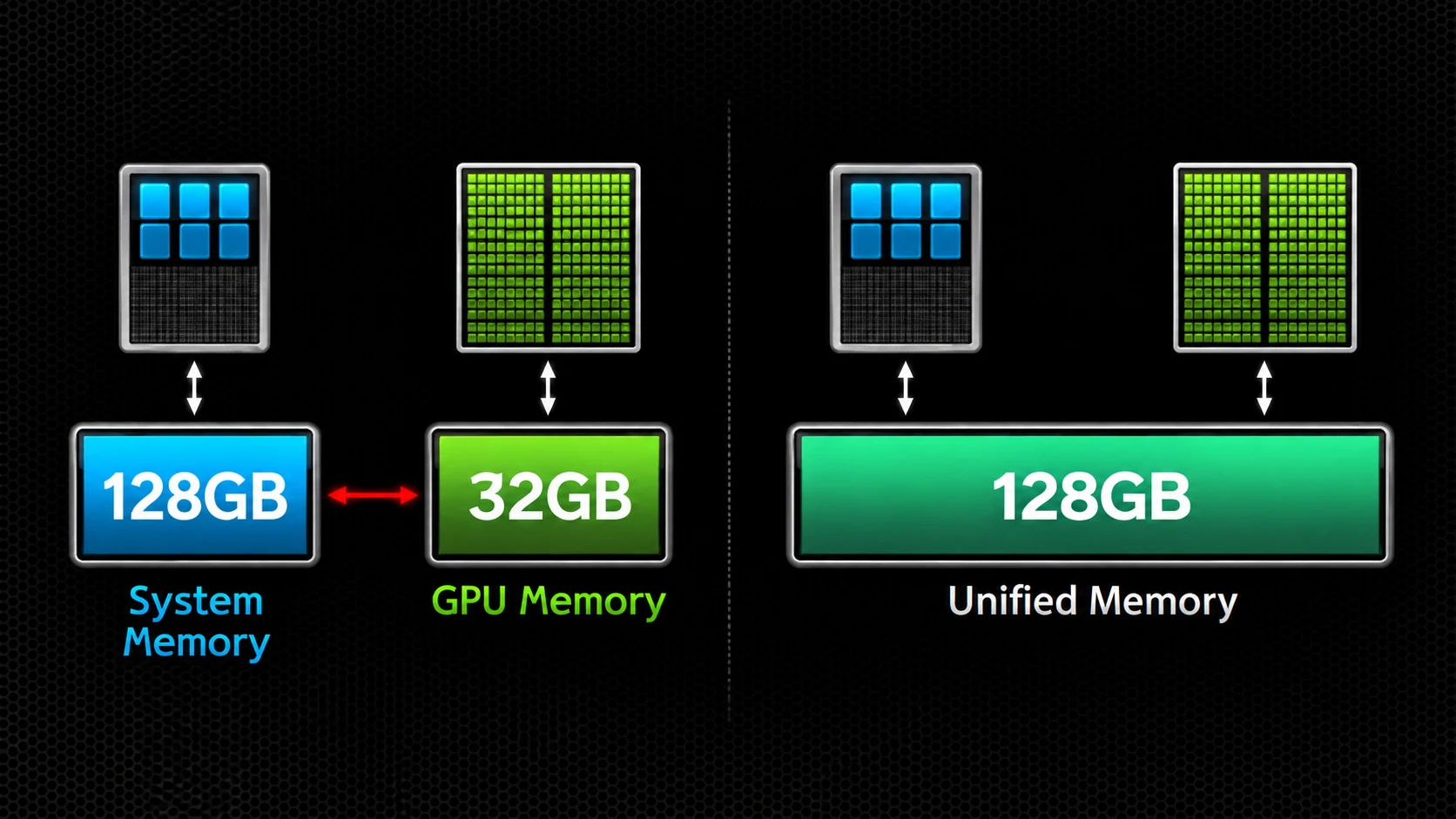
As the RTX Spark systems scale to 128GB of unified memory, this creates an extremely powerful compute environment. It is possible to match the flagship RTX Spark 128GB capacity with equivalent system memory as demonstrated below, but the top of the range GeForce RTX 5090 GPU still limits you to 32GB memory for graphical and AI applications
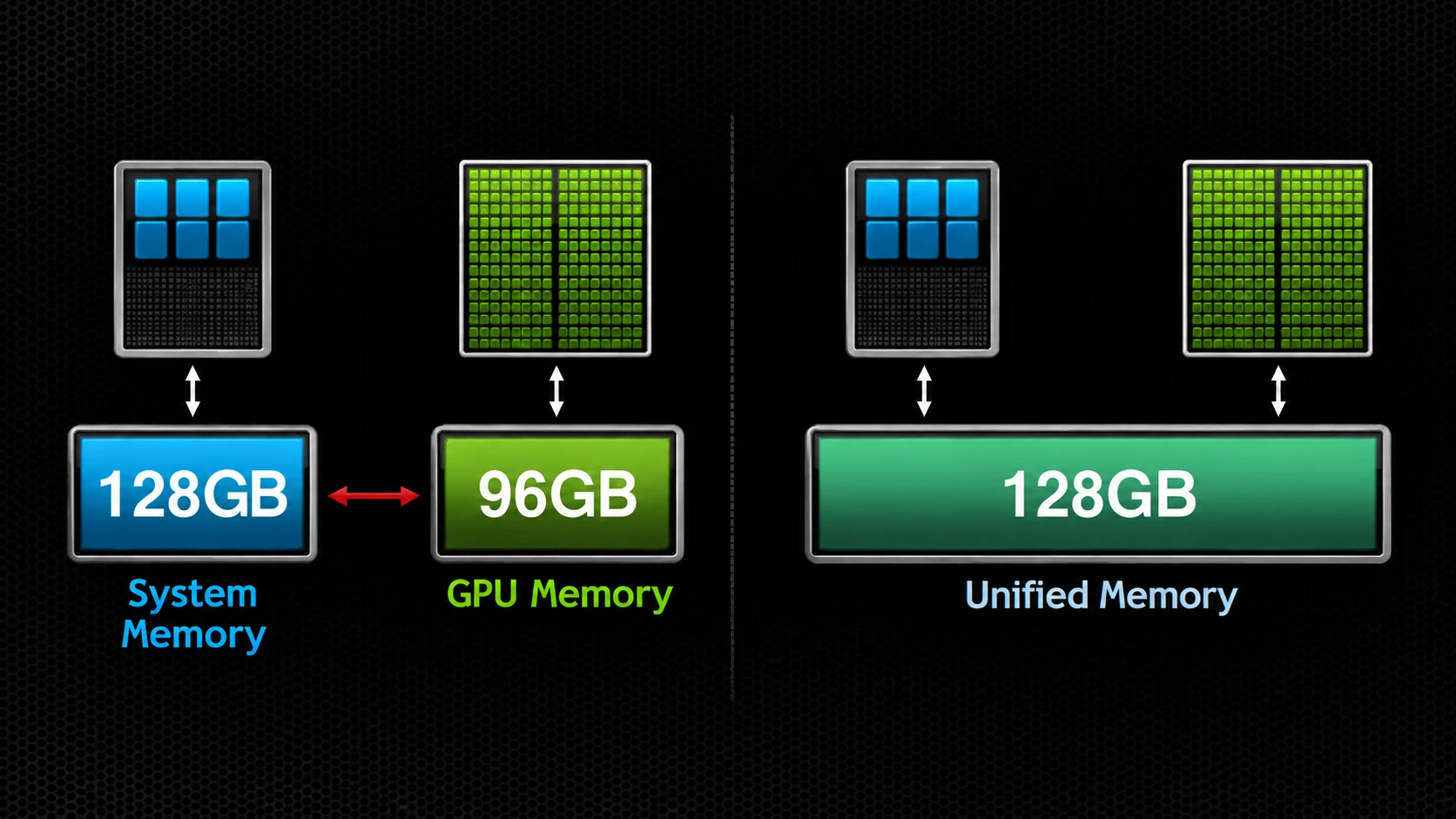
Even a flagship RTX PRO 6000 card tops out at 96GB memory, as illustrated below. Furthermore, either of these two configurations will occupy a far larger footprint, consume much more power and cost a lot more.
The below slider offers further insight as to the various RTX Spark unified memory capacities, how they compare to entry-level and professional-grade traditional systems, and what application and multi-tasking capabilities they unlock.
VRAM / Unified Memory
8GB
Good Performance, Limited Headroom
8GB is common in mainstream gaming laptops and is enough for many games, everyday creative apps and smaller local AI models. But newer AAA games and larger AI models can quickly exceed 8GB.
sports_esportsBest for: Mainstream gaming and light local AI
warningLimitation: Memory becomes the bottleneck before GPU speed does
Memory Available8GB of 128GB Maximum
sports_esports
Great for Mainstream Gaming
palette
Everyday Creative Apps
memory
Smaller Local AI Models
16GB
More Room for Gaming and Local AI
16GB gives demanding games and creative applications much more breathing room, while opening up a wider range of useful local AI models for writing, coding and image generation.
sports_esportsBest for: Enthusiast gaming, creation and practical local AI
memoryStep Up: More headroom in today's games and more capable AI on-device
Memory Available16GB of 128GB Maximum
sports_esports
Gaming at Higher Settings
palette
Content Creation
psychology
More Capable Local AI
24GB
Unified Memory Starts Here
A traditional laptop with 16GB RAM and an 8GB GPU may also have 24GB in total, but the GPU is still capped at 8GB. RTX Spark shares one 24GB pool across Windows, apps, the CPU and GPU, giving much more flexibility for gaming and local AI.
sports_esportsBest for: Gamers moving on from 8GB or 12GB GPU limits
memoryKey Benefit: More flexibility for both modern games and local AI
Memory Available24GB of 128GB Maximum
laptop_windows
Traditional Laptop16GB system RAM for Windows and apps, and 8GB VRAM fixed to the GPU.
memory
24GB Total Installed, but the GPU Is Limited to 8GB.
developer_board
RTX Spark24GB unified memory in one pool for Windows, apps, CPU and GPU.
32GB
Flagship Consumer Memory Capacity
32GB matches the memory capacity of an NVIDIA RTX 5090 desktop GPU. In an RTX Spark laptop, this level of unified memory gives you substantially more room for larger AI models, longer context and demanding creative workloads.
sports_esportsBest for: High-end PC capability with serious local AI
memoryStep Up: More space for larger models and more breathing room for AI and apps together
Memory Available32GB of 128GB Maximum
sports_esports
High-End Gaming
palette
Serious Creative Workflows
psychology
Run Larger Local AI Models
48GB
Beyond Conventional Consumer GPUs
48GB moves beyond the memory capacity of any current consumer GeForce GPU. It gives you much more room for larger local AI models and heavier workloads while still leaving room for gaming, creation and everyday apps.
sports_esportsBest for: One premium laptop for gaming, work, creation and advanced local AI
memoryThe Choice: Maximum GPU performance or much more AI memory headroom
Memory Available48GB of 128GB Maximum
sports_esports
RTX 5090 LaptopMaximum GPU performance and 24GB dedicated GPU memory. The fastest choice for traditional GPU workloads, such as gaming and content creation.
memory
Maximum GPU Performance or Much More AI Memory Headroom
psychology
RTX Spark 48GBHigh GPU performance and 48GB unified memory. More AI headroom for significantly larger models.
64GB
AI alongside Everything Else
At 64GB, the question starts changing from 'Can this model fit?' to 'How much AI can I run alongside everything else?' There is enough headroom for advanced local models, agents and supporting AI services while you still game, create and work.
sports_esportsBest for: Users who expect AI to become part of their everyday PC experience
memoryUnlocks: Advanced assistants, local agents and multiple AI workloads at once
Memory Available64GB of 128GB Maximum
sports_esports
Game and Create at the Same Time
psychology
Run Advanced Local AI and Agents
stacks
Keep More Apps and Workloads Open Together
96GB
Workstation Reference
96GB is not an RTX Spark configuration. It is included as a reference point because this level of GPU memory is normally found in professional workstation hardware such as the RTX PRO 6000.
sports_esportsBest for: A reference for where laptop memory begins to overlap with workstation-class capability
memoryWhy It's Here: Shows how far RTX Spark pushes beyond traditional laptop memory
Workstation GPU Memory96GB of 128GB Maximum
database
Very Large Models and Datasets
memory
Professional AI Workloads
deployed_code
Advanced Rendering and Simulation
128GB
Maximum Local AI Headroom
128GB fundamentally changes the ceiling of what can live locally on a laptop. Very large AI models, sophisticated agents and multiple AI systems can coexist alongside Windows, games and creator applications.
sports_esportsBest for: Users who want the strongest possible local AI capability and maximum room for what comes next
memoryBig Idea: Run more intelligence at the same time
Memory Available128GB of 128GB Maximum
deployed_code
Largest Local AI Models
groups
Multiple Agents at the Same Time
trending_up
Ready for What's Next
RTX Spark use cases
Now we've covered the technical side of things and compared the various versions, let's take a closer look at the numerous advantages for specific uses.
RTX Spark for content creators
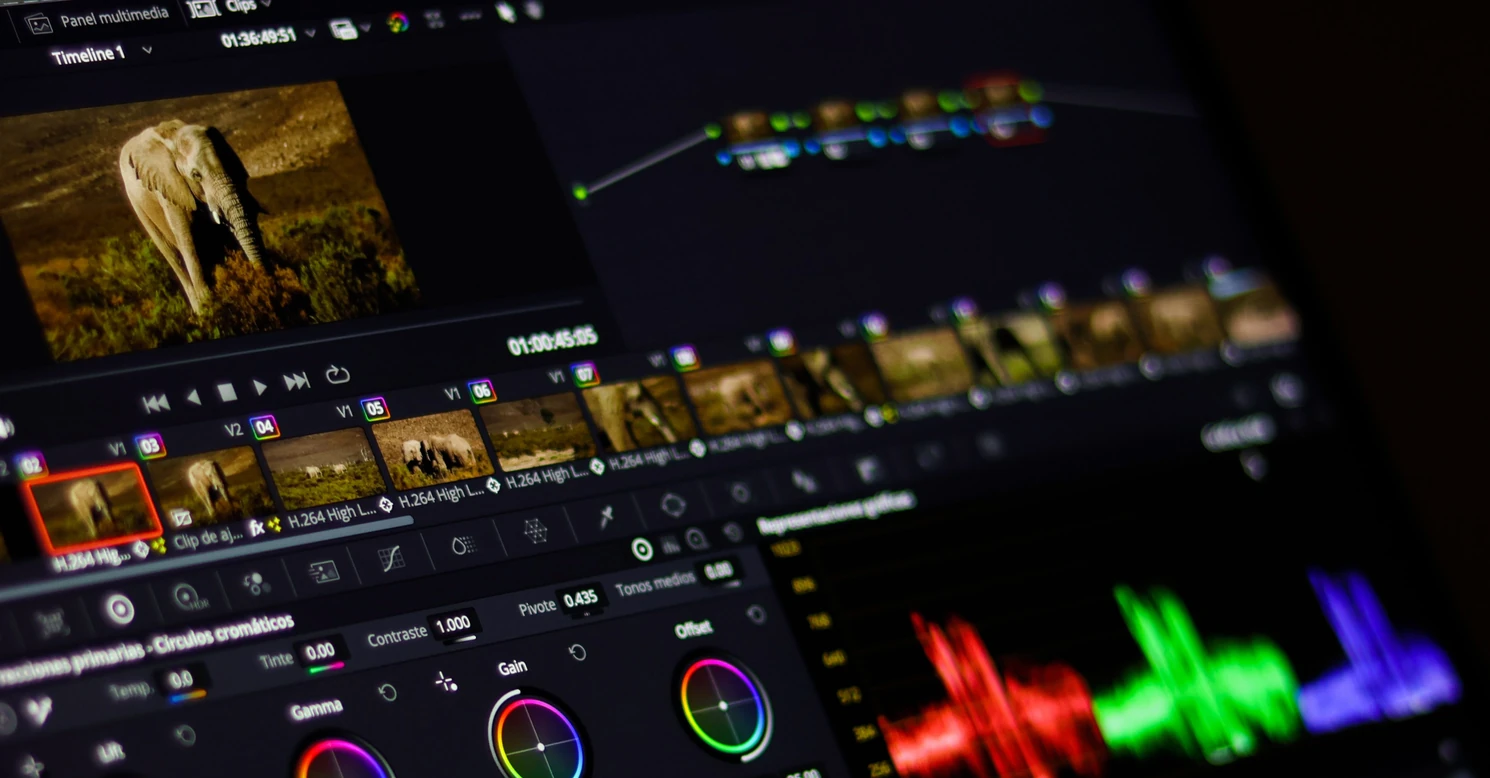
RTX Spark combines creative performance with workstation-class capabilities, whether editing 4K video, building complex 3D scenes, live streaming, or experimenting with generative AI. It supports hardware-accelerated encoding and decoding for H.264, HEVC and AV1, as well as direct editing of professional camera formats, including 4:2:2 footage.
The table below breaks down creative workloads and the unified memory they may require.
Suggested unified memory for content creation workloads
Creator type
Recommended memory
Comments
Photo Editing & Graphic Design
32GB
Ideal for Adobe Photoshop, Lightroom and multitasking workflows
Video Editing & Motion Graphics
64GB
Better suited to 4K editing, effects, colour grading and exports
3D Modelling & Rendering
64GB-128GB
Handles larger scenes and complex ray-traced projects
AI Content Creation
128GB
Best for local image generation, video generation and larger AI models
Scan suggests: For most professional creators, a 64GB RTX Spark system represents the sweet spot, offering enough memory and GPU performance for advanced creative workloads while maintaining portability. If AI-assisted creation, 3D rendering, or large-scale video production is central to your workflow, stepping up to 128GB unified memory will provide significantly more headroom for future projects.
RTX Spark for AI development
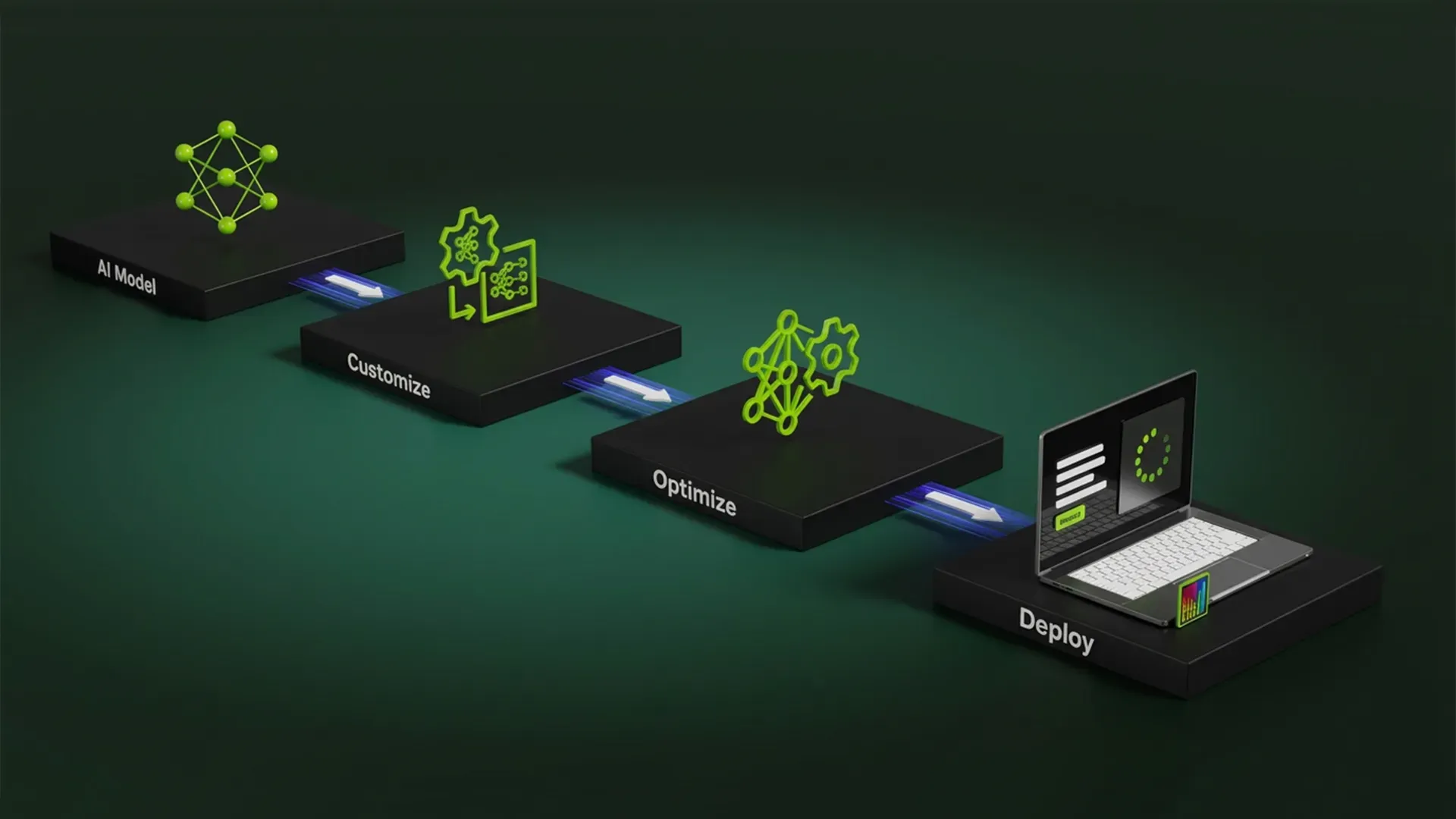
By combining a NVIDIA Grace CPU, Blackwell RTX GPU, CUDA acceleration, and up to 128GB of unified memory in a single platform, RTX Spark delivers up to 1 PetaFLOP of FP4 performance, enabling developers to build, test, fine-tune, and deploy AI workloads locally without relying on cloud infrastructure. RTX Spark offers access to the NVIDIA AI software stack. Developers can build using familiar tools including CUDA, TensorRT, Python, and leading machine learning frameworks, then deploy workloads to larger NVIDIA-powered infrastructure without changing platforms.
The table below breaks down AI workloads and the unified memory they may require.
Suggested unified memory for AI development workloads
AI workload
Recommended memory
Comments
Learning AI & Machine Learning
32GB
Suitable for smaller models, experimentation and cloud-assisted workflows
AI Application Developers
64GB
Supports local inference, RAG pipelines and larger datasets
LLM Developers
64GB-128GB
Better suited to model testing and advanced AI workflows
Researchers & Data Scientists
128GB
Maximum capacity for large models and memory-intensive workloads
Scan suggests: For most developers, a 64GB RTX Spark system provides the best balance of memory capacity, AI performance, and value. If your workflow involves fine-tuning large language models, running multiple AI agents simultaneously, or developing enterprise-scale AI solutions, a 128GB configuration is the clear choice. The additional memory delivers substantially more flexibility for demanding local AI workloads and helps future-proof your investment as models continue to grow in size and complexity.
RTX Spark for productivity
Multitasking across dozens of applications, collaborating with colleagues and analysing data can all be simplified using RTX Spark. The large memory capacity allows for local deployment of AI agents that help streamline workflows and automate repetitive tasks. Local agents require no cloud access and can assist with research and information gathering, document summarisation, meeting preparation, and email drafting and organisation.
The table below breaks down everyday and professional workloads and the unified memory they may require.
Suggested unified memory for productivity workloads
Productivity workload
Recommended memory
Comments
General Office Productivity
32GB
Excellent for multitasking, collaboration and Microsoft 365
Power Users
48GB
Ideal for heavy multitasking and AI-assisted workflows
Knowledge Workers
64GB
Supports local AI tools, analytics and large datasets
AI Agent Power Users
128GB
Best for running multiple local agents and advanced automation
Scan suggests: For most business professionals and productivity-focused users, 64GB of unified memory offers the ideal balance between performance and future-proofing. Organisations planning to deploy advanced AI assistants, run multiple local AI agents, or support data-intensive workflows should consider a 128GB RTX Spark system to maximise long-term flexibility and performance.
RTX Spark for gaming
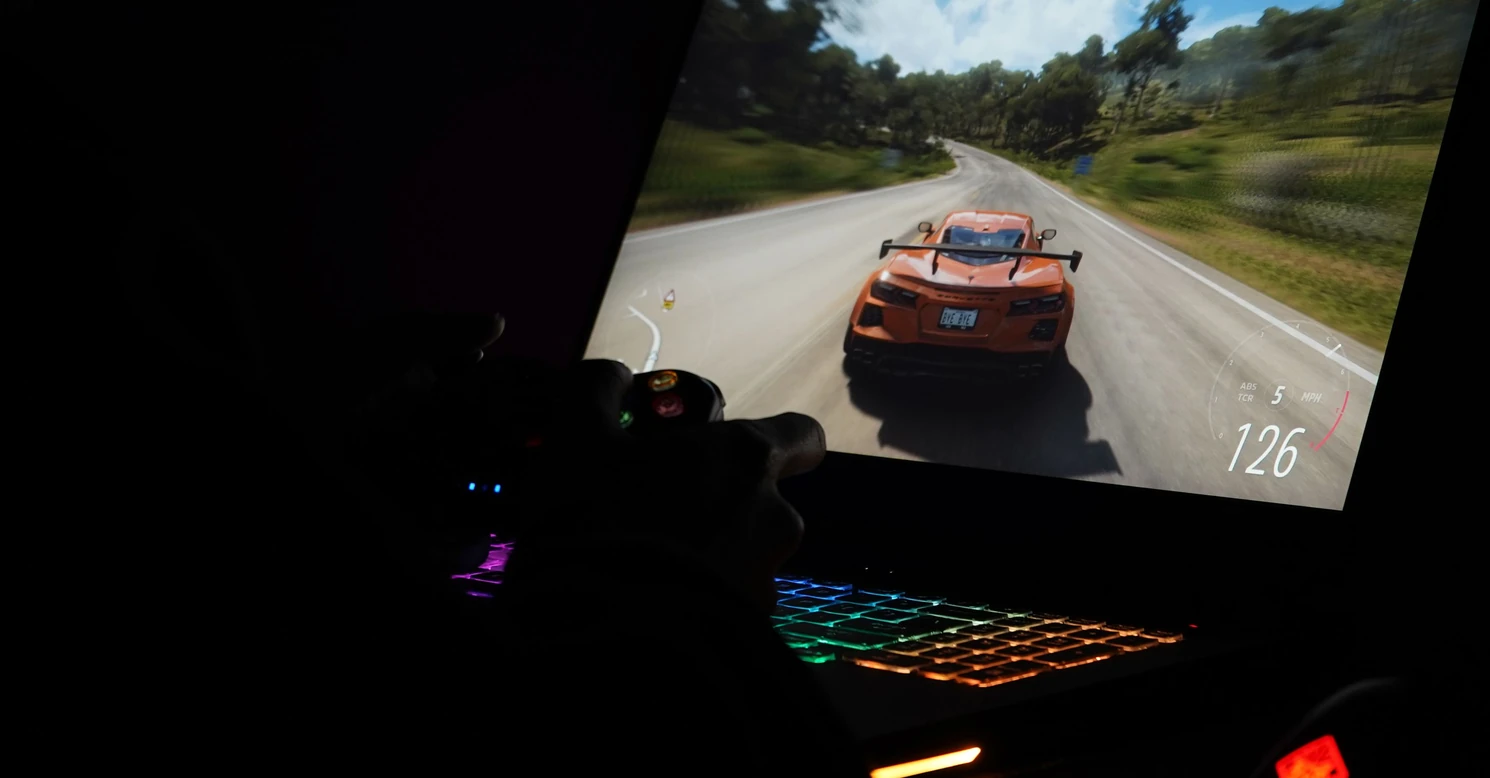
While NVIDIA RTX Spark has been designed primarily for AI, creative, and productivity workloads, it also delivers a capable gaming experience. With support for DLSS, ray tracing, NVIDIA Reflex, NVIDIA G-SYNC and RTX Remix, RTX Spark is a great choice if you want a single device for work and gaming, or you use creative or AI applications alongside gaming.
The table below breaks down gaming and other workloads and the unified memory they may require.
Suggested unified memory for gaming workloads
Gaming workload
Recommended memory
Comments
Casual Gaming
32GB
Plenty for gaming and everyday multitasking
Gaming & Streaming
64GB
Additional headroom for content creation and streaming applications
Gaming & AI Workloads
64GB-128GB
Supports large local AI models alongside gaming
Professional Creator-Gamers
128GB
Maximum flexibility for gaming, editing and AI workflows
Scan suggests: For most gamers who also create content, stream, develop software, or work with AI, a 64GB RTX Spark configuration provides the best balance of gaming performance and professional capability. For dedicated gamers, where mobility may not be a priority, we'd suggest choosing a 3XS GeForce RTX Gaming PC.
RTX Spark for audio
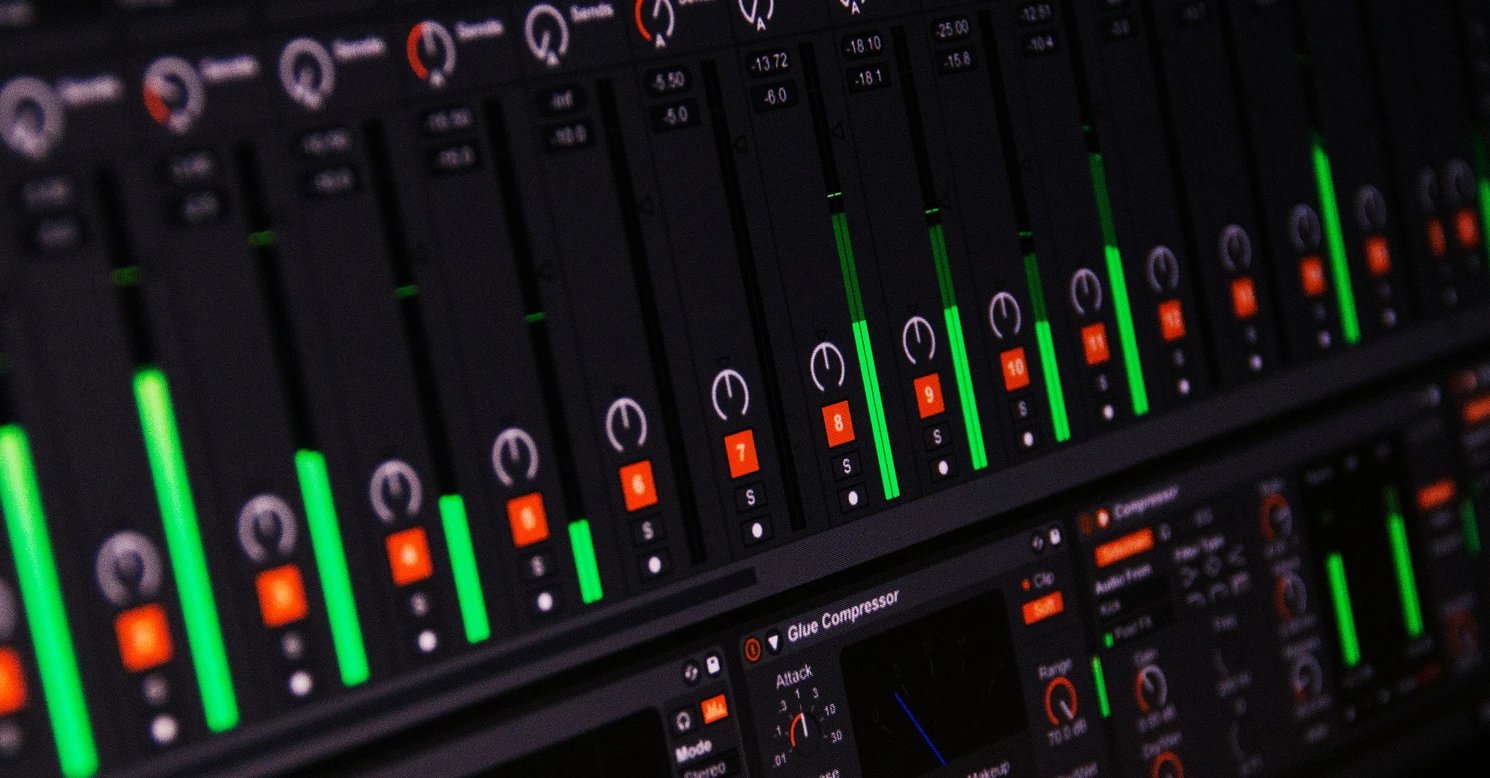
For music producers, audio engineers, podcasters, and composers, NVIDIA RTX Spark offers an intriguing combination of workstation-class performance, AI acceleration, and large unified memory capacity. While audio production doesn't typically require the same GPU power as gaming or 3D rendering, modern digital audio workstations (DAWs) increasingly benefit from AI-powered workflows, extensive sample libraries, and complex project sessions that can place significant demands on processing power and memory.
The below table breaks down further the type of audio use and the unified memory they will require.
Suggested unified memory for audio workloads
Audio workload
Recommended memory
Comments
Home Recording & Podcasting
32GB
More than enough for recording, editing and mixing
Music Producers
64GB
Ideal for larger projects, plugins and virtual instruments
Composers & Sound Designers
64GB-128GB
Supports extensive sample libraries and complex sessions
Film, TV & Game Composers
128GB
Maximum headroom for orchestral templates and advanced professional workflows
Scan suggests: For most producers, engineers, and content creators, a 64GB RTX Spark system provides the ideal balance of performance and value. Users working with extensive orchestral libraries, advanced sound design projects, or AI-enhanced production tools should consider a 128GB configuration, which offers considerably more room for large templates and demanding professional workflows.
RTX Spark systems
Now we've covered the uses and recommendations, lets look at the actual systems themselves. There's a wide range of laptops, soon to be accompanied by numerous compact desktops. While both RTX Spark laptops and desktops share the same underlying platform, they're designed for different types of users. Laptops prioritise portability and battery life, while desktops focus on sustained performance, expandability, and always-on AI workloads. The below table compares the two form factors.
Comparison of RTX Spark laptops and desktops
Feature
RTX Spark Laptops
RTX Spark Desktops
Best For
Mobile professionals, creators, developers, students
AI developers, workstations, businesses, power users
Portability
Yes
No
Battery Life
All-day battery life
Requires mains power
CPU
Up to 20-core Grace CPU
Up to 20-core Grace CPU
GPU
Up to 6,144-core Blackwell RTX GPU
Up to 6,144-core Blackwell RTX GPU
Unified Memory
Up to 128GB
Up to 128GB
Local AI Development
Excellent - up to 1 Peta FLOP FP4
Excellent - up to 1 Peta FLOP FP4
AI Agent Hosting
Good for personal use
Ideal for always-on agents
Content Creation
Excellent
Excellent
3D Rendering
Excellent
Better sustained performance
Music Production
Excellent mobile studio
Better for permanent studio setups
Gaming
Great 1440p gaming on the move
Better thermals for longer gaming sessions
Noise Levels
Typically quiet under light loads
More cooling headroom under heavy workloads
Upgradeability
Limited
Potentially greater expansion options depending on system design
Office Productivity
Excellent
Excellent
Multi-Monitor Support
Yes, but designed for mobility
More suitable for multi-monitor workspaces
Always-On Operation
Less practical
Designed for continuous operation
Click the tabs below to explore each form factor further.
RTX Spark laptops
NVIDIA RTX Spark laptops represent a new category of portable devices, combining AI acceleration, creator-class graphics, and all-day mobility in a single Microsoft Windows-based device. The new SoC approach helps accelerate demanding workloads such as AI development, content creation, software engineering, 3D design, and data analysis, while also enabling support for larger AI models and datasets than most conventional laptops can handle.
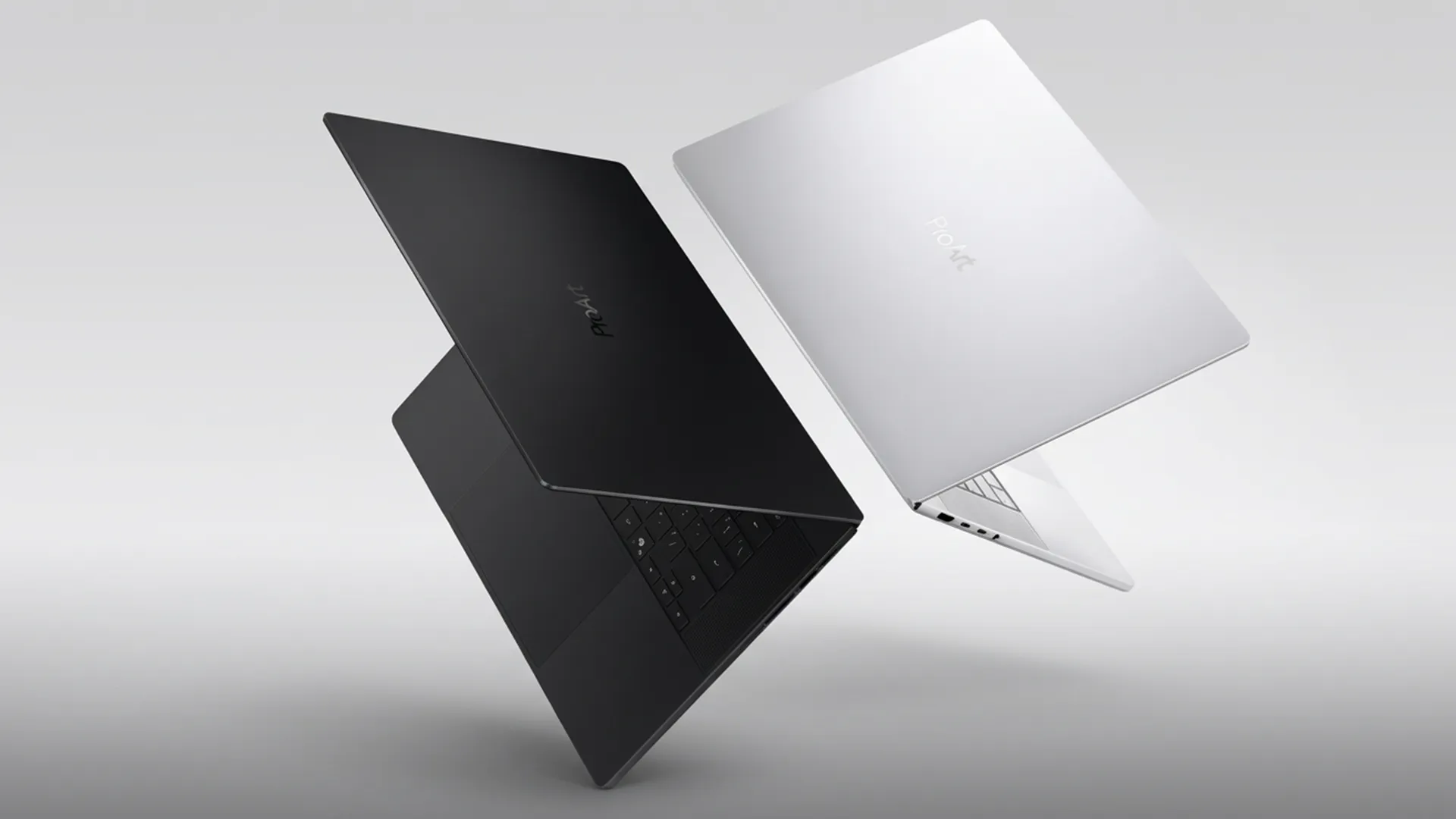
ASUS ProArt
ASUS has expanded its creator-focused ProArt brand for its RTX Spark laptops. Two OLED screen options are available, 14in and 16in, with either a resolution of 2,880 x 1,800 or 3,840 x 2,400. Common features include Delta E < 1 high colour accuracy, 100% DCI-P3 colour gamut, up to 1,600 nits brightness and 120Hz refresh rate. This makes ASUS ProArt RTX Spark laptops a particularly good option for graphics and video workloads.
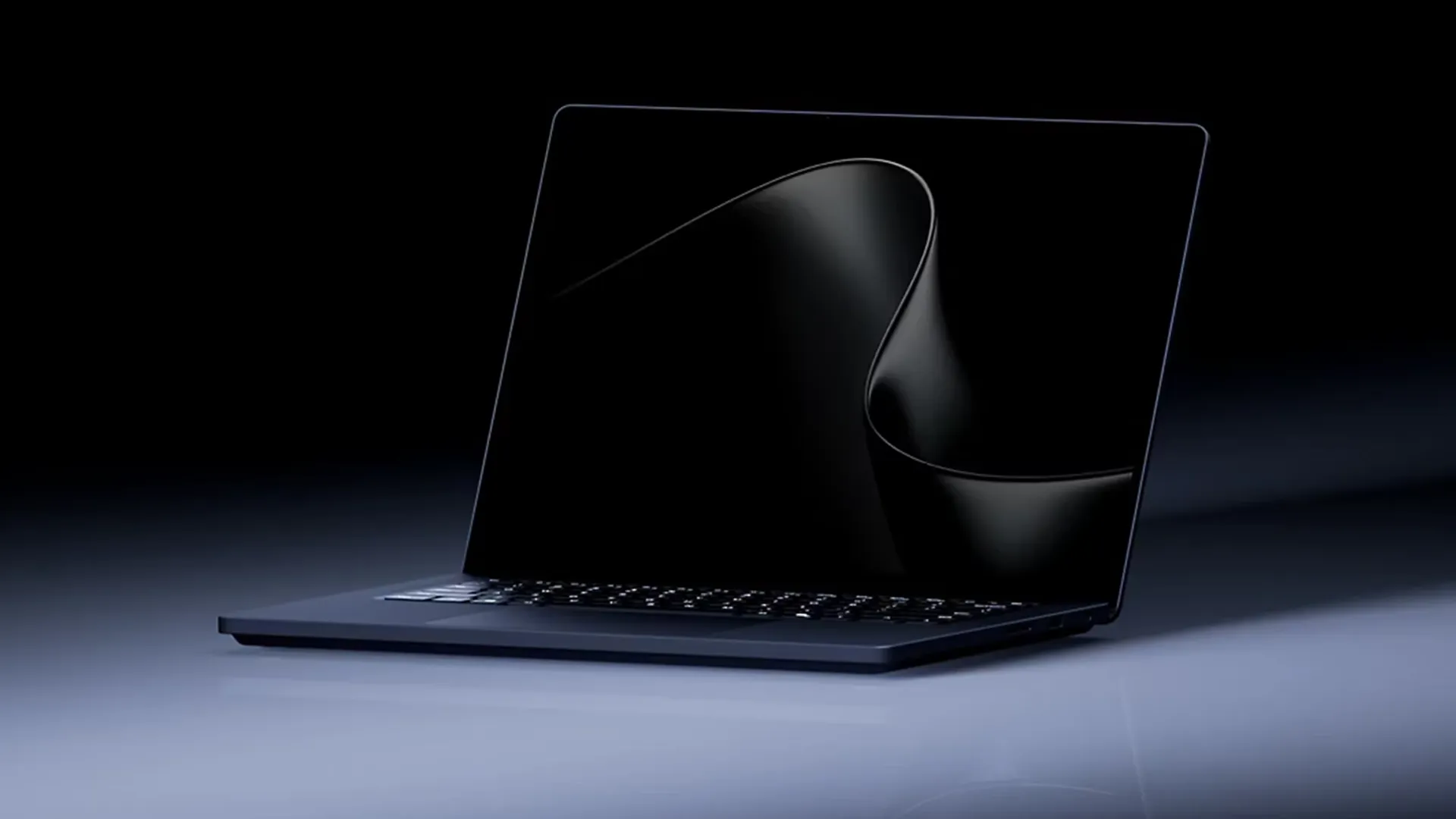
Microsoft uses the new Surface Laptop Ultra name to differentiate its RTX Spark laptops. All models share the same chassis and a high-quality 15in IPS screen with Mini-LED backlighting, 3,270 x 2,180 resolution, 100% DCI-P3 colour gamut, up to 2,000 nits brightness and 120Hz refresh rate. This makes Microsoft Surface Laptop Ultra a good option for graphics and video workloads.
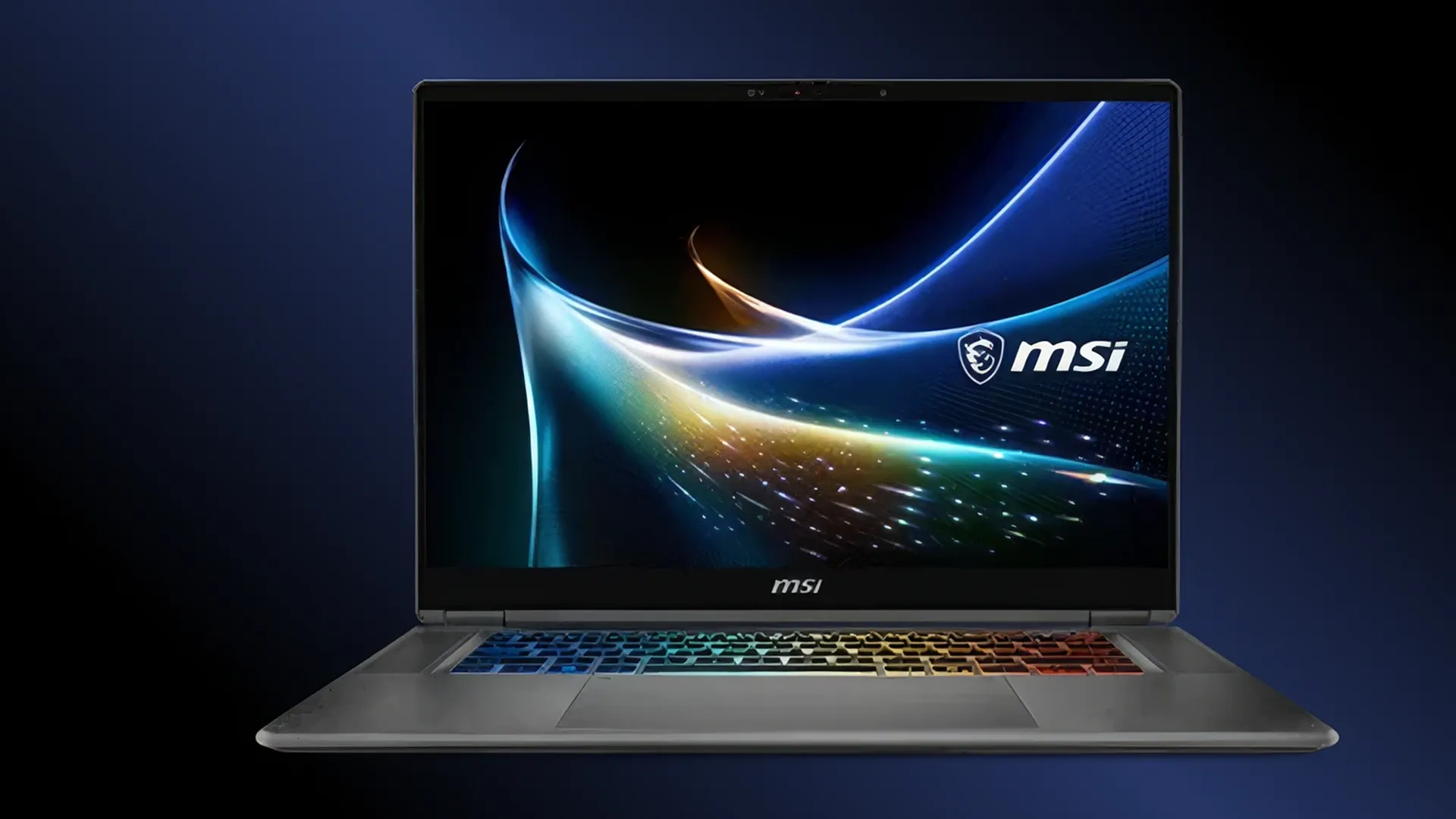
MSI uses its Prestige brand for RTX Spark laptops and positions them as premium business solutions. All models feature high-quality 16in OLED screens with either a resolution of 2,880 x 1,800 or 3,840 x 2,400, Delta E < 1 high colour accuracy, 100% DCI-P3 colour gamut, up to 1,600 nits brightness and 120Hz refresh rate. This makes MSI Prestige RTX Spark laptops a particularly good option for graphics and video workloads.
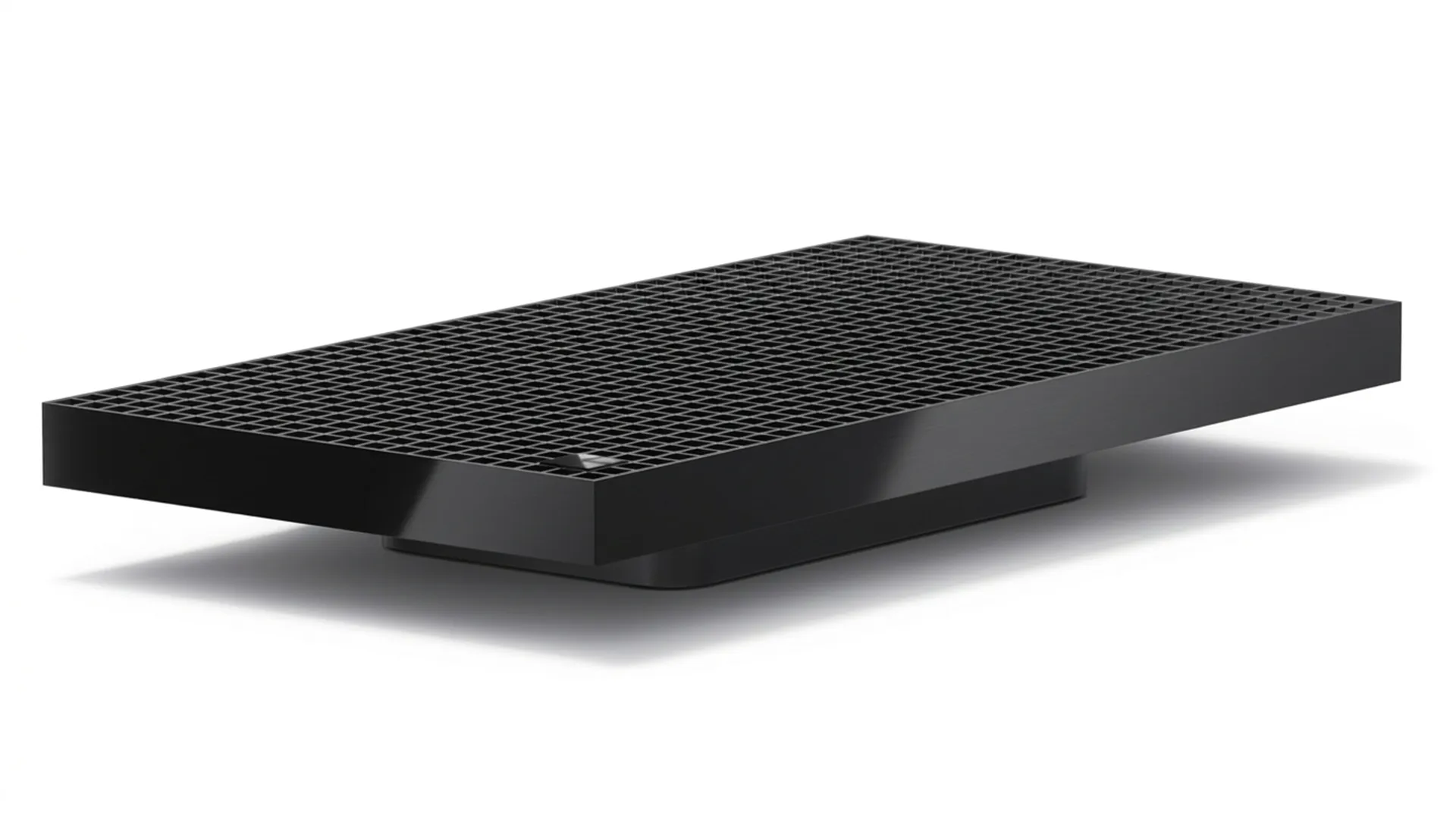
NVIDIA RTX Spark desktops bring the power of AI development, content creation, productivity, and RTX gaming into compact desktop Microsoft Windows systems. The new SoC approach enables larger AI models, bigger datasets, and more complex creative projects to run efficiently without the limitations of dedicated GPU VRAM, making RTX Spark desktops an ideal platform for AI developers, content creators, engineers, and technical professionals.
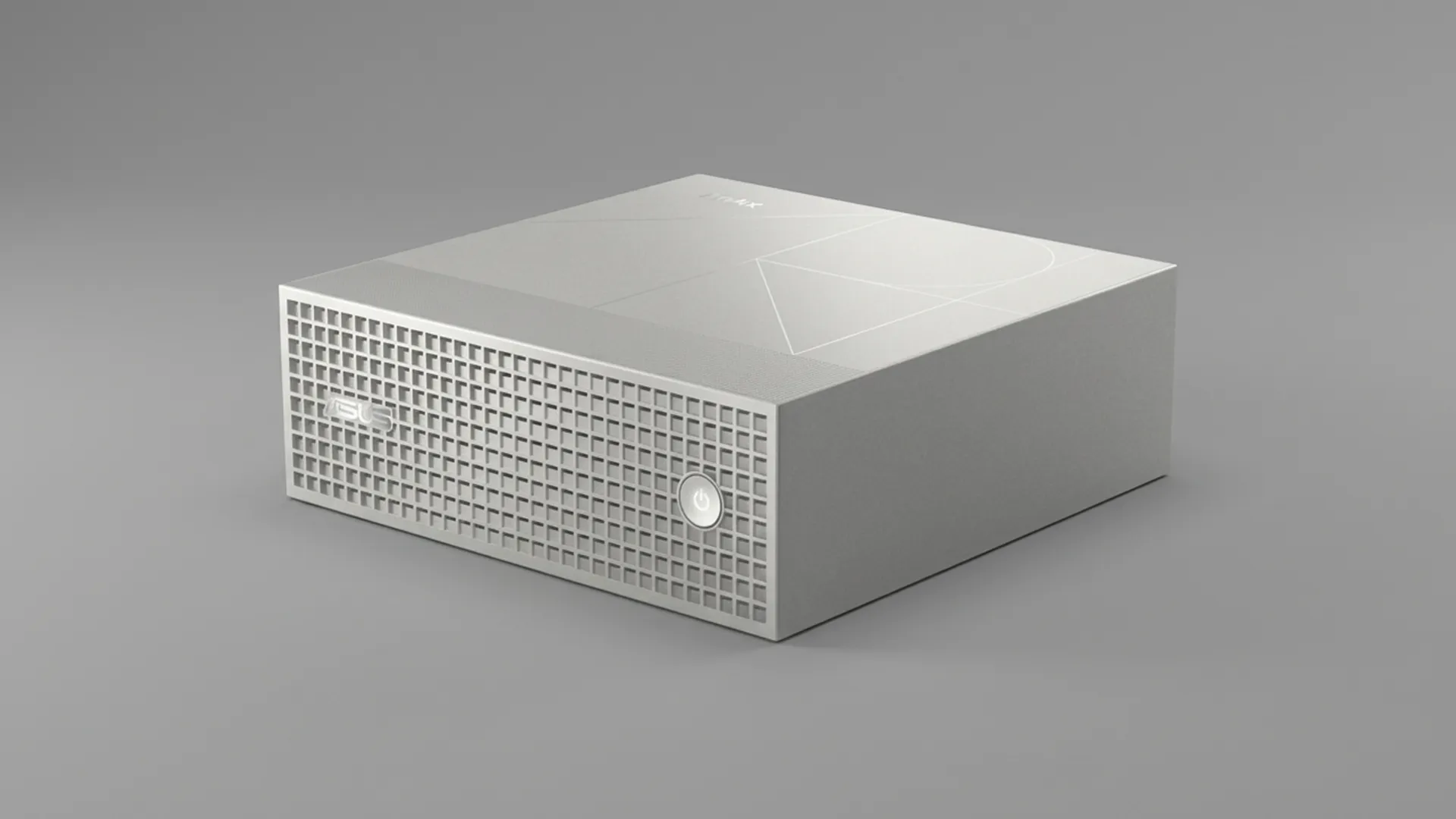
ASUS
ASUS's compact desktop RTX Spark workstations are designed for AI development, 3D design, video and creative workflows, while maintaining a space-efficient footprint suitable for modern studios and home offices.
Coming soon
Microsoft
Designed for developers, AI engineers, and technical professionals, Microsoft Surface RTX Spark desktops bring workstation-class AI performance to a compact Windows-based design.
Coming soon
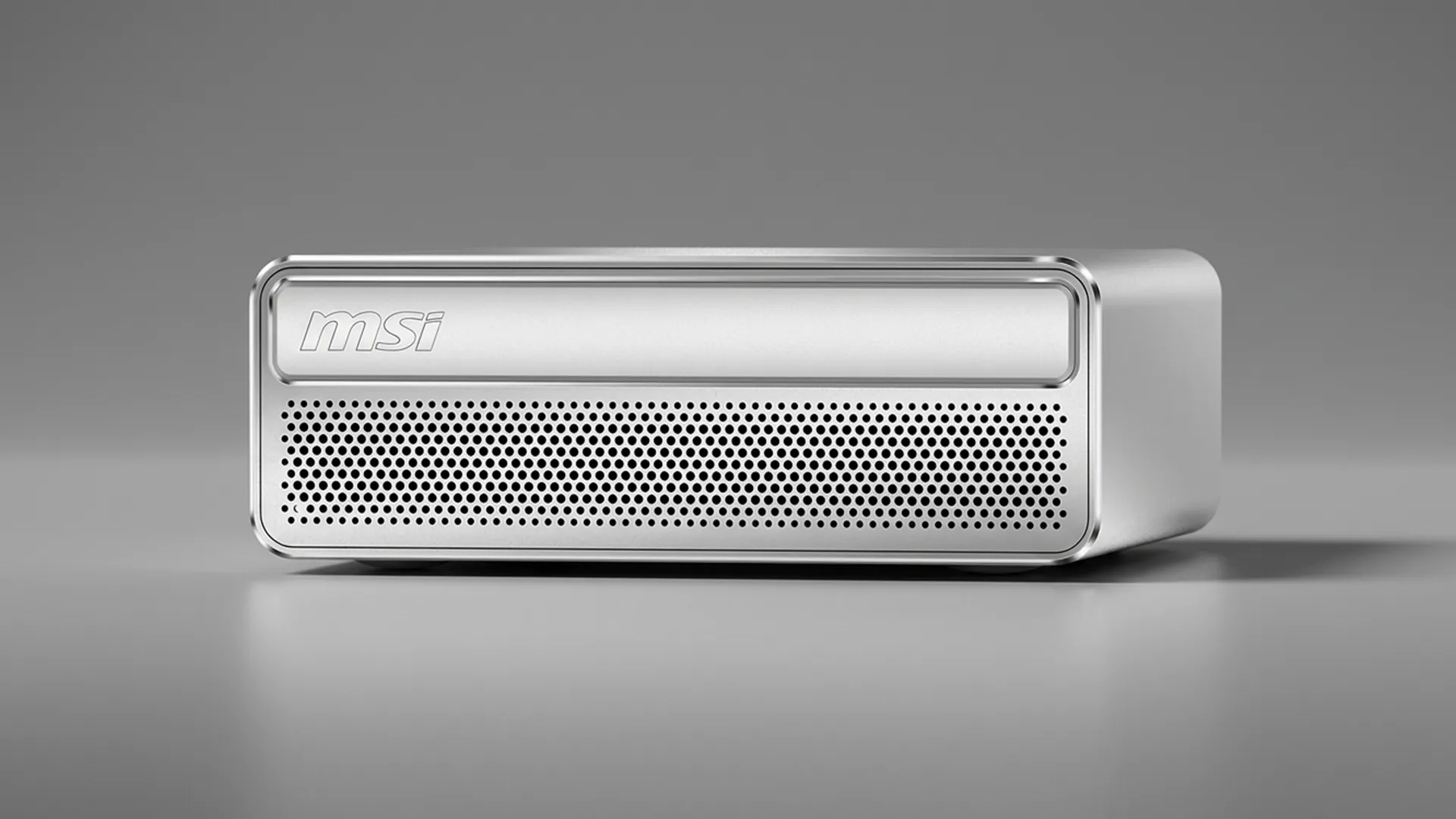
MSI
MSI compact desktop RTX Spark devices are designed for AI developers, data scientists, creators, and businesses, combining NVIDIA RTX Spark with a space-saving form factor.
Coming soon
The Tipping Point
Although this guide has detailed the considerable power of RTX Spark systems and their myriad of uses, it must be said that they are laptops and desktops designed to offer capable performance and capability across a wide range of tasks and workflows. However, some workloads will eventually outgrow even the largest 128GB RTX Spark configuration. If you're regularly working with enterprise AI models, multi-GPU workloads, large-scale rendering projects, or HPC applications, a dedicated Scan 3XS PC or professional workstation may be the better long-term investment. The below table highlights the use cases where an upgrade would be recommended.
Recommended system by workload
If you need to...
Recommended system
Comments
Run Microsoft 365, productivity apps and AI assistants
RTX Spark Laptop / Desktop
More than enough performance for everyday AI-enhanced productivity
Run local AI models up to ~120B parameters
RTX Spark Laptop / Desktop
Specifically designed for local AI inference and development
Develop AI agents and RAG applications
RTX Spark Laptop / Desktop
Excellent balance of performance, memory and power efficiency
Engage in high-end gaming or streaming
3XS GeForce RTX Gaming PC
Flagship GPUs deliver more games performance and sufficient memory
Edit 4K+ video and create content
3XS RTX PRO Video Workstation
For working with complex multi-stream workflows or 8K production
Work with large Blender, CAD or Unreal Engine projects
3XS RTX PRO Graphics Workstation
More GPU memory, certified drivers and sustained workstation performance
Run multiple local LLMs simultaneously
3XS Multi-GPU RTX PRO AI Workstation
Higher combined memory capacity and significantly greater AI throughput
Fine-tune large language models locally
3XS Multi-GPU RTX PRO AI Workstation
Multiple GPUs and larger memory pools dramatically reduce training times
Train AI models rather than just run inference
3XS Multi-GPU RTX PRO AI Workstation
RTX Spark is inference-focused; workstation GPUs are built for sustained AI training workloads
Build digital twins or simulation environments
3XS RTX PRO Server
Greater CPU, GPU and memory scalability
Create film-grade VFX and animation
3XS RTX PRO Server
Supports larger scenes, faster rendering and multi-GPU acceleration
Click the links below for further information on specific RTX Spark systems. If you still have questions on how to select the perfect system, contact one of our advisors on 01204 474210 or at [email protected].
Answers to common questions about RTX Spark systems.
Unlike conventional PCs that have a CPU, GPU and separate system memory for each, RTX Spark uses a unified memory architecture shared between a combined SoC (system on chip) CPU / GPU architecture. This allows the CPU and GPU to access the same memory pool, helping accelerate AI workloads, creative applications, and large datasets while reducing memory bottlenecks.
An SoC (System-on-Chip) is an integrated circuit that packs all or most essential components of a computer or electronic system onto a single piece of silicon. Unlike traditional computer designs that use separate, discrete chips for the CPU, GPU and memory, an SoC merges them into a unified architecture.
Unified memory is a shared pool of memory that can be accessed by both the CPU and GPU. Rather than splitting resources between RAM and VRAM, RTX Spark enables both processors to work from the same memory space, reducing latency and improving efficiency for AI, 3D rendering, and content creation workflows.
RTX Spark is ideal for AI developers and data scientists, content creators and video editors, software developers, engineers and designers, business professionals using AI tools and gamers who want one system for work and play.
Yes, NVIDIA claims that RTX Spark can run models exceeding 120 billion parameters, depending on the model architecture, quantisation level, and available memory configuration.
Yes. RTX Spark has been designed with local AI and agentic workflows in mind, providing access to CUDA, TensorRT, and the wider NVIDIA AI software ecosystem. It is an excellent platform for developing, testing, and deploying AI agents locally.
RTX Spark systems run Windows 11 and benefit from Microsoft's Windows on Arm optimisations, including support for x86 and x64 applications through the Prism compatibility layer.
The right memory configuration depends on your workloads - see the Unified Memory Explained section of this guide.
Yes. RTX Spark supports creative workflows including video editing, 3D rendering, streaming, photography, and AI-assisted content creation. It also includes access to NVIDIA Studio technologies and RTX acceleration for supported creative applications.
Yes. Music producers and audio professionals can benefit from RTX Spark's multi-core CPU architecture, large unified memory pool, and local AI capabilities. This makes it well suited to large DAW projects, virtual instruments, sample libraries, and AI-assisted audio tools.
RTX Spark supports modern gaming technologies including ray tracing, DLSS, NVIDIA Reflex, and G-SYNC.
RTX Spark systems use an integrated Blackwell GPU within the SoC platform rather than a separate discrete GPU. Configurations can include up to 6,144 CUDA, 192 5th gen Tensor cores and 48 4th gen RT cores.
RTX Spark supports the NVIDIA software stack, including CUDA, TensorRT, NVIDIA Studio, NVIDIA Broadcast, AI development frameworks, many popular creative applications and Windows-based productivity software.
This depends on the device. Most RTX Spark laptops are expected to have limited upgrade options, while desktop systems may offer additional storage and connectivity expansion. Buyers should always check the specifications of individual models before purchasing.
Choose an RTX Spark laptop if you need portability, battery life, and workstation-class performance on the move. Choose an RTX Spark desktop if you want a dedicated AI workstation, always-on AI agents, or a permanent office or studio setup.
If your workloads require multi-GPU configurations, AI model training, enterprise-scale deployments, large rendering farms, or memory capacity beyond what RTX Spark offers, a dedicated Scan 3XS workstation may be a better fit. RTX Spark is designed primarily for individual professionals and local AI workloads, while high-end workstations provide greater scalability.
RTX Spark is an excellent choice for professionals who want a single platform for AI development, productivity, content creation, and gaming. Its combination of unified memory, RTX graphics, CUDA support, and local AI capabilities makes it one of the most versatile PC platforms available today. However, some uses may be beyond its capabilities - see The Tipping Point section of this guide.