
Streaming Gear, PCs, Cameras, Microphones & Stream Decks
Streaming
Professional streaming gear for every creator
Your stream is your stage, and the right setup makes all the difference. We offer a complete selection of hardware trusted by creators worldwide, helping you deliver crisp video, clear audio and a professional look every time you go live.
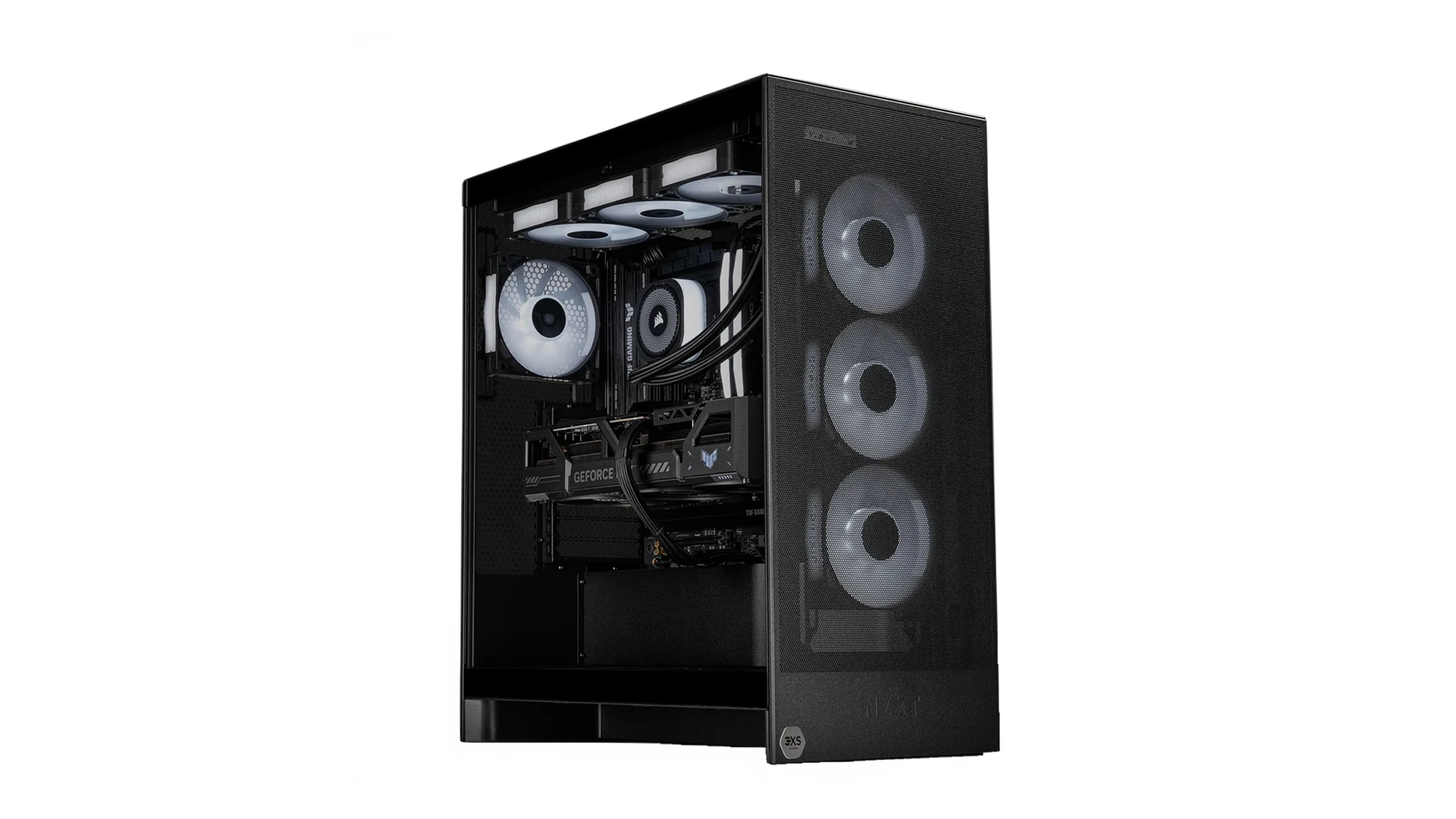
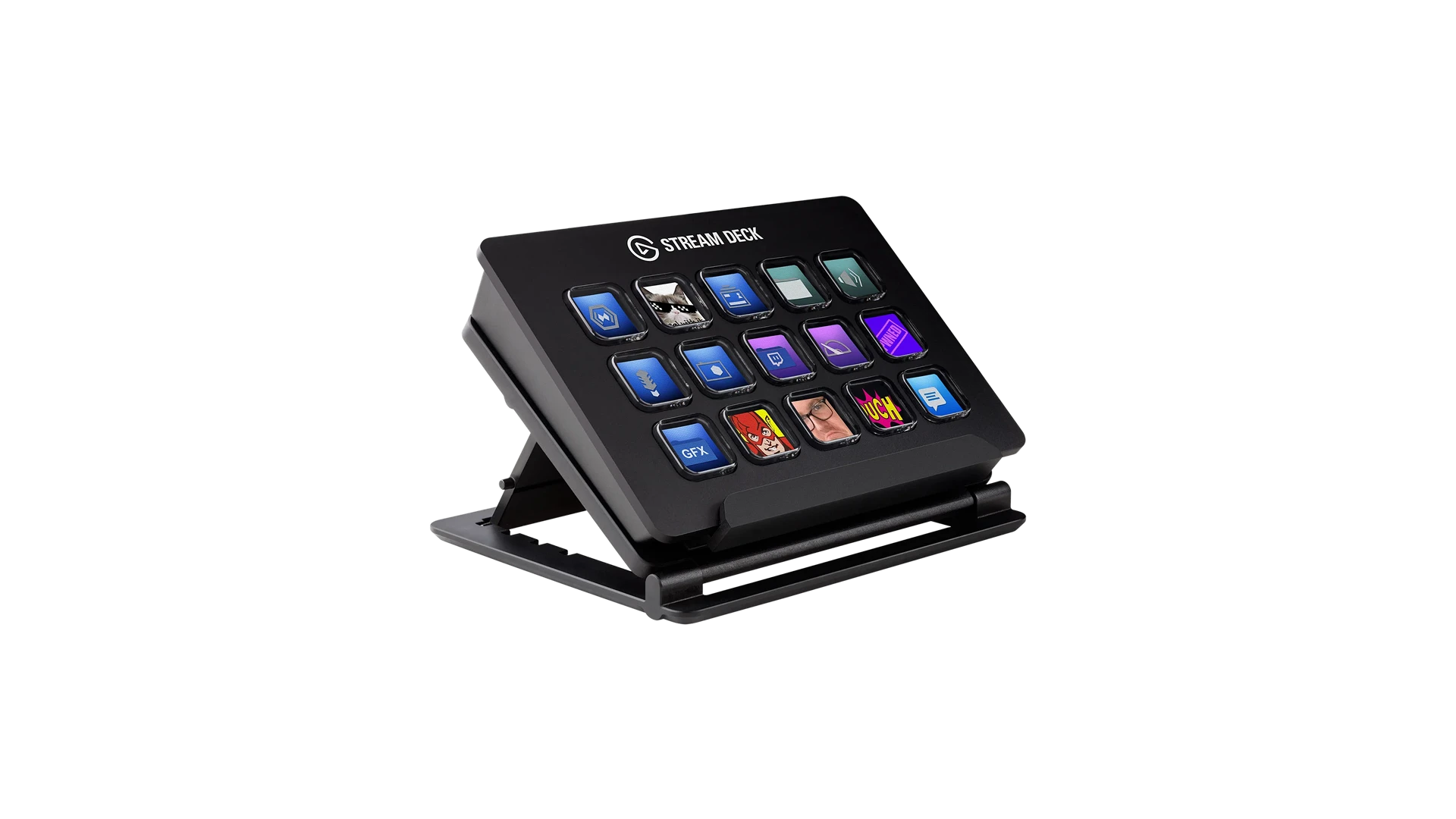
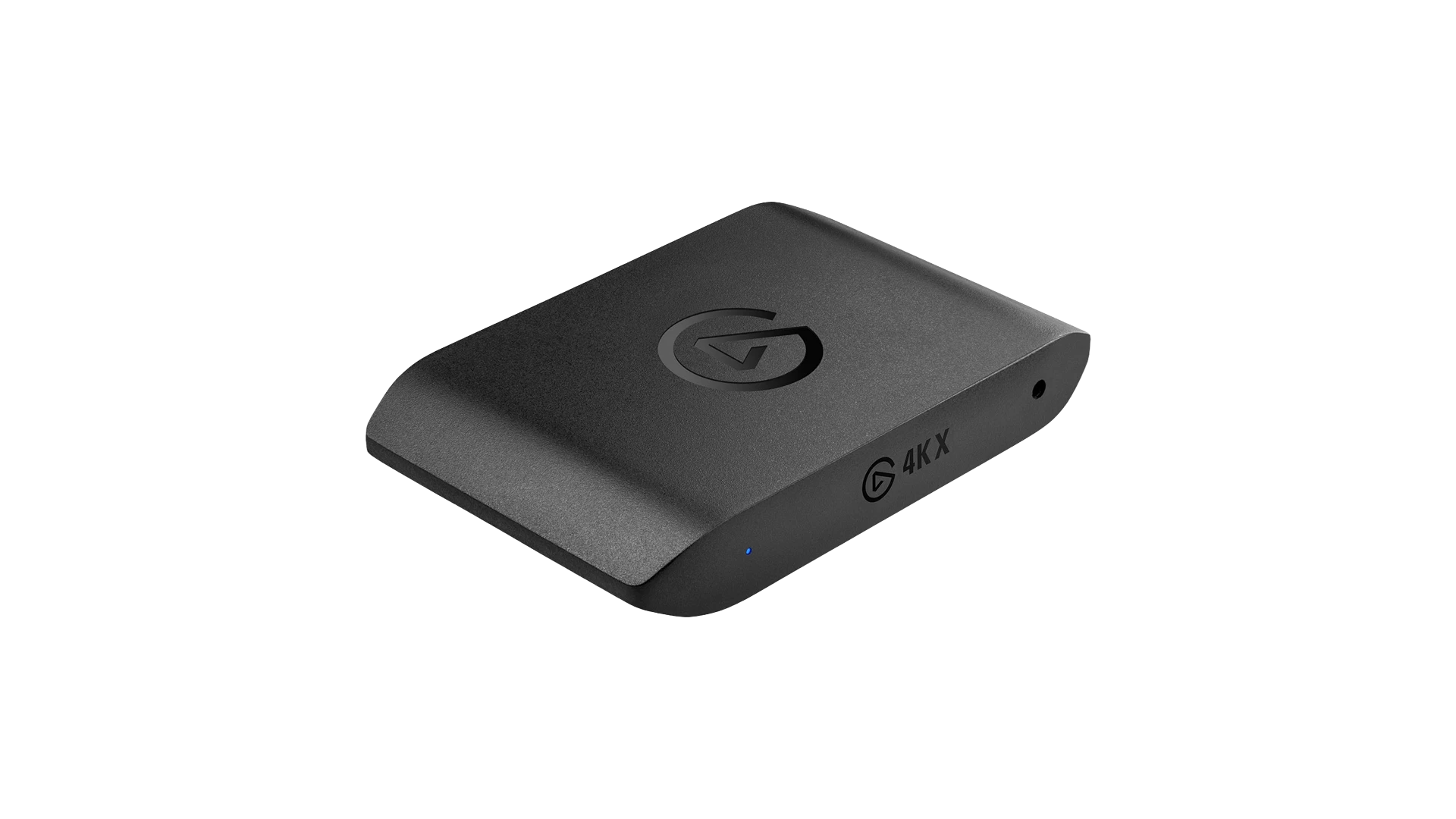
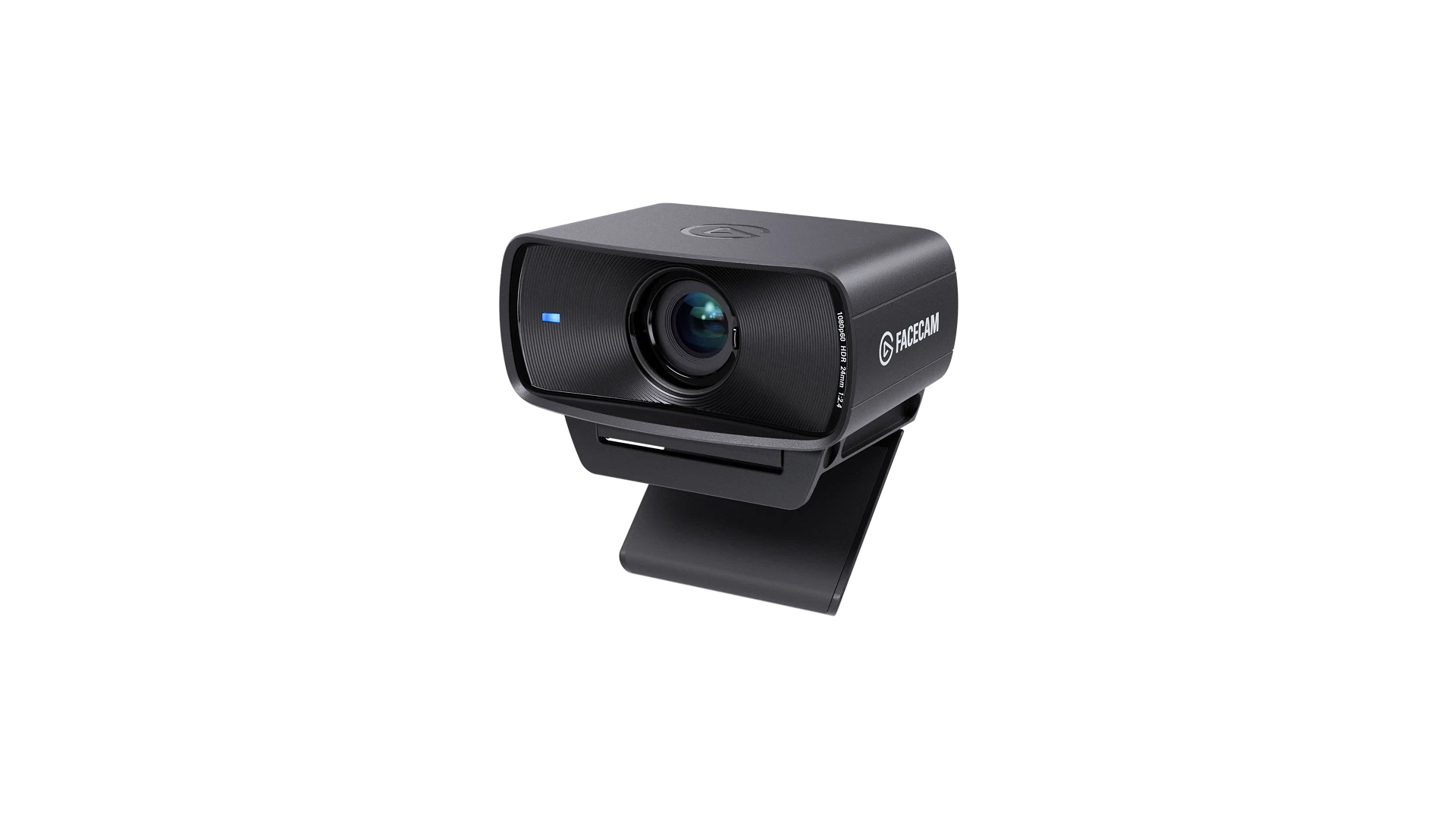
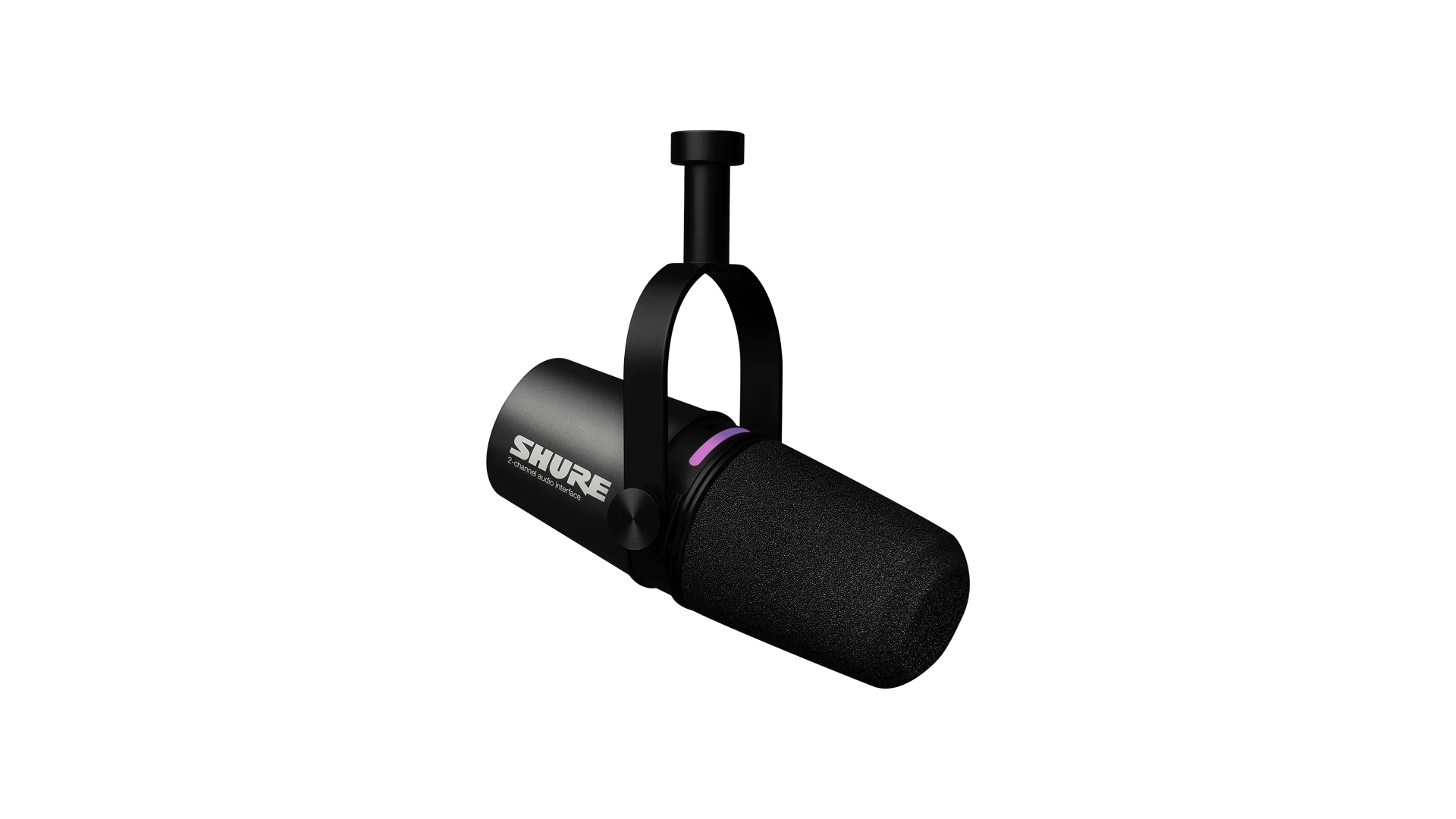
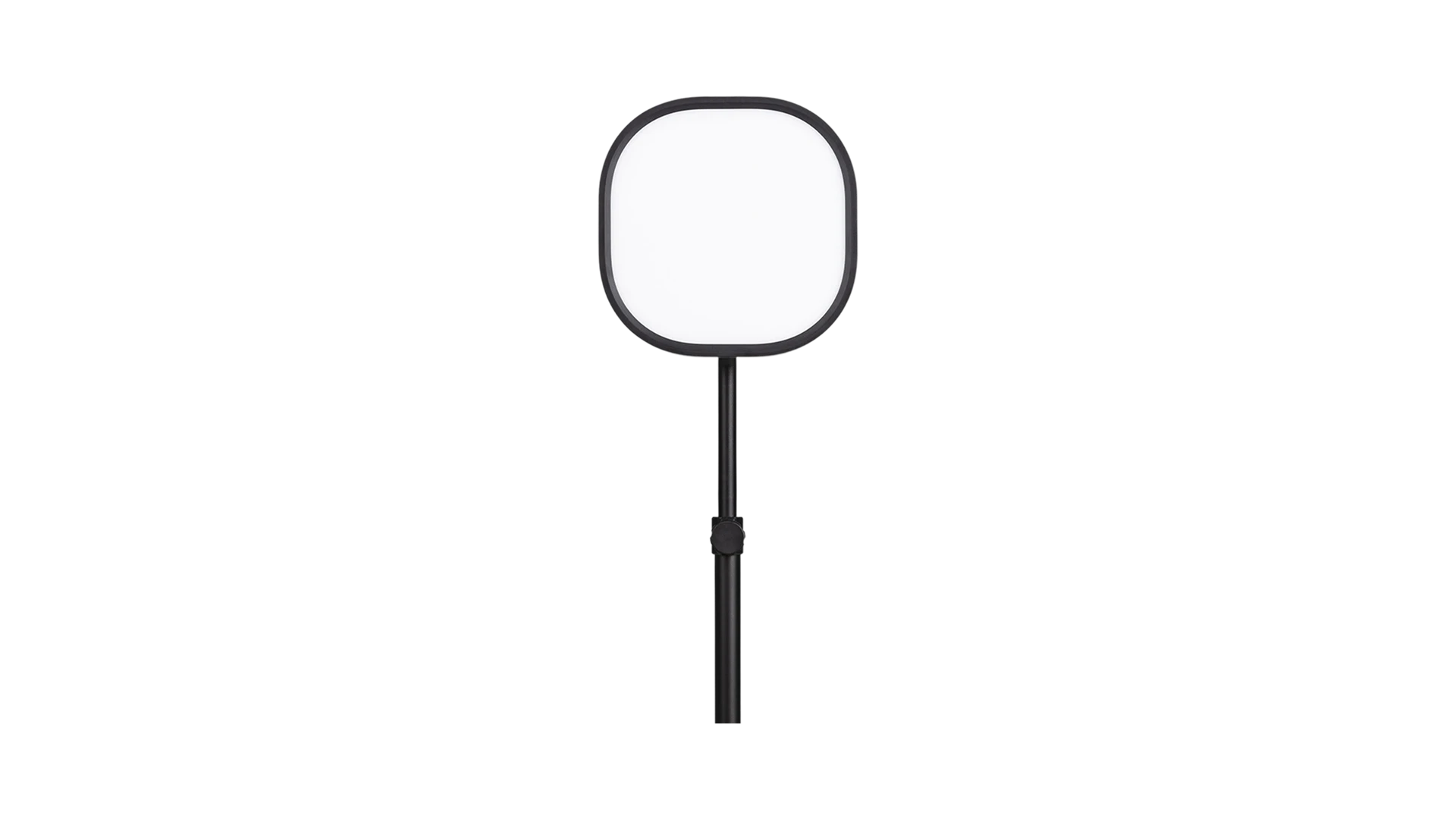
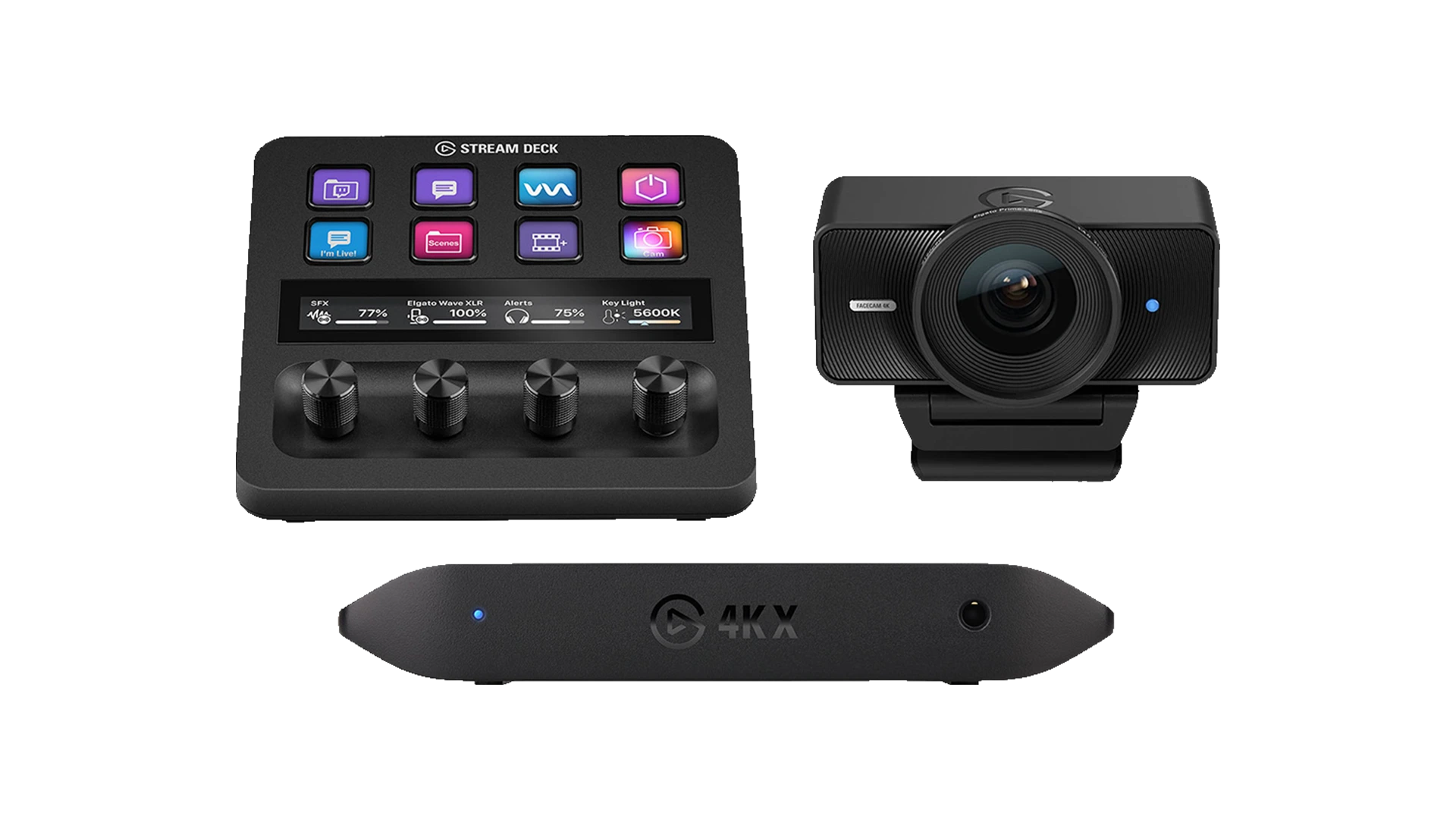


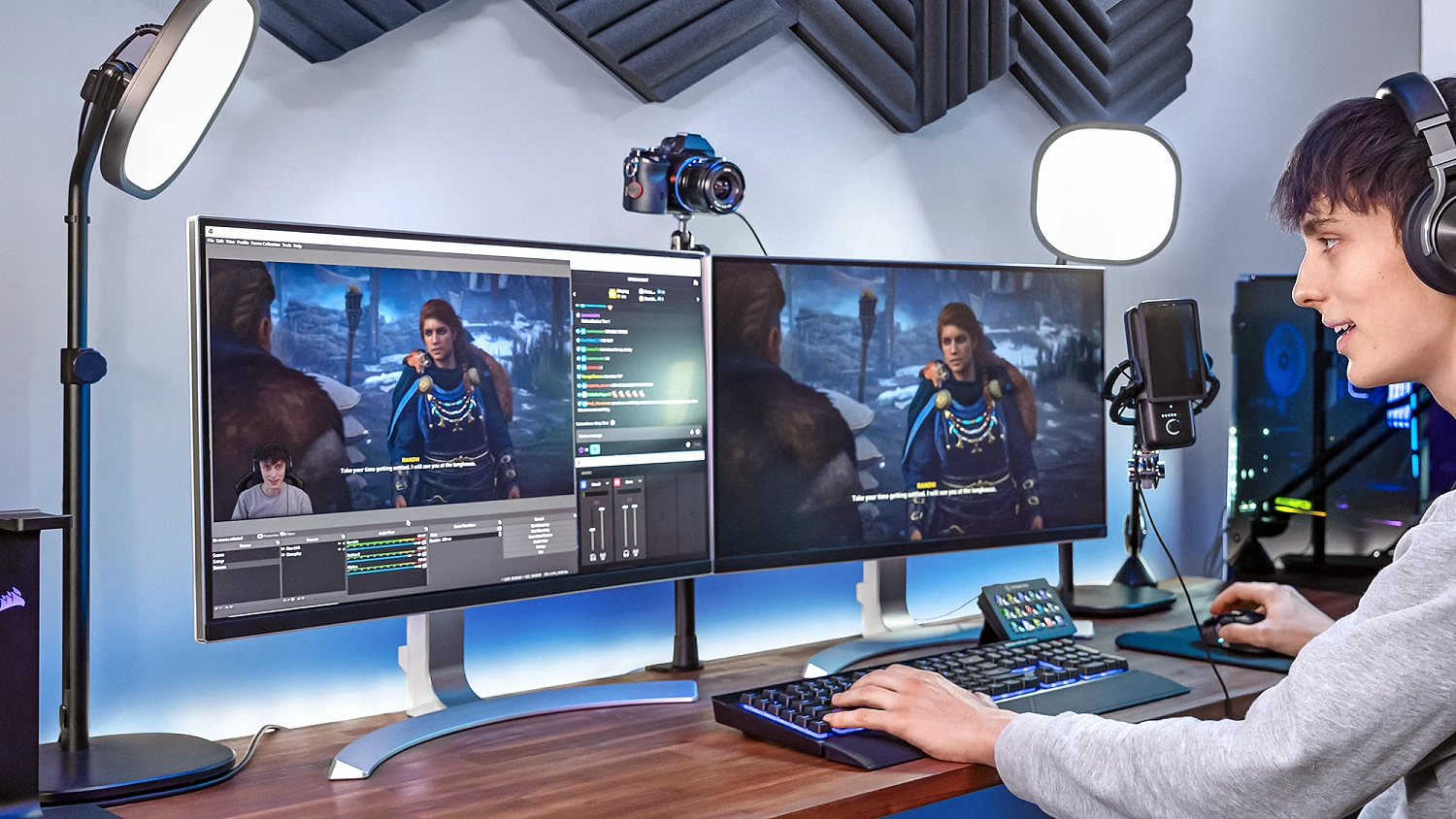
Streaming Buyers Guide
New to streaming? Read our buyer's guide to find out everything you need to know from Streaming PCs to Peripherals.
Read the Guide
Power Your Stream with Elgato
Designed with creators in mind, Elgato products integrate seamlessly with popular platforms like OBS, Twitch and YouTube, giving you powerful control over your content and workflow. Whether you're just starting out or building a full studio setup, Elgato makes it easy to level up your stream.
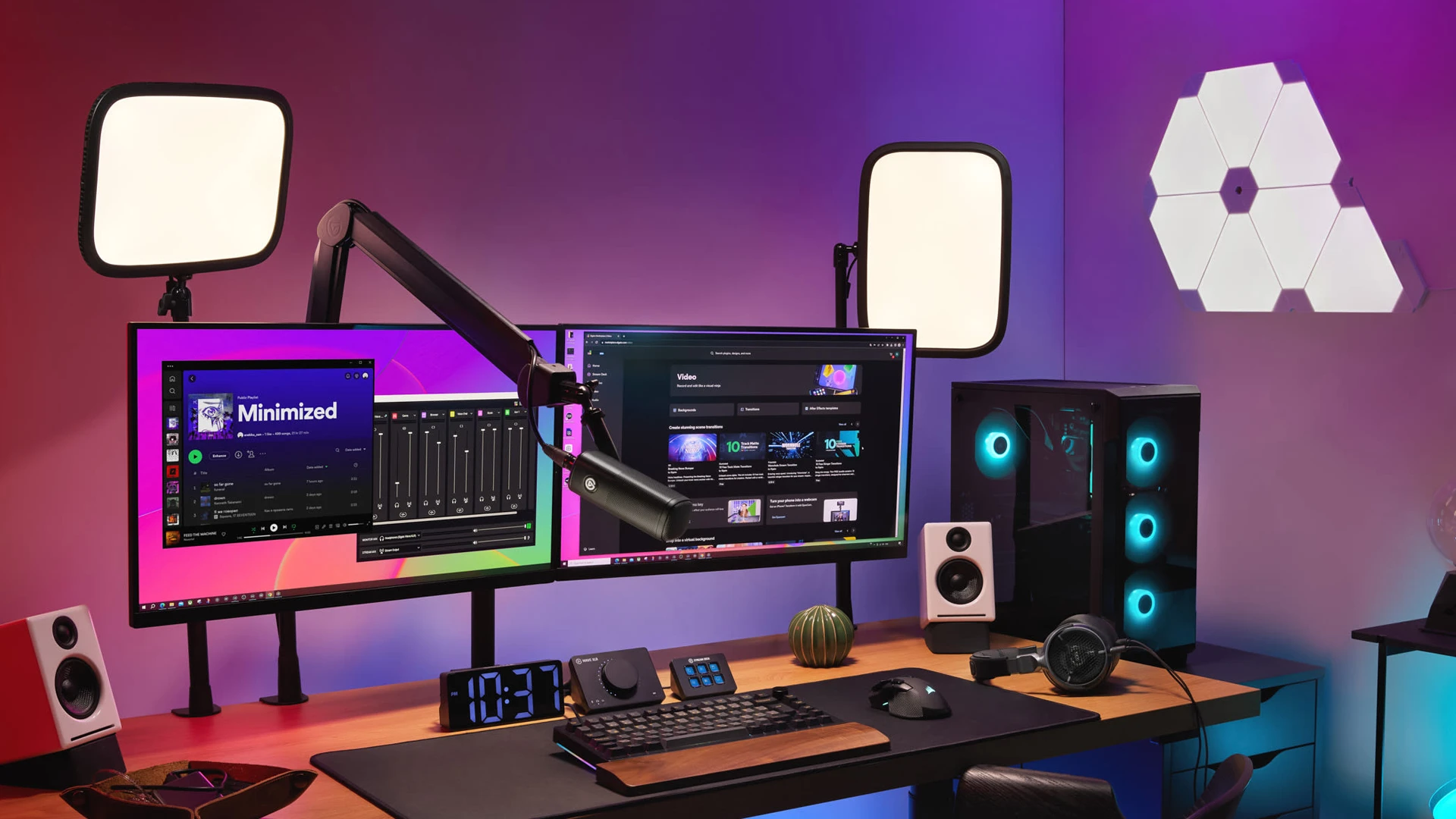
Elgato for Streaming
Dial in your setup and run your stream your way. Control everything, look better on camera and keep your content flowing.
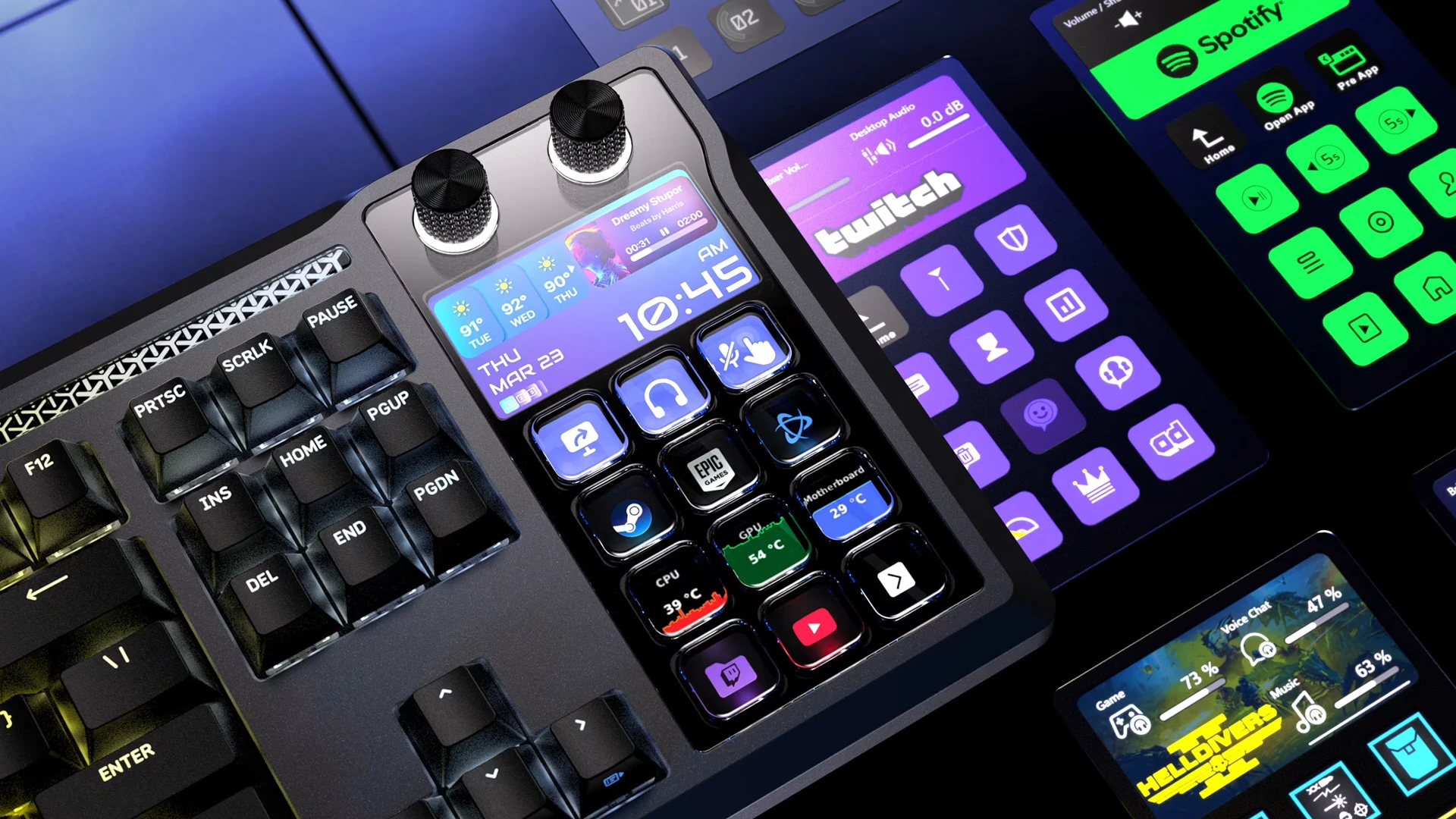
Elgato for Gaming
Capture your best plays, customise your setup and share every moment. Built for gamers who want more from their gear.
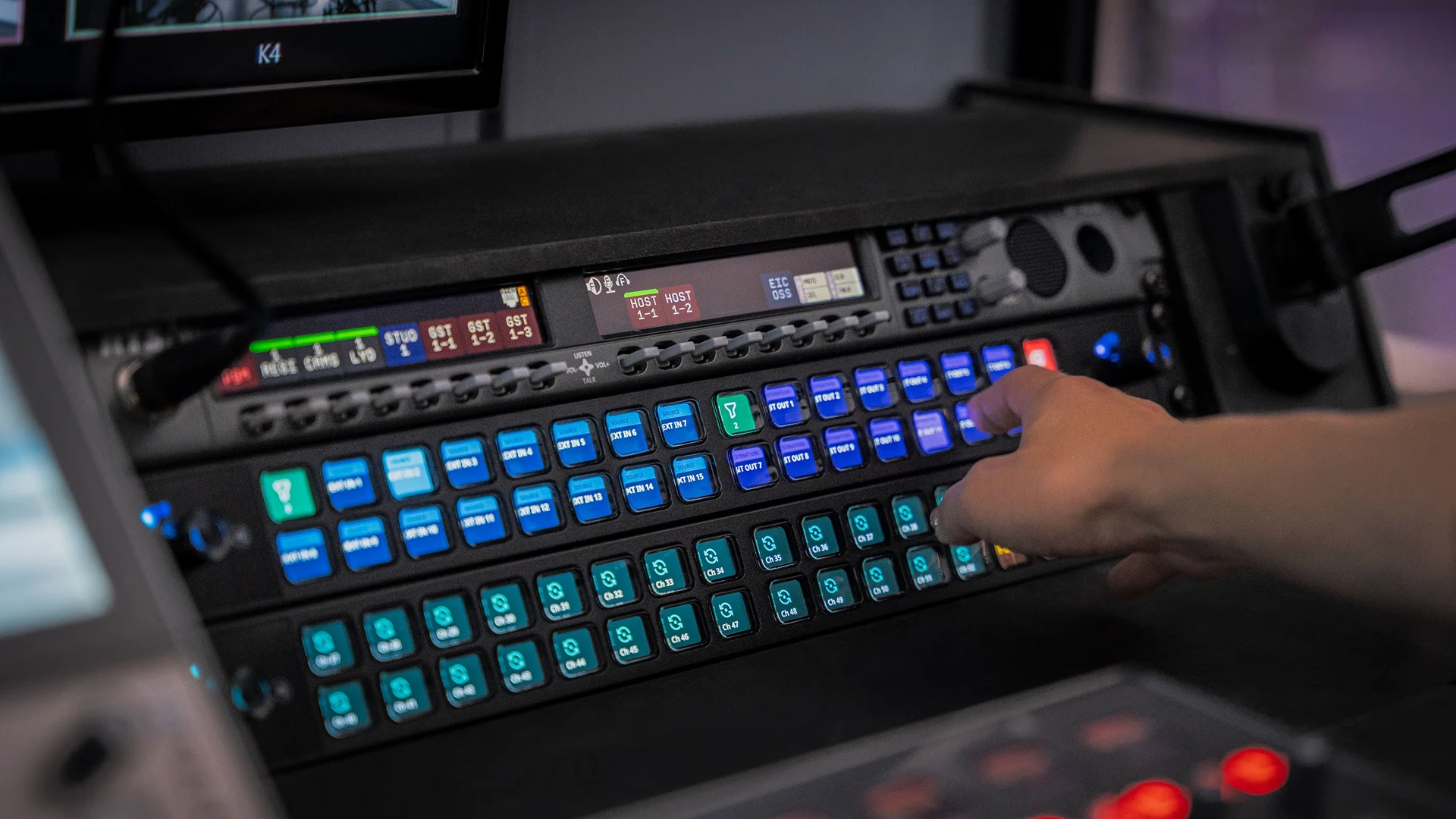
Elgato for Business
Clean video, clear audio and zero fuss. Perfect for calls, content or presentations when you need to show up properly.
Trusted By Creators
Top creators trust us to deliver results that grow audiences, strengthen brands, and elevate content, we work alongside some of the most recognised influencers and streamers in the industry.

Miniminter
Sophie Snazz

Roman Bilinski
Angry Ginge

Method Esports
Ctrl Alt Alex
B0aty
Streaming Videos
Check out our latest streaming videos featuring top creators and gaming content.
Frequently Asked Questions
A streaming PC should have a strong CPU (like Intel i7/i9 or AMD Ryzen 7/9), at least 16GB RAM, and a capable GPU if you plan to game while streaming. SSD storage helps with load times, and a reliable internet connection ensures smooth streams. These specs balance performance for both gaming and live streaming.
A gaming PC focuses on gaming performance, while a streaming PC prioritises multitasking. If you stream your gameplay, the PC needs to encode video smoothly while running the game, which can require more CPU power, RAM, or a dedicated GPU encoder. Many high-end gaming PCs can double as streaming PCs.
A dedicated streaming PC isn't essential, but it can improve performance and reduce lag if your gaming setup is resource heavy. For casual streaming, a single well-equipped PC is sufficient, but pros or dual-PC streamers may prefer separation for stability and quality. However, a powerful PC can handle gaming and streaming simultaneously.
Both are important, but the CPU handles video encoding and multitasking, making it critical for smooth streaming. GPU is vital for gaming performance and can assist with hardware encoding if using NVIDIA NVENC or AMD VCE. The balance between CPU and GPU is key.
A streaming controller, like a Stream Deck, lets you manage your stream in real time without alt-tabbing. You can switch scenes, trigger overlays, control audio, and send chat commands instantly. This makes multi-tasking easier, keeps your stream professional, and reduces mistakes during live broadcasts.
A good streaming camera should offer 1080p at 60fps or higher and low-light performance. Popular options include Elgato Facecam or Razer Kiyo Pro. USB plug-and-play makes setup simple, while higher-end options like mirrorless cameras with capture cards provide professional quality for content creators.
A quality microphone is crucial for clear audio. USB mics like the Elgato Wave, or Razer Seiren X are easy to use and reliable. For advanced setups, XLR microphones with an audio interface (like the Focusrite Scarlett ) give broadcast-level sound for professional streams.
Use streaming software like OBS Studio or Streamlabs with multi-stream plugins (Restream) to broadcast to multiple platforms at once. Ensure your PC has enough CPU/GPU power, fast internet, and proper audio/video routing. Organise scenes, alerts, and overlays for each platform for a polished viewer experience.
To stream on a PC, you'll need streaming software like OBS Studio or Streamlabs to capture and broadcast your gameplay. You may also use apps for chat management, alerts, and overlays (like StreamElements) and optional tools for audio/video enhancement, such as NVIDIA Broadcast.