Get Ready for Counter-Strike 2 with 3XS Gaming PCs and peripherals

Dominate Counter-Strike 2
with 3XS Gaming PCs and Peripherals
React faster, aim sharper, and compete with hardware built for high-FPS esports performance.

Every Round Counts
Counter-Strike 2 is the continuation of one of the most competitive shooters in gaming history. Every peek, flick and utility can make the difference between victory and defeat, whether you’re just playing with friends or climbing the ranks in competitive.
To stay one step ahead, you'll want a gaming PC that delivers smooth gameplay, lightning-fast responsiveness and the performance to keep up when the action gets intense. That's why we've selected three ranges of 3XS Gaming PCs, built to help you play with confidence, react faster and focus on winning every round.
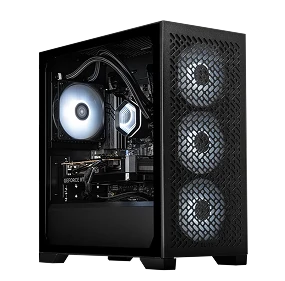
1080p / 240 fps
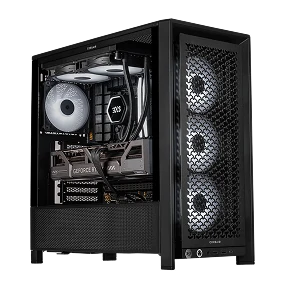
1440p / 240 fps
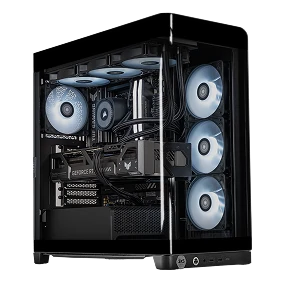
1440p / 360 fps
Recommended Peripherals
Gear up for precision, immersion, and control.
Accessories
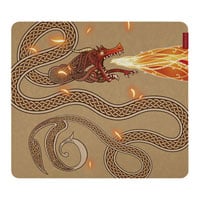
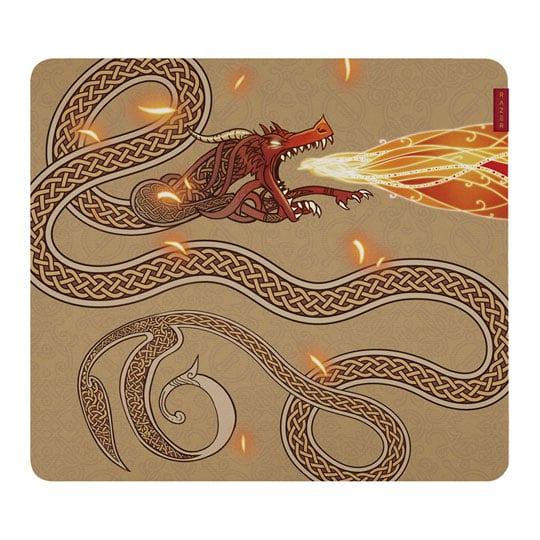
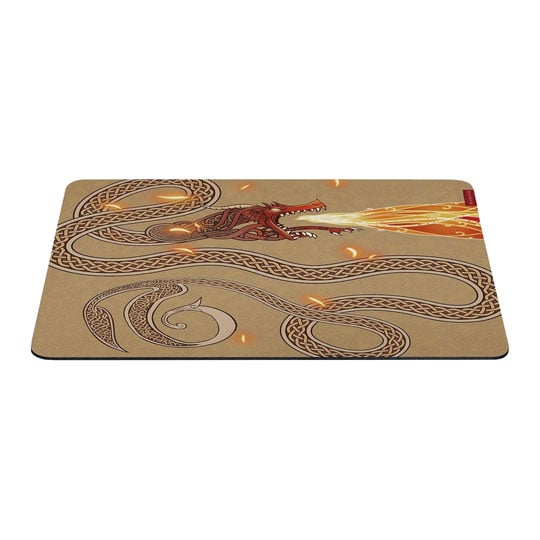
 Razer Gigantus V2 Gaming Surface, Large, Textured Surface, High Density Foam, Anti-Slip Base, 450mm x 400mm, CS2 EditionRazer Gigantus V2 Large Counter-Strike 2 Edition Gaming Surface
LN167362
No customer review
Razer Gigantus V2 Gaming Surface, Large, Textured Surface, High Density Foam, Anti-Slip Base, 450mm x 400mm, CS2 EditionRazer Gigantus V2 Large Counter-Strike 2 Edition Gaming Surface
LN167362
No customer reviewKey Specifications
- Razer Gigantus V2 Gaming Surface
- Large
- Textured Surface
- High Density Foam
- Anti-Slip Base
- 450mm x 400mm
- CS2 Edition
£39.98Finance options available when you spend over £99.00

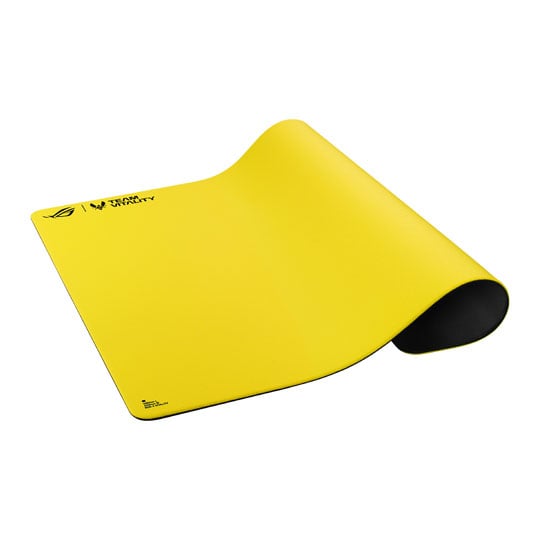
 ASUS ROG Hone Control Ace L Gaming Mouse Mat, Vitality Edition, Cloth Surface, Anti-Slip Base, Water-Resistant, 490x420ASUS ROG Hone Control Ace L Vitality Edition Gaming Mouse Mat
LN172717
No customer review
ASUS ROG Hone Control Ace L Gaming Mouse Mat, Vitality Edition, Cloth Surface, Anti-Slip Base, Water-Resistant, 490x420ASUS ROG Hone Control Ace L Vitality Edition Gaming Mouse Mat
LN172717
No customer reviewKey Specifications
- ASUS ROG Hone Control Ace L Gaming Mouse Mat
- Vitality Edition
- Cloth Surface
- Anti-Slip Base
- Water-Resistant
- 490x420
£49.99Finance options available when you spend over £99.00

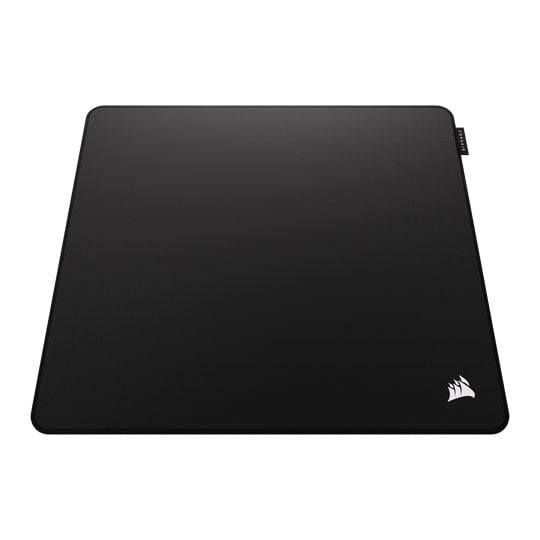
 CORSAIR MM Pro Esports-Tuned Gaming Mouse Mat, Black, Large, Cloth Surface, Anti-slip Polyurethane Base, 450x400mmCORSAIR MM Pro Esports-Tuned Large Gaming Mouse Mat - Black
LN167007
No customer review
CORSAIR MM Pro Esports-Tuned Gaming Mouse Mat, Black, Large, Cloth Surface, Anti-slip Polyurethane Base, 450x400mmCORSAIR MM Pro Esports-Tuned Large Gaming Mouse Mat - Black
LN167007
No customer reviewKey Specifications
- CORSAIR MM Pro Esports-Tuned Gaming Mouse Mat
- Black
- Large
- Cloth Surface
- Anti-slip Polyurethane Base
- 450x400mm
£49.99Free delivery on this itemFinance options available when you spend over £99.00
Headsets
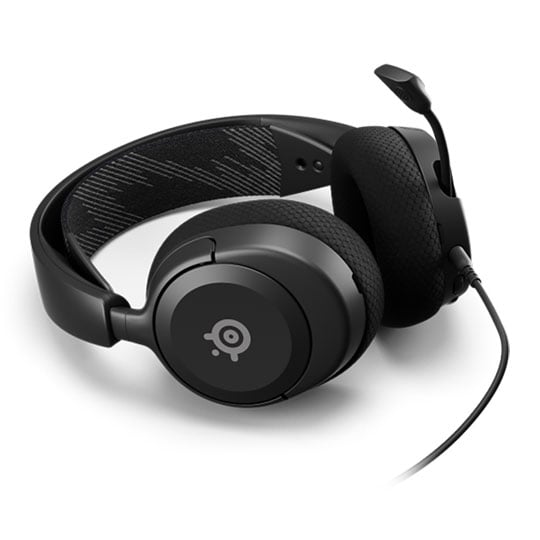
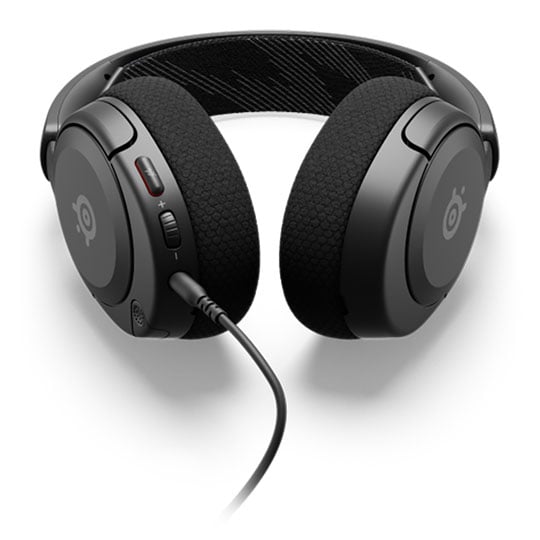
 SteelSeries Arctis Nova 1 Wired Headset, 40mm Neodymium Drivers, 360° Spatial Audio, ClearCast Mic, 3.5mm, PC / ConsolesSteelSeries Arctis Nova 1 360° Spatial Audio Wired Gaming Headset
LN130496
Customer Review (29)
SteelSeries Arctis Nova 1 Wired Headset, 40mm Neodymium Drivers, 360° Spatial Audio, ClearCast Mic, 3.5mm, PC / ConsolesSteelSeries Arctis Nova 1 360° Spatial Audio Wired Gaming Headset
LN130496
Customer Review (29)Key Specifications
- SteelSeries Arctis Nova 1 Wired Headset
- 40mm Neodymium Drivers
- 360° Spatial Audio
- ClearCast Mic
- 3.5mm
- PC / Consoles
Was: £49.99£44.99Finance options available when you spend over £99.00
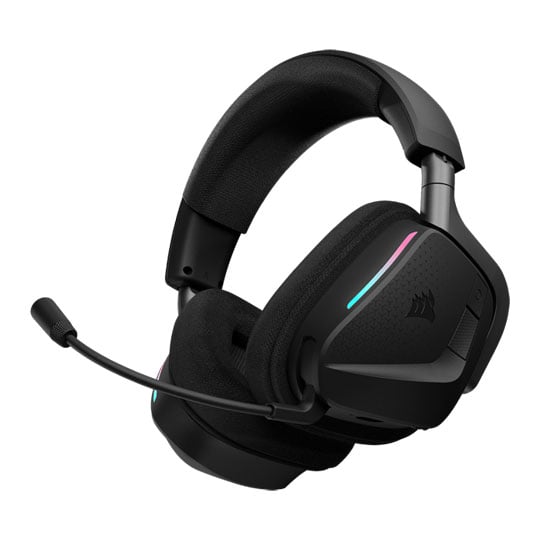
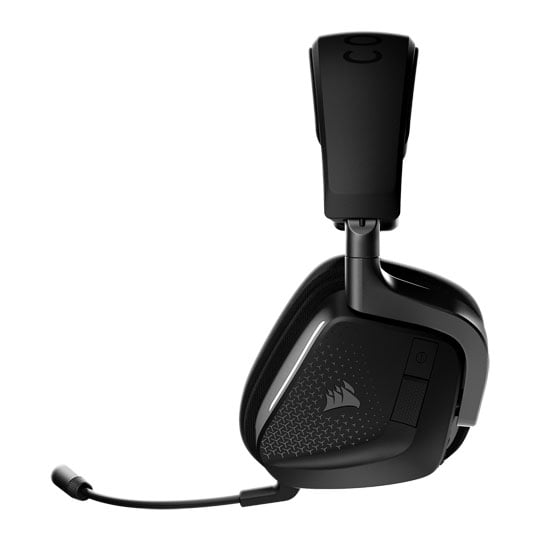 CORSAIR VOID v2 MAX Wireless Headset, Black, RGB, Dolby Atmos, 50mm Neodymium Drivers, Wireless / BT 5.3, PC / ConsoleCORSAIR VOID v2 MAX Wireless Dolby Atmos Spatial Audio Wireless Gaming Headset
LN165823
No customer review
CORSAIR VOID v2 MAX Wireless Headset, Black, RGB, Dolby Atmos, 50mm Neodymium Drivers, Wireless / BT 5.3, PC / ConsoleCORSAIR VOID v2 MAX Wireless Dolby Atmos Spatial Audio Wireless Gaming Headset
LN165823
No customer reviewKey Specifications
- CORSAIR VOID v2 MAX Wireless Headset
- Black
- RGB
- Dolby Atmos
- 50mm Neodymium Drivers
- Wireless / BT 5.3
- PC / Console
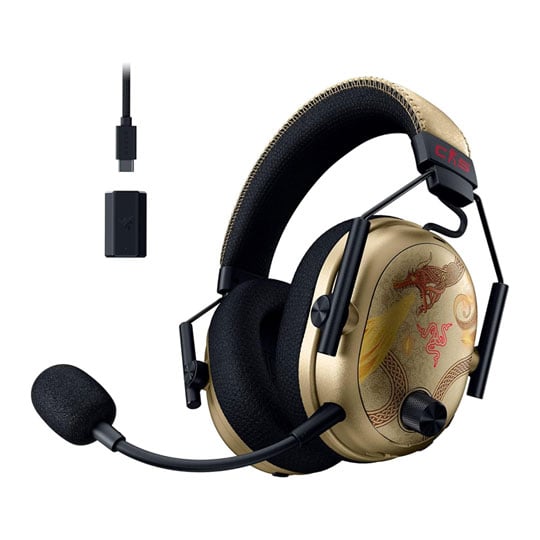
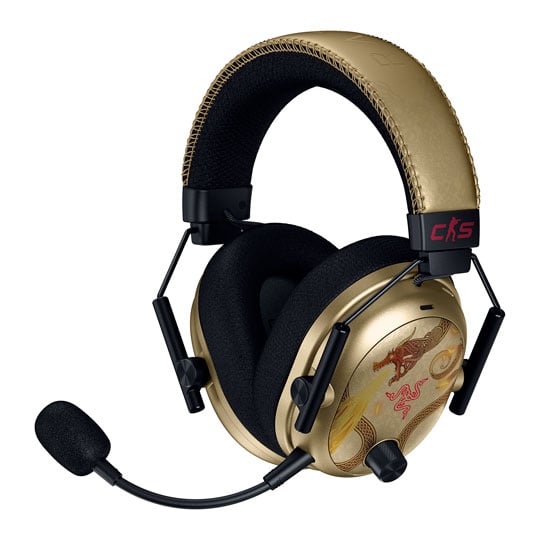 Razer BlackShark V3 Pro Headset, Black, 50mm Drivers, HyperClear Mic, Memory Foam, 2.4GHz / BT, USB, 3.5mm, CS2 EditionRazer Blackshark V3 Pro Counter-Strike 2 Edition Wireless Black Gaming Headset
LN167369
No customer review
Razer BlackShark V3 Pro Headset, Black, 50mm Drivers, HyperClear Mic, Memory Foam, 2.4GHz / BT, USB, 3.5mm, CS2 EditionRazer Blackshark V3 Pro Counter-Strike 2 Edition Wireless Black Gaming Headset
LN167369
No customer reviewKey Specifications
- Razer BlackShark V3 Pro Headset
- Black
- 50mm Drivers
- HyperClear Mic
- Memory Foam
- 2.4GHz / BT
- USB
- 3.5mm
- CS2 Edition
Keyboards
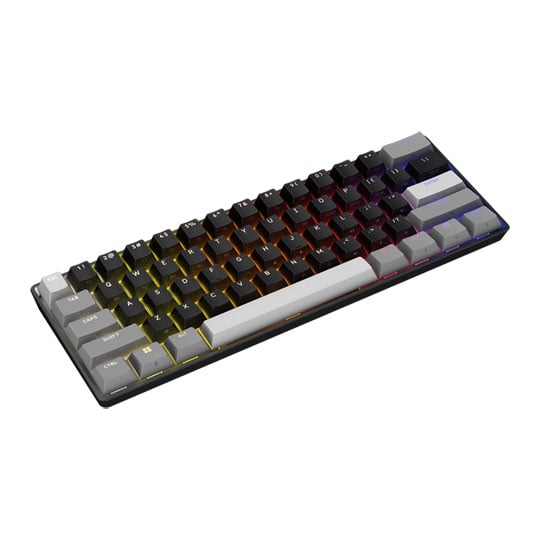
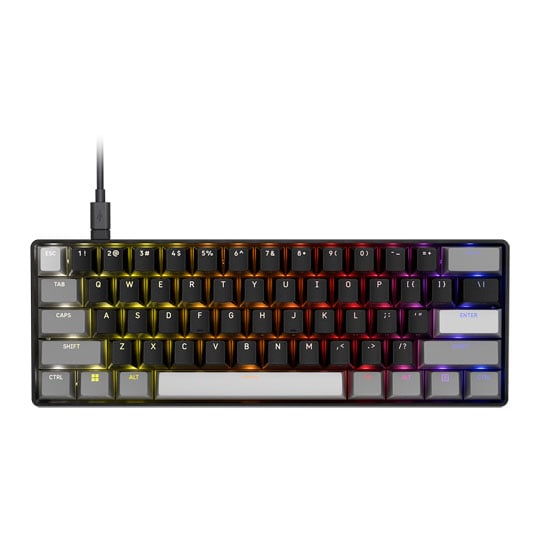 CORSAIR CLIPPER PRO MINI 60 Hall Effect Gaming Keyboard, 60%, Black, RGB, MGX Hyperdrive Core Switches, USB, UKCORSAIR CLIPPER PRO MINI 60 Wired Black Hall Effect 60% RGB Gaming Keyboard
LN171821
No customer review
CORSAIR CLIPPER PRO MINI 60 Hall Effect Gaming Keyboard, 60%, Black, RGB, MGX Hyperdrive Core Switches, USB, UKCORSAIR CLIPPER PRO MINI 60 Wired Black Hall Effect 60% RGB Gaming Keyboard
LN171821
No customer reviewKey Specifications
- CORSAIR CLIPPER PRO MINI 60 Hall Effect Gaming Keyboard
- 60%
- Black
- RGB
- MGX Hyperdrive Core Switches
- USB
- UK
£89.99Free delivery on this itemFinance options available when you spend over £99.00
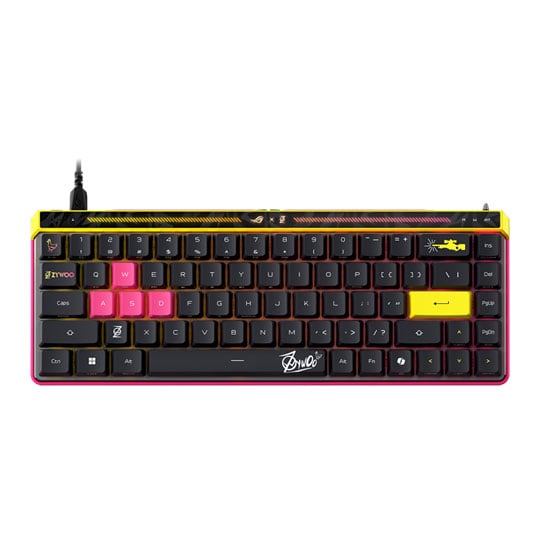
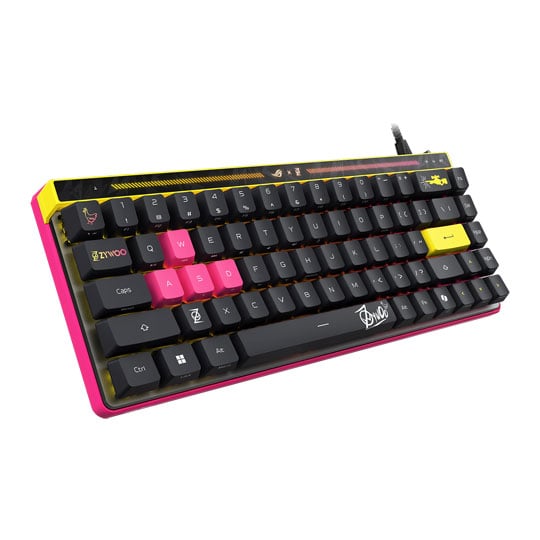 ASUS ROG Falchion Ace HFX ZywOo Edition RGB Keyboard, Black, 65%, US Layout, HFX Magnetic Switches, N-Key Rollover, USBASUS ROG Falchion Ace HFX ZywOo Edition Wired 65% US Layout RGB Gaming Keyboard Black
LN165860
No customer review
ASUS ROG Falchion Ace HFX ZywOo Edition RGB Keyboard, Black, 65%, US Layout, HFX Magnetic Switches, N-Key Rollover, USBASUS ROG Falchion Ace HFX ZywOo Edition Wired 65% US Layout RGB Gaming Keyboard Black
LN165860
No customer reviewKey Specifications
- ASUS ROG Falchion Ace HFX ZywOo Edition RGB Keyboard
- Black
- 65%
- US Layout
- HFX Magnetic Switches
- N-Key Rollover
- USB
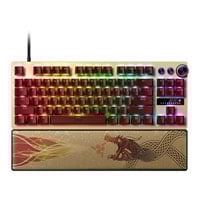
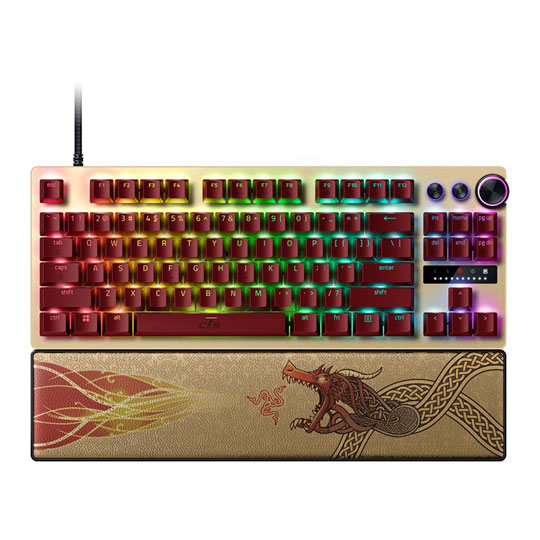
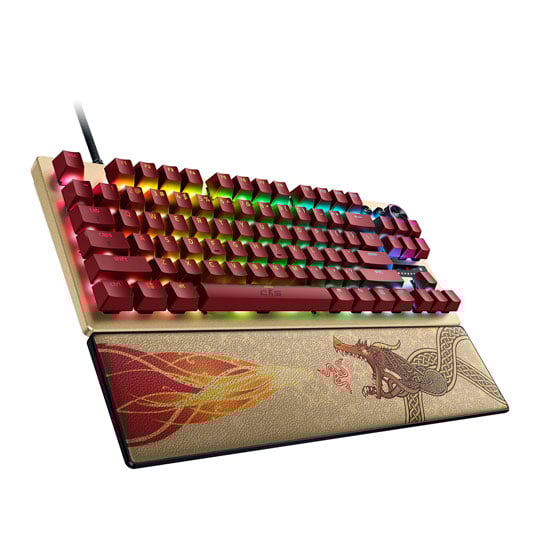 Razer Huntsman V3 Pro TKL Gaming Keyboard, US Layout, Analog Optical Gen2 Switches, N-Key / Anti-Ghosting, CS2 EditionRazer Huntsman V3 Pro TKL Counter-Strike 2 Edition Gaming Keyboard - US Layout
LN167359
No customer review
Razer Huntsman V3 Pro TKL Gaming Keyboard, US Layout, Analog Optical Gen2 Switches, N-Key / Anti-Ghosting, CS2 EditionRazer Huntsman V3 Pro TKL Counter-Strike 2 Edition Gaming Keyboard - US Layout
LN167359
No customer reviewKey Specifications
- Razer Huntsman V3 Pro TKL Gaming Keyboard
- US Layout
- Analog Optical Gen2 Switches
- N-Key / Anti-Ghosting
- CS2 Edition
Mice
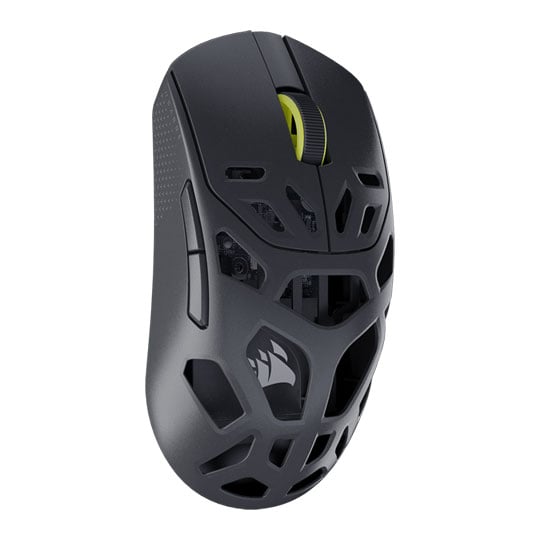
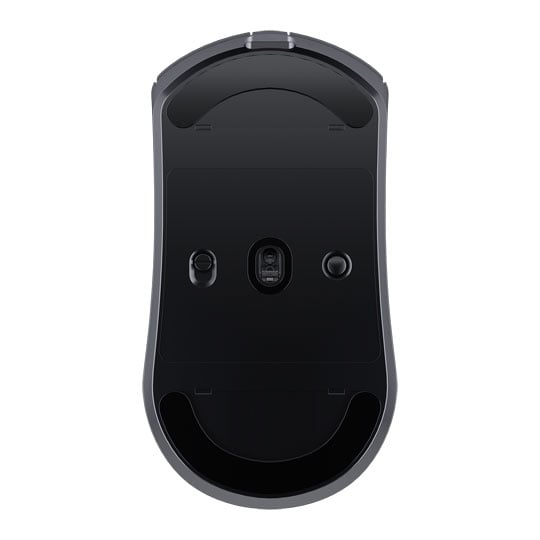 CORSAIR SABRE v2 Pro MG Wireless Gaming Mouse, Optical, Marksman S Sensor, 33,000 DPI, Slipstream / BT / USB, BlackCORSAIR SABRE v2 Pro Wireless MG Gaming Mouse Black
LN167006
No customer review
CORSAIR SABRE v2 Pro MG Wireless Gaming Mouse, Optical, Marksman S Sensor, 33,000 DPI, Slipstream / BT / USB, BlackCORSAIR SABRE v2 Pro Wireless MG Gaming Mouse Black
LN167006
No customer reviewKey Specifications
- CORSAIR SABRE v2 Pro MG Wireless Gaming Mouse
- Optical
- Marksman S Sensor
- 33
- 000 DPI
- Slipstream / BT / USB
- Black
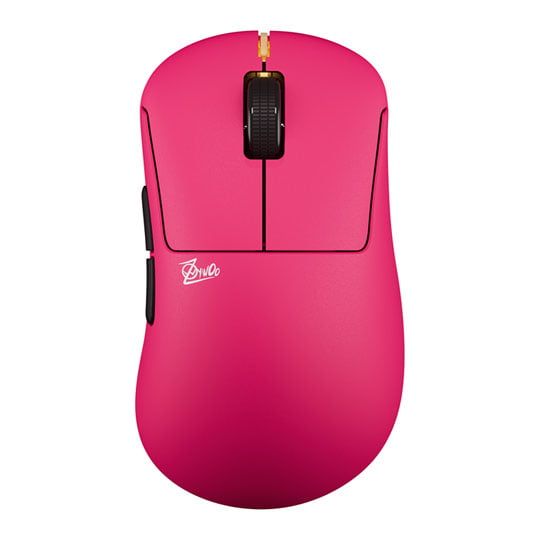
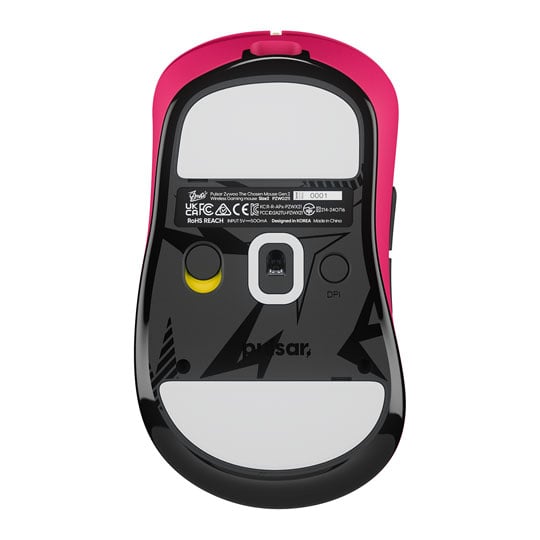
 Pulsar ZywOo The Chosen Mouse Gen.2 Wireless Gaming Mouse, Pink, Optical, XS-1 Sensor, 32k DPI, 5 Buttons, 2.4GHz / USBPulsar ZywOo The Chosen Mouse Gen.2 Pink Optical Wireless Gaming Mouse
LN173498
No customer review
Pulsar ZywOo The Chosen Mouse Gen.2 Wireless Gaming Mouse, Pink, Optical, XS-1 Sensor, 32k DPI, 5 Buttons, 2.4GHz / USBPulsar ZywOo The Chosen Mouse Gen.2 Pink Optical Wireless Gaming Mouse
LN173498
No customer reviewKey Specifications
- Pulsar ZywOo The Chosen Mouse Gen.2 Wireless Gaming Mouse
- Pink
- Optical
- XS-1 Sensor
- 32k DPI
- 5 Buttons
- 2.4GHz / USB
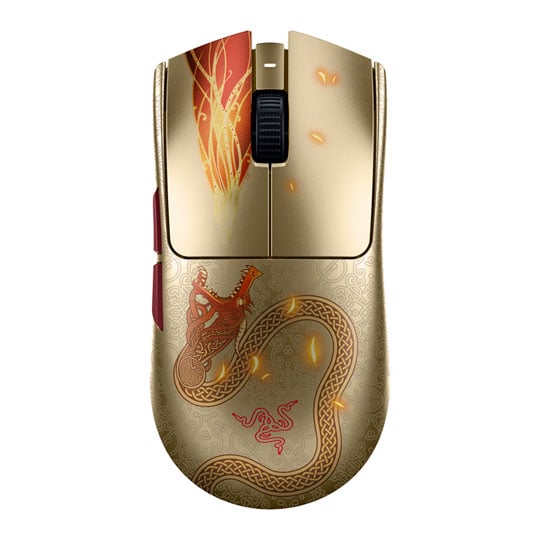
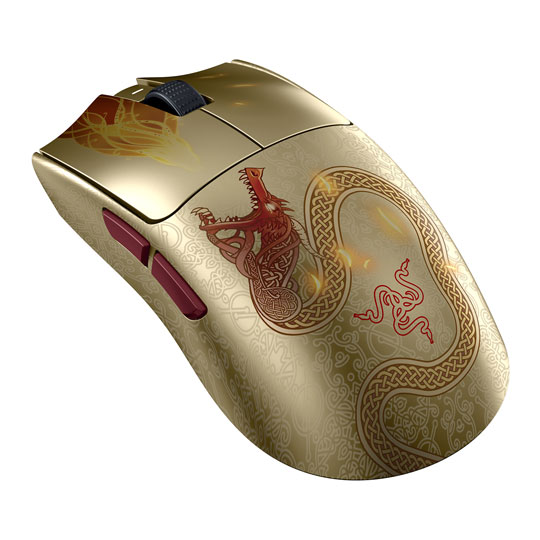 Razer Viper V3 Pro Wireless Mouse, Right-Handed, Focus Pro 35K Sensor, Gen-3 Switches, 35000dpi, CS2 EditionRazer Viper V3 Pro Counter-Strike 2 Edition Optical Wireless Black Gaming Mouse
LN167368
No customer review
Razer Viper V3 Pro Wireless Mouse, Right-Handed, Focus Pro 35K Sensor, Gen-3 Switches, 35000dpi, CS2 EditionRazer Viper V3 Pro Counter-Strike 2 Edition Optical Wireless Black Gaming Mouse
LN167368
No customer reviewKey Specifications
- Razer Viper V3 Pro Wireless Mouse
- Right-Handed
- Focus Pro 35K Sensor
- Gen-3 Switches
- 35000dpi
- CS2 Edition
Monitors
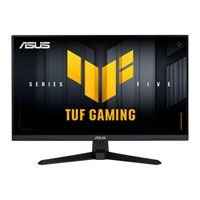
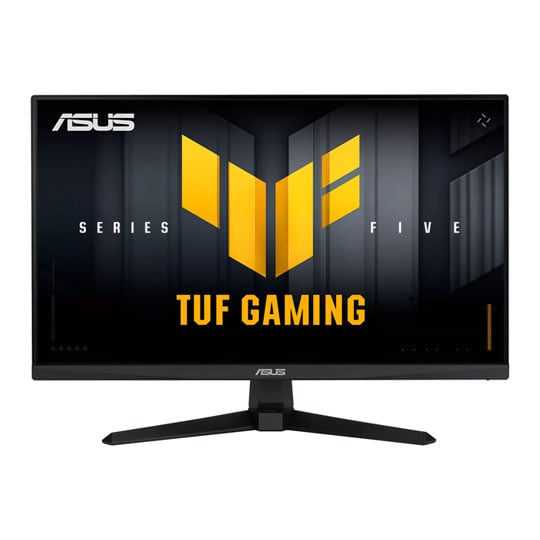
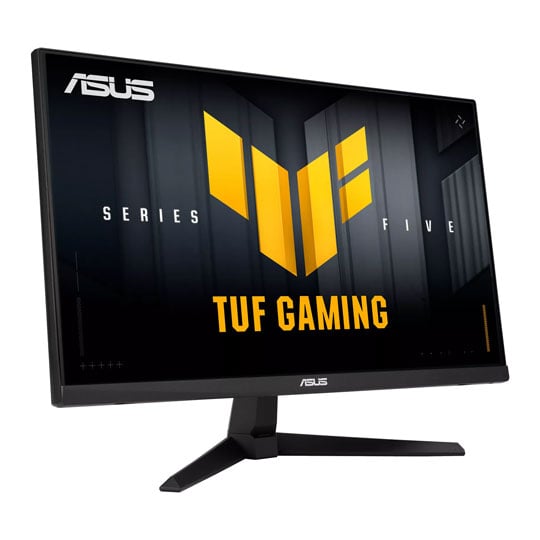 24.5" ASUS TUF VG259QM5A Monitor, Fast IPS, 1920x1080, 0.3ms, 240Hz, FreeSync Premium, 1000:1, 300cd/m², HDR, HDMI / DPASUS TUF Gaming VG259QM5A 24.5" Full HD 240Hz FreeSync Premium IPS Gaming Monitor
LN164460
Customer Review (2)
24.5" ASUS TUF VG259QM5A Monitor, Fast IPS, 1920x1080, 0.3ms, 240Hz, FreeSync Premium, 1000:1, 300cd/m², HDR, HDMI / DPASUS TUF Gaming VG259QM5A 24.5" Full HD 240Hz FreeSync Premium IPS Gaming Monitor
LN164460
Customer Review (2)Key Specifications
- 24.5" ASUS TUF VG259QM5A Monitor
- Fast IPS
- 1920x1080
- 0.3ms
- 240Hz
- FreeSync Premium
- 1000:1
- 300cd/m²
- HDR
- HDMI / DP
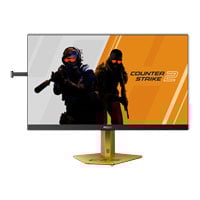
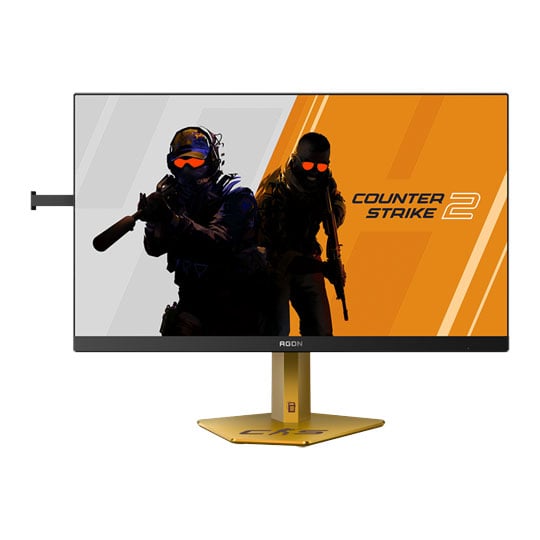
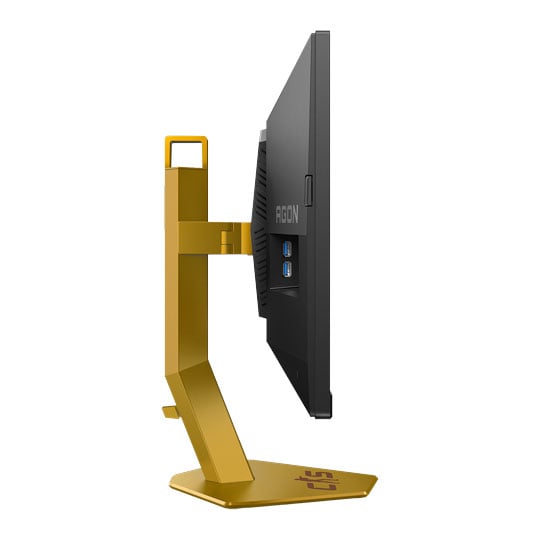
 24" AOC AGON PRO CS24A FHD 610Hz G-Sync Compatible Counter Strike 2 Esports Monitor, 1920x1080, 0.3ms, DP/HDMIAOC 24" AGON Pro CS24A FHD 610Hz G-Sync Compatible Gaming Monitor
LN162535
No customer review
24" AOC AGON PRO CS24A FHD 610Hz G-Sync Compatible Counter Strike 2 Esports Monitor, 1920x1080, 0.3ms, DP/HDMIAOC 24" AGON Pro CS24A FHD 610Hz G-Sync Compatible Gaming Monitor
LN162535
No customer reviewKey Specifications
- 24" AOC AGON PRO CS24A FHD 610Hz G-Sync Compatible Counter Strike 2 Esports Monitor
- 1920x1080
- 0.3ms
- DP/HDMI
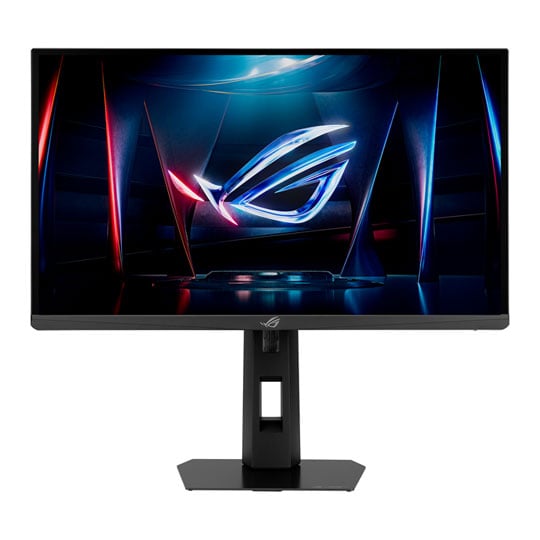
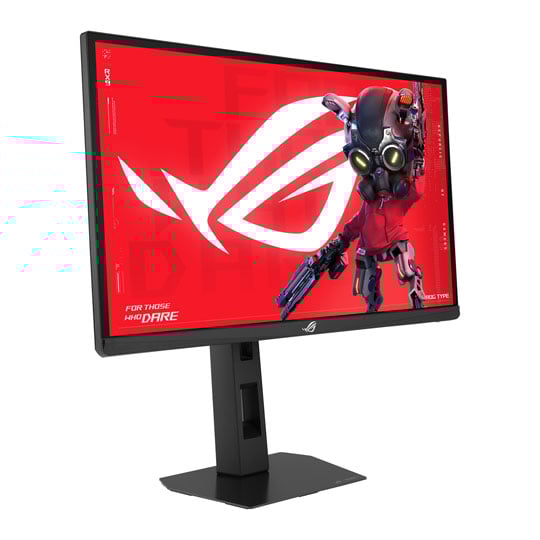 24.1" ASUS ROG Strix XG248QSG Ace, Super TN, 1920x1080, 0.1ms, 610Hz, FreeSync Premium, 1000:1, 400cd/m², HDR, HDMI / DPASUS ROG Strix Ace 24.1" Full HD 610Hz FreeSync Premium Super TN Gaming Monitor
LN164457
No customer review
24.1" ASUS ROG Strix XG248QSG Ace, Super TN, 1920x1080, 0.1ms, 610Hz, FreeSync Premium, 1000:1, 400cd/m², HDR, HDMI / DPASUS ROG Strix Ace 24.1" Full HD 610Hz FreeSync Premium Super TN Gaming Monitor
LN164457
No customer reviewKey Specifications
- 24.1" ASUS ROG Strix XG248QSG Ace
- Super TN
- 1920x1080
- 0.1ms
- 610Hz
- FreeSync Premium
- 1000:1
- 400cd/m²
- HDR
- HDMI / DP
We are not affiliated with or endorsed by Valve. These systems and peripherals are recommended specifications only and do not guarantee specific performance levels.
Counter-Strike 2 is not included with purchases outside of existing promotions. Game images are used for representational purposes only.
Explore More
Discover our range of gaming products designed to enhance your experience.
Counter Strike 2 Videos
Counter-Strike 2 PC & Peripherals FAQs
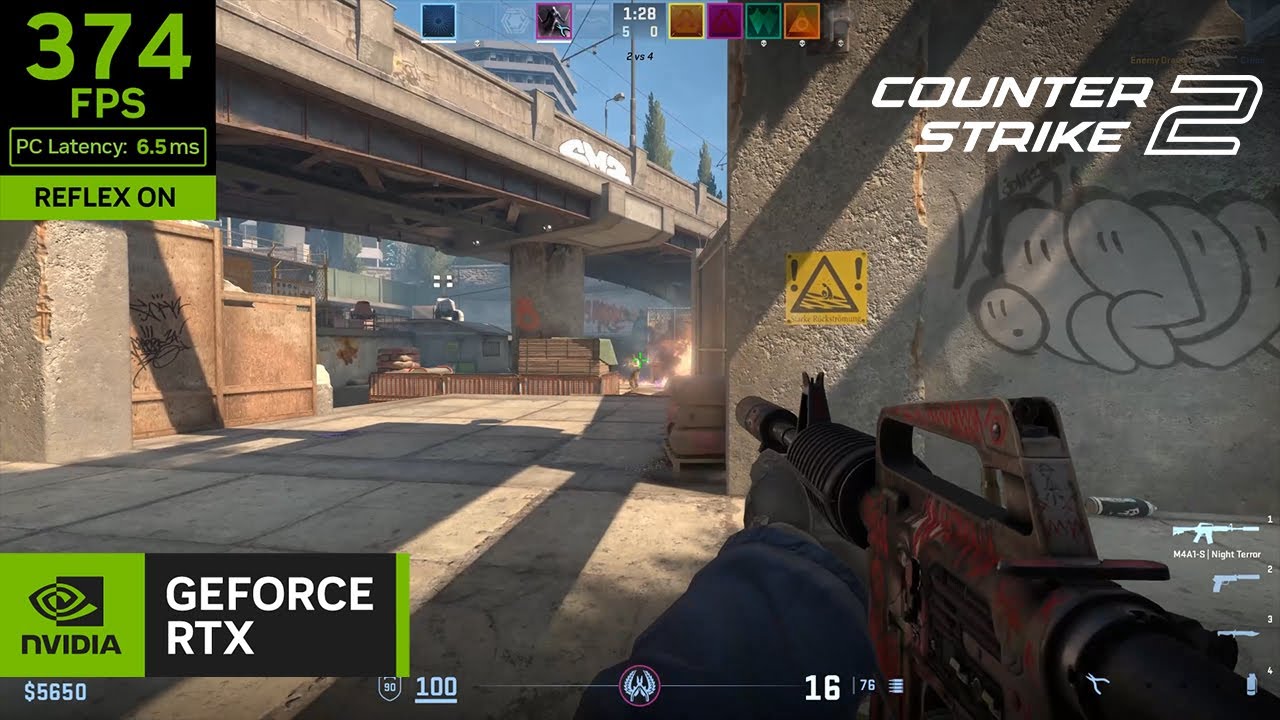
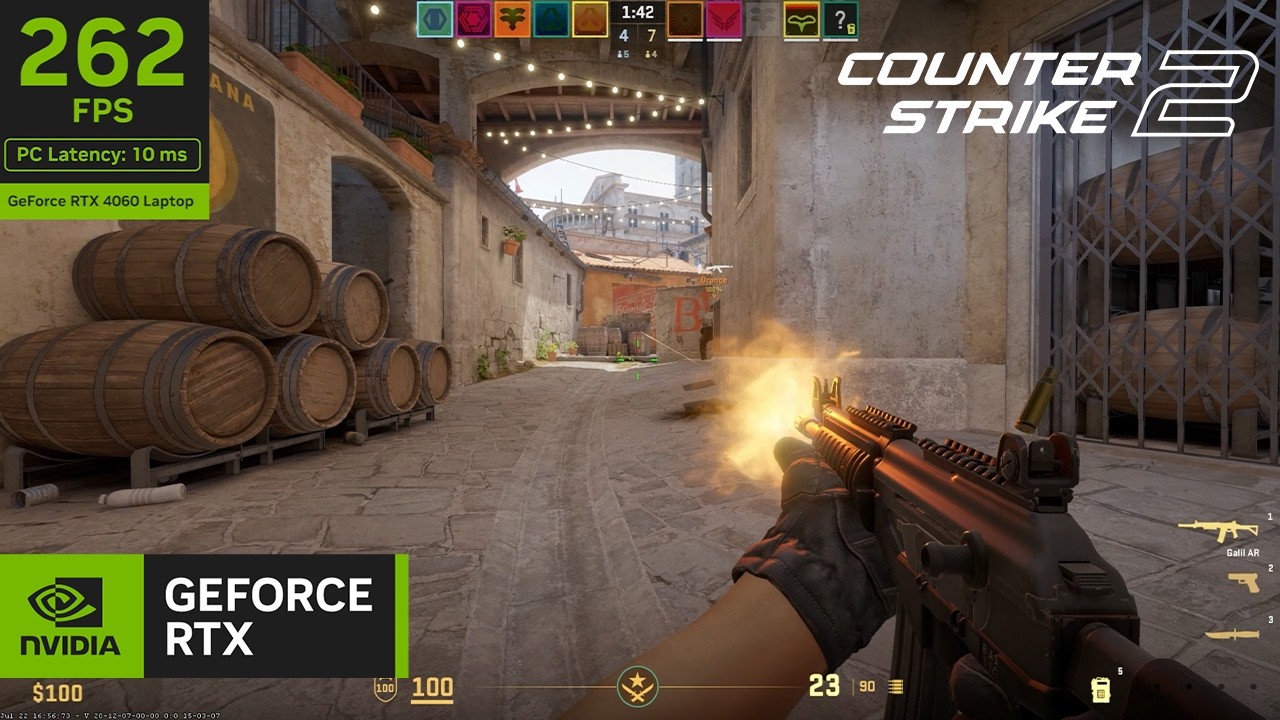
Counter-Strike 2 doesn't require the most powerful graphics card to run well. Instead, competitive players prioritise high, consistent frame rates and low input latency. A modern processor, dedicated NVIDIA GeForce RTX or AMD Radeon graphics card, 16GB of RAM and an NVMe SSD provide the smooth, responsive gameplay needed for accurate aiming and quick reactions.
If you're aiming for 144Hz, 240Hz or even 360Hz gameplay, a Scan 3XS Gaming PC offers the performance needed to keep up with high refresh rate monitors and competitive play.
Counter-Strike 2 is designed to run on a wide range of hardware, but the specifications you need depend on the experience you are aiming for.
| Experience | Recommended Specification |
|---|---|
| Minimum | Windows 10 (64-bit), Intel Core i5-750 or AMD Phenom II X4 945, NVIDIA GeForce GTX 660 or AMD Radeon HD 7850, 8GB RAM, 85GB storage |
| Recommended | Windows 10 (64-bit), Intel Core i7-9700 or AMD Ryzen 7 2700X, NVIDIA GeForce RTX 2070 or AMD Radeon RX 5700 XT, 16GB RAM, 85GB storage |
| Competitive (240+ FPS) | Intel Core i7-14700K or AMD Ryzen 7 7800X3D, NVIDIA GeForce RTX 4070 or AMD Radeon RX 7800 XT, 32GB DDR5, 240Hz or 360Hz monitor |
For competitive play, consistent frame rates and low input latency are more important than running the highest graphics settings.
The right peripherals won't increase your FPS, but they can reduce input latency, improve accuracy and help you react faster. For the best competitive experience, look for:
Gaming Mouse
Lightweight design, high-precision optical sensor and a 1000Hz polling rate for fast, accurate aiming.
Gaming Keyboard
Mechanical or Hall Effect switches with low input latency for responsive movement and counter-strafing.
Gaming Monitor
A 144Hz refresh rate or higher, with 240Hz recommended for smoother gameplay and improved motion clarity.
Gaming Headset
Clear positional audio and a quality microphone to help identify enemy locations and communicate effectively.
Mouse Pad
A large cloth surface provides consistent tracking and precise control, especially at lower sensitivities.
Pairing these peripherals with a high-performance gaming PC and stable internet connection helps create a responsive Counter-Strike 2 setup that supports fast reactions and consistent gameplay.
Yes. Many Counter-Strike 2 players prefer lightweight mice because they are easier to move quickly and make small aiming adjustments with, particularly when using a low sensitivity. However, there is no single ideal weight. A mouse that feels comfortable and allows you to aim consistently is usually the better choice over simply picking the lightest option.
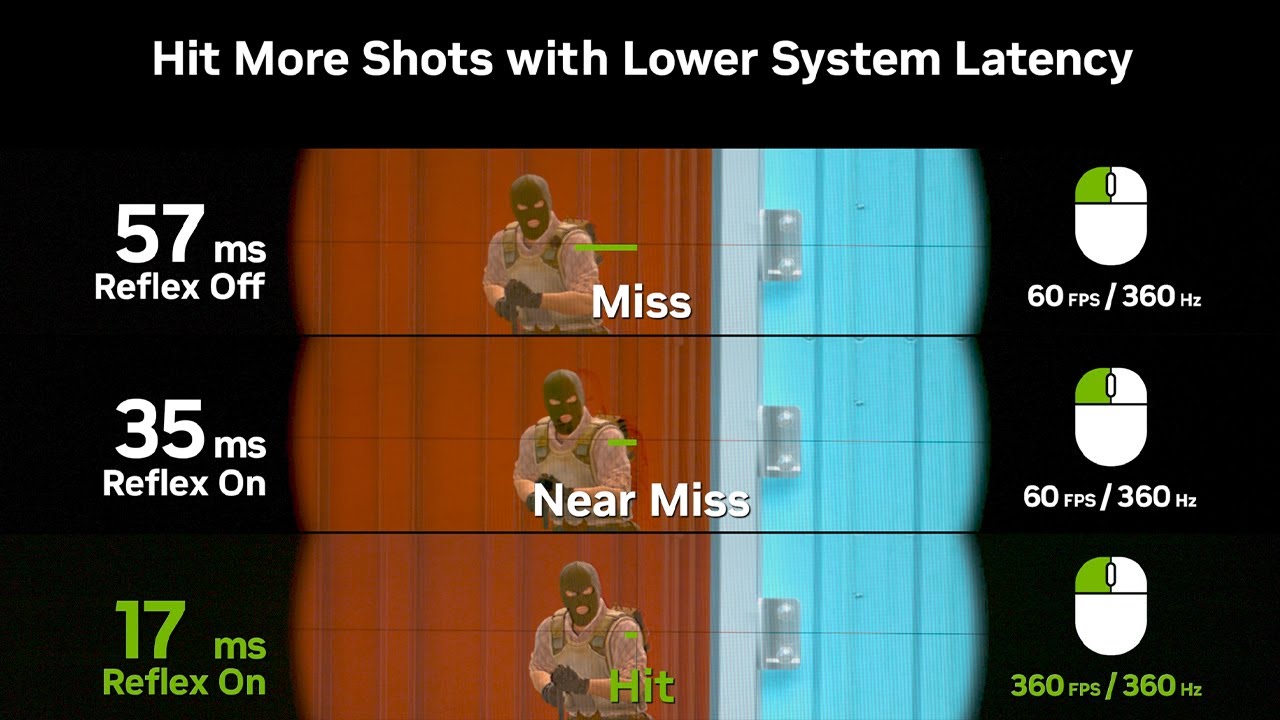
Low latency is critical for accurate aiming and movement. For the best responsiveness:
- Use a 1000Hz polling rate gaming mouse
- Connect via Ethernet instead of Wi-Fi where possible
- Play on a 144Hz, 240Hz or 360Hz monitor
- Keep NVIDIA Reflex enabled if supported
- Disable unnecessary overlays
A high refresh rate monitor is one of the biggest upgrades you can make for Counter-Strike 2. The more frames your monitor can display each second, the smoother player movement appears, making it easier to track opponents and react quickly.
- 144Hz is a great starting point for competitive play
- 240Hz is the preferred choice for many serious players, offering smoother motion and lower perceived input delay
- 360Hz is ideal for players looking for every possible competitive advantage
A headset with accurate positional audio is ideal for Counter-Strike 2. Being able to clearly hear footsteps, reloads and utility can help you judge where opponents are and react more quickly. Look for a comfortable headset with a clear microphone if you regularly play with teammates.
The best mouse for Counter-Strike 2 is one that feels comfortable to use and tracks accurately. Most players choose a lightweight mouse with a reliable optical sensor and a 1000Hz polling rate, as this provides responsive cursor movement for aiming, flick shots and small adjustments. The right shape for your grip style is often more important than choosing a specific brand or model.