
Gaming PCs & Peripherals ideal for Call of Duty Modern Warfare 4

Enter the Conflict in Modern Warfare 4 with 3XS Gaming PCs and Peripherals
High-performance hardware built for Campaign, Multiplayer and DMZ.

Gear Up for Modern Warfare 4
Call of Duty: Modern Warfare 4 brings the fight back with a new global conflict, fast-paced Multiplayer and the return of DMZ.
Whether you're pushing through the Campaign, chasing wins in Multiplayer or heading behind enemy lines for another extraction, responsive performance and consistently high frame rates can make all the difference.
We've selected three 3XS Gaming PCs designed to take Modern Warfare 4 from high-performance 1080p gameplay through to immersive 4K, giving you the hardware to stay ready for every deployment.


NVIDIA Reflex

DLSS 4.5
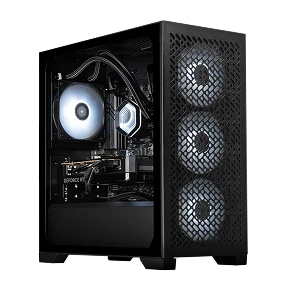
Good - 1080p
- NVIDIA RTX 5060 Ti 8GB
- AMD Ryzen 5 8400F or Intel Core i5 14400F
- 16GB DDR5 Memory
- 1TB NVMe M.2 SSD
- Windows 11
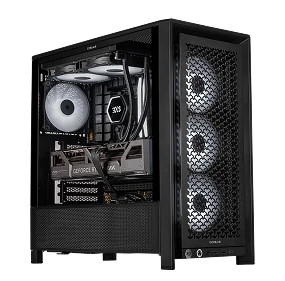
Better - 1440p
- NVIDIA RTX 5070 12GB
- AMD Ryzen 5 7500X3D or Intel Core Ultra 5 250K Plus
- 32GB DDR5 Memory
- 1TB NVMe M.2 SSD
- Windows 11
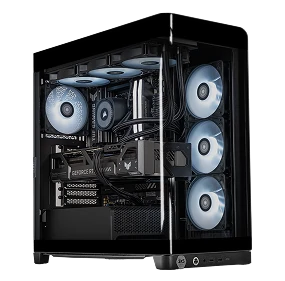
Best - 4K/RT
- NVIDIA RTX 5080 16GB
- AMD Ryzen 7 9850X3D or Intel Core Ultra 7 270K Plus
- 32GB DDR5 Memory
- 1TB NVMe M.2 SSD
- Windows 11
Recommended Peripherals
Complete your loadout
Accessories
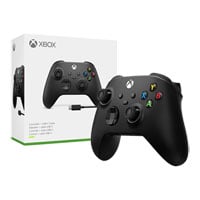
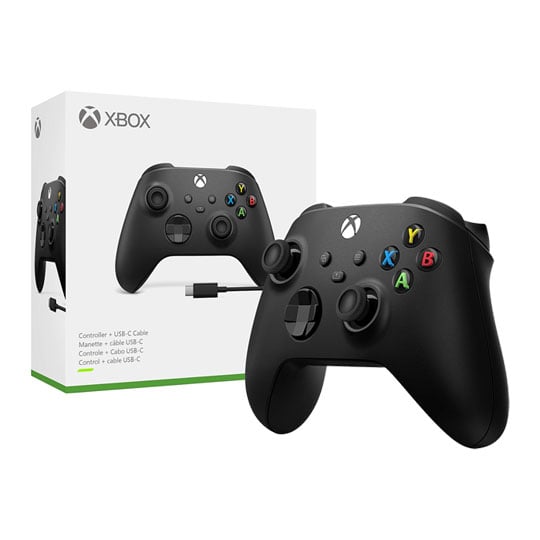
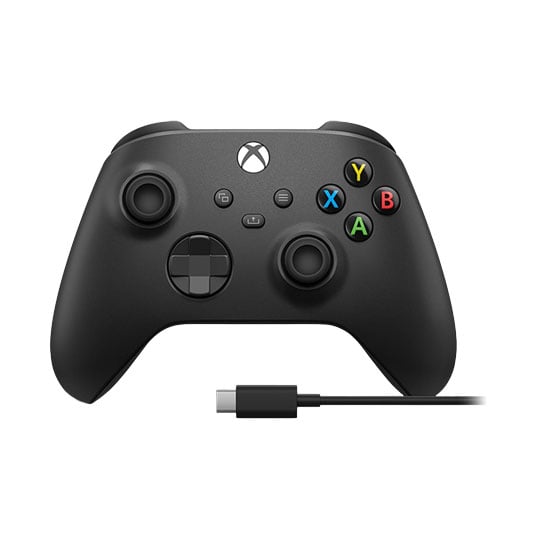
 Xbox Wireless / Wired Black Controller, Black, Customisable Button Mapping, Textured Triggers, USB-C / BT, Xbox / PCXbox Wireless / Wired Black Controller with USB-C Cable for Xbox & PC
LN170997
No customer review
Key Specifications
- Xbox Wireless / Wired Black Controller
- Black
- Customisable Button Mapping
- Textured Triggers
- USB-C / BT
- Xbox / PC
£59.99Finance options available when you spend over £99.00Get it Tomorrow, 13 NovIn stock
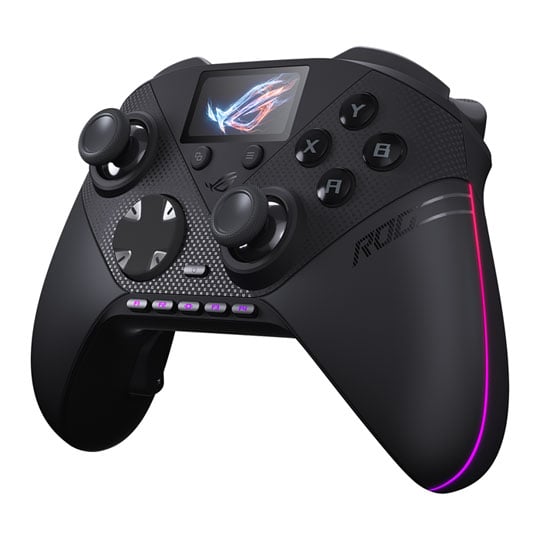
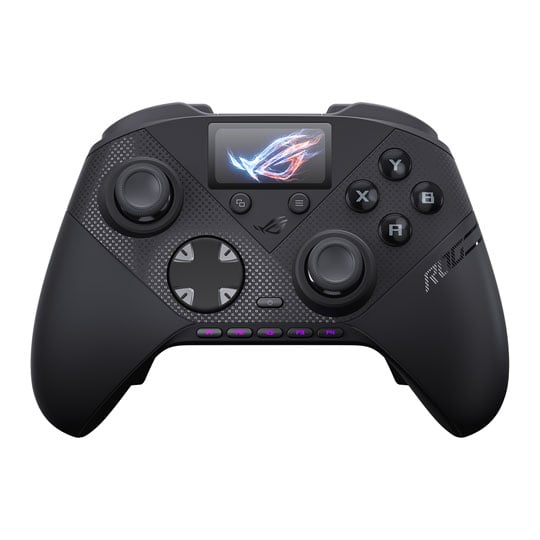
 ASUS ROG Raikiri II Pro PC Controller, Black, Micro-Switch Buttons, Dual-Mode Triggers, TMR Thumbsticks, 2.4GHz / BTASUS ROG Raikiri II Pro Black PC Wireless Controller
LN174478
Customer Review (1)
Key Specifications
- ASUS ROG Raikiri II Pro PC Controller
- Black
- Micro-Switch Buttons
- Dual-Mode Triggers
- TMR Thumbsticks
- 2.4GHz / BT
£189.98Get it Tomorrow, 13 NovIn stock
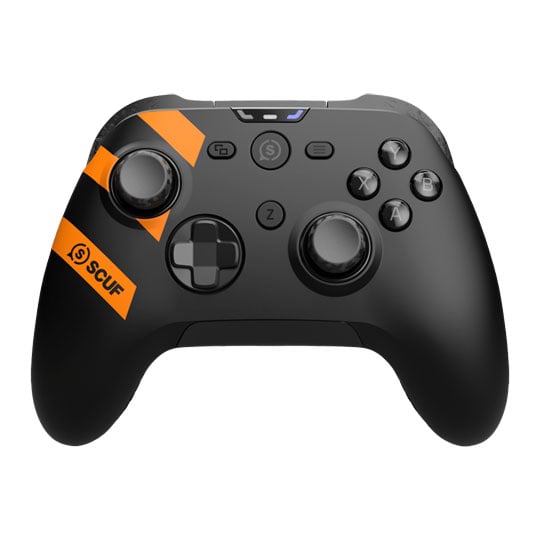
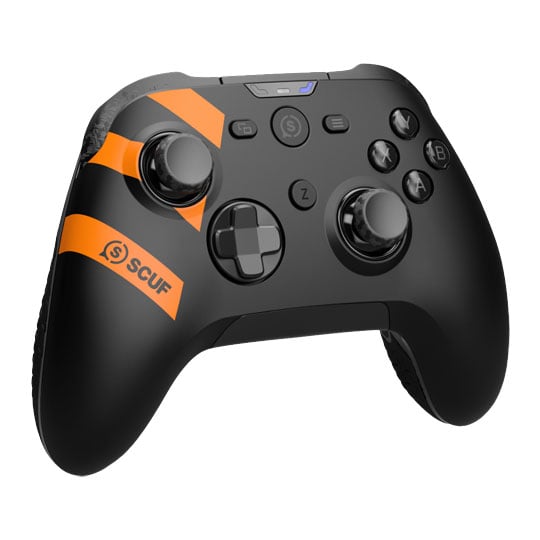
 SCUF Nemesis Pro 8K PC Wireless Controller, Grey, Customisable Paddles, TMR sticks, Dual Mode Triggers, 2.4GHz / USB, PCSCUF Nemesis Pro 8K PC Wireless Performance Steel Grey Controller
LN175592
No customer review
Key Specifications
- SCUF Nemesis Pro 8K PC Wireless Controller
- Grey
- Customisable Paddles
- TMR sticks
- Dual Mode Triggers
- 2.4GHz / USB
- PC
£189.98Get it Tomorrow, 13 NovIn stock
Headsets


 ASUS ROG Pelta Wireless Headset, Black, 50mm Titanium Drivers, ROG SpeedNova Technology, 2.4GHz, PC/MAC/Switch/PS/MobileAsus ROG Pelta Wireless/Wired PC/Console Gaming Headset Black
LN153264
Customer Review (7)
Key Specifications
- ASUS ROG Pelta Wireless Headset
- Black
- 50mm Titanium Drivers
- ROG SpeedNova Technology
- 2.4GHz
- PC/MAC/Switch/PS/Mobile
£129.98Get it Tomorrow, 13 NovIn stock


 Razer BlackShark V3 Headset, Black, 50mm TriForce Drivers, HyperClear Mic, Memory Foam Pads, 2.4GHz / BT / USBRazer Blackshark V3 Wireless Black Gaming Headset
LN161416
Customer Review (1)
Key Specifications
- Razer BlackShark V3 Headset
- Black
- 50mm TriForce Drivers
- HyperClear Mic
- Memory Foam Pads
- 2.4GHz / BT / USB
£129.98Get it Tomorrow, 13 NovIn stock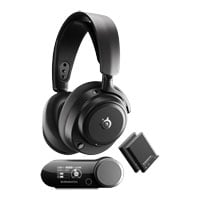
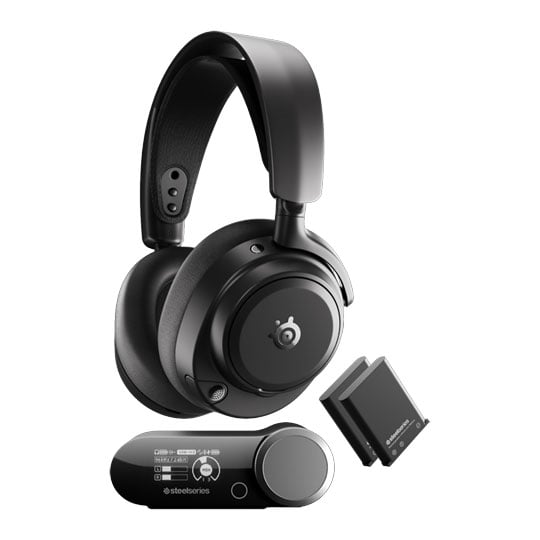
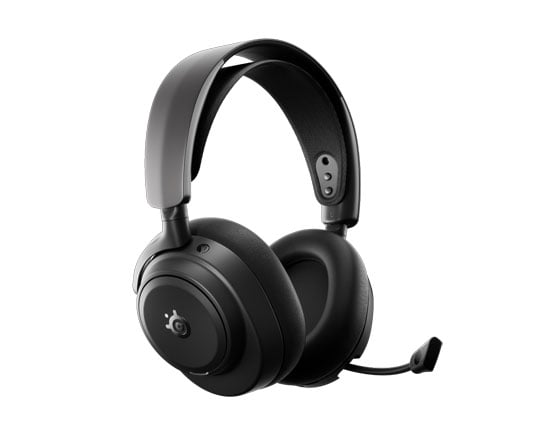
 Steelseries Arctis Nova Pro Omni Headphones, Black, Over-Ear, 40mm Neodymium Drivers, Omnidirectional Mic, 2.4GHz / BTSteelseries Arctis Nova Pro Omni Black Over-Ear Gaming Headphones with OmniPlay Base Station
LN175518
Customer Review (11)
Key Specifications
- Steelseries Arctis Nova Pro Omni Headphones
- Black
- Over-Ear
- 40mm Neodymium Drivers
- Omnidirectional Mic
- 2.4GHz / BT
£349.99Get it Tomorrow, 13 NovIn stock
Keyboards
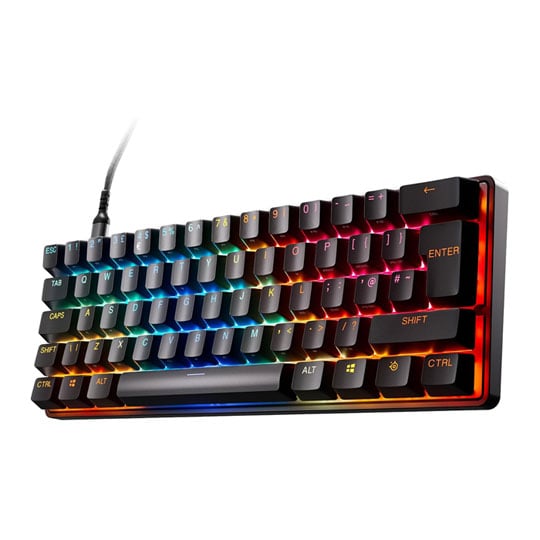
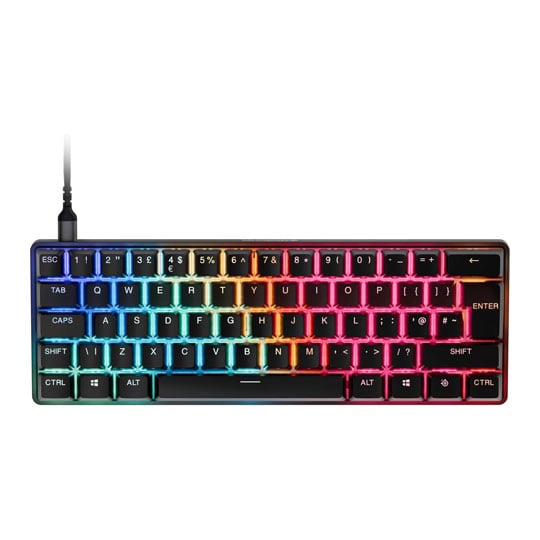 Steelseries Apex Pro Mini Gen 3 Gaming Keyboard, 60%, Black, RGB, OmniPoint 3.0 Switches, USB, UKSteelseries Apex Pro Mini Gen 3 Wired Black 60% OmniPoint 3.0 Switch RGB Gaming Keyboard
LN175506
No customer review
Key Specifications
- Steelseries Apex Pro Mini Gen 3 Gaming Keyboard
- 60%
- Black
- RGB
- OmniPoint 3.0 Switches
- USB
- UK
Was: £189.98£159.98Get it Tomorrow, 13 NovIn stock

 ASUS ROG Falchion Ace HFX 65% Wired Keyboard, Black, ROG HFX Magnetic Switches, RGB, N-Key Rollover, Anti-Ghosting,USB-CASUS ROG Falchion Ace HFX Wired 65% RGB Gaming Keyboard Black
LN151815
Customer Review (1)
Key Specifications
- ASUS ROG Falchion Ace HFX 65% Wired Keyboard
- Black
- ROG HFX Magnetic Switches
- RGB
- N-Key Rollover
- Anti-Ghosting
- USB-C
£189.98Get it Tomorrow, 13 NovIn stock
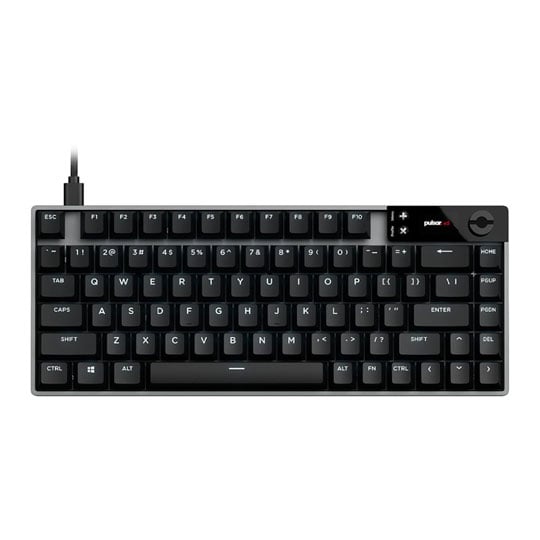
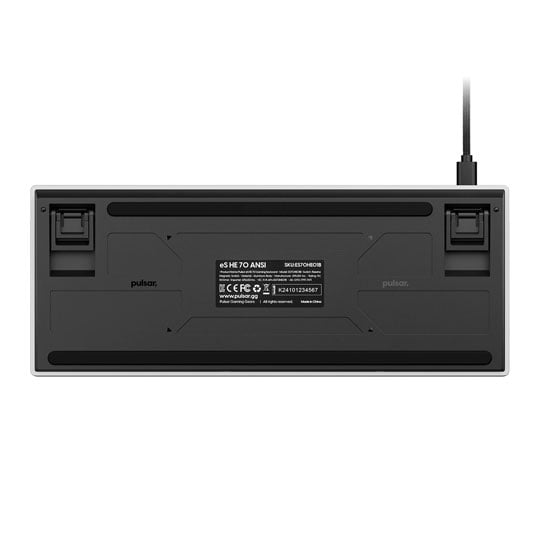
 Pulsar eS HE 70 Gaming Keyboard, Black, RGB, Raesha Magnetic Hall Effect Switches, USB, ANSIPulsar eS HE 70 Black Wired Magnetic Switch RGB ANSI Gaming Keyboard
LN175447
No customer review
Key Specifications
- Pulsar eS HE 70 Gaming Keyboard
- Black
- RGB
- Raesha Magnetic Hall Effect Switches
- USB
- ANSI
£189.98Get it Tomorrow, 13 NovIn stock
Mice
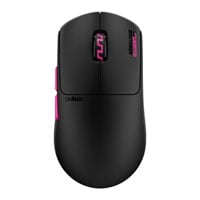

 Pulsar Pro Series Susanto-X Wireless Gaming Mouse, Black, Optical, XS-1 Sensor, 32k DPI, 5 Buttons, 2.4GHz / USB-CPulsar Pro Series Susanto-X Black Optical Wireless Gaming Mouse
LN173497
No customer review
Key Specifications
- Pulsar Pro Series Susanto-X Wireless Gaming Mouse
- Black
- Optical
- XS-1 Sensor
- 32k DPI
- 5 Buttons
- 2.4GHz / USB-C
£129.98Get it Tomorrow, 13 NovIn stock

 ASUS ROG Harpe II Ace Mouse, Lava Red, ROG AimPoint Sensor, ROG Optical Micro Switches, 42000dpi, 2.4Ghz / BT / USB 2.0ASUS ROG Harpe II Ace Lava Red Optical Wired / Wireless Esports Gaming Mouse
LN172716
No customer review
Key Specifications
- ASUS ROG Harpe II Ace Mouse
- Lava Red
- ROG AimPoint Sensor
- ROG Optical Micro Switches
- 42000dpi
- 2.4Ghz / BT / USB 2.0
£149.99Get it Tomorrow, 13 NovIn stock
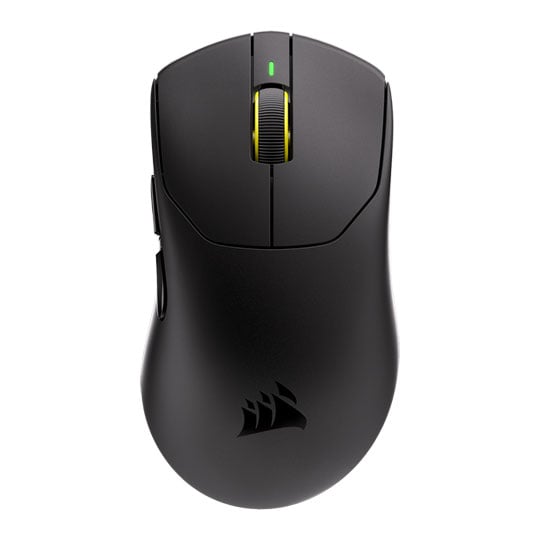
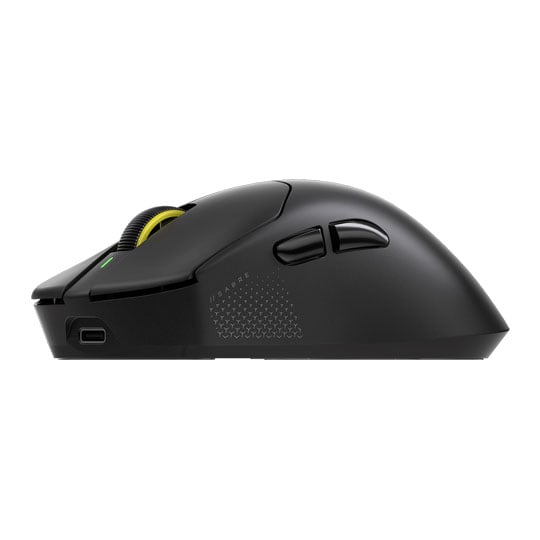
 CORSAIR SABRE v3 PRO PureVector ULTRALIGHT ERGO Gaming Mouse, Black, Marksman X Sensor, 42K DPI, 6 Buttons, 2.4GHz/USB-CCORSAIR SABRE v3 PRO PureVector ULTRALIGHT ERGO 41g Black Wireless Gaming Mouse
LN174332
No customer review
Key Specifications
- CORSAIR SABRE v3 PRO PureVector ULTRALIGHT ERGO Gaming Mouse
- Black
- Marksman X Sensor
- 42K DPI
- 6 Buttons
- 2.4GHz/USB-C
£159.98Free delivery on this itemGet it Tomorrow, 13 NovIn stock
Call of Duty: Modern Warfare 4 is developed by Infinity Ward and published by Activision. We are not affiliated with or endorsed by Infinity Ward, Activision or Microsoft. These systems and peripherals are recommended specifications only and do not guarantee specific performance levels. Call of Duty: Modern Warfare 4 is not included with purchases outside of existing promotions. Game images are used for representational purposes only.
Explore More
Discover our range of gaming products designed to enhance your experience.
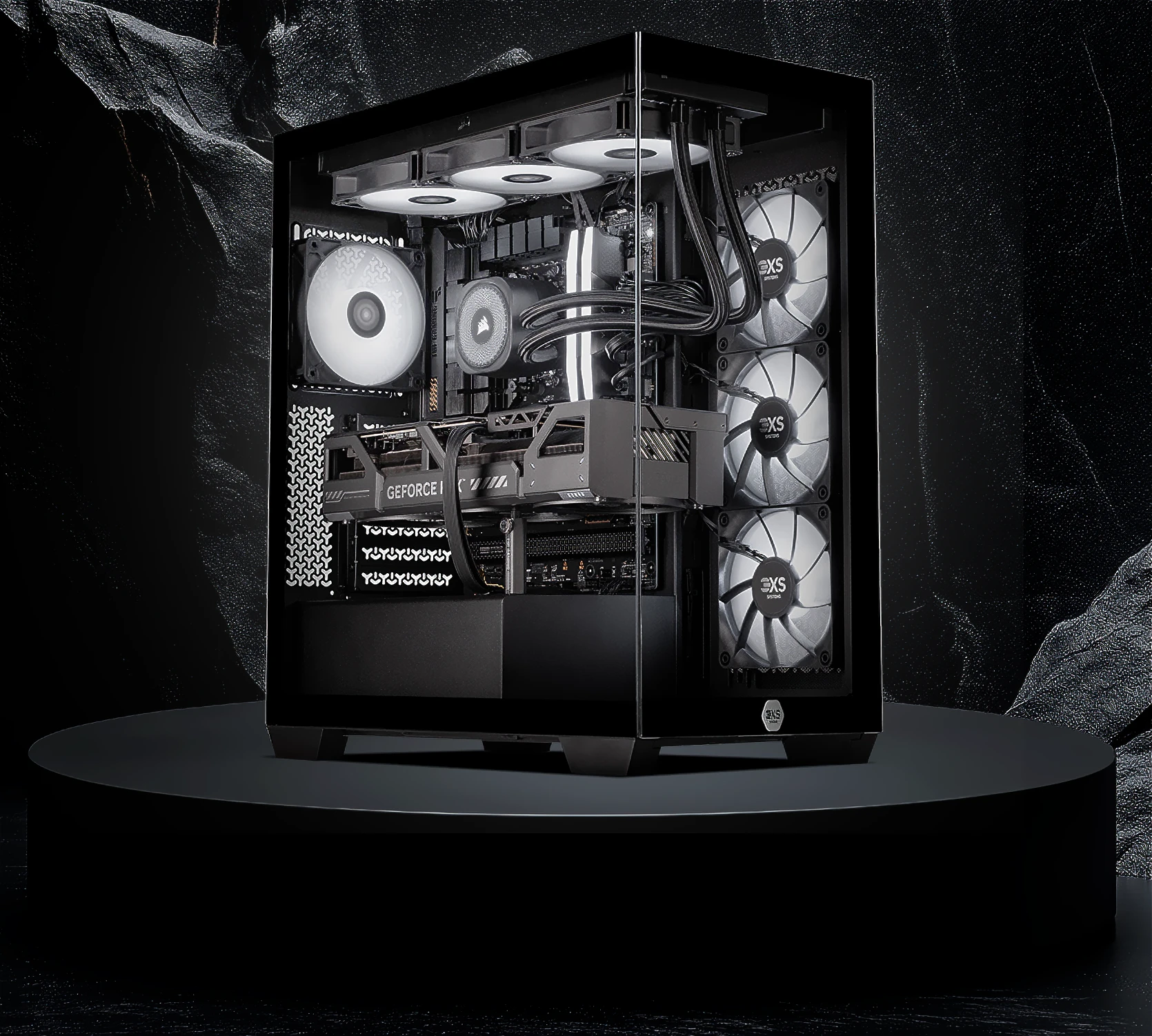
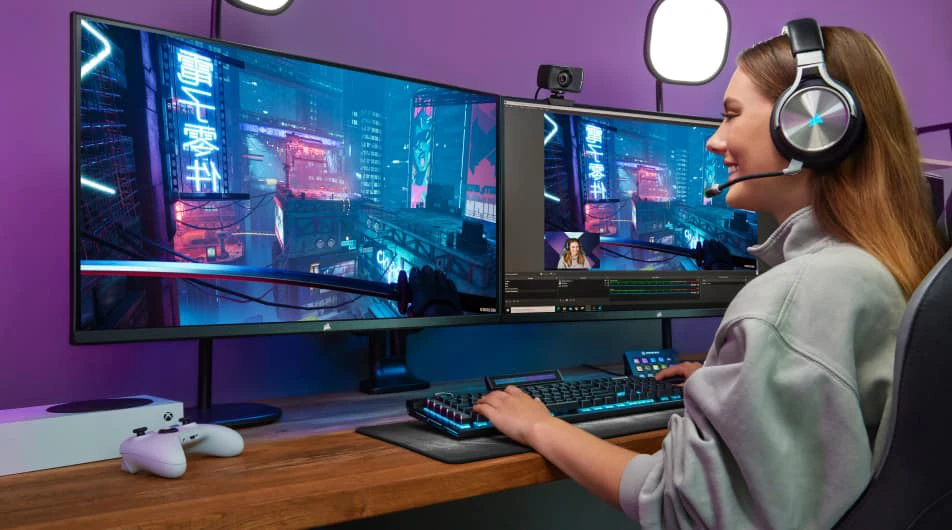
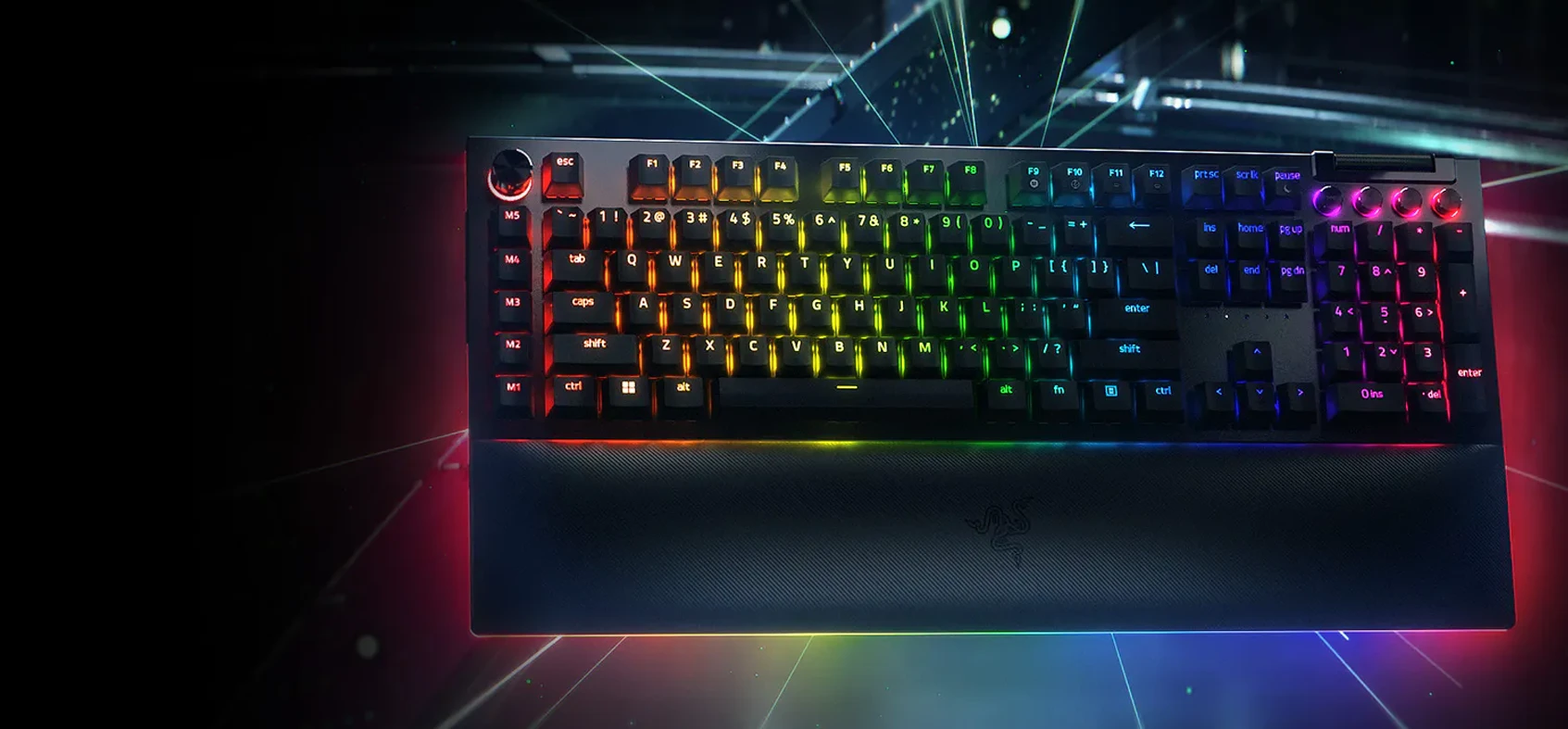

Call of Duty Modern Warfare 4 Videos
Call of Duty Modern Warfare 4 FAQs
Get answers to the most common questions about Call of Duty Modern Warfare 4 and the hardware needed for the best experience.
Set in 2026, on the Korean Peninsula, the story begins as North Korea launches an invasion that threatens to destabilise the world. As the front lines collapse, a squad of young Korean soldiers fight to survive the chaos. Meanwhile, on the other side of the world, a resentful Captain Price is fighting a war of his own, operating from the shadows, evading those hunting him.
Minimum:
- OS: Windows® 10 64 Bit (latest update) *
- Processor: AMD Ryzen™ 5 1400 or Intel® Core™ i5-6600
- Memory: 8 GB RAM
- Graphics: AMD Radeon™ RX 470, NVIDIA® GeForce® GTX 970 / 1060 or Intel® Arc™ A580
- Storage: 115 GB available space on SSD
Recommended:
- OS: Windows® 11 64 Bit (latest update) *
- Processor: AMD Ryzen™ 5 3600 or Intel® Core™ i7-8700K
- Memory: 16 GB RAM
- Graphics: AMD Radeon™ RX 6600XT, NVIDIA® GeForce® RTX 3060 or Intel® Arc™ B580
- Storage: 115 GB available space on SSD
Additional Notes: *Trial, Beta or Insider versions of compatible Windows® operating systems may not be supported.
If you want to get more competitive in Call of Duty: Modern Warfare 4, the right peripherals can help you feel more comfortable and consistent in-game. A gaming mouse and keyboard can give PC players precise aiming and customisable controls, while a compatible controller might suit players who prefer using analogue sticks. A good gaming headset is also worth considering, especially if you want to hear important audio cues and communicate clearly with your teammates.
A good gaming headset can make it easier to pick up on what's happening around you, from nearby footsteps to gunfire and teammate callouts. Look for clear, well-balanced sound, comfortable earcups for longer sessions and a microphone that keeps your voice clear during team play. Whether you choose a wired or wireless headset comes down to your setup and personal preference, so think about comfort and sound quality as well as features.
When you're playing fast-paced matches, a comfortable and responsive gaming keyboard can make it easier to manage movement, weapon switching and other key bindings. Mechanical keyboards are popular for their consistent key feel, while compact layouts can give you more room to move your mouse during intense firefights. If you use your PC for work or other games too, a full-size keyboard might be a better fit. The best option is one that feels comfortable and suits the way you play.
Finding the right mouse sensitivity can take a bit of trial and error. Lower sensitivity can give you more control over small aiming adjustments, while higher sensitivity makes it easier to turn quickly without moving your mouse as far. There's no single setting that works for everyone, so start with something comfortable and make small adjustments as you play. Once you find a setting that feels right, sticking with it can help you build consistency and muscle memory over time.
If you play competitively, a high refresh rate monitor is worth considering because it can make fast-moving action look smoother and easier to follow. The difference is most noticeable when your PC or console can deliver a frame rate that takes advantage of the monitor's refresh rate. It's also worth thinking about response time, resolution and screen size when choosing a display. You don't necessarily need the most expensive monitor, but matching it to your system and how you play can make a difference to your overall experience.
Not sure where to spend your money first? Start by looking at what feels weakest in your current setup. If your aim feels inconsistent, try adjusting your mouse or controller settings before buying something new. If you're struggling to pick out audio cues or communicate with teammates, a better headset might be a more useful upgrade. And if fast movement appears blurry or difficult to follow, check your monitor and system performance. Upgrading the right part of your setup is usually more worthwhile.