
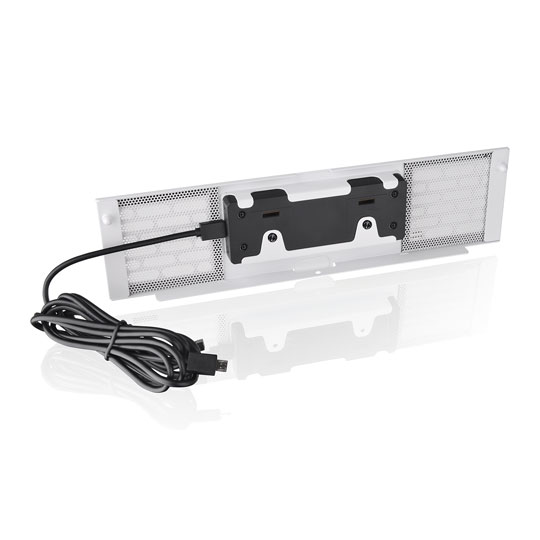


Thermaltake 3.9" Snow LCD Panel Kit for The Tower 200 / 250 / 300 / 600
Thermaltake 3.9" Snow LCD Panel Kit for Tower 200 / 250 / 300 / 600, Performance Monitoring, Custom Images, White
Email me when the availability or price changes
Finance this product
- Spend over £390.00 and Buy Now, Pay Later or spread the cost of your finance over 24-48 months with a 10% deposit.
- SCANPROTECT Protect against installation damage for 28 days.
- 48HR REPLACEMENT If you need to return this item, your replacement will be dispatched within 2 working days of your product arriving back at Scan.
LCD Panel Kit in White - The Tower Chassis from Thermaltake
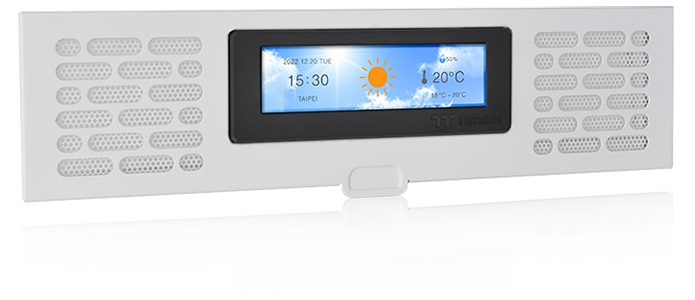
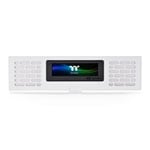
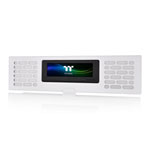
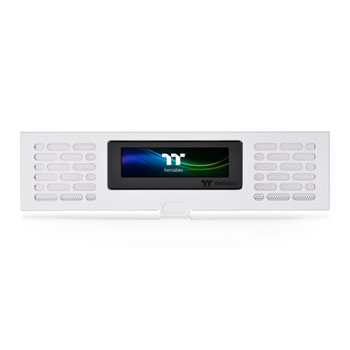
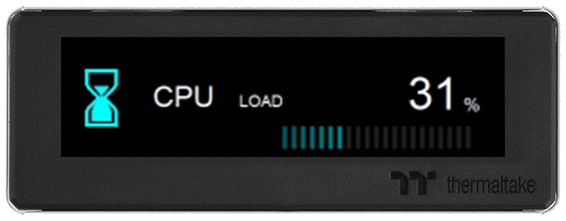
Unleash Your PotentialThe LCD Panel Kit is a specialised expansion accessory designed for the range of The Tower chassis, featuring a 3.9-inch LCD display that allows users to utilise Thermaltake's TT RGB Plus 2.0 software for comprehensive performance monitoring and personalised visual effects. This kit not only enhances the aesthetic appeal of the setup but also enables real-time data display, including system health metrics, time, and weather information, while supporting image and GIF uploads for further customisation. Additionally, it can seamlessly integrate with other Thermaltake Ultra series products, ensuring an optimal visual experience within the Tower chassis.
Please Note: The LCD Panel Kit is compatible with The Tower 250, 300 & 600 edition Thermaltake chassis.
Personalise Your LCD Display
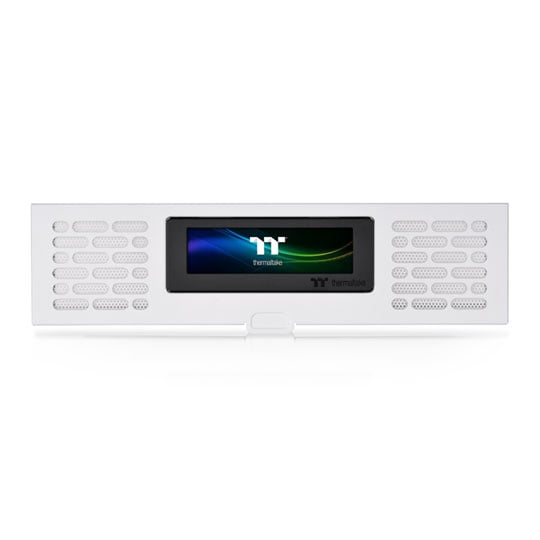
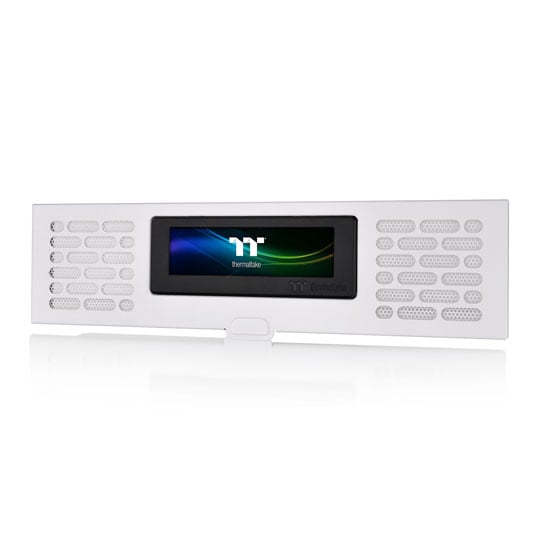
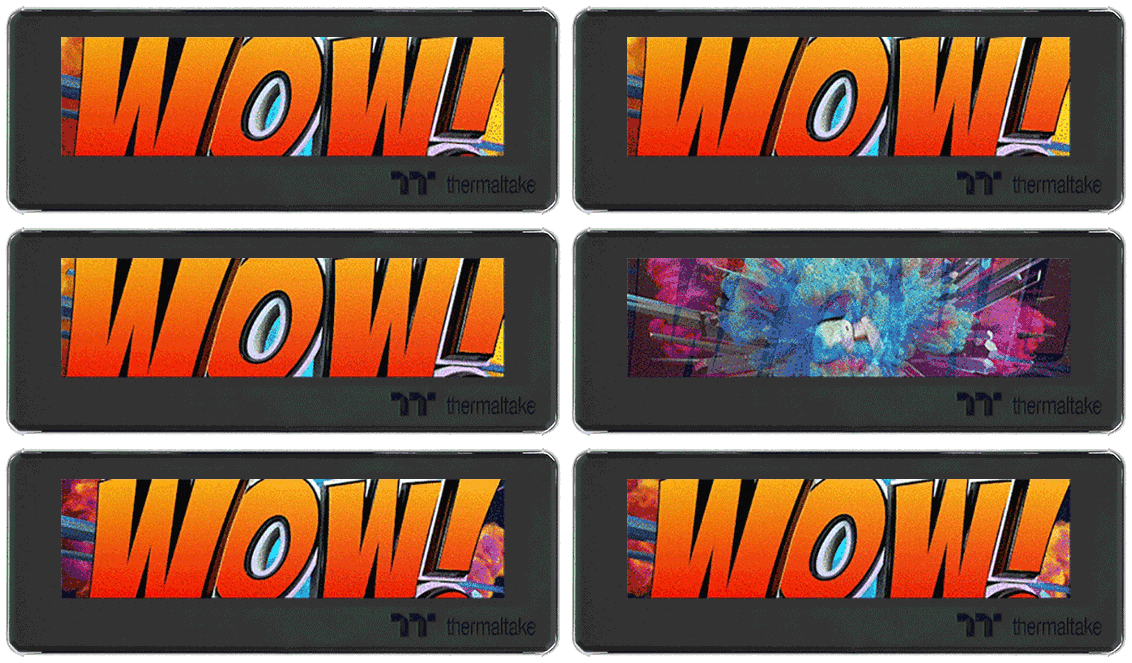
3.9" LCD DisplayFeaturing a 3.9" LCD display that delivers real-time information and supports JPG and GIF files at a resolution of 128x480. Additionally, users can showcase the time and weather on the screen, enhancing both the visual appeal and customisation options for their The Tower chassis.
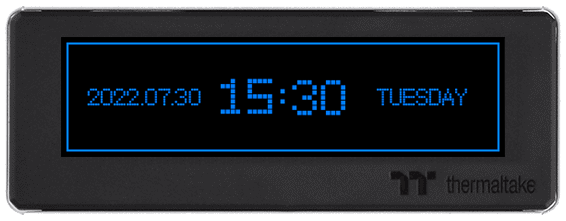
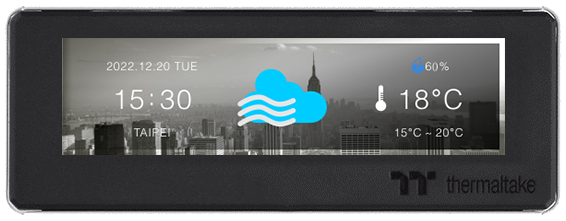
Perfectly Compatible with your Favourite The Tower Chassis
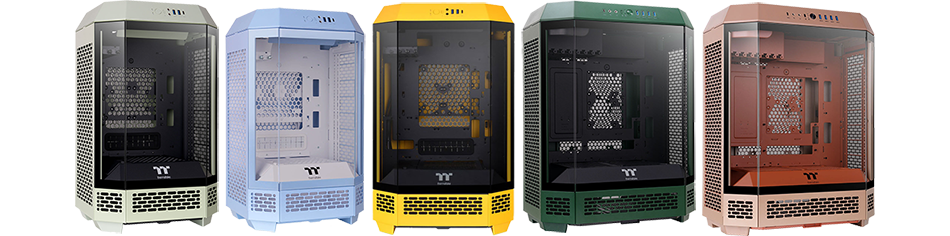
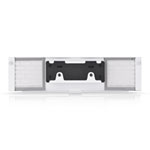
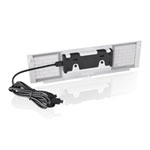
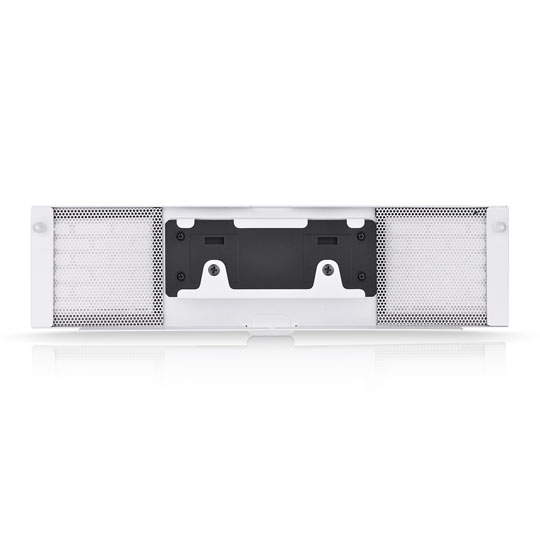
Show Off Your SystemThe LCD Panel Kit is a dedicated accessory for The Tower (250, 300 & 600) chassis, designed for seamless integration with its fully fitted front panel that simplifies installation. Users can easily set up the device and manage it via the TT RGB Plus 2.0 software by connecting it to the motherboard with the Micro-USB to USB (9-Pin) cable.
Check out the:
The Tower Chassis Range
Customise with TT RGB Plus 2.0
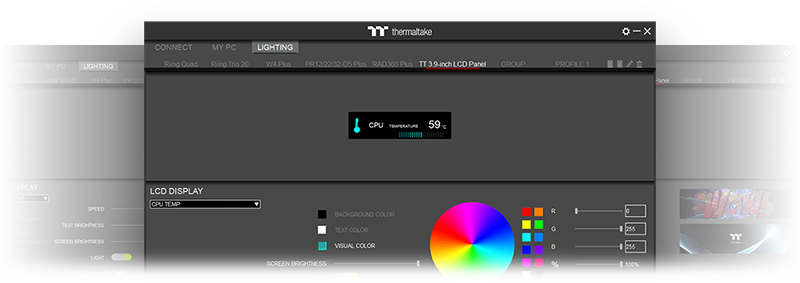
Monitor and PersonaliseMonitor your components in real-time or add a personal touch by uploading your favourite images or GIFs with the TT RGB Plus 2.0 software.