
Suggested Alternatives
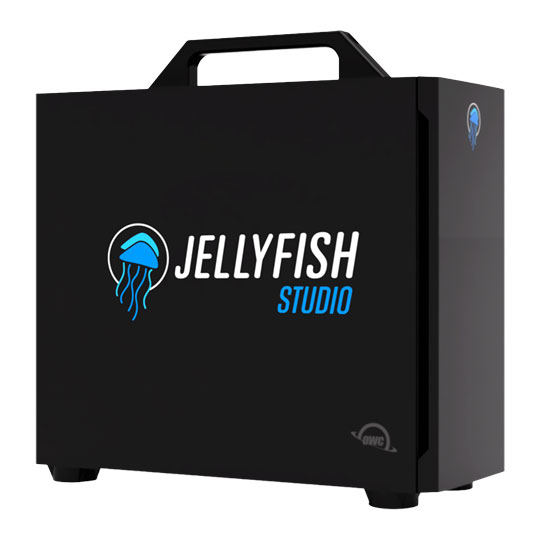
 OWC Jellyfish Studio 32TB SSD, 3500MB/s Read/WriteOWC Jellyfish Studio 32TB SSD
LN166994
No customer reviewCall for price
OWC Jellyfish Studio 32TB SSD, 3500MB/s Read/WriteOWC Jellyfish Studio 32TB SSD
LN166994
No customer reviewCall for price
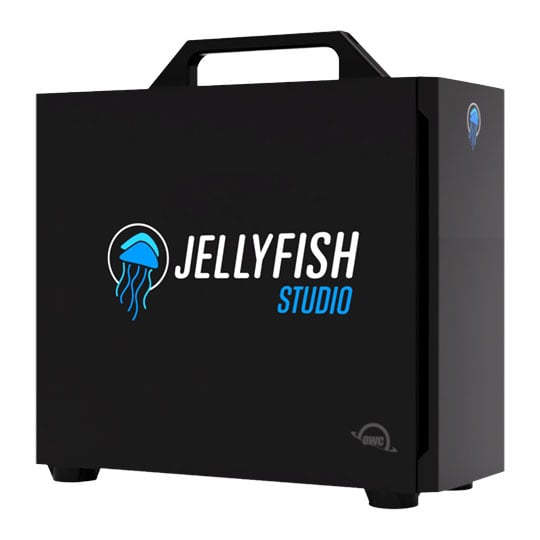 OWC Jellyfish Studio 64TB SSD, 3500MB/s Read/WriteOWC Jellyfish Studio 64TB SSD
LN166996
No customer reviewCall for price
OWC Jellyfish Studio 64TB SSD, 3500MB/s Read/WriteOWC Jellyfish Studio 64TB SSD
LN166996
No customer reviewCall for price
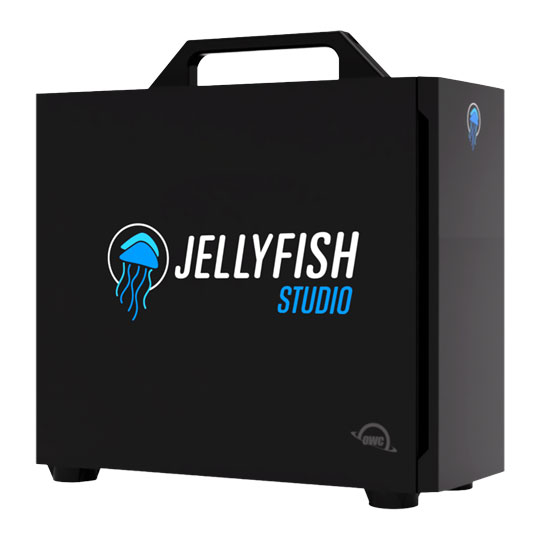 OWC Jellyfish Studio 192TB HDD, 2500MB/s Read/WriteOWC Jellyfish Studio 192TB HDD
LN166993
No customer reviewCall for price
OWC Jellyfish Studio 192TB HDD, 2500MB/s Read/WriteOWC Jellyfish Studio 192TB HDD
LN166993
No customer reviewCall for price
OWC - 'Jellyfish Studio'
128TB SSD

seamless collaboration among creativesOWC Jellyfish Studio is a high‑performance desktop NAS designed for creative teams that need fast, shared storage for 4K, 6K, and 8K video editing, VFX, and audio post-production workflows. This plug-and-play all-SSD or HDD shared storage solution delivers massive speed, capacity, and connectivity, supporting up to 14 direct-connected users over 10GbE and 1GbE. Editors can work collaboratively on hi‑res media without dropped frames or a complex setup.

Up to 3500MB/sSustained Read / Write

16TB - 192TBRaw Storage Capacity

128GB RAM8 x High Speed SATA SSDs or NAS HDDs

ConnectivityUp to 14 direct user connections
Connectivity, Storage, Performance

Plug & play, 1GbE & 10GbEThe Jellyfish Studio can be used with or without a switch, but is designed to be plug and play with no IT or server rooms required to get up and running. A Studio can be configured with up to 14 user ports (6 x 10GbE + 8 x 1GbE).

Unlimited potential sitting on your deskGet ready to say goodbye to spinning beach balls while your team cranks out content at the speed of thought. The Jellyfish Studio has up to 3500MB/s with SSD and up to 2500MB/s with HDD sustained read/write speed to allocate across all of your users.

7 sizes, no compromisesJellyfish Studio has 7 configurations to choose from, configured with 8 x high-speed SATA SSDs or NAS HDDs, 128GB DDR4 RAM, and 1 x 480GB Boot NVMe. Select from any of the following: SSD - 16TB Raw/12TB Avail, 32TB Raw/24TB Avail, 64TB Raw/48TB Avail, 128TB Raw/96TB Avail; HDD - 48TB Raw/32TB Avail, 96TB Raw/64TB Avail, 192TB Raw/128TB Avail. Raw capacity number is the total amount of space from the 8 x SATA SSDs or 8 x NAS HDDs. Working space is what's actually available for storage after RAID, performance buffers, and overhead are applied.
Setup

Setup is SimpleThe Jellyfish Studio server was designed to be unboxed and up and running in under 10 minutes with no prior networking experience required. You will be guided through each step of the setup online, and if you need additional help our support team is only a phone call away.

OS CompatibilityThe Jellyfish Studio server is compatible with Mac, Windows, and Linux operating systems and supports a mixed hardware / software environment.

NLE CompatibilityWork in the NLE, DAW, or VFX software of your choosing, or use them all. Our engineers work closely with Apple, Adobe, and Blackmagic to ensure seamless workflows between your favorite apps.
Included Software Tools

OWC Jellyfish ConnectConnect is installed on each workstation, sets up a 4k+ connection to their Jellyfish NAS, and is used to mount the media folders, just like an external hard drive.

OWC Jellyfish ManagerUpon initial setup, we spend a few minutes to setup your team, giving each person access to read & write to the folders, and even setup automated backups to the cloud.

OWC Jellyfish RemoteWork from home and at the office, each person can connect to Jellyfish with the same ease-of-use as when connected at the office or studio.

OWC Jellyfish Media ManagerStreamline and organize your pre-editing process with the ultimate file browser for all video formats—making proxy generation easier than ever.