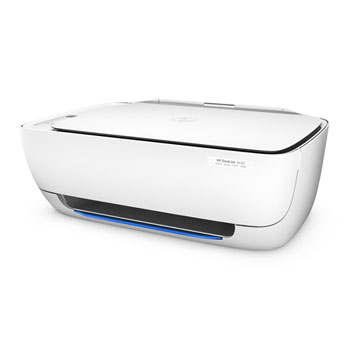
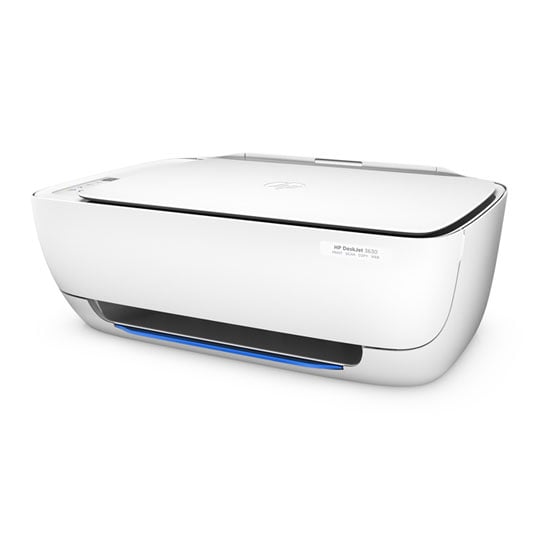
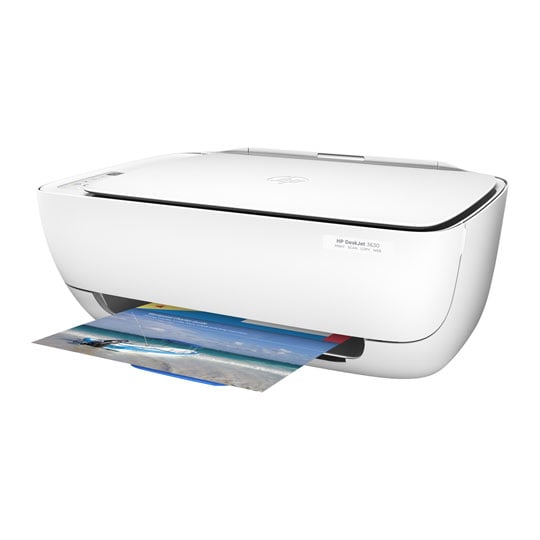
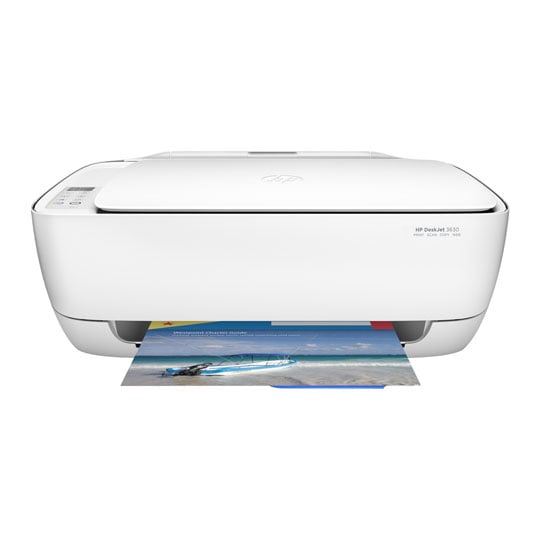
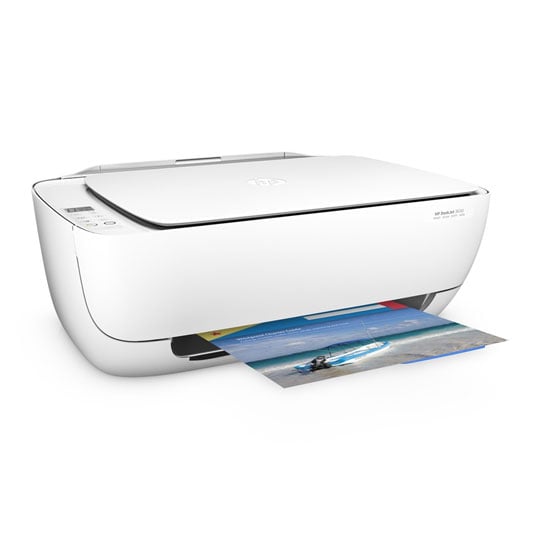
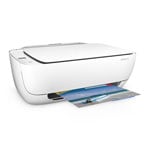
HP Deskjet 3630 Wireless All-in-One Printer
Scan code: LN68421
Manufacturer code: K4T99B
End Of Life



Product Overview
Keep it simple with an affordable all-in-one you can count on. Stay connected with the easiest way to print from your smartphone or tablet.[1] Quickly print, scan, and copy – right out of the box – and keep free of clutter with a space-saving design.
Stay connected with the easiest way to print from your smartphone or tablet. Get started right away and conveniently manage printing tasks – with or without a network.
• Start printing and get connected quickly with easy setup from your smartphone, tablet or PC.
• Connect your smartphone or tablet directly to your printer – and easily print without accessing a network.
• Manage printing tasks and scan on the go with the free HP All-in-One Printer Remote mobile app.
• Easily print from a variety of smartphones and tablets. Your pages come out great – even if you're not there.
Cover all your printing needs. Print, scan and copy with ease and simplicity – right out of the box.
• Simplify your tasks. The display panel features simple icons for controlling print, scan and copy functions.
• Put your best print forward. Create borderless photos, flyers and other documents – right in your home.
• Get up and running right out of the box and automatically connect to your wireless network.
• Access colouring pages, recipes, coupons and more with free HP Printables – delivered on your schedule.
Save up to 70% on ink with the optional HP Instant Ink replacement service – the low-cost the low-cost solution for all printing needs. Original HP Ink is ordered by your printer and delivered to your door so you’ll get ink before you need it.
• Print high-quality documents and photos in black-and-white and colour – all for the same low price.
• Print lab-quality colour photos in seconds for just a few pence, when you sign up for HP Instant Ink.
• Getting started with HP Instant Ink is quick and easy.
Set up this space-saving all-in-one wherever you choose. It’s designed to work quietly in the background, so you can print, scan and copy almost anywhere.
• Save your space with a compact all-in-one designed to fit on your desk, on a shelf or anywhere you need it.
• Print in any room you choose – without causing disruptions. Optional quiet mode helps keep noise to a minimum. Features Supported Operating Systems
Compatible Operating Systems Windows 10, Windows 8.1, Windows 8, Windows 7
Mac OS X v10.8 Mountain Lion, OS X v10.9 Mavericks, OS X v10.10 Yosemite
Advanced Features
Energy savings feature technology HP Auto-Off Technology
Printer smart software features Manual Duplex
Printing Media Handling
Maximum input capacity (sheets) Up to 60 sheets
Maximum input capacity (cards) Up to 20 cards
Maximum Input Capacity (envelopes) Up to 5 envelopes
Maximum input capacity (labels) Up to 10 sheets
Maximum input capacity (10x15cm photos) Up to 20 sheets
Input capacity Up to 60 sheets
Standard input capacity (cards) Up to 20 cards
Finished output handling Sheetfed
Maximum output capacity (photo paper) Up to 20 sheets
Maximum output capacity (cards) Up to 20 cards
Maximum output capacity (envelopes) Up to 5 envelopes
Maximum output capacity (labels) Up to 25 sheets
Maximum output capacity (sheets) Up to 25 sheets
Output capacity Up to 25 sheets
Standard output capacity (cards) Up to 20 cards
Standard output capacity (envelopes) Up to 5 envelopes
Standard output capacity (labels) Up to 10 sheets
Paper handling input, standard 60-sheet input tray
Paper handling output, standard 25-sheet output tray
Stay connected with the easiest way to print from your smartphone or tablet. Get started right away and conveniently manage printing tasks – with or without a network.
• Start printing and get connected quickly with easy setup from your smartphone, tablet or PC.
• Connect your smartphone or tablet directly to your printer – and easily print without accessing a network.
• Manage printing tasks and scan on the go with the free HP All-in-One Printer Remote mobile app.
• Easily print from a variety of smartphones and tablets. Your pages come out great – even if you're not there.
Cover all your printing needs. Print, scan and copy with ease and simplicity – right out of the box.
• Simplify your tasks. The display panel features simple icons for controlling print, scan and copy functions.
• Put your best print forward. Create borderless photos, flyers and other documents – right in your home.
• Get up and running right out of the box and automatically connect to your wireless network.
• Access colouring pages, recipes, coupons and more with free HP Printables – delivered on your schedule.
Save up to 70% on ink with the optional HP Instant Ink replacement service – the low-cost the low-cost solution for all printing needs. Original HP Ink is ordered by your printer and delivered to your door so you’ll get ink before you need it.
• Print high-quality documents and photos in black-and-white and colour – all for the same low price.
• Print lab-quality colour photos in seconds for just a few pence, when you sign up for HP Instant Ink.
• Getting started with HP Instant Ink is quick and easy.
Set up this space-saving all-in-one wherever you choose. It’s designed to work quietly in the background, so you can print, scan and copy almost anywhere.
• Save your space with a compact all-in-one designed to fit on your desk, on a shelf or anywhere you need it.
• Print in any room you choose – without causing disruptions. Optional quiet mode helps keep noise to a minimum. Features Supported Operating Systems
Compatible Operating Systems Windows 10, Windows 8.1, Windows 8, Windows 7
Mac OS X v10.8 Mountain Lion, OS X v10.9 Mavericks, OS X v10.10 Yosemite
Advanced Features
Energy savings feature technology HP Auto-Off Technology
Printer smart software features Manual Duplex
Printing Media Handling
Maximum input capacity (sheets) Up to 60 sheets
Maximum input capacity (cards) Up to 20 cards
Maximum Input Capacity (envelopes) Up to 5 envelopes
Maximum input capacity (labels) Up to 10 sheets
Maximum input capacity (10x15cm photos) Up to 20 sheets
Input capacity Up to 60 sheets
Standard input capacity (cards) Up to 20 cards
Finished output handling Sheetfed
Maximum output capacity (photo paper) Up to 20 sheets
Maximum output capacity (cards) Up to 20 cards
Maximum output capacity (envelopes) Up to 5 envelopes
Maximum output capacity (labels) Up to 25 sheets
Maximum output capacity (sheets) Up to 25 sheets
Output capacity Up to 25 sheets
Standard output capacity (cards) Up to 20 cards
Standard output capacity (envelopes) Up to 5 envelopes
Standard output capacity (labels) Up to 10 sheets
Paper handling input, standard 60-sheet input tray
Paper handling output, standard 25-sheet output tray
HP Deskjet 3630 Wireless All-in-One Printer
![HP Deskjet 3630 Wireless All-in-One Printer]()