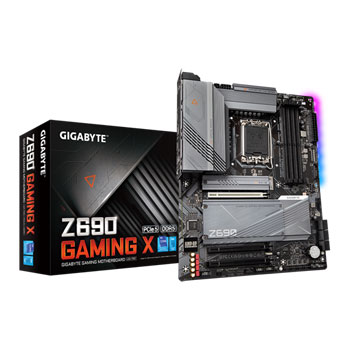

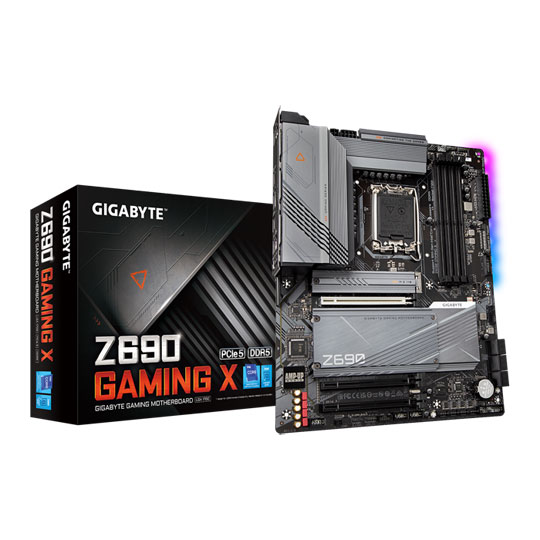

Gigabyte Intel Z690 GAMING X PCIe 5.0 ATX Motherboard
Gigabyte Z690 GAMING X, Intel Z690, S 1700, DDR5, PCIe 5.0, SATA3, 4x M.2, 2.5GbE, USB 3.2 Gen 2, ATX
Email me when the availability or price changes
- SCANPROTECT Protect against installation damage for 28 days.
Intel Z690 GAMING X ATX Motherboard from Gigabyte
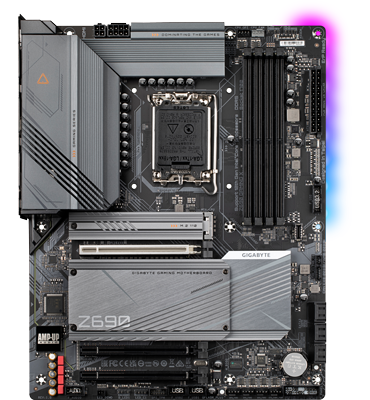
THE BEST FOR THE PRO Accelerate your PC's power with the Z690 Gigabyte gaming motherboards. The next era of gaming platforms continues with the most robust power delivery and dominant thermal design, glorified with the complete memory overclocking technology to crown your PC with the best performance. With technology moving so fast, GIGABYTE still keep up with the latest trends and provide customers with advanced features and the latest technology. GIGABYTE Z690 Series motherboards come with upgraded power solutions, the latest storage standards and outstanding connectivity to enable optimized performance for gaming.
Intel® Z690Chipset
LGA 1700CPU Socket
12th Gen Intel®Compatible Processors
ATXForm Factor
Unparalleled Performance
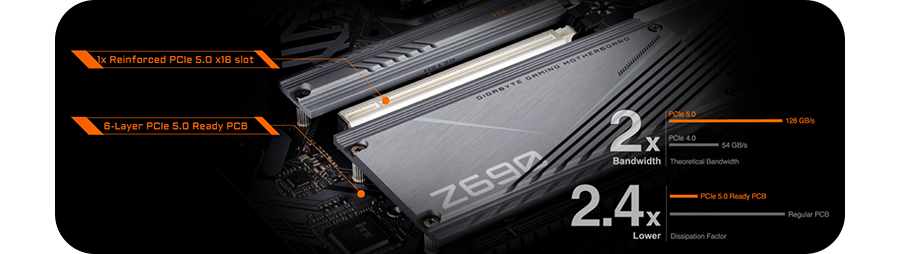
SPEEDS LIKE NO OTHERGIGABYTE Z690 Motherboards are ready to work with the upcoming PCIe 5.0 devices which are expected to experience double bandwidth than the current PCIe 4.0 devices. To reach the high speed and maintain good signal integrity, GIGABYTE R&D uses the low impedance PCB to provide the maximum performance.
The Latest Memory Technology
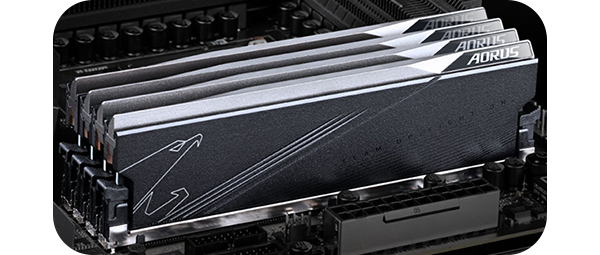
XTREME MEMORYGIGABYTE Z690 Motherboards feature the latest DDR5 architecture and XMP 3.0 capability. The new DDR5 memory technology brings 50% more bandwidth to the platform and increases the system performance drastically by implementing Unlocked Native DDR5 Voltage, Xtreme Memory Routing and reliable SMD slot. In addition to the hardware upgrades, the user friendly UI provides full functionality to overclock higher with exclusive DDR5 tuning capability.
Expert Cooling Solutions
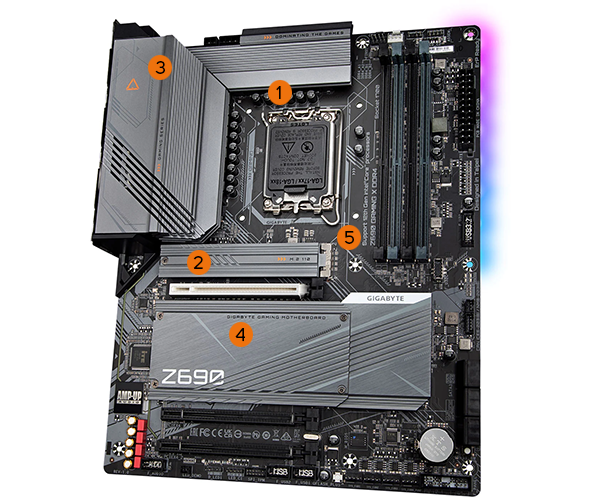
15 W/mK Thermal Pad
2M.2 Thermal Guard
3Fully Covered Thermal Design
4Enlarged Thermal Guard
52X Copper PCB
Versatile Connectivity Options
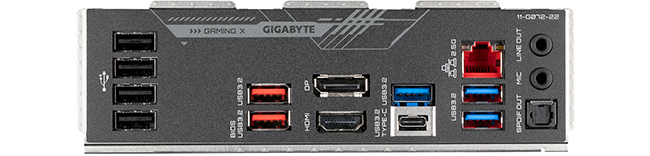
FOR every connectionGIGABYTE Z690 Series Motherboards let you experience ultimate connection flexibility and blazing data-transfer speed with next generation network and storage connectivity.
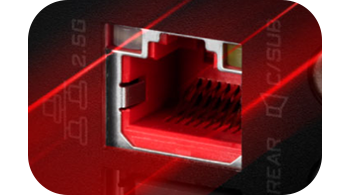
2X Faster than everAdoption of 2.5G LAN provide up to 2.5 GbE network connectivity, with at least 2X faster transfer speeds compared to general 1GbE networking, perfectly designed for gamers with ultimate online gaming experience.
Audio you can be Truly Immersed In

Hi-Res AudioHi-Res Audio certified, meaning that the product is capable of reproducing frequencies up to 40kHz or above which ensures user with the best audio quality at all times.

Realtek High-End HD Audio CodecSupports audio format up to 32-bit/384KHz and output SNR up to Rear/Front 120dB 110dB.
Automatically detects impedance of audio device, preventing low volume and distortion.
Stream voice with up to 110dB(A) SNR via microphone.
Make it Your Own
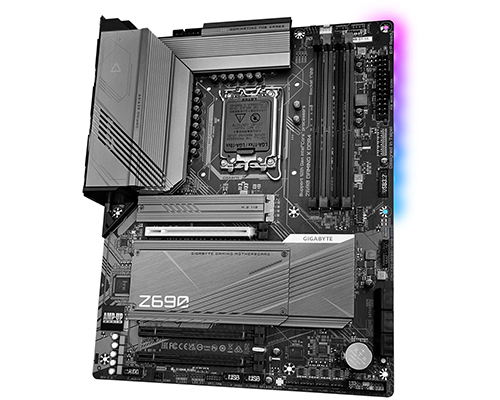
impressive PERSONALIZATIONGIGABYTE motherboards bundle several useful and intuitive software to help users to control every aspect of motherboard and provide customizable lighting effect with outstanding aesthetics to fit your unique personality.
Updates Made Easy
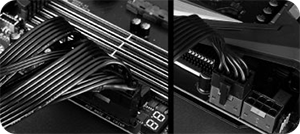
Step 1Plug the 24pin & 8pin power supply cable into the motherboard.

step 2Download and unzip the motherboard BIOS file and rename to "gigabyte.bin", save it to a USB flashdrive, then plug it into the Q-Flash USB port.
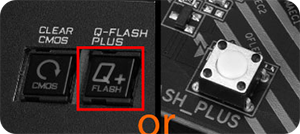
step 3Press the Q-Flash Plus button, and the motherboard will start updating the BIOS automatically.
Q-Flash PlusWith GIGABYTE Q-Flash Plus, you don’t need to install the CPU, memory and graphics card nor enter the BIOS menu to flash the BIOS. Just download and save a new BIOS file (rename to gigabyte.bin) on the USB flash drive, then press the dedicated Q-Flash Plus button and you’re good to go!