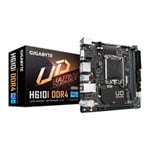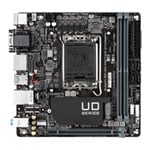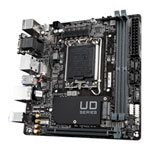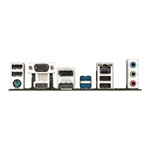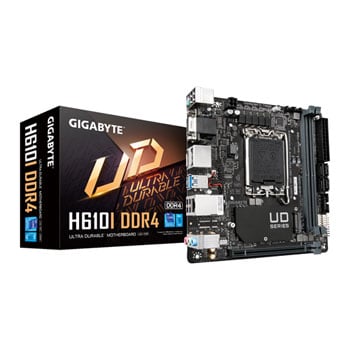

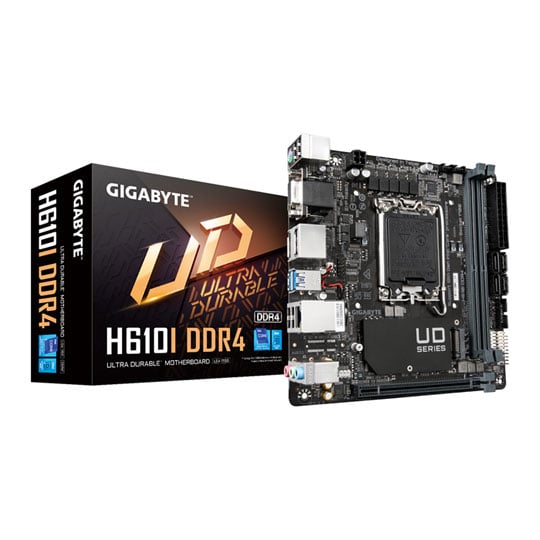
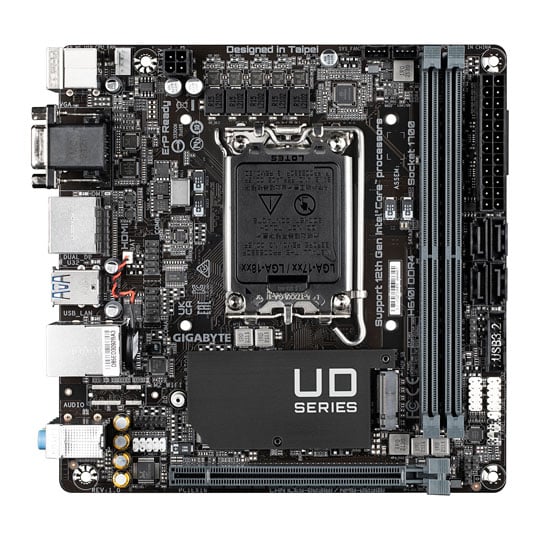
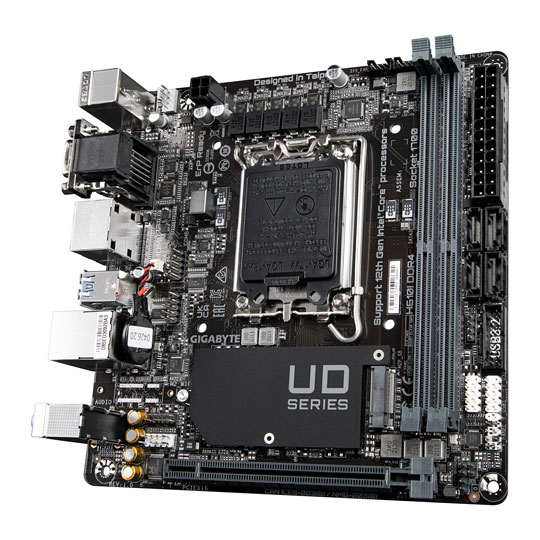
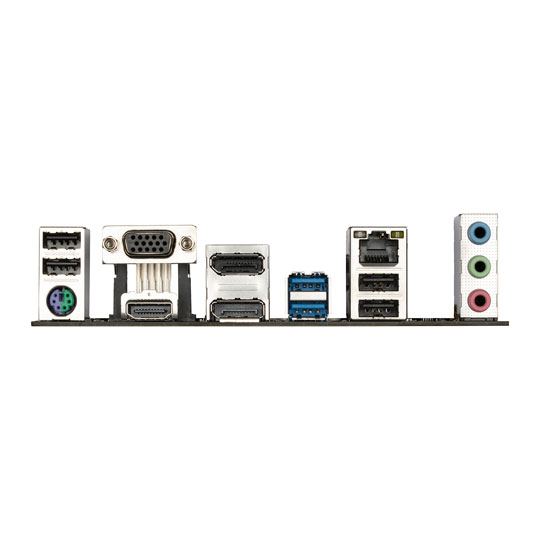


Gigabyte Intel H610I DDR4 PCIe 4.0 mini-ITX Motherboard
Gigabyte H610I DDR4, Intel H610, S 1700, DDR4, SATA3, PCIe 4.0, M.2, GbE, USB 3.2 Gen1 A, Mini-ITX
Email me when the availability or price changes
Finance this product
- Spend over £390.00 and Buy Now, Pay Later or spread the cost of your finance over 24-48 months with a 10% deposit.
- SCANPROTECT Protect against installation damage for 28 days.
H610I DRR4 12th Gen Intel Mini-ITX Motherboard from Gigabyte

Stand Your Ground Here to support the latest generation of Intel CPUs is the Gigabyte H610I DDR4 Motherboard, Perfect for those who prefer stunning performance in a small form factor at a fair price point, this Mini-ITX motherboard boasts a 4+1+1 hybrid power solution, PCIe 3.0 M.2, PCIe 4.0 support, Intel GbE LAN and a fully comprehensive I/O panel. Product longevity is of upmost important to gigabyte; thats why they have included only the best components they can find and reinforce every slot to make each of them solid and durable. The H610I DDR4 is perfect for both daily users and enthusiasts that are looking to squeeze every ounce of performance from their 12th generation intel CPU. Push the boundaries with Gigabyte
Intel H610Chipset
LGA 1700CPU Socket
12th Generation IntelIntel Processors
M-ATXForm Factor
Cleaner and more Efficient Power Delivery to the CPU
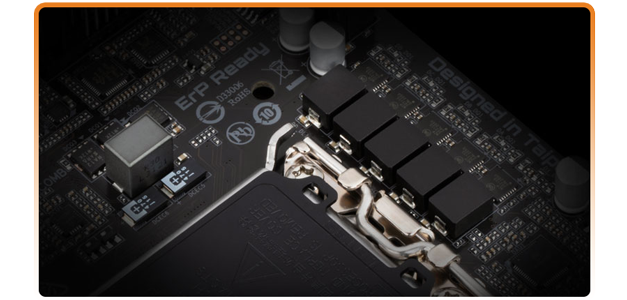
4+1+1
Phases DrMOS
Solid
capacitors To improve transient response and minimise oscillation.
Solid Pin
CPU Power Connector.
Premium choke and capacitor design With technology moving so fast, GIGABYTE still keep up with the latest trends and provide their customers with advanced features and the latest technologies. Cleaner and more efficient power delivery to the CPU with better thermal performance ensure stability under high CPU frequencies and heavy loading.
A Fully Comprehensive Cooling Solution

Intelligent Fan Control DesignSmart Fan 6 contains several unique cooling features that ensure gaming PC maintain its performance while staying cool and quiet. Multiple fan headers can support PWM/DC fan and pump, and users can easily define each fan curve based on different temperature sensors across the board via intuitive user interface. With Fan Stop, map any fan to stop completely when temperatures drop below a specified threshold. Which fan stops, based on readings from which sensor, and at what temperature – all of it can be customised to your liking.

3 PWM/DC Fan Headers

4 Internal Temperature Sensors
Durability for Years to Come

Q-Flash PlusWith GIGABYTE Q-Flash Plus, you don't need to install the CPU, memory and graphics card nor enter the BIOS menu to flash the BIOS. Just download and save a new BIOS file (rename to gigabyte.bin) on the USB flash drive, then press the dedicated Q-Flash Plus button and you're good to go!
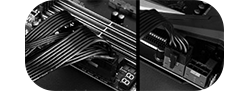
STEP 1Plug the 24-pin & 8-pin power supply cable into the motherboard.

STEP 2Download and unzip the motherboard's compressed BIOS file and rename to "gigabyte.bin", save to a USB flash-drive, and plug it into the Q-Flash USB port.
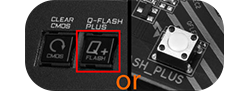
STEP 3Press the Q-Flash button, and the motherboard will start updating the BIOS automatically.

Solid Pin Power ConnectorsB560 AORUS motherboards feature solid plated ATX 12V 8pin power connectors to offer a stable power supply during CPU overloading.
Solid Pin Power connector advantages
• Larger contact area for electricity.
• More metal quantity to sustain higher power and generated heat.
• Ultra durable and longer lifespan.
Take Control of your Motherboard

Refreshed BIOSThe BIOS is essential for users during initial setup to allow for the most optimal settings. With a new GUI and easier to use functionalities, GIGABYTE has been able to reinvent the BIOS to give users a better experience while setting up their new system. * Photos are for reference only. Product features may vary by model.
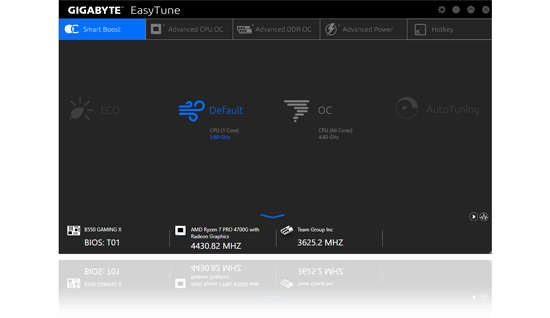
EasyTune™GIGABYTE's EasyTune™ is a simple and easy-to-use interface that allows users to fine-tune their system settings or adjust system and memory clocks and voltages in a Windows environment. With Smart Quick Boost, one click is all it takes to automatically overclock your system, giving an added performance boost when you need it the most.
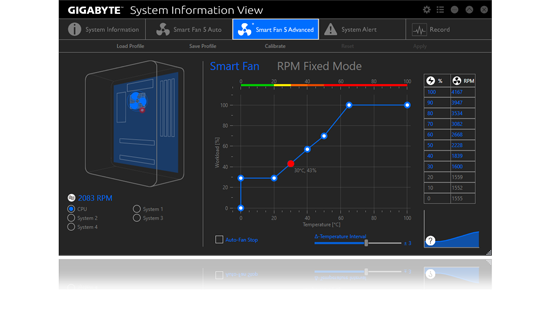
System Information ViewerGIGABYTE System Information Viewer is a central location that gives you access to your current system status. Monitor components such as the clocks and processor, set your preferred fan speed profile, create alerts when temperatures get too high or record your system's behavior; these are the possibilities of the System Information Viewer.