


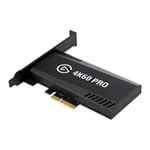
Elgato 4K60 Pro MK.2 Internal PCIe Ultra HD HDR Video Gaming Capture Card
End Of Life
Elgato 4K60 Pro MK.2 Internal PCIe Ultra HD HDR Video Gaming Capture Card
Scan code: LN101047 Manufacturer code: 10GAS9901
End Of Life
  • Thumbnail 1 : Elgato 4K60 Pro MK.2 Internal PCIe Ultra HD HDR Video Gaming Capture Card
  • Elgato 4K60 Pro MK.2 Internal PCIe Ultra HD HDR Video Gaming Capture Card : video thumbnail 1
  • Elgato 4K60 Pro MK.2 Internal PCIe Ultra HD HDR Video Gaming Capture Card : video thumbnail 2
End Of Life

Elgato 4K60 Pro MK.2 Internal PCIe Ultra HD HDR Video Gaming Capture Card

Elgato Game Capture 4K60 Pro MK.2, PCIe 2.0 x4 Card, Upto 2160p60 HDR10 via HDMI 2.0, Direct Recording to Windows 10 PCs

Scan code: LN101047 Manufacturer code: 10GAS9901
End of life
This product is no longer available to purchase.

Email me when the availability or price changes

  • SCANPROTECT Protect against installation damage for 28 days.

Elgato 4K60 Pro MK.2 Ultra HD HDR Video Gaming Capture Card

4k60 pro mk.2 capture card

THE MOST STUNNING CONTENT ON THE PLANET The Elgato 4K60 Pro MK.2 equips you to capture immaculate 4K60 HDR10 content. Power your workflow with ultra low latency, Instant Gameview technology, and you can stream to Twitch or Youtube while recording 4K HDR10 footage to your hard drive. Simultaneously access your video feed in multiple apps and utilize up to 240Hx passthrough support for your dual-PC setup. This compact PCIe interface packs massive performance, with the 4K60 MK.2 giving you the power to share the most stunning and entertaining content with ease. Work flawlessly with your favorite tools and platforms and watch the 4K60 Pro deliver.

Finely Crafted & Built to Last

materials

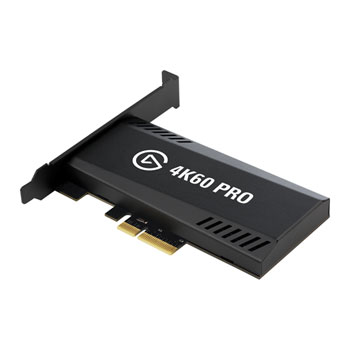
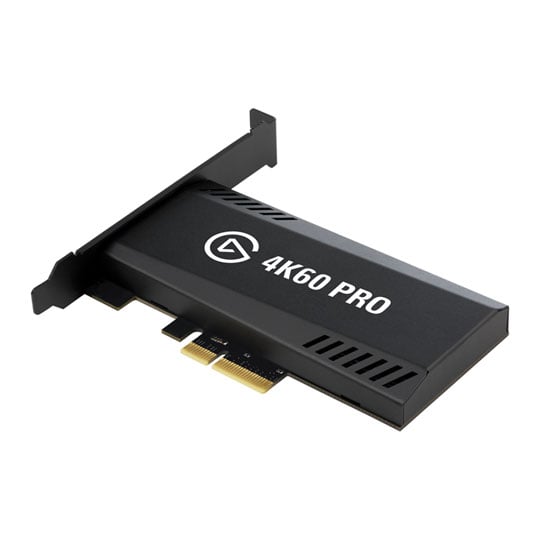
MADE WITH SUPER SOLID MATERIALS The Elgato 4K60 Pro MK.2 has been crafted with black electrogalvanized-steel casing with sharp geometric edges, slick grilles, prominent port labels and iconic Elgato branding. It features all the hallmarks of legendary Elgato PCIe architecture in a compact form factor that slots perfectly into your system for super-easy installation.

Hyper Smooth Gaming for Every Resolution

resolutions

WORK WITH A VARIETY OF QUALITIES With your dual-PC setup, you'll be leagues ahead of the competition and can easily capture without compromising your gameplay. 1080p at 120Hz? Easy. 1440p at 144Hz or 1080p at 240Hz? Done. The 4K60 Pro supports an incredible array of resolution and refresh rate combos so you can work with the perfect combination for you and your play style.

Easily Stream with your Dream System

COMPATIBLE WITH YOUR SETUP Enjoy and utilize a wealth of features with the 4K60 Pro MK.2 that allows you to make and stream content like no other.

multi feed

multi feedSimultaneously capture your video in multiple apps.

plug play

plug & playWorks out of the box with all streaming software such as OBS Studio, Streamlabs OBS and XSplit.

multi device

multi deviceEasily slot numerous 4K60 Pro cards into one system.

A Powerhouse of Recording

recording

Only the best recording performance Powerful yet easy to use. Meet 4KCU: custom-built to help you get the most out of 4K60 Pro.

hdr hd10 recording

HD10 RECORDING Easily capture the true-to-life vivid highlights and deep shadows in every game you play.
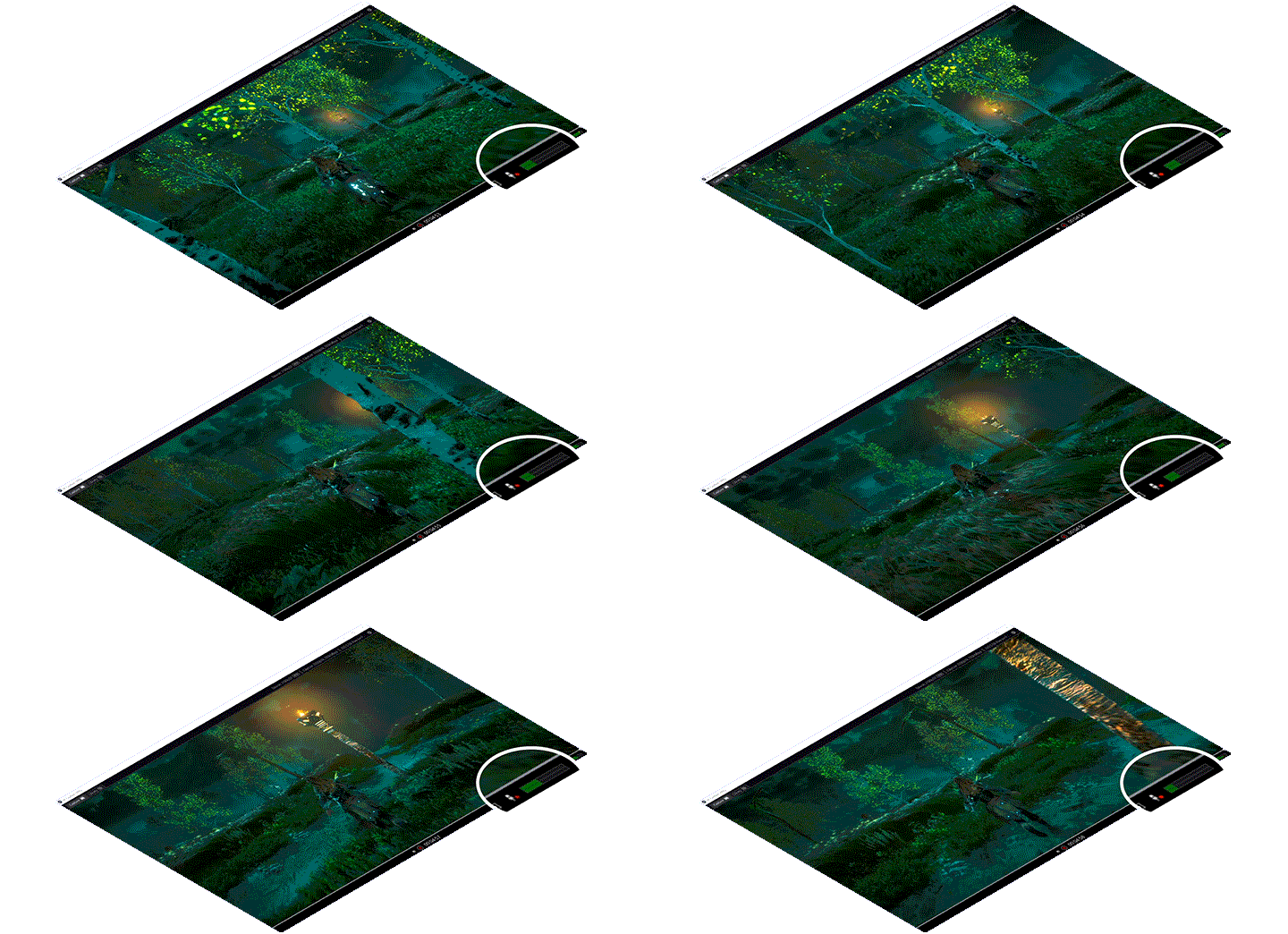
voice Commentary

LIVE COMMENTARY Add your voice as a separate track for easy post production.
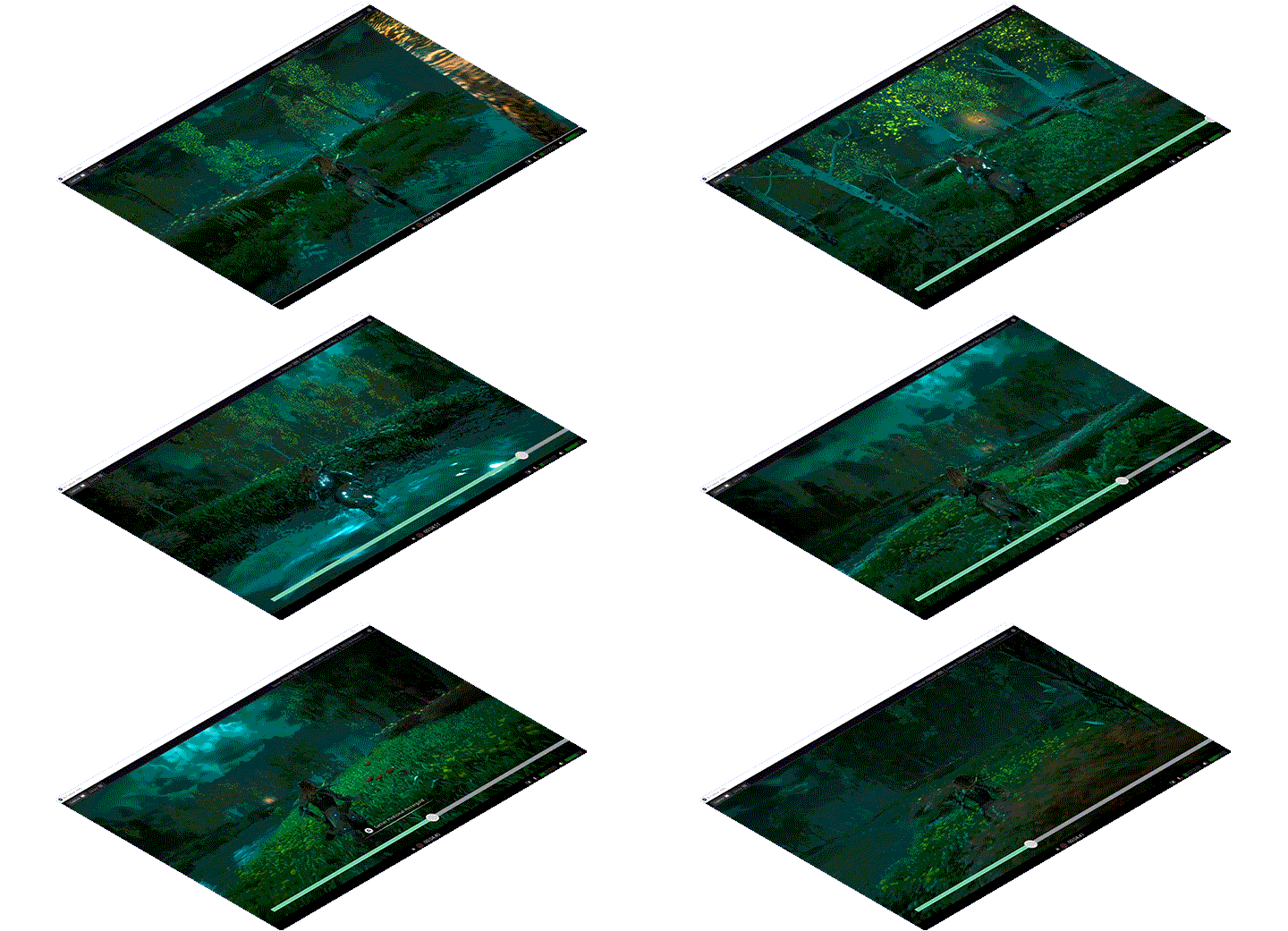
flashback recording

FLASHBACK RECORDING Slide back in time to save epic moments retroactively to ensure you capture those game-winning shots.
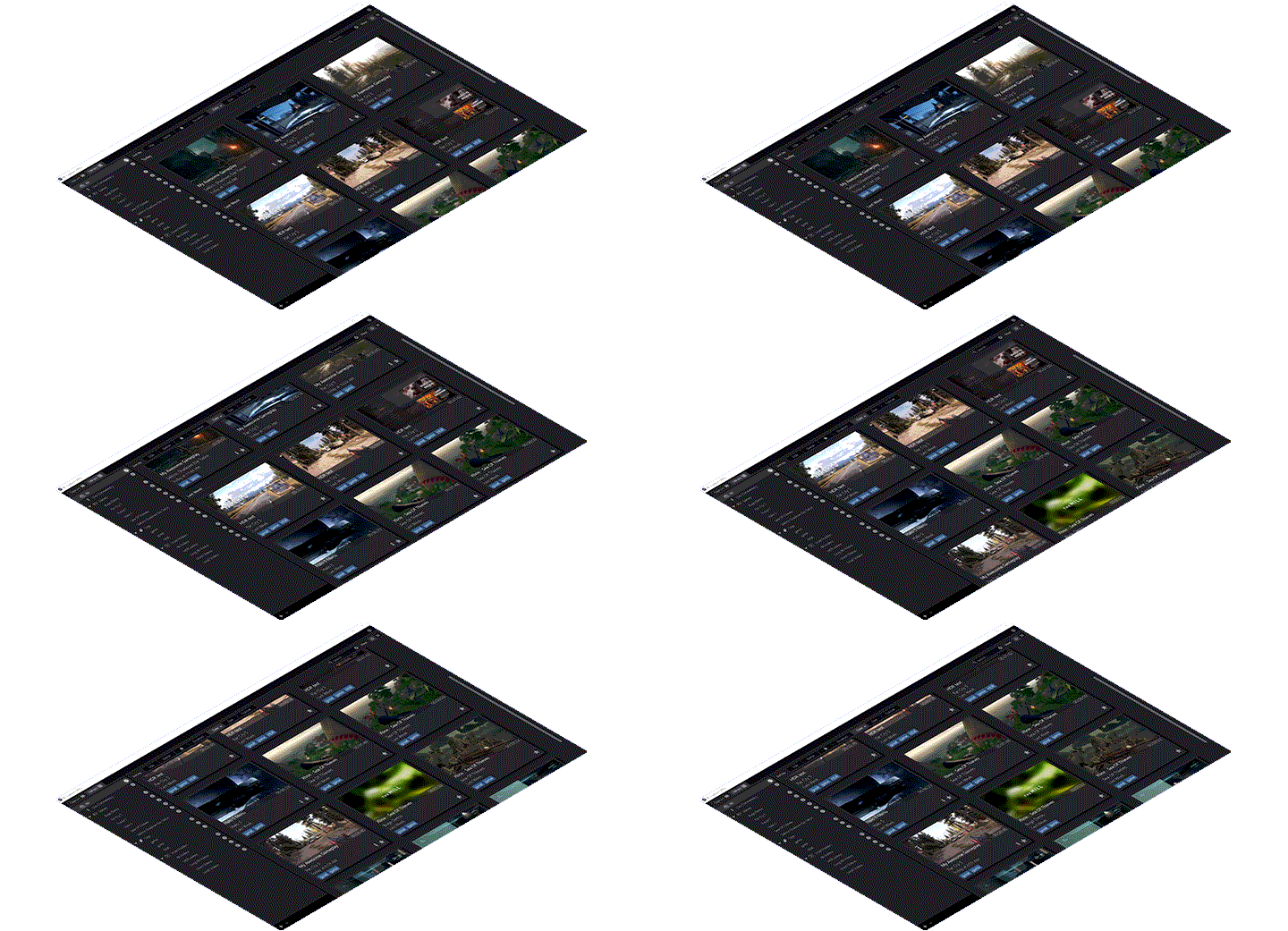
video library

video library Organize your archive and locate files efficienctly and in a flash.

Play with Unbeatable Precision even when Streaming

instant gameview

ULTRA PRECISE GAMING WITH INSTANT GAMEVIEW Instant Gameview powers your workflow with incredibly-low latency technology. Even if you're pushing an incredible number of pixels, your gameplay will remain on point and never skip a single frame.
Warranty

Please note your statutory rights are not affected.

For further information regarding Scan's warranty procedure please see our terms and conditions

Details
Duration:
24 months
Type:
Direct
DOA Period:
28 days
RTB Period:
24 months
Manufacturer Contact Details
Manufacturer:
Corsair / SCAN
Telephone:
01204-474747
Buying Guide
Need help choosing the perfect Streaming Card? Read our Streaming Buying Guide
Elgato Game Capture 4K60 Pro MK.2, PCIe 2.0 x4 Card, Upto 2160p60 HDR10 via HDMI 2.0, Direct Recording to Windows 10 PCs is rated 2.5 out of 5 by 2.
Rated 4 out of 5 by from My 6-month recording/streaming review I've had this capture card for about 6 months now and thought I should post my ramblings after going through a bunch of AVerMedia and Elgato capture devices over the years. After dealing with a live gamer portable for the longest of times I thought I'd get this as long term step-up despite not having the best luck with Elgato products in the past. The Elgato ownership change to Corsair did influence my decision as I have a few Corsair products in my setup (fans, keyboard & AIO) and I haven't had much trouble with them, so I was less hesitant to purchase this second generation of the 4K60 Pro. Not all is perfect, but it's close. The biggest issue I have is that there is a very visible lag (8-10 seconds) sometimes booting up the card when I'm changing scenes. I don't know if this is an issue with OBS studio but I didn't have this issue with any previous Elgato or AVerMedia card. This is (usually) solved by booting up the scene with the Elgato capture before starting any recording or streaming. Gone are the constant bluescreens, random shutoffs and input freezes of my last Elgato capture device (a HD 60) which is obviously a welcome change. I can finally recommend an Elgato capture device, and this is it, but keep a fan or two pointed at it as it does get a little warm inside the case.
Date published: 2020-09-04
Rated 1 out of 5 by from Issues with PC fullscreen capture Unfortunately I'm having issues with this product. I bought this Elgato card to capture 4K content from another PC however I've encountered an issue when the display from the source PC is duplicated to the Elgato card when launching games in fullscreen. This causes the mouse pointer on the source PC to become very large. The only workaround is to launch games in windowed mode or to disconnect the HDMI cable from the back of the Elgato card before launching games in fullscreen and then re-connecting the HDMI cable. I have tried several HDMI cables from my home AV setup and the issue still occurs, ruling out cable issues. I have also tried connecting directly to another 4K monitor and duplicating the display and had no issue. So there is something happening with this Elgato capture card that is causing this issue.
Date published: 2020-04-16
  • y_2020, m_9, d_10, h_15
  • bvseo_bulk, prod_bvrr, vn_bulk_3.0.12
  • cp_1, bvpage1
  • co_hasreviews, tv_0, tr_2
  • loc_en_GB, sid_101047, prod, sort_[SortEntry(order=FEATURED, direction=DESCENDING), SortEntry(order=SUBMISSION_TIME, direction=DESCENDING)]
  • clientName_scan
Elgato 4K60 Pro MK.2 Internal PCIe Ultra HD HDR Video Gaming Capture Card