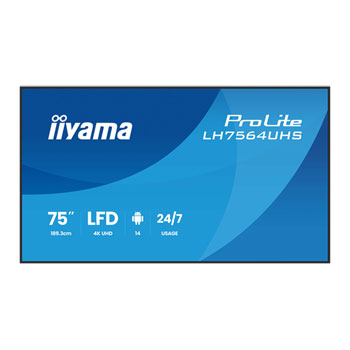
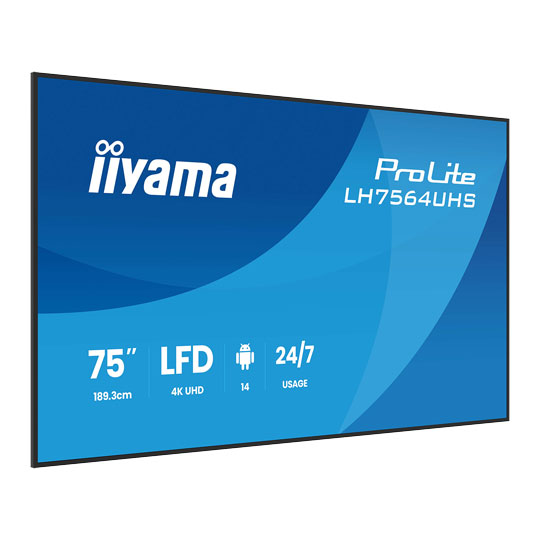
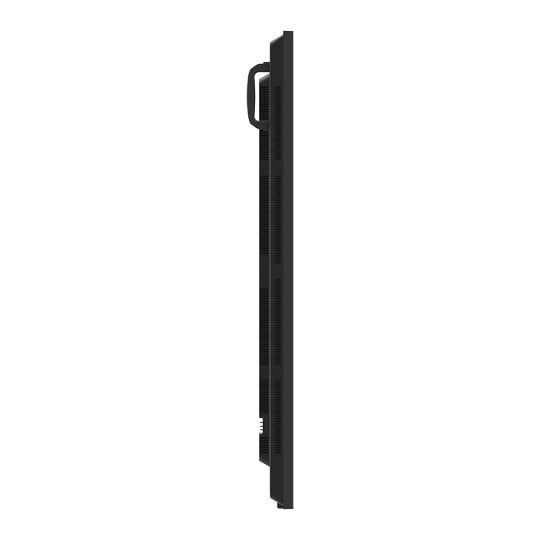
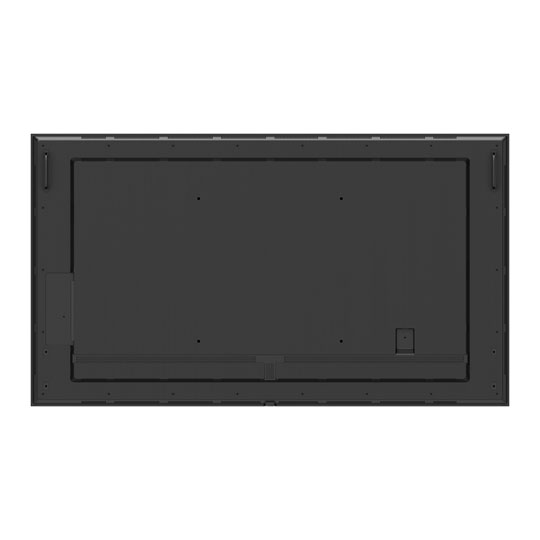


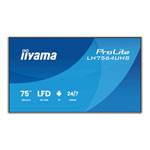
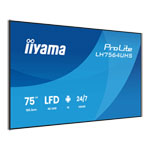
iiyama 75" ProLite LH7564UHS-B1AG 4K UHD Professional Digital Signage Display
75" iiyama ProLite LH7564UHS-B1AG Professional Digital Signage Display, 3840x2160, 6.5ms, 5000:1, 500cd/m², DP/HDMI
Email me when the availability or price changes
Finance this product
- From £34.66 / month (APR 16.9%) for 48 months or 0% for 4 months
- With a 10% deposit from just £30.70 / month (APR 15.9%)
Suggested Alternatives
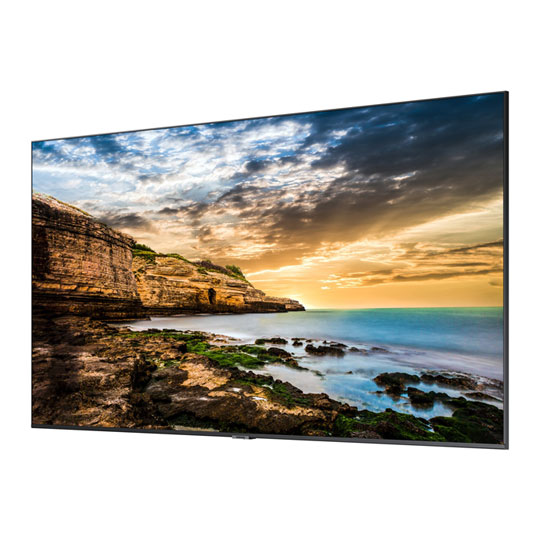

 75" Samsung QE75T 4K/UHD, Slim Signage Panel, HDMI/RS232/RJ45/300nit, 16/7, 3 Year WarrantySamsung 75" QE75T 4K UHD Slim Signage Panel
LN110244
No customer review
75" Samsung QE75T 4K/UHD, Slim Signage Panel, HDMI/RS232/RJ45/300nit, 16/7, 3 Year WarrantySamsung 75" QE75T 4K UHD Slim Signage Panel
LN110244
No customer reviewKey Specifications
- 75" Samsung QE75T 4K/UHD
- Slim Signage Panel
- HDMI/RS232/RJ45/300nit
- 16/7
- 3 Year Warranty
£1,607.48ETA 1-3 days

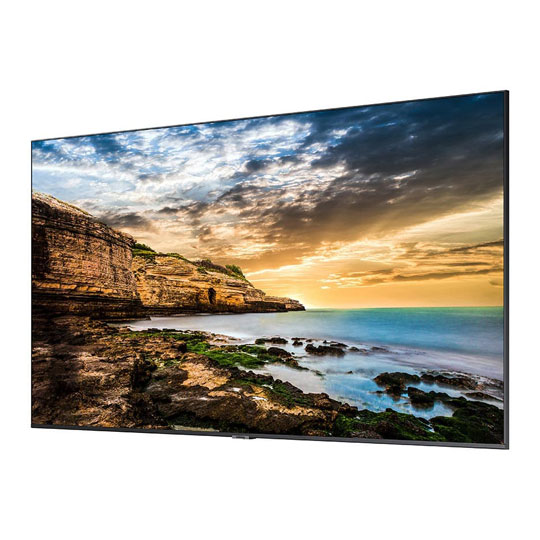 65" Samsung QE65T Signage Display, 4K UHD, 4000:1, 300cd/m², VESA, HDMI/USB/RJ45/RS232C, Media PlayerSamsung 65" QE65T 4K UHD Slim Signage Panel
LN135537
Customer Review (1)
65" Samsung QE65T Signage Display, 4K UHD, 4000:1, 300cd/m², VESA, HDMI/USB/RJ45/RS232C, Media PlayerSamsung 65" QE65T 4K UHD Slim Signage Panel
LN135537
Customer Review (1)Key Specifications
- 65" Samsung QE65T Signage Display
- 4K UHD
- 4000:1
- 300cd/m²
- VESA
- HDMI/USB/RJ45/RS232C
- Media Player
£1,165.49ETA 1-3 days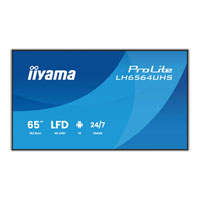
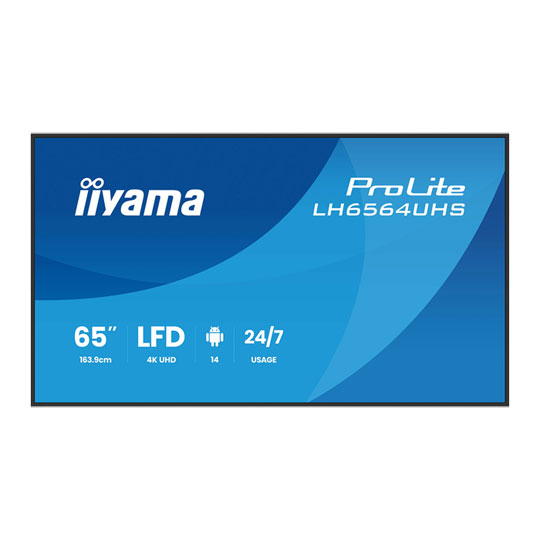
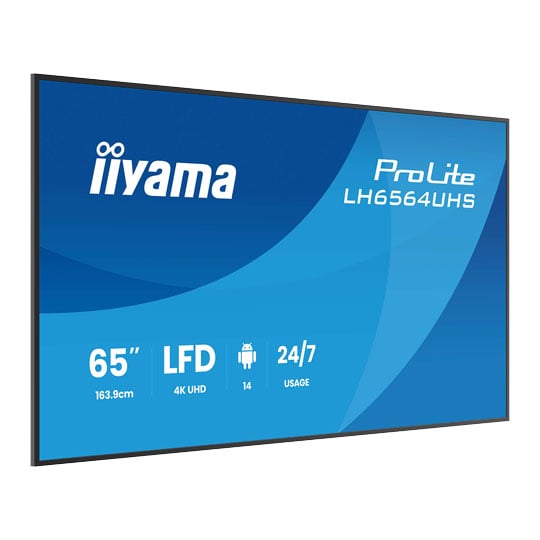
 65" iiyama ProLite LH6564UHS-B1AG Professional Digital Signage Display, 3840x2160, 6.5ms, 5000:1, 500cd/m², DP/HDMIiiyama 65" ProLite LH6564UHS-B1AG 4K UHD Professional Digital Signage Display
LN161083
No customer review
65" iiyama ProLite LH6564UHS-B1AG Professional Digital Signage Display, 3840x2160, 6.5ms, 5000:1, 500cd/m², DP/HDMIiiyama 65" ProLite LH6564UHS-B1AG 4K UHD Professional Digital Signage Display
LN161083
No customer reviewKey Specifications
- 65" iiyama ProLite LH6564UHS-B1AG Professional Digital Signage Display
- 3840x2160
- 6.5ms
- 5000:1
- 500cd/m²
- DP/HDMI
£942.49Pre order
iiyama - '75" ProLite 4K UHD Professional Digital Signage Display'
LH7564UHS-B1AG

75" 4K UHD digital signage powerhouseThe iiyama ProLite LH7564UHS-B1AG is a 75" 4K UHD professional digital signage display crafted for maximising visual impact in commercial environments. Equipped with Android 14 OS, built-in WiFi, iiSignage² CMS, and versatile connectivity, it offers effortless remote content management and dependable 24/7 operation. Perfect for retail, corporate, hospitality, or restaurant settings, this high-brightness, anti-glare display delivers crisp, vivid visuals and flexible installation options to ensure engaging audience experiences and reliable messaging.

Android OS

Android 14 On-board Android 14 OS means you can easily customize the display to your needs and install applications directly to it.
iiSignage²

What is iiSignage²?This Content Management System (CMS) gives you total control of your messaging and adverting on your iiyama LFD, remotely and safely. iiSignage² uses 80, 443 and 19527 ports (UTC/UDP traffic).The iiSignage² servers are hosted by Google and located in the Netherlands.

Step 1UploadUnleash the power of dynamic content.

Step 2ScheduleEffortless scheduling at your fingertips.

Step 3ShareSeamless sharing to captivate audiences.

Step 4ManageMonitor your monitors.

Upload Content• Upload multiple types of media (Image, Video, Web Content) to your resource library
• Videos/QR codes/Web Content can be embedded into Images/Slide show of Images
• Create distinctive Content programs with the media uploaded

Schedule Programs• Schedule Content based on days of the week, any date and time in advance
• Add different content programs to the schedule based on any requirement
• Individual displays can have their own schedules set with the location’s specific content programs

Share On Display• Each of the displays can be identified by its specific name and can be grouped together based on indiviual requirements
• The displays have their individual / grouped schedules for the uploaded content
• The displays can be programmed to shut down and turn on based on your schedule

Daily Management• Get regular / timed screenshots of the content running on your screens
• Stay up to date on what programs are assigned to the screen and get real time screenshots of what is running on the display
iiControl

About iiControliiControl is a centralized platform for seamless device management, allowing you to monitor status, send commands, manage content, and update software remotely. With real-time monitoring, robust analytics, and user-friendly tools, it streamlines operations across multiple devices.

Centralized Device Management

Remote Control

Command Execution

Content Management

Insights and Analytics

Effortless Device ManagementControl all your devices from a single platform. Easily monitor status, group panels, manage user access, and register devices for seamless operation.

Full Remote Control and MonitoringAdjust settings, troubleshoot issues, and receive real-time warnings—all without physical access. Keep your devices running smoothly anytime, anywhere.

Smart Command ExecutionSave time with scheduled commands, batch updates, and remote app management. Streamline workflows and reduce manual tasks effortlessly.

Seamless Content ManagementCast screens remotely, share media, and manage system files from one place. Deliver content to multiple devices with ease.

Powerful Insights and AnalyticsGain real-time visibility into device performance, user activity, and system health. Make data-driven decisions to optimize efficiency.
iiShare

iiShare by iiyamaiShare by iiyama is a powerful wireless screen sharing solution designed to simplify content collaboration.
Whether using Windows, Android, or iOS devices, iiShare enables seamless casting to iiyama Interactive Flat Panel Displays (IFPDs) without cables or complex configurations. Ideal for classrooms, boardrooms, and hybrid teams, iiShare promotes dynamic collaboration through intuitive features like Gallery View and BYOM (Bring Your Own Meeting).

Step 1DownloadDownload the iiShare app on your personal device and make sure you are connected to the same network as your iiyama (interactive) large format display. Download the relevant app to your specific OS in the Download section below.

Step 2OpenOpen the iiShare app on both devices and select the display name from the list on your personal device.

Step 3ConnectPress connect, followed by shared screen and you are ready to showcase your work.

The Perks of iiShare• Share content from any device
• Miracast/Airplay/Chromecast supported
• Webcast (casting via a URL)
• Supports the WP-D003C USB-C dongle
• Gallery View is a feature which displays multiple shared screens or participants simultaneously for better visual collaboration
• BYOM (Bring Your Own Meeting) allows users to run meetings from their own device using their preferred conferencing platform, connecting seamlessly to iiyama Interactive Flat Panel Displays (IFPDs)
• Utilise TV Mirror function to stream the main display back to your device for localised viewing
• Enjoy the Two-Way-Touch functionality, when sharing from a Windows device. Take control over your display with this annotation tool, including screenshot function.
• Stream and view up to 4 devices at the same time
Signal FailOver

automatically detects input sourcesFailOver is a feature which automatically detects input sources. When there is no signal on the default input it will automatically switch to the next available input. FailOver allows customers to prioritize a number of inputs (incl. Browser, Media Player and Custom) and ensures your content is always actively displayed, assuring active content at all times.
Media Player

Flexible OrientationWith the option to switch between landscape and portrait mode, these displays let you get creative with any space. Whether it’s messaging, ads, videos, or safety info, you can tailor your content to grab attention exactly how you want.
PayPal Credit
| Monthly Payment: | £111.35 |
| Instalment Rate: | 16.9% p.a. (fixed) |
| Cost of purchase: | £1,228.99 |
| Total inc. interest: | £1,336.11 |
| Monthly Payment: | £60.01 |
| Instalment Rate: | 16.9% p.a. (fixed) |
| Cost of purchase: | £1,228.99 |
| Total inc. interest: | £1,440.21 |
| Monthly Payment: | £43.04 |
| Instalment Rate: | 16.9% p.a. (fixed) |
| Cost of purchase: | £1,228.99 |
| Total inc. interest: | £1,549.28 |
| Monthly Payment: | £34.66 |
| Instalment Rate: | 16.9% p.a. (fixed) |
| Cost of purchase: | £1,228.99 |
| Total inc. interest: | £1,663.17 |
| Example | |
| Minimum Spend: | £99 |
| Instalment Rate: | N/A |
| Cost of purchase: | £99 |
| Total inc. interest: | £99 |
Representative Example:
Purchase Rate: 23.9% p.a. (variable)
Representative: 23.9% APR (variable)
Assumed Credit Limit: £1,200
Subject to status. Terms and Conditions apply.