
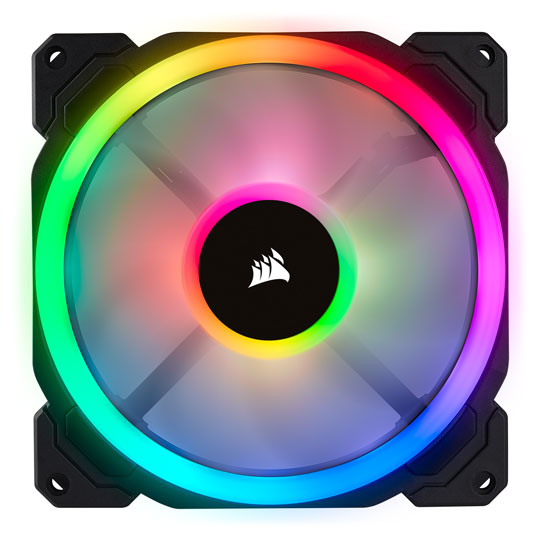
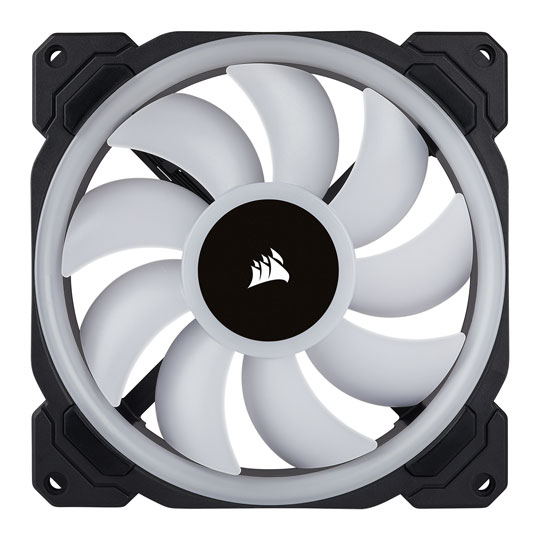
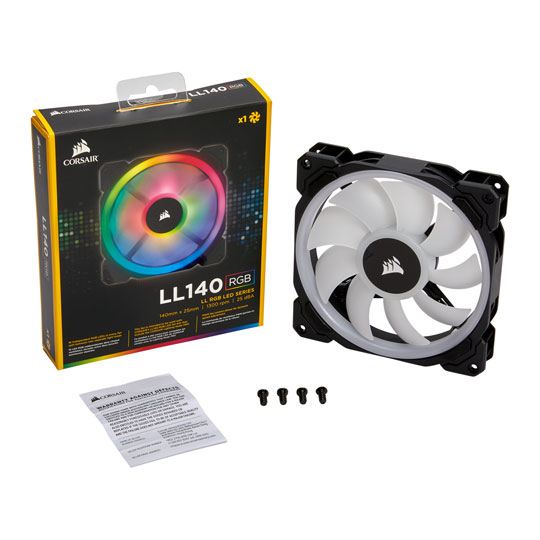


Corsair LL140 RGB 140mm Dual Light Loop 1 Fan Expansion Pack
End Of Life
Corsair LL140 RGB 140mm Dual Light Loop 1 Fan Expansion Pack
Scan code: LN85049 Manufacturer code: CO-9050073-WW
End Of Life
  • Thumbnail 1 : Corsair LL140 RGB 140mm Dual Light Loop 1 Fan Expansion Pack
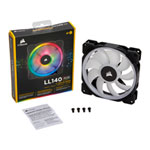
  • Thumbnail 2 : Corsair LL140 RGB 140mm Dual Light Loop 1 Fan Expansion Pack
  • Thumbnail 3 : Corsair LL140 RGB 140mm Dual Light Loop 1 Fan Expansion Pack
  • Thumbnail 4 : Corsair LL140 RGB 140mm Dual Light Loop 1 Fan Expansion Pack
  • Corsair LL140 RGB 140mm Dual Light Loop 1 Fan Expansion Pack : video thumbnail 1
  • Corsair LL140 RGB 140mm Dual Light Loop 1 Fan Expansion Pack : video thumbnail 2
End Of Life

Corsair LL140 RGB 140mm Dual Light Loop 1 Fan Expansion Pack

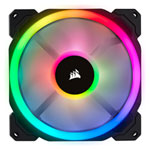
140mm Corsair LL Series, LL140 RGB, 9 Blade, PWM, 16 LED RGB Dual Light Loop, Single Fan Expansion Pack, 4-pin

Scan code: LN85049 Manufacturer code: CO-9050073-WW
End of life
This product is no longer available to purchase.

Email me when the availability or price changes

  • SCANPROTECT Protect against installation damage for 28 days.
  • 48HR REPLACEMENT If you need to return this item, your replacement will be dispatched within 2 working days of your product arriving back at Scan.

Corsair LL Series RGB LED 140mm Fan - Single Pack
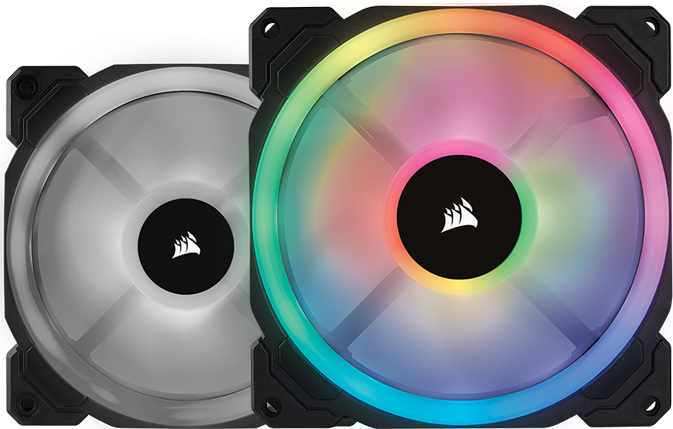
LL140 Fan

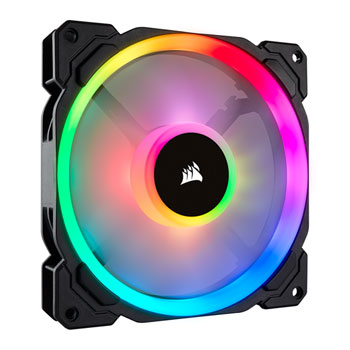
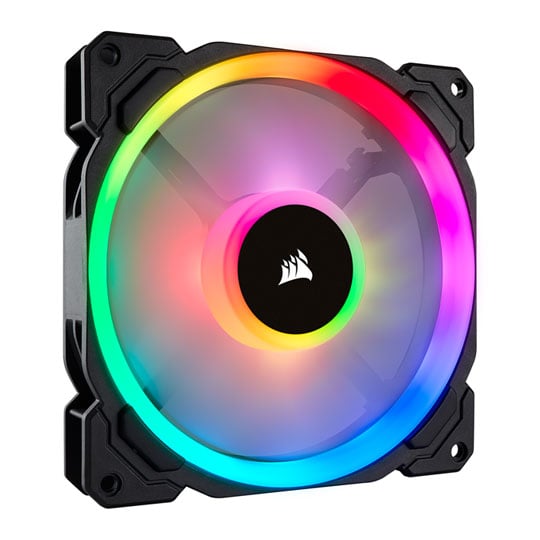
LL140 Dual Light Loop RGB Lighting

The Corsair LL140 is made for those PC builders that are seeking excellent airflow, quiet operation and the most powerful lighting put into a case fan. You can control the fan speed with PWM that allows you to dynamically control speed from 600 RPM to 1300 RPM to minimize noise or maximize airflow.

Two Independent RGB Light Loops
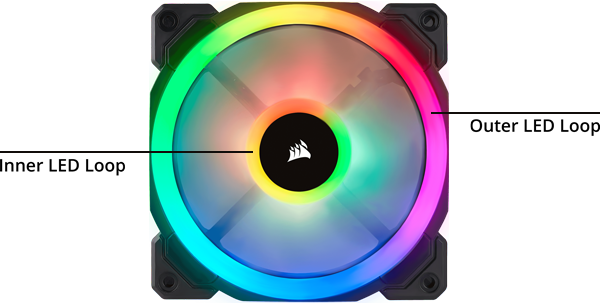
Dual LED Loops

Nearly Endless Customization

The LL Series Corsair fans have 16 Independent RGB LEDs in each fan, that are split between two separate lighting loops allowing for nearly endless customization. The two loops let you create vibrant lighting and visual effects.

Speed as You Need it
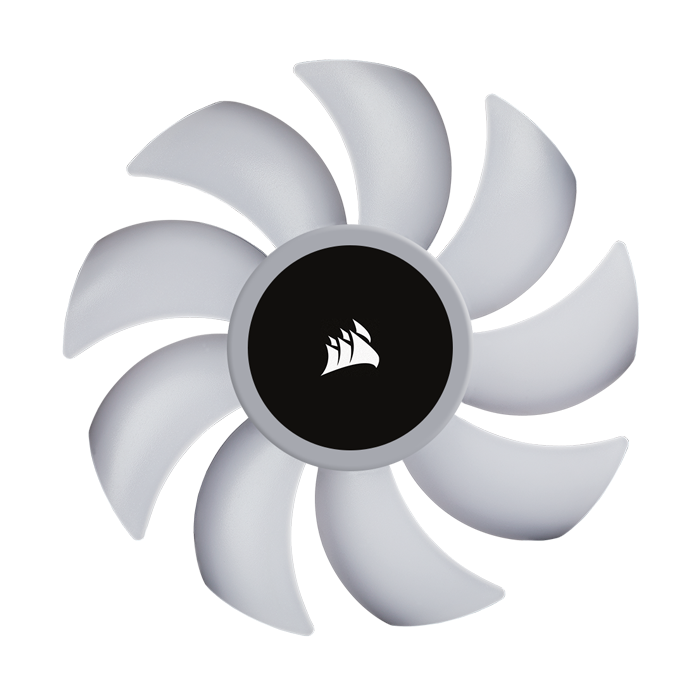
Fan Blades Spinning

Control the Fans Speed

PWM fan control provides dynamic speed adjustment so you can choose to reduce the noise or maximize your airflow. Another amazing feature of the LL series fans is that you to set the fan to not spin when the temperatures are low, allowing you to have near silent computing.

Syphony of Colour
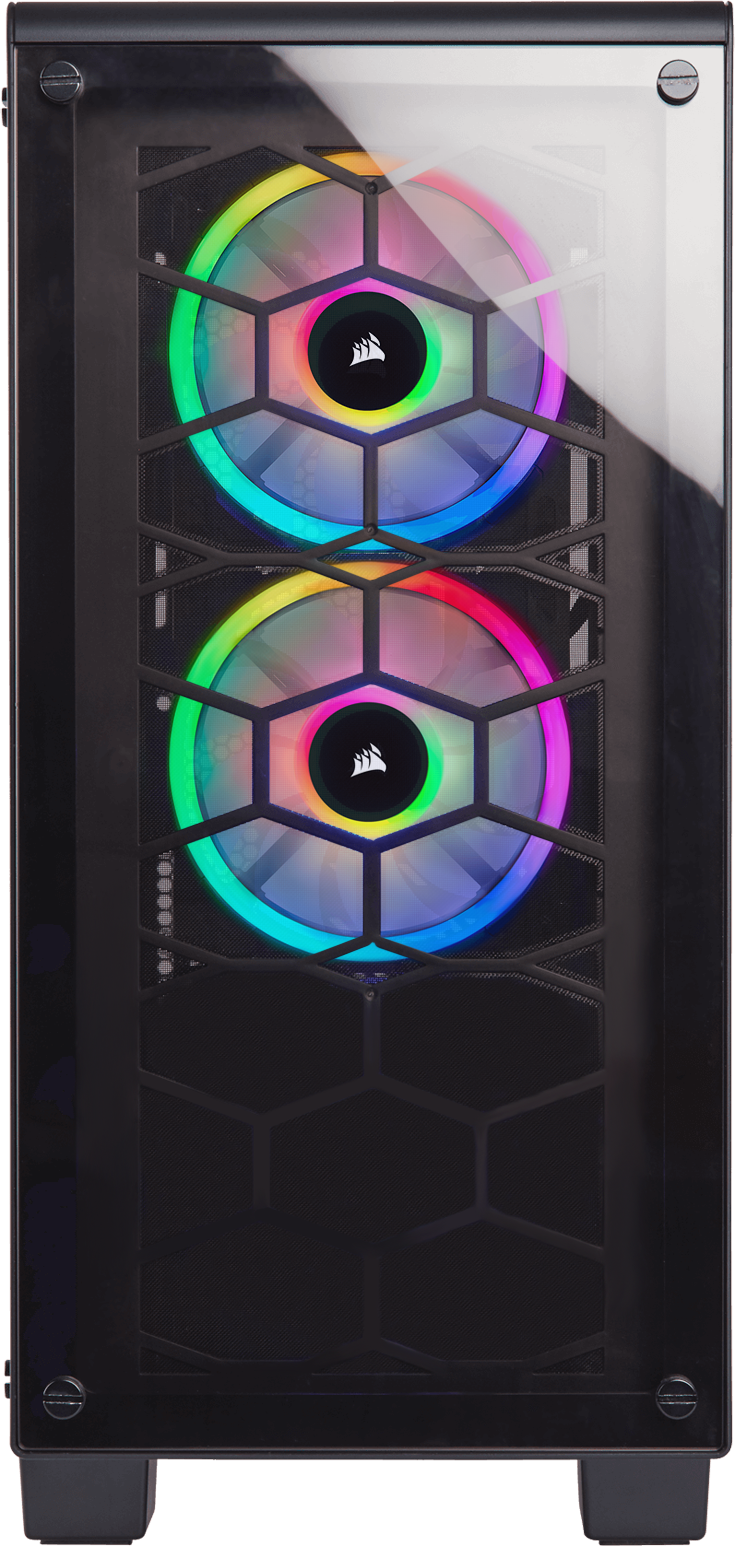
RGB LED Lighting

Endless Colour Combinations

If you choose to add more LL fans into your system then with the Dual LL140 Fan Pack you get the RGB Lighting hub and Lighting Node PRO these allow you to use all the RGB functionallities and get the best visuals.
Warranty

Please note your statutory rights are not affected.

For further information regarding Scan's warranty procedure please see our terms and conditions

Details
Duration:
24 months
Type:
Direct
DOA Period:
28 days
RTB Period:
24 months
Manufacturer Contact Details
Manufacturer:
Corsair / SCAN
Telephone:
01204-474747
Buying Guide
Need help? Read our Air Cooling Buying Guide
140mm Corsair LL Series, LL140 RGB, 9 Blade, PWM, 16 LED RGB Dual Light Loop, Single Fan Expansion Pack, 4-pin is rated 5.0 out of 5 by 2.
Rated 5 out of 5 by from 140mm Corsair LL Series, LL140 RGB, 9 Blade, PWM, 16 LED RGB Dual Light Loop, Single Fan Expansion Pack, 4-pin 140mm Corsair LL Series, LL140 RGB, 9 Blade, PWM, 16 LED RGB Dual Light Loop, Single Fan Expansion Pack, 4-pin I bought two 140mm fans and one 120mm all RGB the look cool inside my new case
Date published: 2020-03-07
Rated 5 out of 5 by from HOW TO USE CORSAIRS LL FANS These fans require a lot of ports. Each fans has a special corsair connector, which you will require a "Corsair RGB fan hub" for. The "RGB fan hub" requires a SATA power connection and a connection to either the "Lighting Node Pro" or "Commander Pro" via a 3-pin corsair lighting cable (Which will come with an “RGB fan hub” from Corsair). CONFIGURATION ONE (LIGHTING NODE PRO): Each fan (As well as the exclusive Corsair fan header) has a standard 4-pin PWM port, which can be plugged into the motherboard. (For this configuration, you will require a "Corsair Lighting Node Pro", which you must connect to the motherboard via the included corsair link cable. The "Lighting Node Pro" will also require SATA power. You must connect the "Lighting Node Pro" to the "RGB fan hub" via the 3-pin corsair lighting cable (Which will come with an “RGB fan hub” from Corsair). CONFIGURATION TWO (COMMANDER PRO): Much like the first configuration, each fan must be connected to a "Corsair RGB Fan Hub" via the exclusive corsair fan header, but instead of connecting each fan's PWM port into your PC's motherboard, you can connect the PWM port to the PWM header on the "Corsair Commander Pro", freeing up space on your motherboard. This is a good option if you are going to include lots of these fans in your build (For instance, I am using six LL120 fans, in my Crystal 570X case). You must then connect the "Commander Pro" to the "RGB fan hub" via a 3-pin corsair lighting cable. I hope that this quick guide will help you install these fantastic fans in your system. They can be a struggle at first, but boy is it worth it, in the end...
Date published: 2017-10-25
  • y_2020, m_9, d_10, h_15
  • bvseo_bulk, prod_bvrr, vn_bulk_3.0.12
  • cp_1, bvpage1
  • co_hasreviews, tv_0, tr_2
  • loc_en_GB, sid_85049, prod, sort_[SortEntry(order=FEATURED, direction=DESCENDING), SortEntry(order=SUBMISSION_TIME, direction=DESCENDING)]
  • clientName_scan
Corsair LL140 RGB 140mm Dual Light Loop 1 Fan Expansion Pack