







As a value-added reseller, we offer end-to-end solutions for esports

Esports broadcast tools help turn gameplay into a polished live show that feels as exciting as any traditional sports event. This guide focuses on the core components, from leading manufacturers, required to deliver a professional esports experience for installations of all scales.

3xs logo
adobe logo
amd logo
asus logo
aximmetry logo
birddog logo
black magic logo
corsair-logo
data video logo
elgato logo
this is fury logo
gg circuit logo
intel logo
jvc logo
kiloview logo
manfrotto logo
nvidia logo
panasonic logo
pny logo
rode logo
brompton technology logo
top tec logo
vizrt logo
vmix logo

Capture and gaming PCs

High-performance gaming and observer PCs sit at the heart of any esports production, driving smooth gameplay and clean spectator feeds at high frame rates. Look for systems with powerful GPUs, fast CPUs, plenty of RAM, and reliable network connectivity so you can capture, spectate, and stream without dropped frames or stutter.
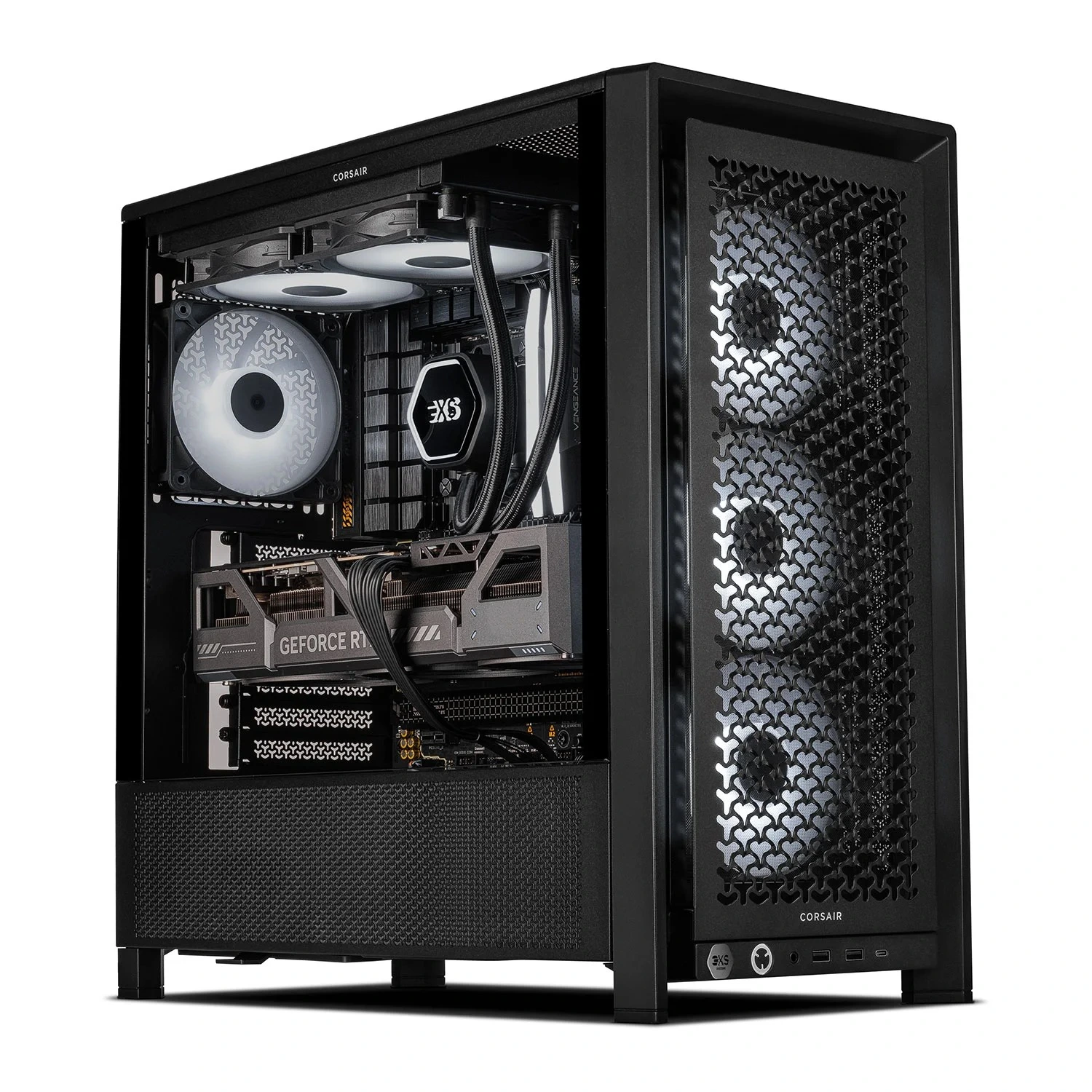
High-performance esports capture and gaming PC

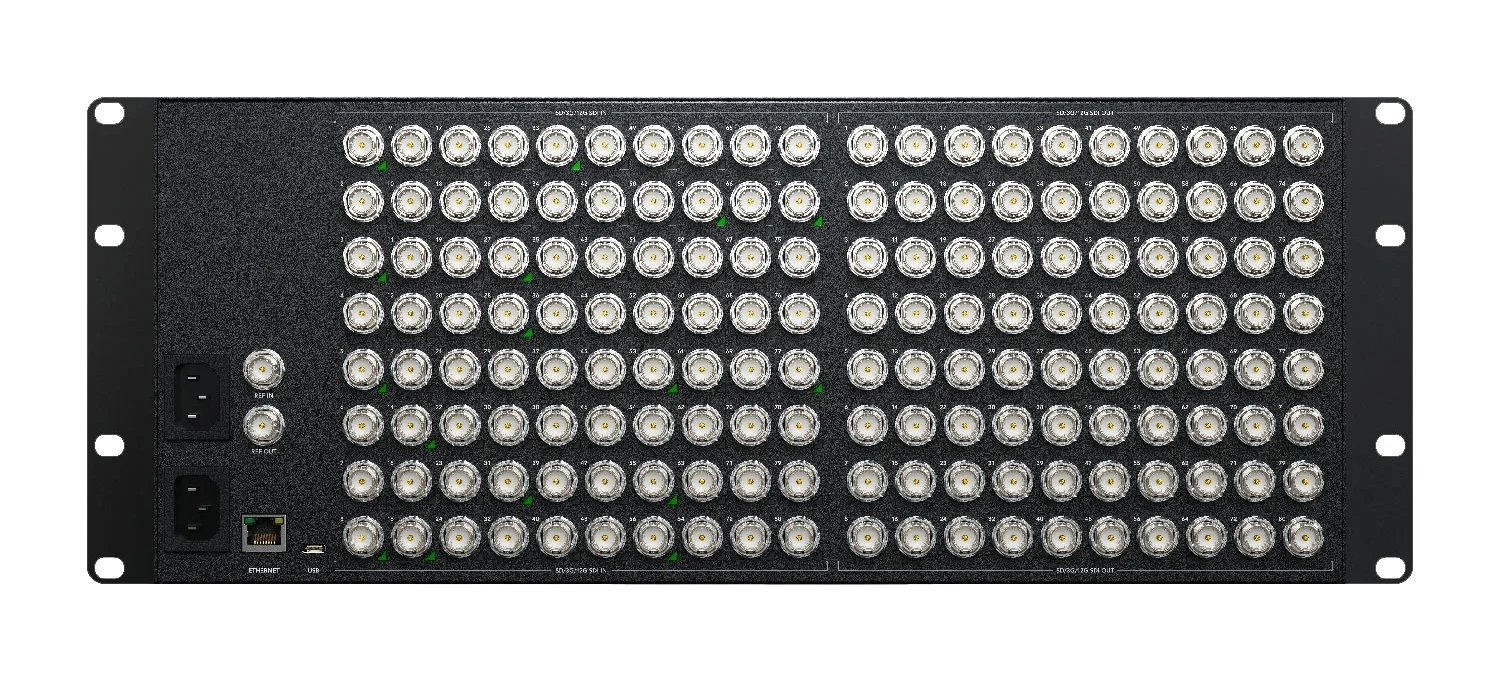
Ingest, routing and switching

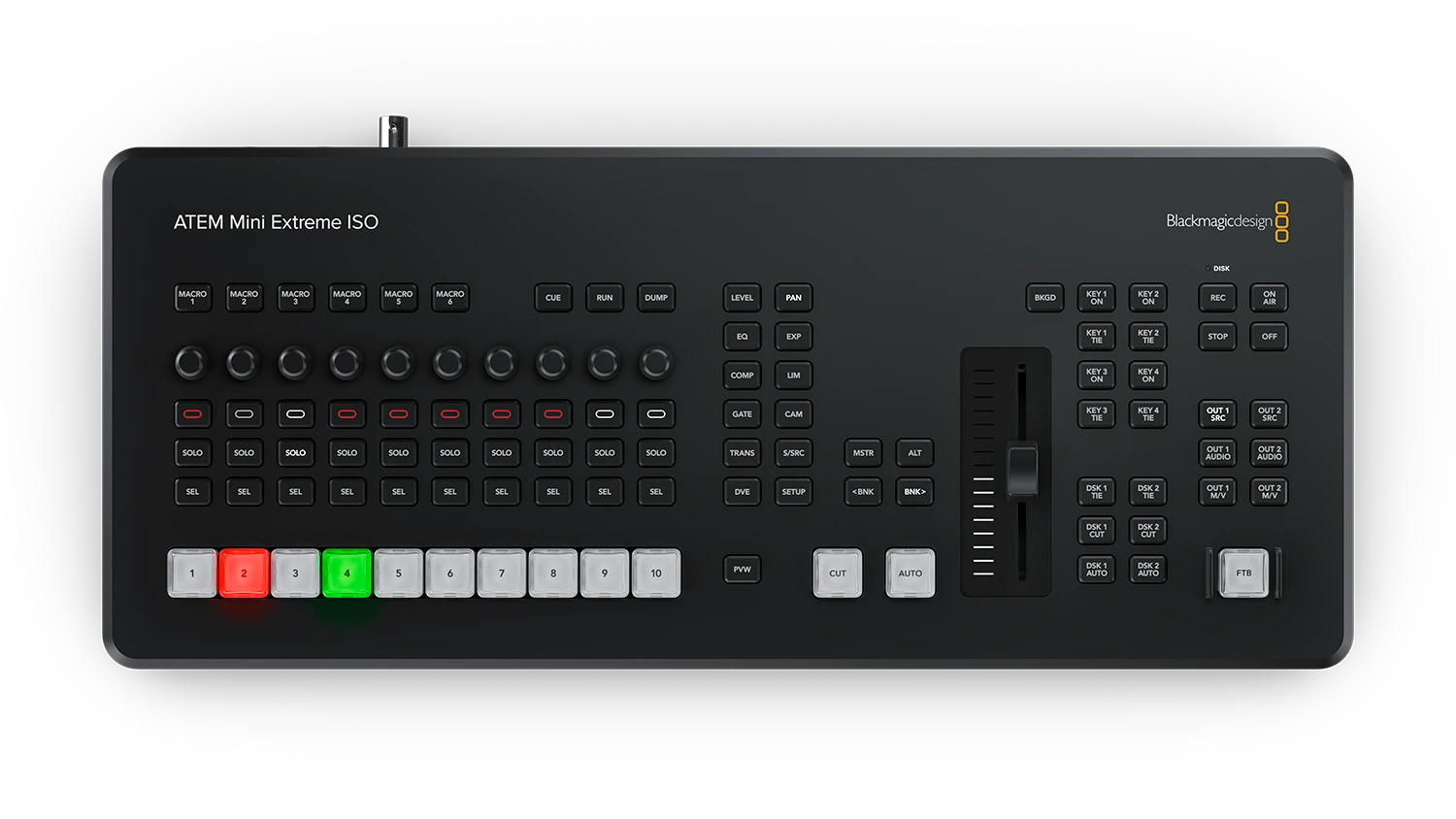
Ingest devices, routers, and production switchers bring together multiple gameplay feeds, face cams, stage cameras, and graphics into a single live programme. Hardware or hybrid switchers with enough inputs, multiview monitoring, and macro support let your production team quickly cut between POVs, replays, and sponsor content during intense matches.

Hardware video switcher for esports broadcast production

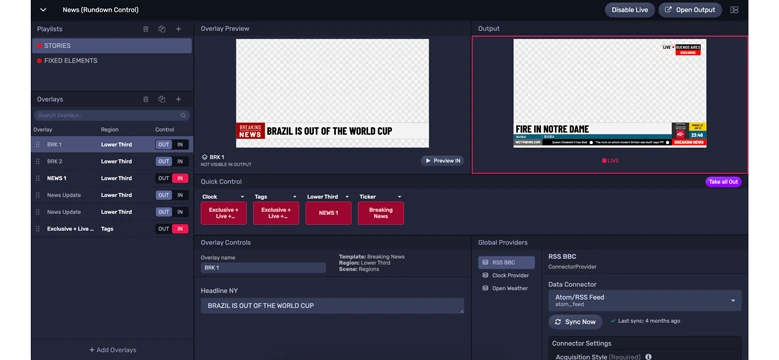
Graphics, replay and studio content

Esports broadcasts rely heavily on graphics for overlays, stats, lower thirds, and replays that keep viewers informed and engaged. Dedicated graphics and replay tools make it easy to trigger scene packages, team branding, score bugs, and slow‑motion highlights that match the pace and style of the game.

Esports broadcast graphics, overlays and replay system

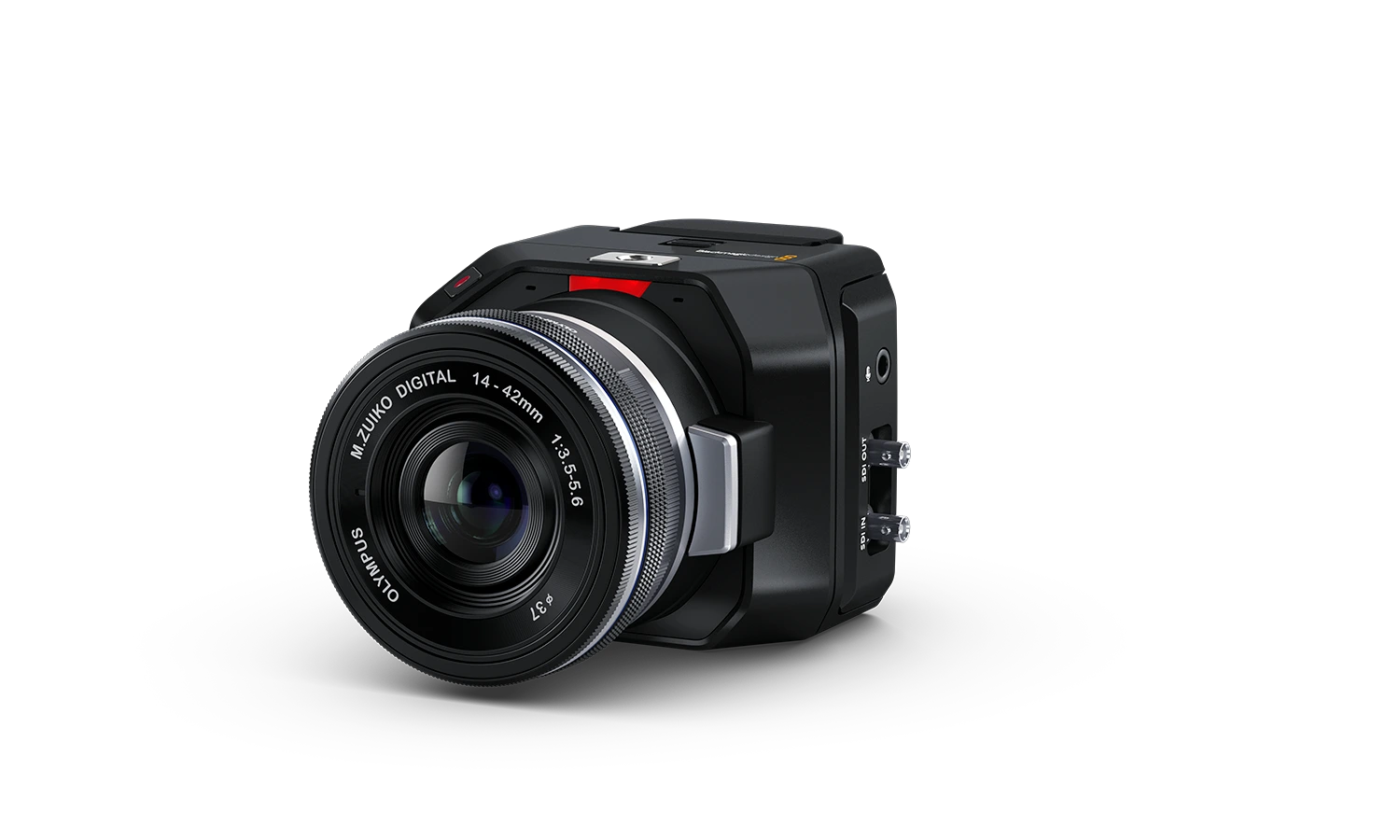
Cameras and POV capture

Stage cameras, talent cams, and POV units capture the human side of esports—players, casters, and crowd reactions. Compact studio cameras, PTZs, and mirrorless bodies with clean HDMI or SDI outputs are ideal for arena use, letting you cover the stage, analyst desk, and audience while feeding directly into your switcher.

Studio and PTZ cameras for esports arena capture

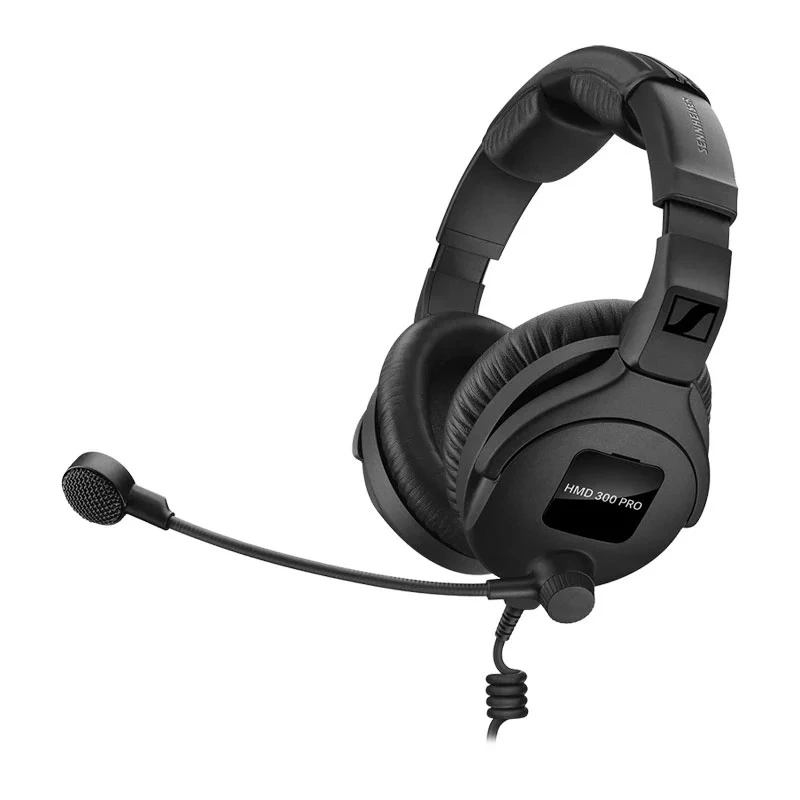
Audio, comms and monitoring

Clear audio is vital for casters, analysts, and in‑venue commentary, and requires more than just headsets. Esports systems typically combine broadcast‑grade mixers, commentator boxes, talkback/comms, and in‑ear monitoring to keep the talent in sync with production and the gameplay.

Broadcast audio mixer and commentary monitoring setup

Infrastructure, KVM and control

Behind the scenes, KVM extension, signal distribution, and control systems keep your operators in the control room while PCs and consoles live on the arena floor. Reliable IP‑based or uncompressed extension solutions allow low‑latency control across long distances, which is critical in large venues and purpose‑built esports facilities.

KVM extension and signal distribution infrastructure for esports arenas

Desks & Furniture

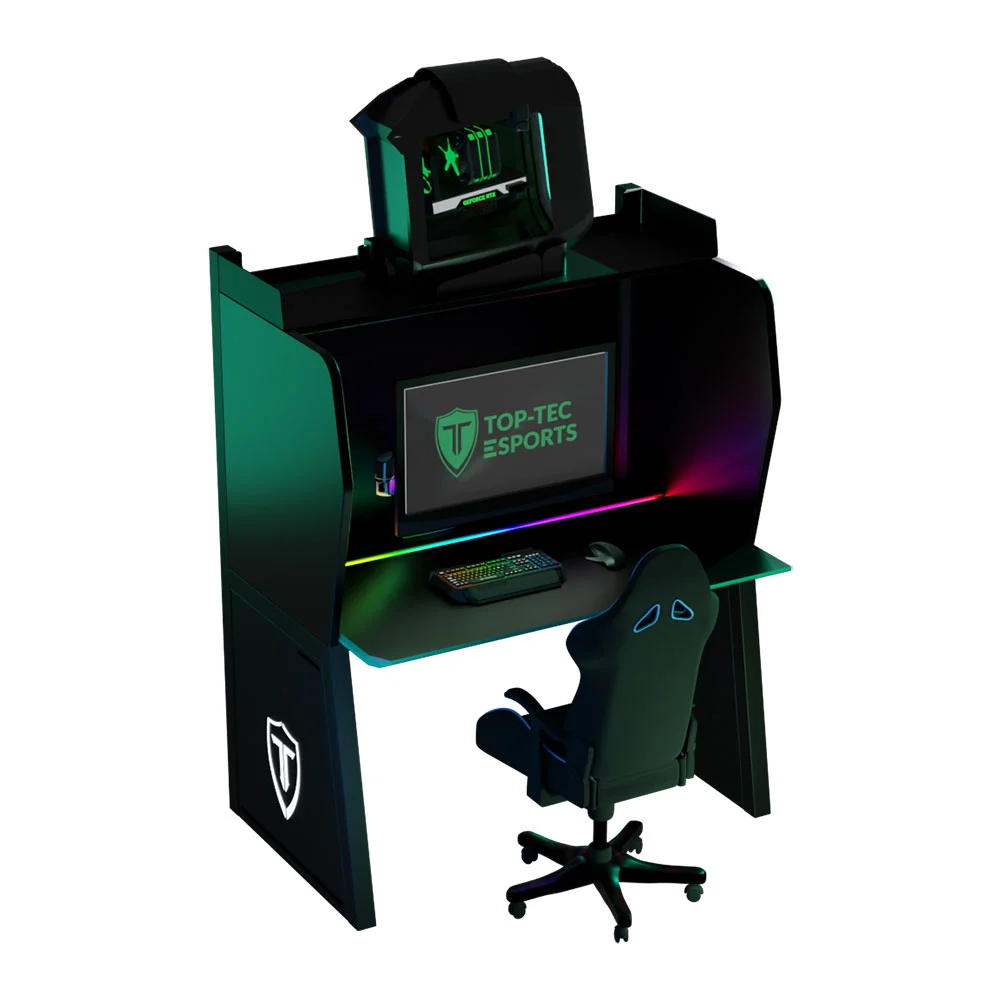
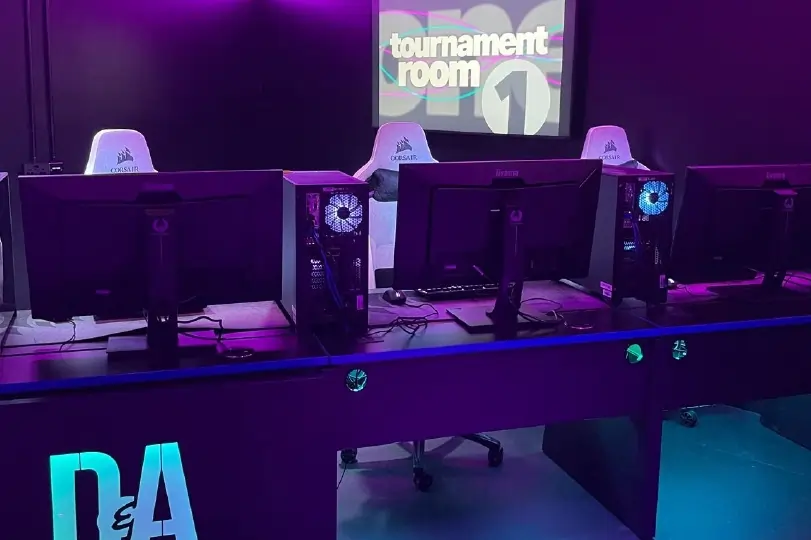
Esports furniture covers everything from gaming desks and ergonomic chairs to caster desks, analyst tables, and audience seating designed for long sessions under studio lighting. Purpose‑built esports furniture supports good posture, cable management, and clean sightlines for cameras, while also giving plenty of space for keyboards, mice, monitors, and broadcast hardware.

Esports gaming desk and arena furniture setup

Ready to Buy?

Explore our full range of esports broadcast equipment — from capture PCs and cameras to switchers, audio, and infrastructure — all available from Scan with expert advice and end‑to‑end support.

Scan Esports Broadcast solutions range

Frequently Asked Questions FAQ

Here are some common questions and answers to help you find the information you need.

A single PC stream can work for casual content, but once you add casters, player cams, multiple feeds, and sponsor content, dedicated ingest, switching, and audio gear makes everything more stable and easier to manage.

Typically you’ll want at least an observer PC, one or two player or talent cameras, an audio interface or small mixer for mics, and a basic switcher or software solution to cut the show together.

Players and casters react in real time, so any noticeable delay between gameplay, cameras, and screens can break immersion or reveal information too late. Good routing, KVM, and signal extension keep everything tightly in sync across the venue.

Even simple overlays, name straps, and a few replay angles make a local or campus event feel far more professional and sponsor‑friendly. You don’t have to start with a full broadcast package, but planning for graphics and basic replay support is a smart move if you want to grow viewership.

Yes—most of the same switchers, cameras, audio tools, and infrastructure used for esports also work perfectly for podcasts, school productions, and hybrid corporate events. That makes an esports‑ready system a flexible investment rather than something locked to one type of show.