DIT cart essentials

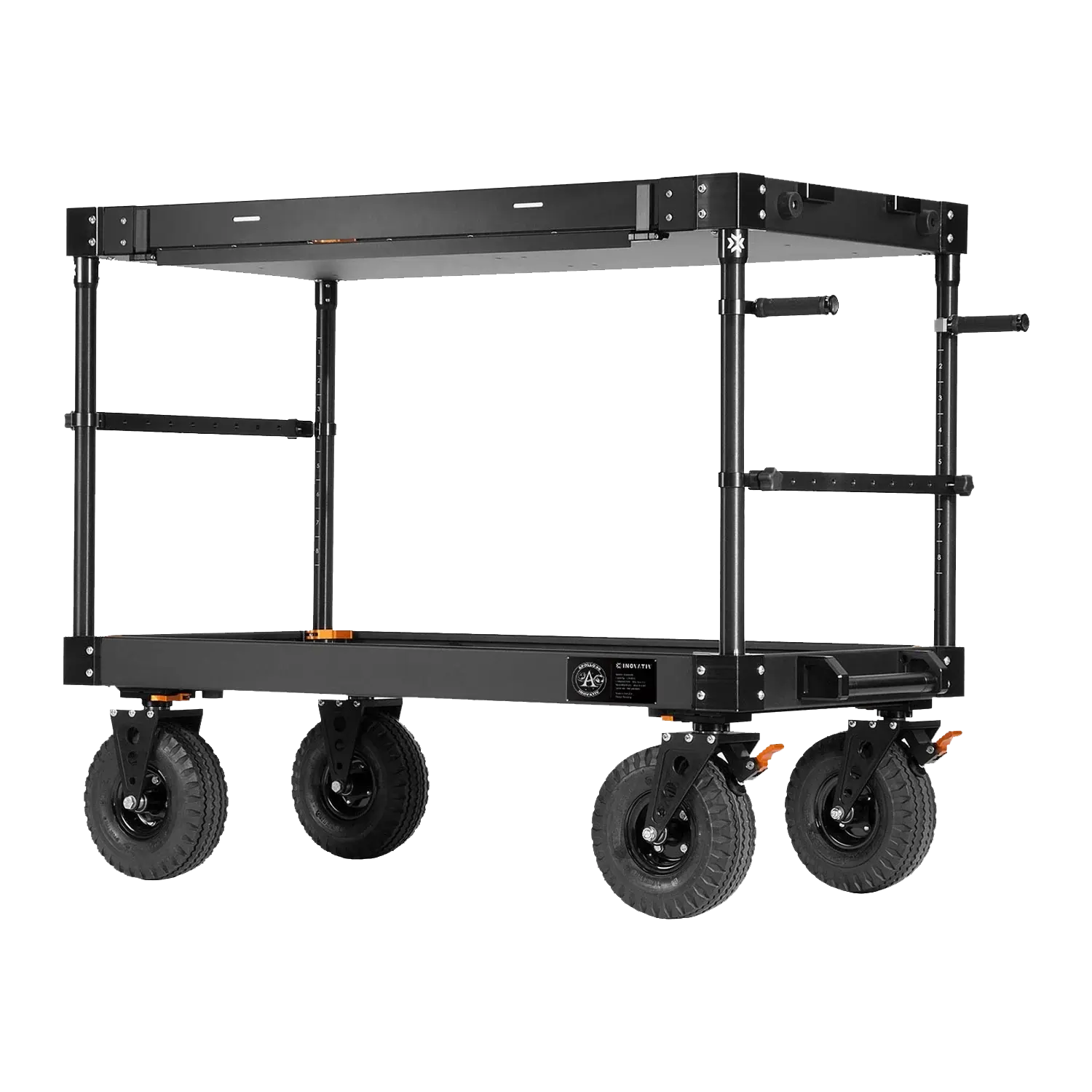
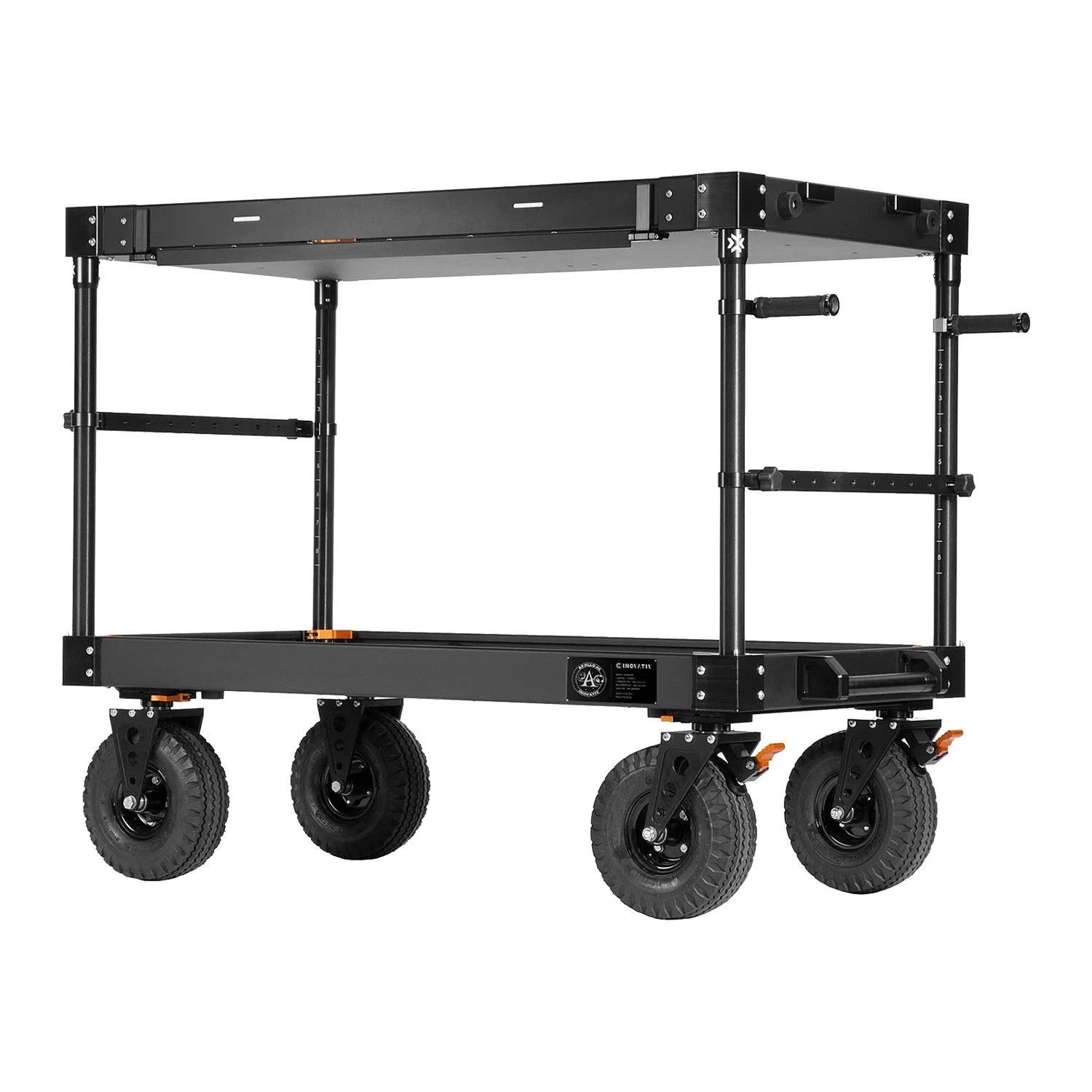
A modern DIT cart needs to be mobile, rigid and configurable, with enough payload capacity for workstations, RAID arrays, monitors and power distribution. You should look for professional film carts with high payload ratings, good brakes, large wheels for location work, and mounting options for monitors, VESA arms, power strips and cable management, like those from INOVATIV and Magliner, to keep the on‑set footprint compact and safe across studios, location and OB setups.
Lorem ipsum product showcase image

Example DIT cart configurations

Area Entry‑level DIT setup (low budget) Mid‑range DIT setup (series/commercial) High‑end DIT setup (HETV/feature)
DIT cart N/A Full‑size DIT cart with higher payload and better wheels Customised cart with racks, cable routing and accessories
Monitoring Laptop Display or portable monitor 4K GUI monitor plus small HDR reference display Dedicated HDR reference monitor plus GUI/timeline displays
Colour tools Software‑only grading controls Compact Resolve panel, LUT box and scopes Full colour panel, advanced scopes and routing
Ingest & backup software Simple checksum offload tool Full media management with reports and cloud sync Studio‑integrated asset management and remote access
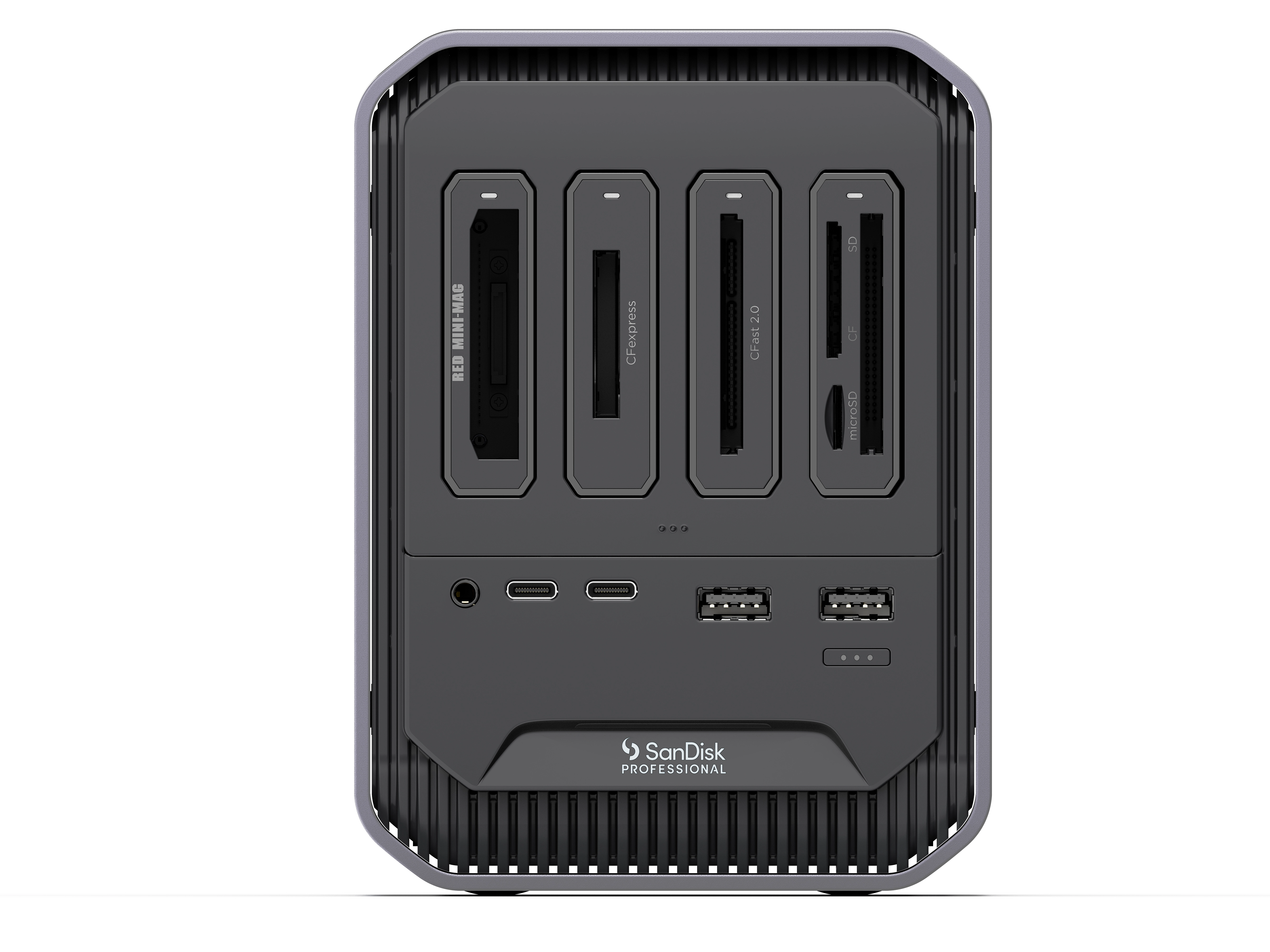
Workstation & storage Laptop Workstation, Card Readers, and portable SSD or small RAID High‑performance workstation with larger RAID Dual‑GPU high-performance workstation with large RAID for dailies

DIT monitors for on‑set colour

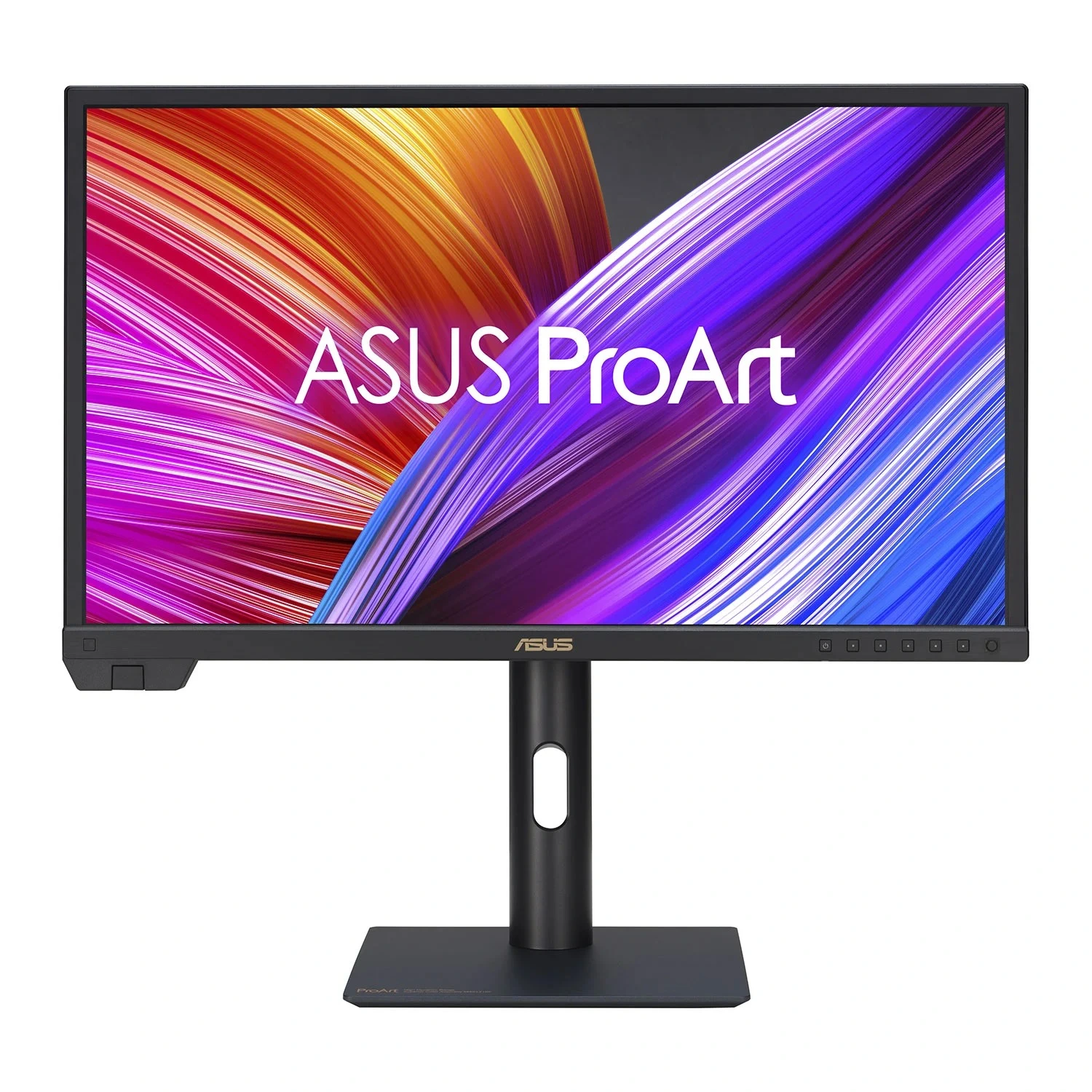
DITs rely on colour‑accurate reference and GUI monitors to judge exposure, colour and focus. For on‑set work, prioritise 4K (or higher) panels with wide colour gamuts such as DCI‑P3 or Adobe RGB, strong uniformity, hardware or LUT calibration, and SDI/HDMI or Thunderbolt connectivity to integrate with cameras and I/O hardware.

Key monitor features for DIT use

  • Resolution and size - 4K UHD is a practical baseline; a 27–32" panel balances pixel density with on‑set viewing distance. Larger 32" or 6K panels are helpful when you need to see full‑frame detail plus interface elements.
  • Colour accuracy and calibration - Wide gamut coverage (e.g. 99% DCI‑P3 or Adobe RGB), hardware LUT calibration and support for colour management workflows are essential if you are creating show LUTs or matching to a post pipeline.
  • Connectivity - SDI/HDMI inputs for direct feeds from camera or video village, plus Thunderbolt/USB‑C or DisplayPort for your workstation, simplify your patching and let you monitor both signal and timeline on the same display where needed.
DIT monitors

Colourist control panels on set

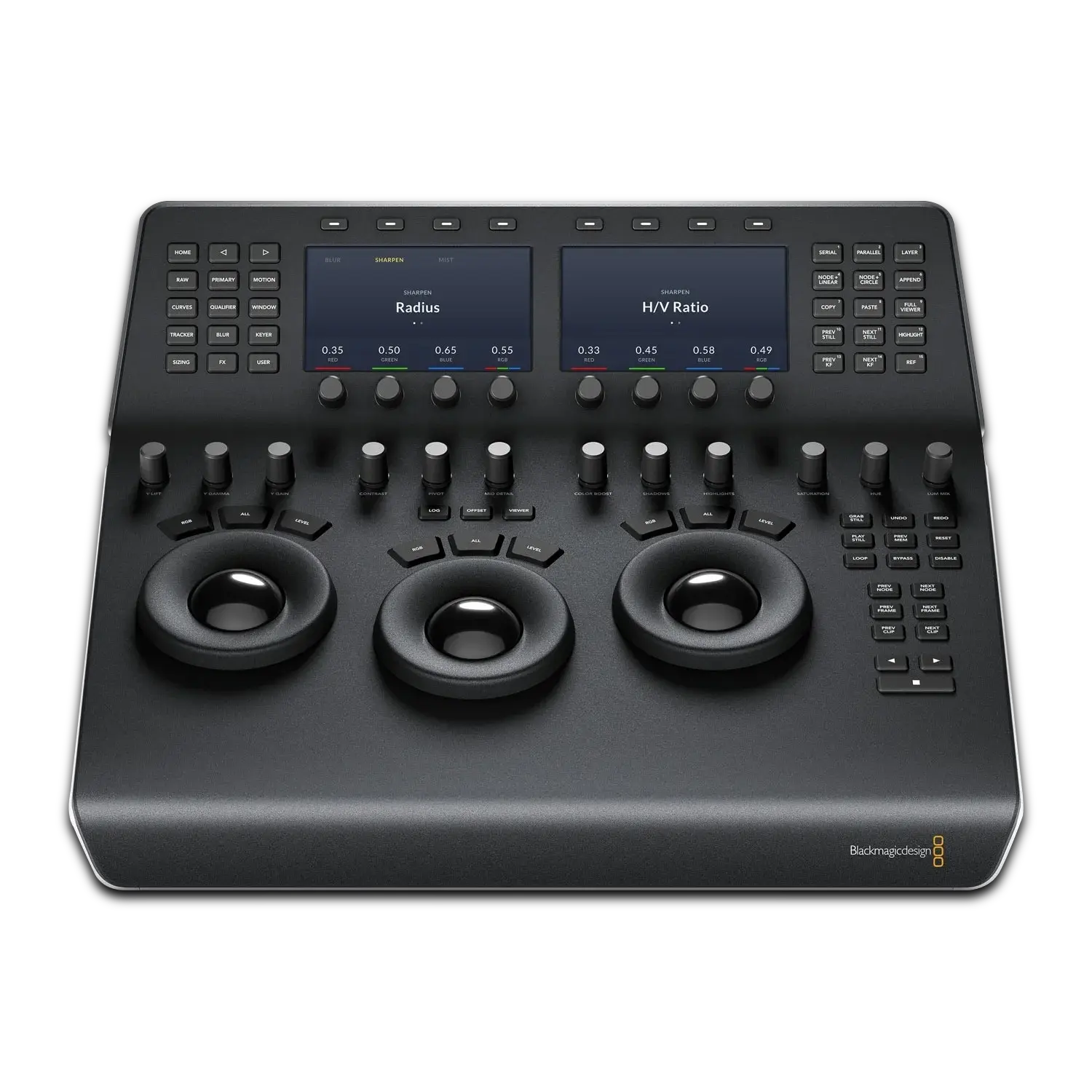
As live grading and show LUT creation become standard, many DITs now use compact colourist panels on the cart. Hardware panels from the likes of Blackmagic Design and Tangent speed up live grading and offer more precise control for improved consistency on set.

What to look for

  • Software compatibility - Ensure the panel is certified for your primary grading application (most often DaVinci Resolve, but also Baselight Editions or other tools where relevant).
  • Form factor - Compact, bus‑powered panels are easier to mount on a DIT cart and transport between jobs; larger, multi‑panel surfaces suit fixed DIT rooms or high‑end drama stages.
  • Build and ergonomics - Good key feel, smooth trackballs and clear labelling are important for long days, especially when you are balancing grading with data wrangling duties.
Colourist control panels

Ingest and backup software

Secure, verified ingest is the non-negotiable foundation of every DIT workflow – one corrupted card can halt production, so prioritising checksum verification, multi-destination backups and detailed logging protects your footage from set to post. UK DITs handling ARRI, RED, Sony or Blackmagic media need software that automates safe offloads while generating reports for producers and post teams.

Ingest software features to prioritise

  • Checksum‑verified offload - The software should calculate checksums (e.g. MD5 or XXHash) and verify every copy to ensure that camera media is transferred without corruption.
  • Multi‑destination backups - Look for tools that can clone to two or three destinations at once (for example, RAID + shuttle drive + archive), while logging exactly where each card went.
  • Reporting and metadata - Ingest reports that include camera, reel, card ID, time, file counts and checksum status help production and post track media. Integration with camera metadata, CDL/looks and colour pipelines is a bonus.
  • Automation and safety - Features like automatic copy when a card is inserted, verification before eject, and warnings if destinations are offline reduce human error on busy sets.
Ingest and backup software

Ingest workstations and storage

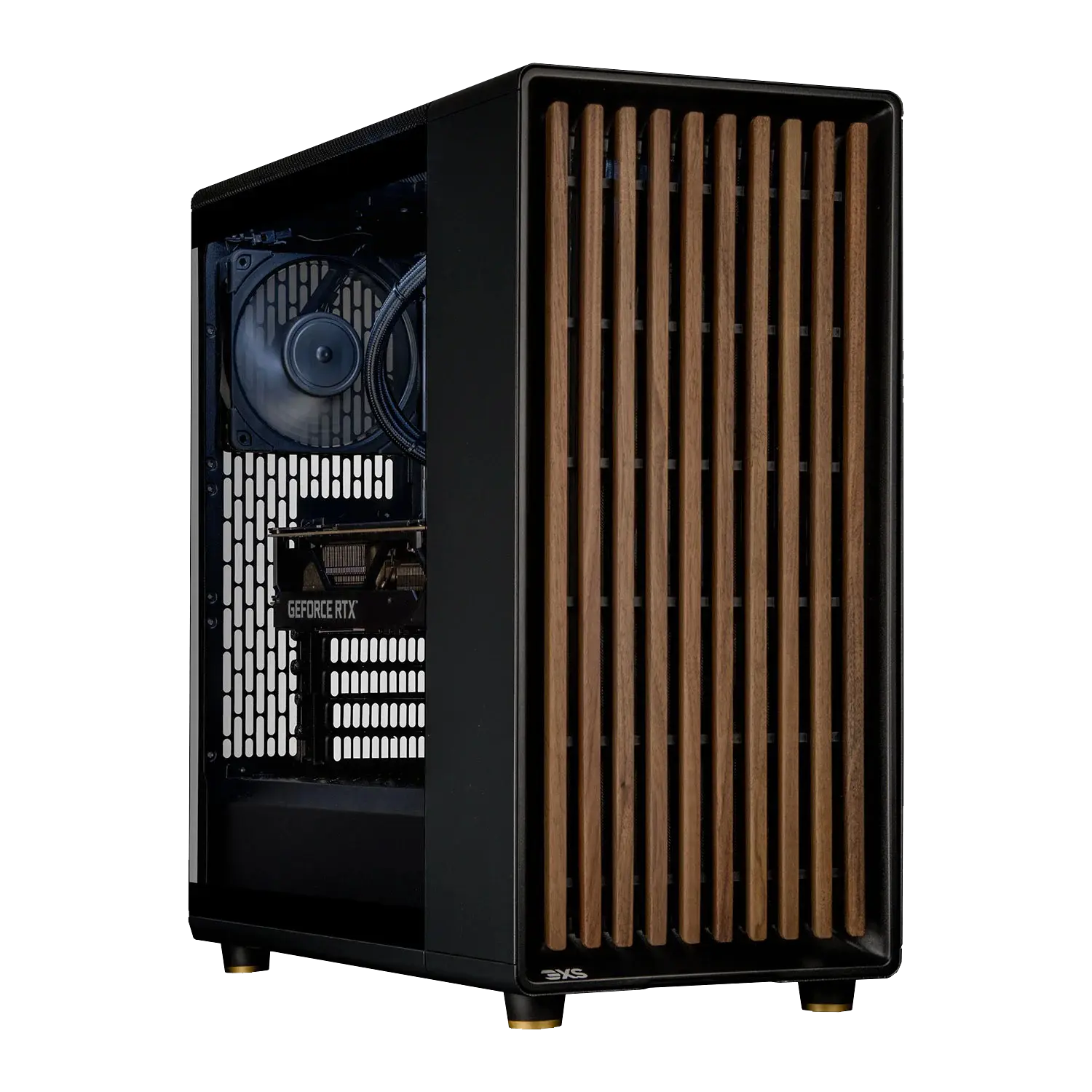
Ingest workstations and storage are where all your DIT decisions come together: this is the engine that runs your offloads, live grades and dailies, and the vault that keeps every card safe. Scan’s strength is in custom workstations and storage, so we can help you create a well‑matched DIT PC and RAID setup that lets you offload multiple cards at once, grade in real time and keep working even when one drive fails, which is essential for Netflix‑approved and HETV workflows.

DIT workstation considerations

  • CPU and GPU - For basic offload and QC, a strong multi‑core CPU and integrated or modest GPU is enough. For live grading, 4K/8K RAW playback and same‑day dailies, a more powerful GPU (or dual GPUs) and high‑core‑count CPU are recommended.
  • RAM and storage - 32–64GB RAM is a comfortable baseline for modern grading and ingest software. Use fast NVMe SSDs for OS and working media, with larger RAIDs or NAS for ongoing storage.
  • I/O and expansion - Multiple USB‑C/Thunderbolt ports, SDI cards or I/O interfaces, plus enough PCIe lanes for storage and video hardware, give flexibility as workflows evolve.

On‑set storage and backup tiers

  • Tier 1 – working RAID
    High‑performance RAID (e.g. RAID 5/6) for live offload, grading and quick access during the shoot.
  • Tier 2 – safety backup
    Additional RAID or large external drives for cloned copies that stay on set until delivery.
  • Tier 3 – archive/off‑site
    External drives or LTO/archive solutions that travel separately from the camera originals to reduce risk.
Ingest workstations and storage