Build Your Football Manager Legacy with Power and Precision

Build Your Football Manager Legacy with Power and Precision
Choose Your Lineup
Step into the dugout of Football Manager 2026 with hardware built to keep your tactics sharp and your simulations seamless. Whether you're masterminding transfers, shaping club culture, or guiding your team to matchday glory, your setup is the key to success.
Take Football Manager anywhere with the freedom and flexibility of a Gaming Laptop. From crafting tactics on the train to scouting wonderkids from your sofa, portable power keeps you in control wherever you play. Switch seamlessly from work mode to matchday focus and stay in the game even when you're away from a power outlet, just be ready for extra time on the battery.
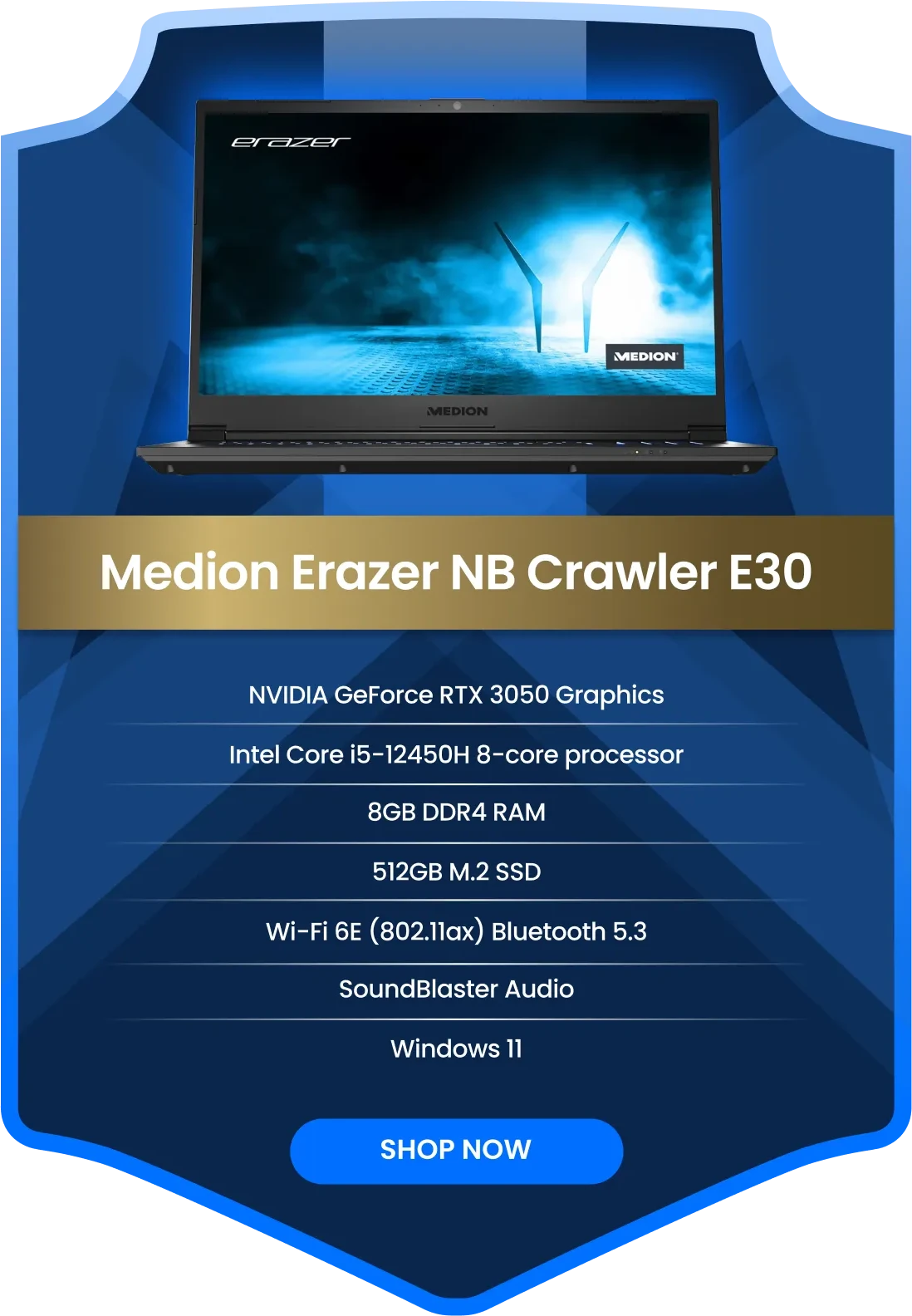
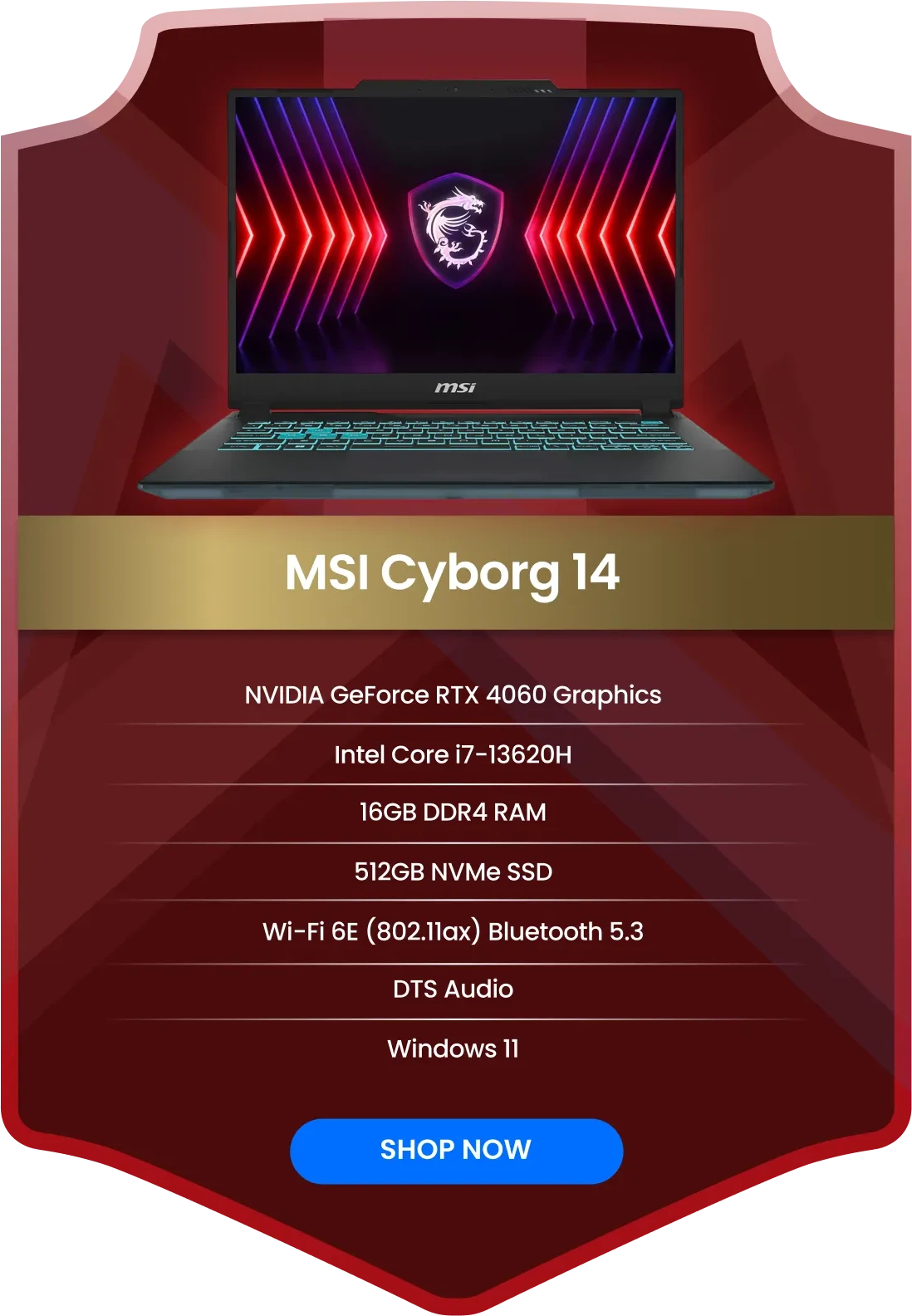
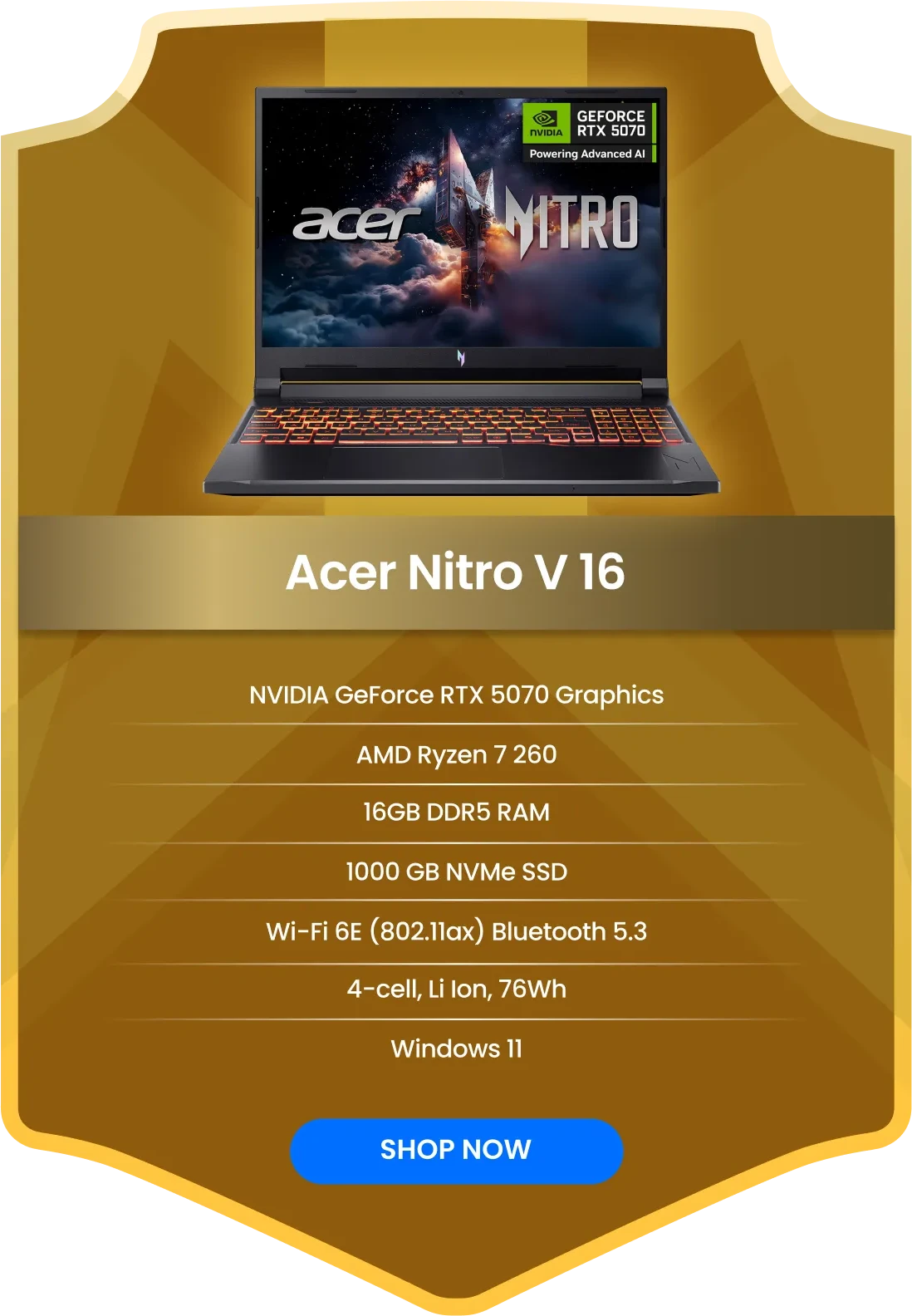
Assemble Your Winning Setup
Select a position to explore our hardware lineup
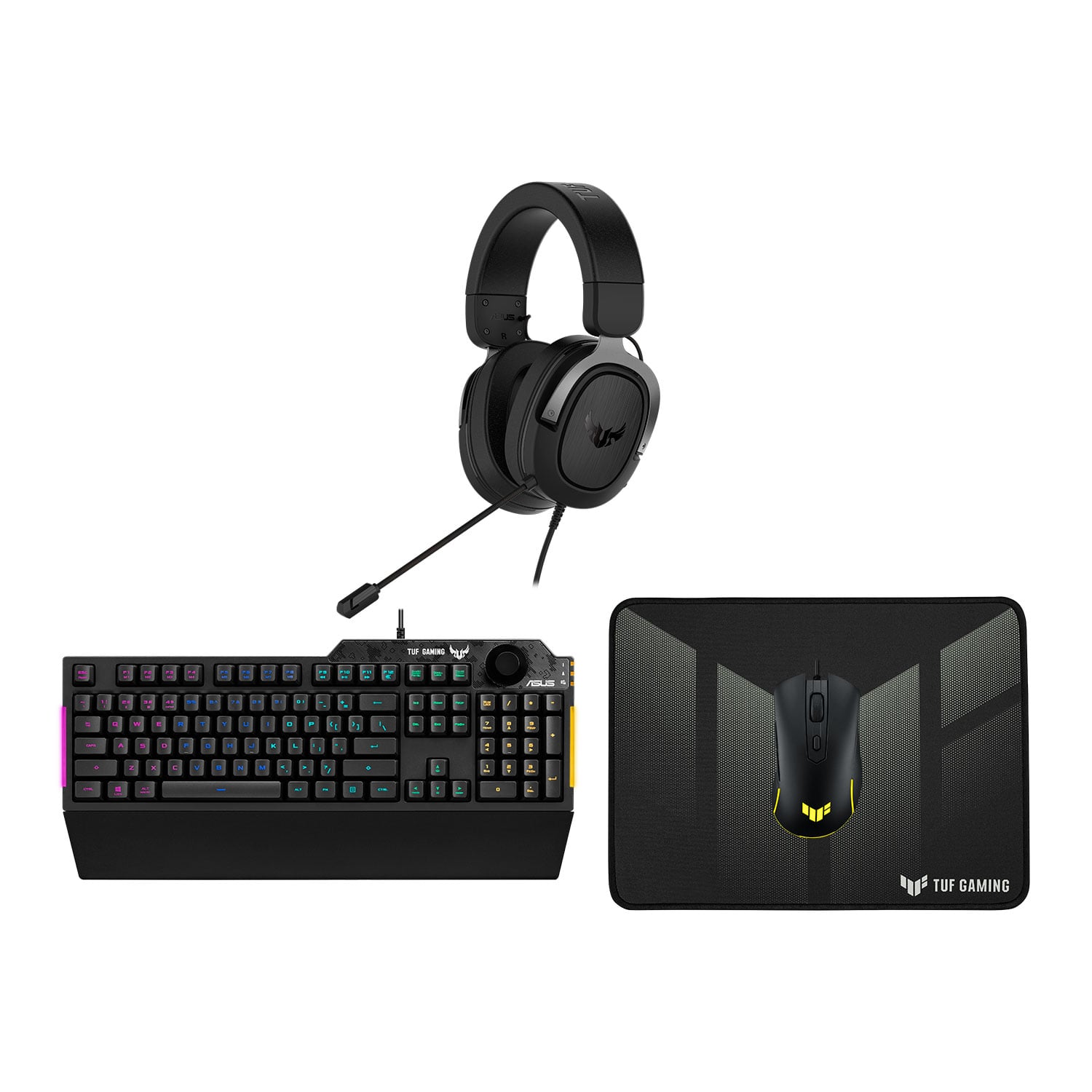

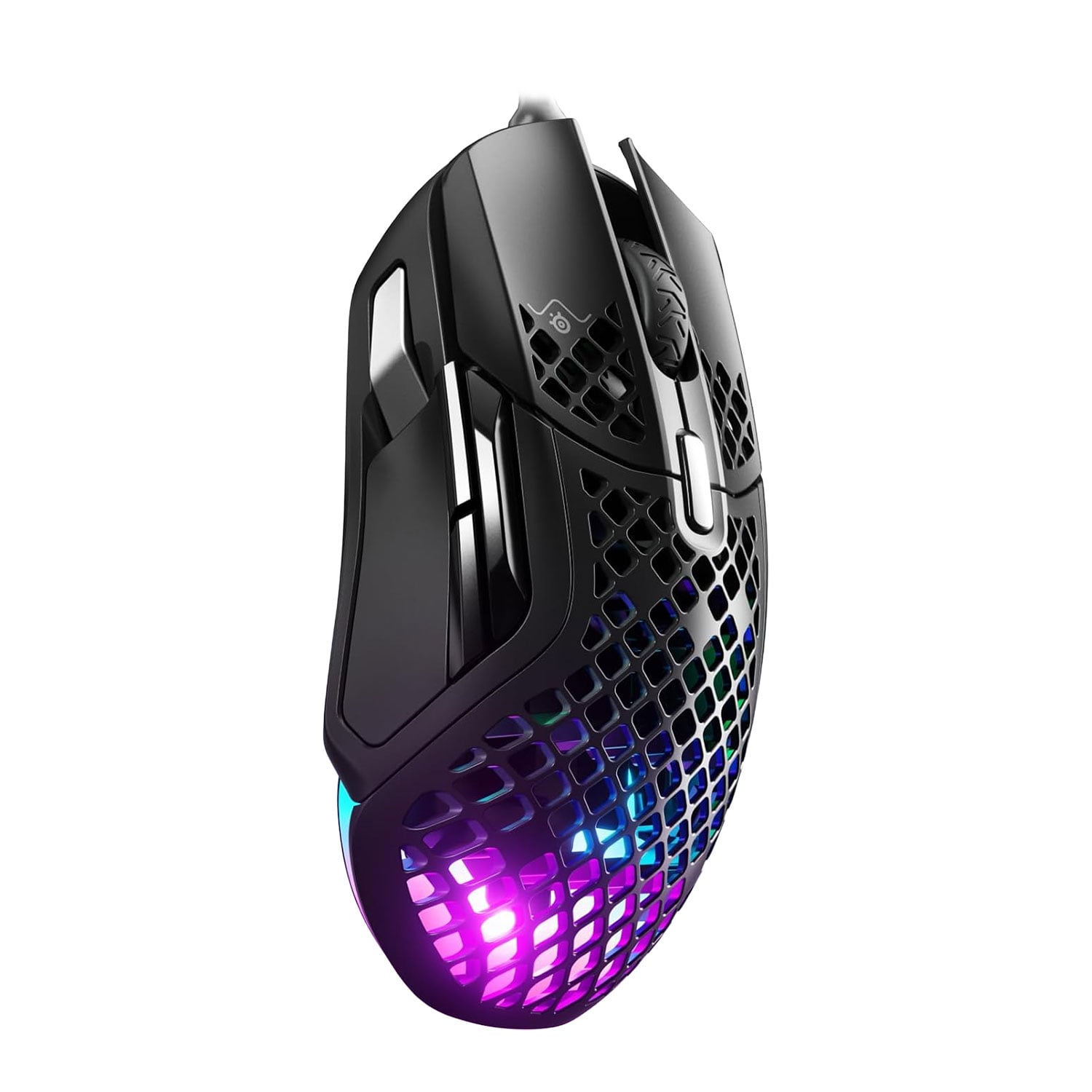
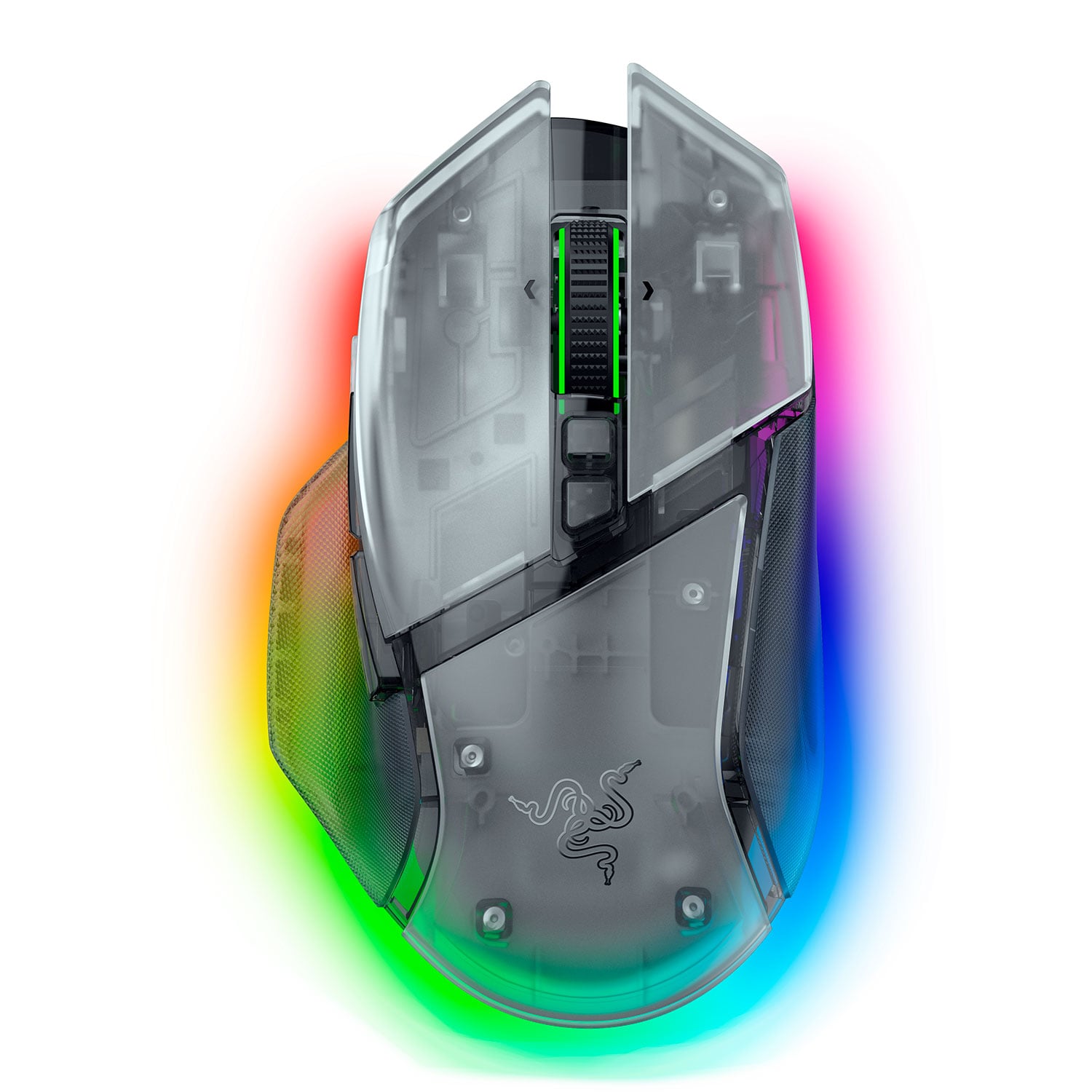
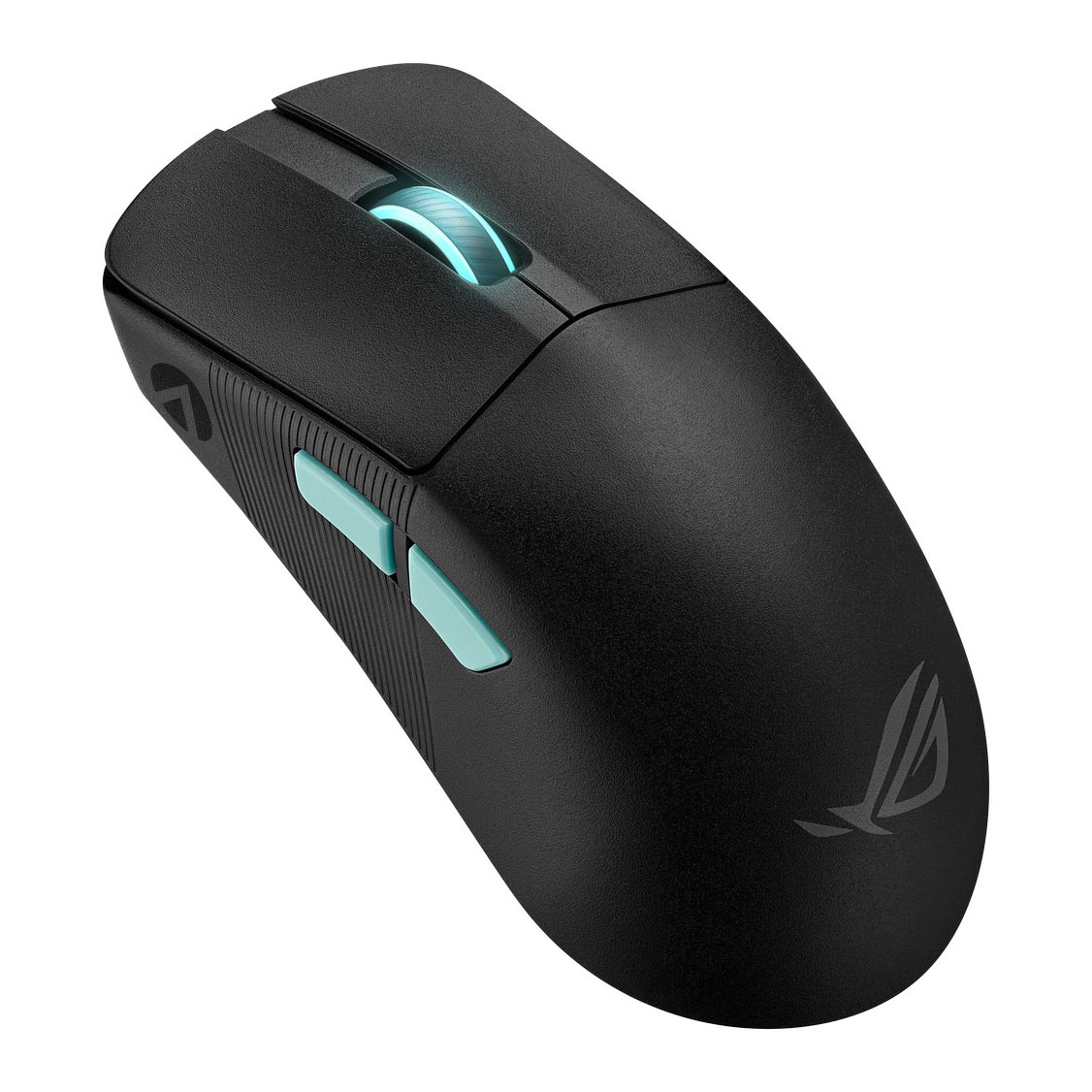
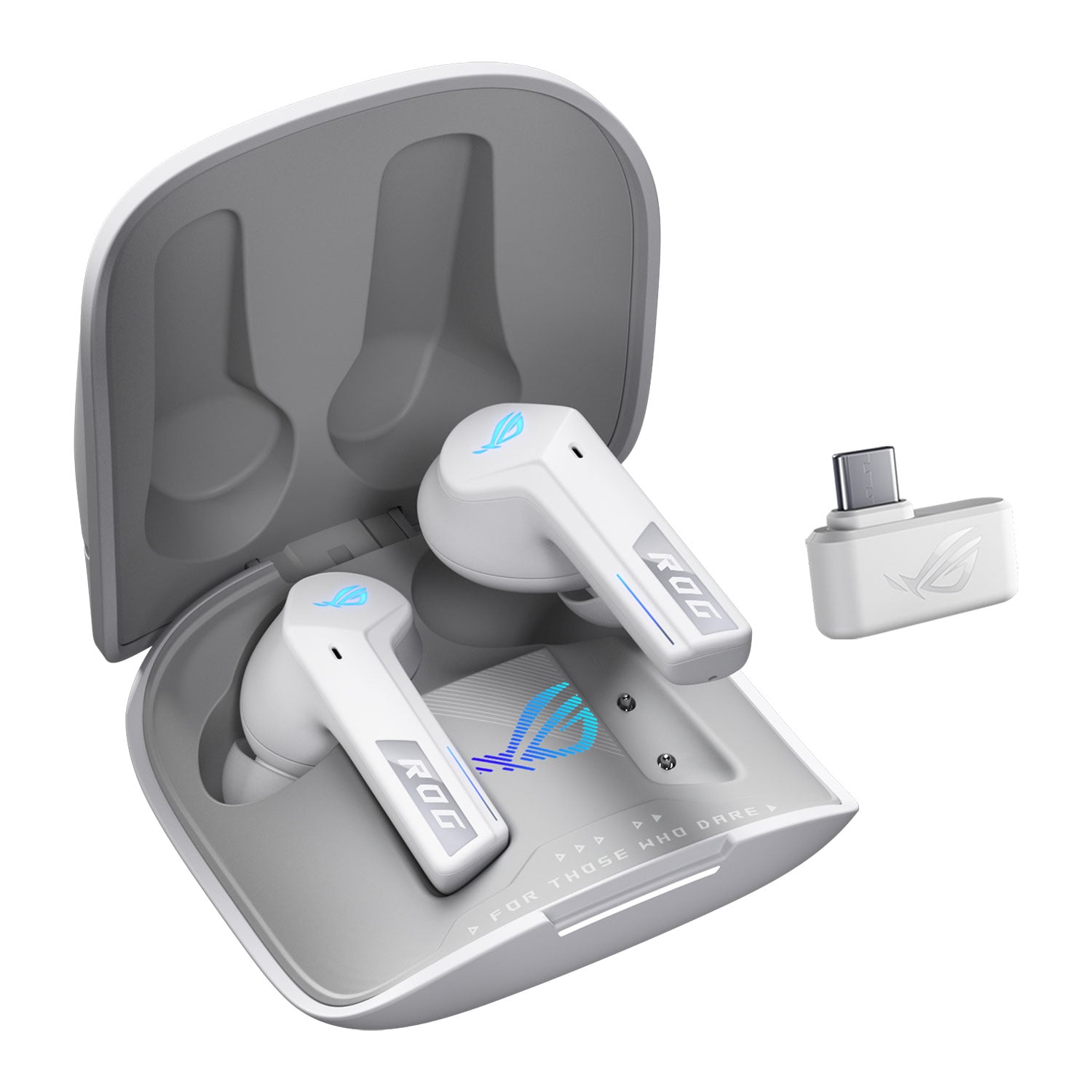
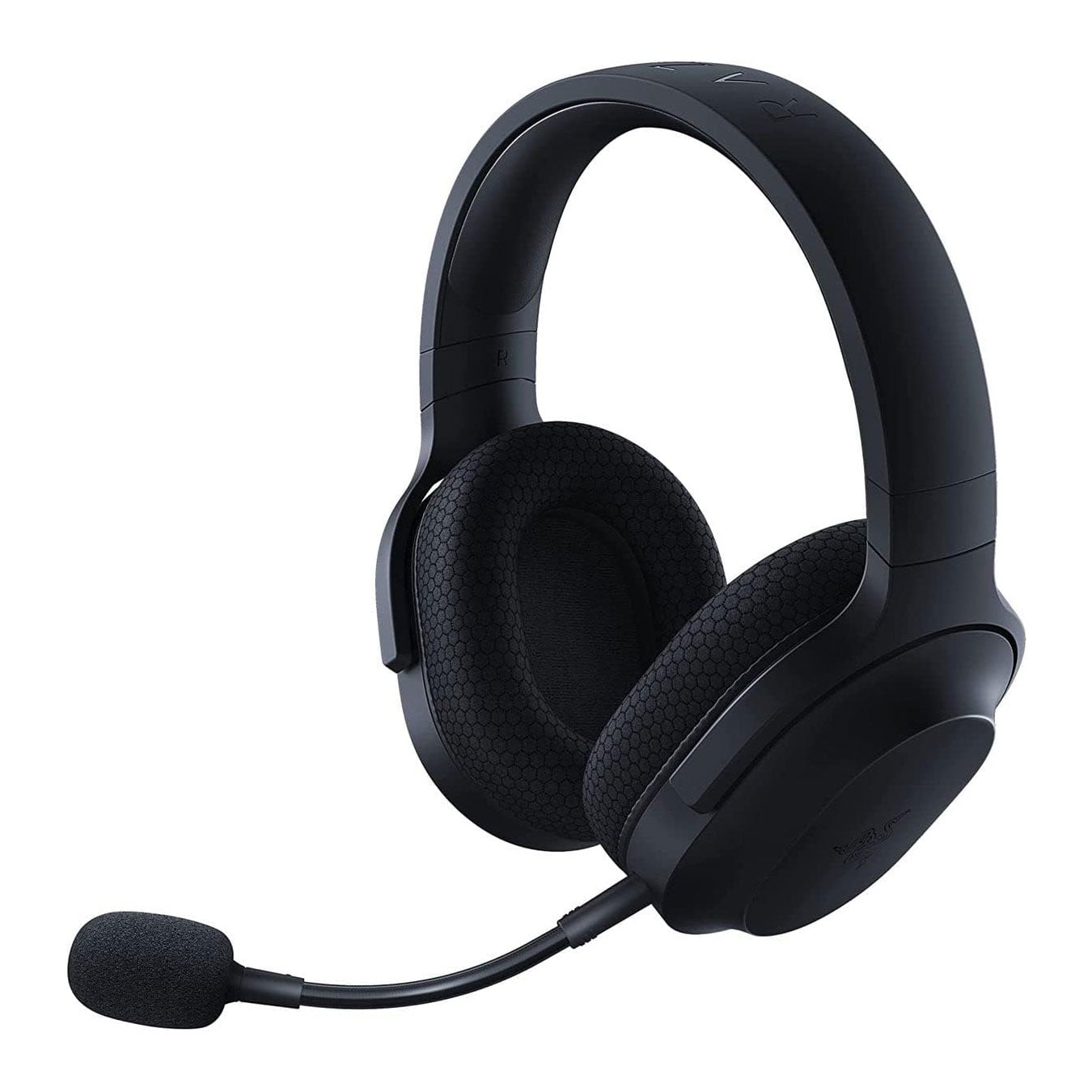
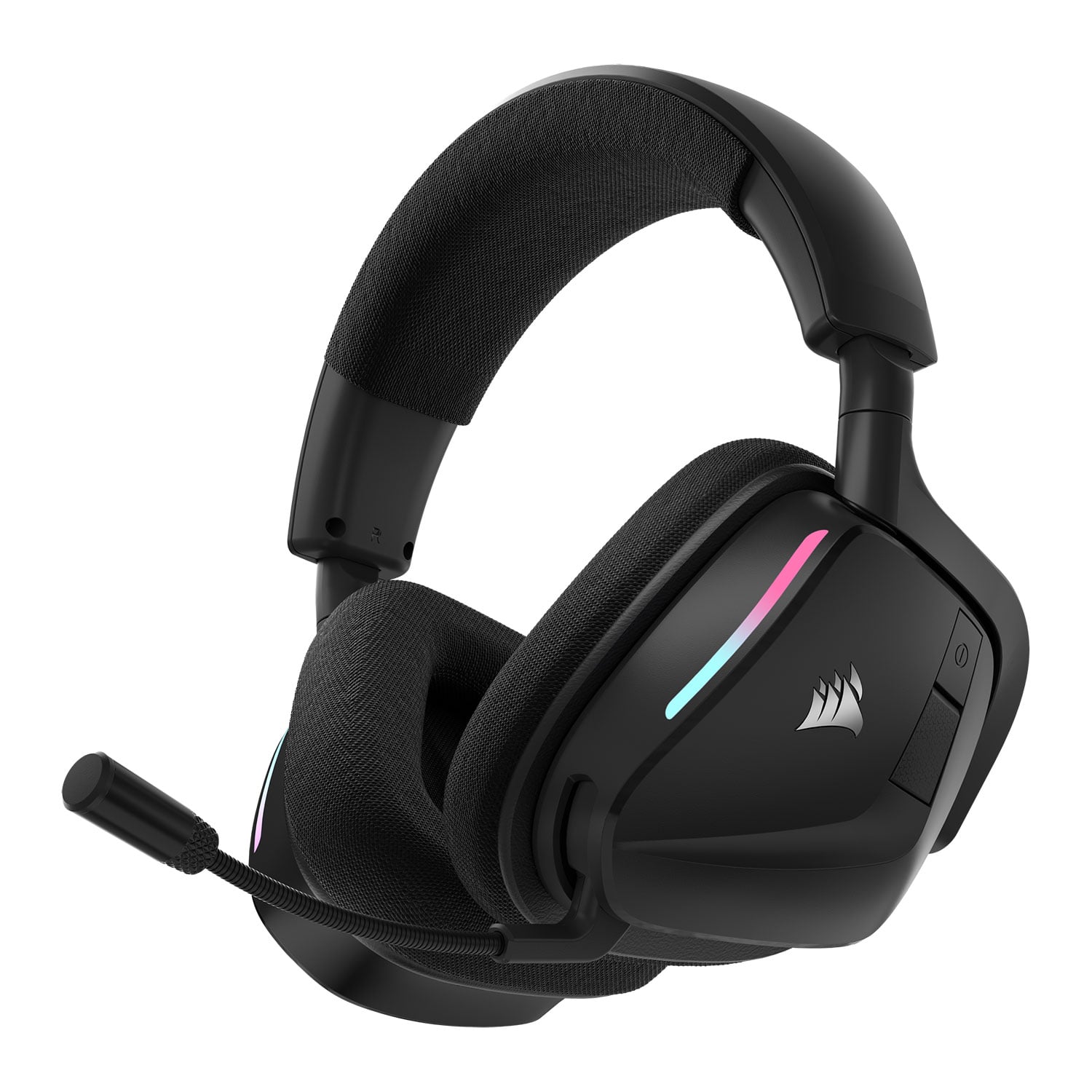

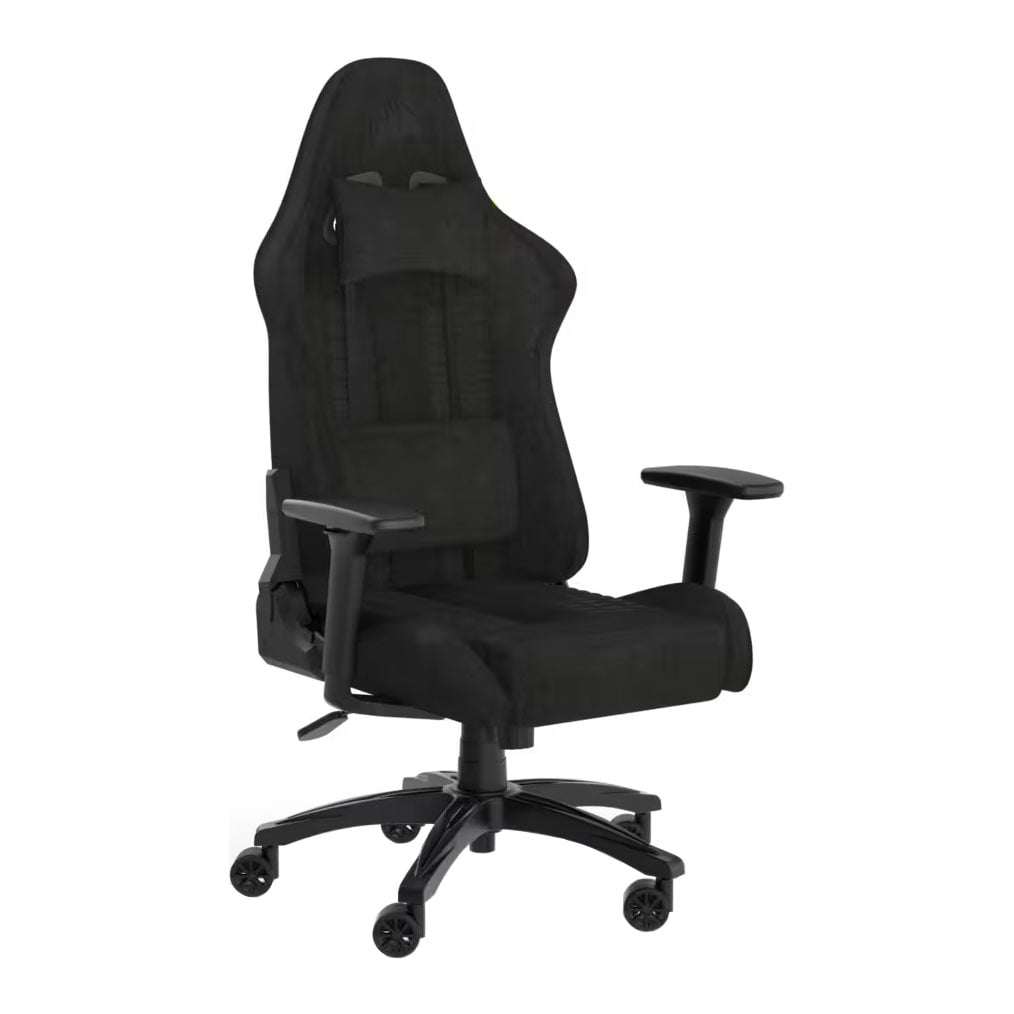
Start Your Squad with a Surprise
Try Our Random Transfer Generator!
Football Manager 26 Videos

Frequently Asked Questions
Here are some common questions and answers to help you find the information you need.
Football Manager 26 (FM26) is the latest instalment in Sports Interactive's critically acclaimed football management simulation series. Releasing in November 2025, FM26 lets players take control of a football club as the manager, handling everything from tactics, transfers, and youth development to match-day decisions and media interactions.
The PC/Mac version, along with PS5 and Xbox, is officially released on November 4, 2025.
Recommended Specs
- OS: Windows 11 with updates 23H2
- CPU: Desktop: Intel Core i5-9600 or AMD Ryzen 5 2600. Laptop: Intel Core i5-1035G7 or AMD Ryzen 7 3750H
- RAM: 12 GB
- Graphics: Desktop: NVIDIA GeForce RTX 2060 or AMD Radeon RX 5600 XT. Laptop: NVIDIA GeForce RTX 2060 Mobile or AMD Radeon RX 6600M. ~6 GB VRAM recommended
- Storage: 20 GB available space
Minimum Specs
- OS: Windows 10 with updates 22H2 or Windows 11 with updates 23H2
- CPU: Desktop: Intel Core i3-530 or AMD FX-4100. Laptop: Intel Core i3-330M or AMD A6-5200. (Requires CPU support for SSE4.2 & SSSE3)
- RAM: 4 GB
- Graphics: Desktop: NVIDIA GeForce GTX 960 or AMD Radeon R9 380 or Intel HD 530. Laptop: NVIDIA GTX 960M or AMD R9 M375 or Intel HD 530. Minimum VRAM ~ 512 MB
- Storage: 20 GB available space
Some of the key new features:
- The game is built on the Unity engine for the first time in the series, bringing refreshed graphics, animations and UI
- A brand-new user interface aimed at better clarity and control
- An overhauled "manager/creator" experience at the start of a career, which provides more options for your identity, look, and how you set up your game world
- Inclusion of women's football and licensed competitions in more nations
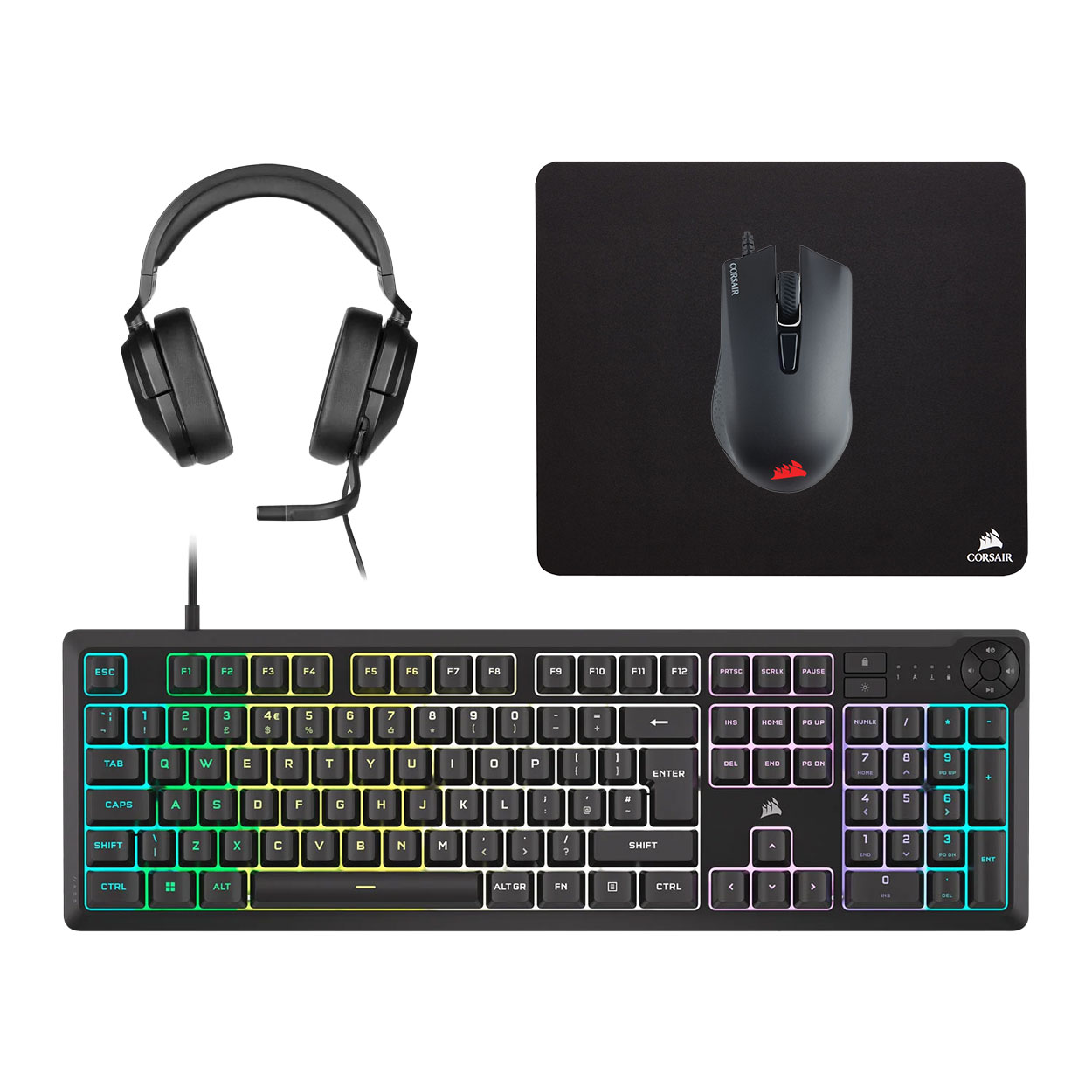
To get the most out of FM26, your peripherals can make as much difference as your hardware. Since FM26 is a deep, strategy-driven simulation with detailed interfaces and real-time match analysis, optimising your setup helps you stay focused, efficient, and immersed in your managerial career.
- A precise, ergonomic Gaming Mouse is essential for long sessions spent scouting, adjusting formations, and handling transfers. A DPI setting between 800–1200 offers fine control for dragging sliders and managing data-heavy screens.
- In-ear earphones are perfect for players who prefer a lightweight, distraction-free experience. They deliver clear match-day commentary, ambient stadium sounds, and press conference audio without the bulk of a headset. Ideal for portable play or late-night sessions.
- A supportive Gaming Chair keeps you comfortable through long scouting nights and transfer windows. Adjustable lumbar support, reclining options, and breathable materials help reduce fatigue, so you can stay sharp through every match and managerial decision.
- If you prefer a Gaming Controller, it's great for sitting back during 3D match simulations. Fine-tune sensitivity settings to make menu navigation and camera movement feel more natural.
Some key distinctions:
- In single-player, you're the sole manager of one club (or you may manage multiple clubs via save-games) and you control the entire career progression.
- In multiplayer, you share the game world with other human managers — so you might each manage different clubs in the same league/save, interact in the transfer market, perhaps go head-to-head in matches or compete for the same players.
- Multiplayer tends to add competitive or social elements: negotiations with real people, rivalries, and different strategies as you anticipate other human managers. In contrast, single-player is more "you vs AI", often a more relaxed, narrative experience.
FM26 includes full controller support, compatible with both Xbox and PlayStation controllers. This enhancement aims to provide a more seamless experience for players using gamepads.
Optimising graphics and display settings in Football Manager ensures smooth performance and makes the interface easier to read, especially during match simulations and tactical planning. Here's how to get the best experience:
| Setting | Performance Optimisation | Quality Optimisation |
|---|---|---|
| Match Engine → Visuals | Use 2D Match or Classic 2D View, lower crowd detail, pitch textures, and shadows. | Use 3D Match with medium/high shadows, animations, and pitch detail for realism. |
| Match Engine → Speed | Increase simulation speed for faster career progression. | Keep standard speed to enjoy detailed animations and tactical flow. |
| Match Engine → Lighting | Reduce shadows and lighting effects to boost FPS. | Increase shadows and lighting for realistic atmosphere and depth. |
| Display → Resolution | Run at lower than native resolution if FPS drops. | Run at native resolution for sharp menus and clearer text. |
| Display → Rendering | Enable GPU acceleration to offload rendering, improving FPS. | Also, enable GPU acceleration for smoother 3D animations and higher visual fidelity. |
| UI Scaling Slider | Reduce scaling slightly to keep menus compact on smaller monitors. | Increase scaling on 4K/large monitors for clarity and comfortable reading. |
| System Performance | Close unnecessary apps to free CPU/RAM. | Less critical for high-end PCs; can leave apps running if specs allow. |
| Match Graphics | Lower pitch/player detail to speed up simulations. | Increase pitch/player detail for more immersive tactical analysis and realistic visuals. |