
Reach Your Peak in Valorant with 3XS Gaming PCs and Peripherals

Reach Your Peak in Valorant with 3XS Gaming PCs and Peripherals
Compete with confidence using high-performance gaming systems and precision peripherals built for fast reactions, smooth gameplay, and competitive success.

Prepare for Every Round
Valorant combines precise gunplay, unique Agent abilities, and intense tactical teamwork in one of the world's most popular competitive shooters. Whether you're climbing the ranked ladder, competing in tournaments, or perfecting your aim, every frame and every millisecond matters.
To play at your best, you'll need a PC capable of delivering consistently high frame rates, low latency, and smooth performance throughout every match. That's why we've selected three ranges of 3XS Gaming PCs designed to help you stay competitive in every round.


DLSS 4

Multi-Frame Gen

1080p / 360 fps
NVIDIA RTX 5060 Ti 8GB
AMD Ryzen 5 8400F or Intel Core i5 14400F
16GB DDR5 Memory
1TB NVMe M.2 SSD
Windows 11

1440p / 360 fps
NVIDIA RTX 5070 12GB
AMD Ryzen 5 7500X3D or Intel Core Ultra 5 250K Plus
32GB DDR5 Memory
1TB NVMe M.2 SSD
Windows 11
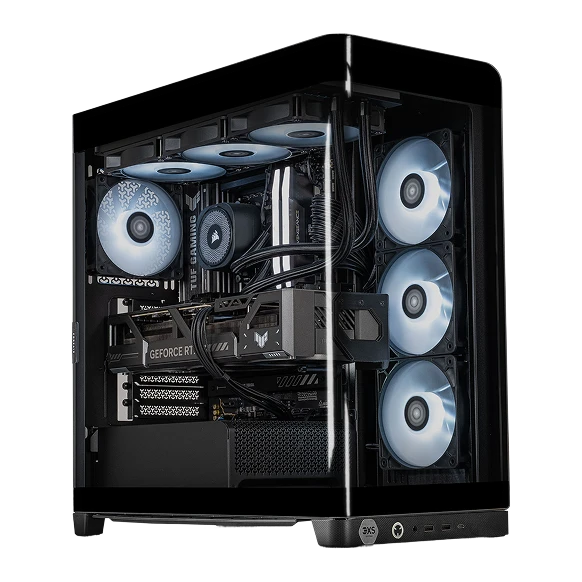
1440p / 500 fps
NVIDIA RTX 5070 Ti 16GB
AMD Ryzen 7 7800X3D or Intel Core Ultra 7 270K Plus
32GB DDR5 Memory
1TB NVMe M.2 SSD
Windows 11 Home
Recommended Peripherals
Precision hardware for competitive play
Accessories
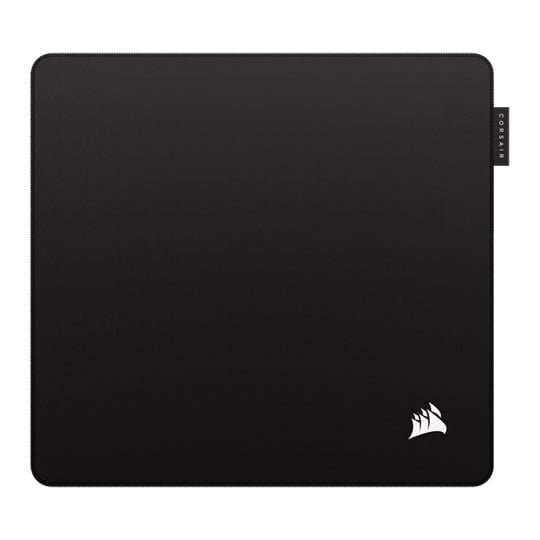
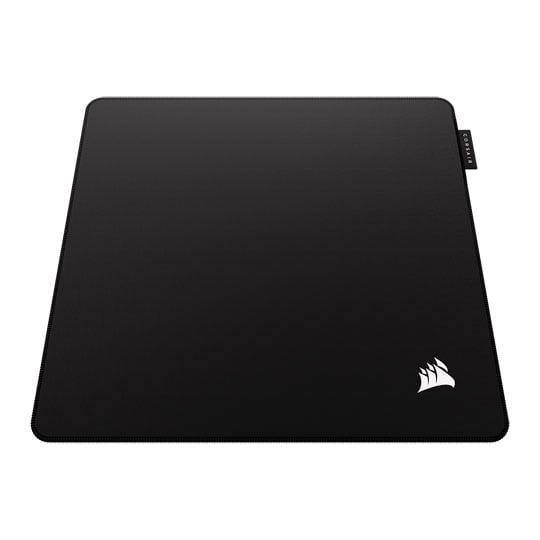
 CORSAIR MM Pro Esports-Tuned Gaming Mouse Mat, Black, Medium, Cloth Surface, Anti-slip Polyurethane Base, 320x300mmCORSAIR MM Pro Esports-Tuned Medium Gaming Mouse Mat - Black
LN167008
No customer review
CORSAIR MM Pro Esports-Tuned Gaming Mouse Mat, Black, Medium, Cloth Surface, Anti-slip Polyurethane Base, 320x300mmCORSAIR MM Pro Esports-Tuned Medium Gaming Mouse Mat - Black
LN167008
No customer reviewKey Specifications
- CORSAIR MM Pro Esports-Tuned Gaming Mouse Mat
- Black
- Medium
- Cloth Surface
- Anti-slip Polyurethane Base
- 320x300mm
Was: £24.98£19.99Finance options available when you spend over £99.00Get it Wednesday, 07 OctIn stock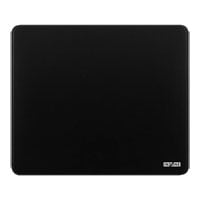
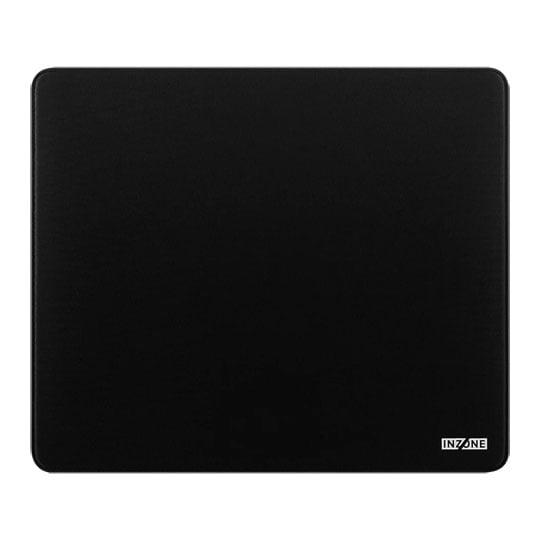
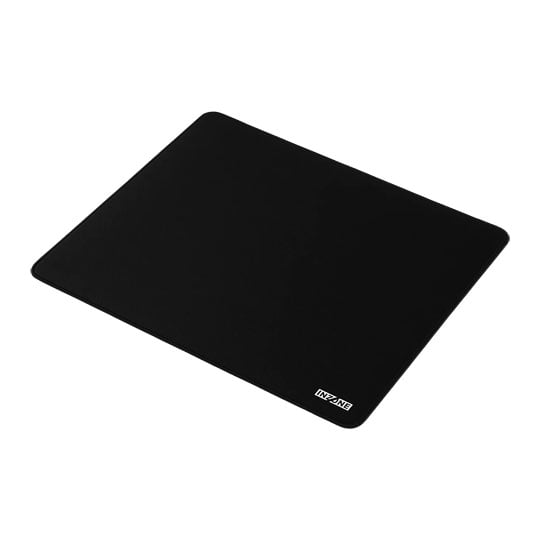
 Sony INZONE Mat-F Gaming Mouse Mat, Black, 6mm Polyester Surface, SlimFlex Base, 480 x 400mmSony INZONE Mat-F Black Gaming Mouse Mat 480 x 400mm
LN172644
No customer review
Sony INZONE Mat-F Gaming Mouse Mat, Black, 6mm Polyester Surface, SlimFlex Base, 480 x 400mmSony INZONE Mat-F Black Gaming Mouse Mat 480 x 400mm
LN172644
No customer reviewKey Specifications
- Sony INZONE Mat-F Gaming Mouse Mat
- Black
- 6mm Polyester Surface
- SlimFlex Base
- 480 x 400mm
£79.99Finance options available when you spend over £99.00Get it Wednesday, 07 OctIn stock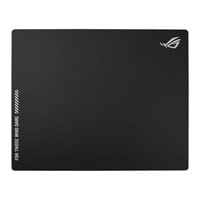
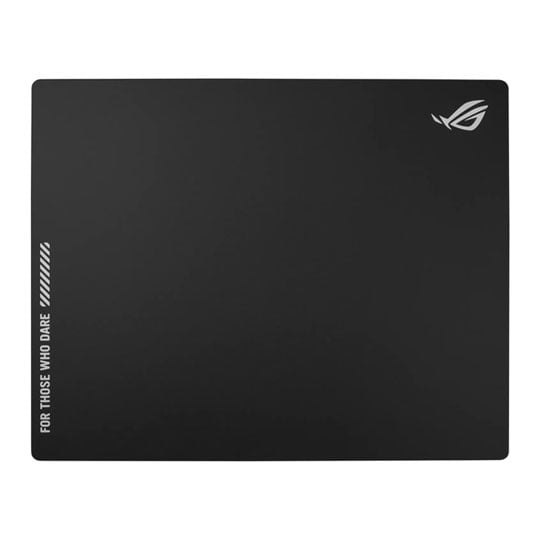
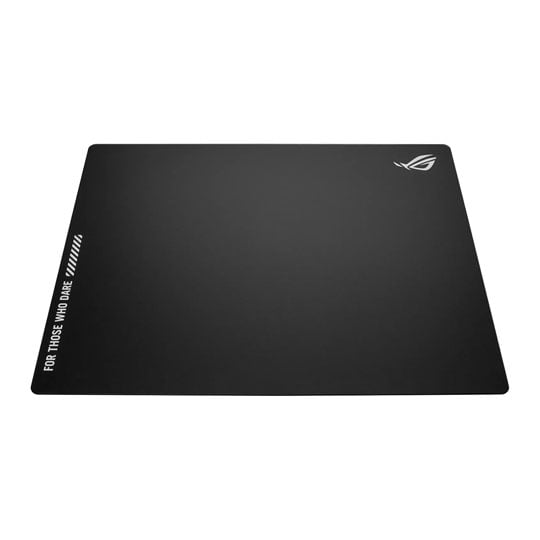
 ASUS ROG Moonstone Ace L Mouse Pad, Black, Tempered Glass, Anti-Slip Silicone Base, 500 x 400, Impact/Scratch ResistantASUS ROG Moonstone Ace L Tempered Glass Black Gaming Mouse Pad
LN147271
Customer Review (2)
ASUS ROG Moonstone Ace L Mouse Pad, Black, Tempered Glass, Anti-Slip Silicone Base, 500 x 400, Impact/Scratch ResistantASUS ROG Moonstone Ace L Tempered Glass Black Gaming Mouse Pad
LN147271
Customer Review (2)Key Specifications
- ASUS ROG Moonstone Ace L Mouse Pad
- Black
- Tempered Glass
- Anti-Slip Silicone Base
- 500 x 400
- Impact/Scratch Resistant
£109.99Get it Wednesday, 07 OctIn stock
Headsets
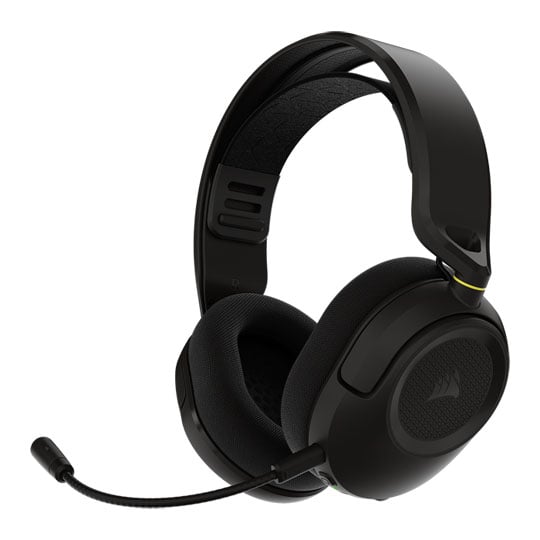
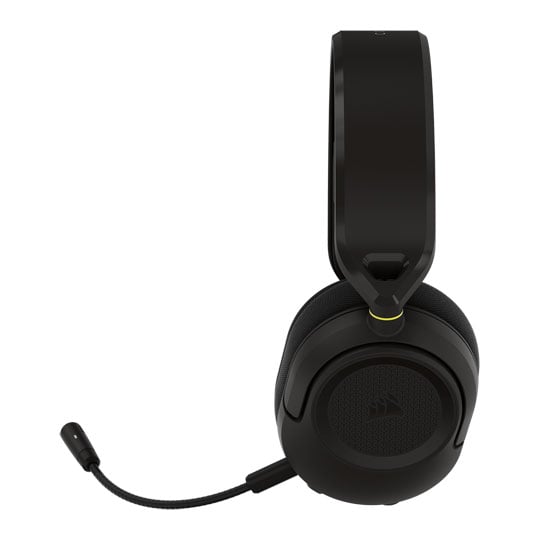 CORSAIR HS35 v3 Wireless Gaming Headset, Carbon, 50mm Neodymium Drivers, Omnidirectional Mic, USB / BT / 2.4GHzCORSAIR HS35 v3 Carbon Wired / Wireless Gaming Headset
LN171818
No customer review
CORSAIR HS35 v3 Wireless Gaming Headset, Carbon, 50mm Neodymium Drivers, Omnidirectional Mic, USB / BT / 2.4GHzCORSAIR HS35 v3 Carbon Wired / Wireless Gaming Headset
LN171818
No customer reviewKey Specifications
- CORSAIR HS35 v3 Wireless Gaming Headset
- Carbon
- 50mm Neodymium Drivers
- Omnidirectional Mic
- USB / BT / 2.4GHz
£69.98Free delivery on this itemFinance options available when you spend over £99.00Get it Wednesday, 07 OctIn stock
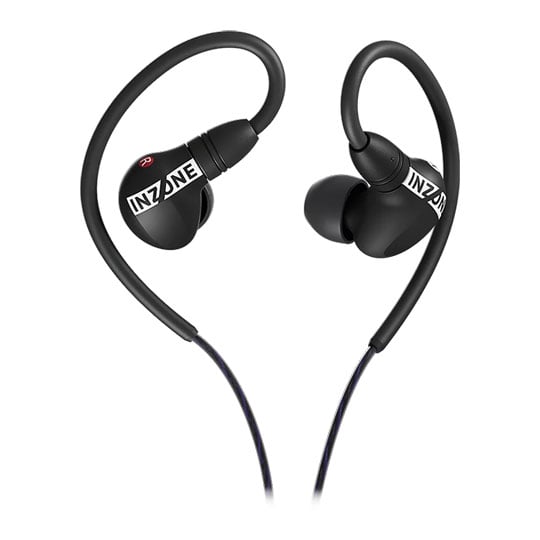
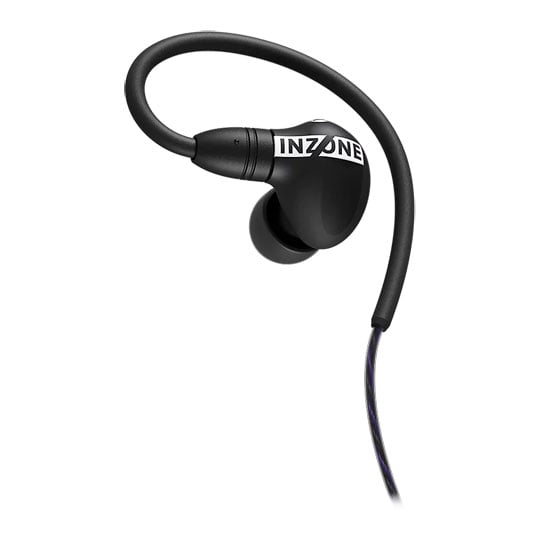 Sony INZONE E9 Wired Gaming Headphones, Black, 360 Spatial Audio, USB DAC, Carry Case, 3.5mm Jack, PC / MobileSony INZONE E9 Black Wired Headphones with Carry Case
LN172634
No customer review
Sony INZONE E9 Wired Gaming Headphones, Black, 360 Spatial Audio, USB DAC, Carry Case, 3.5mm Jack, PC / MobileSony INZONE E9 Black Wired Headphones with Carry Case
LN172634
No customer reviewKey Specifications
- Sony INZONE E9 Wired Gaming Headphones
- Black
- 360 Spatial Audio
- USB DAC
- Carry Case
- 3.5mm Jack
- PC / Mobile
£129.98Get it Wednesday, 07 OctIn stock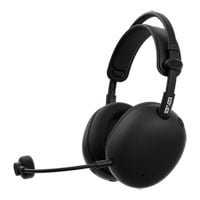
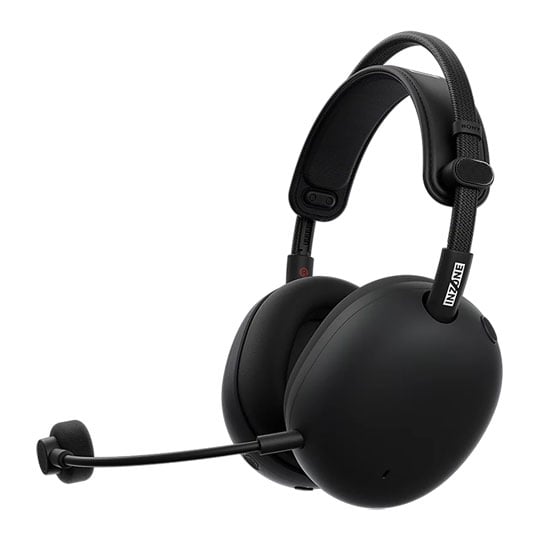
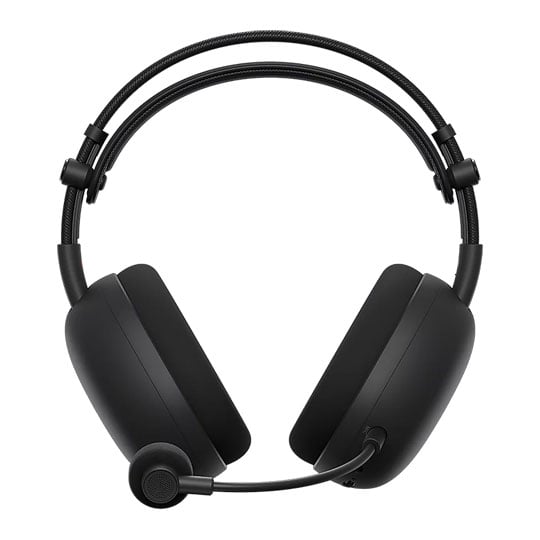 Sony INZONE H9 II Wired / Wireless Gaming Headphones, Black, 360 Spatial Audio, 2.4GHz / USB / BT 5.3, PC / PS5Sony INZONE H9 II Black Wired / Wireless Gaming Headphones
LN172639
No customer review
Sony INZONE H9 II Wired / Wireless Gaming Headphones, Black, 360 Spatial Audio, 2.4GHz / USB / BT 5.3, PC / PS5Sony INZONE H9 II Black Wired / Wireless Gaming Headphones
LN172639
No customer reviewKey Specifications
- Sony INZONE H9 II Wired / Wireless Gaming Headphones
- Black
- 360 Spatial Audio
- 2.4GHz / USB / BT 5.3
- PC / PS5
£299.99Get it Wednesday, 07 OctIn stock
Keyboards
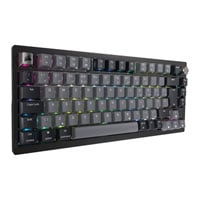
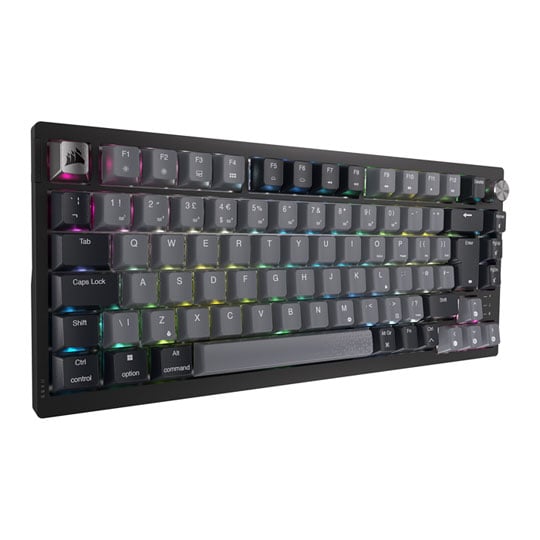
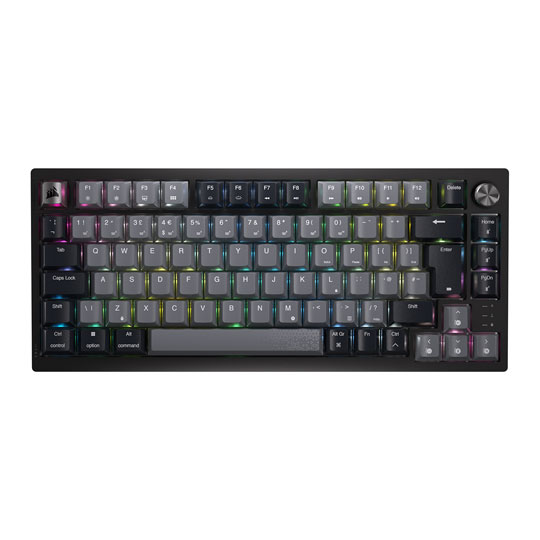 CORSAIR K65 PLUS WIRELESS RGB 75% Mechanical Gaming Keyboard, CORSAIR MLX Red Switches, NKRO, Anti-GhostingCORSAIR K65 PLUS Wireless/Wired RGB 75% Mechanical Gaming Keyboard
LN144865
Customer Review (2)
CORSAIR K65 PLUS WIRELESS RGB 75% Mechanical Gaming Keyboard, CORSAIR MLX Red Switches, NKRO, Anti-GhostingCORSAIR K65 PLUS Wireless/Wired RGB 75% Mechanical Gaming Keyboard
LN144865
Customer Review (2)Key Specifications
- CORSAIR K65 PLUS WIRELESS RGB 75% Mechanical Gaming Keyboard
- CORSAIR MLX Red Switches
- NKRO
- Anti-Ghosting
£149.99Free delivery on this itemDue 25th Nov
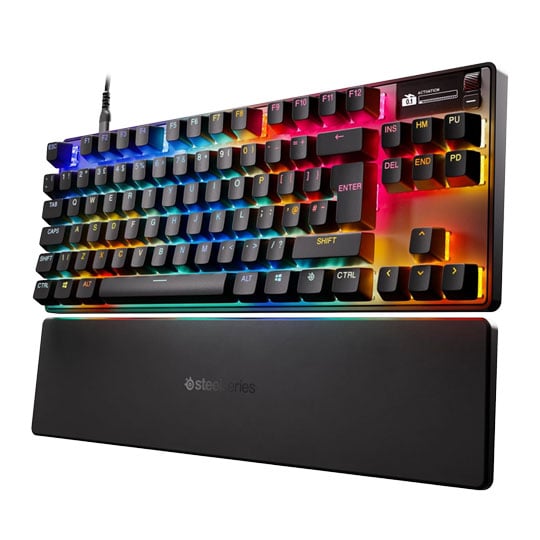
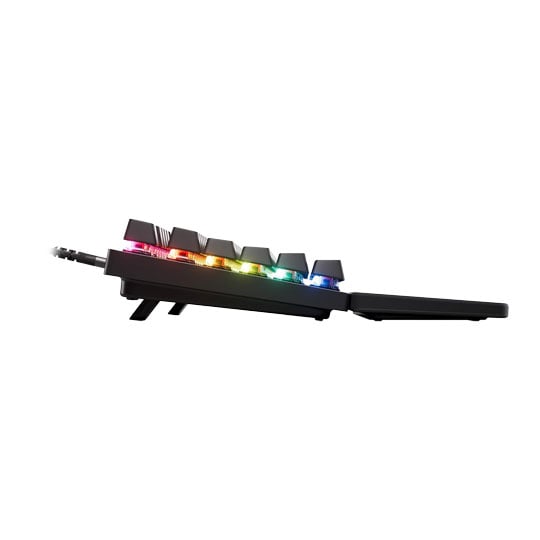
 Steelseries Apex Pro TKL Gen 3 Mechanical Gaming Keyboard, OmniPoint 3.0 Switches, Per-Key RGB, USB-C, UK LayoutSteelseries Apex Pro TKL Gen 3 Mechanical Gaming Keyboard
LN164223
Customer Review (21)
Steelseries Apex Pro TKL Gen 3 Mechanical Gaming Keyboard, OmniPoint 3.0 Switches, Per-Key RGB, USB-C, UK LayoutSteelseries Apex Pro TKL Gen 3 Mechanical Gaming Keyboard
LN164223
Customer Review (21)Key Specifications
- Steelseries Apex Pro TKL Gen 3 Mechanical Gaming Keyboard
- OmniPoint 3.0 Switches
- Per-Key RGB
- USB-C
- UK Layout
£189.98Pre order
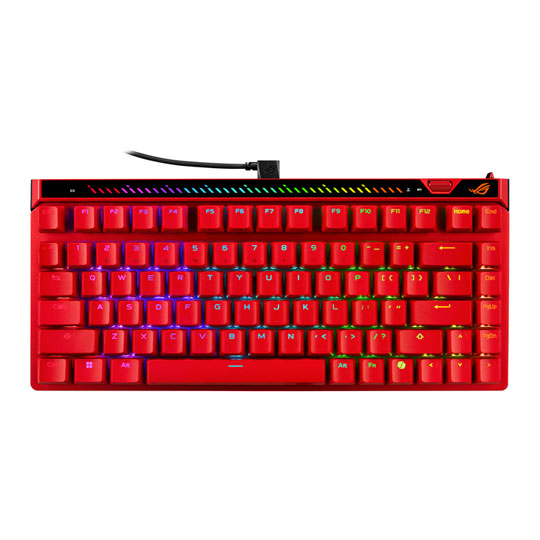
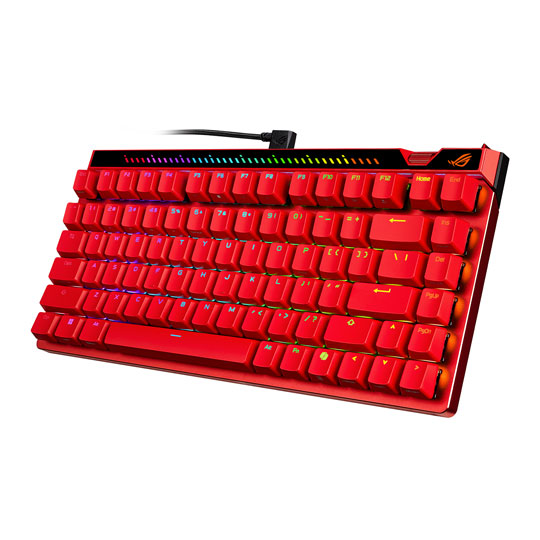 ASUS ROG Falchion ACE 75 HE Gaming Keyboard, TKL, Lava Red, ARGB, ROG HFX V2 Magnetic Switches, Hall Sensor, US LayoutASUS ROG Falchion ACE 75 HE Lava Red Wired HFX v2 Switches US Tenkeyless RGB Gaming Keyboard
LN172715
No customer review
ASUS ROG Falchion ACE 75 HE Gaming Keyboard, TKL, Lava Red, ARGB, ROG HFX V2 Magnetic Switches, Hall Sensor, US LayoutASUS ROG Falchion ACE 75 HE Lava Red Wired HFX v2 Switches US Tenkeyless RGB Gaming Keyboard
LN172715
No customer reviewKey Specifications
- ASUS ROG Falchion ACE 75 HE Gaming Keyboard
- TKL
- Lava Red
- ARGB
- ROG HFX V2 Magnetic Switches
- Hall Sensor
- US Layout
£214.99Get it Wednesday, 07 OctIn stock
Mice
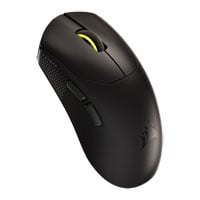
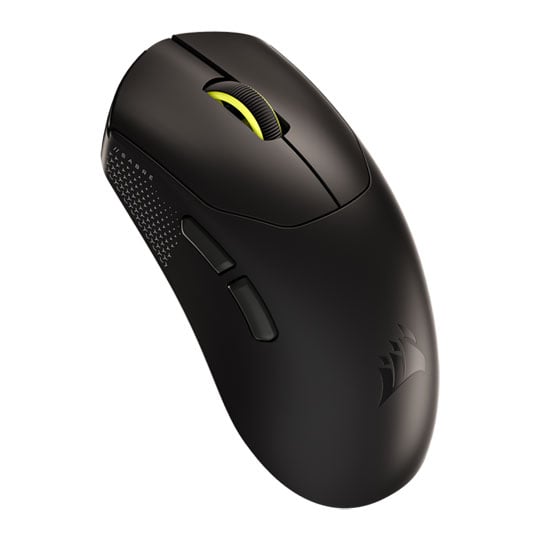
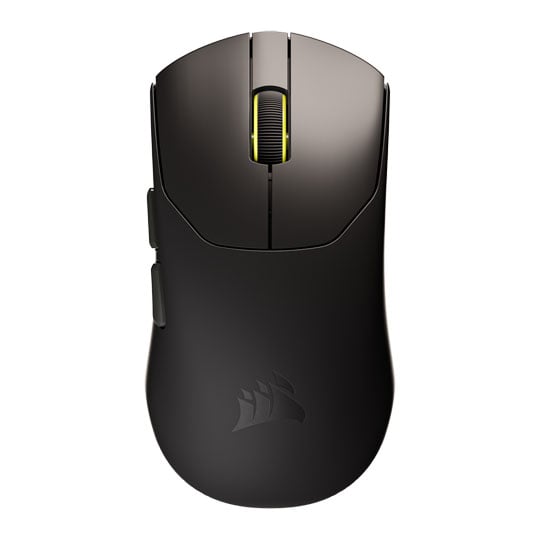 CORSAIR SABRE V2 Pro Ultralight 36g Wireless Optical Mouse, Marksman S Sensor, 33,000 DPI, 2.4GHz, BlackCORSAIR SABRE V2 Pro Ultralight Wireless Gaming Mouse Black
LN162542
No customer review
CORSAIR SABRE V2 Pro Ultralight 36g Wireless Optical Mouse, Marksman S Sensor, 33,000 DPI, 2.4GHz, BlackCORSAIR SABRE V2 Pro Ultralight Wireless Gaming Mouse Black
LN162542
No customer reviewKey Specifications
- CORSAIR SABRE V2 Pro Ultralight 36g Wireless Optical Mouse
- Marksman S Sensor
- 33
- 000 DPI
- 2.4GHz
- Black
£89.99Free delivery on this itemFinance options available when you spend over £99.00Get it Wednesday, 07 OctIn stock
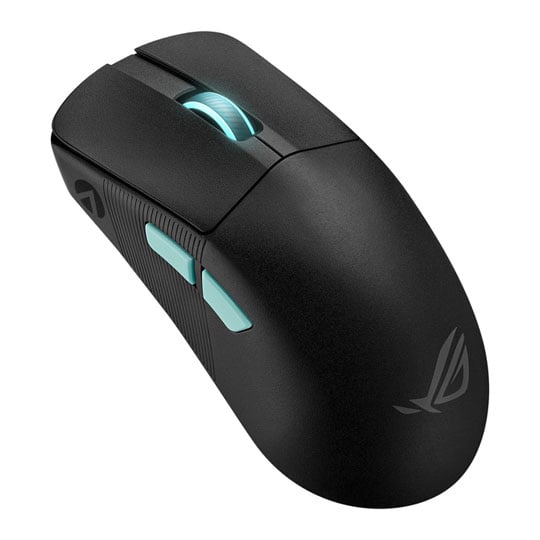
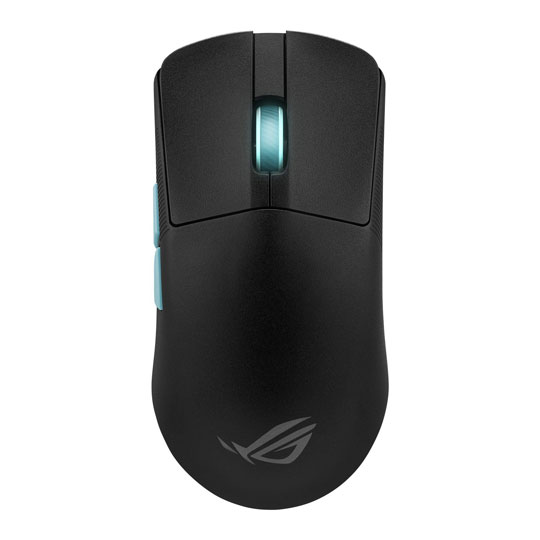 ASUS ROG Harpe Ace Mouse Aim Lab Edition, ROG AimPoint Sensor, ROG Micro Switches, RGB, 36000dpi, 2.4Ghz/BT/USB 2.0ASUS ROG Harpe Ace Aim Lab Edition Optical Wired/Wireless Gaming Mouse
LN132682
Customer Review (9)
ASUS ROG Harpe Ace Mouse Aim Lab Edition, ROG AimPoint Sensor, ROG Micro Switches, RGB, 36000dpi, 2.4Ghz/BT/USB 2.0ASUS ROG Harpe Ace Aim Lab Edition Optical Wired/Wireless Gaming Mouse
LN132682
Customer Review (9)Key Specifications
- ASUS ROG Harpe Ace Mouse Aim Lab Edition
- ROG AimPoint Sensor
- ROG Micro Switches
- RGB
- 36000dpi
- 2.4Ghz/BT/USB 2.0
£97.99Finance options available when you spend over £99.00Get it Wednesday, 07 OctIn stock
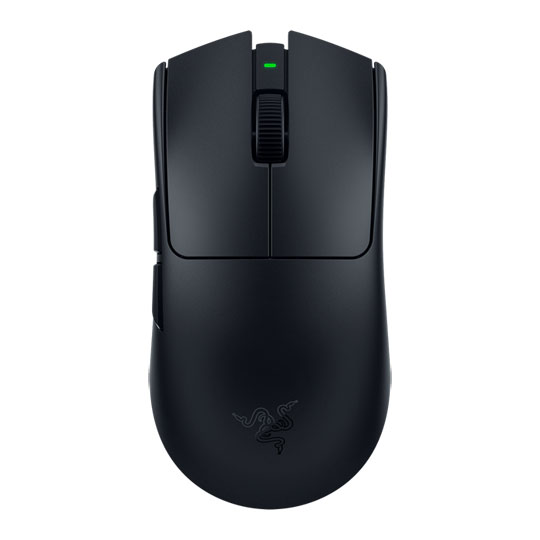
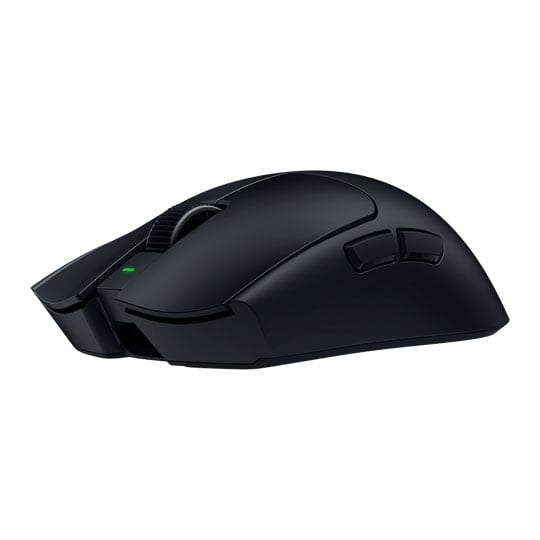
 Razer Viper V4 Pro Wireless Mouse, Black, Right-Handed, Focus Pro 50K Optical Sensor, Gen4 Switches, 50K DPI, 2.4GHz/USBRazer Viper V4 Pro Optical Wireless Black Gaming Mouse
LN170180
Customer Review (1)
Razer Viper V4 Pro Wireless Mouse, Black, Right-Handed, Focus Pro 50K Optical Sensor, Gen4 Switches, 50K DPI, 2.4GHz/USBRazer Viper V4 Pro Optical Wireless Black Gaming Mouse
LN170180
Customer Review (1)Key Specifications
- Razer Viper V4 Pro Wireless Mouse
- Black
- Right-Handed
- Focus Pro 50K Optical Sensor
- Gen4 Switches
- 50K DPI
- 2.4GHz/USB
£144.98Get it Wednesday, 07 OctIn stock
Explore More
Discover our range of gaming products designed to enhance your experience.
Valorant Videos
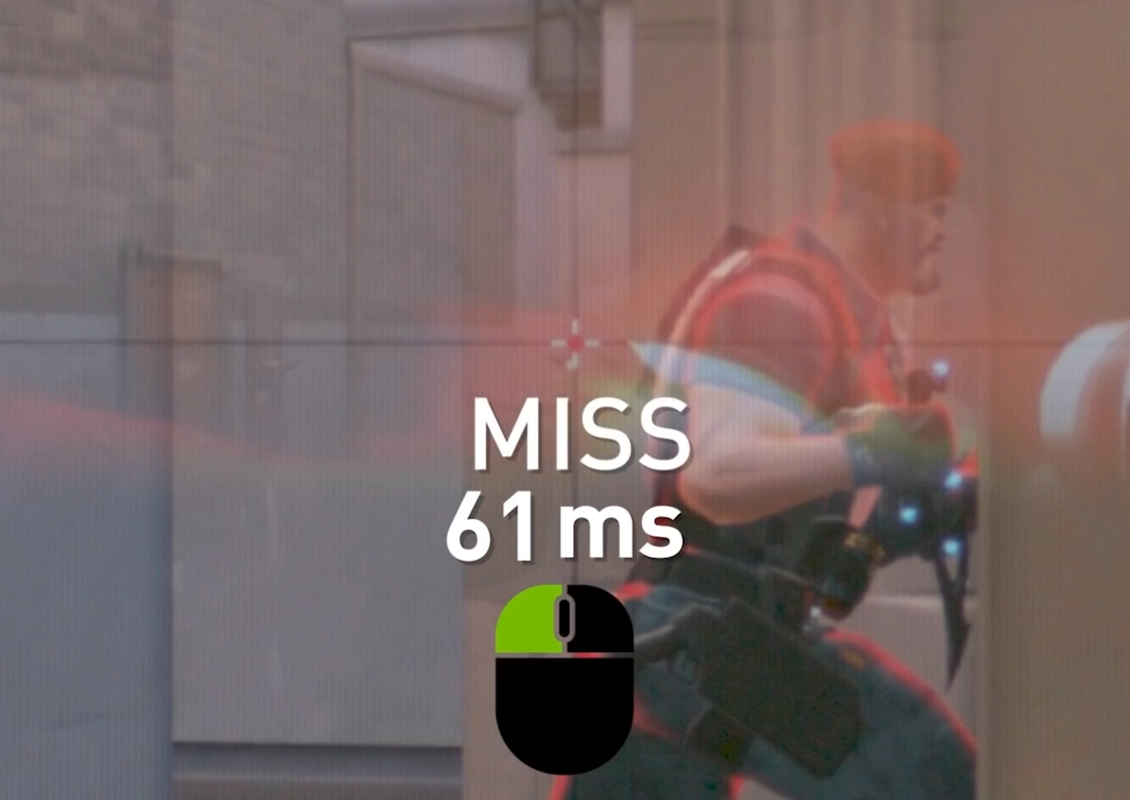
GeForce Powered Low Latency in VALORANT
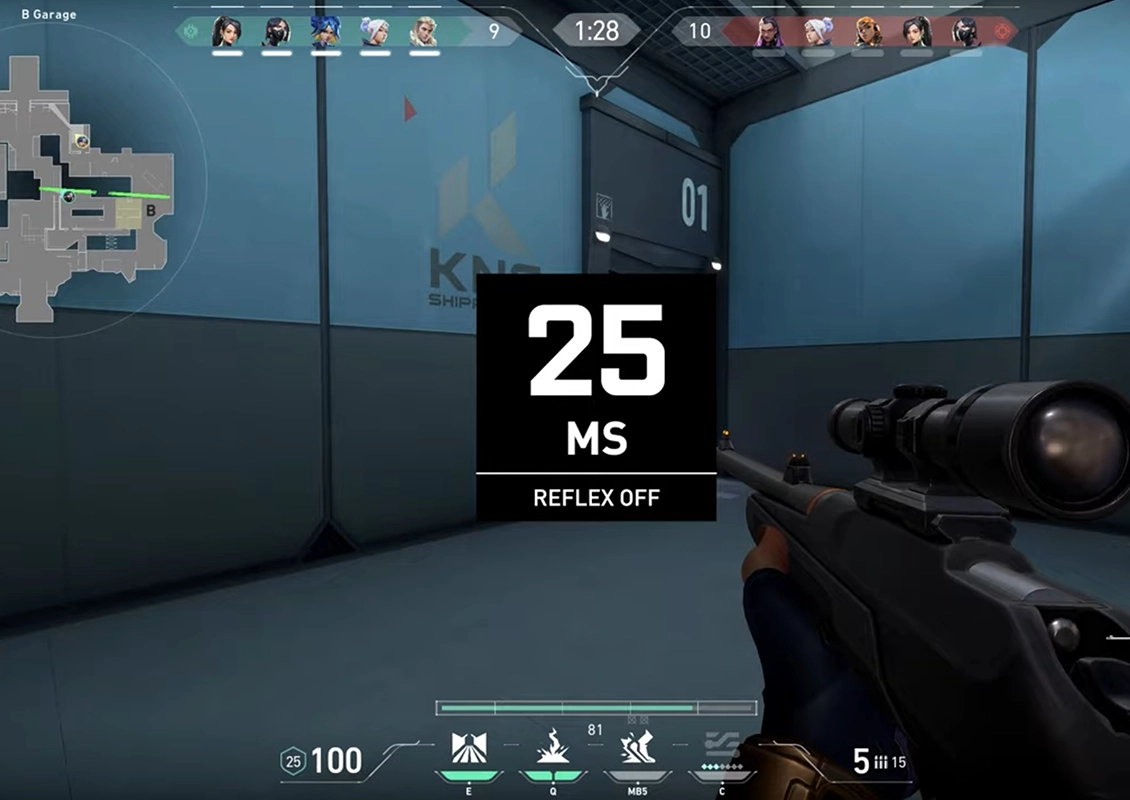
NVIDIA Reflex in Valorant Explained
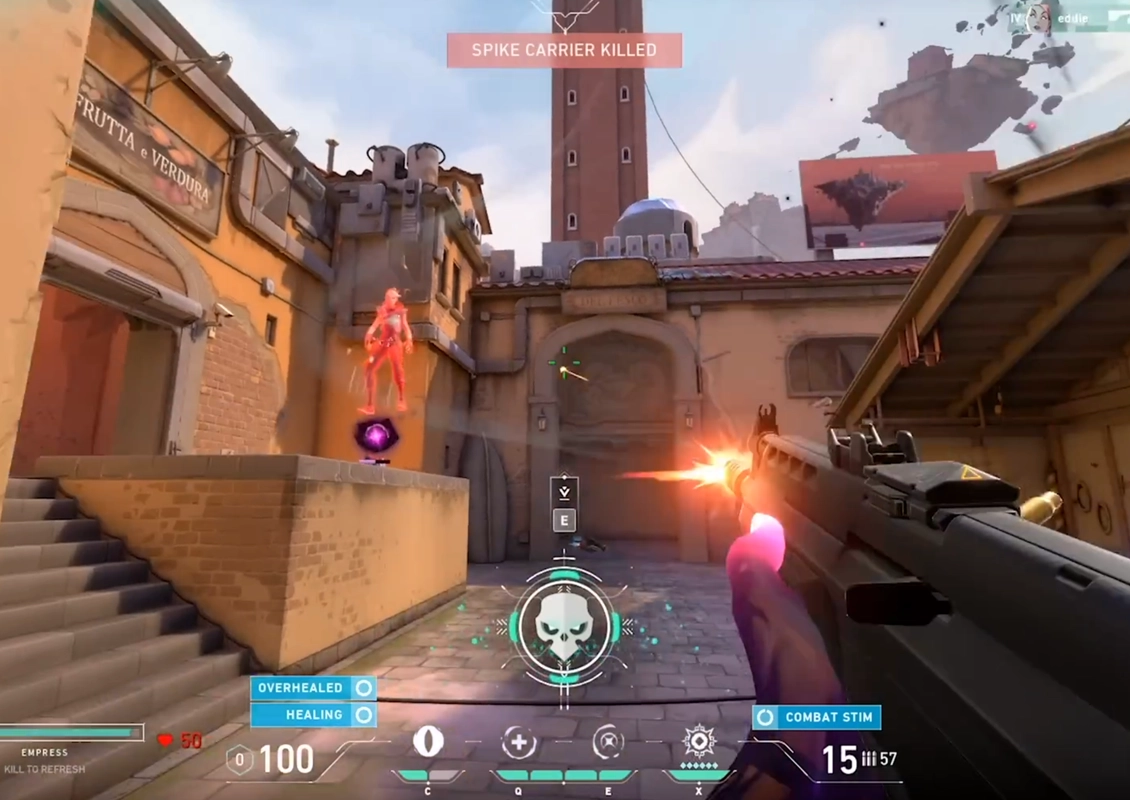
GeForce Powered Low Latency VALORANT SLO-MO Video
VALORANT FAQ
Get answers to common questions about VALORANT PC specifications, performance, frame rates, input lag and competitive gaming peripherals.
While VALORANT is designed to run well on modest hardware, a modern gaming PC with a recent multi-core processor, an NVIDIA GeForce RTX or AMD Radeon graphics card, 16GB of RAM and an SSD will deliver smoother gameplay, faster loading times and plenty of performance for streaming, recording and multitasking.
Minimum Specifications - 30 FPS
| Component | Specification |
|---|---|
| Operating System | Windows 10/11 (64-bit) |
| CPU | Intel Core 2 Duo E8400 or AMD Athlon 200GE |
| GPU | Intel HD 4000 or AMD Radeon R5 200 |
| RAM | 4GB |
| VRAM | 1GB |
Recommended Specifications - 60 FPS
| Component | Specification |
|---|---|
| Operating System | Windows 10/11 (64-bit) |
| CPU | Intel Core i3-4150 or AMD Ryzen 3 1200 |
| GPU | NVIDIA GeForce GT 730 or AMD Radeon R7 240 |
| RAM | 4GB |
| VRAM | 1GB |
High-End Specifications - 144 FPS
| Component | Specification |
|---|---|
| Operating System | Windows 10/11 (64-bit) |
| CPU | Intel Core i5-9400F or AMD Ryzen 5 2600X |
| GPU | NVIDIA GeForce GTX 1050 Ti or AMD Radeon RX 570 |
| RAM | 4GB |
| VRAM | 1GB |
VALORANT is primarily a CPU-intensive game, so your processor has the biggest impact on performance, particularly if you're aiming for high frame rates. A modern multi-core CPU helps deliver smooth, consistent gameplay, while a dedicated graphics card, fast memory and an SSD ensure the rest of your system keeps up.
Pairing your PC with a high refresh rate monitor and responsive peripherals can also improve the overall playing experience.
To improve frame rate consistency and reduce stutter:
- Set all competitive settings to Low or Off.
- Disable V-Sync to reduce input delay.
- Enable Multithreaded Rendering.
- Run in Fullscreen mode, not windowed.
- Keep GPU and chipset drivers updated.
- Close background applications while playing.
These adjustments prioritise responsiveness over visual fidelity.
Input delay can impact aim precision and reaction time. To reduce it:
- Use a wired or high-performance wireless mouse with a 1000Hz polling rate.
- Enable Raw Input Buffer in VALORANT settings.
- Use a high refresh rate monitor, such as 144Hz, 240Hz or 360Hz.
- Turn off mouse acceleration in Windows.
Peripherals directly affect responsiveness even if FPS is high:
- Lightweight gaming mice reduce fatigue and improve aim control.
- Mechanical keyboards with fast actuation switches improve movement timing.
- 240Hz monitors reduce motion blur and improve reaction time.
- Low-friction mouse pads improve tracking consistency.