
Fortnite Gaming PCs and Peripherals

Drop into Fortnite with 3XS Gaming PCs and Peripherals
Experience Fortnite with smooth performance, fast response times and hardware built to help you chase every Victory Royale.

Drop into the Island
Fortnite continues to evolve with new seasons, live events, creative experiences and constantly changing gameplay that keeps millions of players coming back.
Whether you're chasing Victory Royales, building the perfect Creative map, competing in Ranked matches or teaming up with friends, having the right gaming setup lets you enjoy every update at its best.
To help you stay one step ahead, we've selected three ranges of 3XS Gaming PCs designed to deliver smooth frame rates, responsive gameplay and stunning visuals throughout every match.


NVIDIA Reflex

NVIDIA Ray Tracing
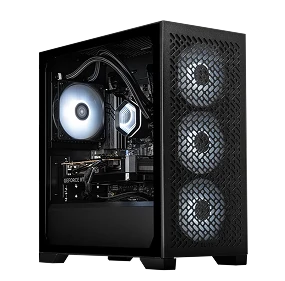
1080p / 144+ FPS
NVIDIA GeForce RTX 5060 8GB
AMD Ryzen 5 5500 or Intel Core i5-14400F
16GB DDR5 Memory
1TB NVMe M.2 SSD
Windows 11
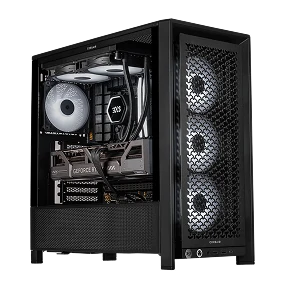
1440p / 240+ FPS
NVIDIA GeForce RTX 5070 12GB
AMD Ryzen 5 7500X3D or Intel Core Ultra 5 250K
32GB DDR5 Memory
1TB NVMe M.2 SSD
Windows 11
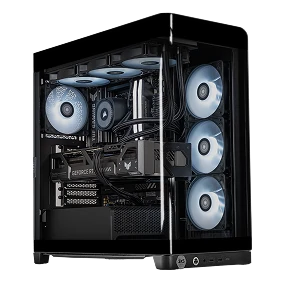
1440p / 360+ FPS
NVIDIA GeForce RTX 5080 16GB
AMD Ryzen 7 9850X3D or Intel Core Ultra 7 270K
32GB DDR5 Memory
1TB NVMe M.2 SSD
Windows 11
Recommended Peripherals
Level up your loadout
Fortnite is developed and published by Epic Games. Scan Computers and 3XS Systems are not affiliated with or endorsed by Epic Games. Game images, logos and trademarks are the property of their respective owners and are used for informational purposes only.
Explore More
Discover our range of gaming products designed to enhance your experience.
Fortnite Videos
Fortnite | Official GeForce RTX Reveal Trailer
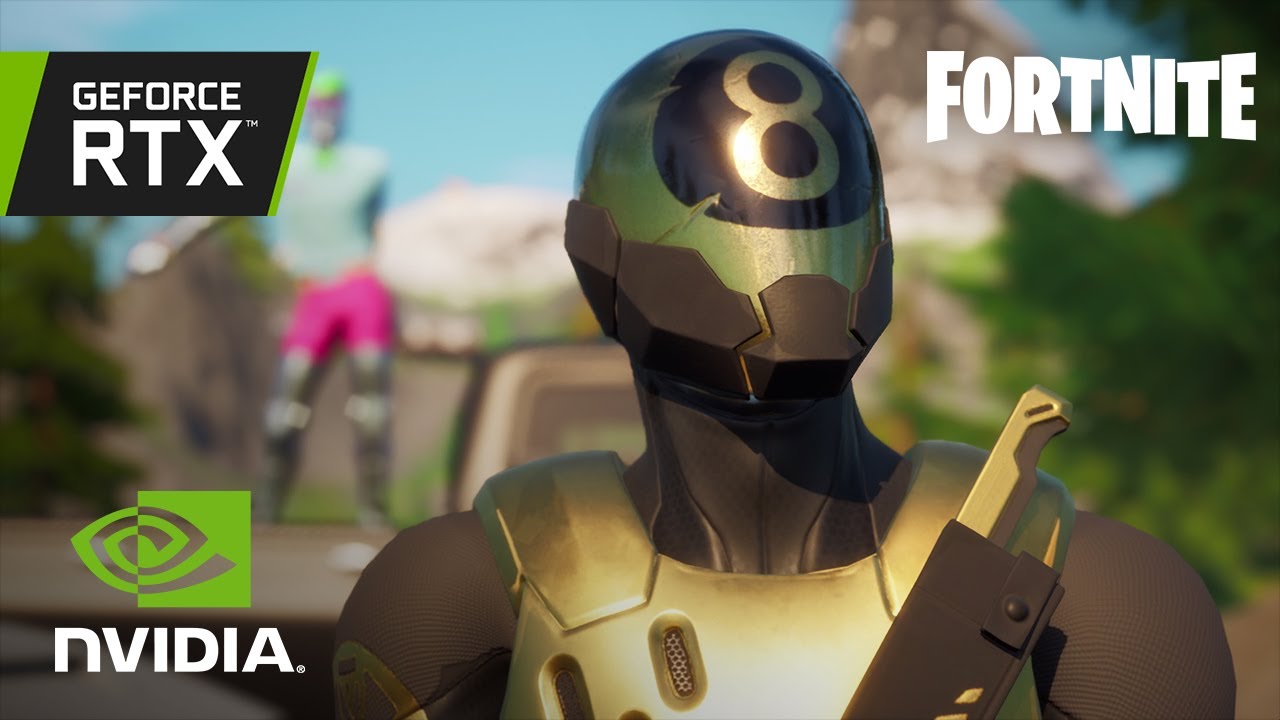
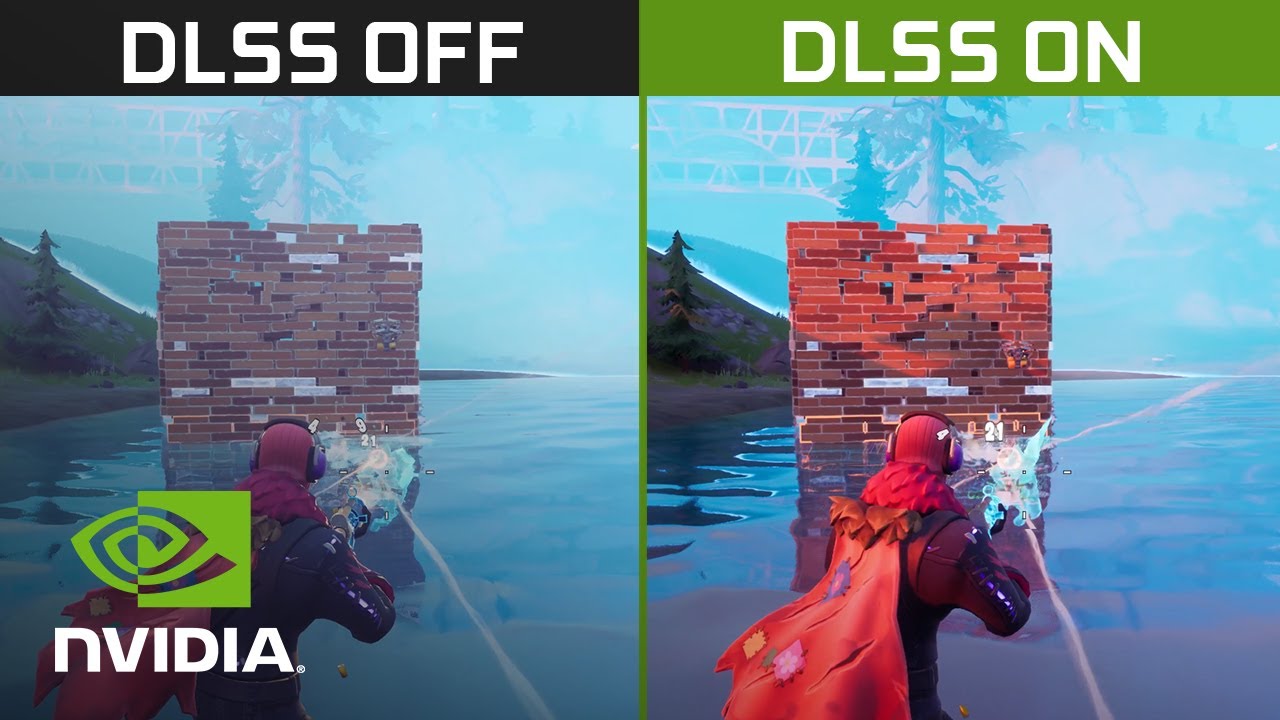
Fortnite | 4K NVIDIA DLSS Comparison
Fortnite with RTX: Ray Tracing Cinematic Trailer | GeForce Community Showcase
Fortnite FAQs
Fortnite can run on a wide range of PC hardware. The right specifications depend on your target resolution, graphics settings and frame rate, with higher-end hardware recommended for competitive play or higher visual settings.
Recommended System Requirements
- GPU: Nvidia GTX 960, AMD R9 280, or equivalent DX11 GPU
- Video Memory: 2 GB VRAM
- CPU: Core i5-7300U 3.5 GHz, AMD Ryzen 3 3300U, or equivalent
- Memory: 16 GB RAM or higher
- Storage: NVMe Solid State Drive
- OS: Windows 10/11 64-bit
Minimum System Requirements
- GPU: Intel HD 4000 on PC; AMD Radeon Vega 8
- CPU: Core i3-3225 3.3 GHz
- Memory: 8 GB RAM
- OS: Windows 10, Version 22H2 (64-bit) or Windows 10 Enterprise, Version 21H2 (64-bit)
Epic Quality Presets Specifications
- GPU: Nvidia RTX 3070, AMD Radeon RX 6700 XT, or equivalent GPU
- Video Memory: 8 GB VRAM or higher
- CPU: Intel Core i7-8700, AMD Ryzen 7 3700X or equivalent
- Memory: 16 GB RAM or higher
- Storage: NVMe Solid State Drive
- OS: Windows 10/11 64-bit
Yes, Fortnite can run well on a gaming laptop. The right laptop depends on the performance you're looking for, but it's worth considering the processor, graphics card, RAM and screen refresh rate. If you're aiming for high FPS, look for a laptop with a dedicated graphics card and a high-refresh-rate display.
Gaming laptops: Add laptop category link here.
A high-refresh-rate gaming monitor is a great choice for Fortnite, especially if you play competitively. A 144Hz monitor is a good starting point, while 240Hz or higher can be worth considering if your PC can consistently deliver the extra FPS. A higher resolution can also give you a sharper image, but it requires more graphics power.
Yes, Fortnite can run at 144 FPS or higher on the right PC. Your FPS will depend on your processor, graphics card, resolution and graphics settings. You'll also need a 144Hz or faster monitor to see the full benefit of 144 FPS.
The best Fortnite setup usually comes down to a responsive gaming mouse, keyboard and headset. A lightweight mouse can make aiming and quick movements easier, while a responsive keyboard can help with building and editing. A gaming headset with clear positional audio can also help you pick out footsteps, gunfire and other sounds.
Recommended peripherals: Add product examples here.
No. You can play Fortnite with a controller, mouse and keyboard, or other supported input methods. A gaming mouse and keyboard can give you more control over aiming, movement and key bindings, but the best choice is the setup you're most comfortable using.
You'll need a little more performance to stream Fortnite while playing than you would for gaming alone. A modern multi-core processor, capable graphics card and at least 16GB of RAM are a good starting point. If you want to stream at higher resolutions or frame rates, you may benefit from more powerful hardware.
For competitive Fortnite, it's usually better to prioritise smooth, consistent FPS and low input latency over maximum graphics quality. Lowering some graphics settings and using Performance Mode where appropriate can help improve performance. A high-refresh-rate monitor and responsive mouse and keyboard can also help make gameplay feel smoother.